JournalEvaluationNo. 12
Account Data Management: What Sales Teams Should Evaluate Before Buying
What sales teams should check before buying account data management software: data quality you can test, ownership, how context moves between systems, failure handling and change tracking.
Petar Jovanović6 min read8 sections
Contents
Published by Perpetual
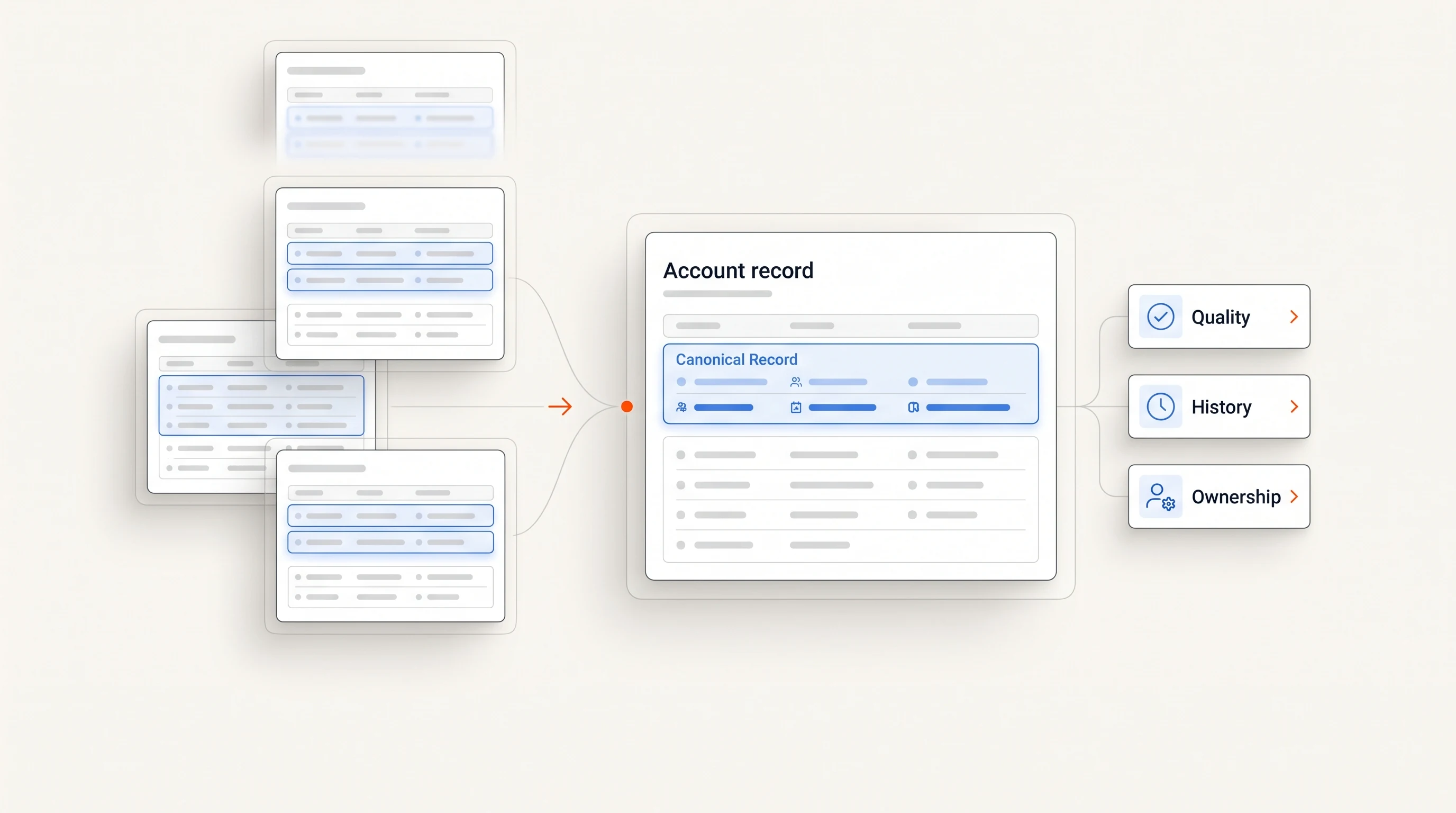
Account data management software keeps one current, shared picture of your target accounts so sales and marketing work from the same information. Before buying, evaluate five things: whether the data is accurate and fresh on your own accounts, who will keep it clean, how account context moves between your CRM and other tools, what the tool does when data is missing or conflicting, and whether it tracks changes at an account, not just static fields.
Three things to know
- Test data quality on a sample of accounts you already know before you look at features.
- A tool is only as good as the ownership around it; decide who keeps records clean before you sign.
- The best tools show you what they do not know instead of quietly filling gaps with guesses.
What account data management covers
G2 describes account data management software as tools that manage prospect data throughout the account-based marketing process, so sales and marketing keep continuous awareness of target accounts. These tools document account information, such as where an account is in the pipeline, and share it between the two teams. They are often used alongside account intelligence, account-based advertising and buyer intent tools (G2).
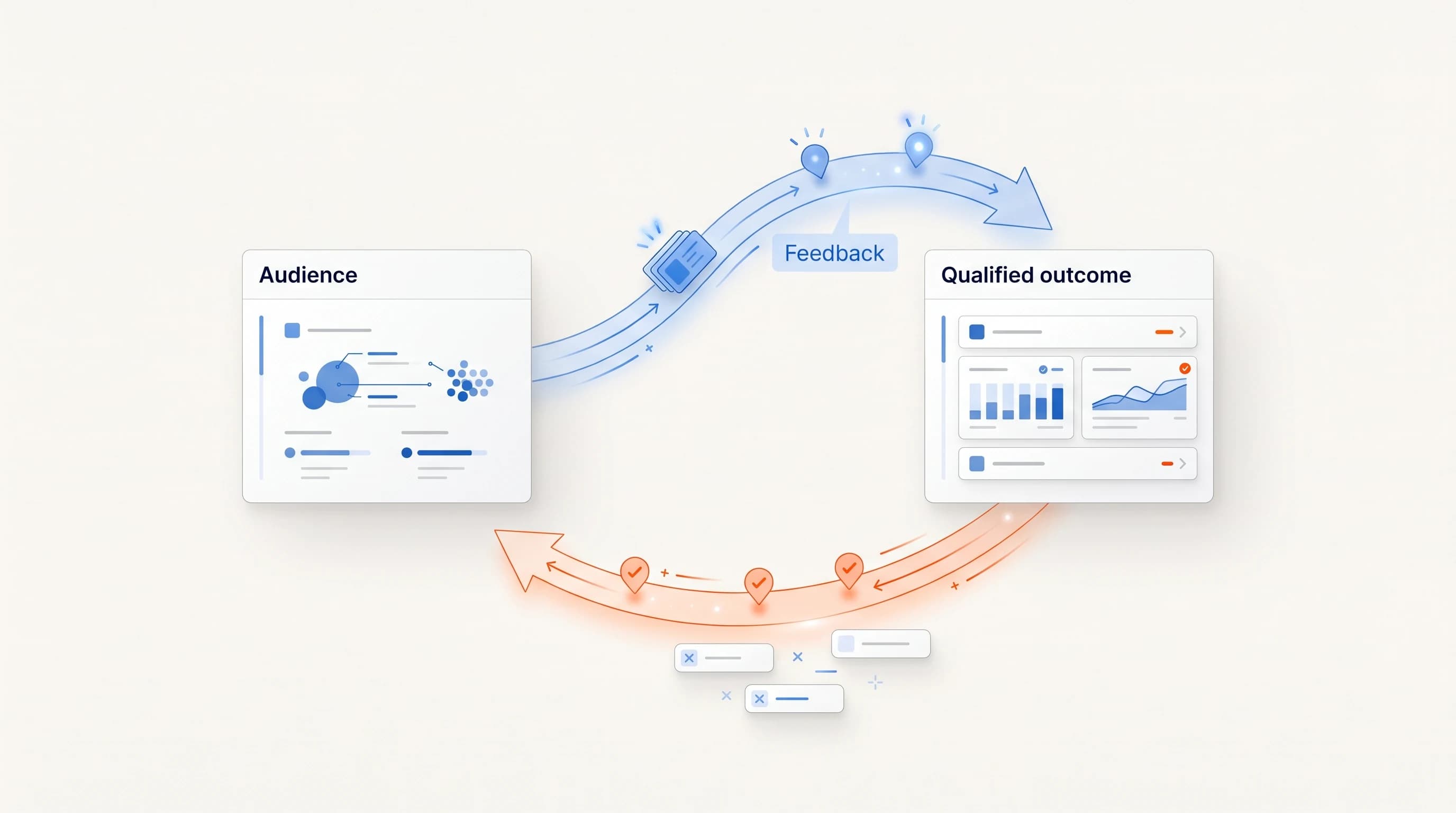
The scope matters when you buy. The job is not only to store records but to keep every team working from the same current picture of each account.
Start with data quality you can test
Every prioritization decision, from which accounts to pursue to which signals to trust, depends on the underlying data. If it is stale or incomplete, the tool automates bad decisions faster.
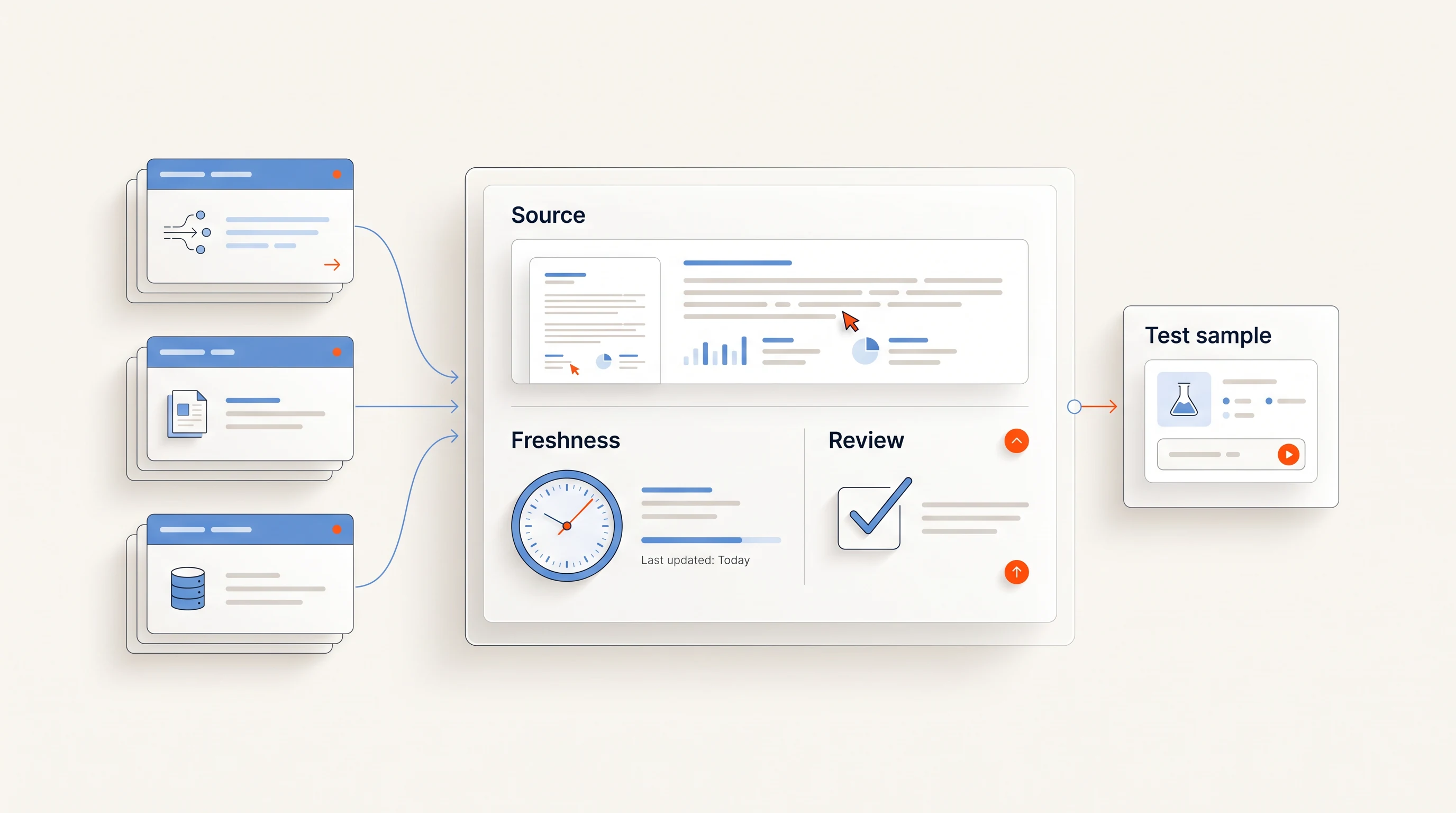
Do not rely on a vendor's stated accuracy. Run a simple test instead:
- Pick 50 accounts your team knows well, including a few that changed recently, such as a new leader or an acquisition.
- Ask the vendor to return their records for those accounts.
- Count the wrong industries, wrong sizes, missing parent companies, duplicates and outdated contacts.
- Check whether each record shows when it was last verified, and from what source.
Decide who owns the data
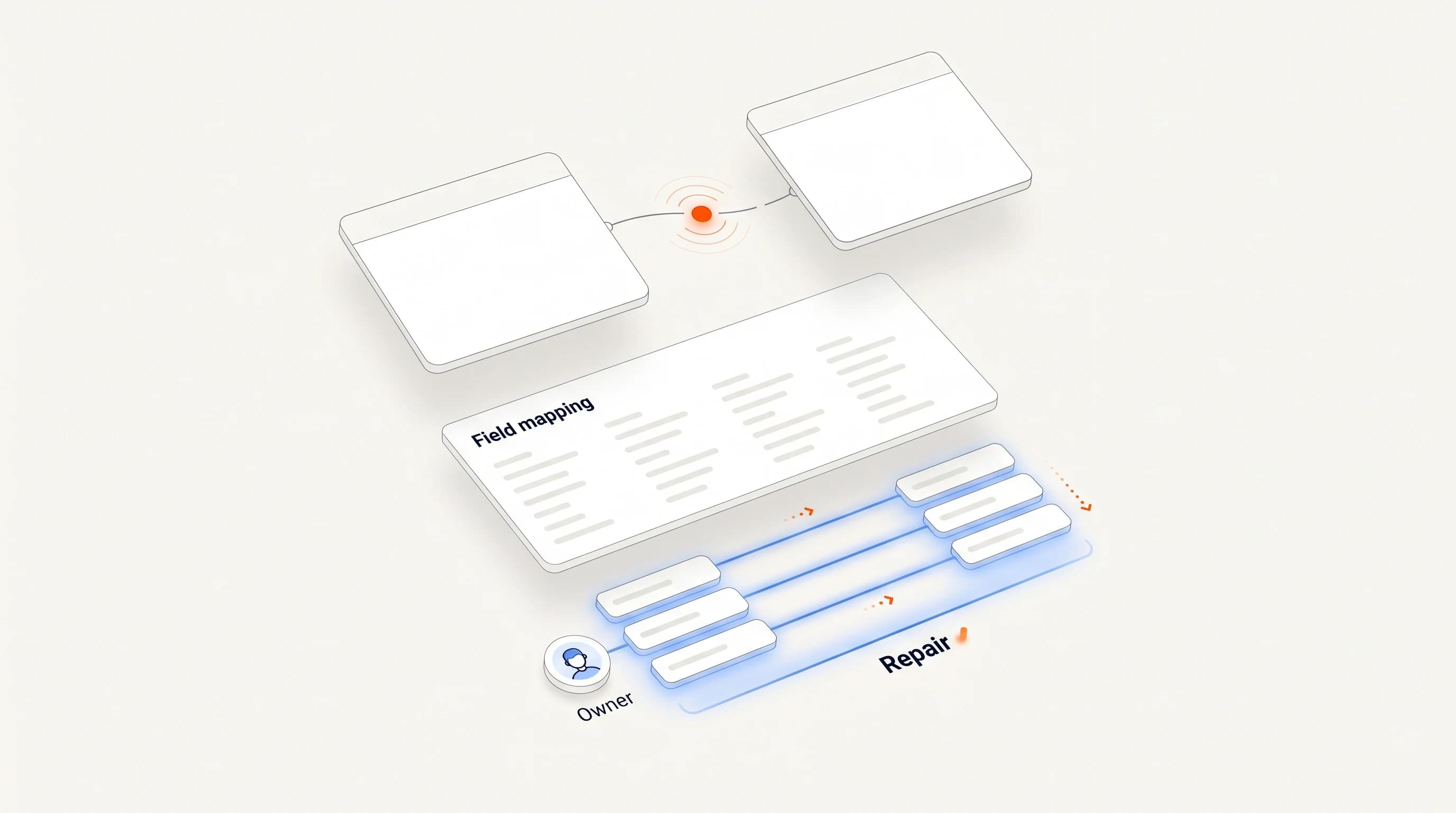
A tool is only as useful as the discipline around it. Before buying, name the person responsible for keeping account records clean, and check that the tool supports their workflow: merging duplicates, resolving conflicts and reviewing changes.
Also decide which system owns which field. If the CRM owns account owner and deal stage, the account data tool should read those fields, not overwrite them.
Check how context moves between systems
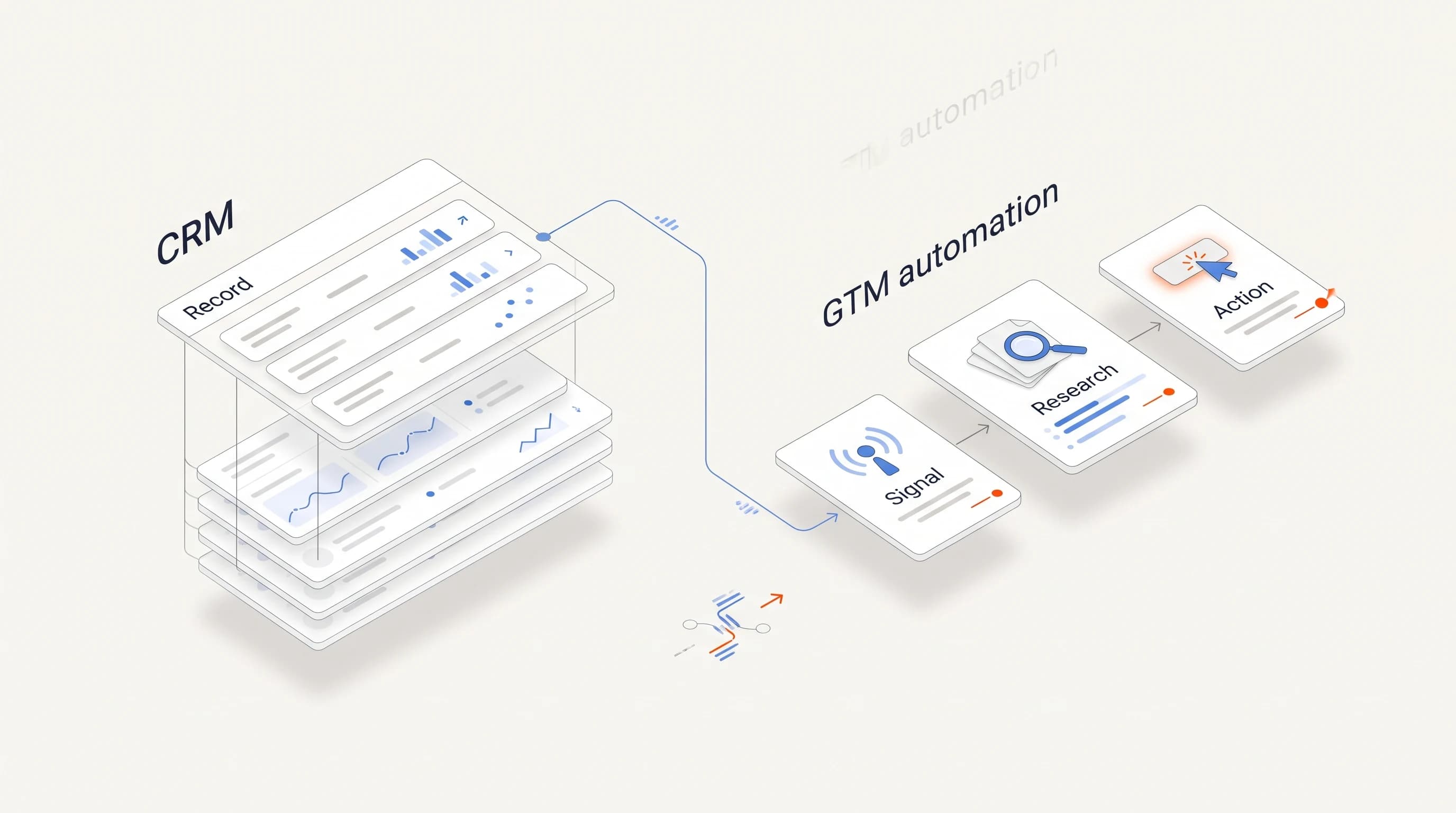
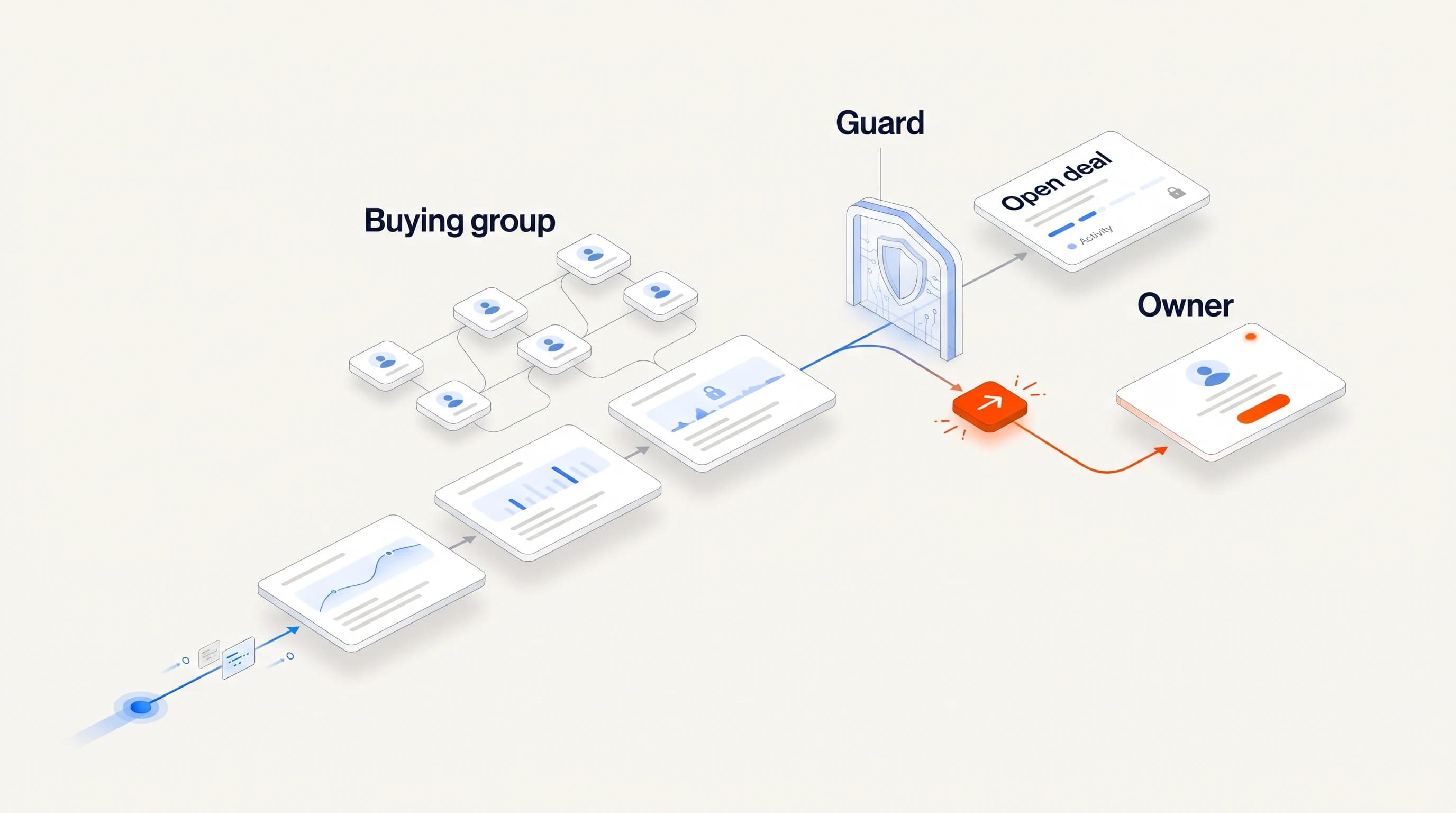
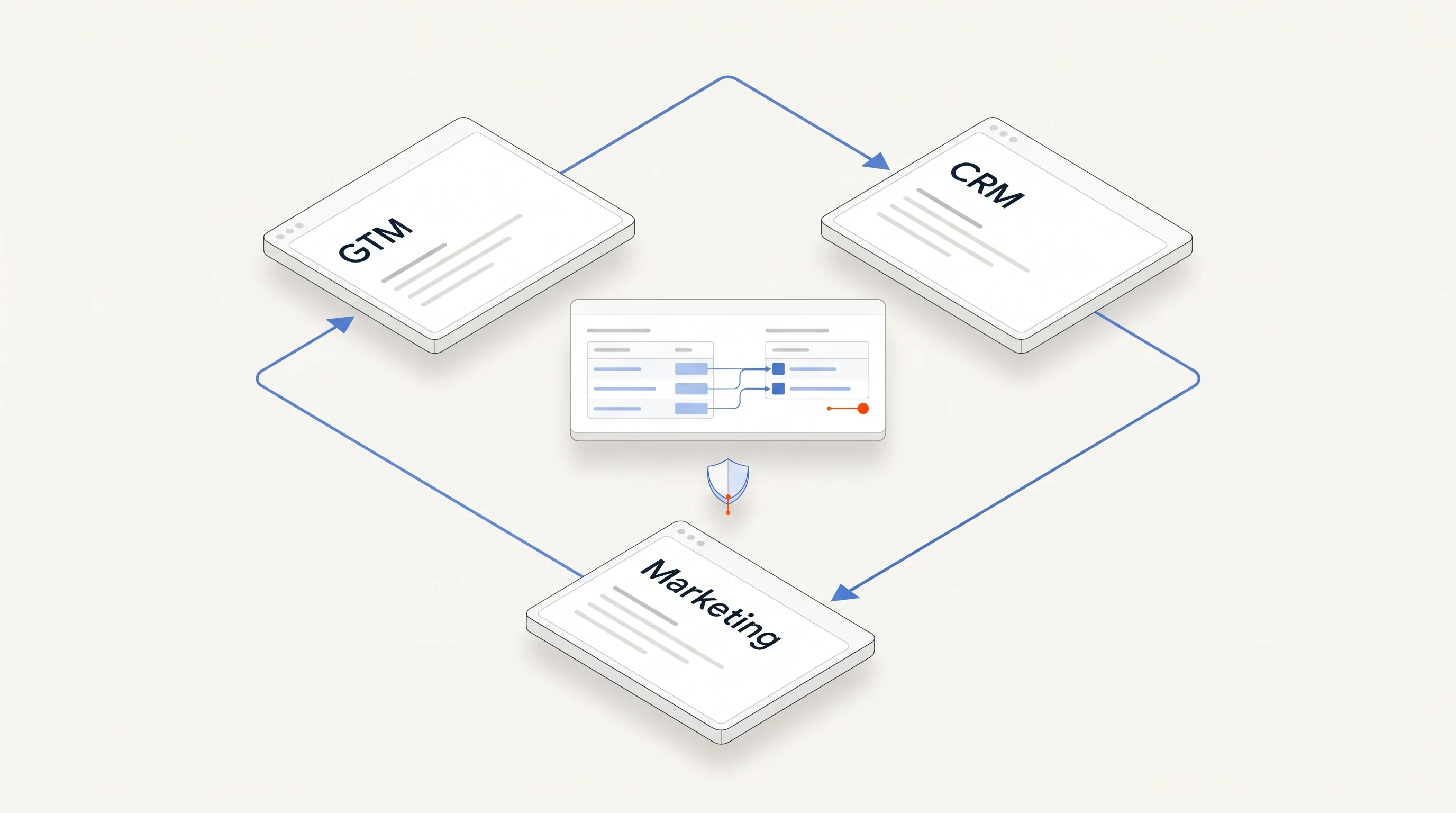
Account context has to reach every tool that acts on it: the CRM, marketing automation and sales engagement tools. Ask each vendor:
- which fields it reads from your CRM, and which it writes back;
- how often it syncs, and whether suppression or ownership changes apply immediately;
- what happens when the CRM and the tool disagree about the same field.
Our CRM integration checklist has a one-week test for these questions.
Ask how the tool handles gaps and failures
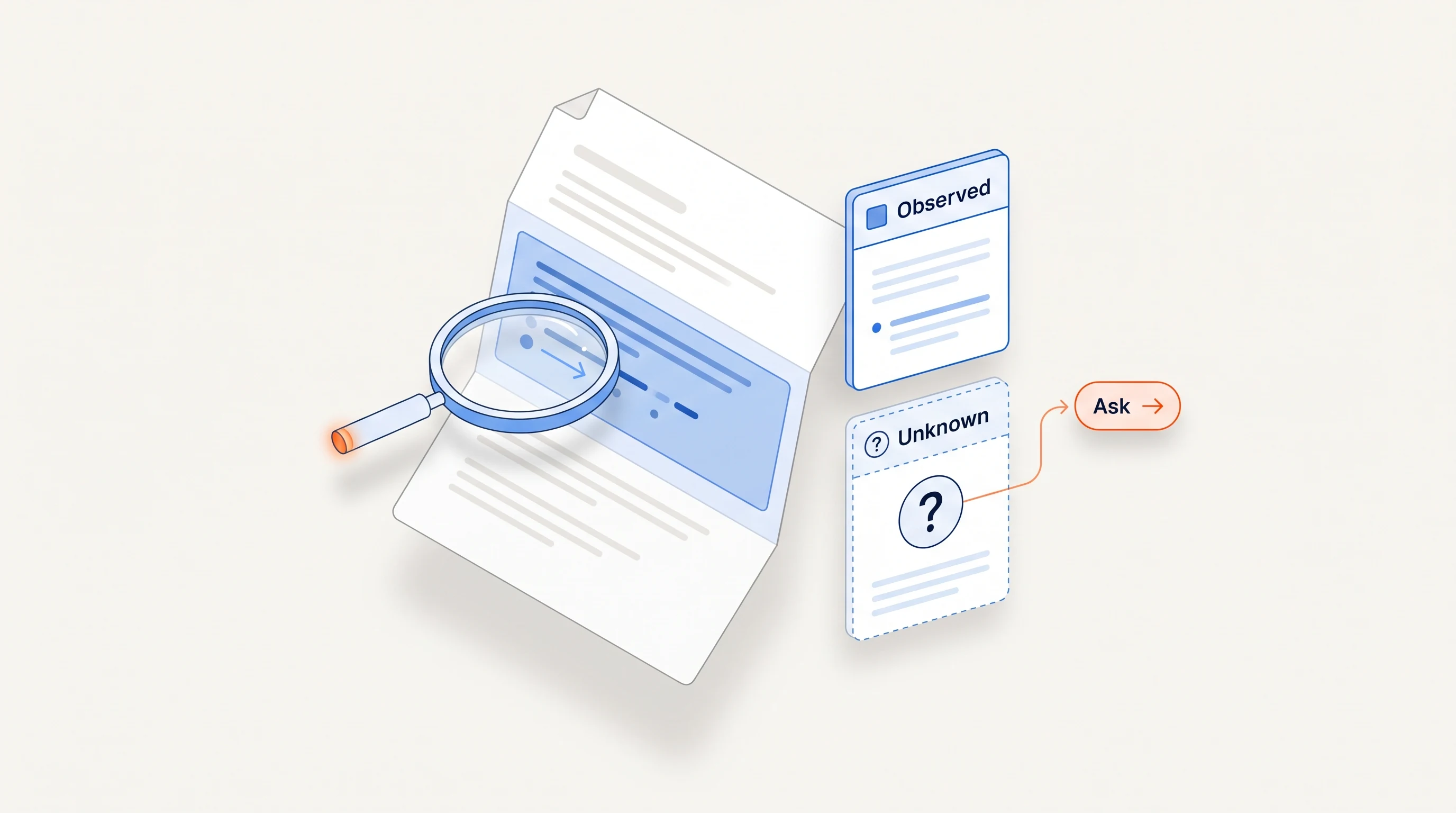
The question buyers most often skip is what the tool does when data is missing, stale or conflicting. A good tool shows those gaps so your team can act on them. A weak one fills them with guesses or lets them go unnoticed.
One readiness checklist for sales automation makes the same point: before buying more automation, check whether your current system has the data quality, ownership, context flow and failure handling to make automation useful (Record Context). A tool that cannot tell you what it does not know makes an unclear process harder to govern, not easier.
Look for change tracking, not just records
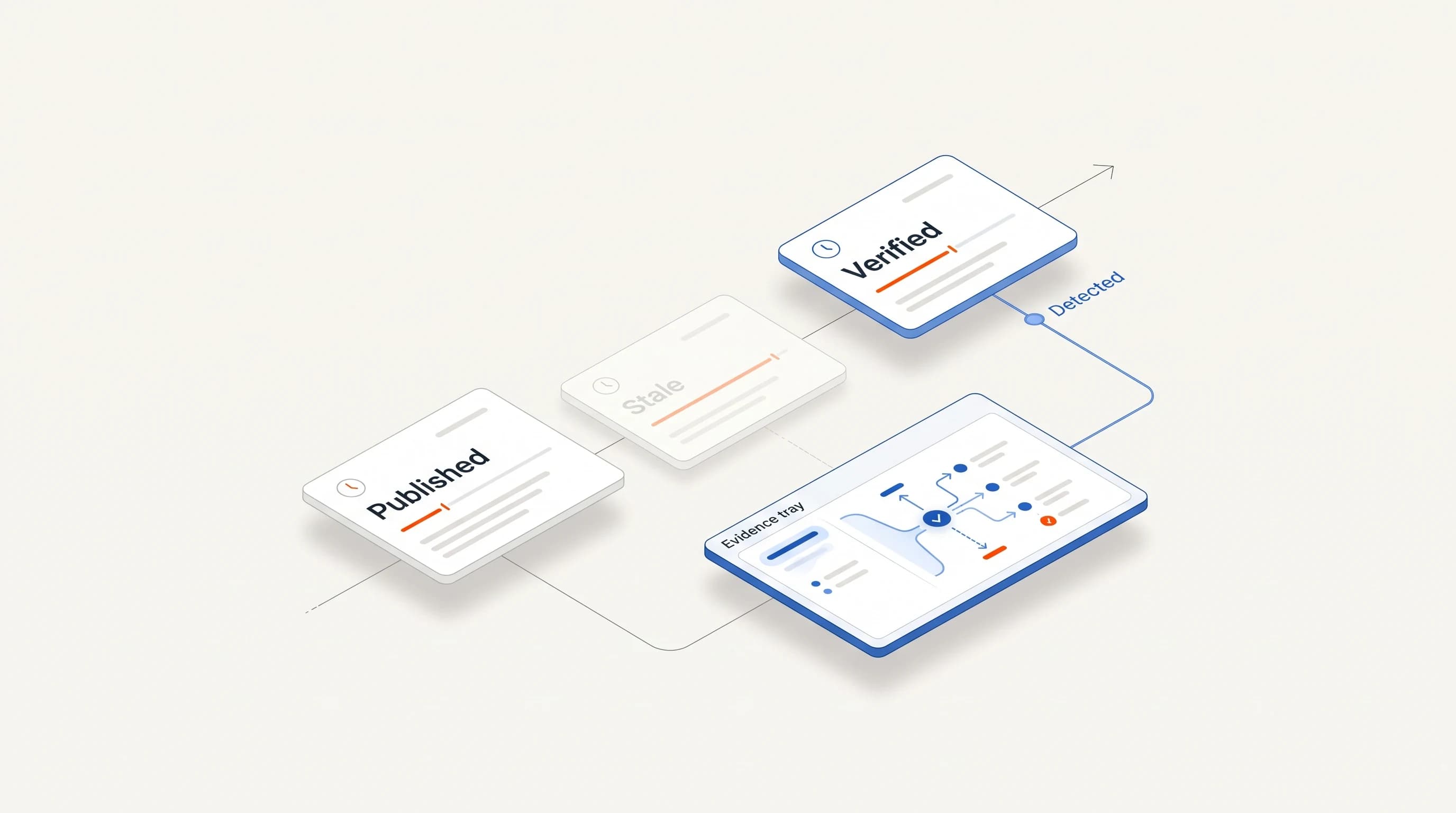
Static fields such as industry and headcount tell you who an account is. Changes tell you when to act. Tracking leadership moves, funding rounds and expansion at target accounts helps teams adjust priorities before competitors do (Firmable).
Ask the vendor which changes they detect, how quickly, from which sources, and whether each change links back to evidence your team can check.
A practical evaluation checklist
| Area | Question | Red flag |
|---|---|---|
| Data quality | How accurate is the data on 50 accounts we know? | The vendor will not run your sample |
| Freshness | When was each record last verified, and from what source? | No verification date per record |
| Ownership | Who on our team maintains records, and does the tool support that work? | "The tool keeps itself clean" |
| Context flow | What does it read and write in our CRM, and how often? | Broad two-way sync with no field map |
| Failure handling | What happens when data is missing or conflicting? | Gaps are filled silently |
| Change tracking | Which account changes does it detect, and with what evidence? | Changes without a source |
| Alignment | Do sales and marketing see the same account record? | Separate views per team |
These criteria are a starting point, not a scorecard. The right tool is the one that fits the data discipline your team can actually sustain.
Where Perpetual fits
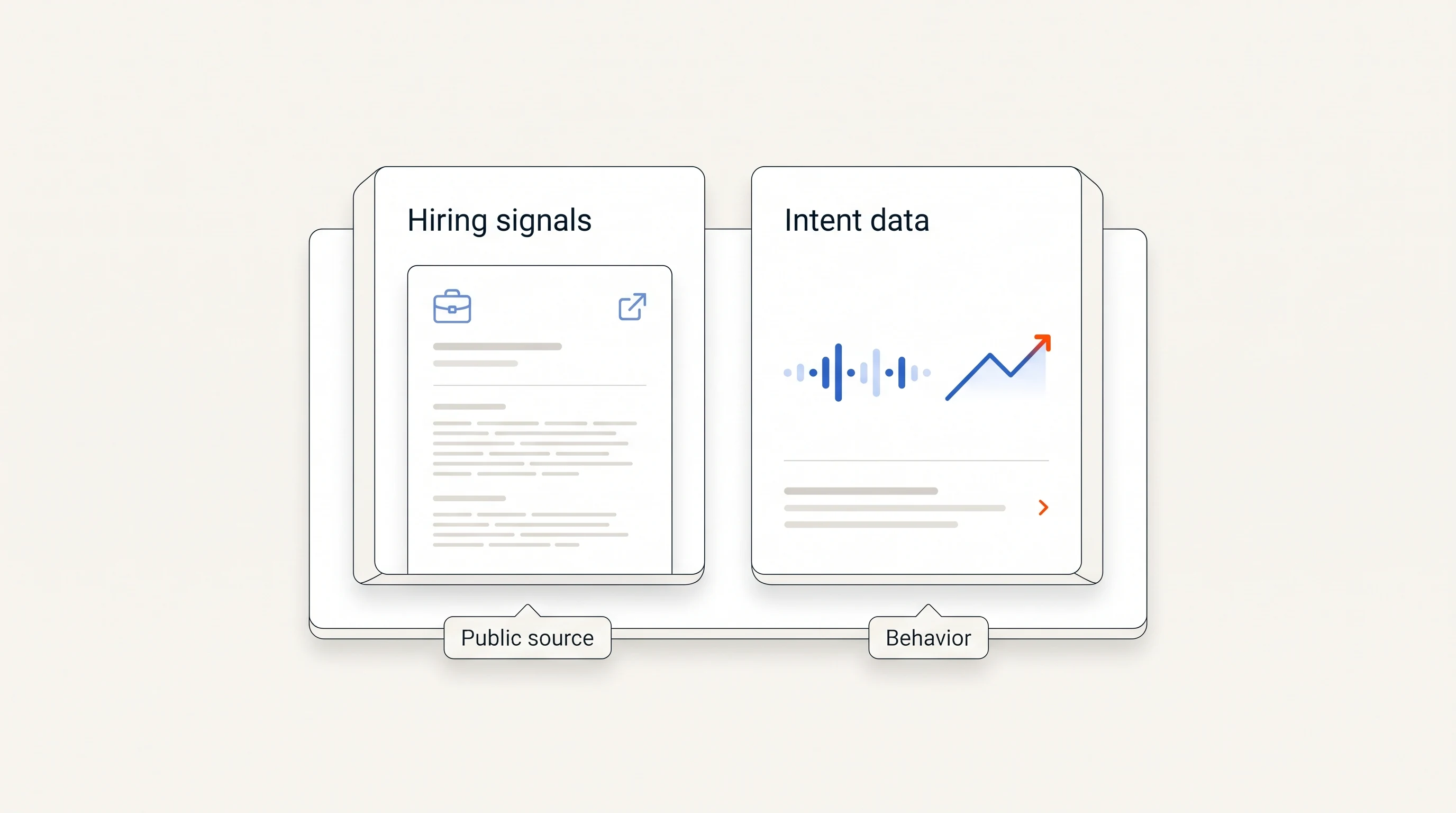
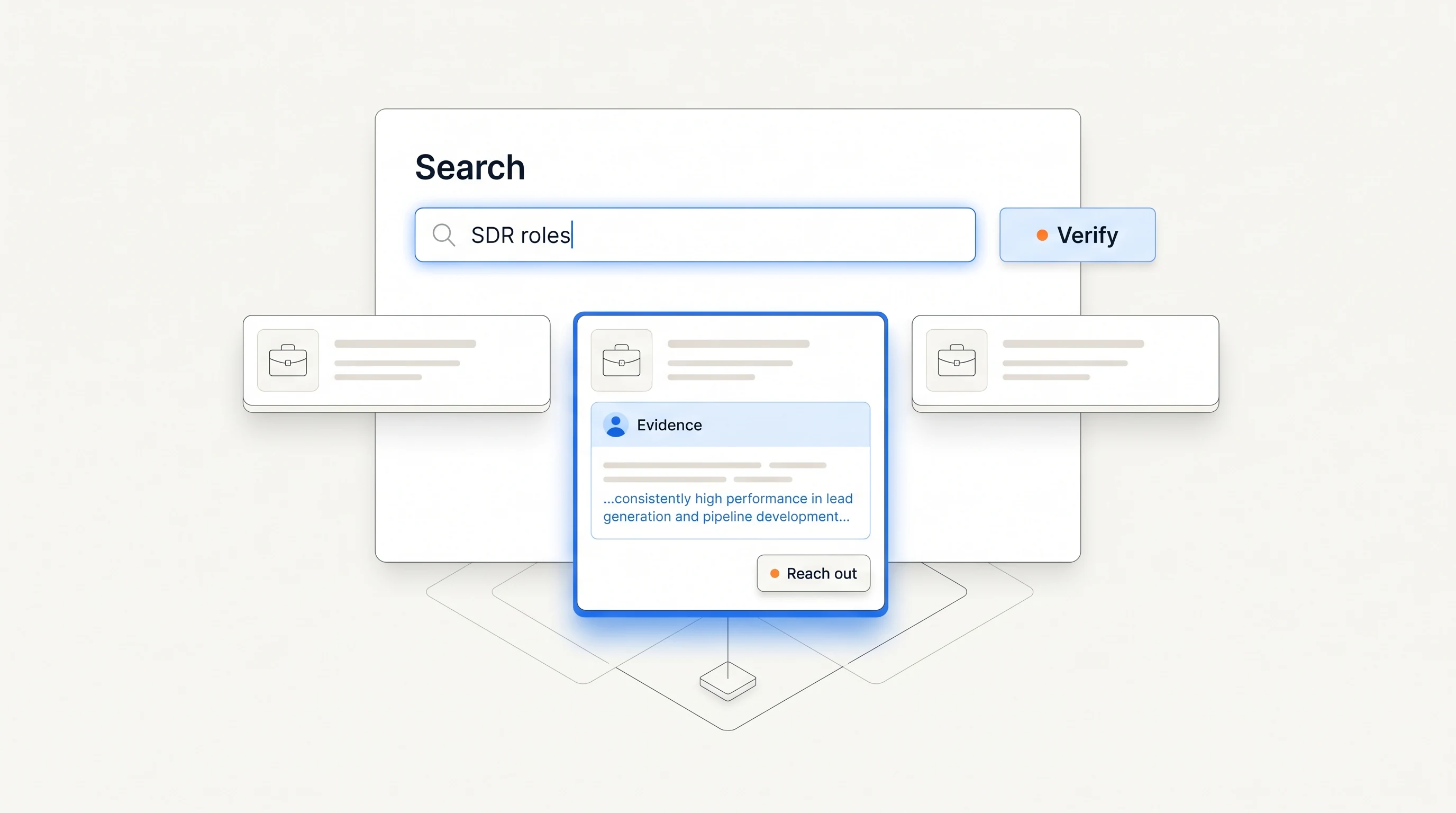
Perpetual is not an account database. It watches public hiring activity, qualifies companies against your offer, and selects one relevant person at each, with an explanation. Every opportunity carries its public source and states what that evidence does not prove, so your team can check a claim before acting on it. If you are deciding between buying more data and acting on fewer, better-evidenced accounts, see Tools that help sales development teams prioritize high-intent accounts.
Key takeaways
| Point | Detail |
|---|---|
| Test quality on your own accounts | A 50-account sample shows more than a vendor's stated accuracy. |
| Name an owner | Decide who keeps records clean and which system owns which field. |
| Check the context flow | Know what the tool reads and writes, how often, and who wins a conflict. |
| Prefer visible gaps | A good tool shows what it does not know instead of guessing. |
Frequently asked questions
What is account data management software?
Software that keeps one shared, current record of target accounts for sales and marketing, often used in account-based marketing alongside intent and account intelligence tools.
How do I test a data vendor's accuracy?
Give the vendor 50 accounts you know well, including some that changed recently, and count wrong or outdated fields, duplicates and missing verification dates in what comes back.
Should an account data tool write to my CRM?
Only to fields you agree on in writing. It should read ownership, deal stage and do-not-contact status from the CRM rather than overwrite them.