JournalSignalsNo. 05
Job Postings as Buying Signals: What They Tell You
Which job postings matter for which offer: clustered roles, a first hire in a new function or a reposted role, and what a posting does not prove.
Petar Jovanović10 min read7 sections

Contents
Published by Perpetual
A job posting is a buying signal in a narrow sense: it shows that a company has decided to pay for a specific kind of work, which can make an offer that supports that work relevant now. It does not show that anyone wants to buy from an outside vendor, so treat a posting as a reason to research the account and ask a question, not as proof of purchase intent.
This guide covers which roles and hiring patterns are worth reading closely, what each one can and cannot tell you, and a table that maps roles to possible needs and first-message questions. For the full workflow around these signals, from account criteria to a small pilot, see How to Use Hiring Signals for Sales Prospecting.
Three things to know
- A posting is a dated, public record of work a company plans to pay for. That is useful timing information, not proof of budget for your offer.
- Patterns usually say more than single postings: several roles in one function, a first hire in a new function, or the same role posted again.
- Write down what each posting does not prove before you write the message. The gap becomes your question.
What a job posting actually shows
A job posting is a company's public description of work it wants done and is willing to pay someone to do. When it sits on the employer's own careers page or applicant tracking system, it is also a dated record you can check. Google's guidelines for job posting markup, for example, define the posting date as the original date the employer posted the job, and ask employers to remove a posting once the job is filled (Google Search Central).
Two properties make postings useful for prospecting. A posting is specific: it names a function, a level, a location and usually a list of responsibilities. And it is public: anyone on your team can open the same page and reach the same factual conclusion.
What a posting gives you is a fact about the company's plans, in the company's own words. Everything you infer from it, such as a new initiative, a gap in the team or a project that might need outside help, is an interpretation you still have to test.
Read the role against your offer
The same posting can be highly relevant to one seller and irrelevant to another. A posting for a revenue operations manager matters to a firm that sells CRM consulting; it says little to a company that sells office furniture. Before you collect postings, write one sentence that connects a type of role to your offer: “Companies hiring X are taking on Y, and we help teams doing Y with Z.”
Then read the responsibilities, not just the title. Titles vary between companies and are often written for recruiting reach. The responsibilities usually say what the person will build, own or fix in their first year: “build our outbound motion from scratch”, “migrate our CRM”, “launch in the Nordics”. Those phrases are what connect a posting to an offer.
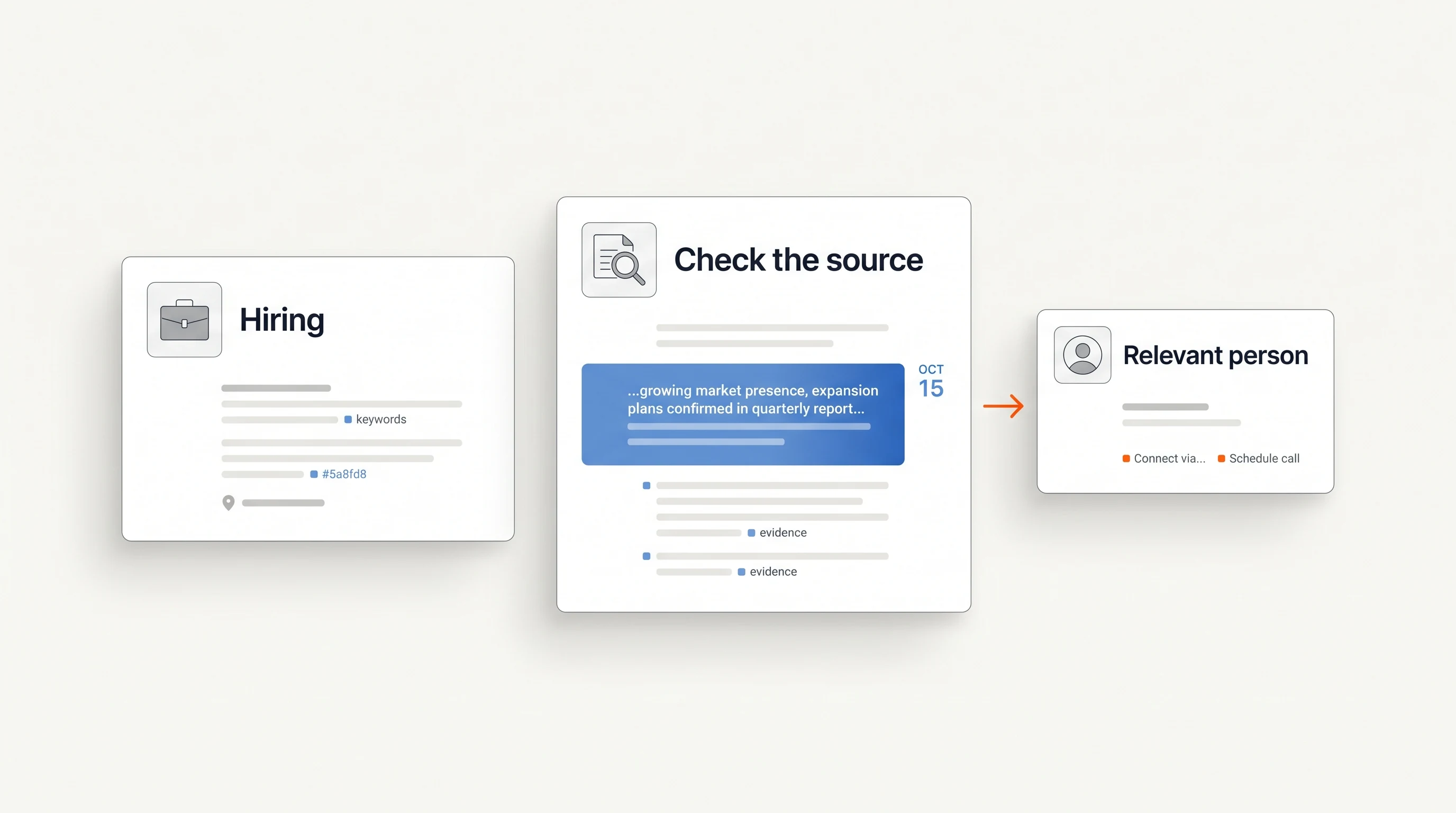
A useful filter: if you cannot quote a sentence from the posting that relates to your offer, you do not have a signal for that account yet. You have a company that is hiring.
Patterns that say more than one posting
Single postings are common; most growing companies have several open roles at any time. Patterns across postings at one company are rarer and usually more informative.
- Several roles in the same function. Three open account executive roles and an SDR role describe a sales team that is being expanded, not just backfilled. For offers that support onboarding, territory planning or prospect research, that is a reason to look closer. It does not say whether the expansion is funded for a year or a quarter.
- The first hire in a new function. A company's first revenue operations, security or data role suggests a responsibility that previously had no owner. The new hire is often the person who sets up processes and chooses tools, which can make them worth talking to once they start. Check that the role really is the first before you say so: look for people already holding that title.
- A leadership role followed by team roles. A new head of a function, then individual roles under them, often means the leader is building a team around a plan. The leader is likely the person who owns that plan.
- A role posted again. A role that disappears and reappears, or stays open for months, can mean the company is struggling to fill it, the scope changed, or the posting is always open to collect candidates. Each reading supports a different message, and the posting alone cannot tell you which one is true.
- Roles in a new location or language. Postings that require a new language, or a country where the company has no office, suggest market entry. Confirm it with a second source, such as an announcement, before you write about expansion.
What a job posting does not prove
A posting supports a narrow claim: the company has advertised this work. It does not establish:
- Budget beyond the hire. Paying for a person may be the company's chosen way to solve the problem, instead of buying a tool or a service.
- Urgency. Some roles stay open for months, and some postings exist to build a candidate pipeline before a role is approved.
- A problem. Hiring a second SDR can mean the first one is overloaded, or that the team is doing well and growing.
- Who decides. The recruiter who published the role rarely owns the decision your offer touches.
- That the role still exists. A copy on a job aggregator can outlive the vacancy after the employer removes the original.
This is the distinction we make in A signal is not a buying intent: keep the observation, your interpretation and your open question separate, and let the message ask the question instead of asserting the interpretation.
Roles, possible needs and first questions
The table shows how common roles can connect to an offer. It is an illustration: the needs are hypotheses to test, not conclusions, and the questions are starting points to adapt to what each posting actually says.
| Role or pattern | Possible need an outside offer could meet | What the posting does not tell you | Question for the first message |
|---|---|---|---|
| First RevOps or sales operations hire | CRM cleanup, reporting, lead routing | Which tools they own or plan to replace | Will the new RevOps hire own the CRM setup, or does that stay with sales leadership? |
| Several SDR or BDR roles | Onboarding, account lists, outbound tooling, training | Whether the team is new or replacing reps who left | As the SDR team grows, how will new reps get their account lists? |
| First security or compliance hire | Audit preparation, policies, security tooling | Which framework or deadline is driving it | Is the new security role tied to a specific certification, or broader groundwork? |
| Data roles after a new data leader | Data infrastructure, warehouse, BI | Which stack they use, and whether it is being rebuilt | Is the data team building on the current stack, or is that part of the new plan? |
| Support roles with a new language | Localized help content, support tooling, outsourcing | The size of the market or the launch date | Will support for the new market sit with the new hires or the existing team? |
| The same role reposted after months | Recruiting help, or work the team still cannot cover | Whether the role is hard to fill, rescoped or always open | Ask about the work the role covers, not about the vacancy. |
Notice that every question asks about how the work will be organized. None of them tells the recipient what their problem is. When you write the message, the signal-based cold email templates show how to reference a posting without claiming more than it says.
Check the posting before you use it
Before a posting goes into a message, confirm three things.
- It is live at the source. Open the employer's careers page or the board of its applicant tracking system rather than a copy on a job site. Many of these boards are public; Greenhouse, for example, documents that its job board data is publicly available without authentication, and its job records include the posting URL and an updated timestamp (Greenhouse Job Board API). An updated timestamp is not a first-posted date, so do not call a role new because it was refreshed.
- The text you will reference is still there. Responsibilities change between versions of a posting. Quote the version you can see on the day you send.
- The company fits your criteria. A relevant posting at a company outside your market is still outside your market. Check industry, size, geography and whether the account is already a customer or an open deal.
Record the date you first saw the posting separately from any date the posting claims. The day you found a role is not necessarily the day the company started hiring.
Where Perpetual fits
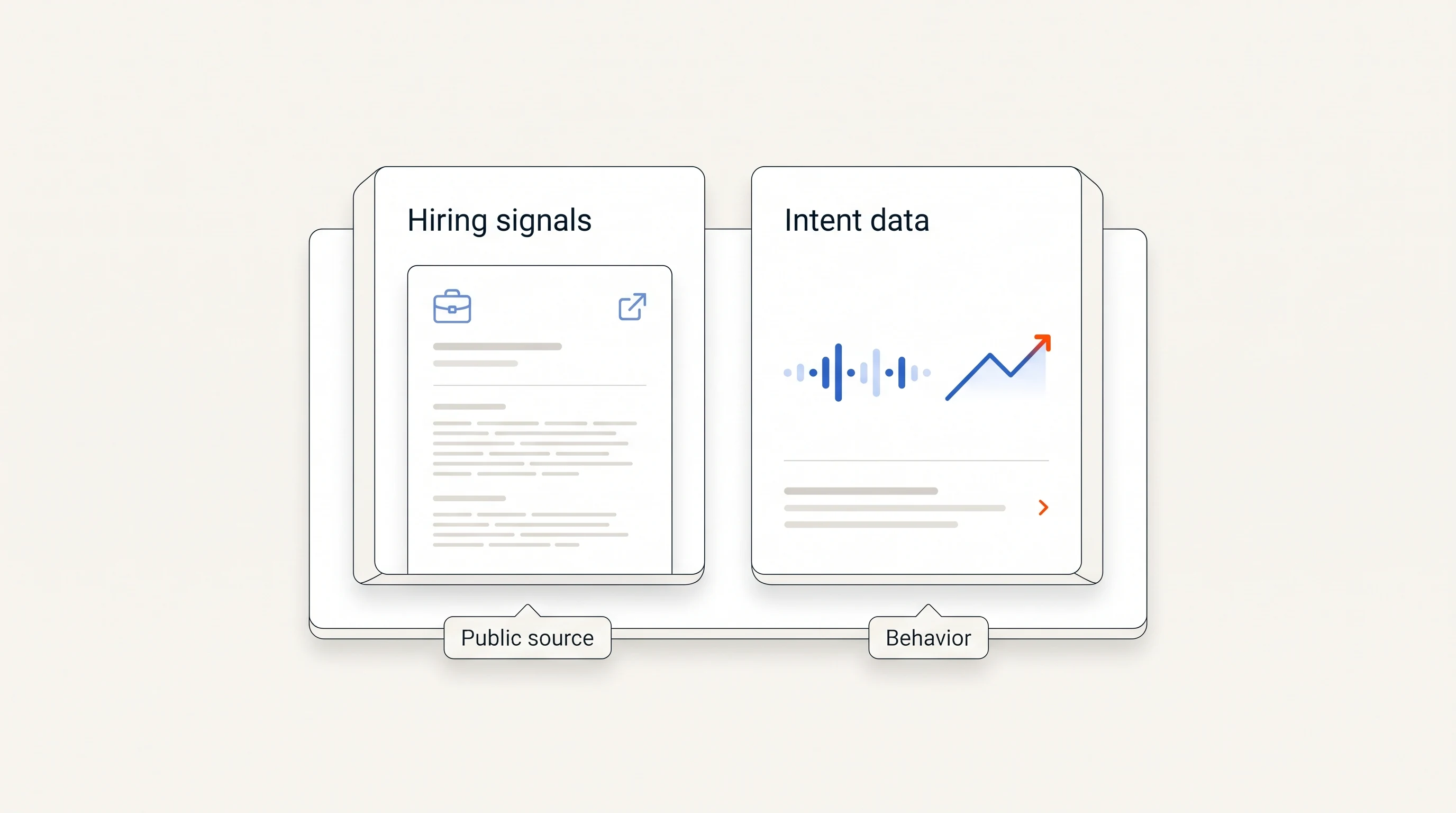
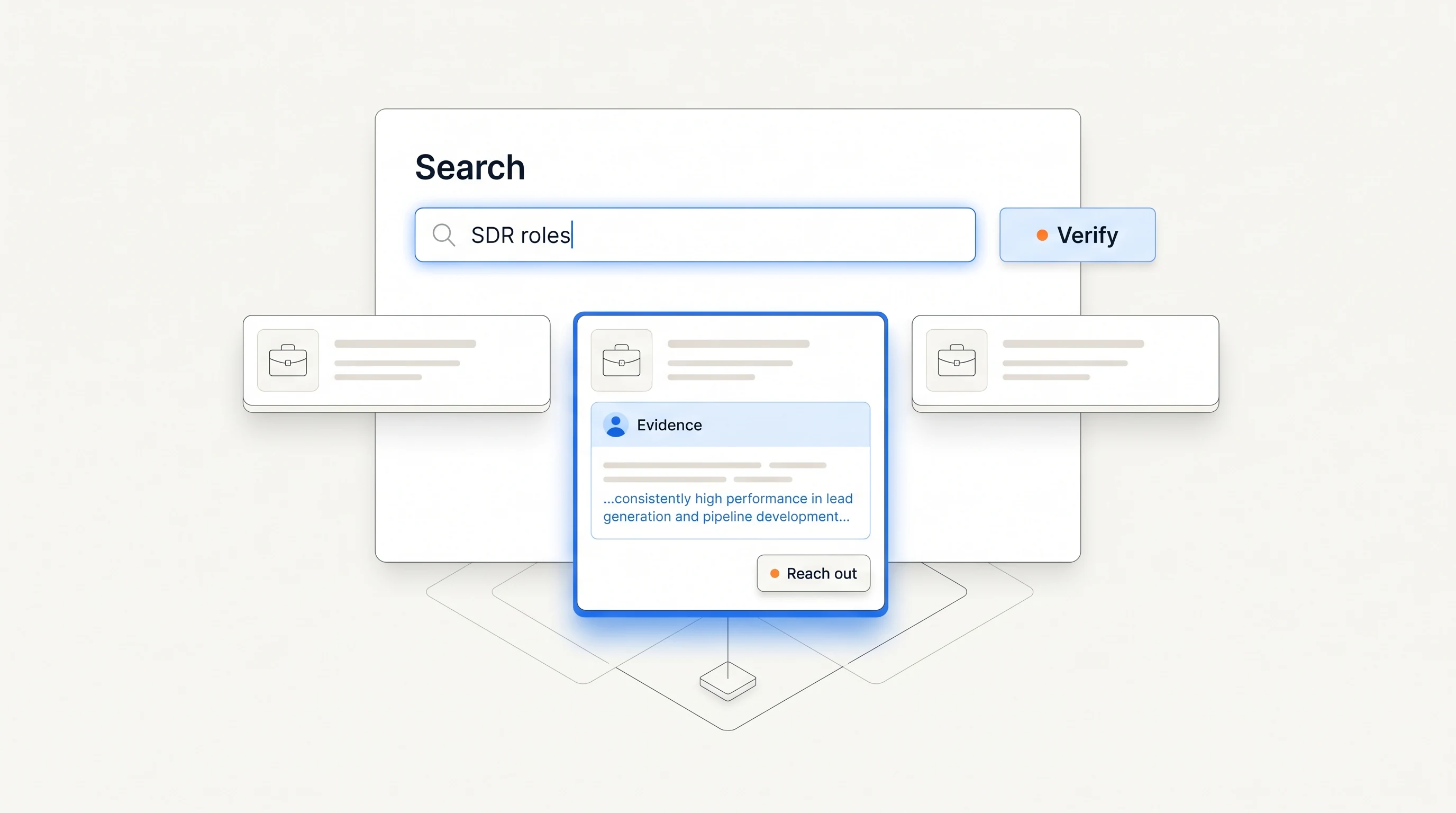
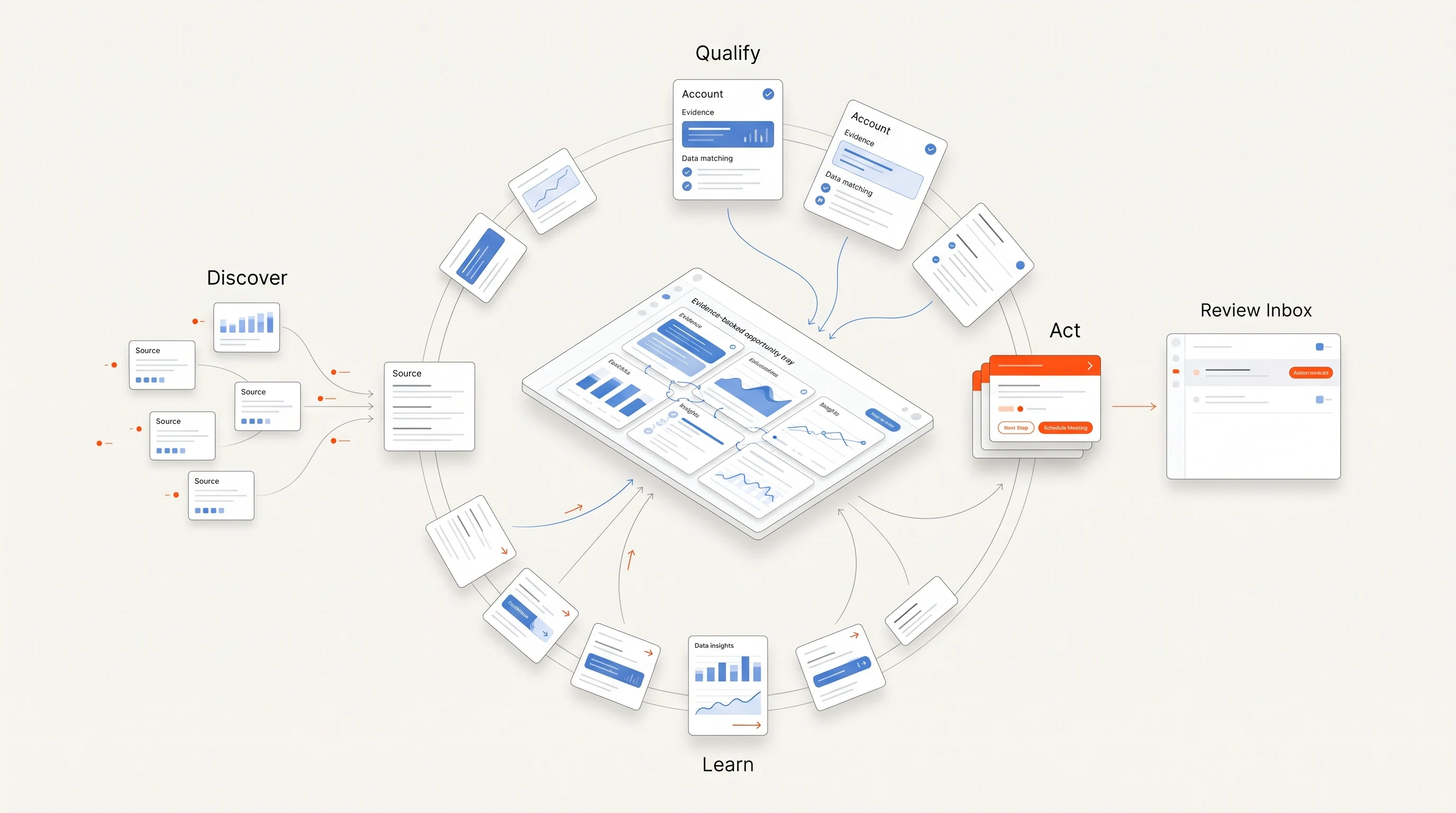
Perpetual is a signal-based outbound tool for founders and B2B sales teams that works from the signal this article describes: public hiring activity such as open roles, team growth and new functions. It qualifies each company against your offer, selects one relevant person with an explanation, and writes an opener grounded in the posting. Each opportunity states what its evidence does not prove, because a posting does not establish budget, urgency or purchase intent. Email is sent from your own connected mailboxes within your sending policy, and LinkedIn steps remain manual tasks. The quickstart guide shows the setup.
Key takeaways
| Point | Detail |
|---|---|
| A posting shows planned work | It is a dated, checkable record of work a company will pay for, not proof it will buy from you. |
| Read responsibilities, not titles | The connection to your offer is usually in what the person will build or own. |
| Patterns beat single postings | Several roles in one function, a first hire in a new function, or a new leader followed by a team say more. |
| Write the limit down | What the posting does not prove becomes the question in your first message. |
Frequently asked questions
Are job postings buying signals?
They are signals of change, and sometimes of buying relevance. A posting shows that a company has decided to pay for a type of work. Whether that creates a need for your offer is a hypothesis you test with research and a question; the posting does not prove it.
Which job postings are the strongest signals?
Postings whose responsibilities connect directly to your offer, and patterns rather than single roles: several openings in one function, a first hire in a new function, or a new leader followed by team roles. A posting at a company outside your market is not a signal for you, however senior the role.
Should I mention the job posting in my email?
Mention it when it is the reason you are writing, and quote only what the posting says. “Your careers page lists three SDR roles” is checkable; “your team is struggling to keep up” is not. Then ask a question about the work instead of claiming a need.