JournalResearchNo. 07
How to Find Companies Hiring SDRs (and When to Reach Out)
Find companies hiring SDRs on careers pages, job boards and LinkedIn Jobs, judge each posting, and decide whom to email and when.
Petar Jovanović9 min read8 sections
Contents
Published by Perpetual
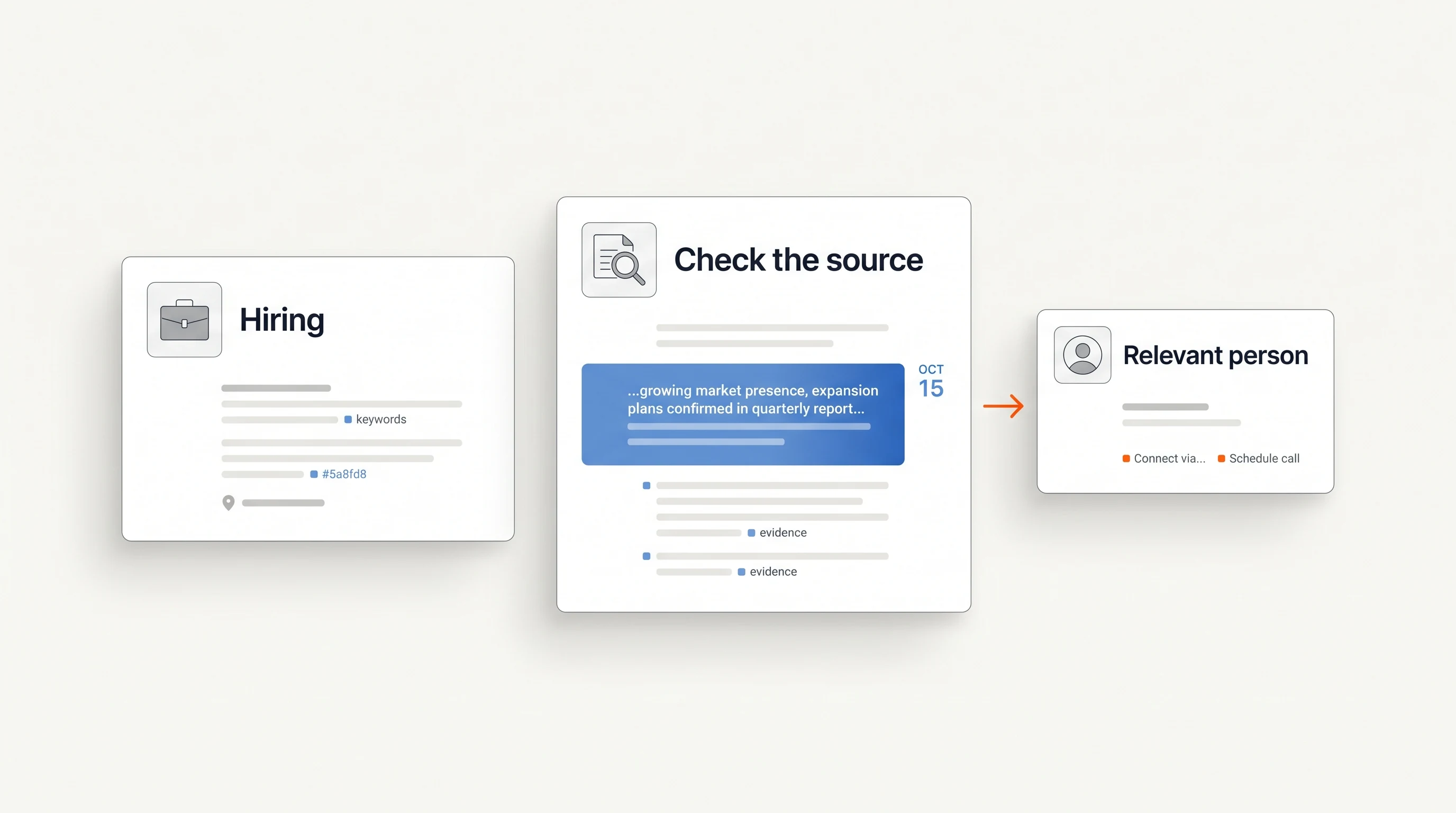
To find companies hiring SDRs, search where employers publish the roles: their own careers pages, the public job boards of applicant tracking systems such as Greenhouse and Lever, and LinkedIn Jobs filtered by title, date posted and company. Then keep only postings that are live, connect to what you sell and point to a person you can reach, and contact that person while the hiring is still current.
This guide is for teams whose offer serves sales development: training, data and tools, recruiting or outbound services. It covers the search, how to judge a posting, whom to write to and when, and an illustrative first message. For the general method behind hiring-based prospecting, see How to Use Hiring Signals for Sales Prospecting.
Three things to know
- SDR postings are public and easy to find. The work is in filtering them down to companies that fit your offer.
- Read what the posting says about the team: a first SDR, a growing team and a long-open role support different conversations.
- Write to the person who owns the SDR team's results, not the recruiter, and reference only what the posting says.
What an SDR posting can tell you
A sales development representative (SDR), sometimes called a business development representative (BDR), usually works at the start of the sales process: researching accounts, starting conversations and booking meetings for account executives. Companies use the titles differently, and some use both for separate inbound and outbound roles, so read the responsibilities rather than the title alone.
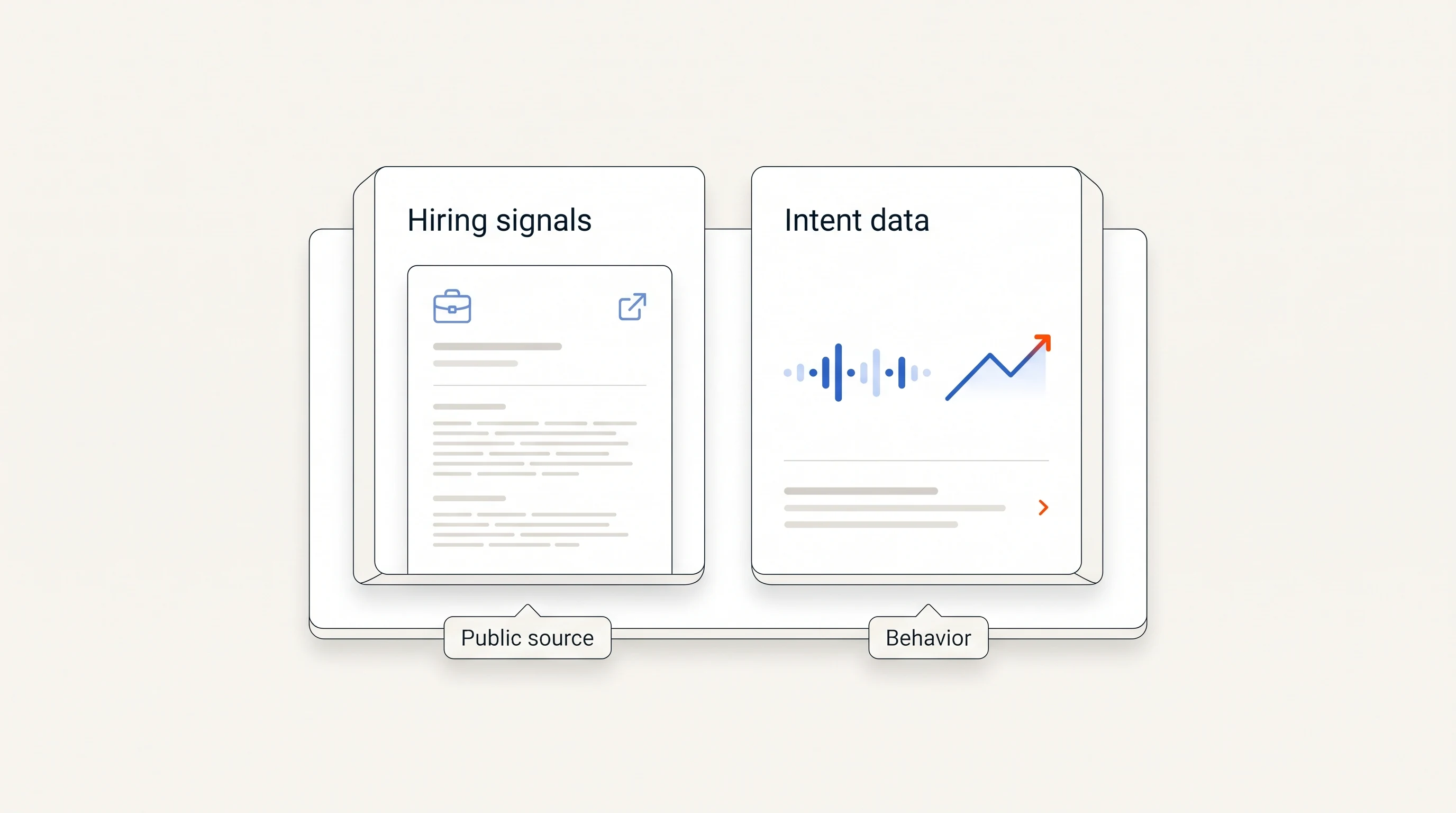
An SDR posting tells you the company has decided to invest in prospecting or lead qualification capacity. That can matter to sellers of prospecting data and tools, sales training and onboarding, recruiting, outbound agencies and the operations work that supports a growing sales team. It does not tell you whether the company will buy any of those, or whether it prefers to build its own process. Treat it the way A signal is not a buying intent describes: an observation that starts research, not a conclusion.
Where to search
- Company careers pages. The most reliable source, because the employer controls it. If you already have a list of target accounts, checking their careers pages directly avoids the noise of job sites.
- Applicant tracking system job boards. Many companies publish roles through an applicant tracking system with a public board. Greenhouse states that its job board data is publicly available, so reading it requires no authentication, and lists a board's jobs at a URL of the form boards-api.greenhouse.io/v1/boards/{board_token}/jobs (Greenhouse). Lever serves published postings under api.lever.co/v0/postings/ (Lever). These help when you want to check a known list of companies regularly; follow each provider's terms when you do.
- LinkedIn Jobs. Useful for finding companies you do not know yet. LinkedIn's help center lists filters for date posted (past 24 hours, past week or past month), company, experience level, employment type and location (LinkedIn Help).
- Search engines. Google documents the site: operator, which limits results to one site, and quotation marks for an exact phrase (Google Search Help). Together they let you search one job board domain for one title.
Searches you can reuse
Start with the title variants your buyers use: “sales development representative”, “SDR”, “business development representative”, “BDR”, and “sales development manager” for the person who leads the team. Then combine them with a source.
- On Google: site:boards.greenhouse.io "sales development representative", the board domain Greenhouse's own examples use, and the same search on jobs.lever.co. Add a word from your market, such as an industry or a city, to narrow the results.
- On LinkedIn Jobs: search the title, set Date posted to the past week, and use the Company filter for accounts already on your list. You can also save the search as a job alert; LinkedIn sends alerts daily or weekly by email, app notification or both (LinkedIn Help).
- On careers pages: search the page for “sales development” and “SDR” instead of relying on a department filter. Companies file these roles under Sales, Marketing or Growth.
Record each result with the company, the posting URL, the date you found it and the date the posting claims, if it shows one. Keep the two dates separate: the day you found a role is not necessarily the day it was posted.
How to judge a posting
Most of what you need is in the responsibilities and the description of the team. Read for these cues.
| Cue in the posting | What it may suggest | What it does not tell you |
|---|---|---|
| “First SDR” or “build the SDR function” | A new outbound motion; processes and tools are likely being chosen | Whether there is budget beyond the salary |
| Several SDR roles open at once | A team being expanded, often with onboarding work ahead | Whether the plan is funded beyond this round of hiring |
| A new SDR manager role | Someone will own SDR results, process and tooling | Who owns those decisions today |
| Named tools in the requirements | The CRM or sales engagement tools the team already uses | Whether the team is happy with them |
| A new region or language | Outbound into a new market | The size of the push or when it starts |
| The same role open for months or posted again | Difficulty hiring, a changed scope, or a role that is always open | Which of these is true |
Then check fit, which no posting can do for you: industry, company size, geography, and whether the company is already a customer, an open opportunity or in someone else's sequence on your team. A relevant posting at a company outside your market is not a lead.
Whom to contact
The recruiter or talent partner named on a posting owns the vacancy, not the results of the SDR team. For most offers, the person to write to is whoever the SDRs will report to: the SDR or BDR manager, the head of sales development or, at smaller companies, the head of sales or a founder. If you sell recruiting help, the recruiter or head of talent is the right person instead.
Verify the person through current sources rather than guessing from a title pattern, and start with one person per account. Several emails to the same company in the same week read as volume, not relevance.
When to reach out
The right moment depends on what you sell.
- Before the new reps start: offers that shape how the team is built, such as recruiting, onboarding programs, or data and tools chosen for new reps. Write while the posting is live.
- After the new reps start: offers that support a working team, such as coaching or tools that need active users. A closed posting can be a better moment, because the team now exists. Confirm the hires happened before you mention them.
- Not at all: when the posting is the only reason you have, the company is outside your market, or the role is old enough that you cannot confirm it is still open.
Whatever the timing, open the posting again on the day you send and quote only what it still says.
An illustrative first message
The message below is an illustration. The company, the person and the details are fictional; replace them with what you verified.
Subject: SDR hiring at Northwind Example
Hi Jordan, your careers page lists two SDR openings and mentions building outbound for the UK market. We help sales development teams give new reps researched account lists in their first weeks. When the new reps start, will they build their own lists, or will someone prepare them centrally?
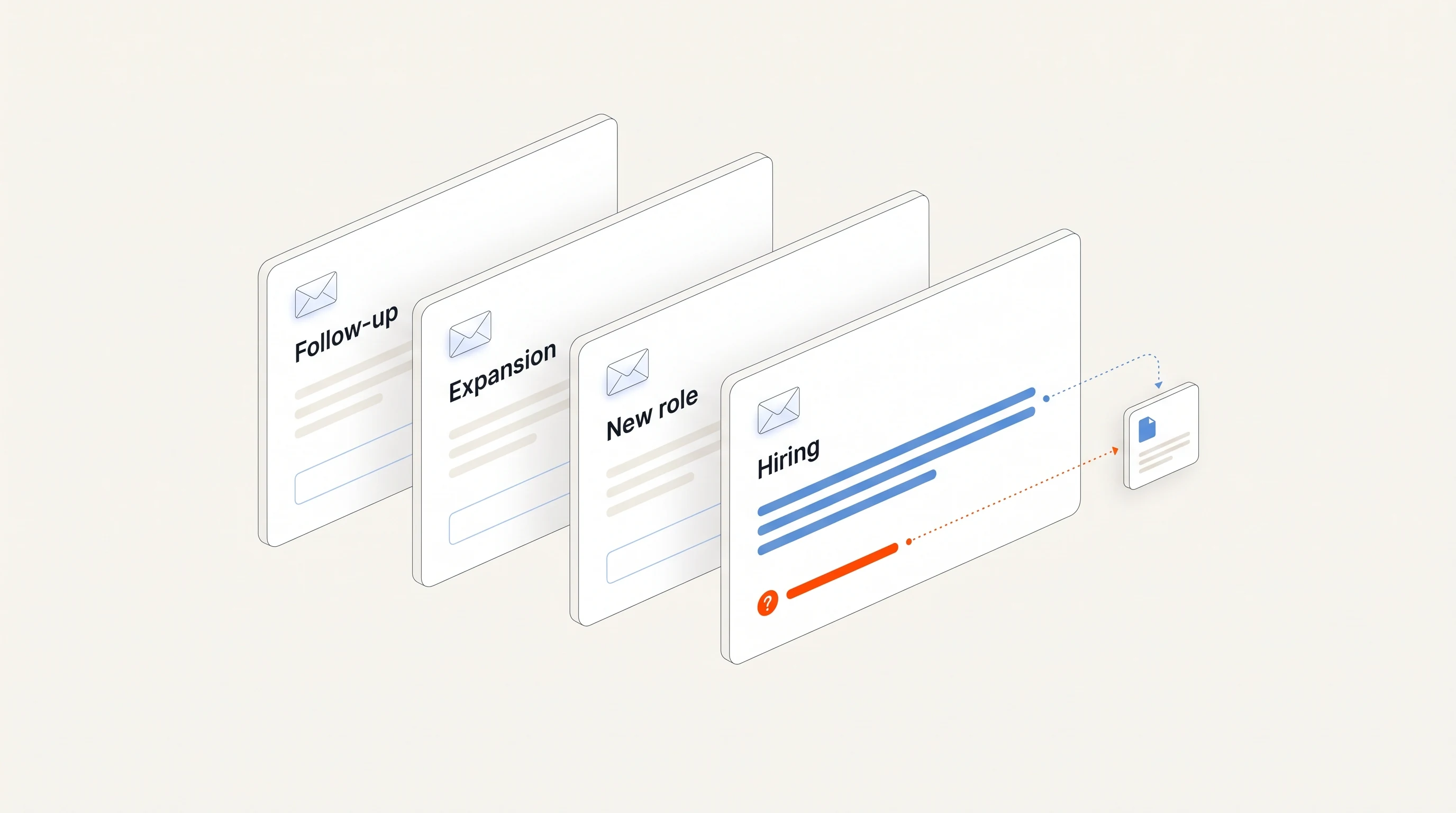
It names a fact the recipient can check, says in one sentence what the sender does, and asks about the work instead of claiming a problem. For other angles and a follow-up that adds something new, see the signal-based cold email templates.
Where Perpetual fits
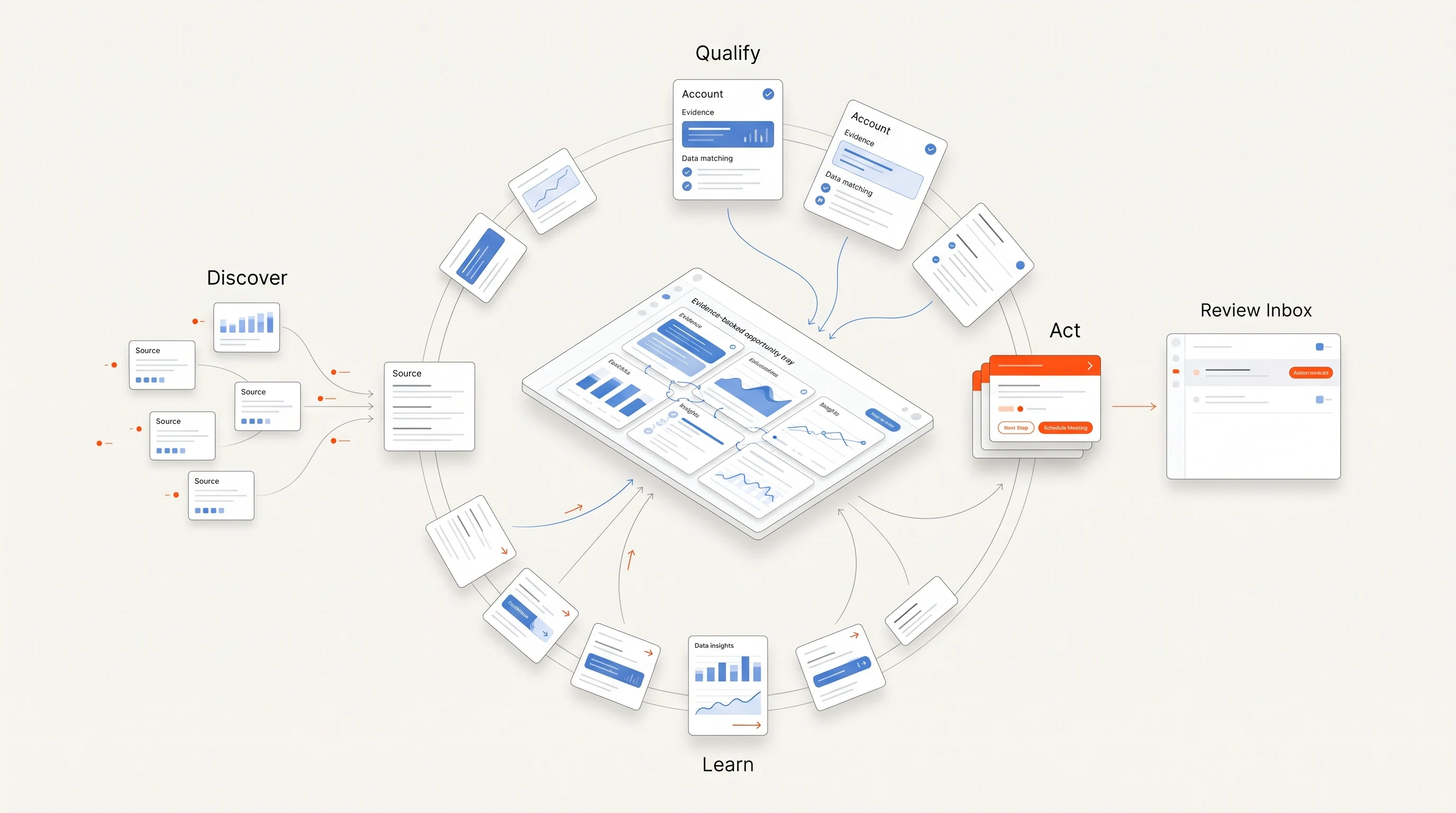
Perpetual is a signal-based outbound tool for founders and B2B sales teams that does this search from public hiring activity, such as open SDR roles, against the offer you describe. It qualifies each company against your offer, selects one relevant person with an explanation, and writes an opener grounded in the posting. Each opportunity states what its evidence does not prove. Email is sent from your own connected mailboxes within your sending policy, replies and opt-outs stop follow-ups, and LinkedIn steps remain manual tasks. The quickstart guide shows the setup.
Key takeaways
| Point | Detail |
|---|---|
| Search where employers publish | Careers pages and job boards first; LinkedIn Jobs and search engines for discovery. |
| Read the team, not the title | A first SDR, a growing team and a long-open role support different conversations. |
| Write to the owner of the results | Usually the SDR manager or head of sales, not the recruiter. |
| Time it to your offer | Some offers fit before reps start, others after; confirm the posting on the day you send. |
Frequently asked questions
What is the fastest way to find companies hiring SDRs?
Search LinkedIn Jobs for the title with Date posted set to the past week, and search job board domains such as boards.greenhouse.io with the title in quotation marks. Then confirm each role on the employer's own careers page before you use it.
Should I contact the recruiter on an SDR job posting?
Only if you sell recruiting help. Otherwise write to the person the SDRs will report to, such as the SDR manager or head of sales, because they own the team's results and the tools and processes it uses.
Does a company hiring SDRs need sales tools?
Not necessarily. Hiring SDRs shows investment in prospecting capacity, but the company may already have the tools it needs or plan to build its own process. Ask how the new reps will work rather than assuming a gap.