JournalEvaluationNo. 17
Sales Automation Platforms With Fast Implementation: How to Get Live in Weeks, Not Quarters
What makes sales automation slow to implement, what fast implementation looks like, questions to ask before you sign, and a four-week plan to go live.
Marko Raković6 min read6 sections
Contents
Published by Perpetual
A sales automation platform is fast to implement when a small team can connect it, describe its offer, approve its first outputs and send real work within a few weeks, without a dedicated administrator. Speed comes less from the software than from the number of decisions it forces before day one: data imports, field mappings, routing rules, templates and sending infrastructure. This guide shows what actually slows implementation down, the questions that reveal it during a trial, and a realistic week-by-week plan.
Three things to know
- Implementation time is driven by the decisions a platform needs before it produces anything, not by how quickly you can create an account.
- The fastest setups start from what already exists (your website, your mailboxes, your best recent deals) instead of a blank configuration.
- "Live" should mean real messages to real prospects inside a sending policy, with replies stopping follow-ups, not a finished configuration screen.
What makes implementation slow
Most delays come from a handful of predictable places:
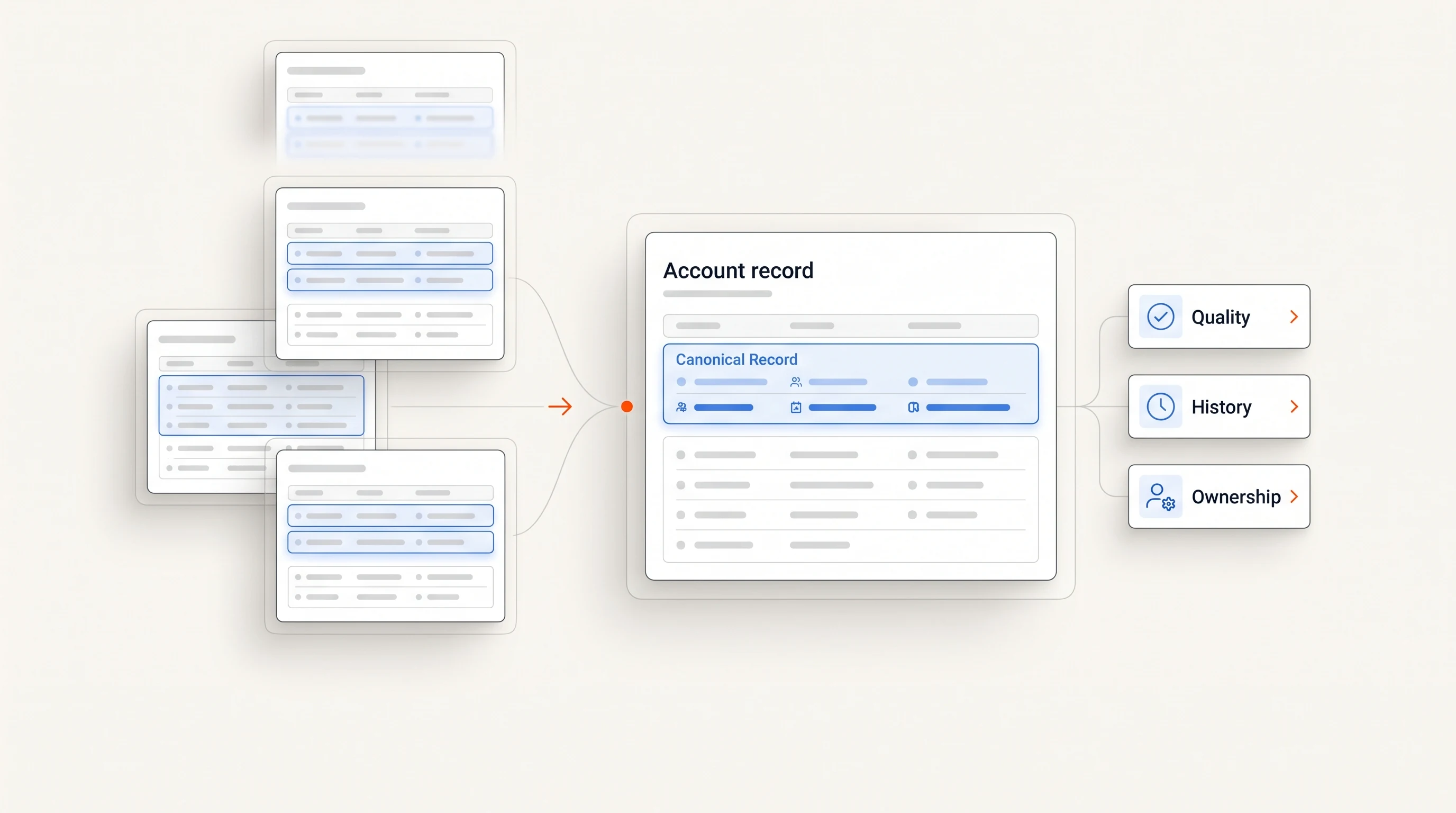
- Data before value. The platform needs a clean contact import, enrichment and deduplication before it can do anything useful.
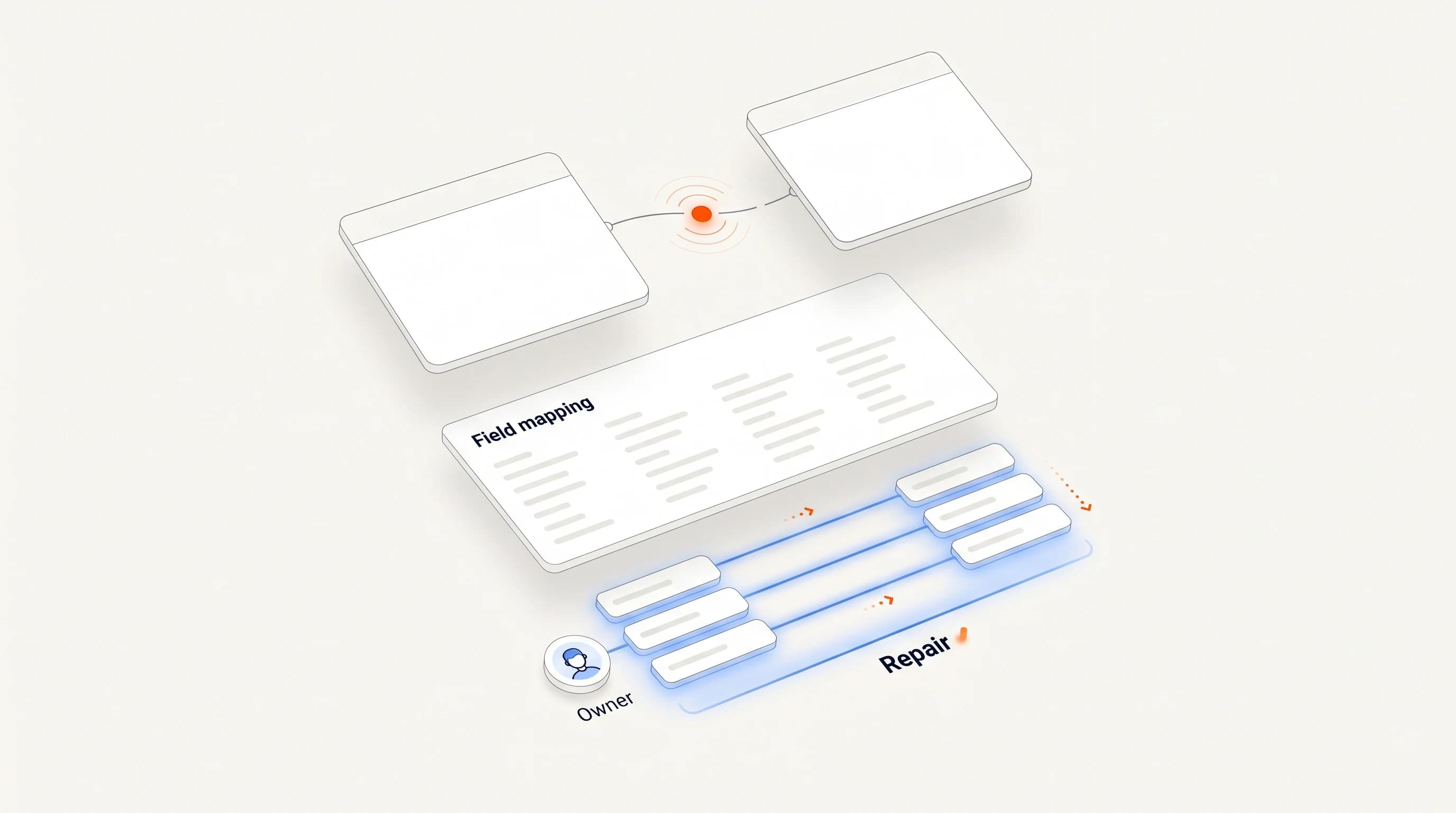
- Configuration before output. Scoring models, routing rules, sequences and templates must be designed up front, often by someone who has never seen the platform's output.
- Sending infrastructure. New domains and mailboxes need authentication and a careful ramp before they can carry volume.
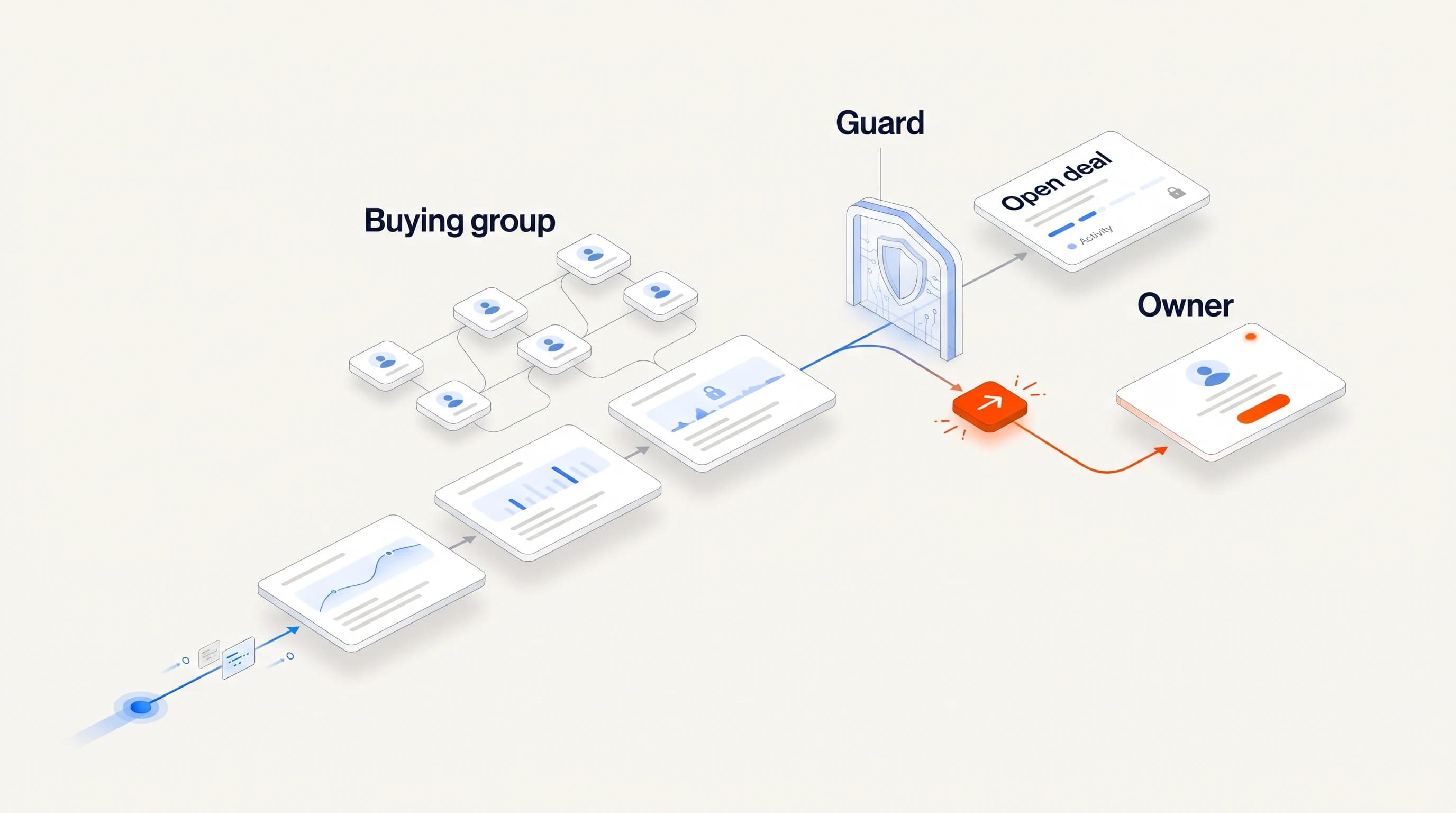
- An unclear owner. Nobody is responsible for approving the first outputs, so the pilot drifts.
- Too broad a first scope. Every segment, every persona and every channel on day one.
None of these is a software problem alone. A platform can, however, make each of them smaller or larger.
What fast implementation looks like
Platforms that get teams live quickly tend to share a few traits:
- They start from your public footprint. Reading your website to draft a business profile and an ideal customer profile is faster than filling in a long form, and easier to correct.
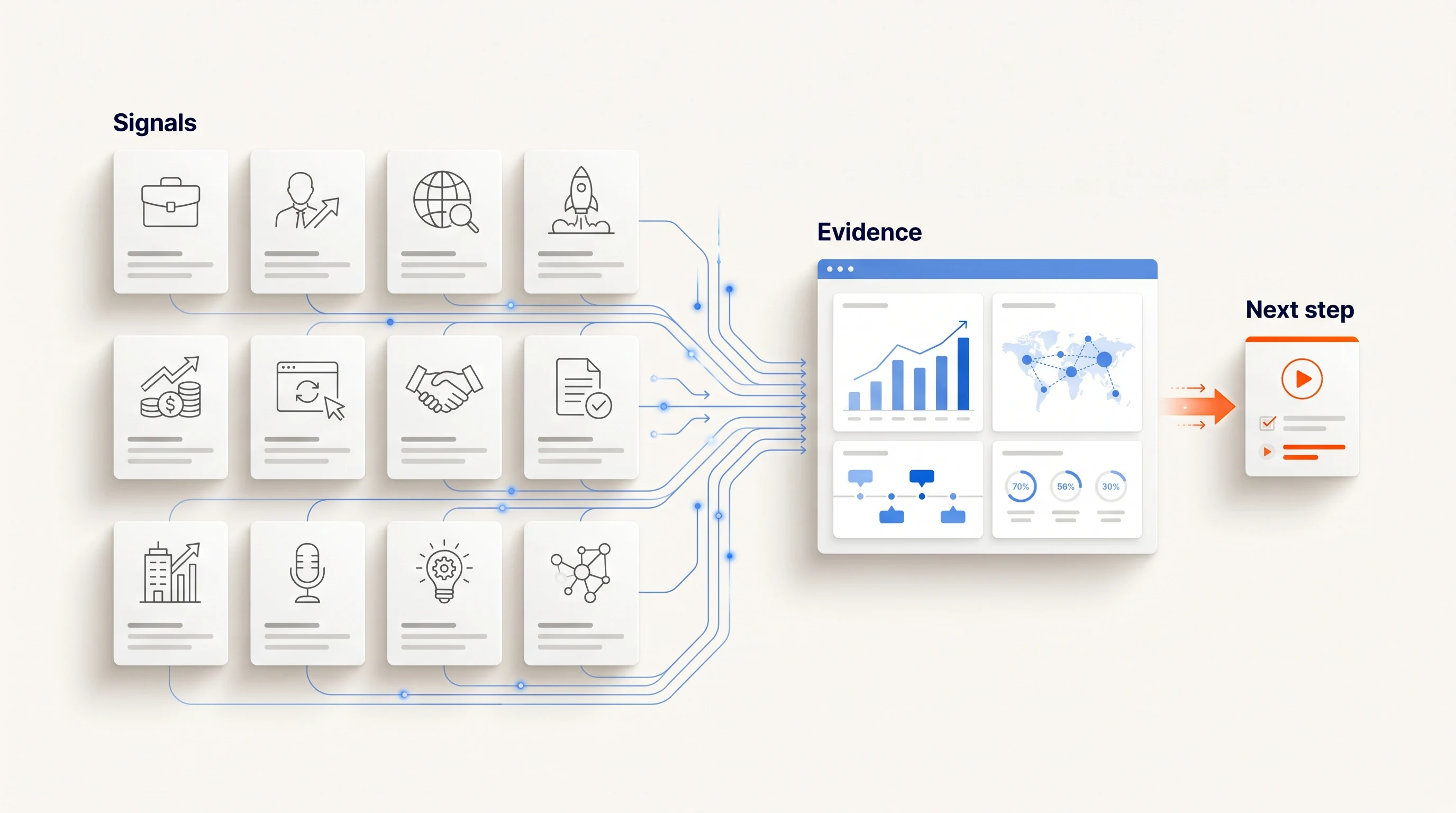
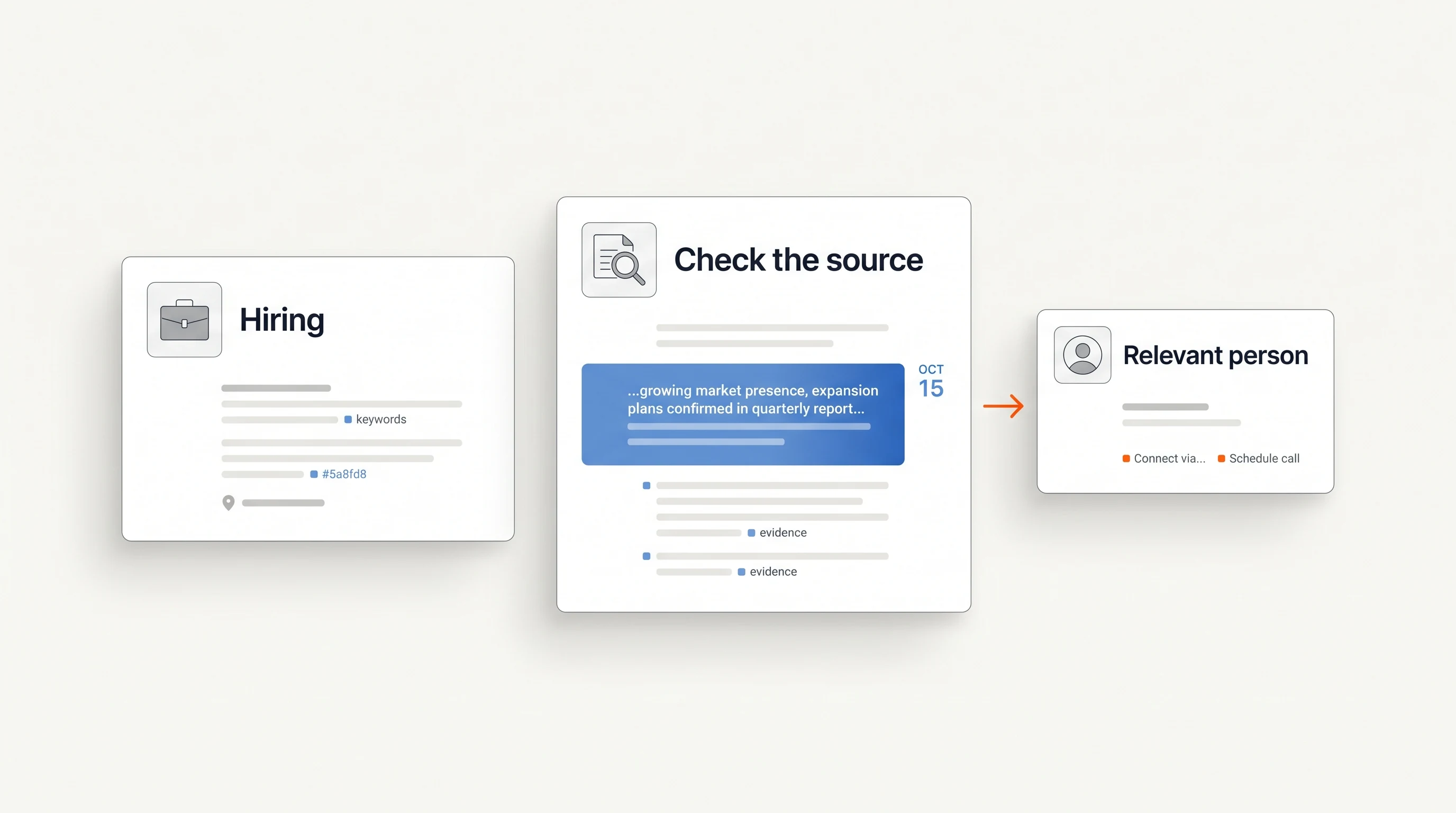
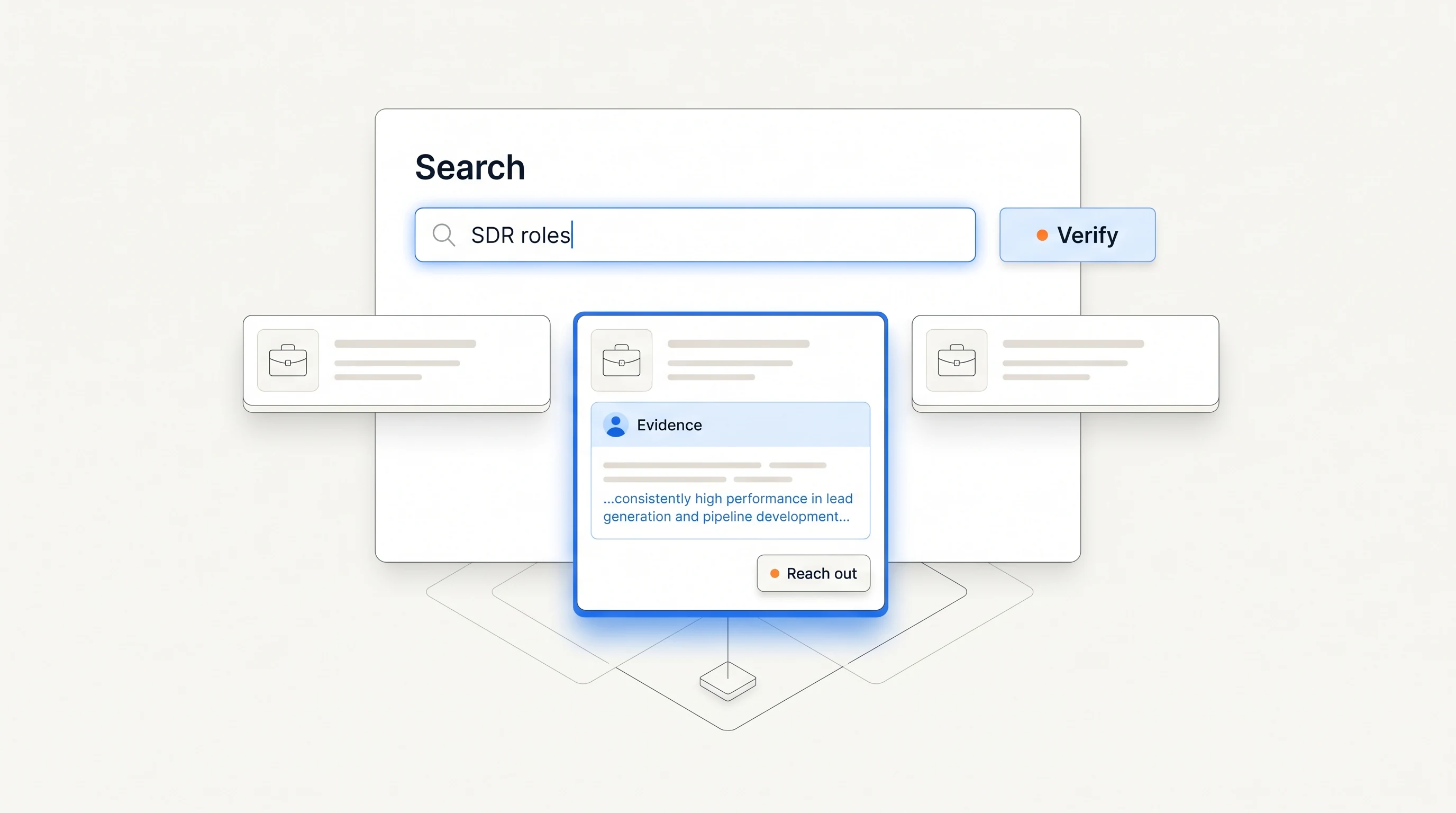
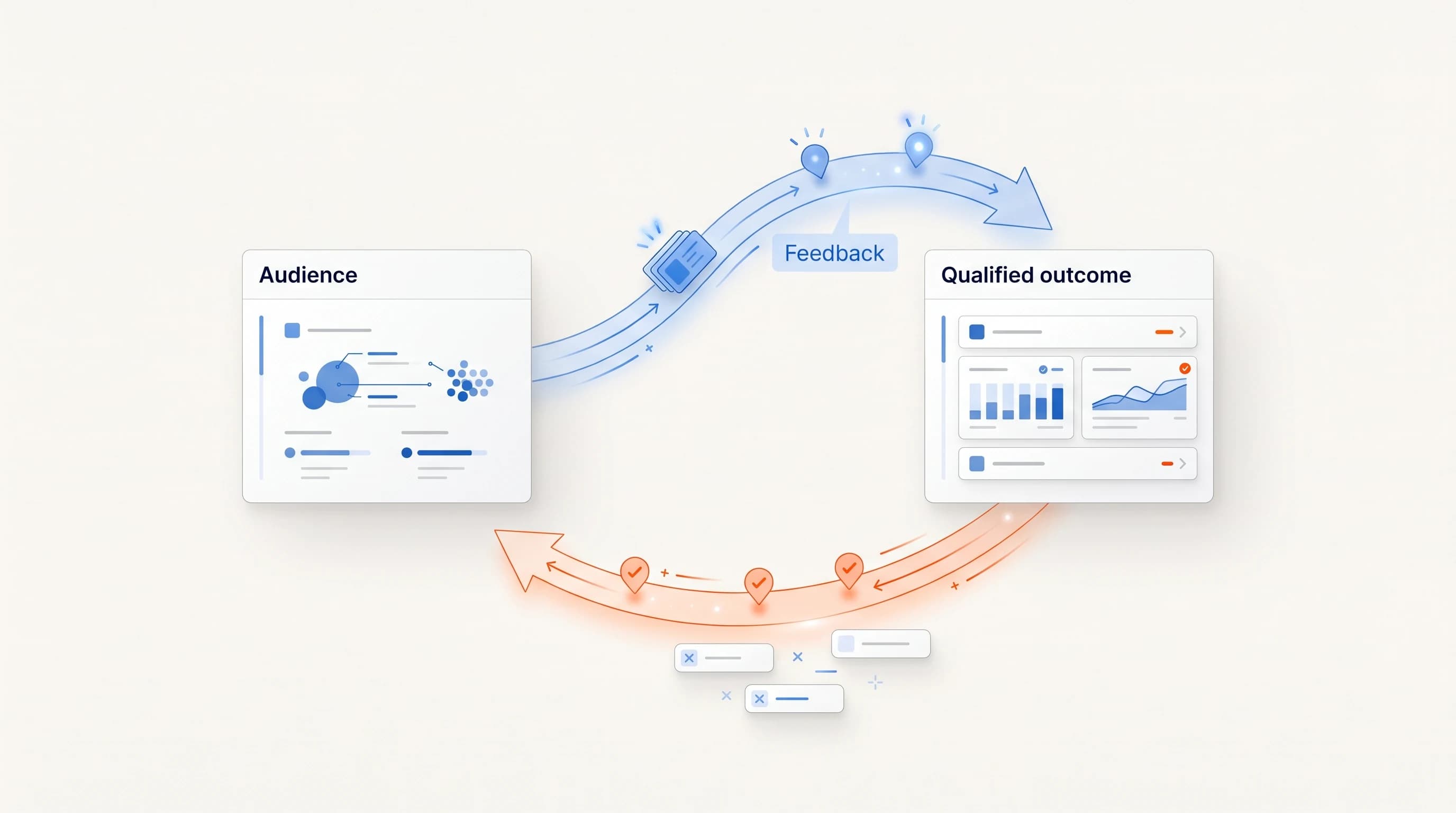
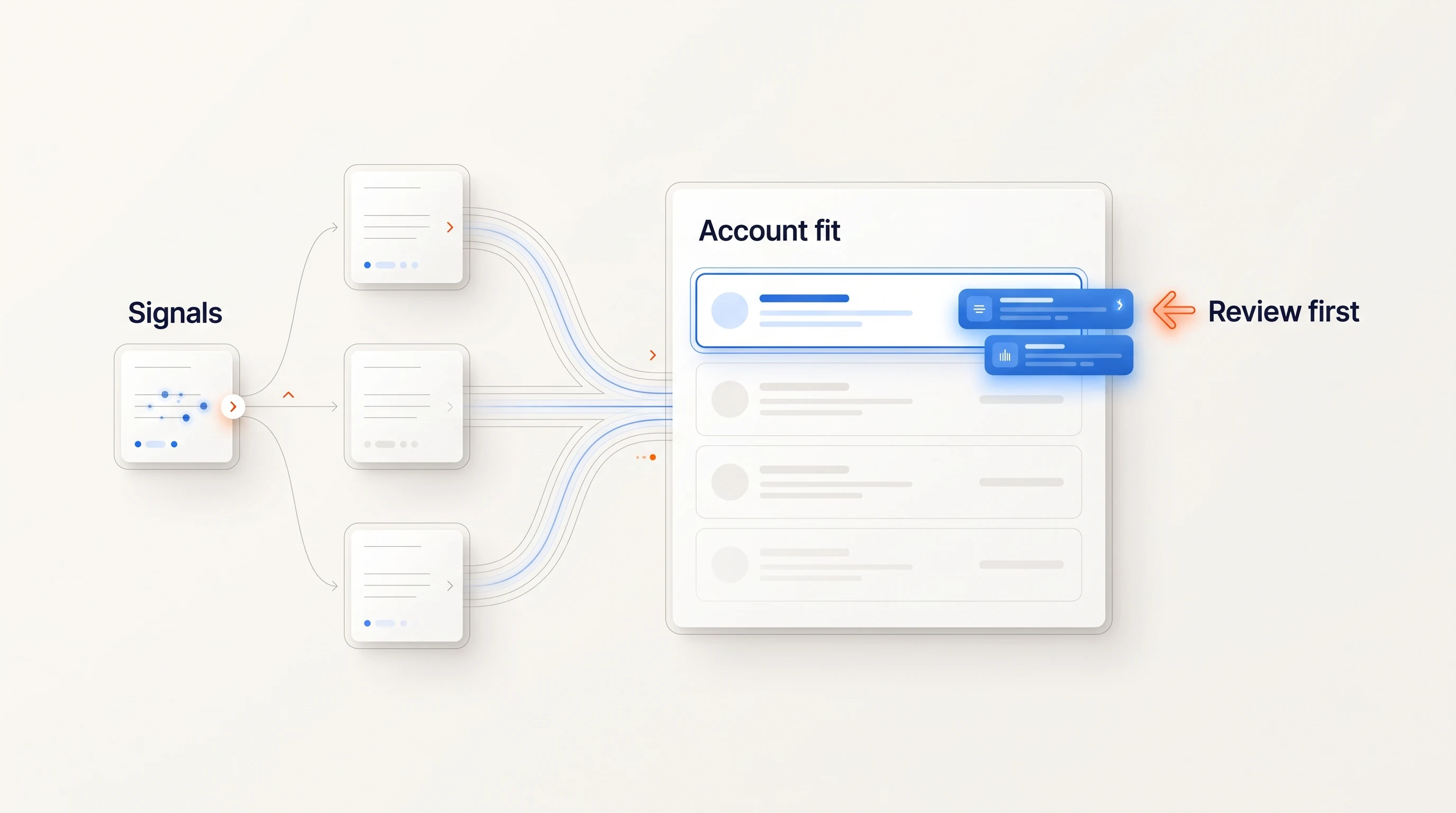
- They show output before asking for configuration. Seeing ten real opportunities with their evidence tells you more about what to change than any settings page.
- They work with the mailboxes you already have. Connecting existing mailboxes avoids a separate infrastructure project, as long as daily limits stay conservative.
- They ship with safe defaults. Daily sending limits, automatic stops on replies and opt-outs, and holds when a safety prerequisite is missing.
- Changes are reversible. You can pause a campaign at any time and inspect what happened.
Questions to ask before you sign
| Question | Why it matters |
|---|---|
| What must exist before the first useful output? | Reveals hidden data and configuration work. |
| Who on our side has to configure it, and for how many hours? | Shows whether you need an admin you do not have. |
| Can we use our existing mailboxes, and what are the default limits? | Separates a software rollout from an infrastructure project. |
| What happens when a prospect replies or opts out? | Follow-ups must stop automatically from day one. |
| How do we pause everything, and how fast does it take effect? | You need a reliable stop before you need speed. |
| What does a typical customer have live after two weeks? | Ask for the median, not the best case. |
A week-by-week plan
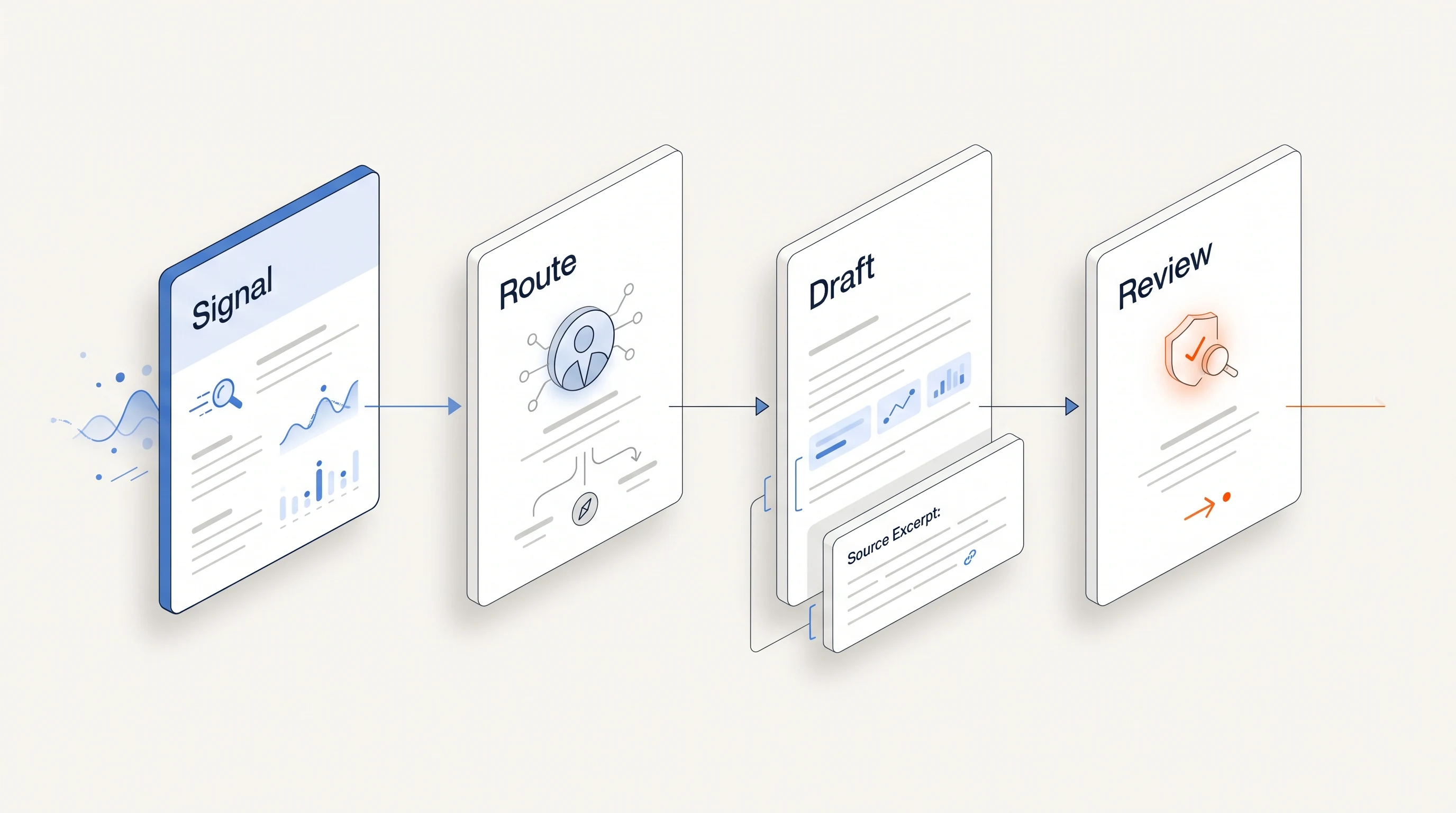
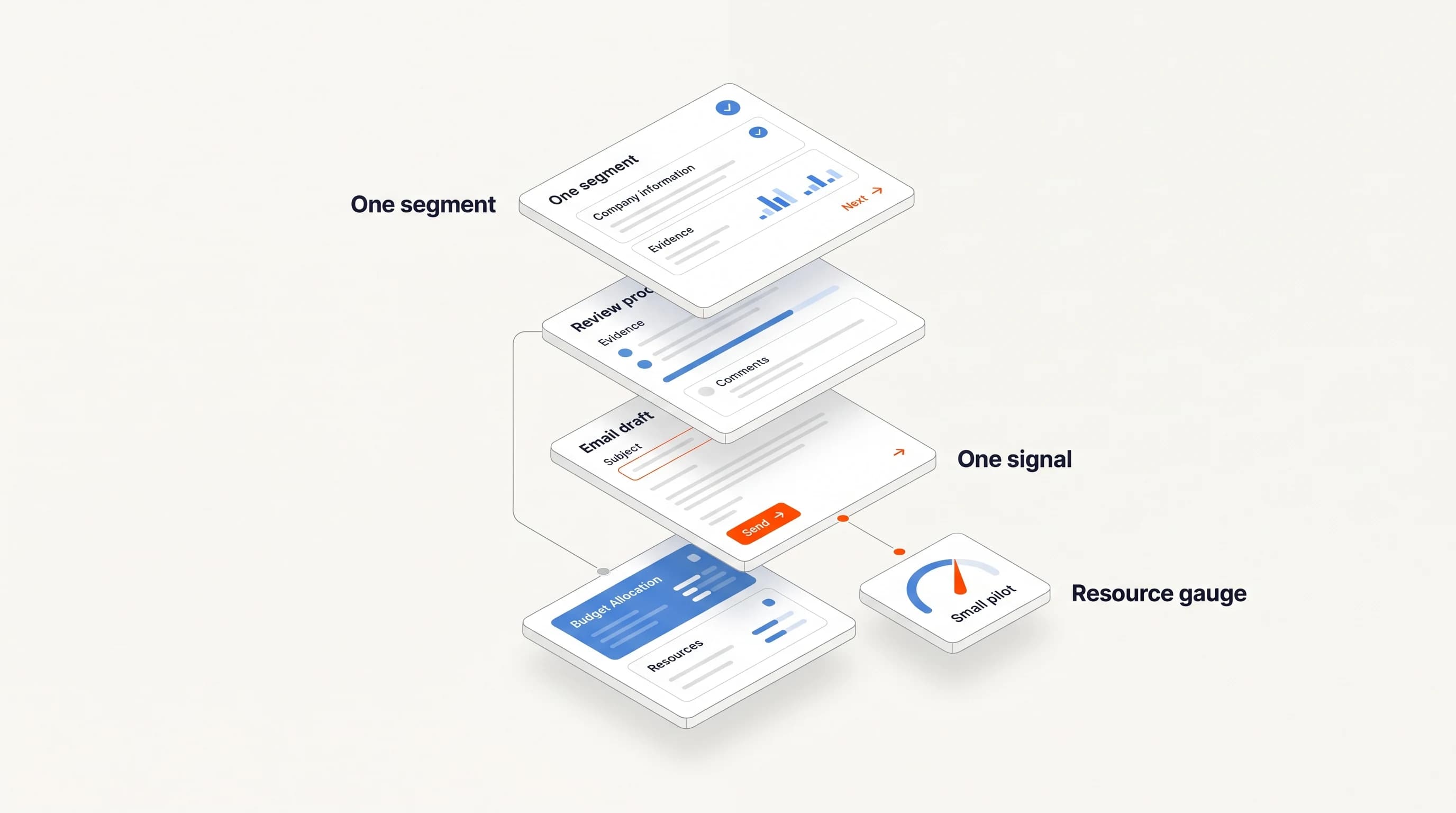
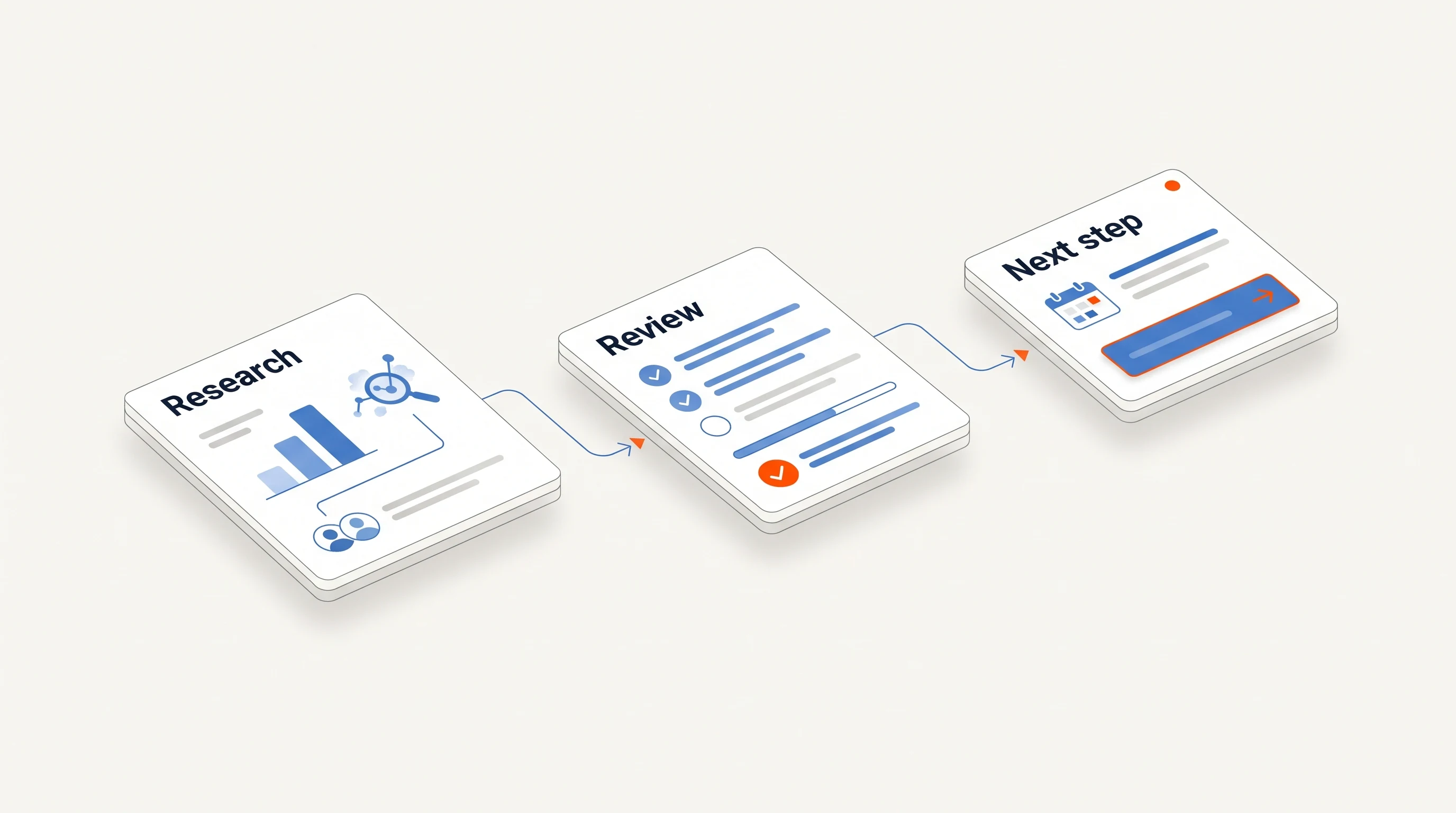
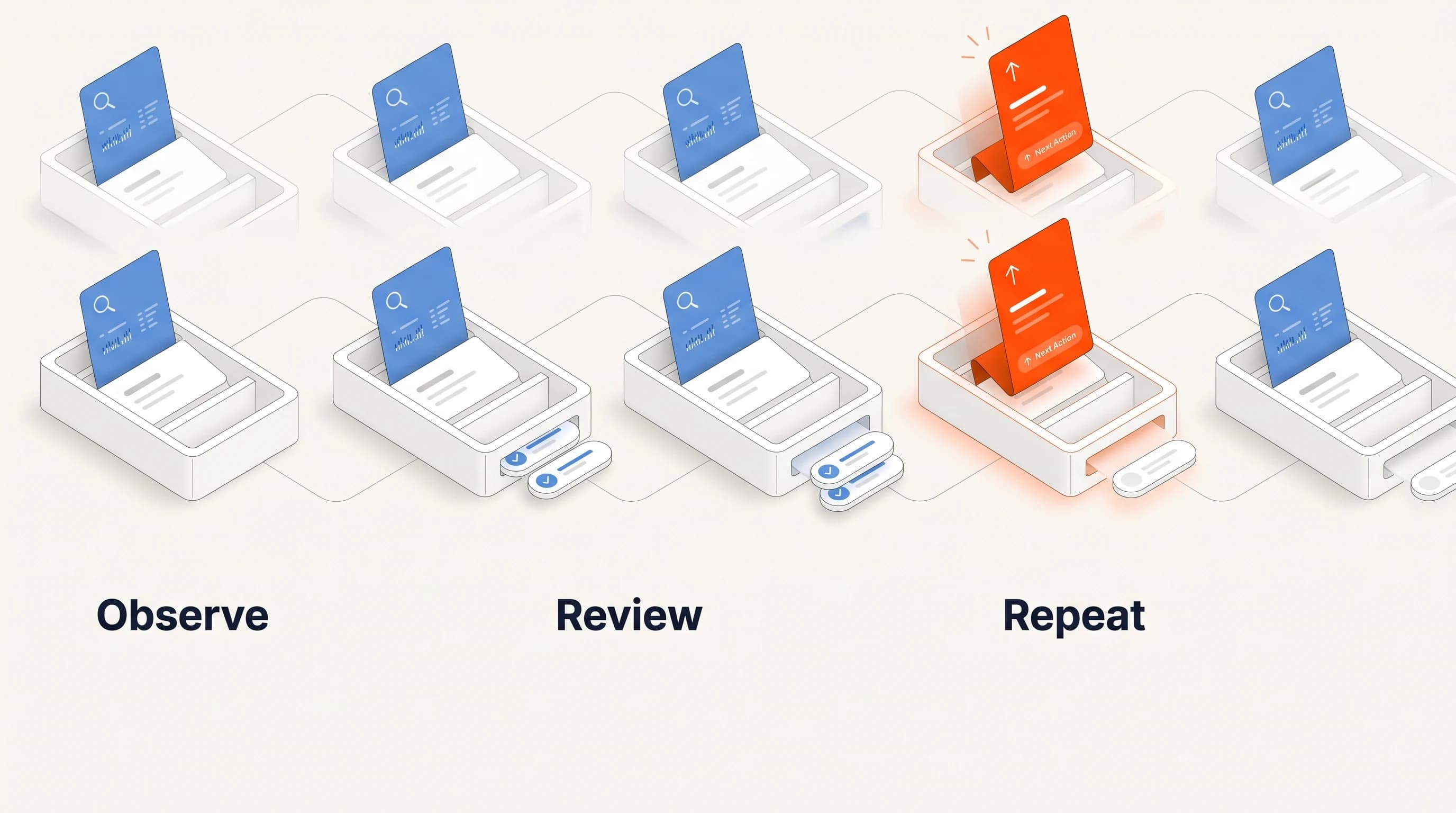
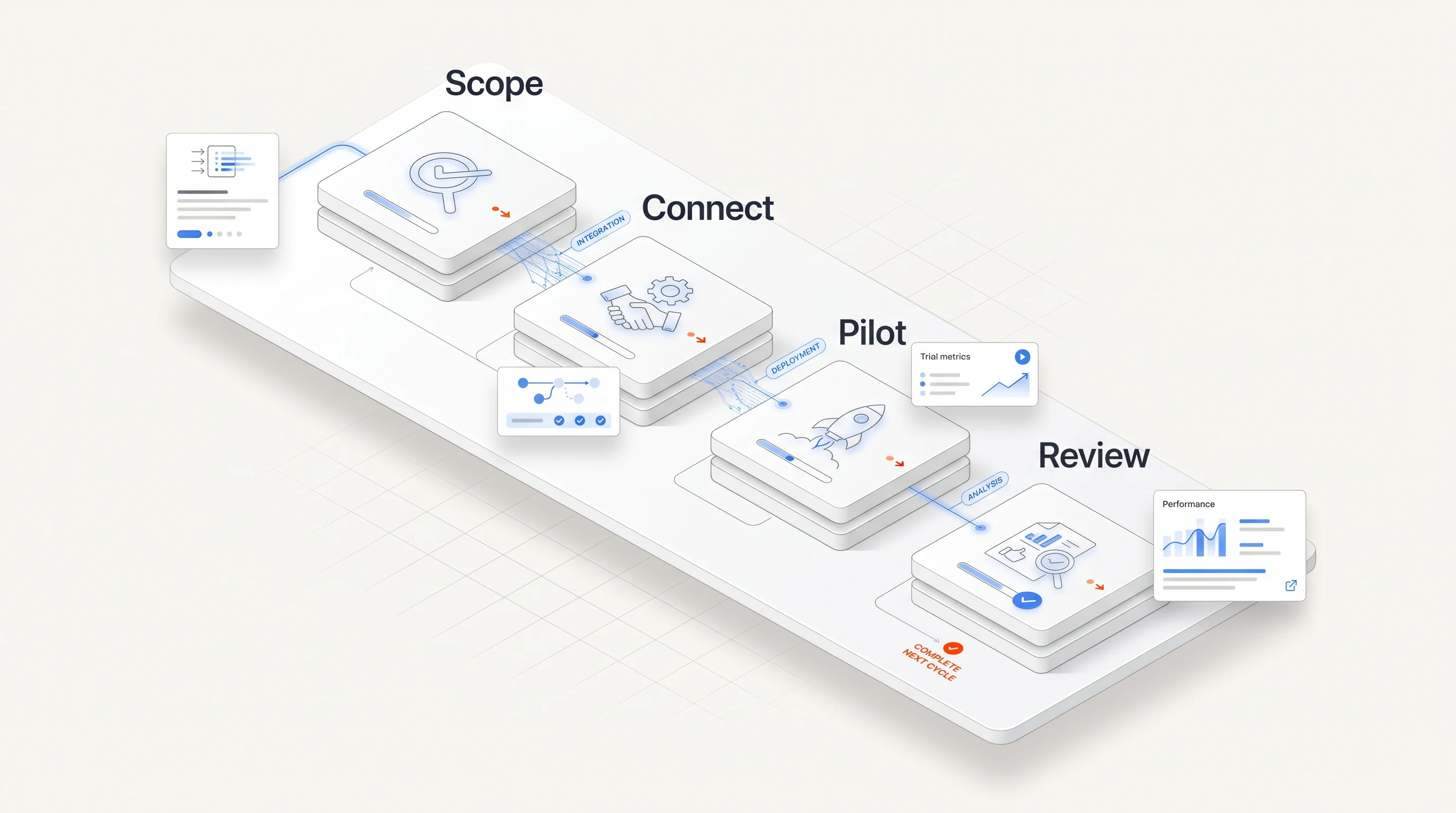
Week 1: foundation. Connect one or two mailboxes. Let the platform draft your business profile and target customer, then correct it. Choose one segment and one offer. Agree on who approves outputs.
Week 2: first outputs. Review the first batch of opportunities and drafted messages. Record every change you make and why. Reject anything where the evidence is thin; the rejections teach you more than the approvals.
Week 3: controlled sending. Turn on automatic sending for the segment within a conservative daily limit. Confirm that replies and opt-outs stop follow-ups. Read every reply.
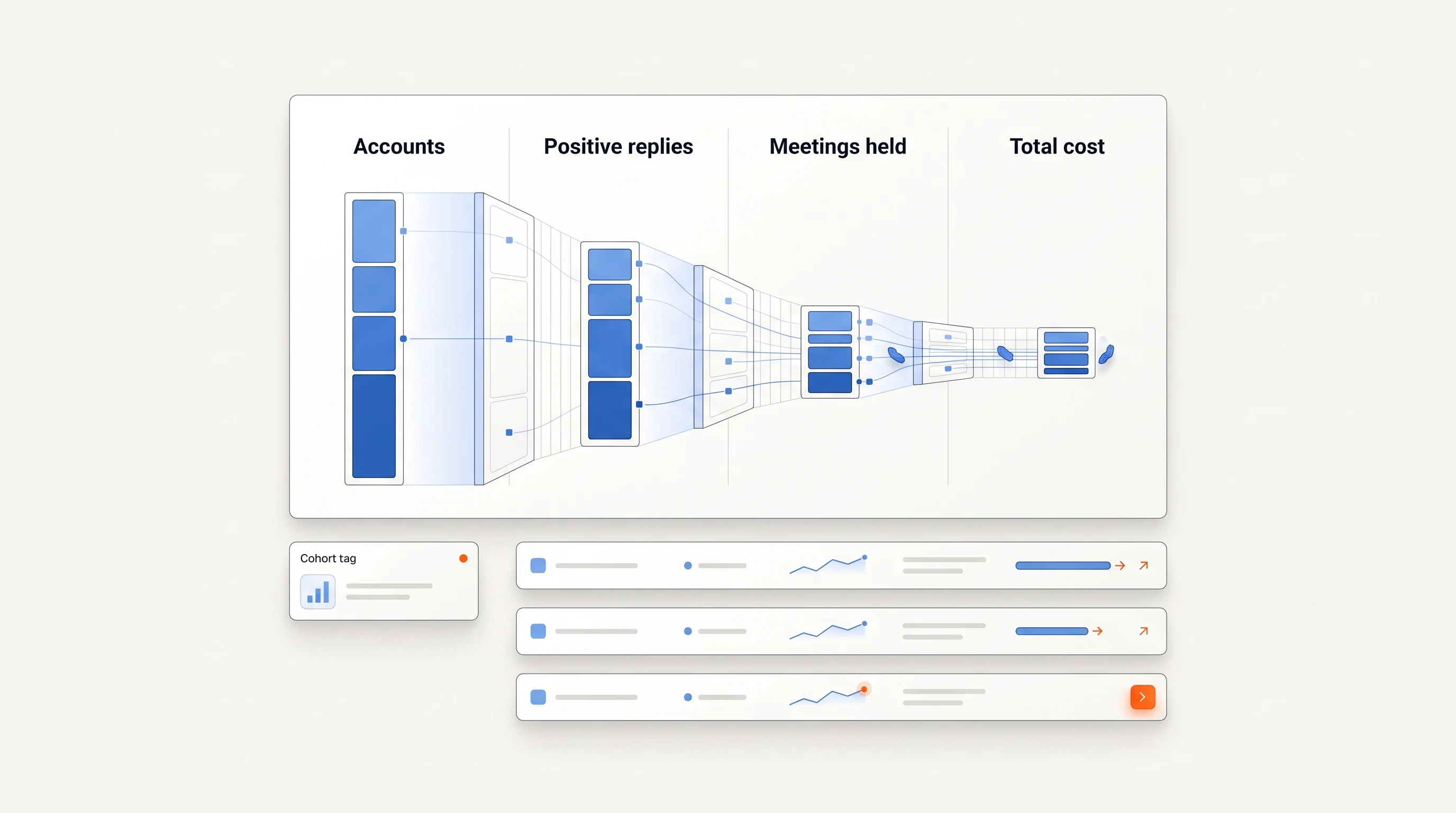
Week 4: review and widen. Compare replies and meetings with your previous process for the same segment. Fix what the reviews showed, then add a second segment or offer. Do not raise limits and add segments in the same week.
Shortcuts that cost you later
- Importing your whole CRM on day one. Old, unverified contacts damage sender reputation and bury good opportunities.
- Skipping the review of first outputs. Problems with tone or overstated claims multiply once sending is automatic.
- Raising sending limits early. Volume before reputation is the most expensive mistake in outbound.
- Turning on every channel at once. Get email working before adding manual steps on other channels.
Where Perpetual fits
Perpetual is designed for this kind of start. After you choose a package and complete checkout, onboarding reads your website and drafts a business profile for you to correct. You connect your own mailboxes (up to five), and campaigns run within a saved sending policy with daily and weekly limits; replies and opt-outs stop email follow-ups automatically, and you can pause any campaign at any time. The quickstart guide walks from account creation to an automatic email campaign. If you are moving from a manual process, see Migrating from manual prospecting to a signal-based go-to-market system.
Key takeaways
| Point | Detail |
|---|---|
| Count decisions, not clicks | Implementation time is set by the data, configuration and infrastructure a platform needs before it produces anything. |
| Start from what exists | Your website, your mailboxes and your recent wins are faster starting points than a blank configuration. |
| Define "live" honestly | Real messages inside a sending policy, with automatic stops, are the milestone that matters. |
| Widen one variable at a time | Add segments or raise limits, never both in the same week. |
Frequently asked questions
How long should implementing a sales automation platform take?
For a small team with one segment and existing mailboxes, two to four weeks to controlled automatic sending is a reasonable goal. Larger scopes, new sending domains or heavy CRM data work take longer.
Do I need a RevOps person to implement sales automation?
Not if the platform starts from your public footprint, ships with safe defaults and limits the first scope. You do need one person who owns reviewing the first outputs.
What is the biggest risk of a fast implementation?
Sending at volume before the outputs have been reviewed and before sender reputation is established. Keep limits conservative and read every reply in the first weeks.