JournalResearchNo. 02
How to Use Hiring Signals for Sales Prospecting
Turn public job postings into a focused prospecting play: check account fit, verify the evidence, find the responsible person and write a relevant opener.
Matija Nikolić8 min read9 sections
Contents
Published by Perpetual
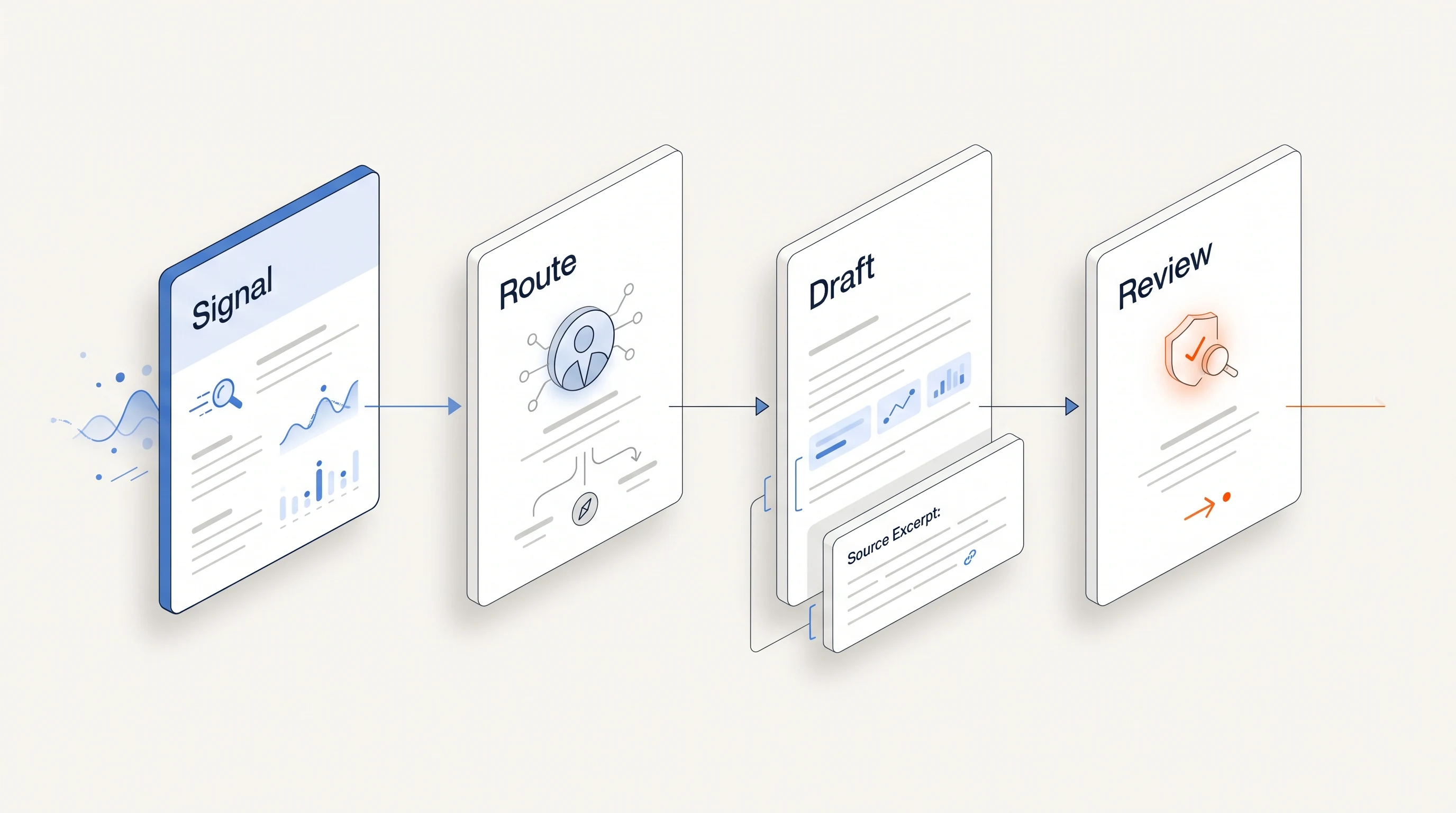
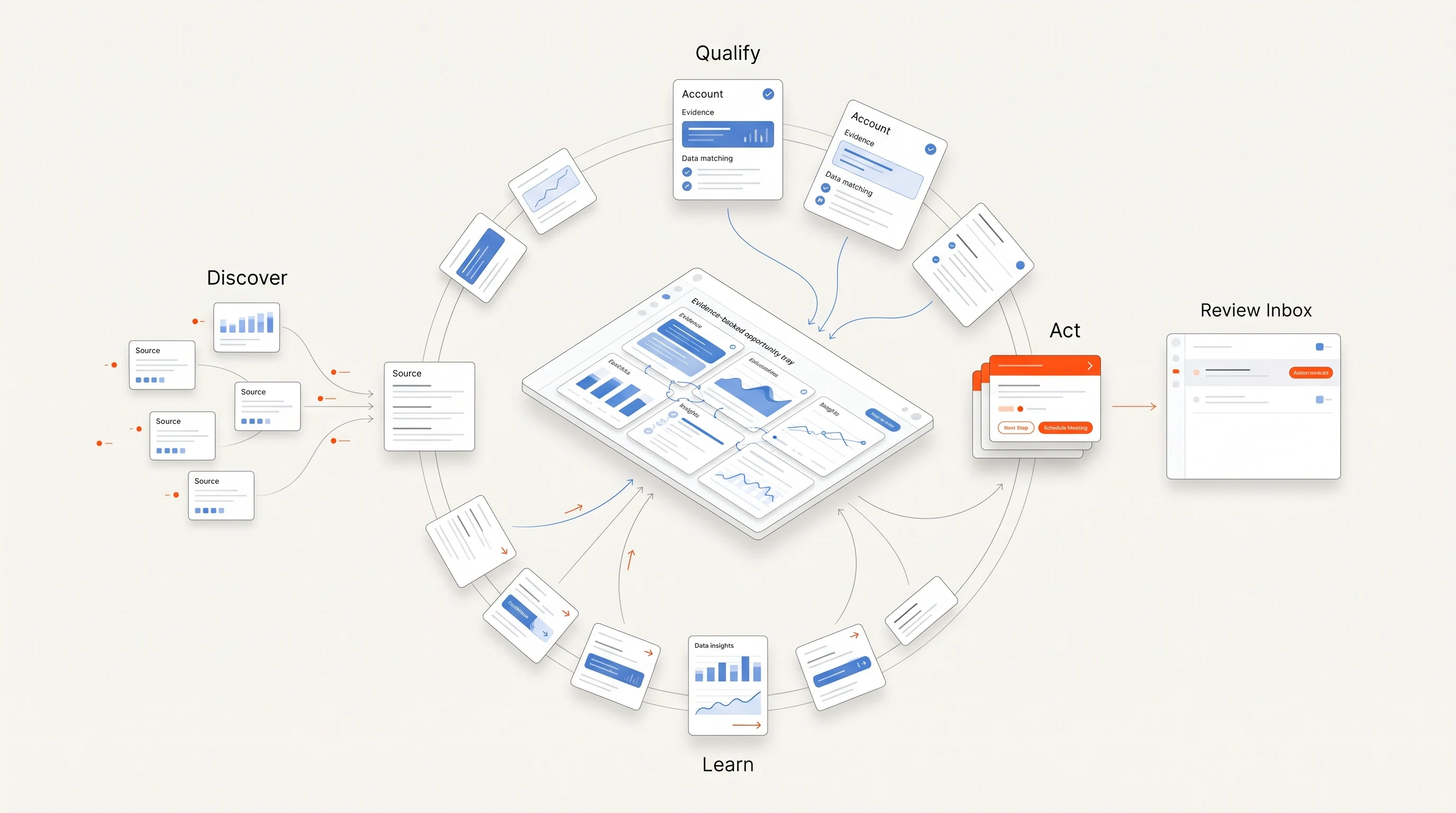
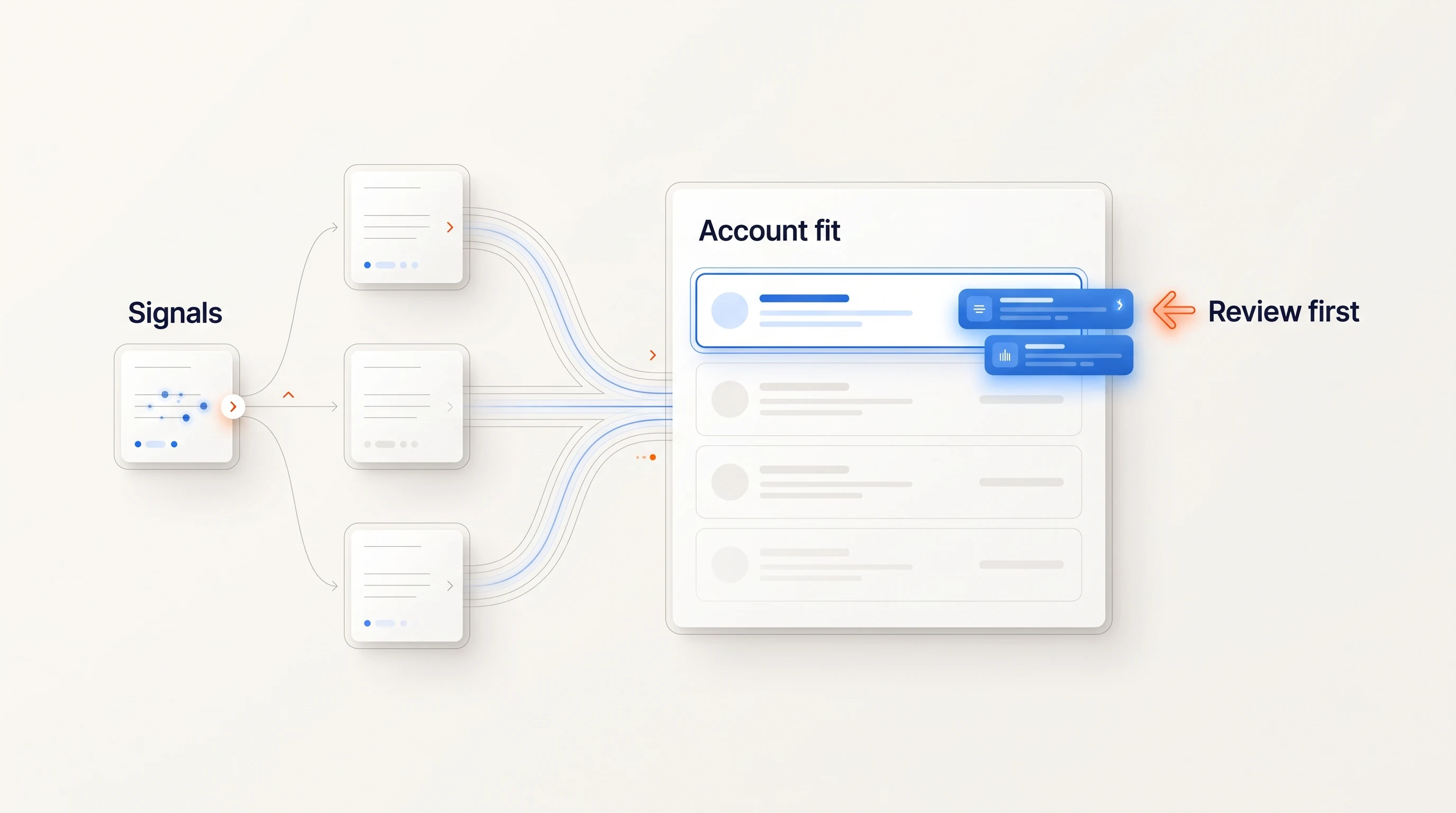
A hiring signal is useful for sales prospecting when the responsibilities in an active job posting connect to the work your offer supports. Start with those responsibilities, verify the company fits your market, and identify the person responsible for the work. Then decide whether you have a reason to reach out.
This playbook is for a founder or small sales team that wants to turn public vacancies into a reviewable prospecting process. It includes an account example and a downloadable worksheet. A job is a clue about activity, not evidence that the company wants an outside vendor.
Read the work behind the job title
“Hiring salespeople” is too broad for most offers. Read what those people will do: enter a new territory, build a partner channel, maintain a CRM, sell to larger customers, or support a different product. Those responsibilities explain why a particular opening might matter to you.
Connect the posting to your offer in one sentence. For a service that helps teams research target accounts, the connection might be: “This company is recruiting account executives for a new region, and we help regional sales teams prepare account research.” That is a hypothesis you can investigate. It does not establish that the team lacks research capacity.
Keep the company's eligibility separate. Check industry, geography, customer type and any other requirements for your offer. A relevant vacancy at an unsuitable company still belongs outside the campaign. The buying-signal library gives examples of observations that may support other offers.
Build a hiring-signal play
A usable play needs a trigger, an eligible account, a responsible person, a message angle and a stopping rule. Write these before collecting a large list.
| Decision | Example for an account-research service |
|---|---|
| Account criteria | B2B software companies selling to businesses in a region the service covers. |
| Hiring observation | An active account executive opening explicitly describes entering a new territory. |
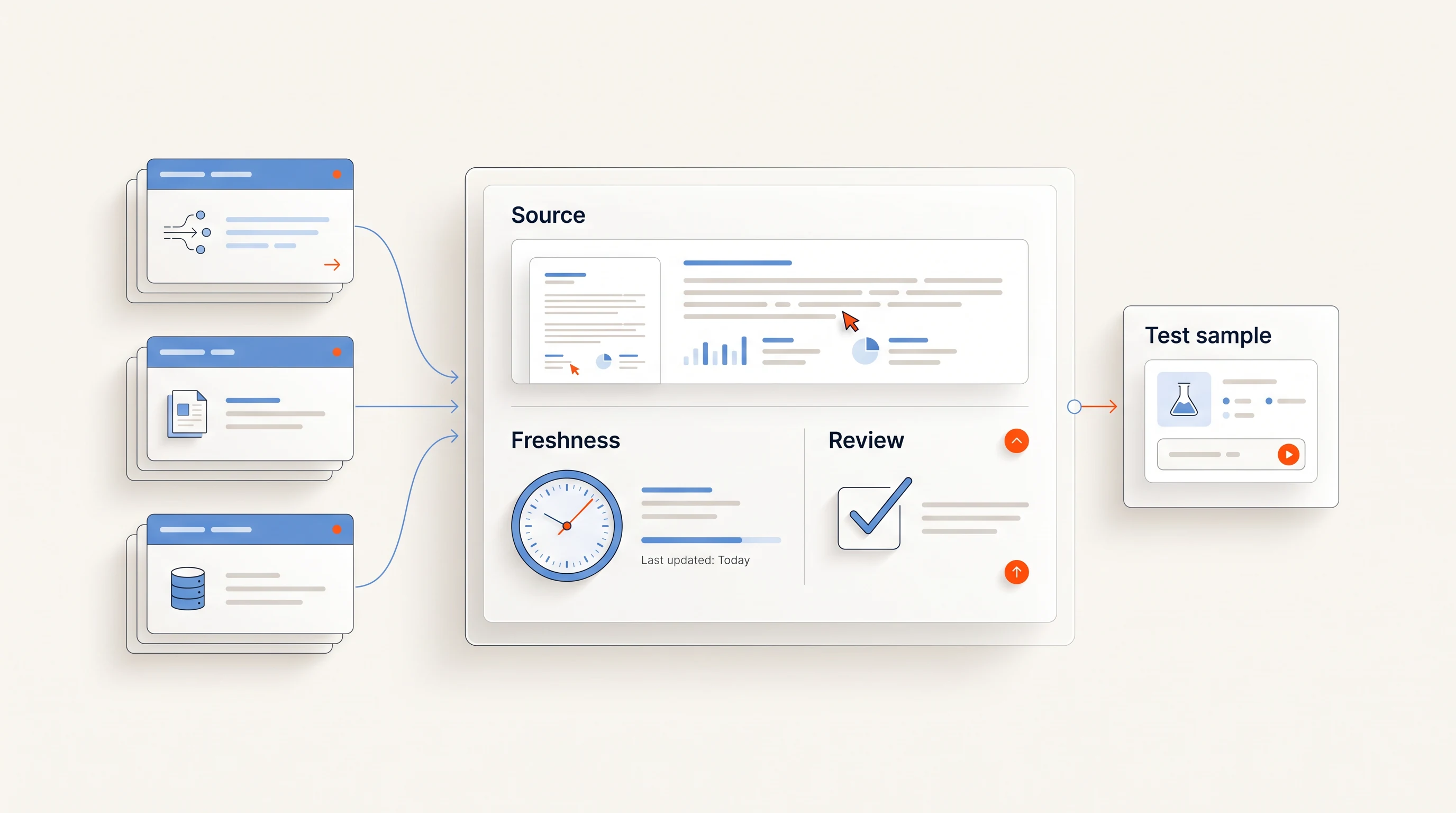
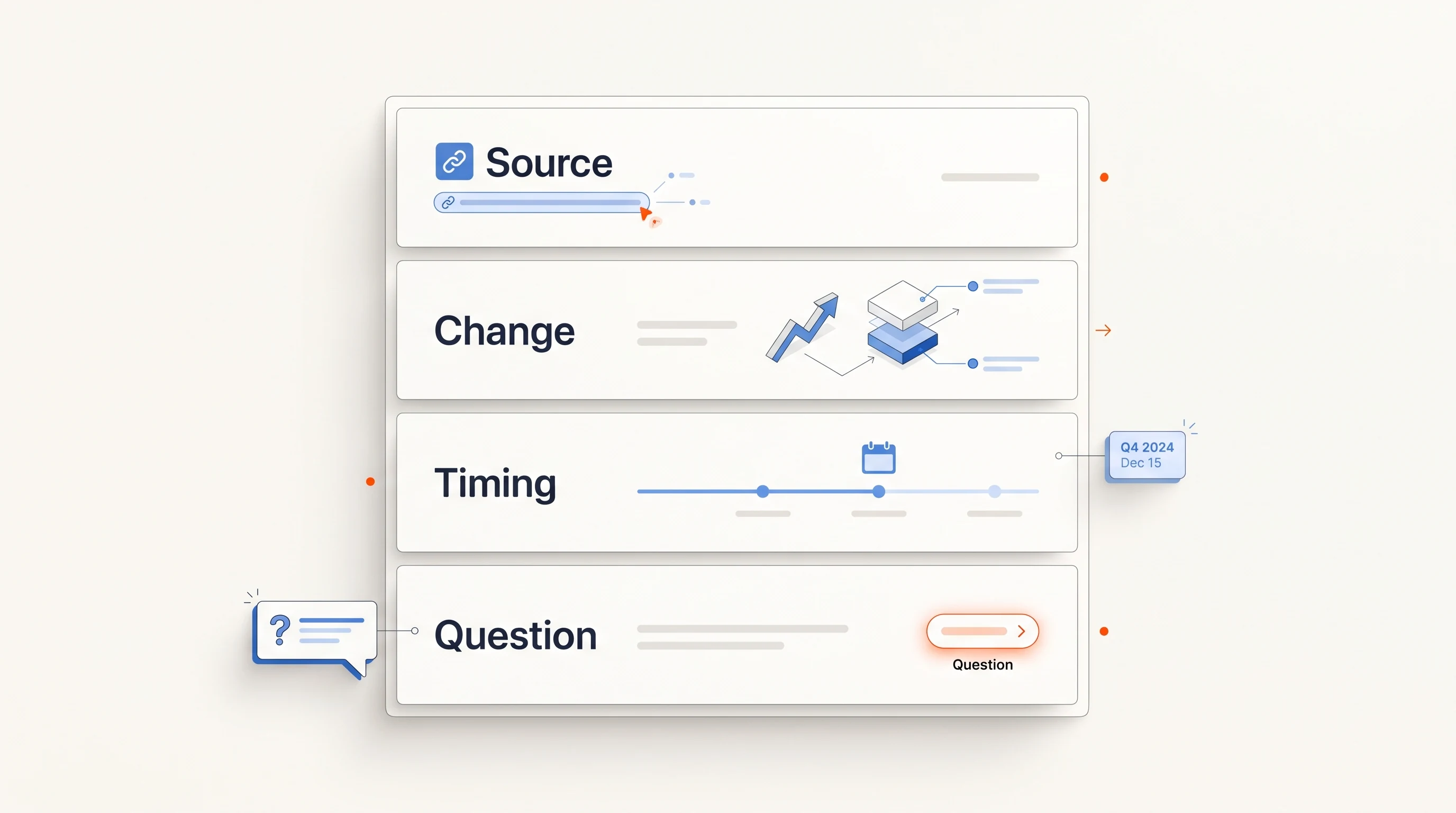
| Evidence to keep | Company domain, job URL, role, stated responsibility, first observation date and last check. |
| Person to investigate | The leader responsible for sales in that territory, verified against current information. |
| Question to explore | How will account research be divided between the regional reps and the central team? |
| Exclude or hold | Wrong market, stale posting, duplicate event, existing commercial conflict or no defensible connection to the offer. |
| End follow-up | A reply, opt-out, completed sequence or a reason the account is no longer appropriate. |
Use explicit “unknown” values. If you cannot verify the regional owner, record that gap and research further. A plausible name generated from a title pattern is not a verified decision-maker.
Check freshness and duplicates
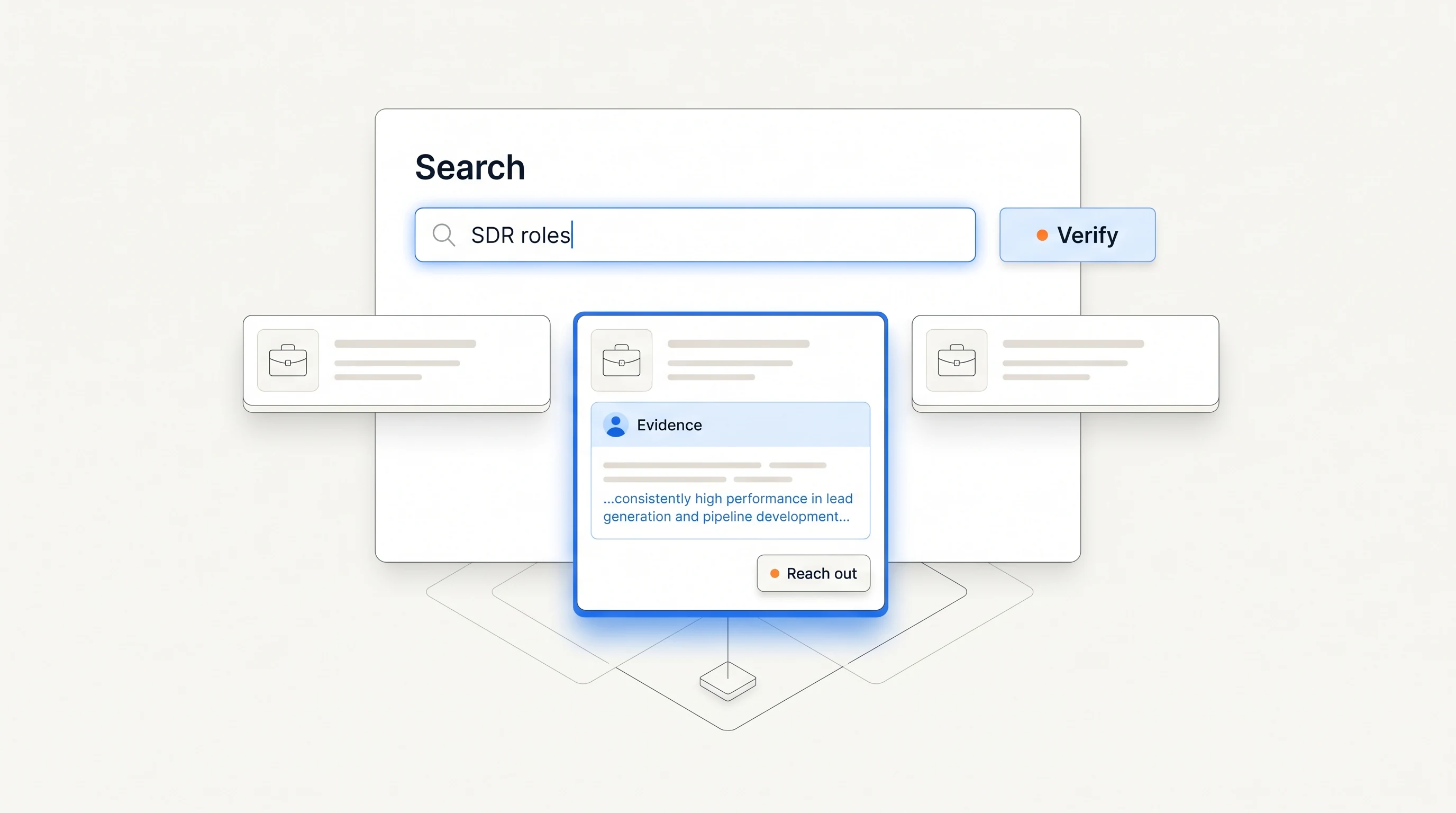
Prefer the company's own careers page or its linked applicant tracking system when confirming a vacancy. Aggregators can help you discover an opening, but a copied listing may remain visible after the original closes. Save the original URL when you can find it.
Keep the date you first observed the role separate from the posting's claimed publication date. The day you found a job is not necessarily the day the company began hiring. A refreshed timestamp also does not prove a new position was added.
Deduplicate by the underlying opening. A single remote role advertised in several cities may be one position. Several roles at the same company may be distinct openings while still describing one hiring initiative. Count companies, openings and outreach recipients separately.
Before writing, reopen the source and check the sentence you plan to reference. Use “your careers page lists…” when that is what you know. Save claims such as “your team is doubling” for a source that actually establishes headcount change.
Work through one fictional account
Consider Ridge Example, a fictional software company. Its careers page lists a regional account executive role with a responsibility to establish a DACH territory. You offer account research for B2B sales teams operating in that region.
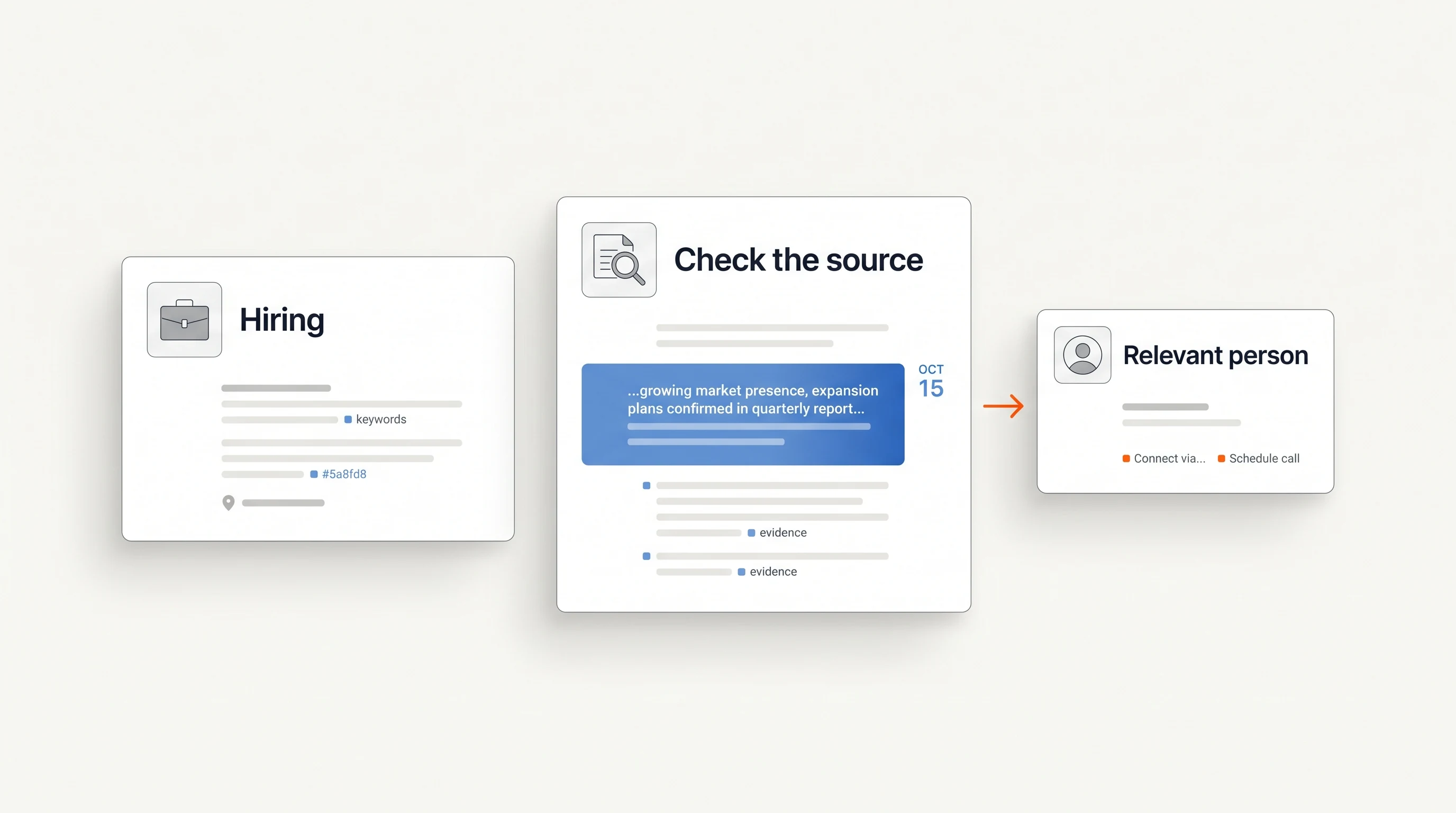
- Check the company. Confirm that its customers, offering and target market match your service.
- Keep the evidence. Save the role URL and the responsibility about the territory. Note when you checked it.
- State the limit. You do not know the launch date, current research process or whether any work will be outsourced.
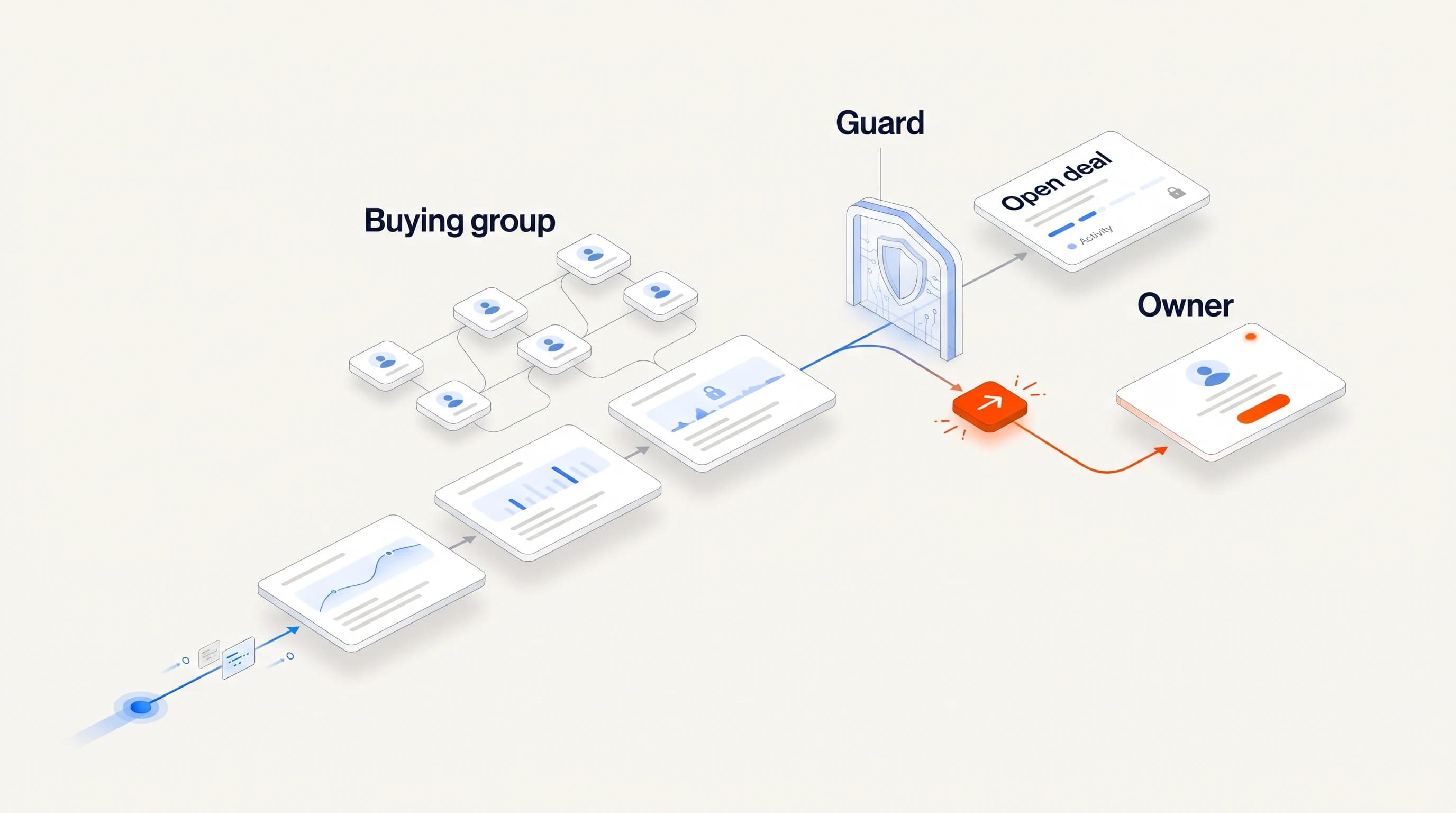
- Choose the person. Verify who owns that region or sales function. Do not default to the recruiter because they published the vacancy.
- Write the opener. Ask about the work described in the posting and explain how your service relates.
Hi Morgan, your regional AE opening mentions building the DACH territory. I work on account research for B2B sales teams entering that market. Will the new reps build their account coverage locally, or will a central team prepare it?
The name, company and situation are illustrative. Use this pattern only after replacing them with checked information. The email template guide includes other angles and a follow-up that adds something useful.
Run a small pilot
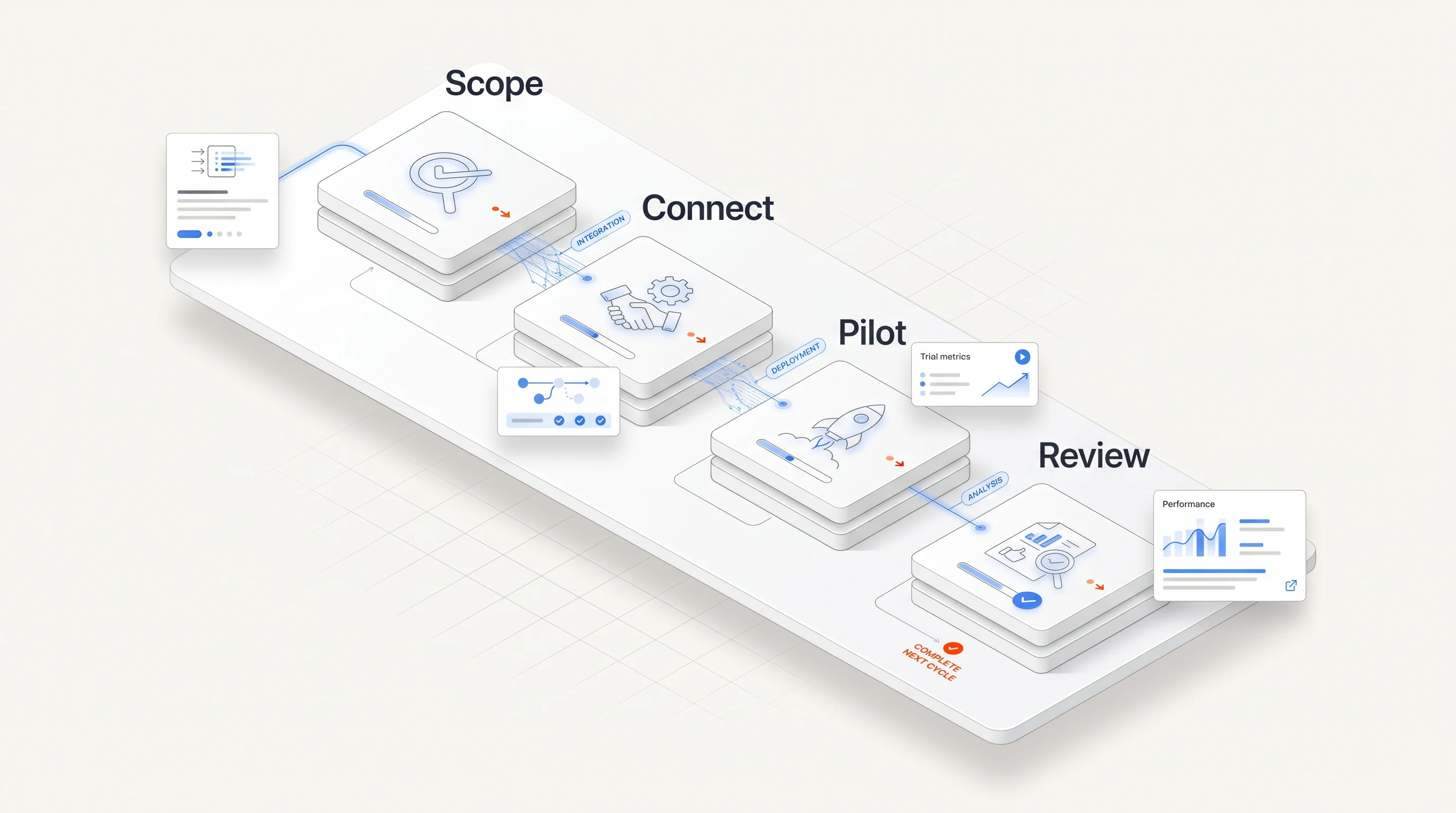
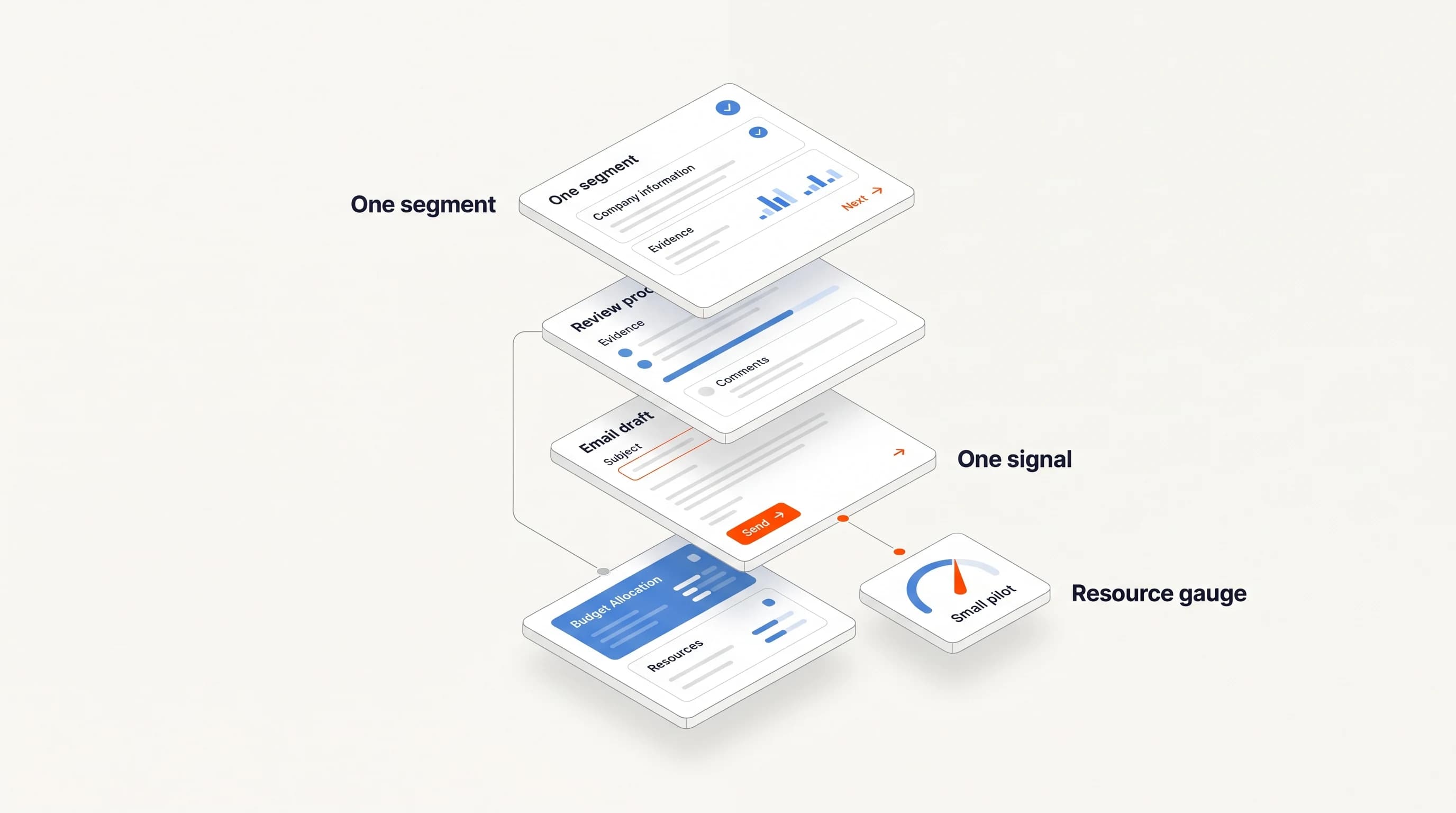
Pick one segment and one kind of responsibility. Review a batch small enough that you can open every source; twenty companies is a practical starting example, not a sample size that establishes conversion lift. Keep a record of companies that fail qualification as well as those you contact.
Before sending, check that the account is not a customer, an active opportunity or already owned by another campaign. Verify the contact channel and configure your sending policy. Assign someone to handle replies rather than treating a sent message as the end of the workflow.
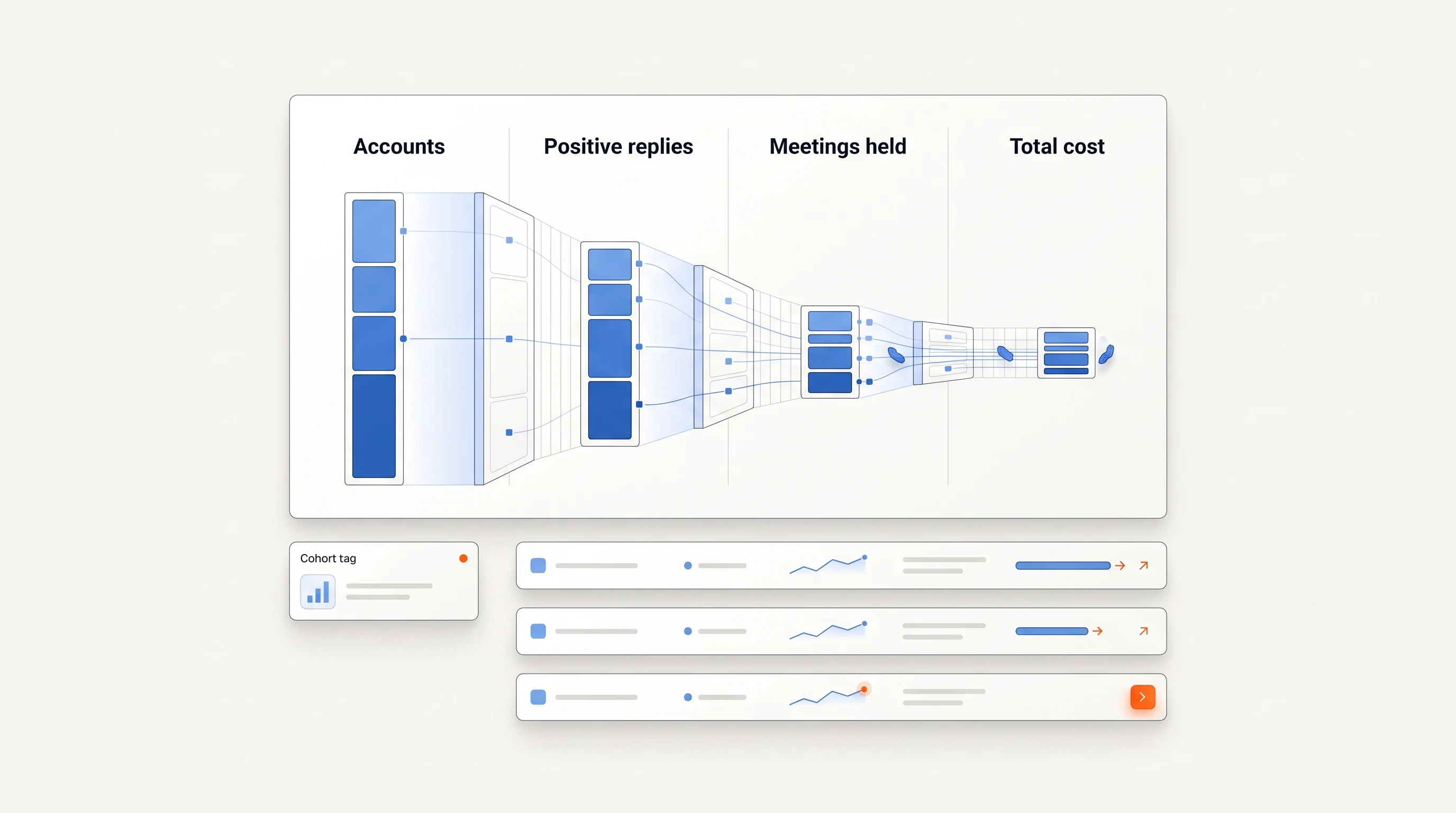
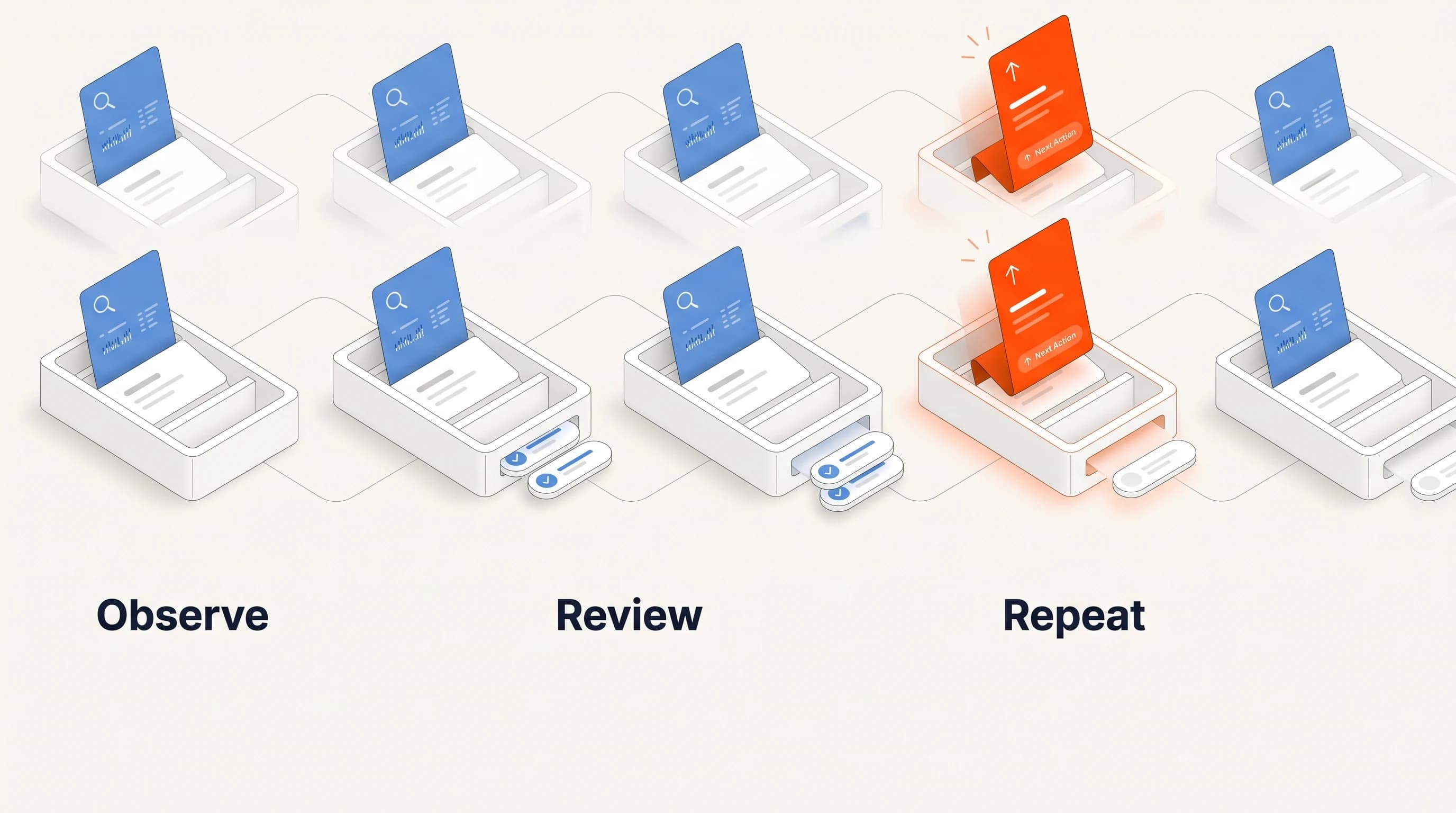
Measure how often the posting really supports the outreach angle, how often the selected person owns the work, and how much research time each account takes. Then track positive replies and qualified meetings held. If research produces many appealing but irrelevant accounts, change the source or account criteria before rewriting every email.
Use the outbound measurement guide for definitions and a cohort worksheet. Avoid comparing a new batch's early replies with an older batch's fully developed opportunities.
Download the hiring-signal research worksheet
Download the hiring-signal worksheet. It contains the fields to capture and two explicitly fictional examples, including an account that should be held for further research. Replace the examples with your own verified observations.
Book a demo to discuss the hiring responsibilities that matter to your offer. Bring one example of a good-fit company and one that should be excluded.
Where Perpetual fits
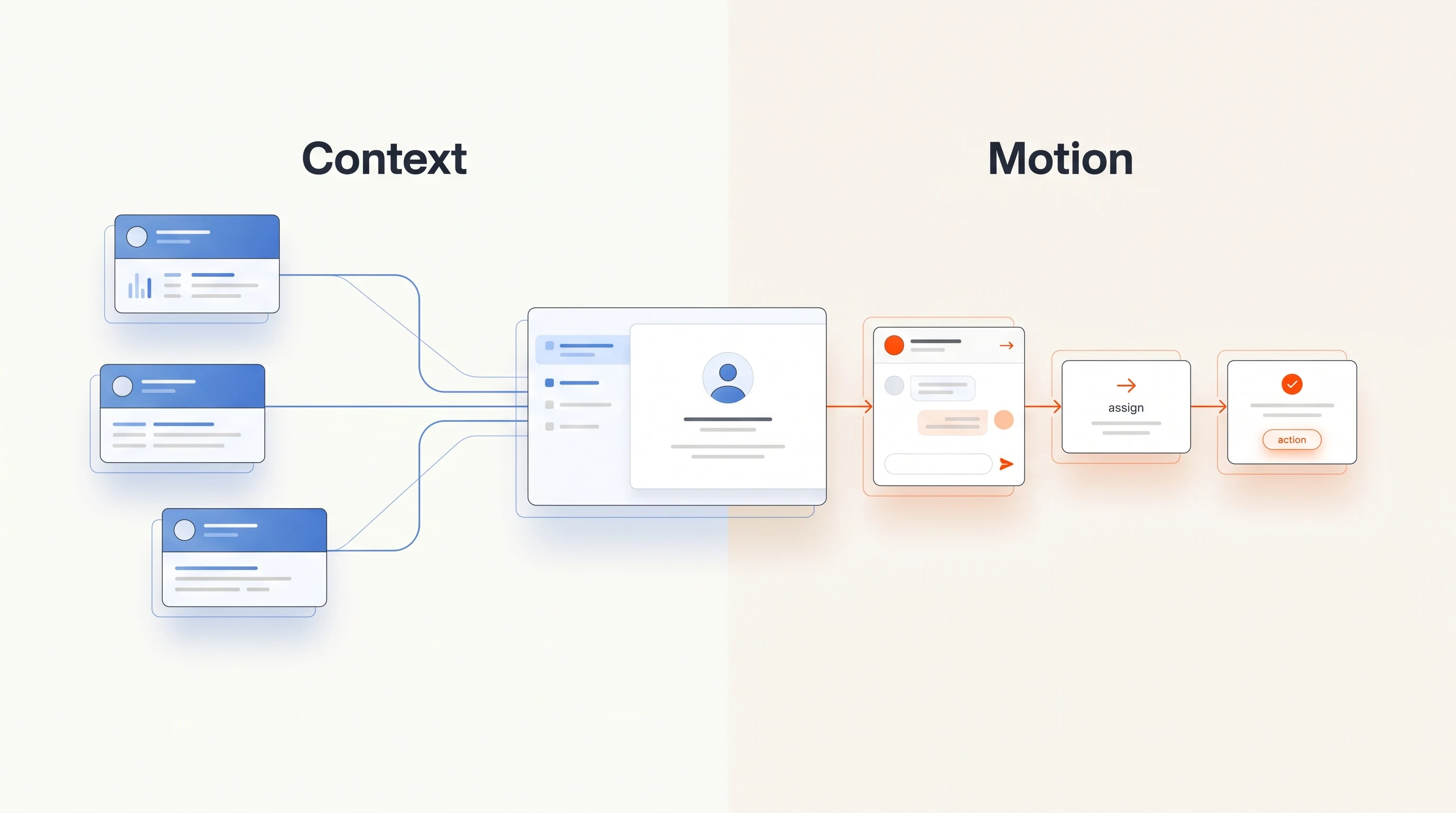
Perpetual is a signal-based outbound tool for founders and B2B sales teams that runs this playbook on public hiring activity: it qualifies companies against your offer, selects one relevant person with an explanation, and writes an opener grounded in the posting. Each opportunity states what its evidence does not prove, because an open role does not establish budget or purchase intent. Completing campaign setup authorizes automatic email within your saved sending policy; activity can be inspected and campaigns paused. Replies and opt-outs stop email follow-ups, while LinkedIn steps remain manual tasks. The quickstart guide covers setup.
Frequently asked questions
Does an open job mean the company will buy software?
No. It establishes that the company has advertised work. The company may solve that work by hiring, changing a process or using tools it already owns. Your message should leave room for that answer.
Should I contact the hiring manager or a recruiter?
Find the person responsible for the work your offer supports. A recruiter may own the vacancy without owning the operational decision. Verify responsibility rather than inferring it from who posted the job.
How many open jobs should trigger outreach?
There is no universal threshold. One specific responsibility may be more relevant than many generic openings. Write a rule for your offer and review its results.
Further reading: Clay publishes a hiring-based prospecting template, and Common Room's playbook library includes a job-listing use case. This guide's account example, email and worksheet are original.