JournalOutreachNo. 03
4 Signal-Based Cold Email Templates You Can Adapt
Original cold email templates for relevant hiring, new responsibilities, expansion and useful follow-ups. Includes source checks and a free CSV download.
Marko Raković7 min read9 sections
Contents
Published by Perpetual
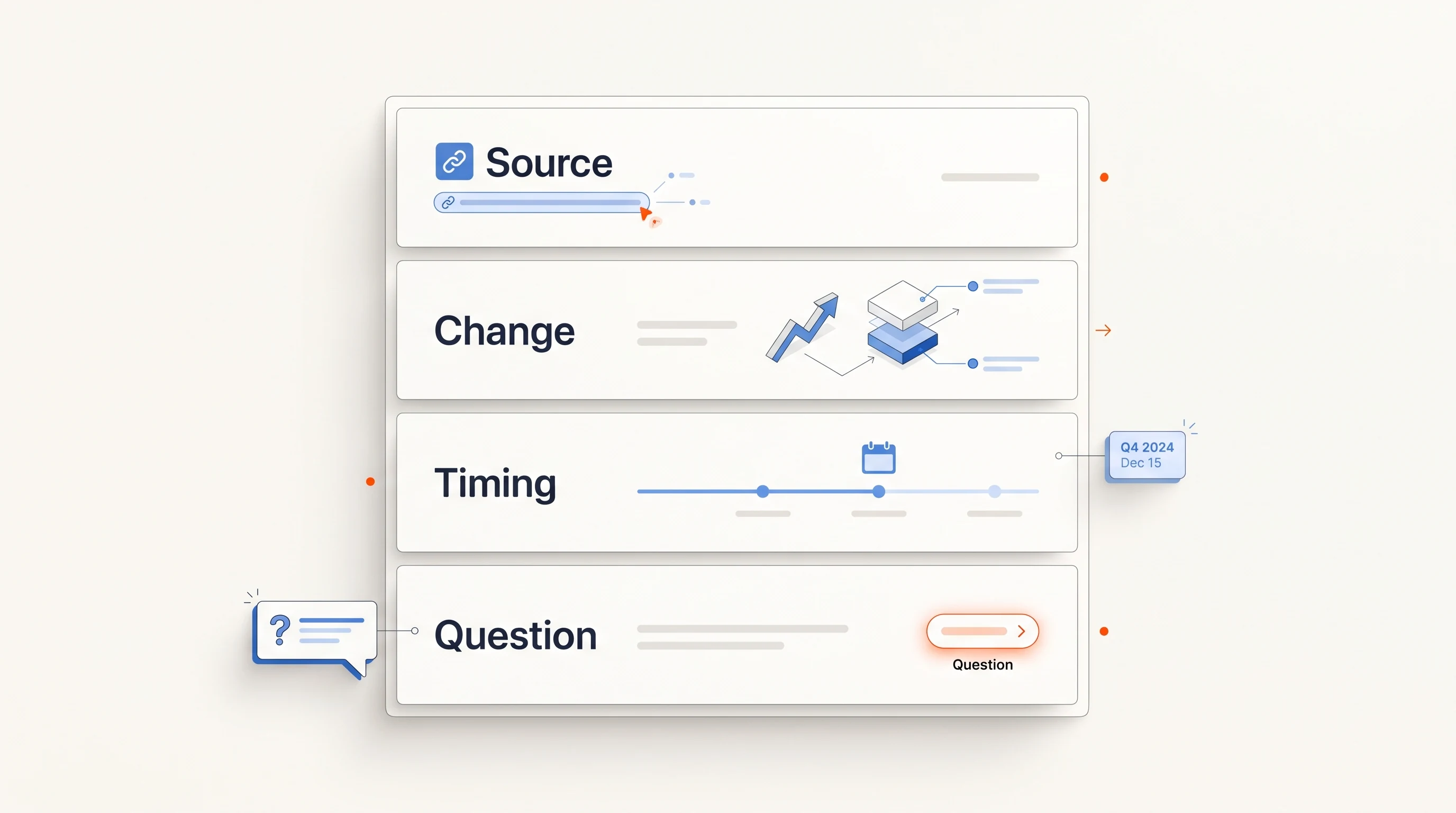
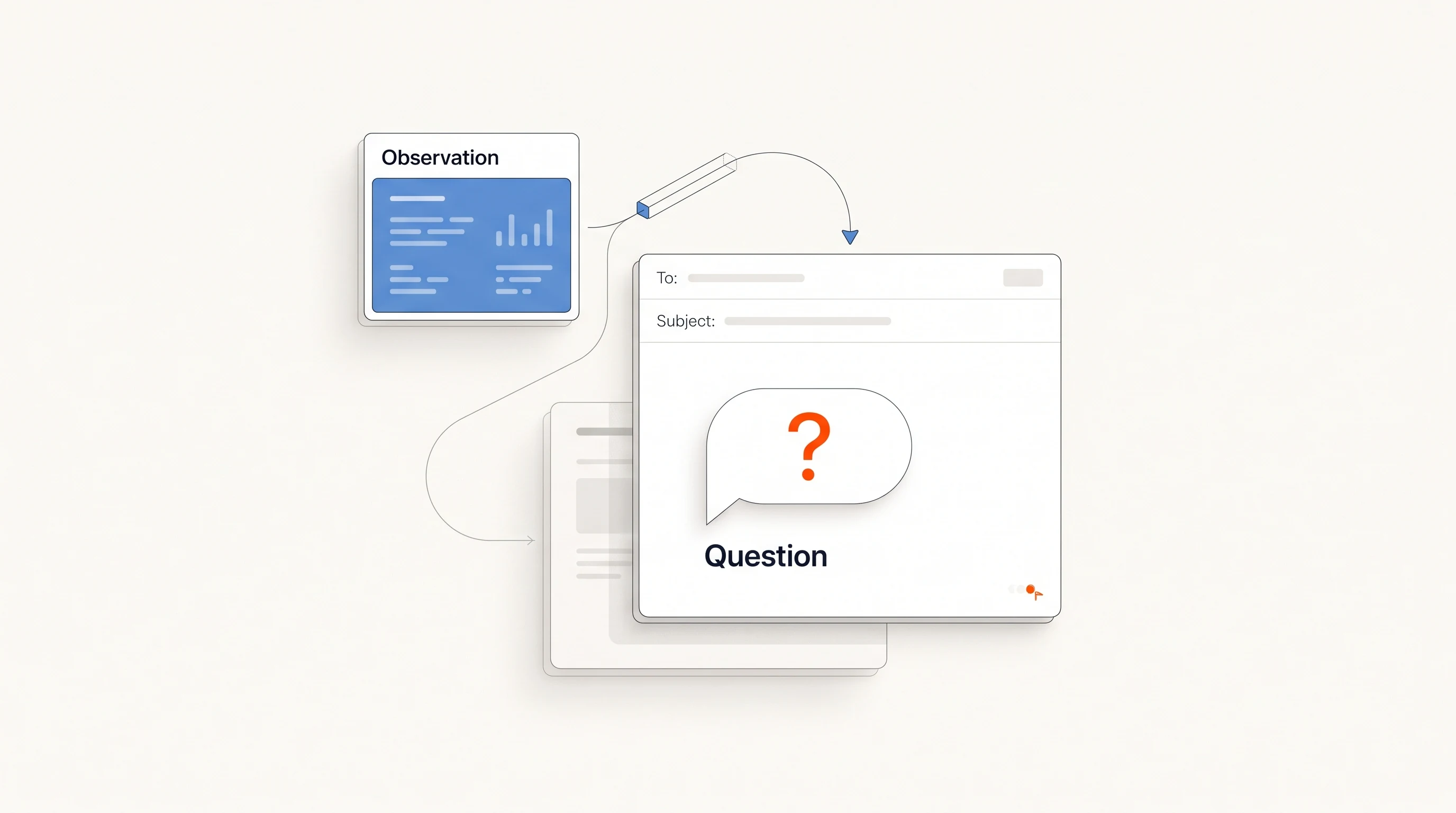
A signal-based cold email connects a checked observation to work your offer supports, then asks a question the recipient can answer. It should make the reason for contacting that person clear. Mentioning a company event without connecting it to your work adds trivia, not relevance.
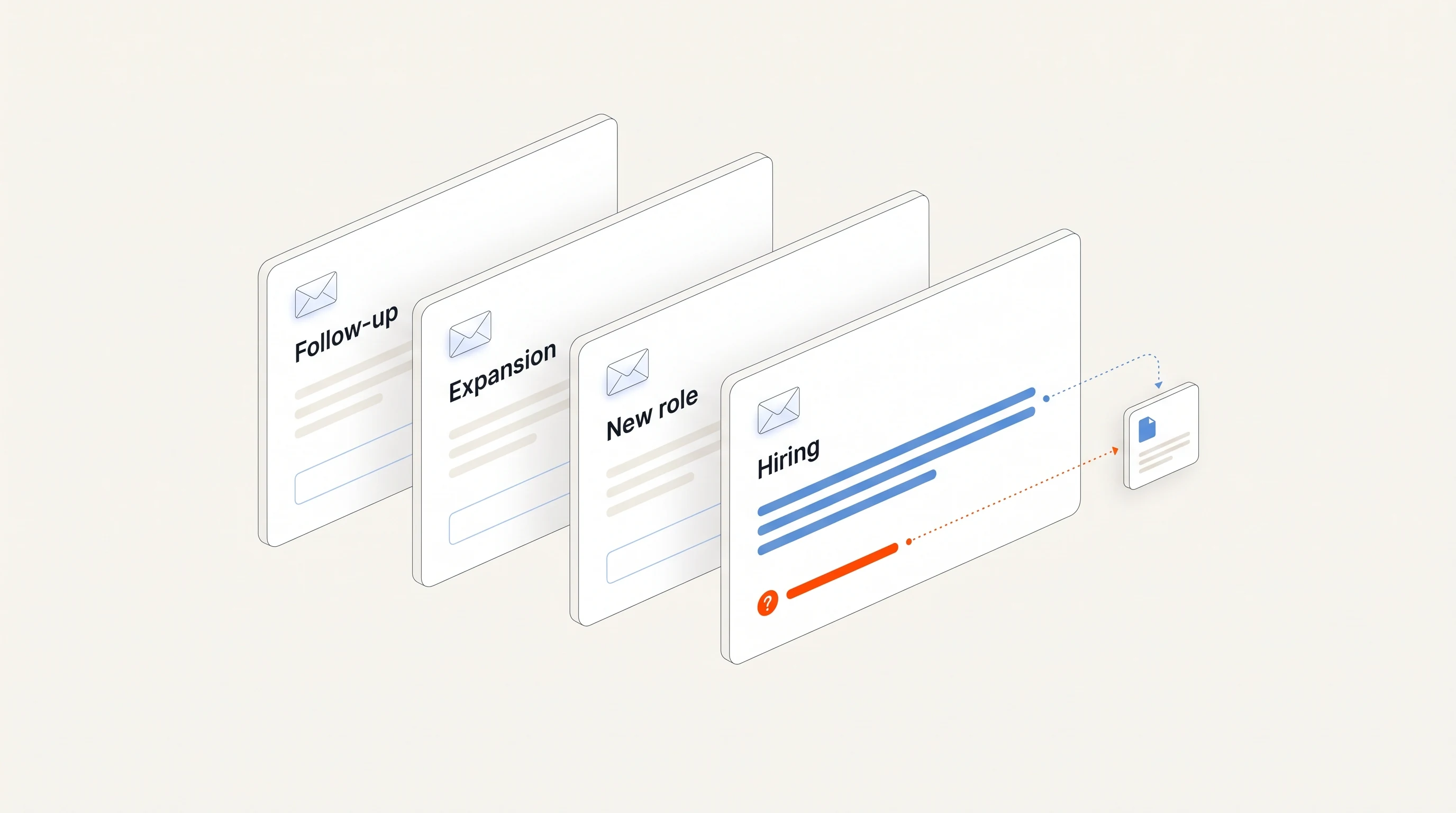
The four templates below are original starting points, with a download at the end. They have not been presented as tested campaigns or tied to a promised reply rate. Replace every placeholder with verified information and remove any sentence that does not fit the recipient.
What to verify before writing
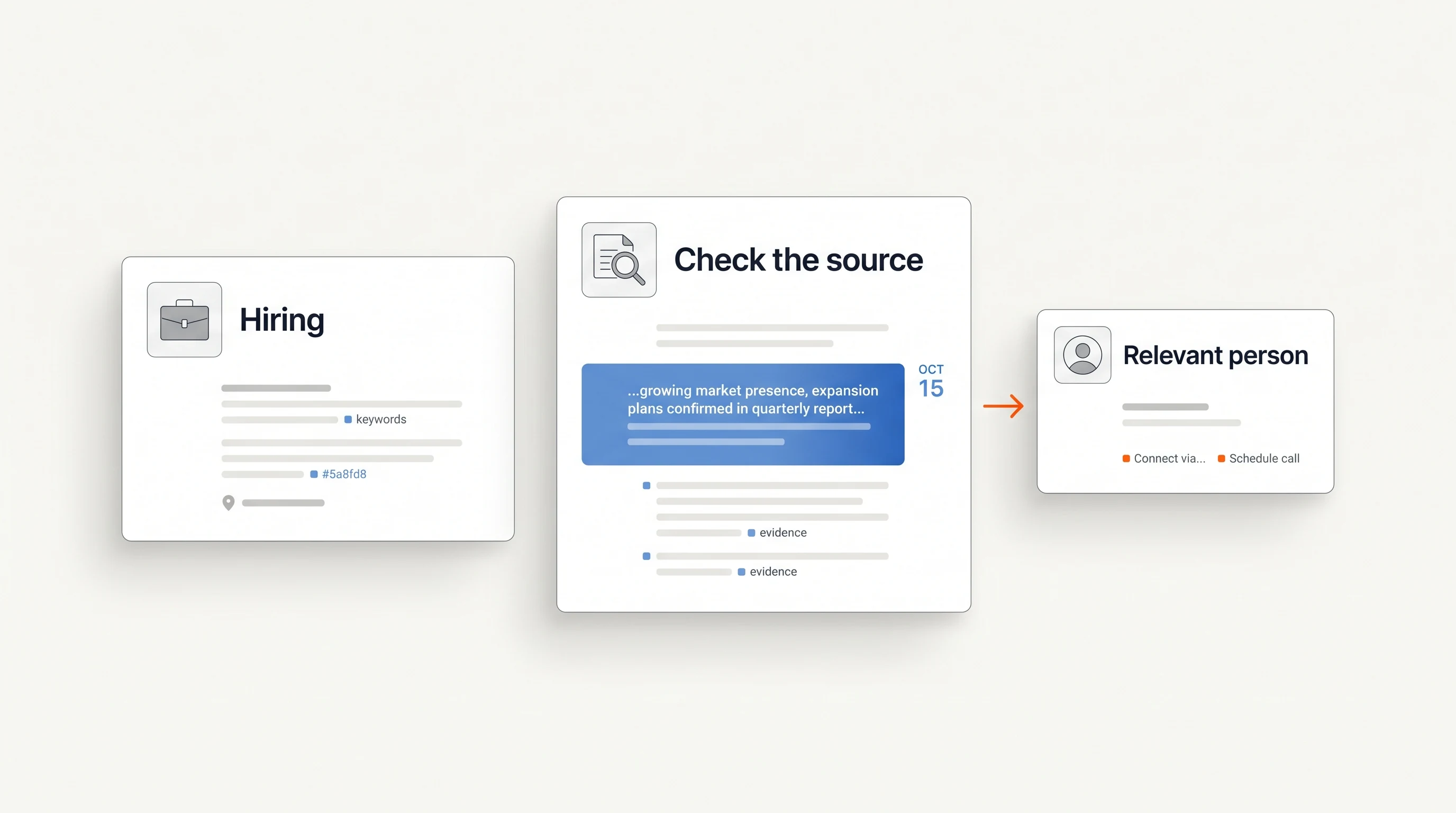
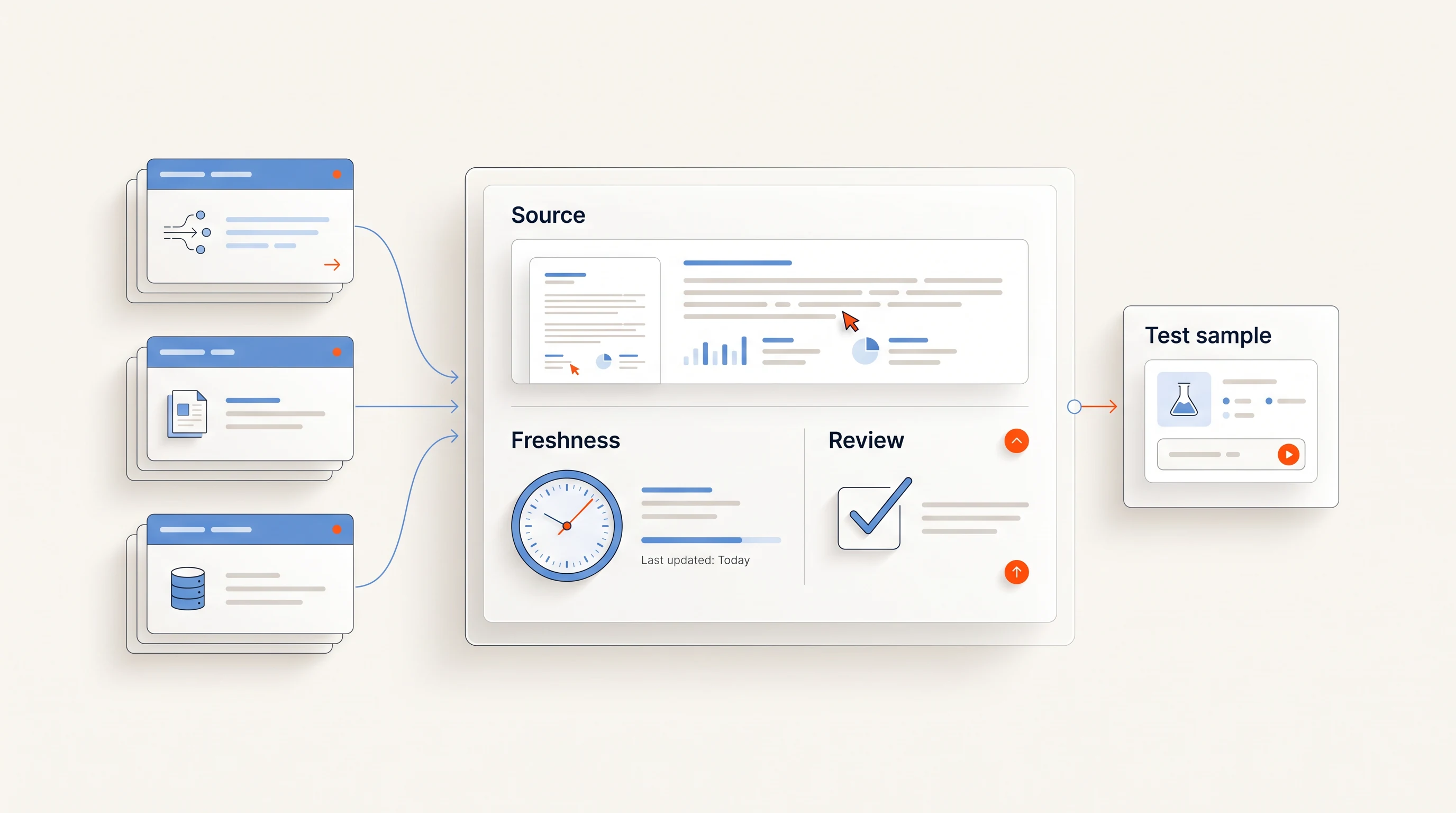
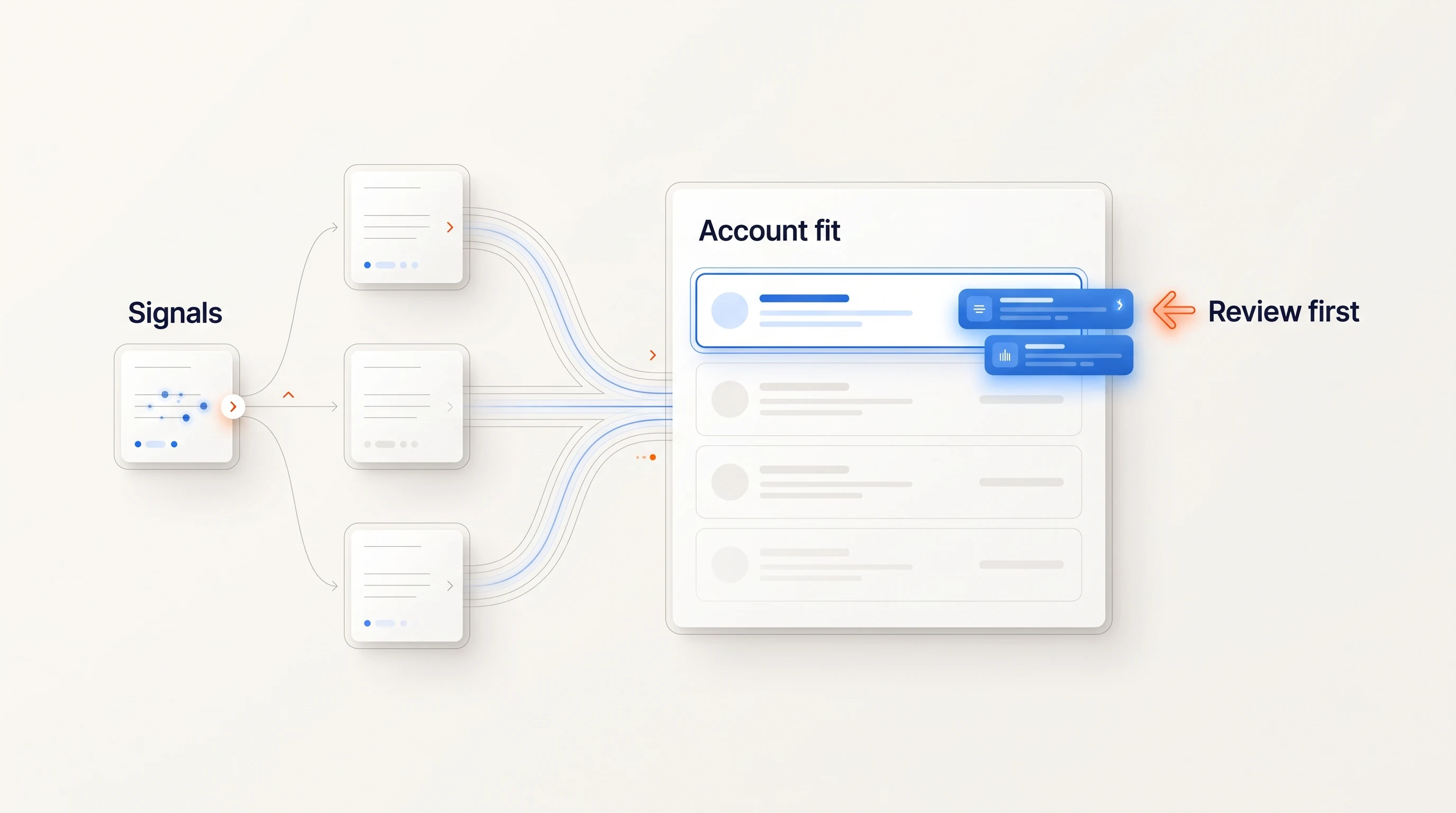
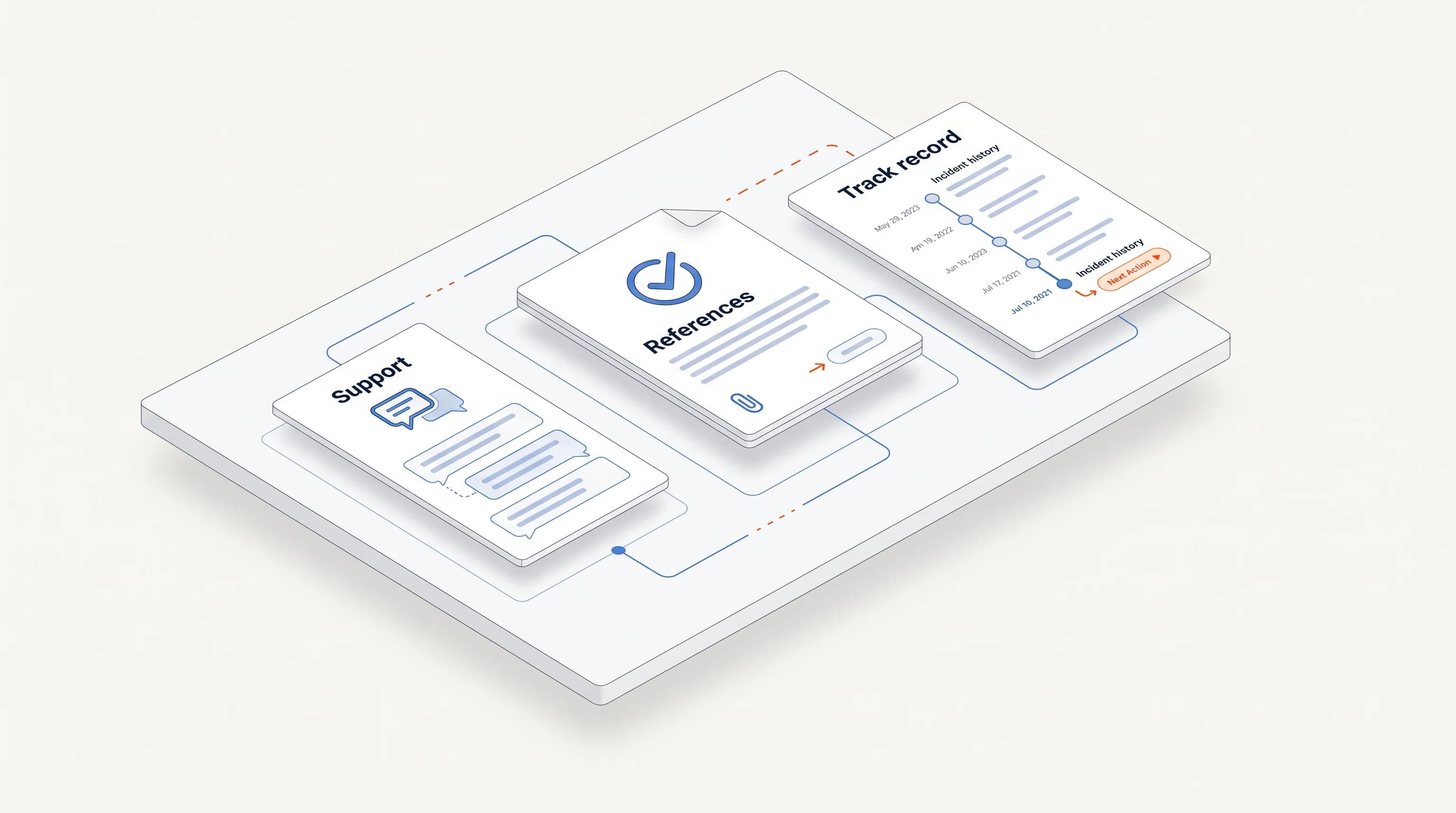
Keep a short research note beside the draft. Include the account's fit, the public source, the date checked, the relevant responsibility and the reason this person is likely to own it. Write down what remains unknown. If the note is weak, more polished wording will not fix the message.
- Observation: what the source actually says, without added interpretation.
- Connection: why that work relates to your offer.
- Person: evidence that the recipient owns or influences that work.
- Question: what you want to understand before suggesting a next step.
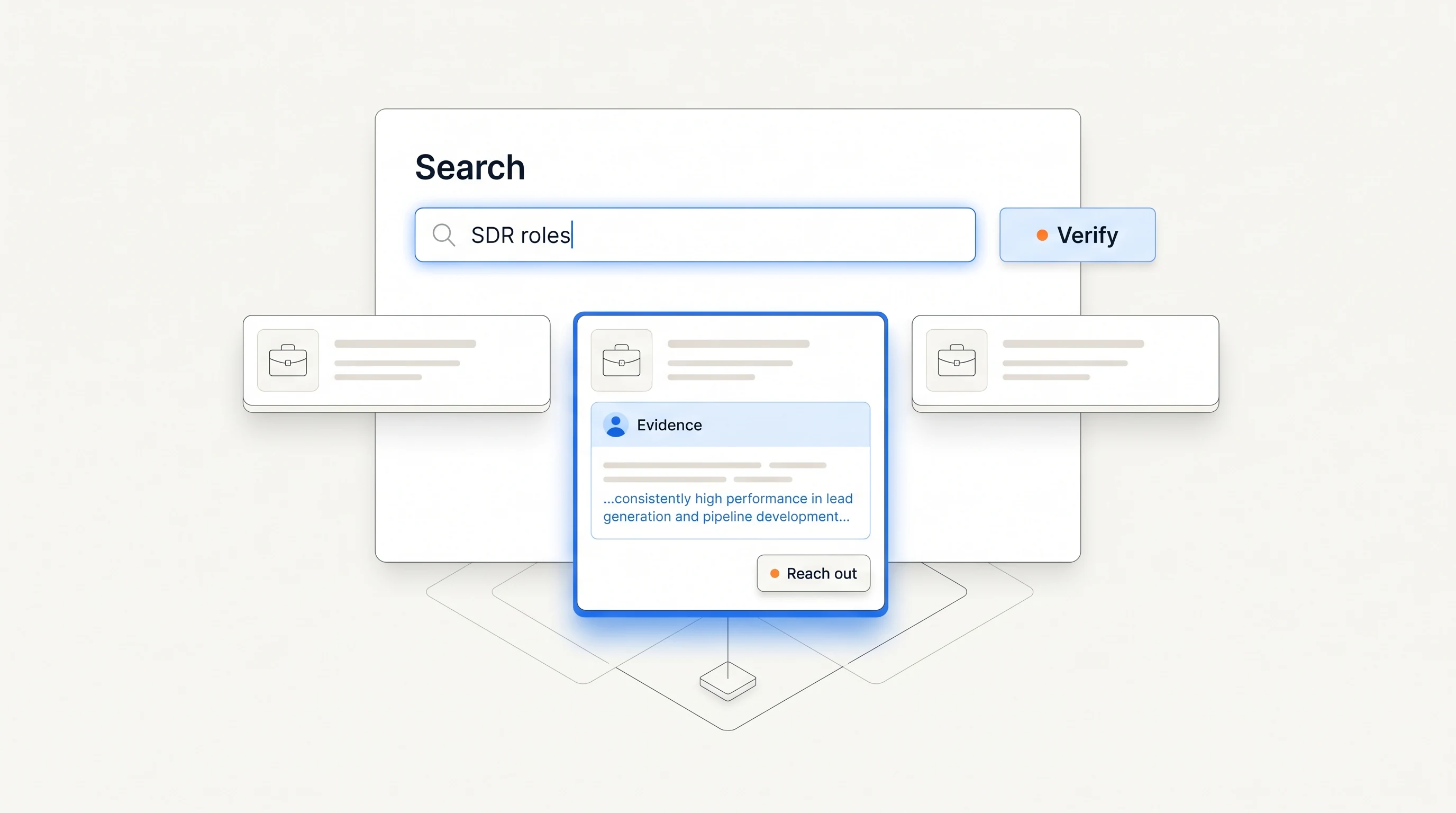
For example, an active opening for an implementation lead may justify asking about customer handoffs. It does not justify asserting that implementation is behind schedule. For help finding the observation, use the hiring-signal playbook.
Template 1: a relevant job opening
Use when: a current posting describes work your offer supports and you have checked who is responsible for that function.
Subject: {{responsibility}} at {{company}}
Hi {{first_name}},
Your {{role_title}} opening mentions {{verified_responsibility}}. I work on {{specific_work_your_offer_supports}} for {{relevant_team_type}}.
How will that work be handled as the role gets filled: {{plausible_option_a}} or {{plausible_option_b}}?
{{sender_name}}
The alternatives should be reasonable possibilities, not a false choice. Use an open question instead if you do not know enough to suggest two options. Name the source naturally; a reference to a job opening is sufficient unless a link would help the recipient identify it.
Illustrative adaptation: “Your onboarding lead opening mentions coordinating implementation handoffs. I work on handoff documentation for customer success teams. Will the new lead define that process, or is there an existing approach they will inherit?”
Template 2: a new responsibility
Use when: the source explicitly says a role will establish or build a function. A role you have not seen before is not enough to call it the company's first hire.
Subject: building {{function}}
Hi {{first_name}},
The {{source_name}} describes {{role_title}} as building {{verified_function}}. I help {{team_type}} with {{specific_piece_of_that_work}}.
Is {{relevant_process}} already in place, or will defining it be part of the new person's remit?
{{sender_name}}
This question leaves room for the company to be well prepared. It does not turn recruitment into a claim that the team has a broken process. Check the source wording again if the draft includes “first,” “new” or “building from scratch.”
If the person is also new in the role, verify that separately. A current job advertisement and a leadership announcement are different observations; do not infer one from the other.
Template 3: a public expansion
Use when: an official announcement confirms a market or office expansion, your offer serves that market, and you have found the responsible function. This is a general research pattern, not a claim that Perpetual automatically monitors expansion announcements.
Subject: {{market}} account coverage
Hi {{first_name}},
{{company}}'s announcement says {{verified_expansion_detail}}. I work with {{team_type}} on {{work_related_to_the_expansion}}.
Will {{relevant_responsibility}} sit with the local team, or stay with {{central_function}}?
{{sender_name}}
Choose a responsibility your product actually supports. For account research, that might be territory coverage. For onboarding, it might be implementation ownership across time zones. If you cannot name the connection plainly, the announcement is probably a weak reason for your outreach.
Funding alone is rarely enough to write this message. A round announcement does not establish that a particular department has more budget. Look for an explicit operating plan before using expansion language.
Template 4: a useful follow-up
Use when: the initial observation is still relevant, there has been no reply or opt-out, and you have something specific to add. A useful follow-up can offer a small resource without inventing urgency.
Subject: reply in the existing thread
Hi {{first_name}},
One detail I left out: {{useful_detail_you_can_support}}.
I put together {{small_resource_that_actually_exists}} for {{specific_work}}. Would that be useful for whoever owns it at {{company}}?
{{sender_name}}
Only mention a resource that exists and is ready to share. Do not offer a personalized audit that nobody has prepared. A short checklist or relevant worksheet is enough if it addresses the question you raised.
A reply changes the conversation. Stop the cold sequence and respond to what the person said. An opt-out ends the outreach. Silence is not permission to add channels or keep sending indefinitely.
Review the draft before use
Read every sentence about the recipient and ask where it came from. The observation should have a source; the question should be visibly a question; your description of your offer should be accurate. Delete implied claims about pain, revenue or current tools that you cannot verify.
| Draft language | Why it needs a check | More defensible wording |
|---|---|---|
| “Your sales team is doubling.” | Several openings do not establish net headcount growth. | “Your careers page lists three AE openings.” |
| “Your current process cannot scale.” | A hiring event does not show process quality. | Ask who will own the process as responsibilities change. |
| “You are switching to {{tool}}.” | A posting may mention experience with a tool, not a planned installation. | Use the exact responsibility or leave the technology out. |
| “We get {{result}} for teams like yours.” | The claim needs real evidence and a matching scope. | Describe the work you do when you lack a suitable customer result. |
Keep one main question. Asking for their priorities, team structure, current stack and a meeting in the same email makes the first response harder. Use the answer to decide whether a conversation would be useful.
Download the templates
Download all four email templates as a CSV. Each row contains the use condition, subject, body and source check. Adapt the rows to your own offer before putting them into a sequence.
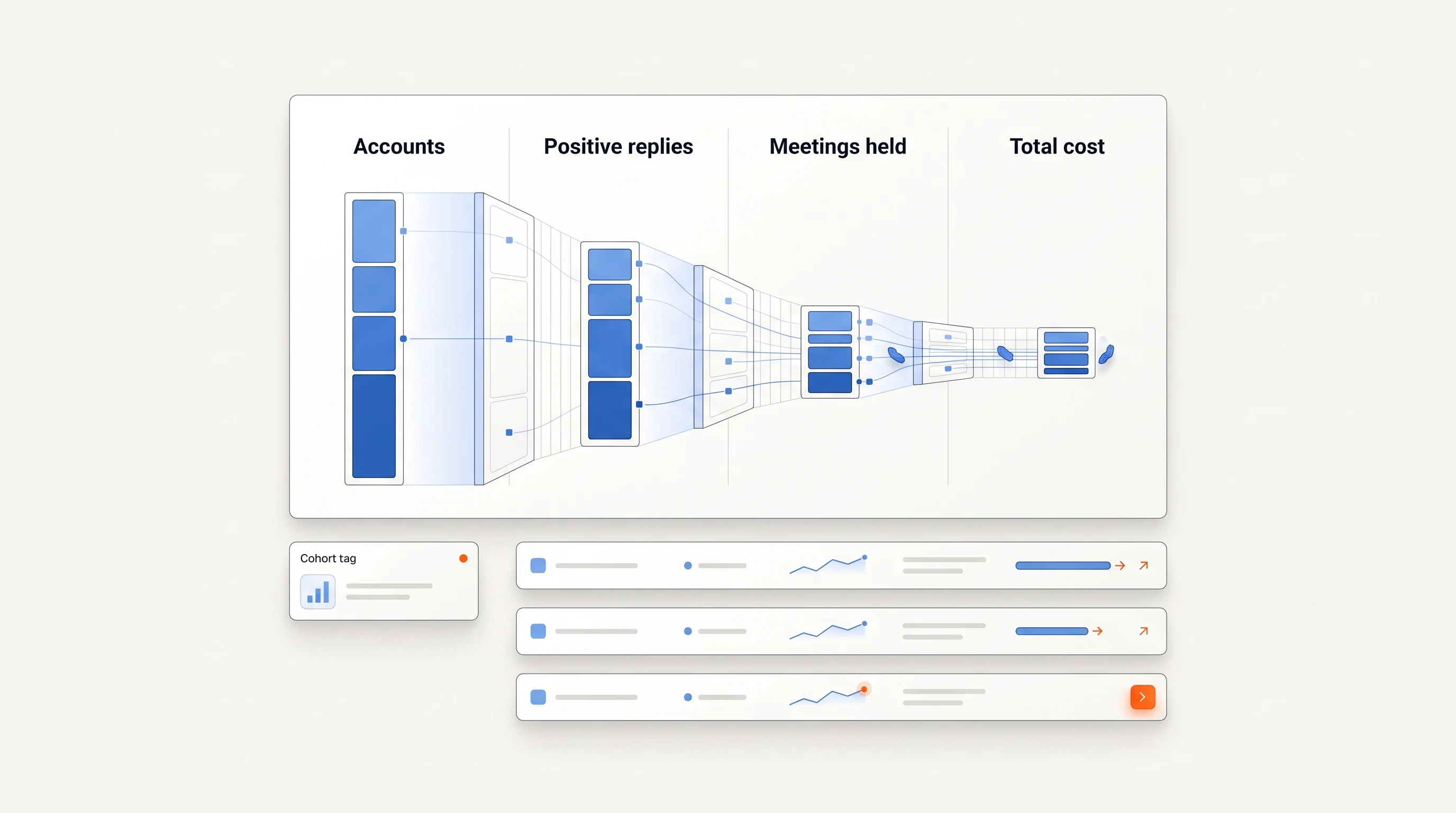
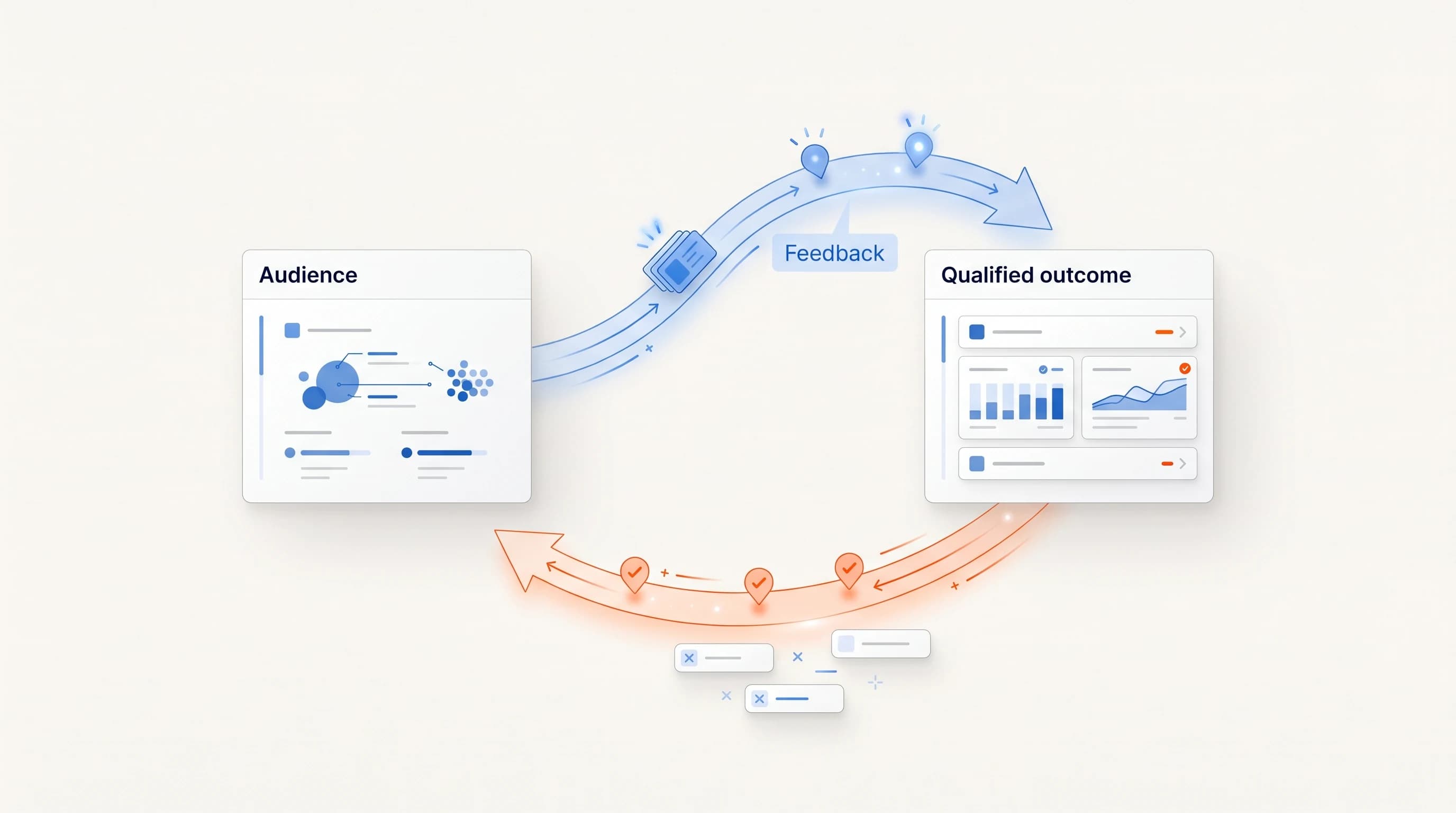
For a broader selection of triggers, start with the 12-signal library. For evaluation, use positive replies and qualified meetings held alongside research effort, rather than treating the template itself as the whole campaign.
Book a demo to discuss how your offer connects to a hiring signal.
Where Perpetual fits
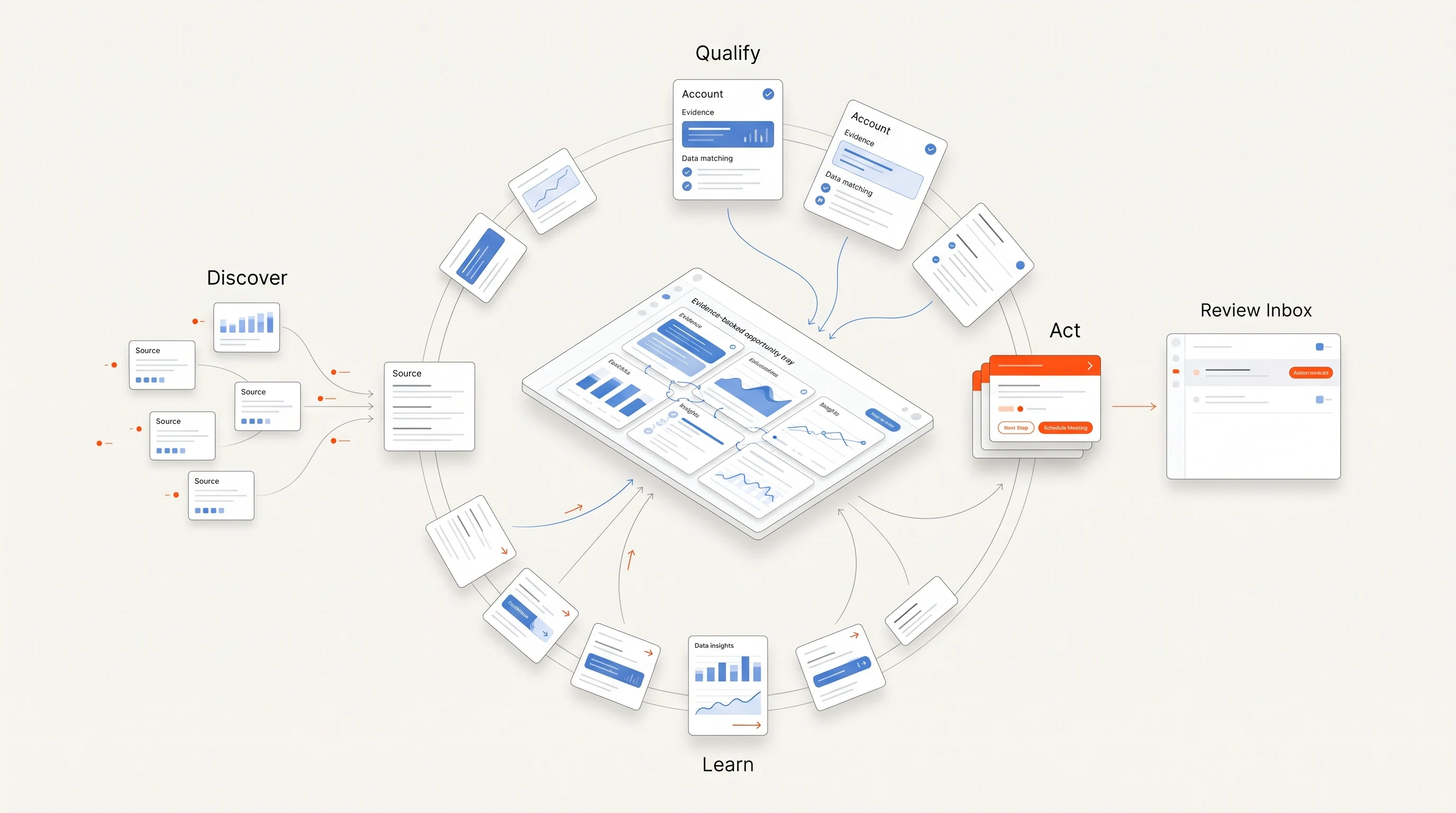
Perpetual is a signal-based outbound tool for founders and B2B sales teams that prepares outreach like Template 1 from public hiring evidence: it qualifies the company against your offer, selects one relevant person with an explanation, and writes the opener in your voice from the public source. Follow-ups are planned as a sequence. Campaign setup authorizes automatic email within a saved sending policy, with activity inspection and pause controls, and replies and opt-outs stop email follow-ups. LinkedIn steps remain manual tasks. The quickstart guide shows the setup.
Frequently asked questions
Can I reuse one template for every prospect?
You can reuse a structure. The observation, person, connection to your offer and question need to fit each account. If they stay generic, the template is doing work your research should have done.
Do these templates have a benchmark reply rate?
No. These are original examples, not reported campaign results. Evaluate them with your own qualified audience and keep the selection criteria consistent when comparing variants.
Should the first email ask for a meeting?
Choose an ask that fits the evidence and the relationship. When you are still checking whether the work is relevant, a concrete question can give both sides a better basis for deciding about a meeting.
Further reading: Instantly's cold-email guide and lemlist's resource tools show other ways vendors help teams prepare outreach. The templates and examples above are original to Perpetual.