JournalOutreachNo. 14
How to Automate Acting on Buying Signals to Move Deals Forward
How to automate acting on buying signals: a playbook per signal type, what stays human, routing, drafting from evidence and a four-week rollout.
Matija Nikolić8 min read9 sections
Contents
- 01Why buying signals stall between the alert and the deal
- 02Write a playbook entry for each signal type
- 03Decide what to automate and what stays human
- 04Route each signal to one owner with a deadline
- 05Draft the first touch from the evidence
- 06Use signals to move open deals, not only to start new ones
- 07Measure whether signals actually move deals
- 08A four-week rollout
- 09Where Perpetual fits
Published by Perpetual
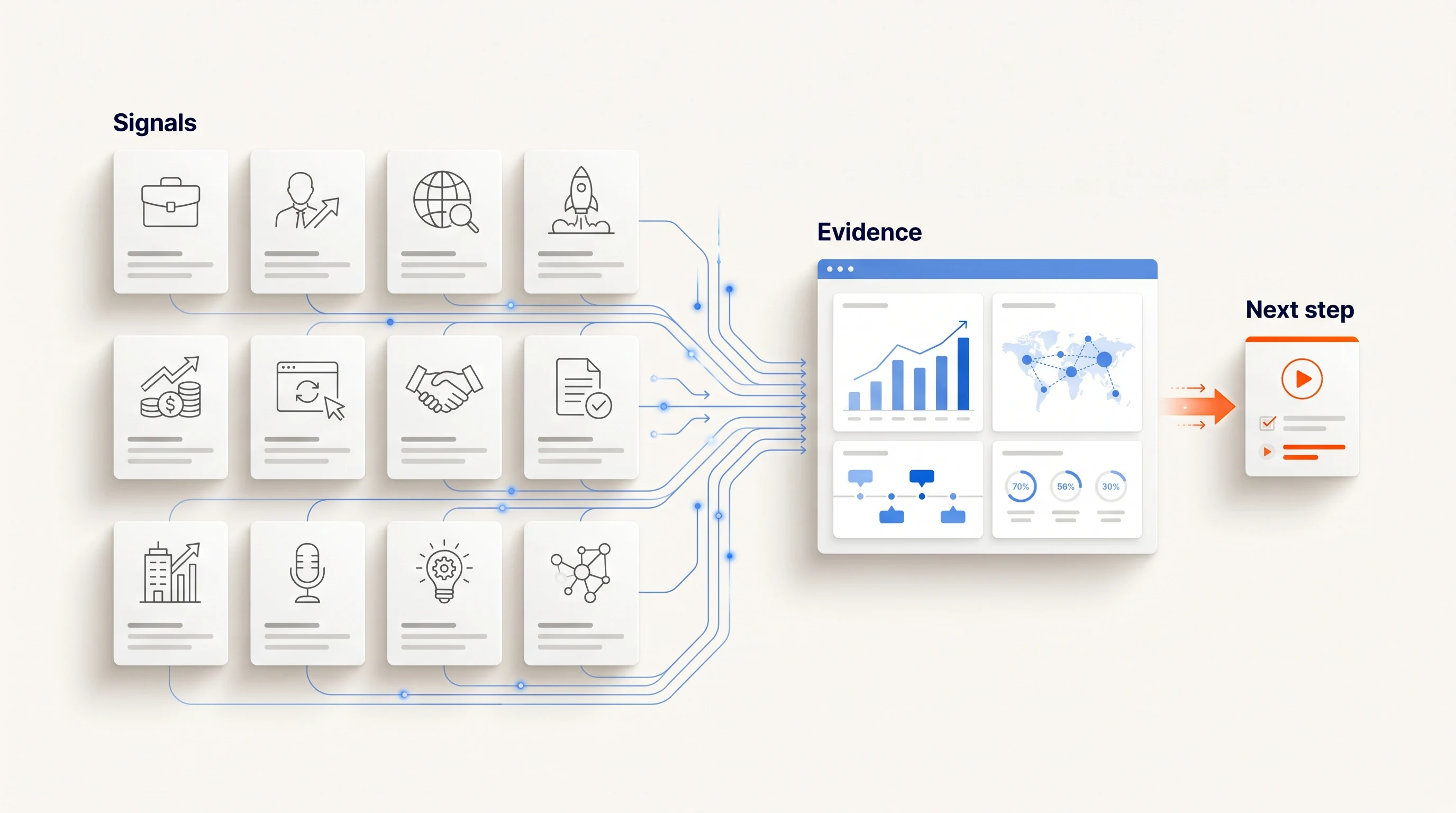
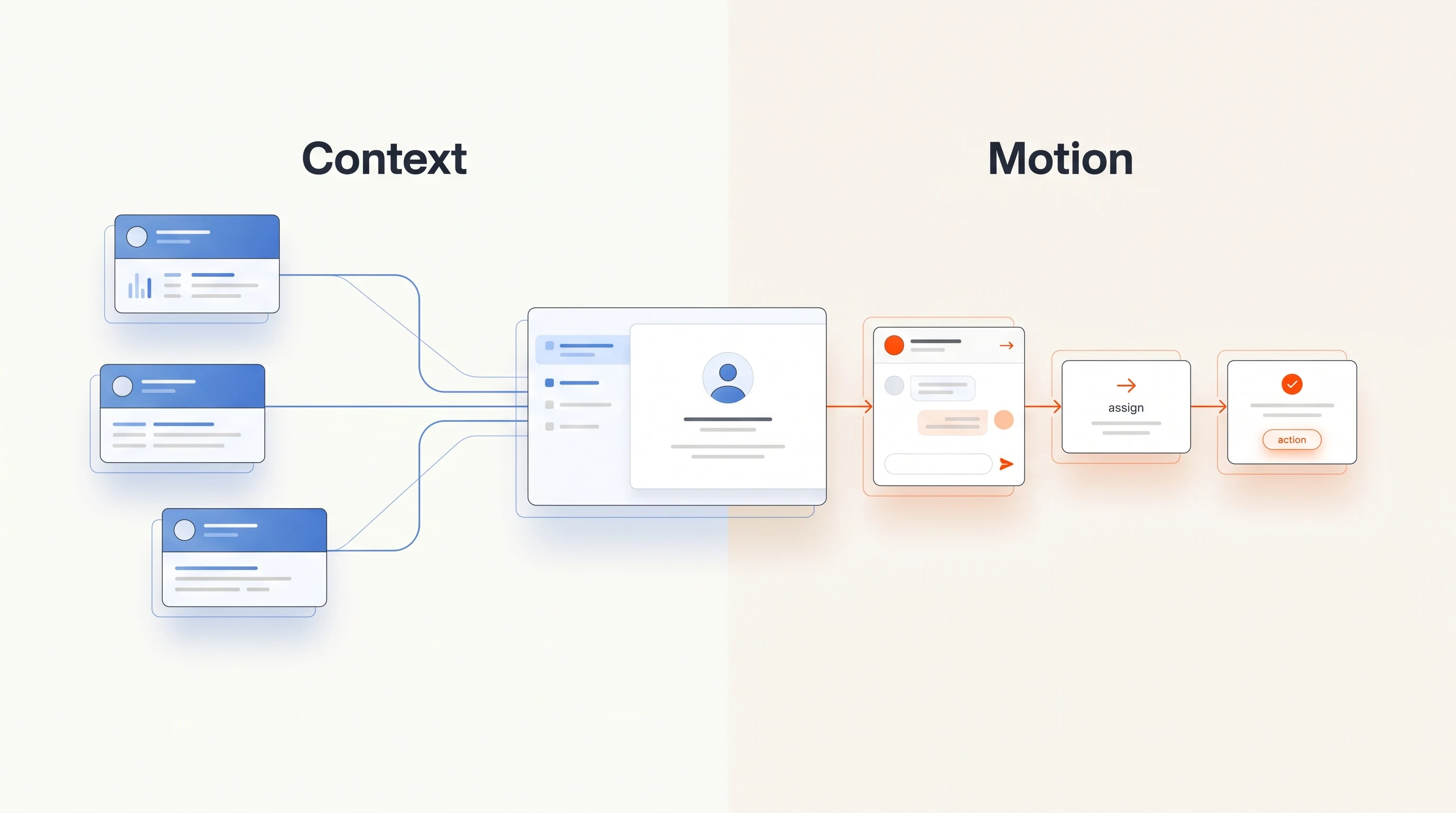
Automating action on buying signals means connecting each signal type to a written rule: what the signal shows, who owns it, what happens next, and when a person has to look before anything leaves the building. Most teams already detect plenty of signals. Deals stall in the gap between an alert and a useful next step. This guide shows how to close that gap with a small set of rules you can audit, instead of one more dashboard.
Three things to know
- Detection is rarely the bottleneck. Pipeline moves when every signal type has a defined owner, a next action and a time limit.
- Automate the preparation (research, routing, a drafted first message) before you automate the send, and keep a clear stop for replies and opt-outs.
- Each automated action should carry the evidence that triggered it, so a rep can check why an account was contacted without reconstructing it.
Why buying signals stall between the alert and the deal
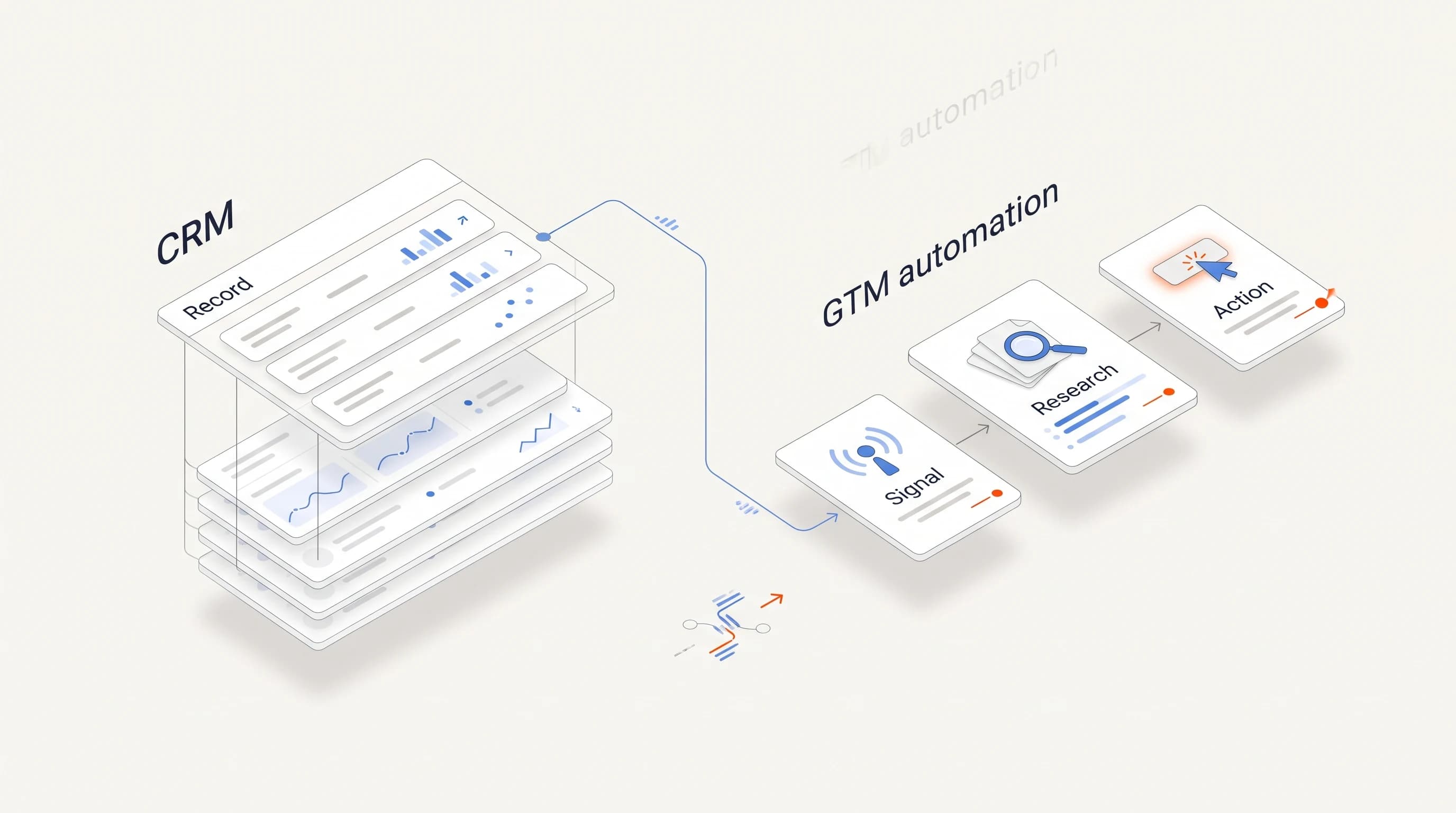
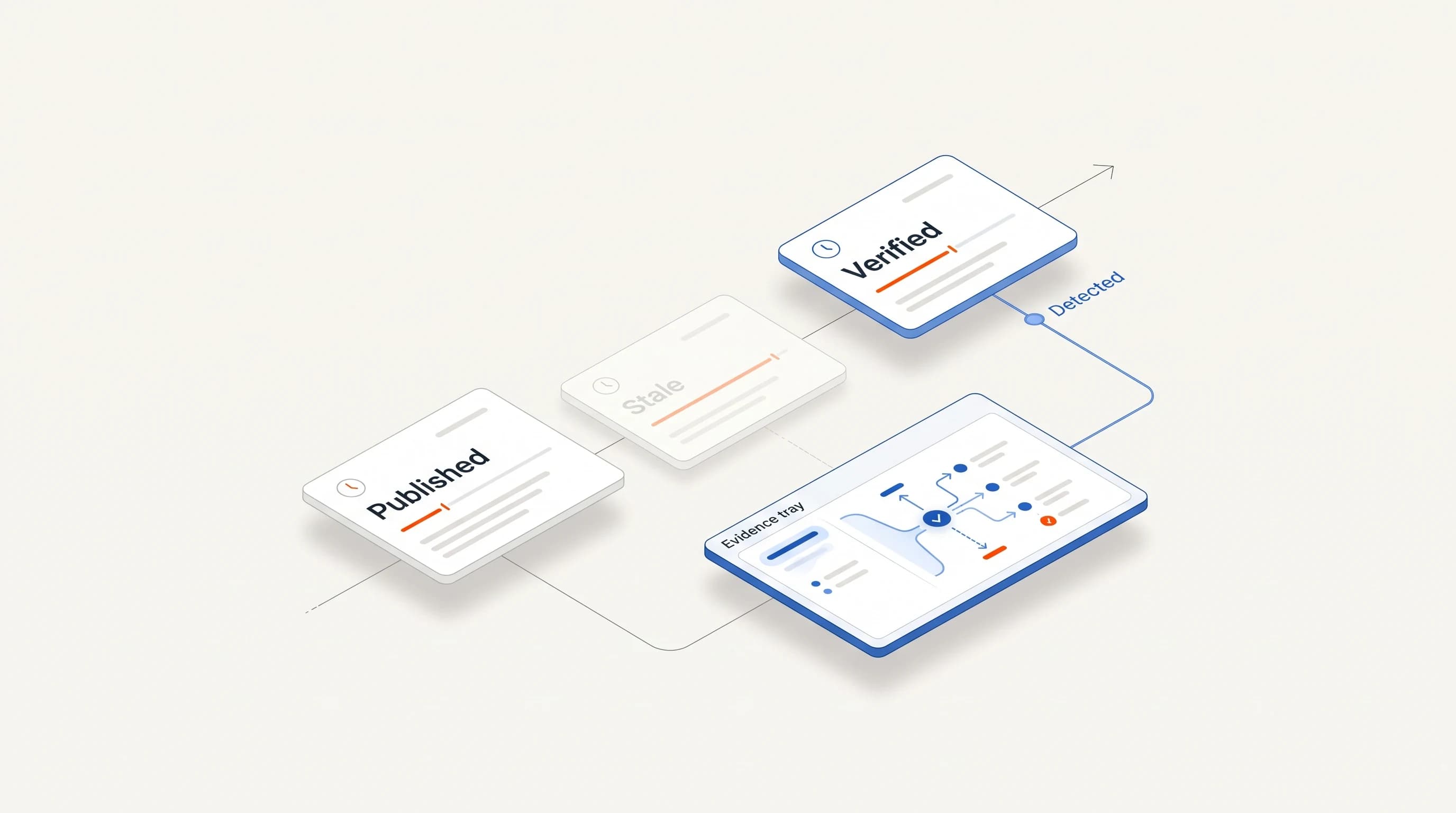
A typical signal workflow looks finished on a diagram. A tool notices that an account visited a pricing page, opened several roles in a relevant team, or appointed a new leader, and it sends an alert. In practice the alert lands in a channel next to forty others, nobody owns it, and by the time someone looks the moment has passed.
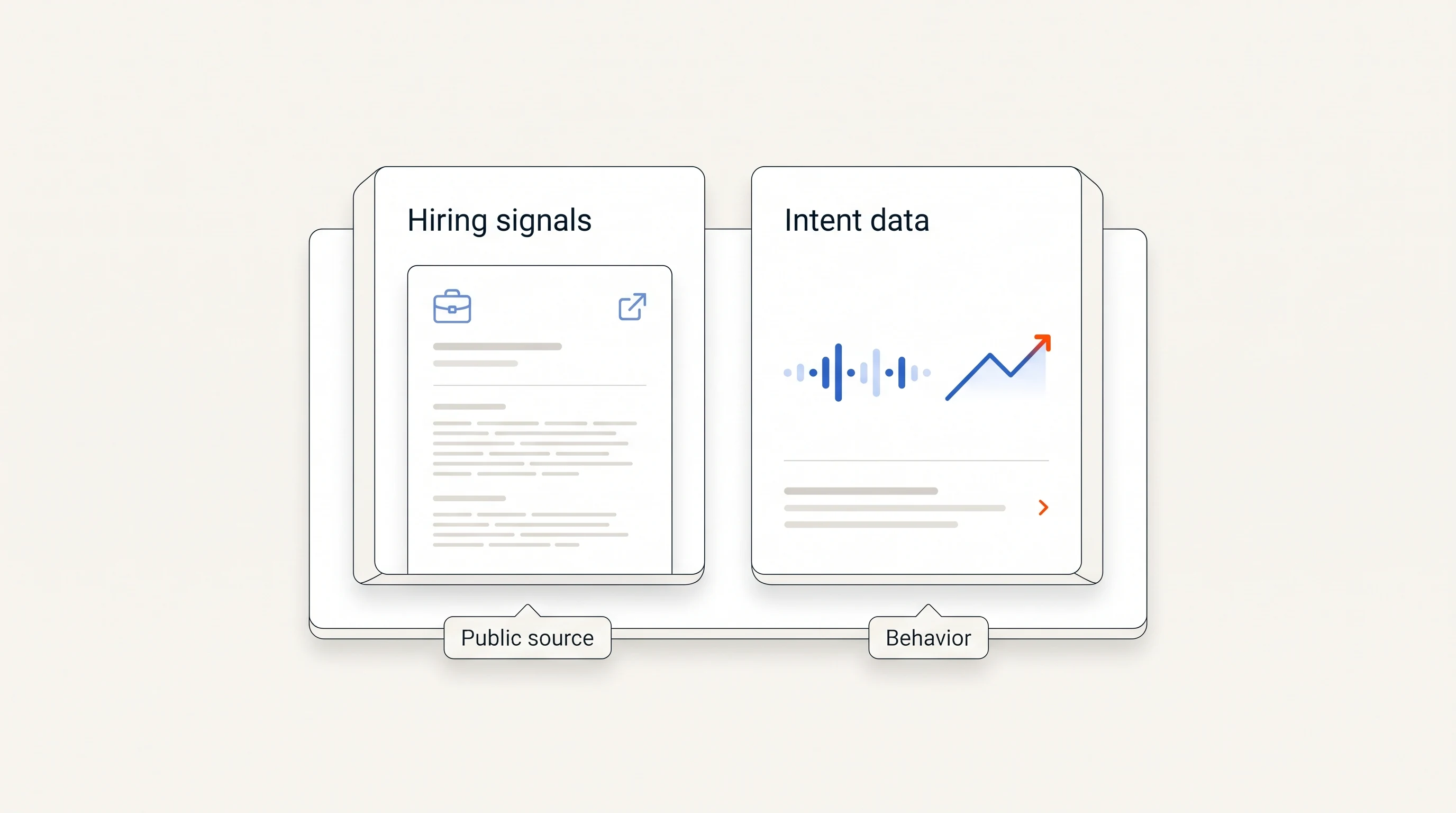
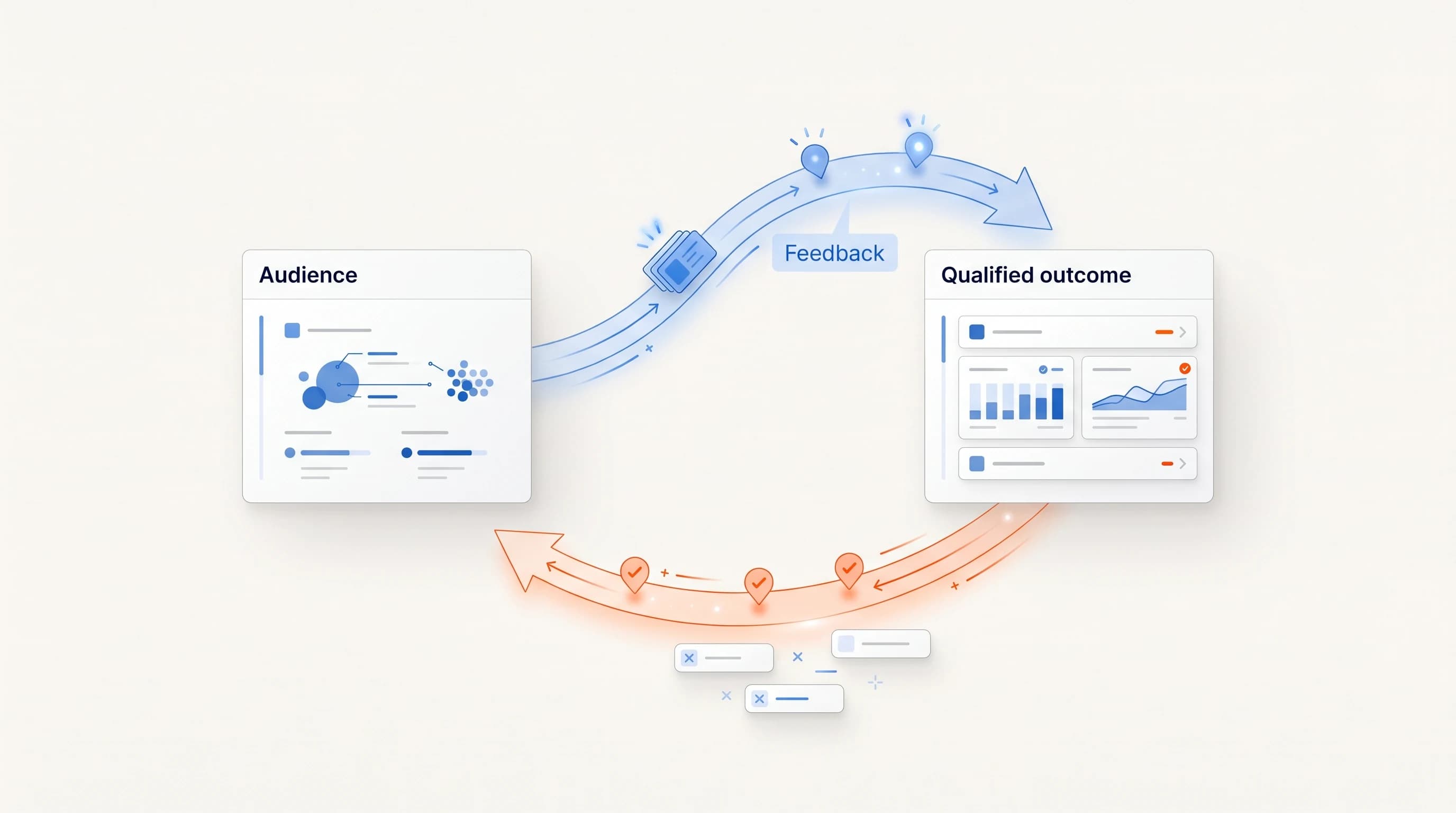
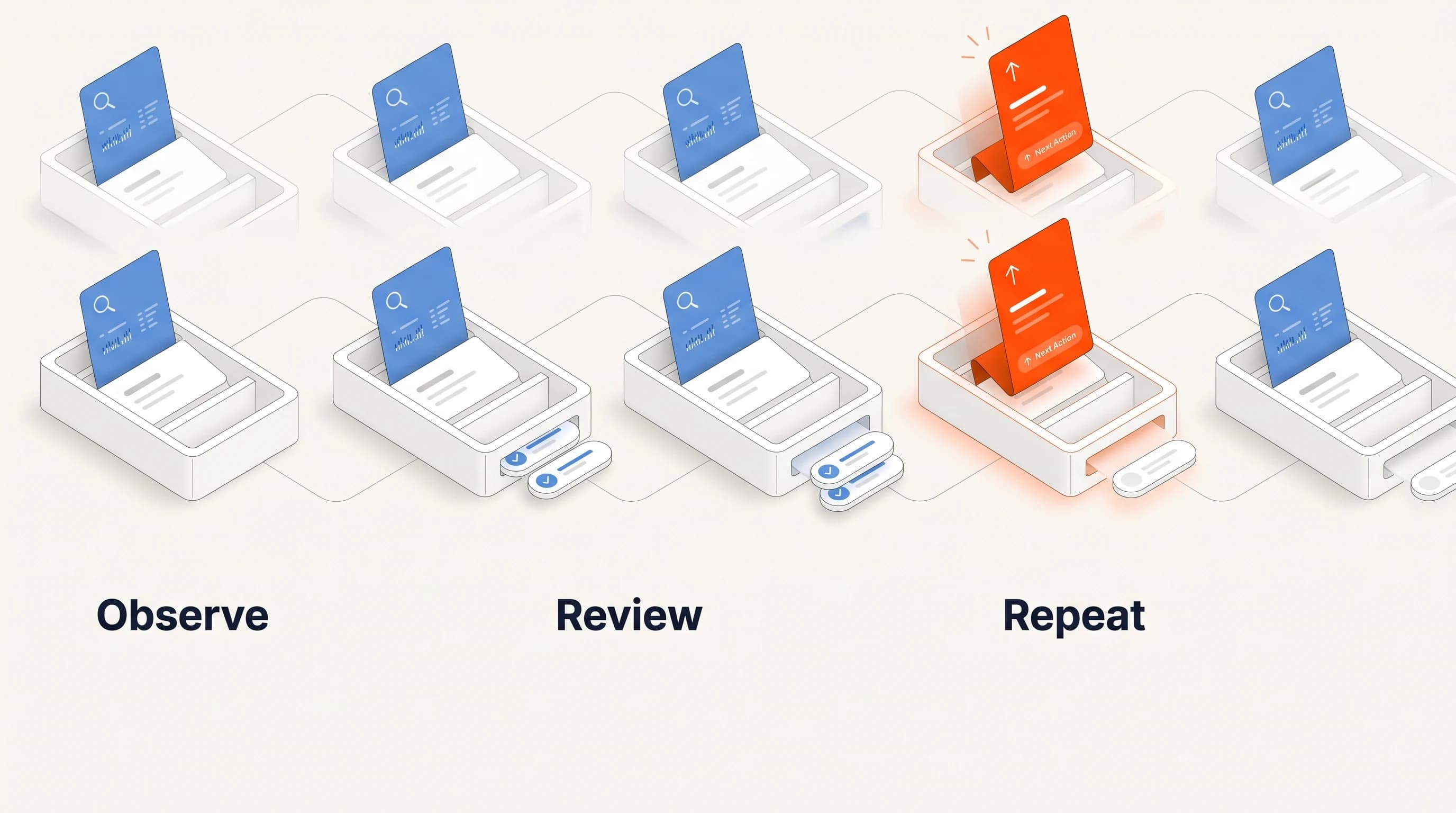
Intent data providers describe the same pipeline in three steps: capture the activity, interpret which patterns historically precede a purchase, then activate by updating a score, alerting a rep or changing targeting (Demandbase). Most teams buy the first two steps and improvise the third. Activation is where automation pays off, and it is the part that needs the most deliberate design.
Write a playbook entry for each signal type
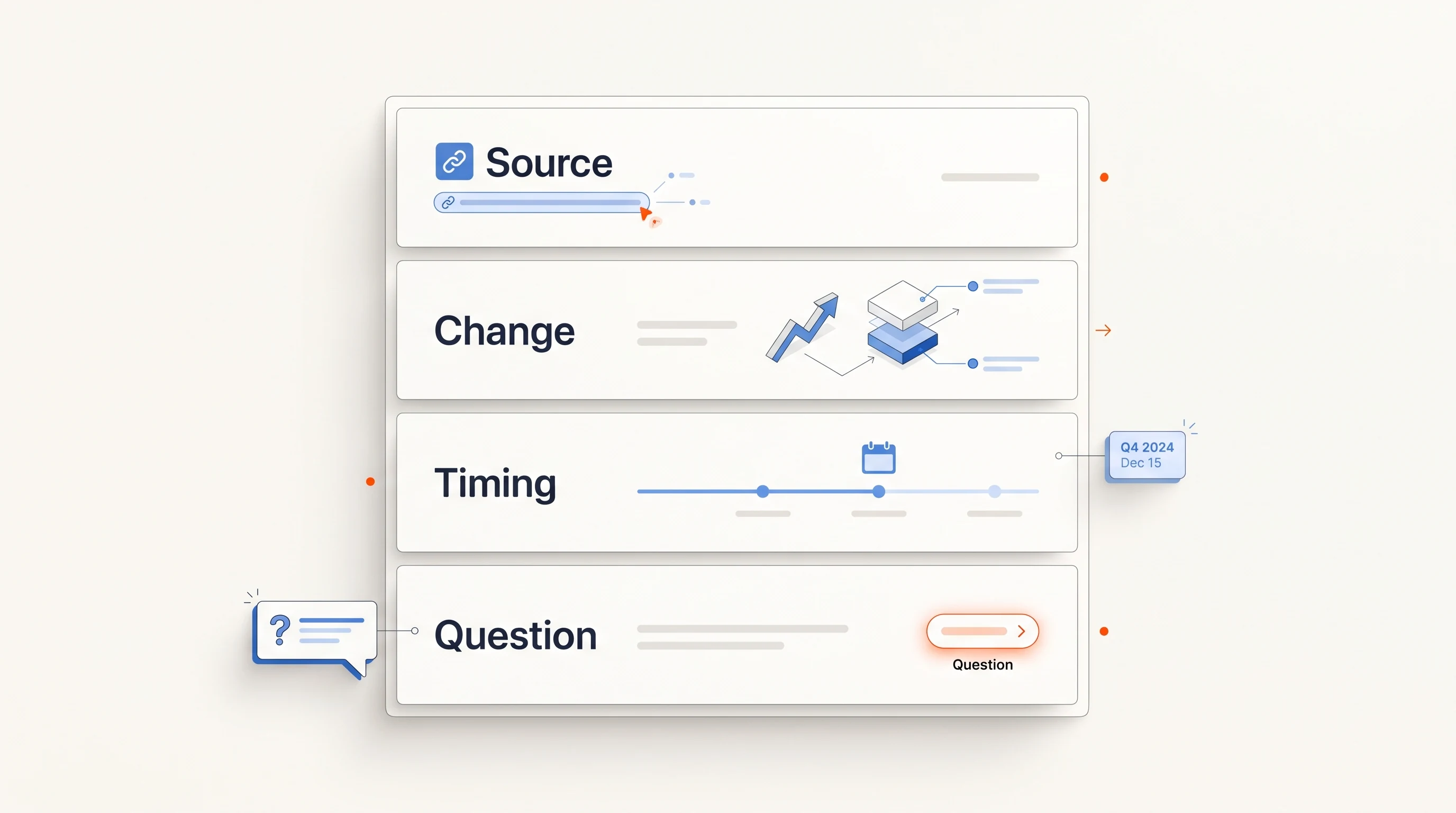
Before you automate anything, write one short entry per signal type. Four lines are enough:
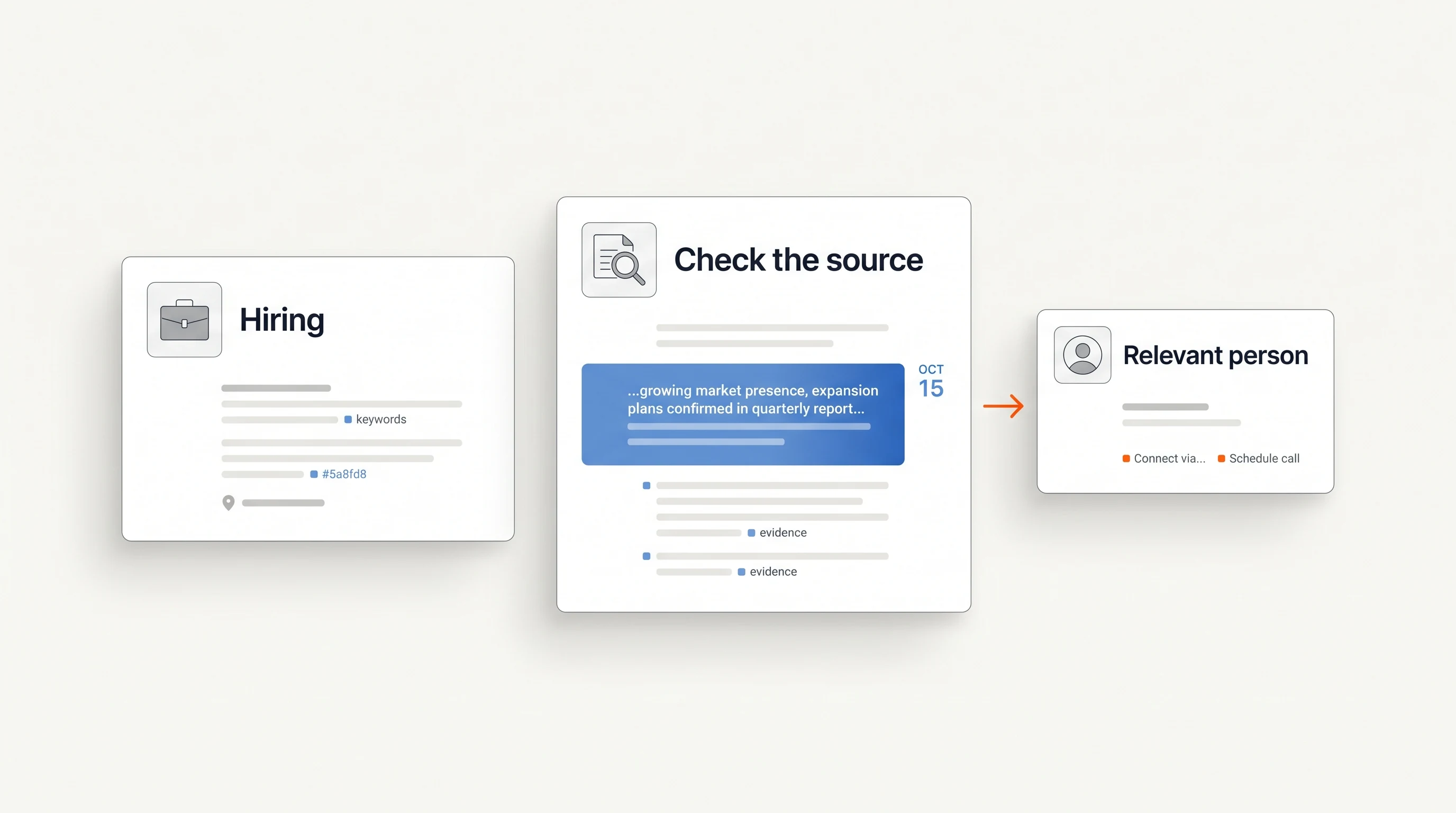
- What it shows. The observable fact, for example "the company opened three sales development roles in the last 30 days." Our guide to using hiring signals for prospecting shows how to check a fact like this before acting on it.
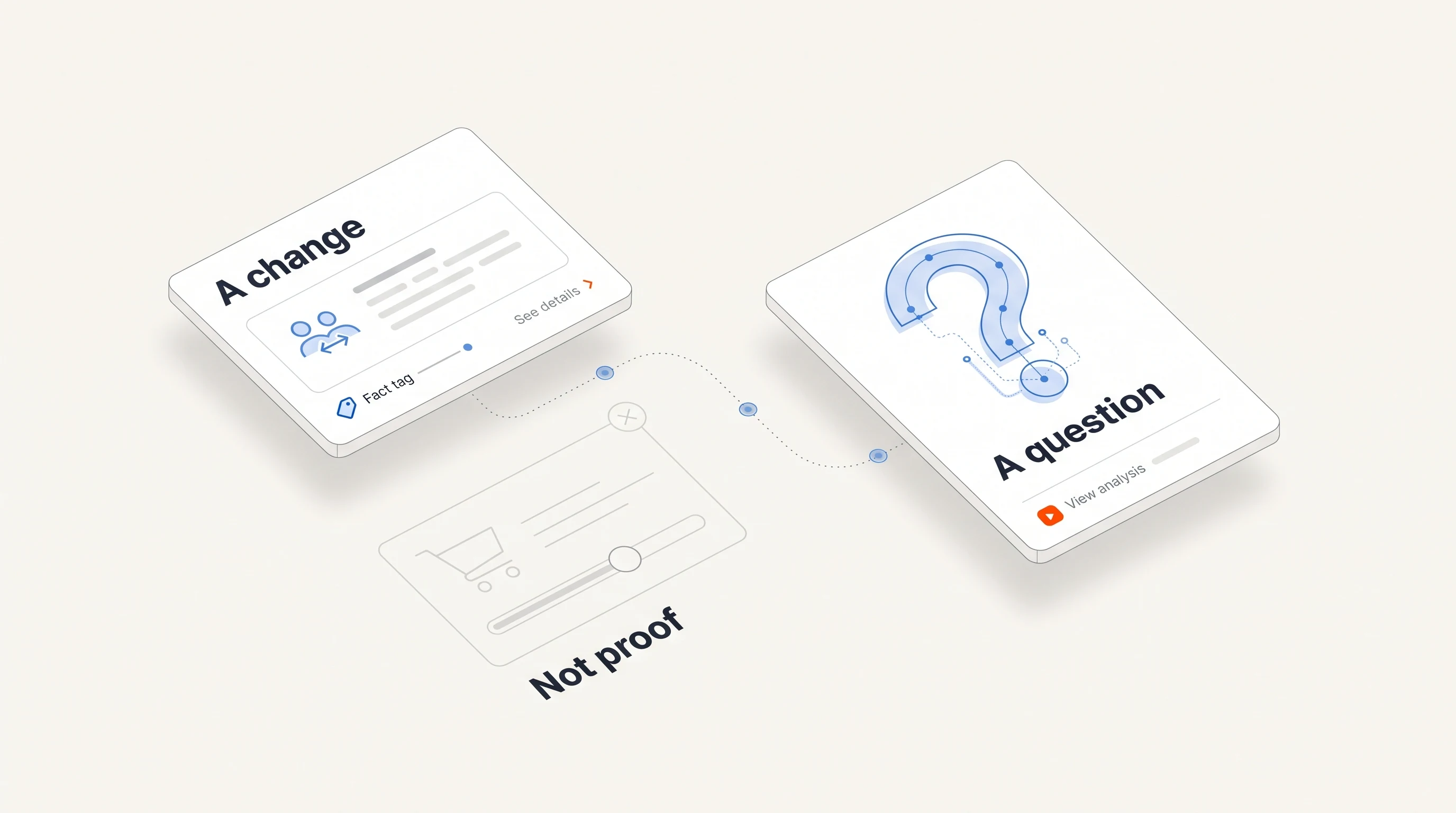
- What it does not prove. Hiring does not prove budget, a broken process or a plan to buy. Writing the limit down keeps the outreach honest. We cover the distinction in A signal is not a buying intent.
- The next action. Research the account, add it to a sequence, alert the account owner, or do nothing.
- The time limit. How long the signal stays relevant. A funding announcement or a new leader can matter for weeks; a pricing-page visit matters for days.
If a signal type has no next action you can name, stop tracking it. It is adding noise to the queue.
Decide what to automate and what stays human
Not every step deserves the same amount of automation. A useful split:
| Step | Automate | Keep a person on it |
|---|---|---|
| Detecting the signal | Yes, continuously | Only to review false positives |
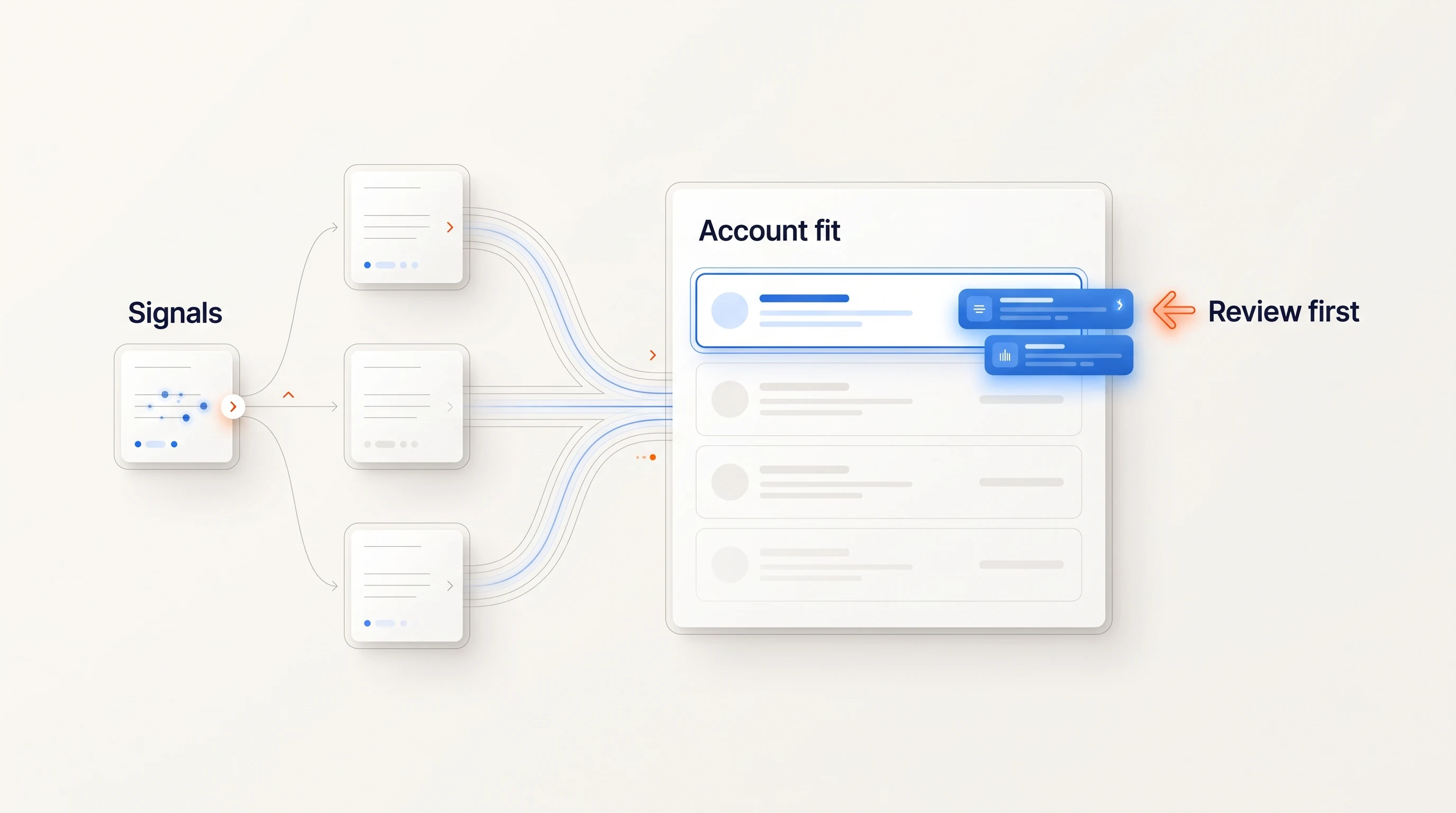
| Checking fit against your ICP | Yes, with explicit criteria | Edge cases and new segments |
| Researching the account and choosing a contact | Yes, with the reasoning shown | Strategic accounts |
| Drafting the first message | Yes, grounded in the source | Tone and new offers |
| Sending | Within a saved sending policy and daily limits | Anything outside the policy |
| Replies and objections | Stop follow-ups automatically | The conversation itself |
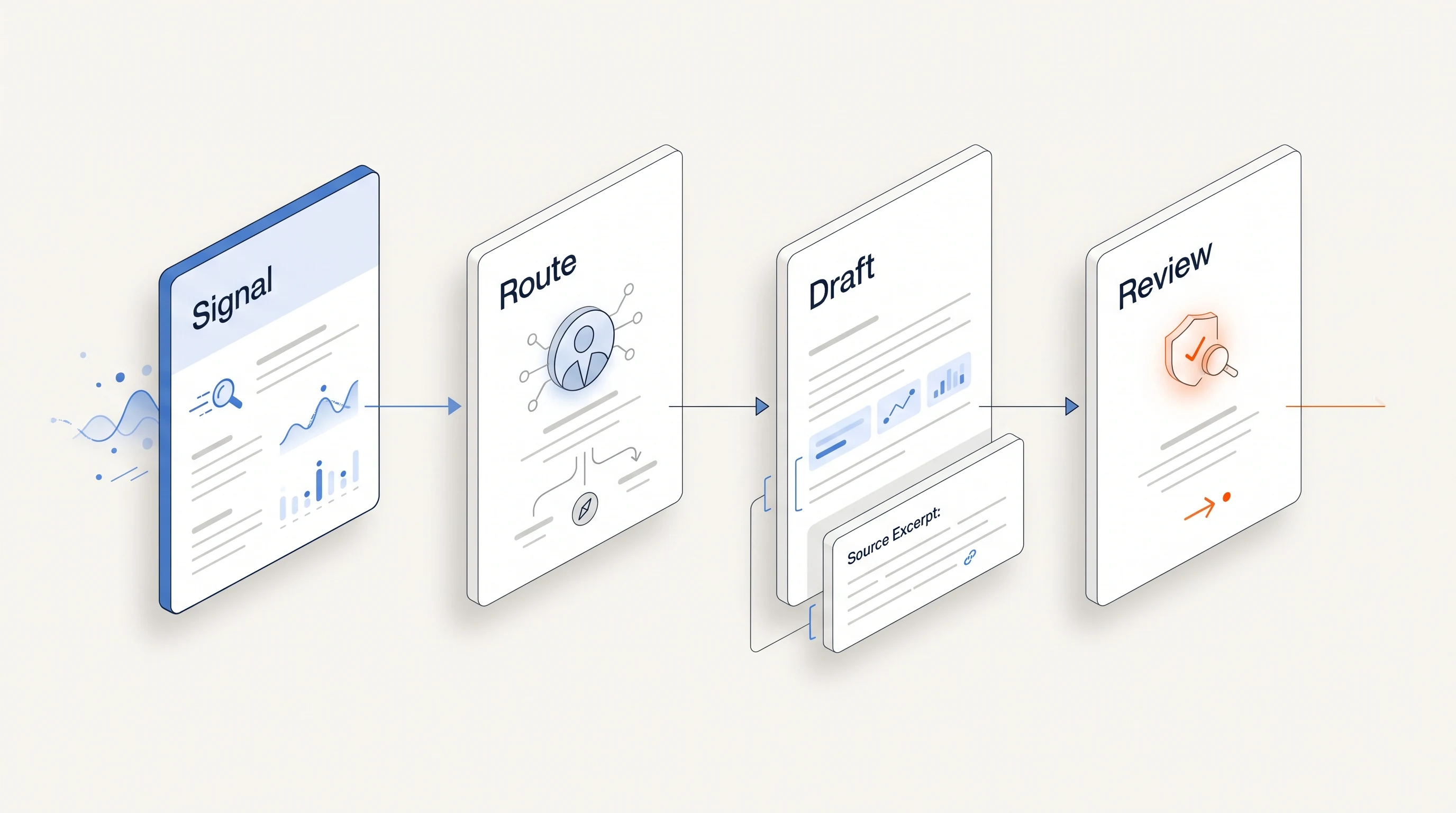
The pattern is consistent: automation prepares the work and enforces the rules; people handle judgment calls and conversations. Whatever you automate, make sure a reply or an opt-out stops the follow-ups for that person immediately.
Route each signal to one owner with a deadline
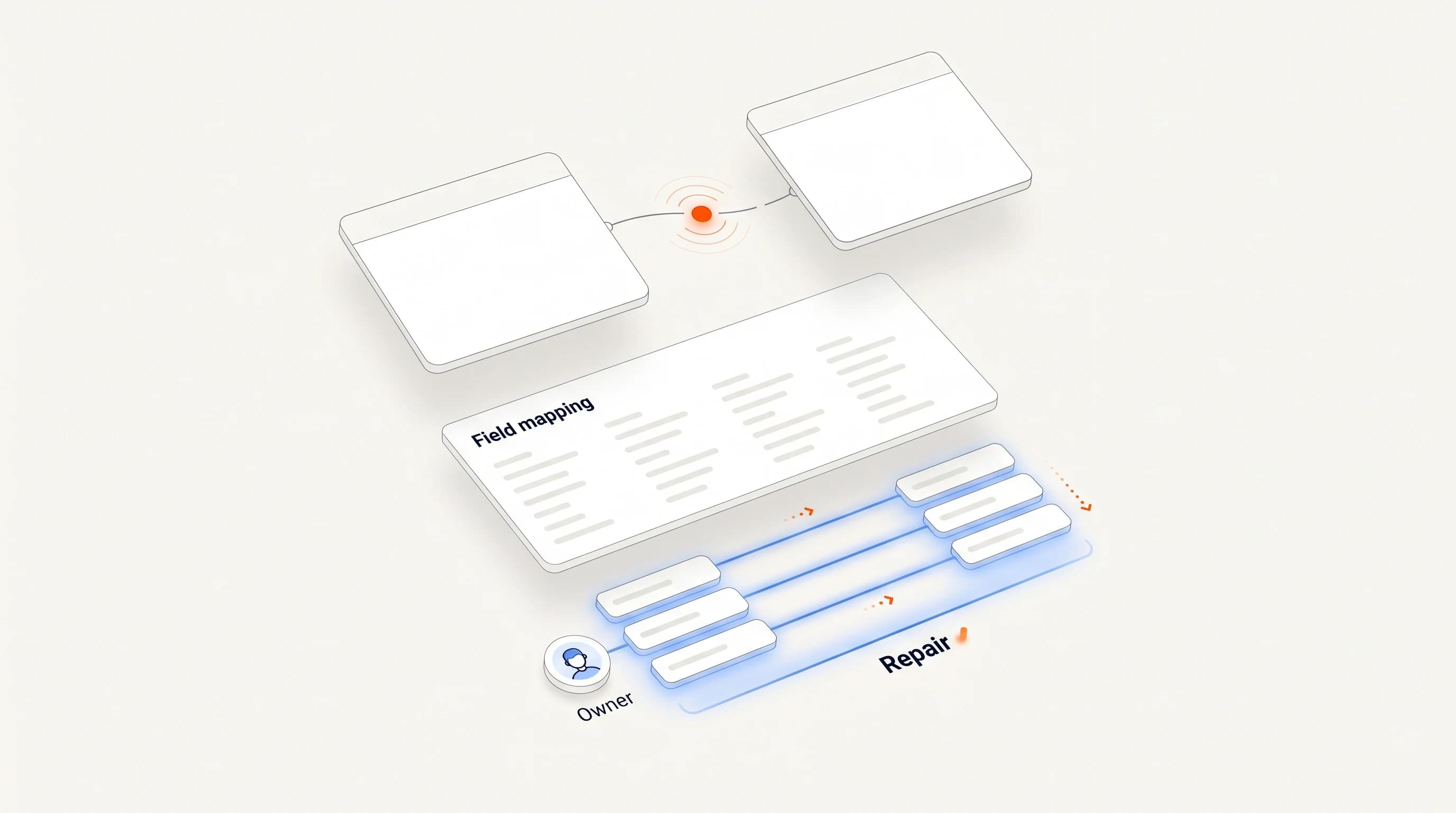
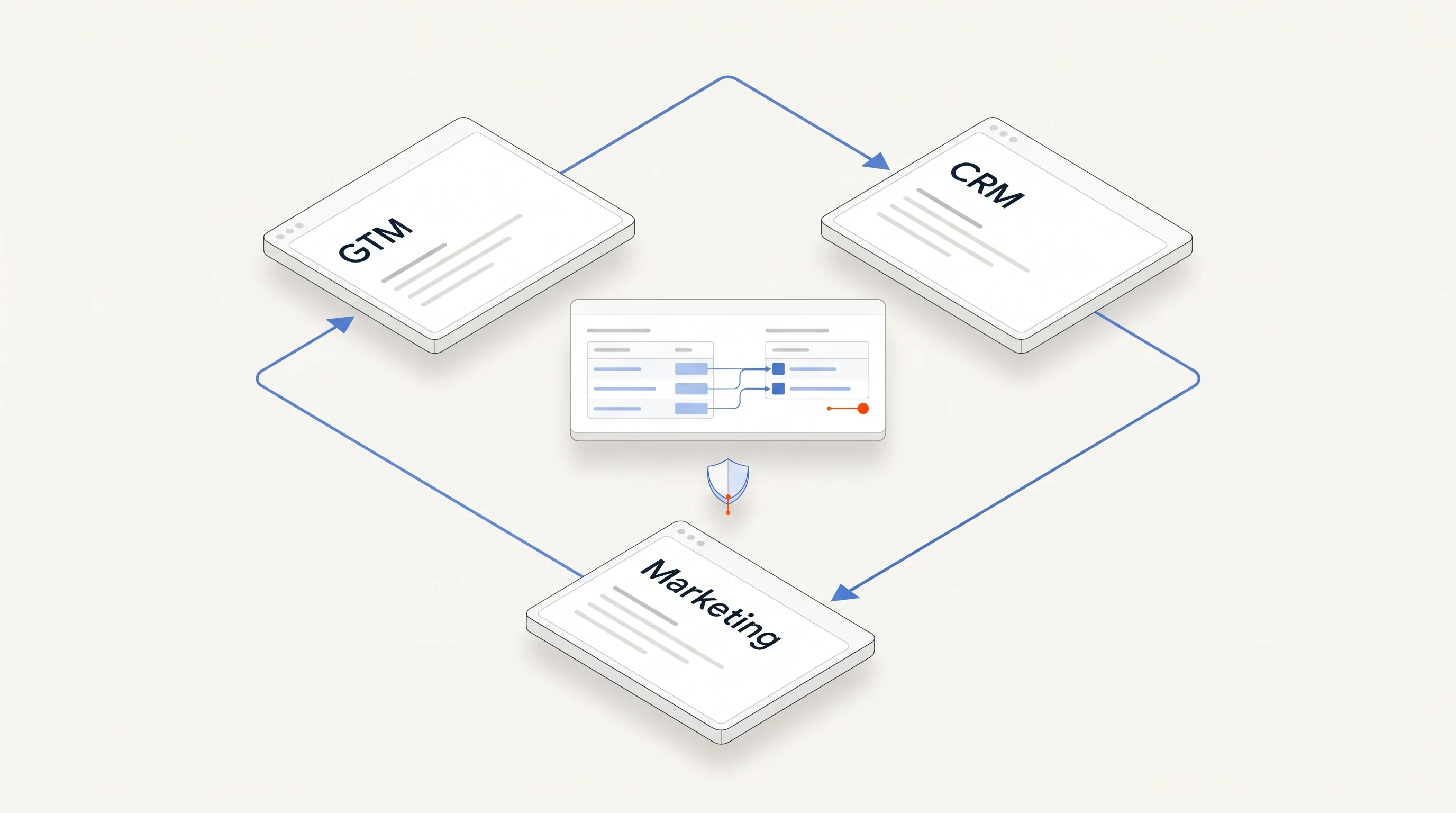
A signal shared with a whole team is owned by nobody. Route each one to a single owner, using rules your CRM already knows: account ownership first, then territory or segment, then a round robin for unowned accounts. Attach a deadline that matches the signal's time limit, and escalate or close the task when it expires.
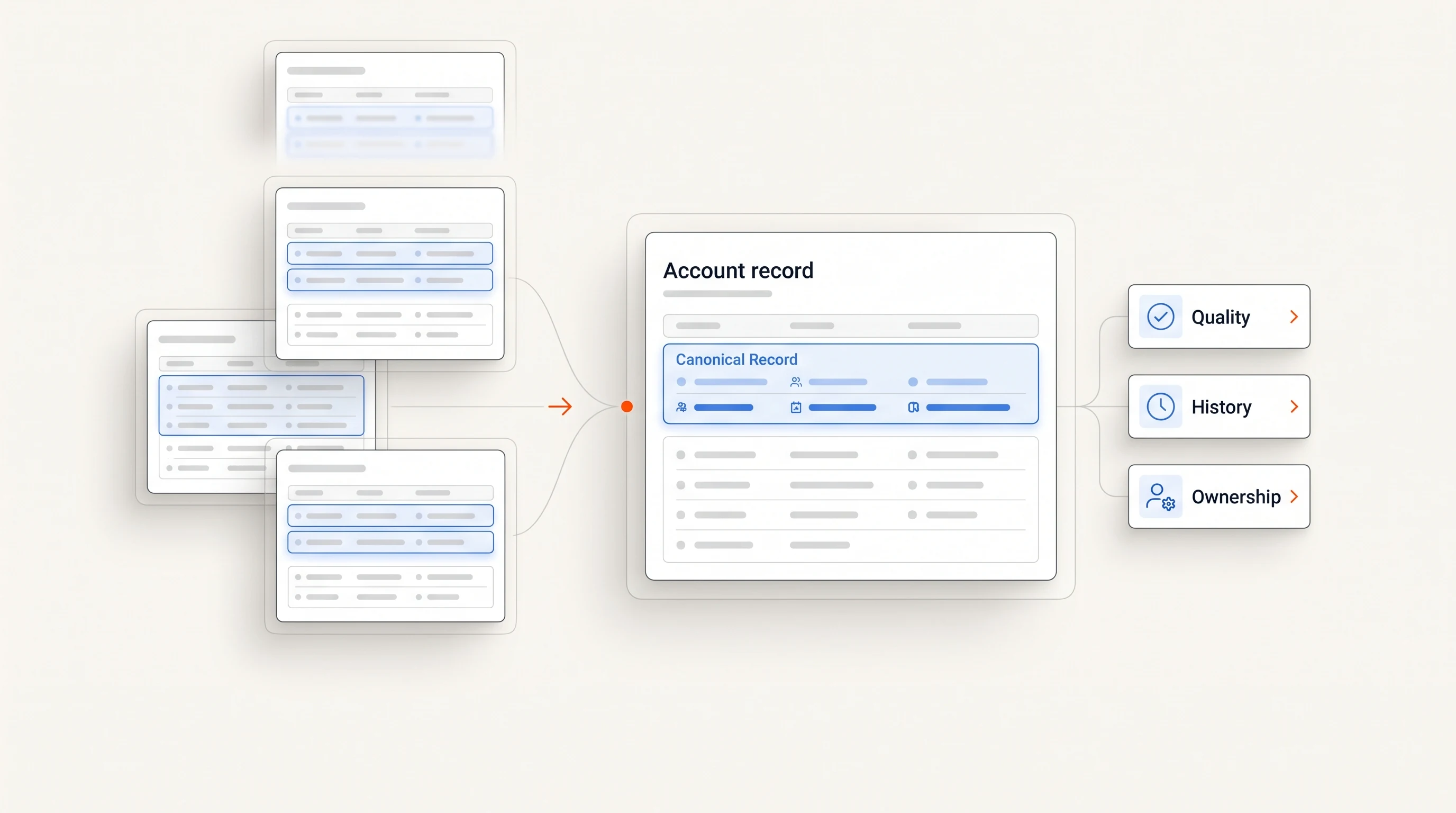
Two rules prevent most routing failures. First, check for an open opportunity before creating new outbound work; a signal at an account in an active deal belongs to the deal owner, not to prospecting. Second, deduplicate: three signals from the same account in one week should produce one task with three pieces of evidence, not three tasks.
Draft the first touch from the evidence
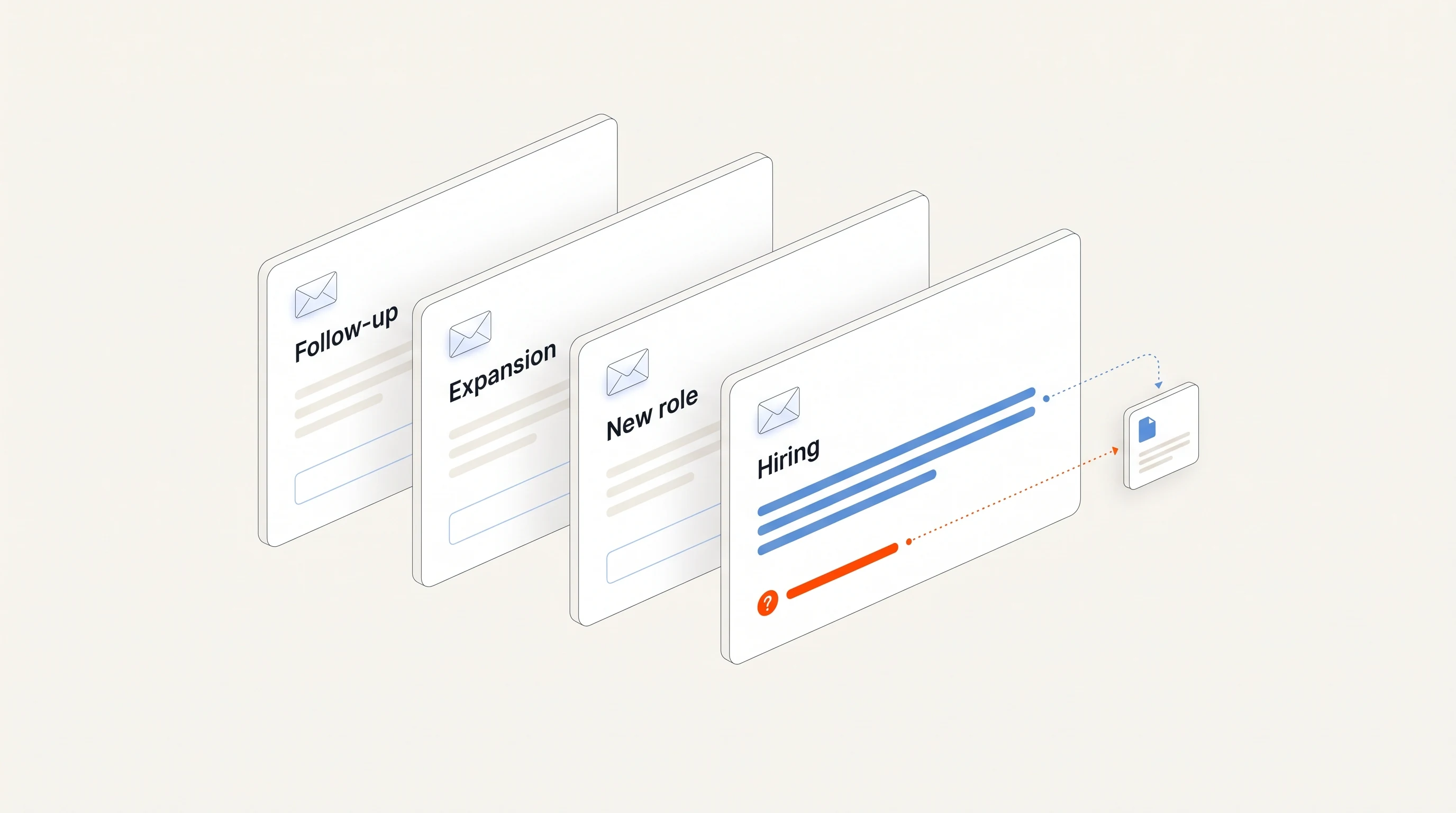
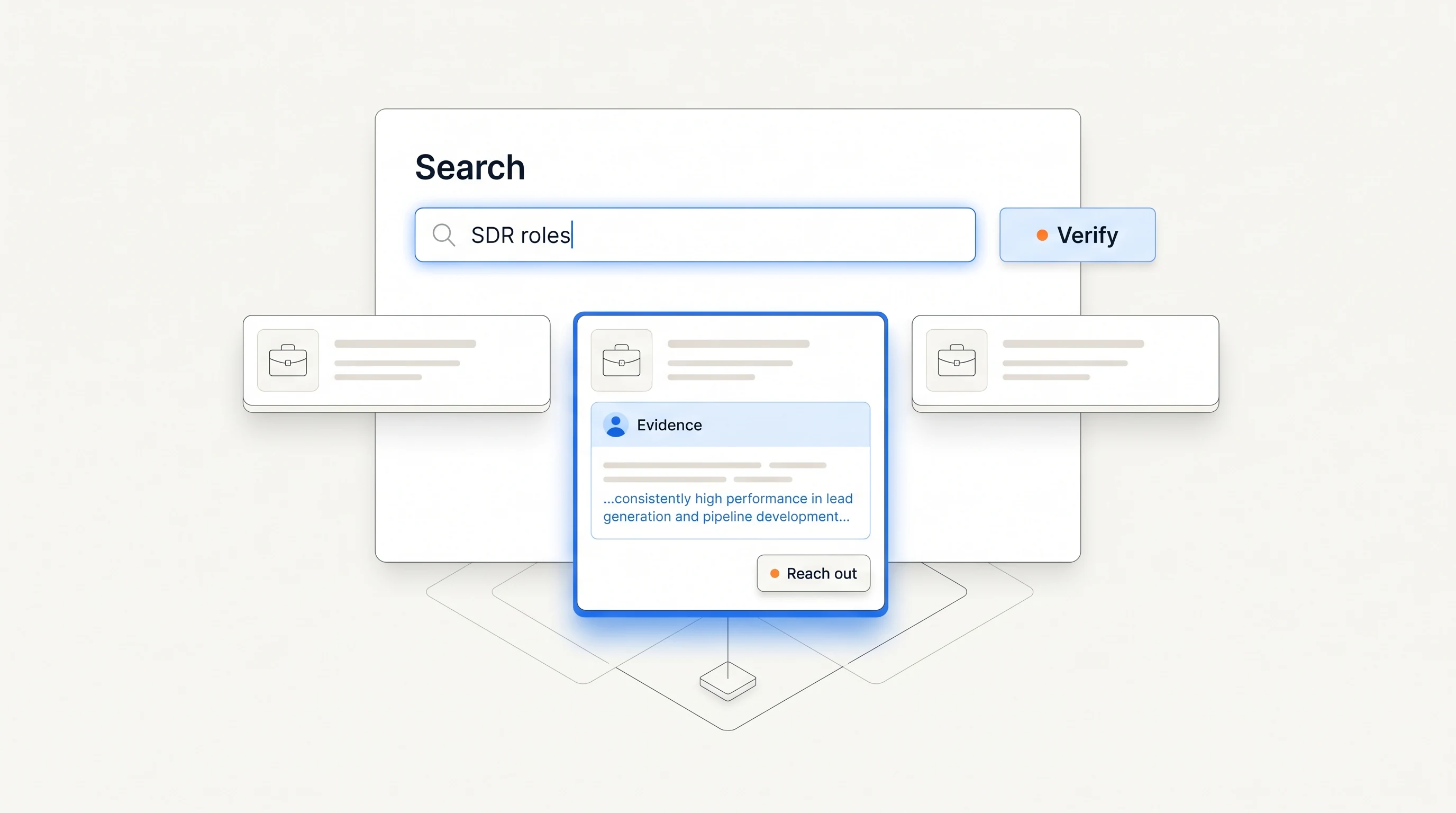
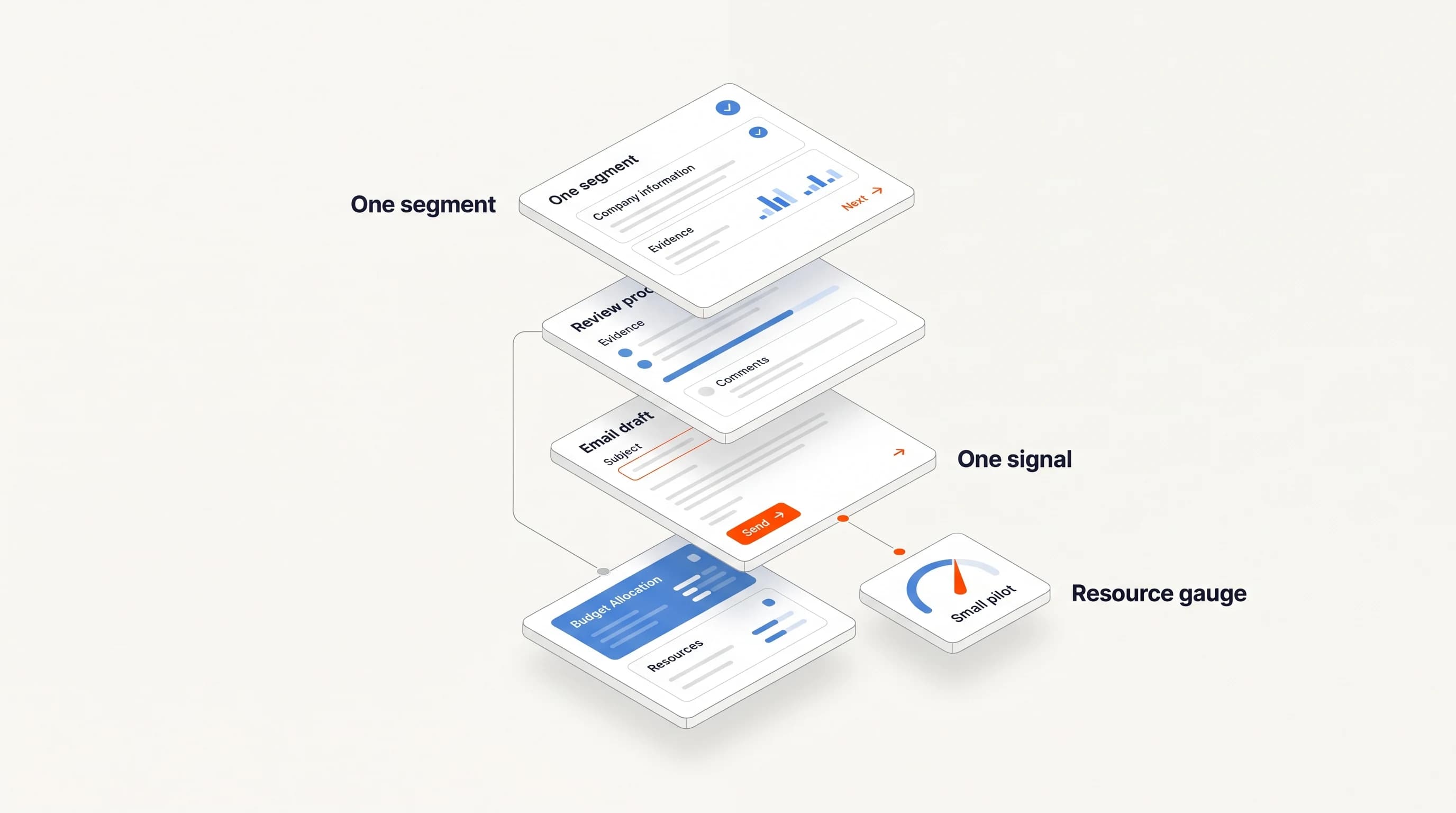
The fastest way to waste a good signal is a generic message. Draft the first touch from the signal itself: name the observation, keep any interpretation framed as a possibility, and ask a question the recipient can answer.
For example, if a company opened its first revenue operations role, an opener might acknowledge the posting and ask whether outbound research will sit with the new hire or stay with the sales team. It does not claim the team is struggling. Our guide Write the question before the pitch walks through the method.
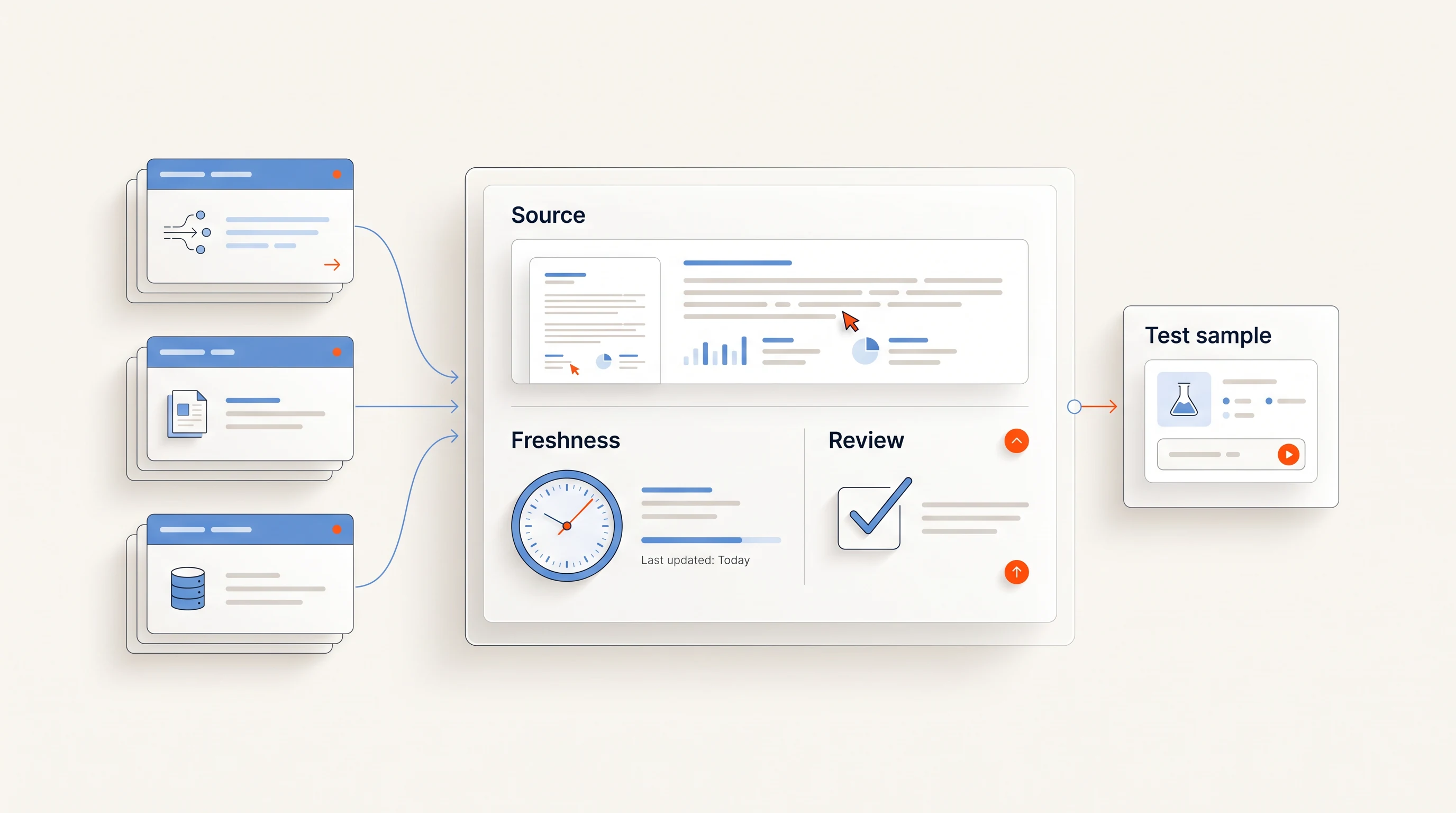
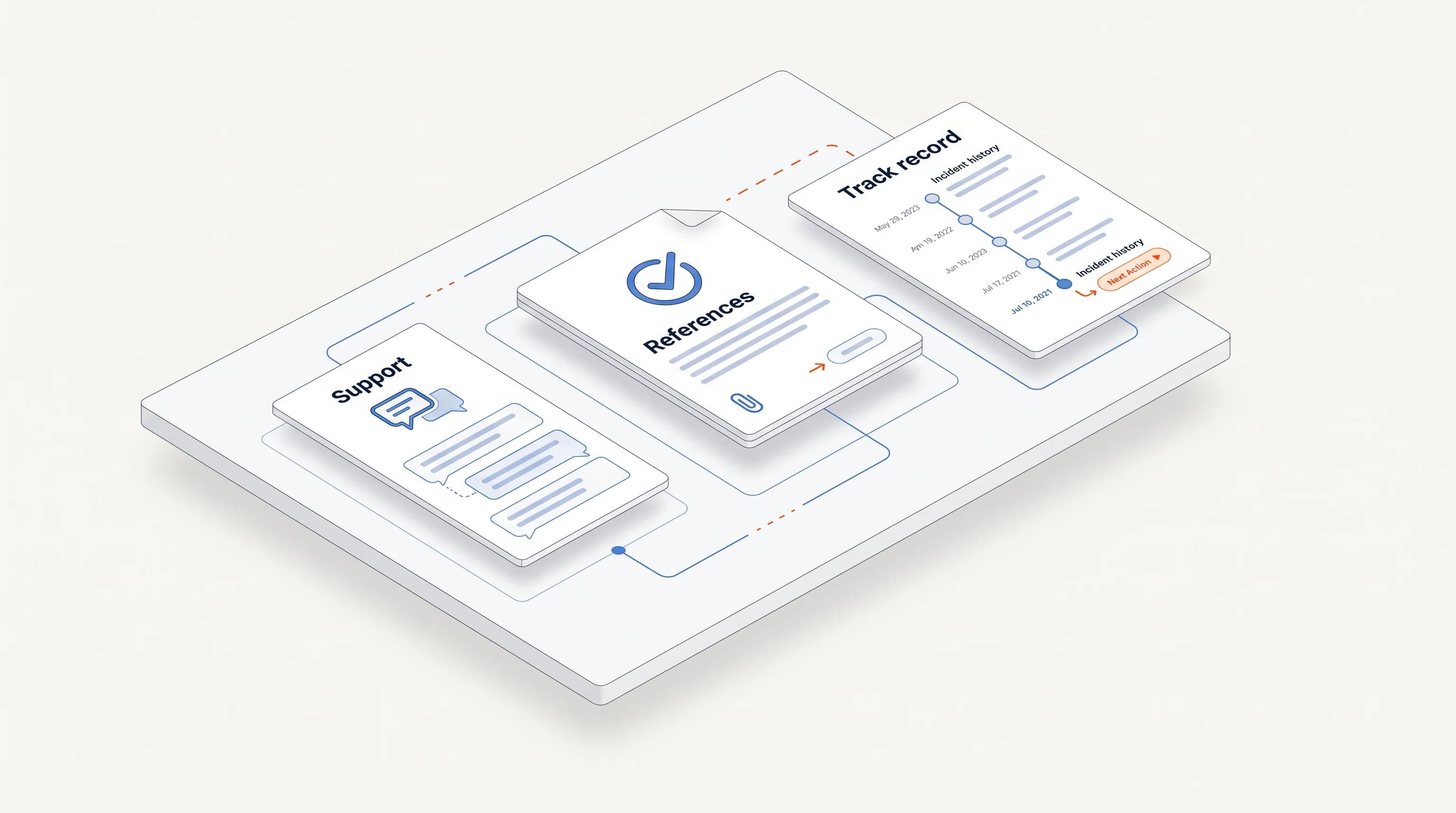
Keep the source link and the date next to the draft. If a rep or a reviewer cannot open the source and reach the same factual conclusion, the draft is not ready.
Use signals to move open deals, not only to start new ones
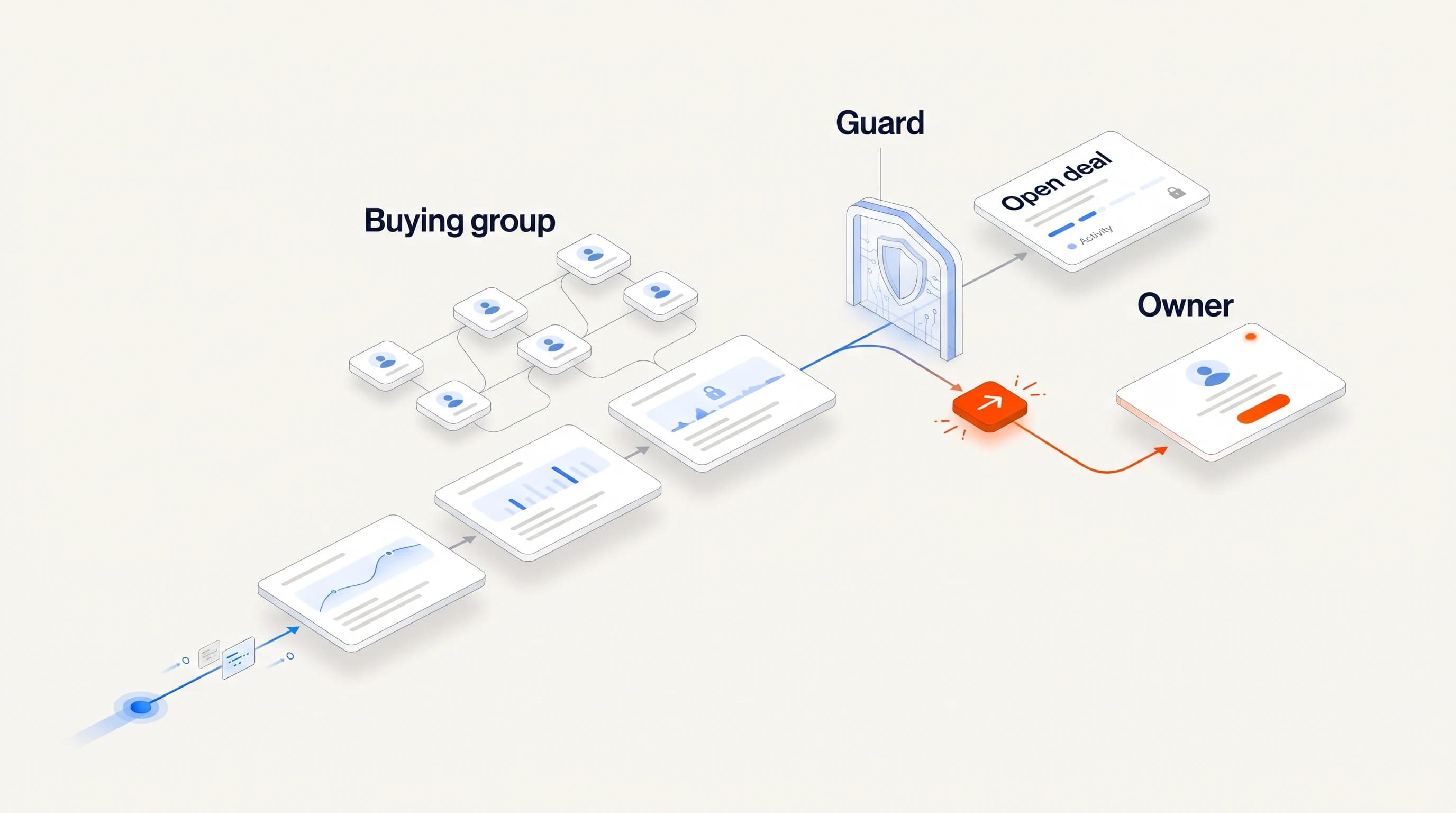
Signals are most often used to open conversations, but they also help move existing deals. A new executive at an account in your pipeline, a hiring push in the team that would use your product, or a champion changing jobs are all reasons to update the deal owner and suggest a next step.
Set this up as a separate rule set from prospecting. For accounts with an open opportunity, signals should create a note and a suggested action for the deal owner, never a new cold sequence to someone already in the conversation.
Measure whether signals actually move deals
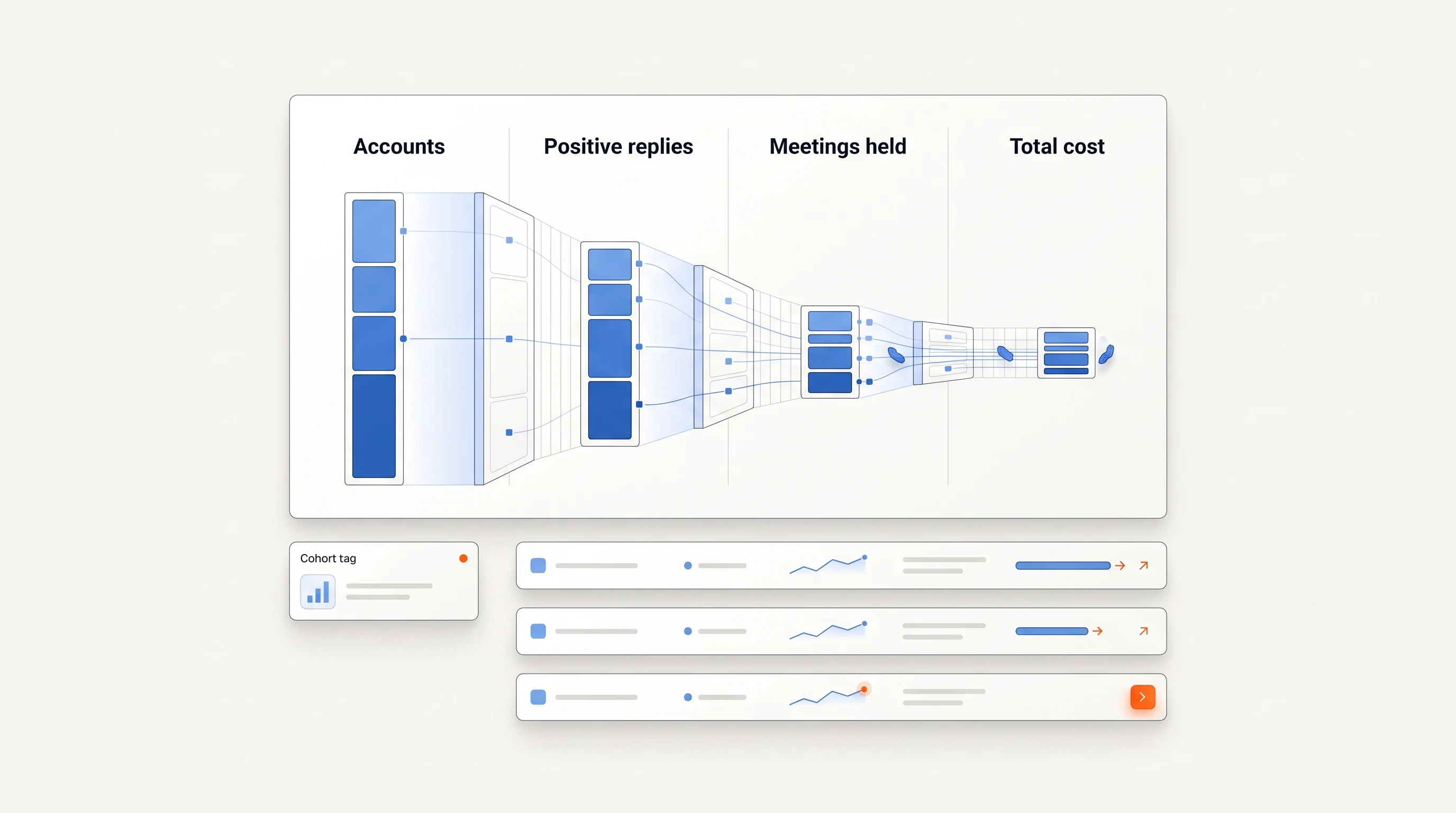
Volume metrics will tell you the automation is busy. They will not tell you it works. Track a small set of outcome measures per signal type:
- Time from signal to first action.
- Share of signals that produced a reviewed decision: act, research further or pass.
- Reply rate and positive reply rate on signal-triggered outreach.
- Meetings and opportunities created, and how many open deals advanced after a signal.
Compare signal types against each other every month. Retire the ones that create work without conversations, and give more budget to the ones that do.
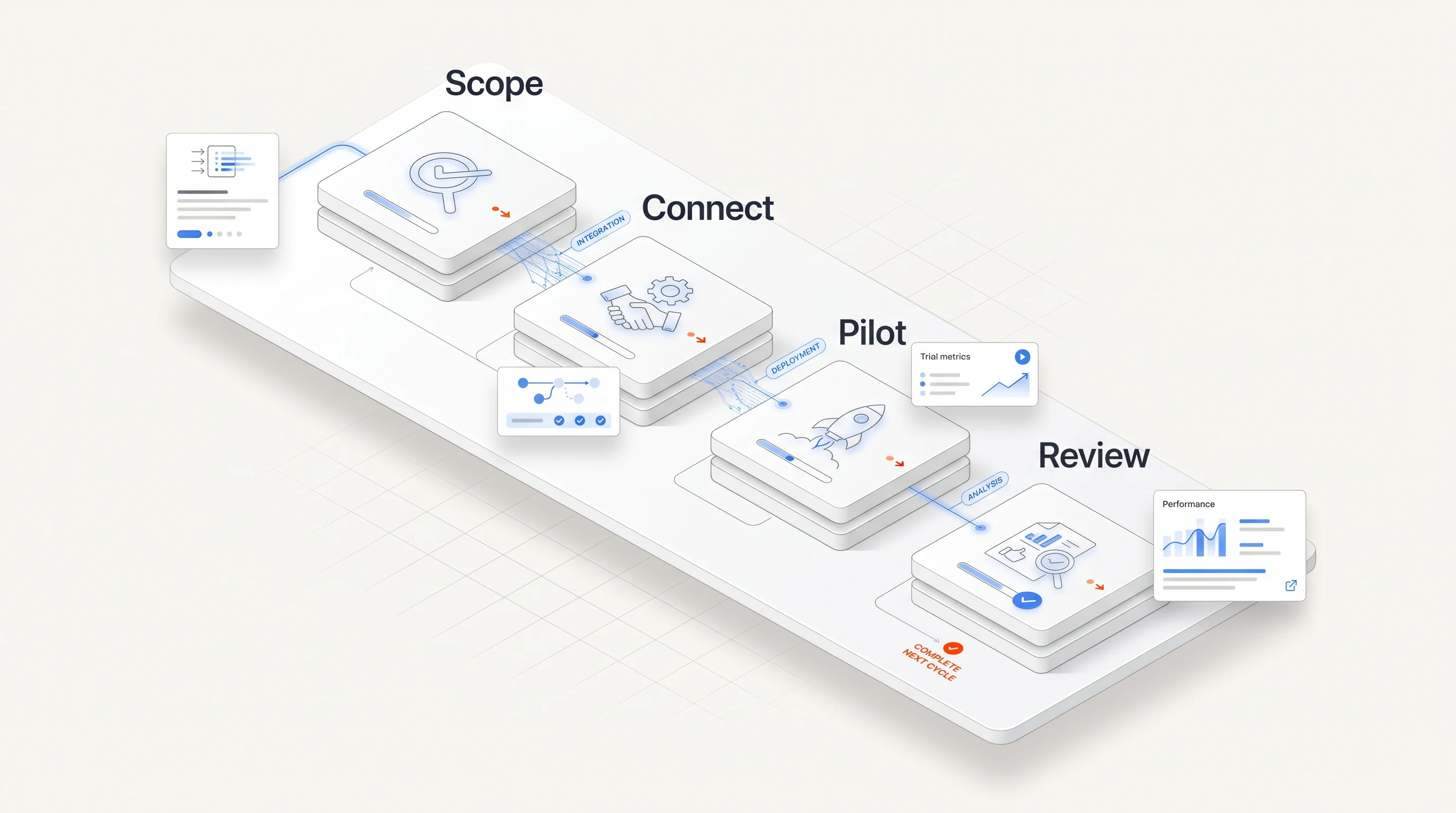
A four-week rollout
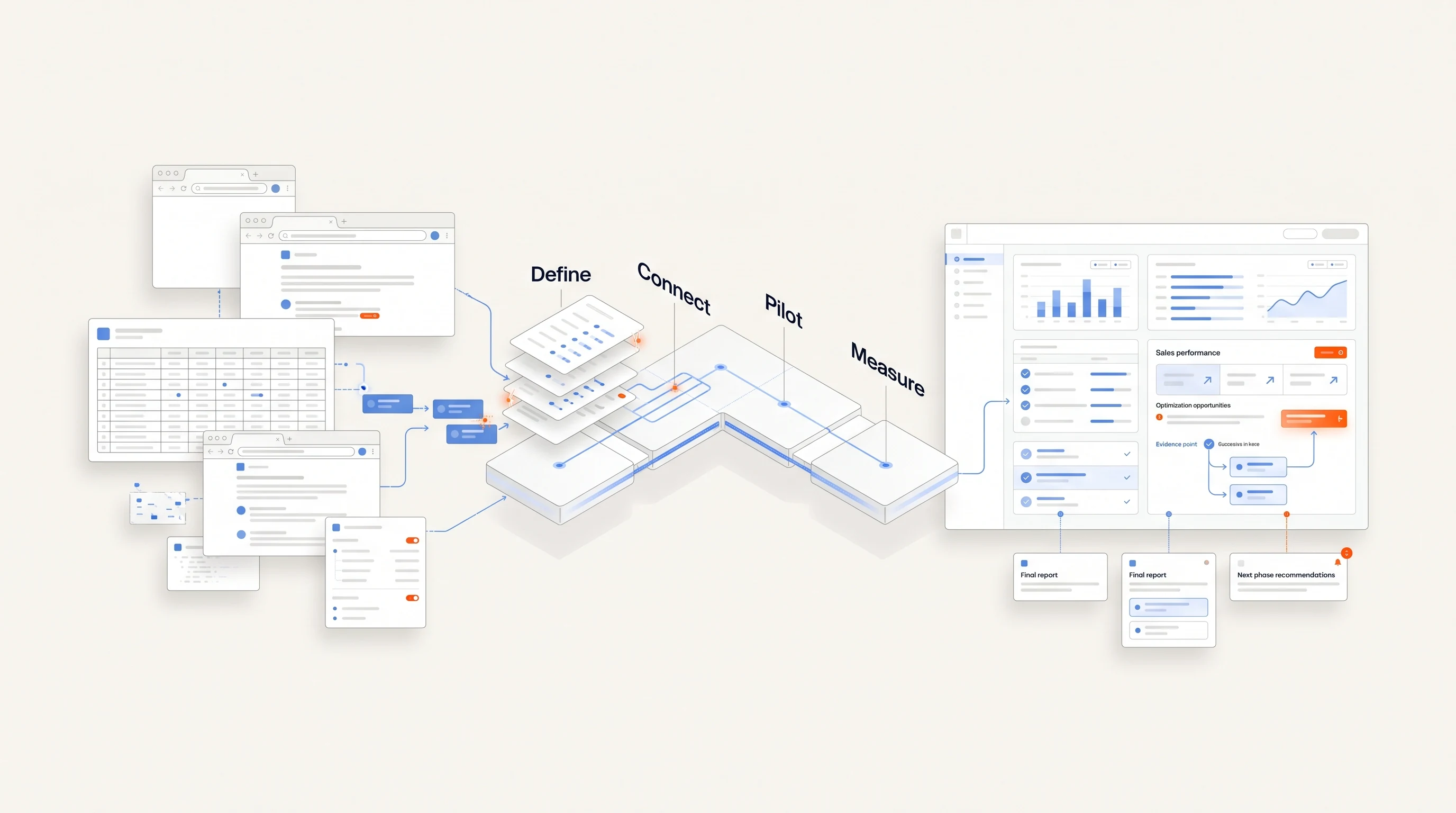
- Week 1. Write playbook entries for two or three signal types. Agree on owners, time limits and the stop rules for replies and opt-outs.
- Week 2. Turn on detection and routing for one segment. Route to tasks only, with no automatic sends. Review every task.
- Week 3. Add drafted first messages grounded in the evidence. Have a person read each one and record what they changed.
- Week 4. Allow automatic sending for the signal types whose drafts needed few changes, inside a saved sending policy with daily limits. Keep the rest on review.
After the first month, expand by segment, not by adding every signal type at once.
Where Perpetual fits
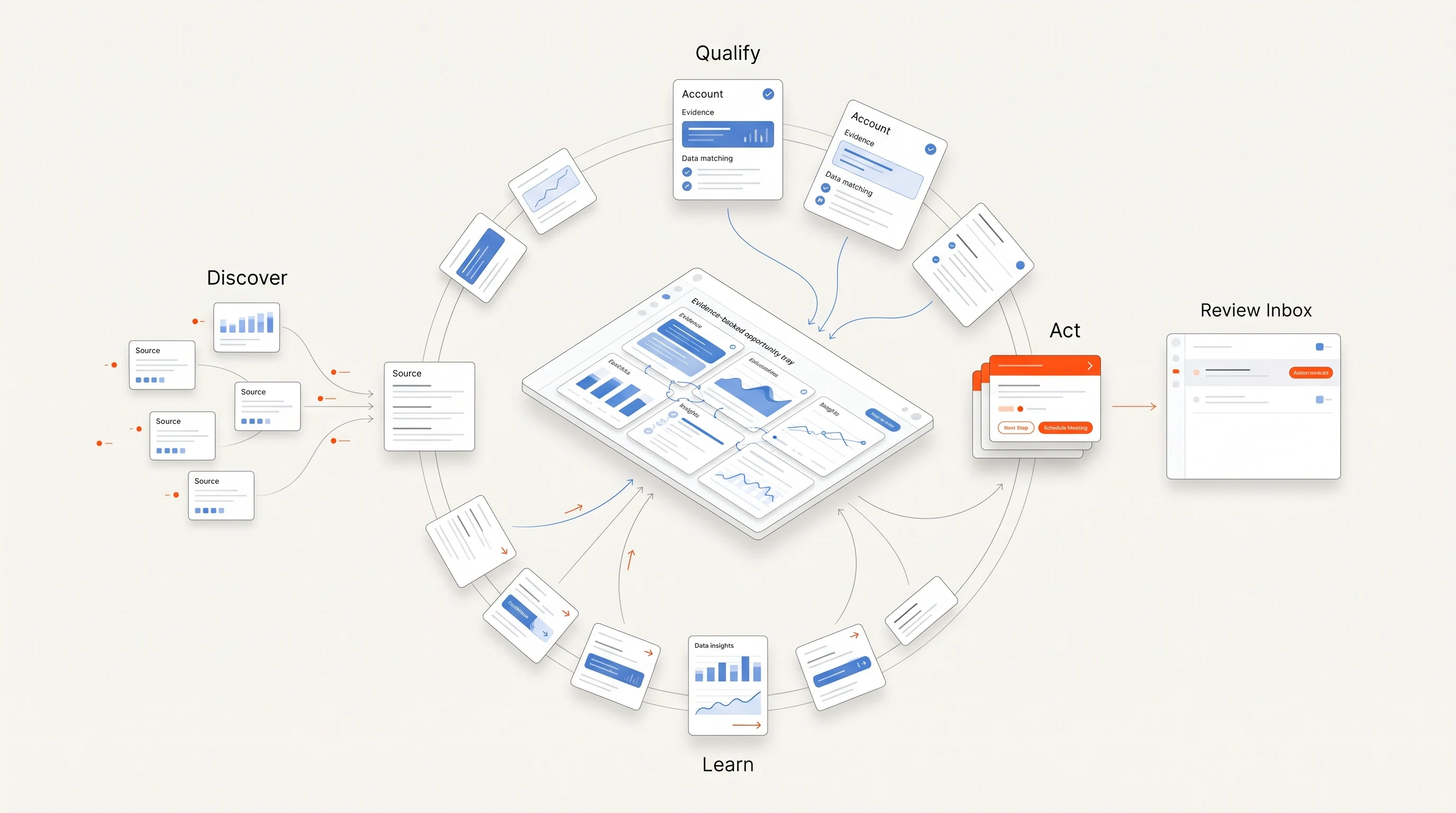
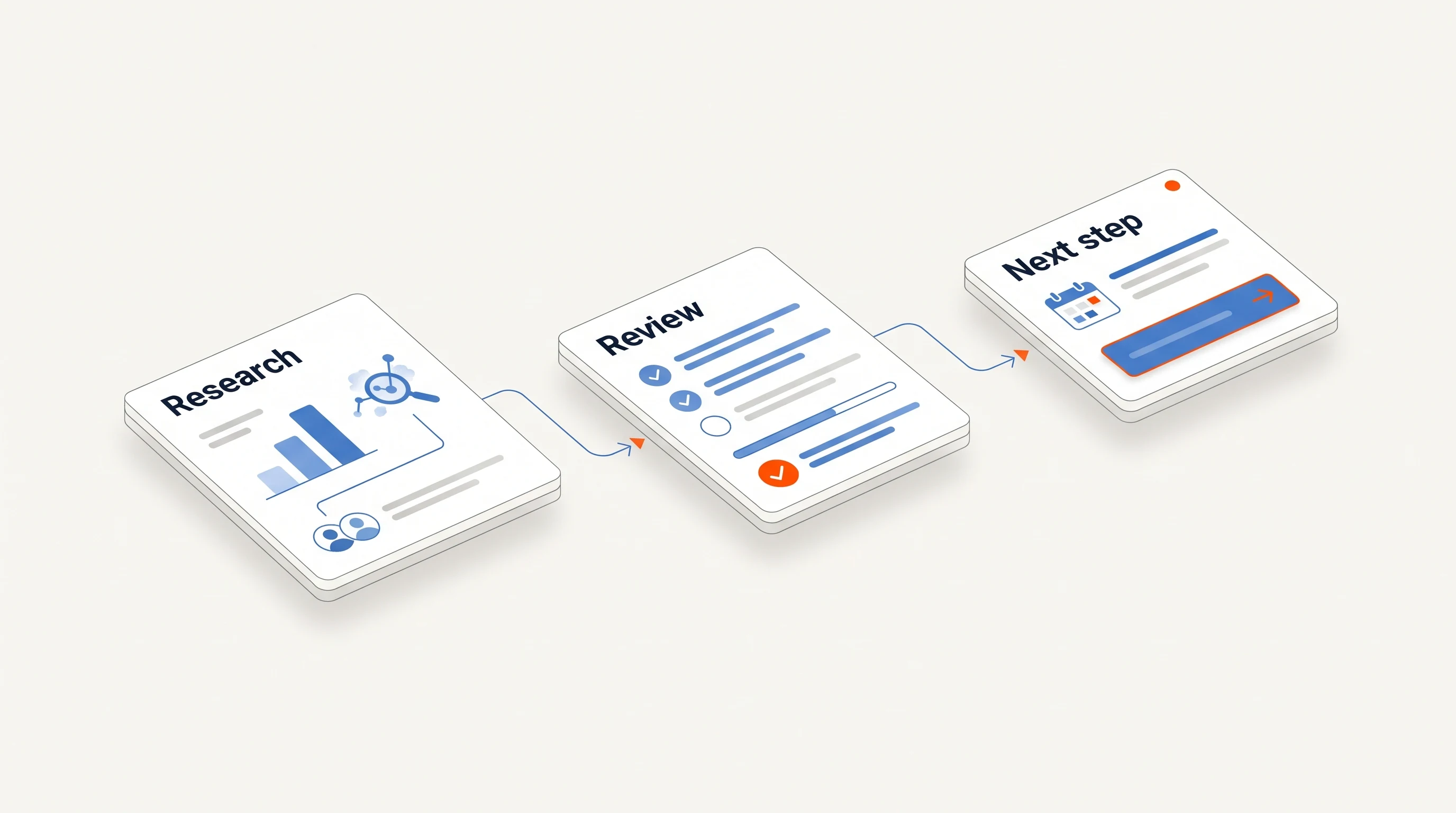
Perpetual runs this loop for one signal family: public hiring activity. It qualifies companies against your offer, selects one relevant person with an explanation, verifies the contact, and drafts an opener grounded in the public source, with a note on what the evidence does not prove. Completing campaign setup authorizes automatic email within your saved sending policy, manual review is available on request, and replies and opt-outs stop email follow-ups automatically.
Key takeaways
| Point | Detail |
|---|---|
| Activation is the hard part | Teams buy detection and interpretation; pipeline moves only when each signal has an owner, a next action and a time limit. |
| Automate preparation first | Research, routing and drafting are safe to automate early; sending follows once drafts consistently need few changes. |
| Carry the evidence | Every automated action should include the source and date, so anyone can check why an account was contacted. |
| Measure outcomes per signal type | Compare signal types on decisions, replies and deal movement, and retire the ones that only create work. |
Frequently asked questions
Can I fully automate outreach based on buying signals?
You can automate most of the preparation and, within a saved sending policy with daily limits, the sending itself. Keep people on replies, new offers and strategic accounts, and make sure replies and opt-outs stop follow-ups automatically.
Which buying signals should I automate first?
Start with the two or three signal types that appeared most often before your recent wins. A signal you cannot tie to a specific next action is not worth automating yet.
How do I stop signal-based automation from spamming open deals?
Check for an open opportunity before creating outbound work. Signals at accounts in an active deal should go to the deal owner as a note and a suggested next step, not into a new cold sequence.