JournalEvaluationNo. 16
Go-to-Market Platforms That Integrate With Your CRM and Marketing Automation: What to Check Before You Buy
How to judge whether a go-to-market platform integrates well with your CRM and marketing automation: patterns, read and write rules, suppression and a one-week test.
Marko Raković7 min read7 sections
Contents
Published by Perpetual
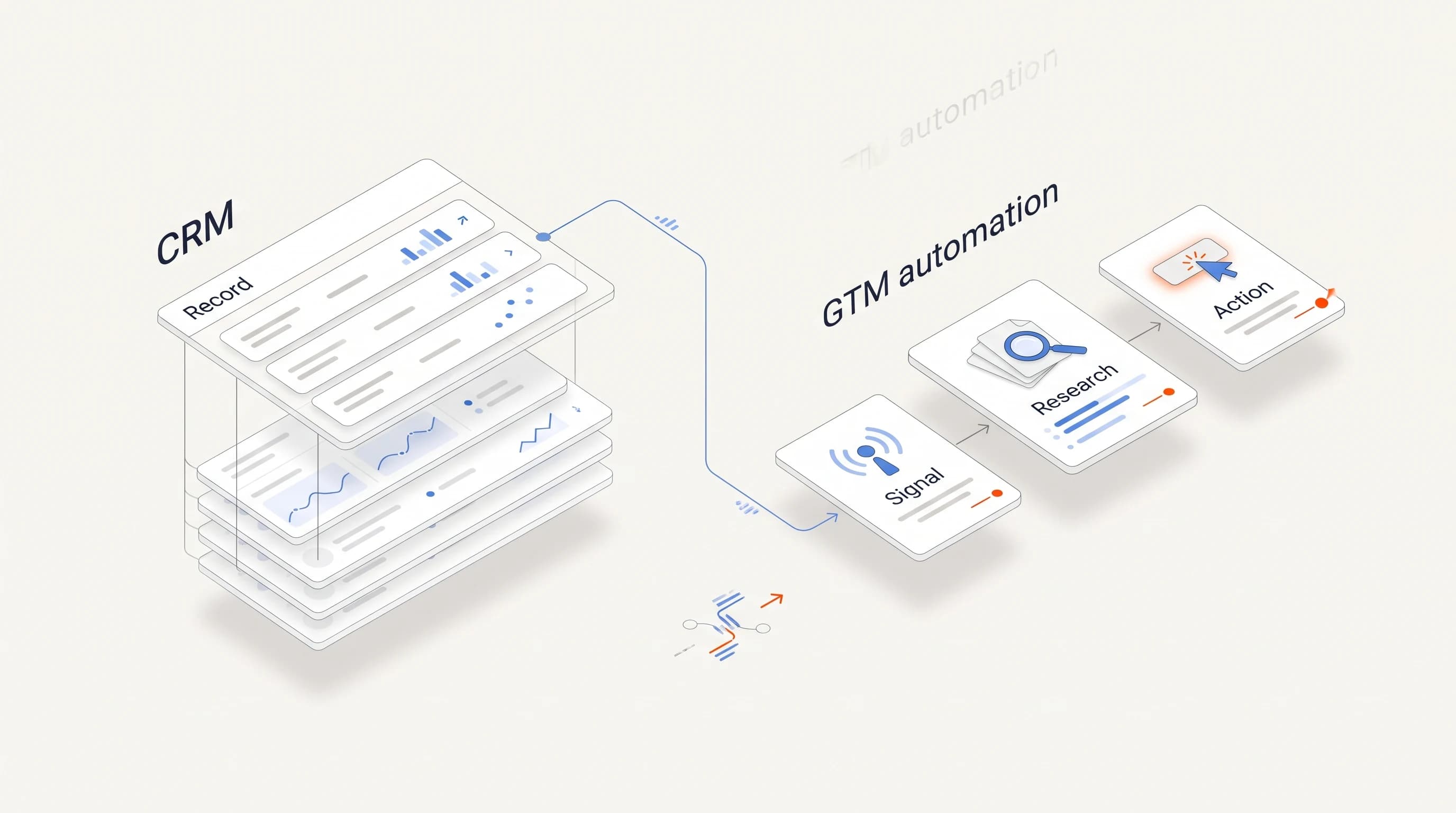
A go-to-market platform integrates well with your CRM and marketing automation when it reads the records it needs, writes back only the fields you agree on, respects ownership and suppression rules, and leaves a log you can audit. "Native integration" on a pricing page tells you that a connector exists. It does not tell you which direction data moves, who wins a conflict, or what breaks when a field changes. This guide turns integration into a checklist you can run in a trial.
Three things to know
- Integration quality depends on direction, scope and conflict rules, not on the number of logos on the integrations page.
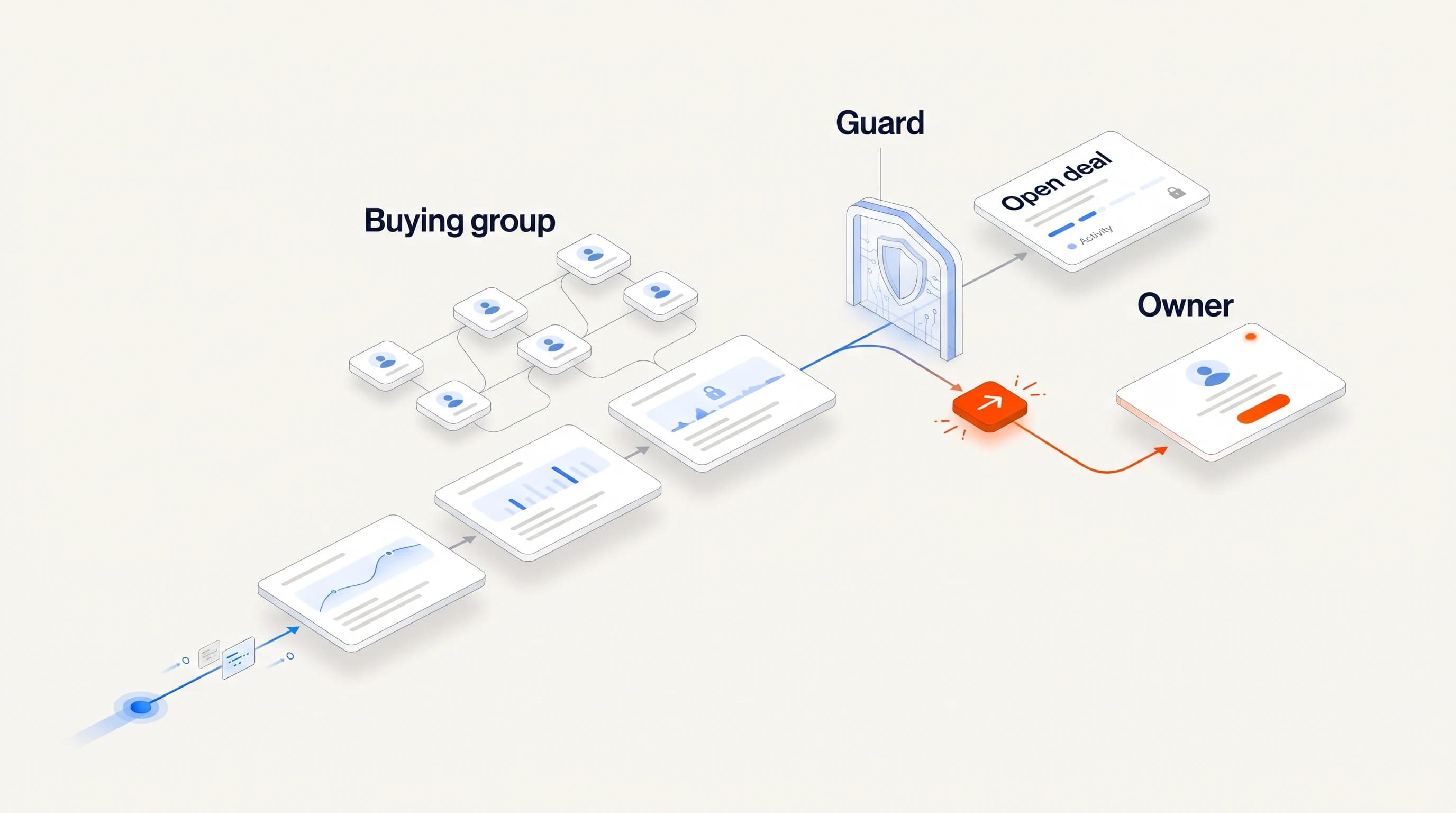
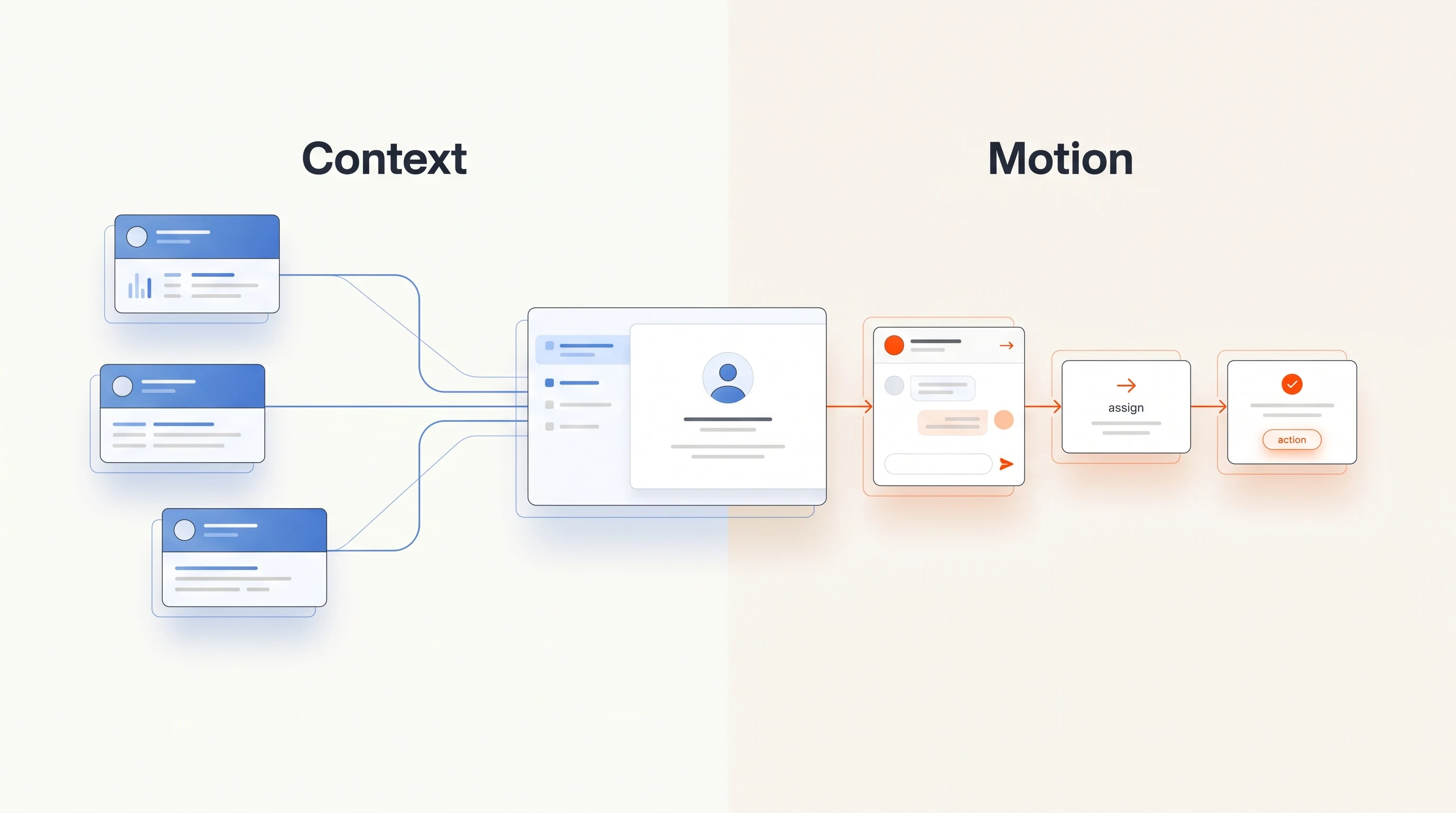
- The CRM should stay the system of record for ownership, open deals and do-not-contact status, and the GTM platform should read those before it acts.
- Most integration failures come from duplicates, overwritten fields and missing suppression, and all three can be tested in a one-week trial.
What "integrates well" actually means
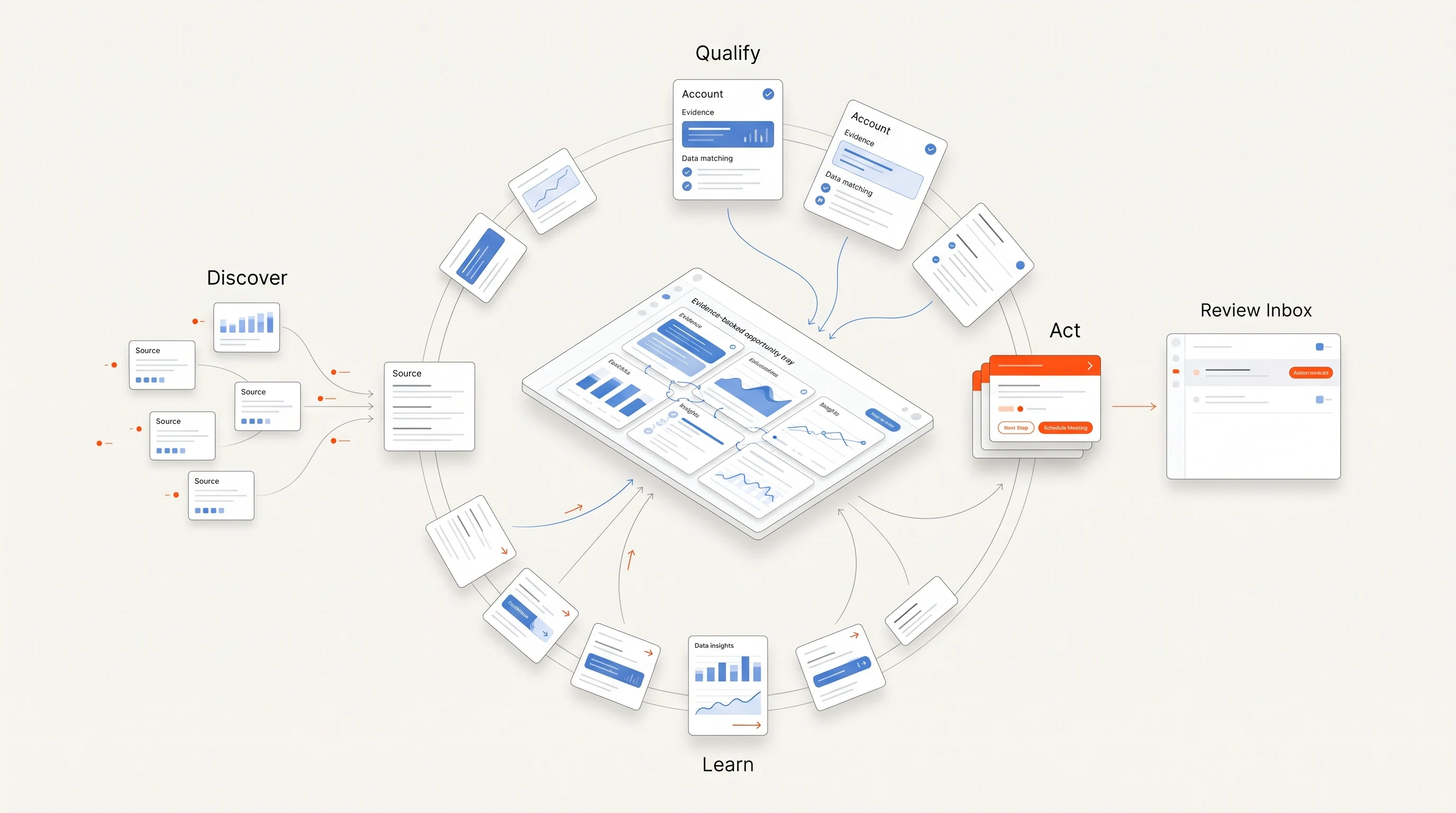
Teams rarely lack tools; they lack tools that agree with each other. One widely cited guide describes the typical failure: an inbound lead reaches the CRM without key data, someone builds a workaround to enrich it, and follow-up slips because enrichment, routing and scheduling each live in a different system (Default). Outbound has the same problem in reverse: a signal tool finds an account that is already in an open deal, and a cold sequence goes to someone your account executive spoke with yesterday.
So "integrates well" is less about a connector and more about four questions:
- Direction: does data flow one way, both ways, or on demand?
- Scope: which objects and fields does it read and write?
- Conflicts: when the CRM and the platform disagree, which one wins?
- Visibility: can you see every write, when it happened and why?
The five integration patterns
| Pattern | How it works | Best for | Watch out for |
|---|---|---|---|
| Native bidirectional sync | Objects and fields stay in sync both ways on a schedule | Teams that want one shared view of accounts and activity | Overwrites when both systems edit the same field |
| One-way push | The platform writes outcomes, such as meetings or replies, into the CRM | Teams that want the CRM to stay clean and authoritative | The platform may not see changes made in the CRM |
| CRM-native app | The tool runs inside the CRM and uses its objects directly | Teams standardized on one CRM with an admin | Tight coupling to that CRM's data model and limits |
| Workflow tool in the middle | A low-code automation tool moves data between systems | Unusual stacks and custom rules | A second system to maintain and debug |
| Export and import | CSV files moved by hand | Pilots and one-off lists | Stale data and no audit trail |
Specialist tools tend to cluster around one pattern. Routing tools that live inside Salesforce, job-change trackers that push alerts into the CRM, and schedulers that write booked meetings back are all common examples in published roundups (Default). None of these is wrong. The question is whether the pattern matches who owns the data on your team.
What the platform must read before it acts
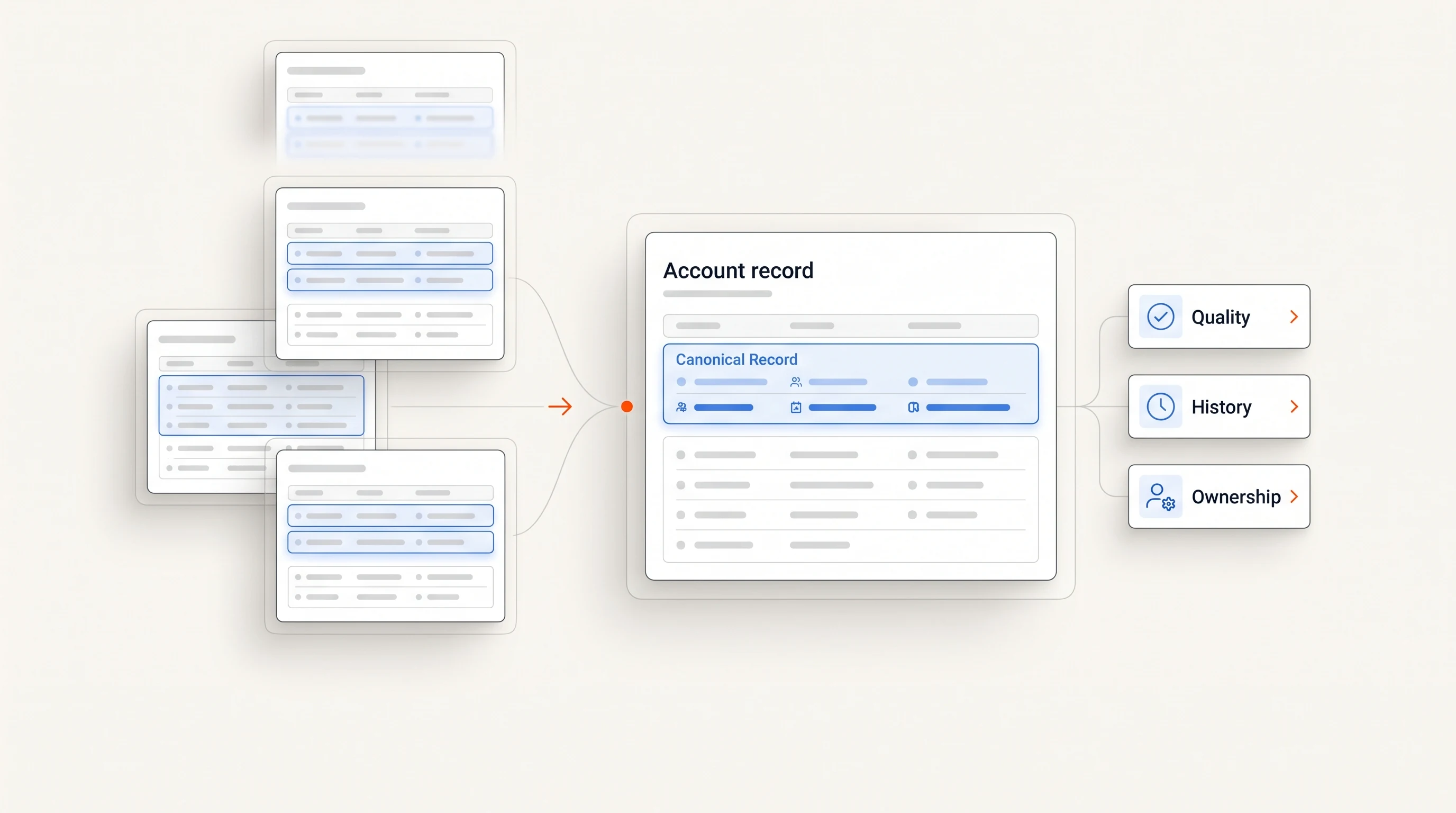
Before any outbound action, a GTM platform should check the CRM for:
- Account ownership. Signals at owned accounts go to the owner, not into a generic sequence.
- Open opportunities. An account in an active deal should never receive cold outreach from a separate workflow.
- Existing contacts and recent activity. If someone was emailed last week from the CRM, the platform should know.
- Do-not-contact and unsubscribe status. This should be enforced on every send, not synced overnight.
Ask the vendor where these checks happen and how stale the data can be when they run. A nightly sync is fine for reporting; it is not fine for suppression.
What it should write back, and what it should never touch
A clean write-back is small and predictable. Useful outcomes to push into the CRM are positive replies, meetings booked, and the contact and company records needed to log them, with a note that links to the evidence behind the outreach.
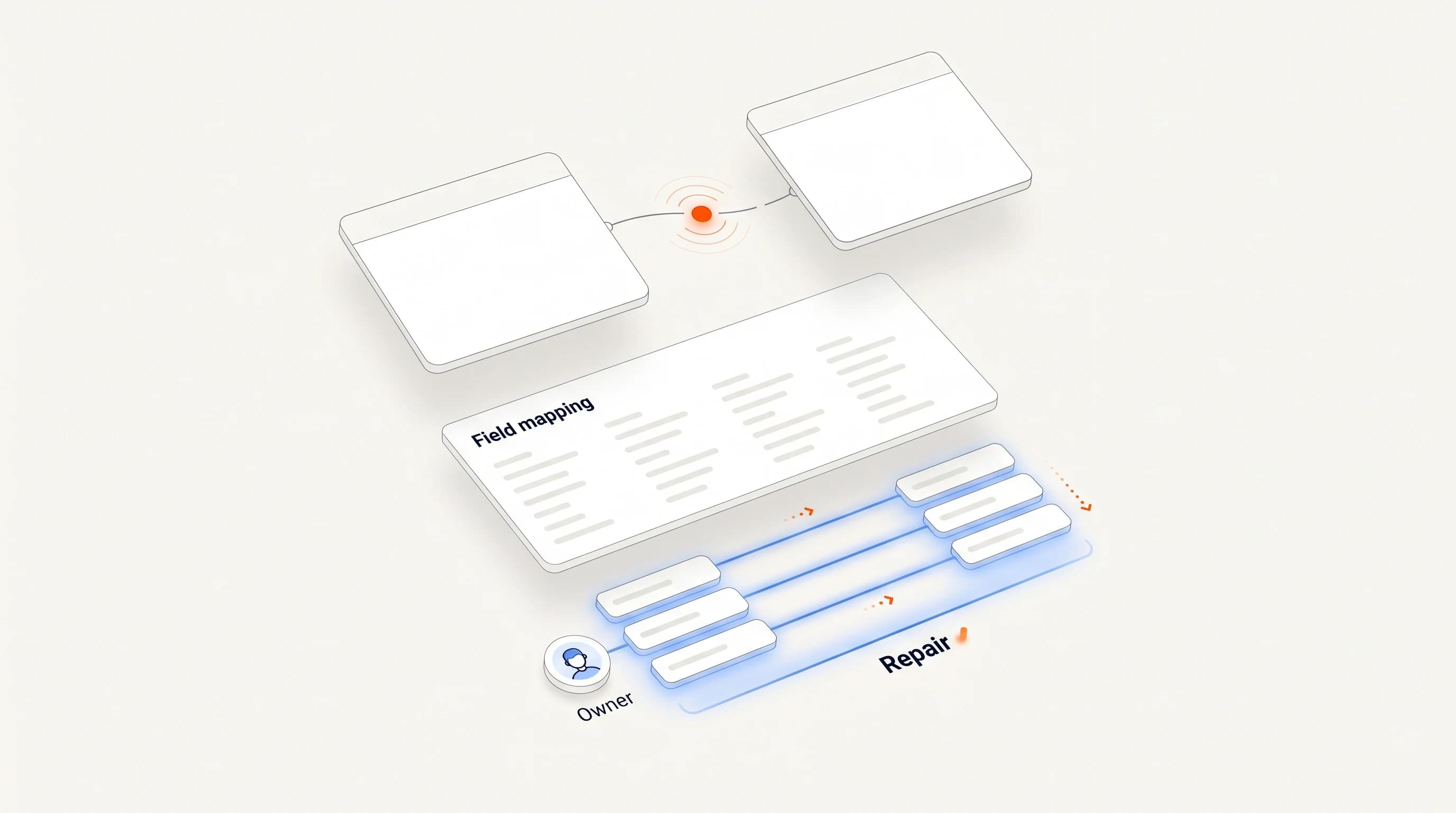
What a GTM platform should almost never do is overwrite fields your team maintains by hand: owner, lifecycle stage, deal amount, close date. If the platform needs to suggest a change to one of those, it should create a task or a note, not edit the field.
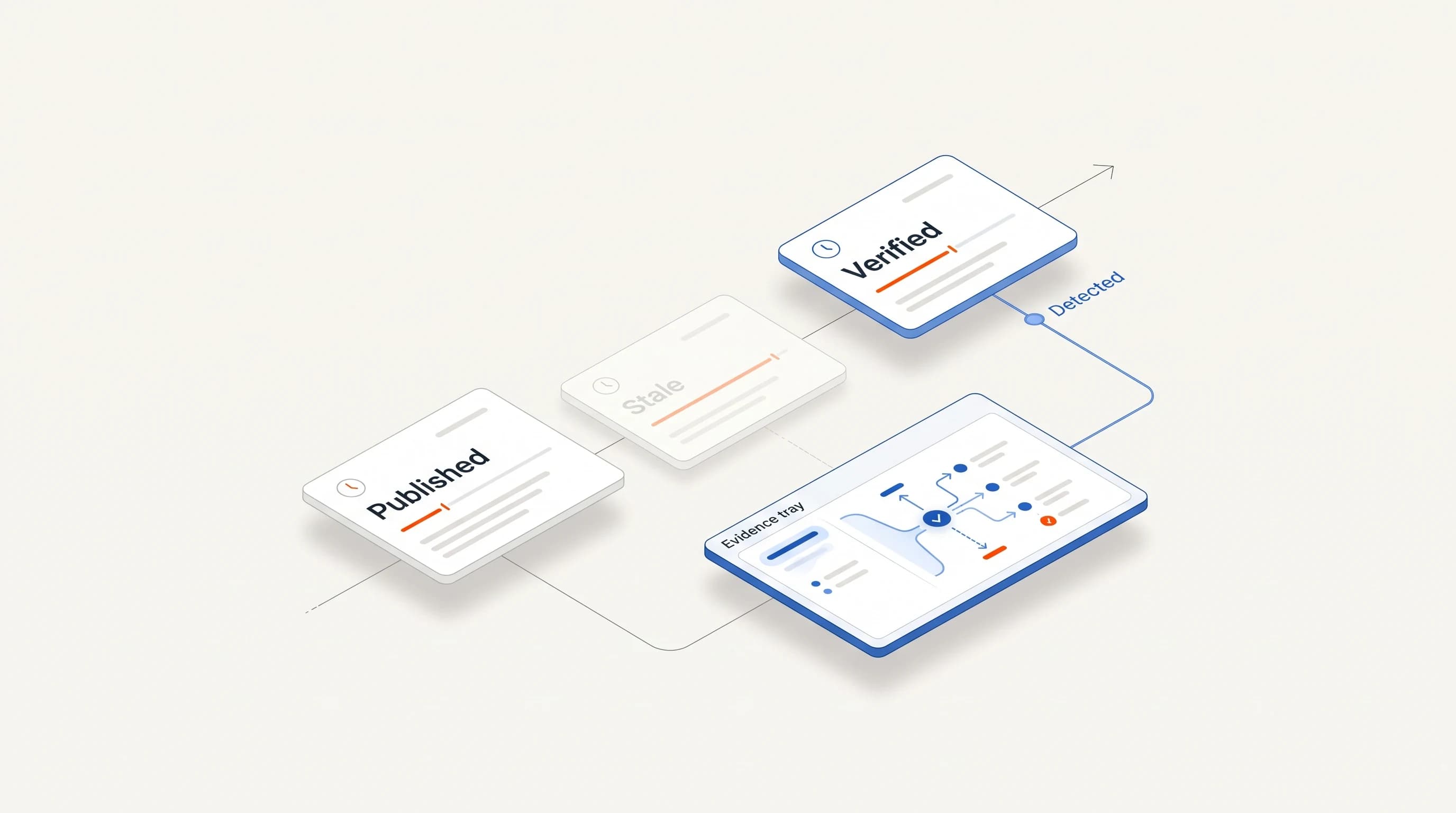
Ask for the field mapping in writing, and ask whether it is versioned. When the mapping changes, you want to know which records were written under which version.
Marketing automation: avoiding double contact
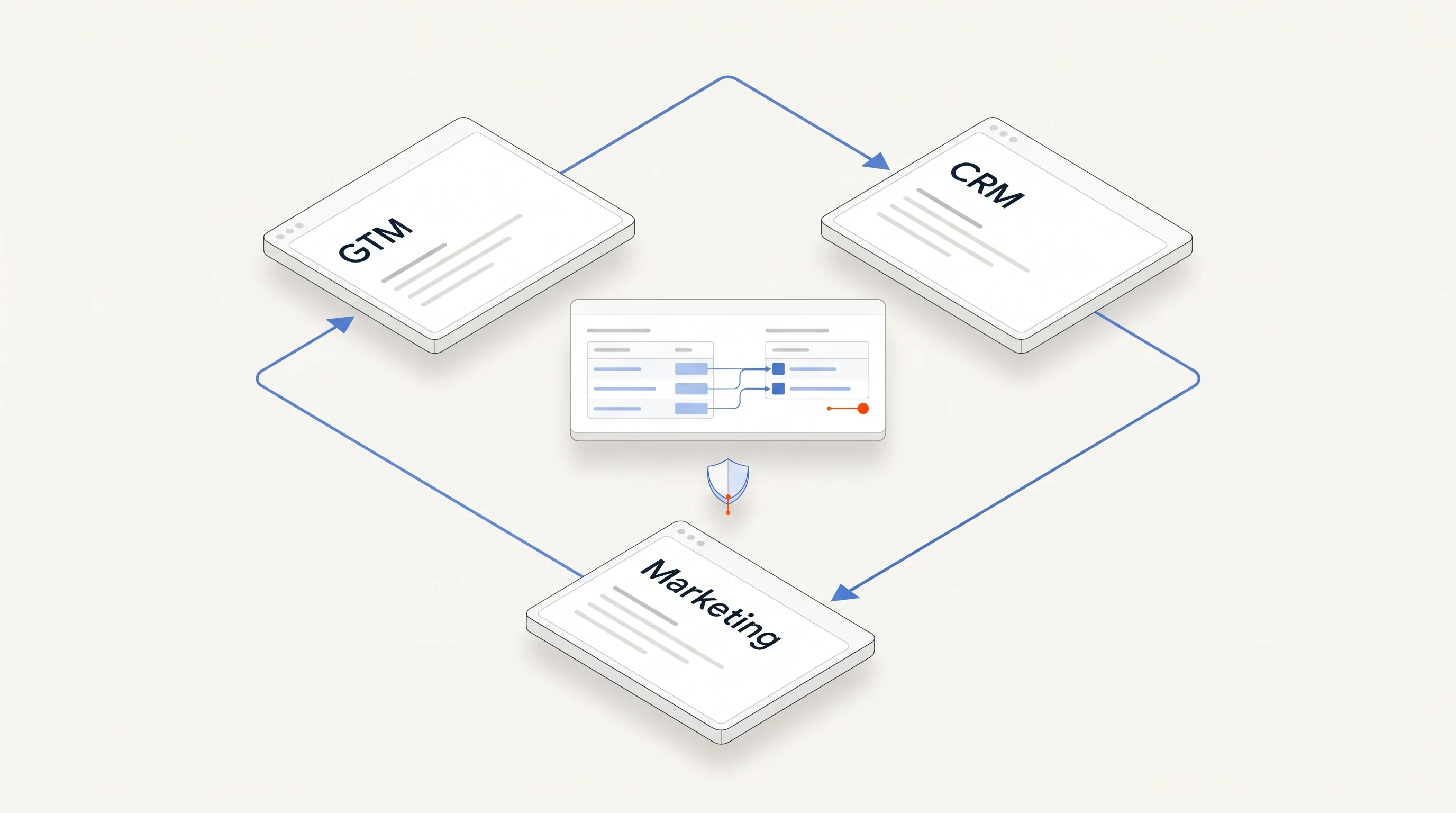
Marketing automation and outbound platforms often email the same people. Without coordination, a prospect can receive a nurture email and a cold opener on the same morning. Three rules prevent most of it:
- Keep one suppression list that both systems check before sending.
- Agree which system owns contact for each lifecycle stage. For example, marketing owns subscribers and existing leads, and outbound owns new contacts at target accounts.
- Pause nurture for a contact while they are in an active outbound sequence, and the other way round.
An integration test you can run in a week
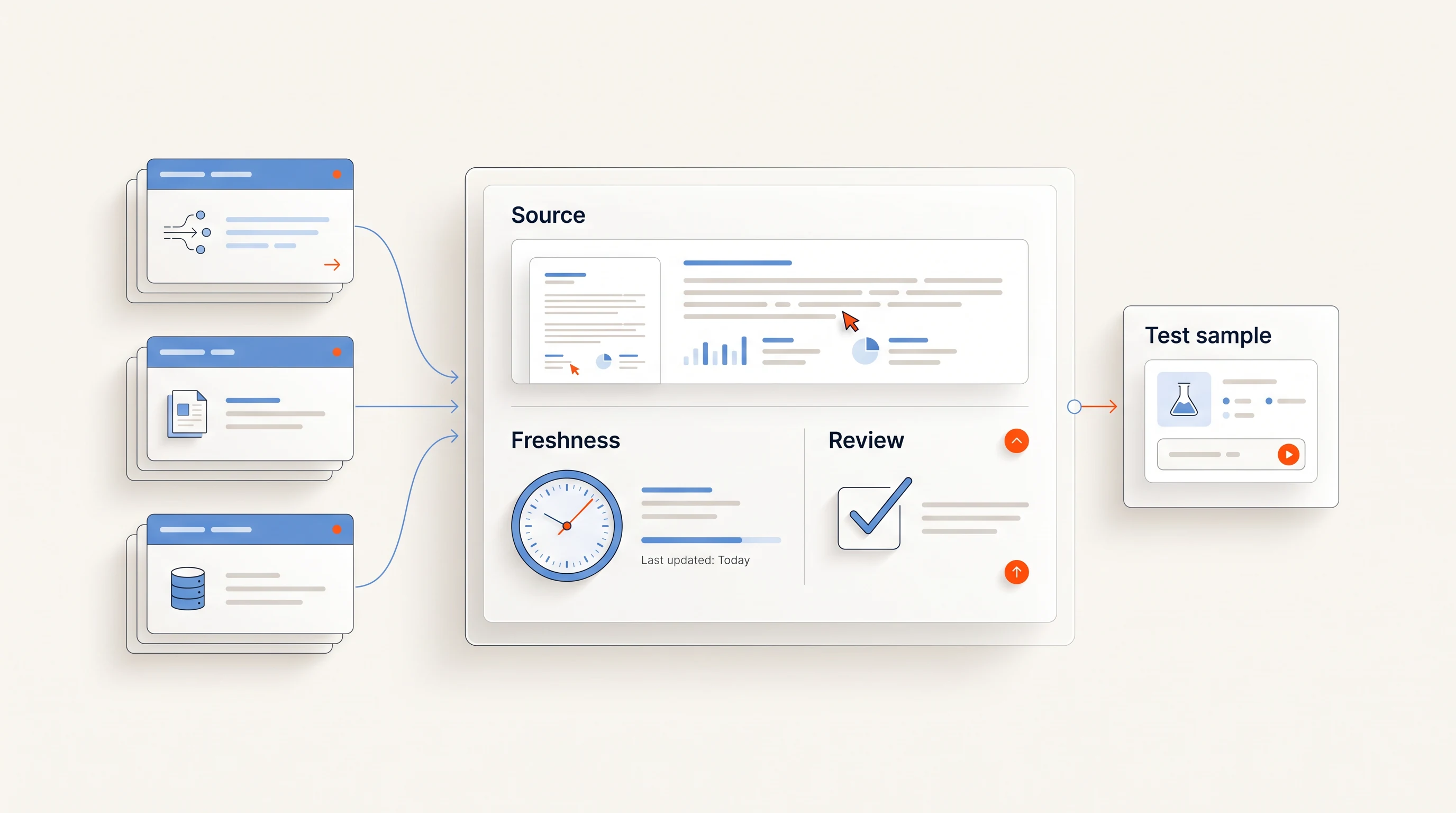
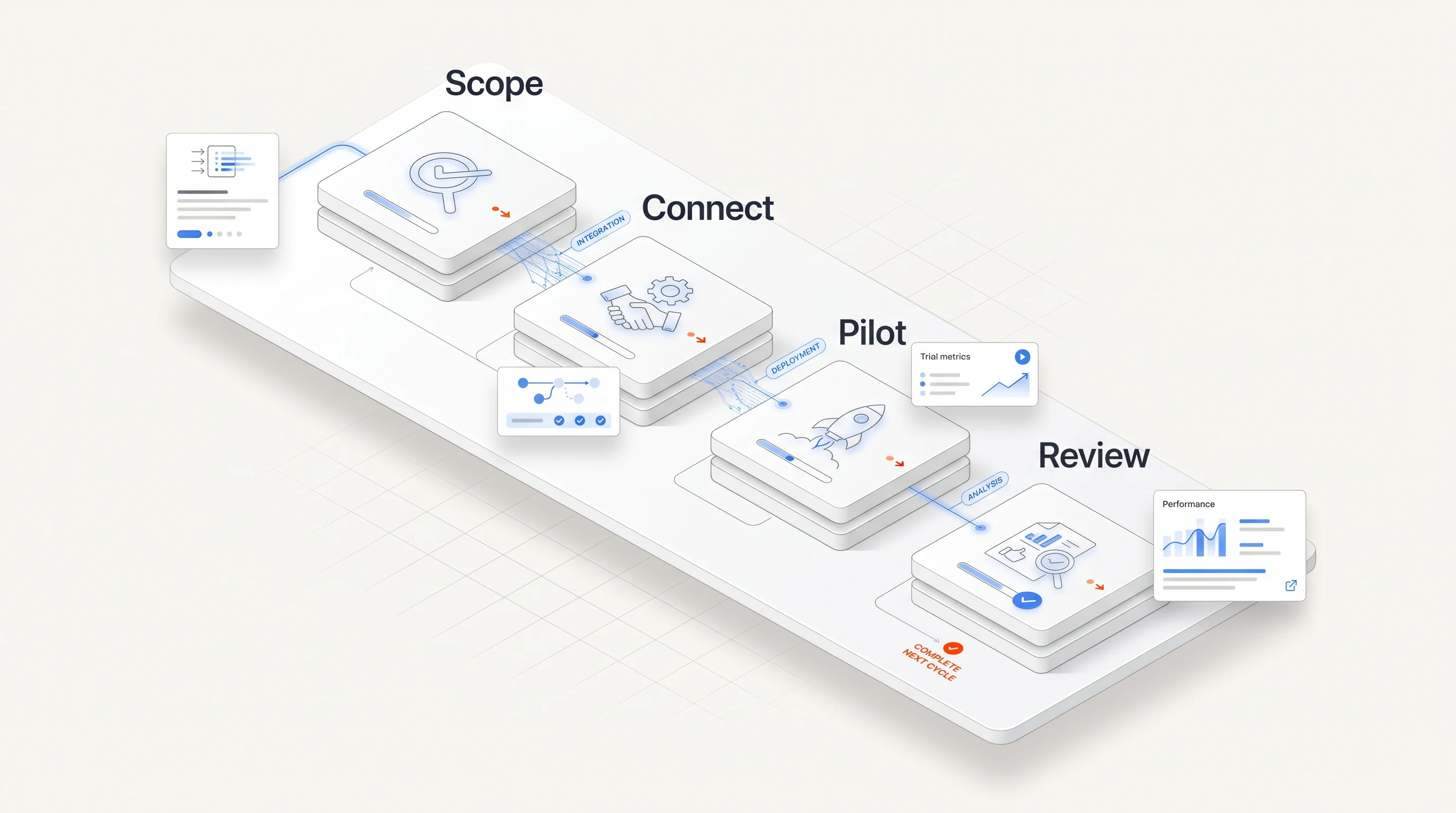
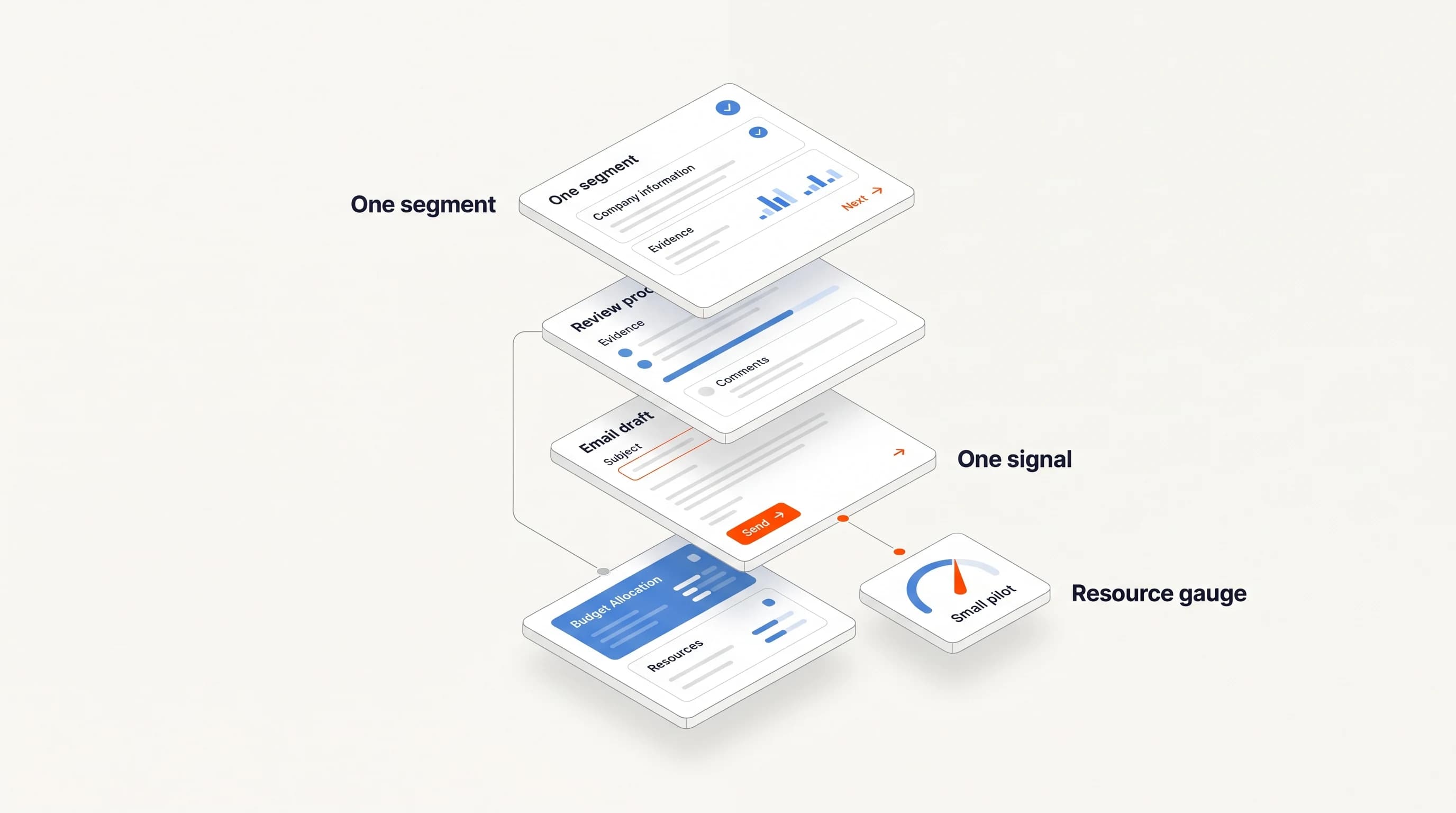
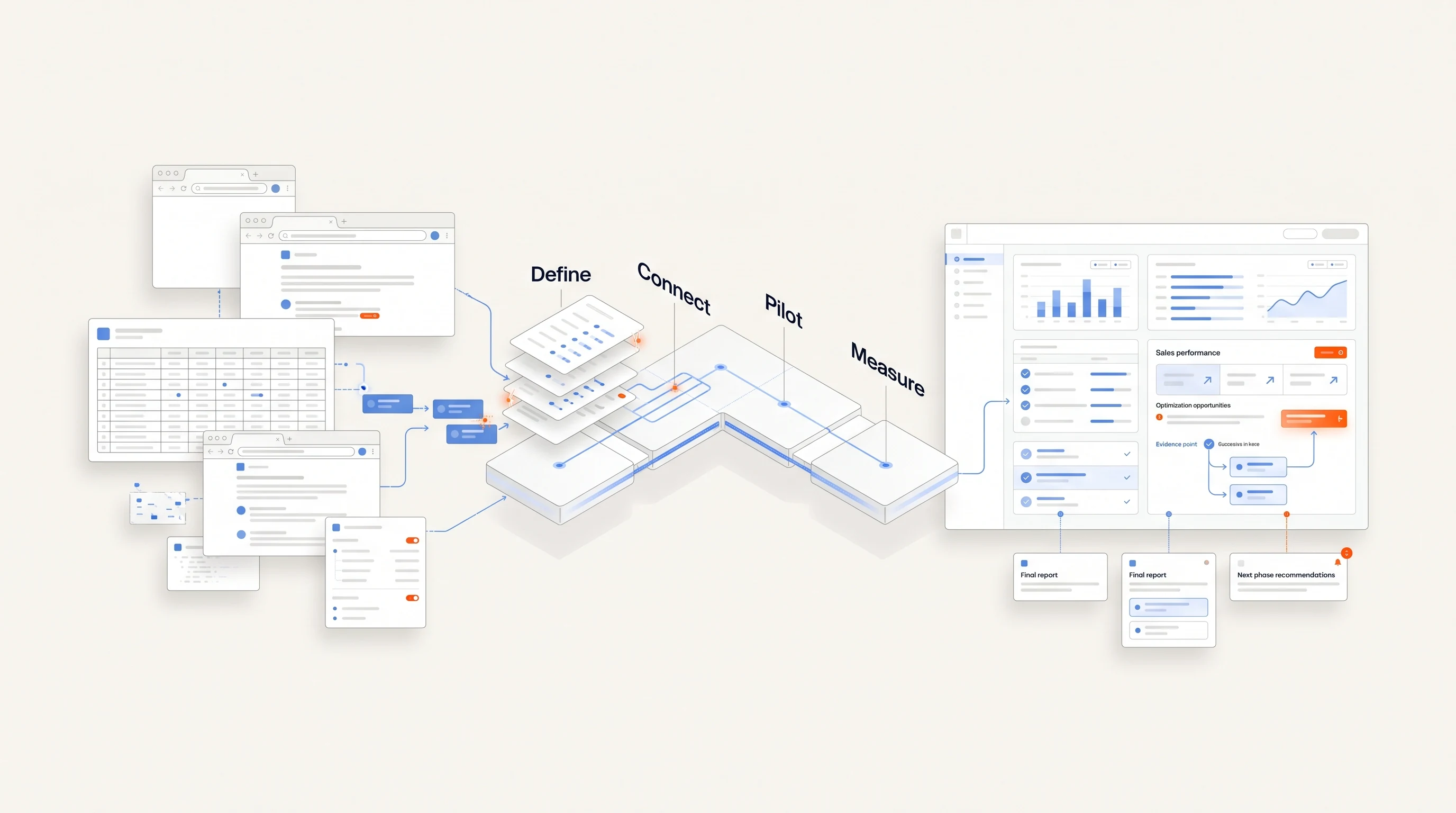
Set up a sandbox or a small segment and run these checks before signing:
- Create a test account with an owner and an open opportunity, then trigger a signal for it. Nothing should be sent; the owner should get a note or a task.
- Mark a test contact as unsubscribed in the CRM. Confirm the platform refuses to contact them within minutes, not the next day.
- Book a test meeting through the platform. Confirm it appears in the CRM with the right contact, company and evidence link, and that no hand-maintained field changed.
- Change a field name in the CRM. See what breaks and how quickly you find out.
- Ask for the log of every write the platform made during the week.
If the vendor cannot support this test, that is useful information too.
Where Perpetual fits
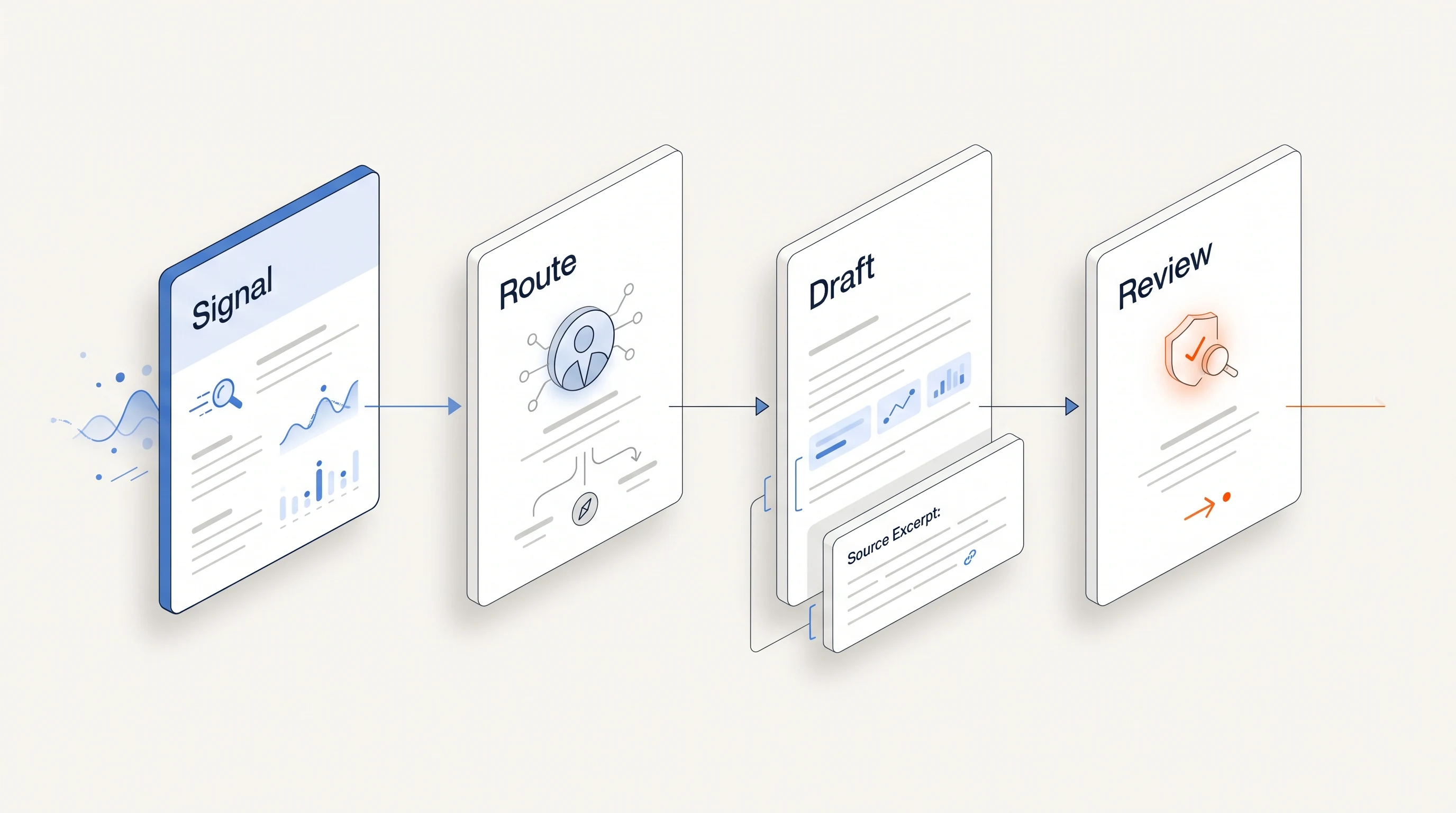
Perpetual sends email from your own connected mailboxes within a saved sending policy, and replies and opt-outs stop email follow-ups automatically. Every opportunity carries its public source, the selected person and the reasoning behind the choice, so the evidence is ready to log wherever your team records outcomes. LinkedIn steps are manual tasks you complete yourself; Perpetual does not automate LinkedIn. For a broader view on choosing tools when nobody owns operations, see Choosing go-to-market automation for a small sales team.
Key takeaways
| Point | Detail |
|---|---|
| Integration is about rules, not logos | Check direction, scope, conflict handling and visibility for every connector. |
| The CRM stays the system of record | Ownership, open deals and do-not-contact status should be read before every outbound action. |
| Write back little, and predictably | Push outcomes and evidence; never overwrite owner, stage, amount or close date. |
| Test before you sign | A one-week test with owned accounts, suppression, a booked meeting and a renamed field exposes most problems. |
Frequently asked questions
Is bidirectional sync always better than one-way?
No. Bidirectional sync is useful when both systems are actively edited and someone owns the mapping. For small teams, a one-way push of outcomes is often more reliable because it cannot overwrite the CRM.
What should a GTM platform check in the CRM before sending?
Account ownership, open opportunities, recent activity with the contact, and do-not-contact or unsubscribe status. Suppression should be enforced at send time, not via a nightly sync.
How do I stop marketing automation and outbound from emailing the same person?
Use one shared suppression list, agree which system owns contact at each lifecycle stage, and pause nurture while a contact is in an active outbound sequence.