JournalEvaluationNo. 17
Best Buying Signal Tracking Platforms in 2026: How to Compare Them
Compare buying signal platforms by account events, people changes, topic intent and workflow tools, with a checklist and a two-week test.
Marko Raković9 min read8 sections
Contents
Published by Perpetual
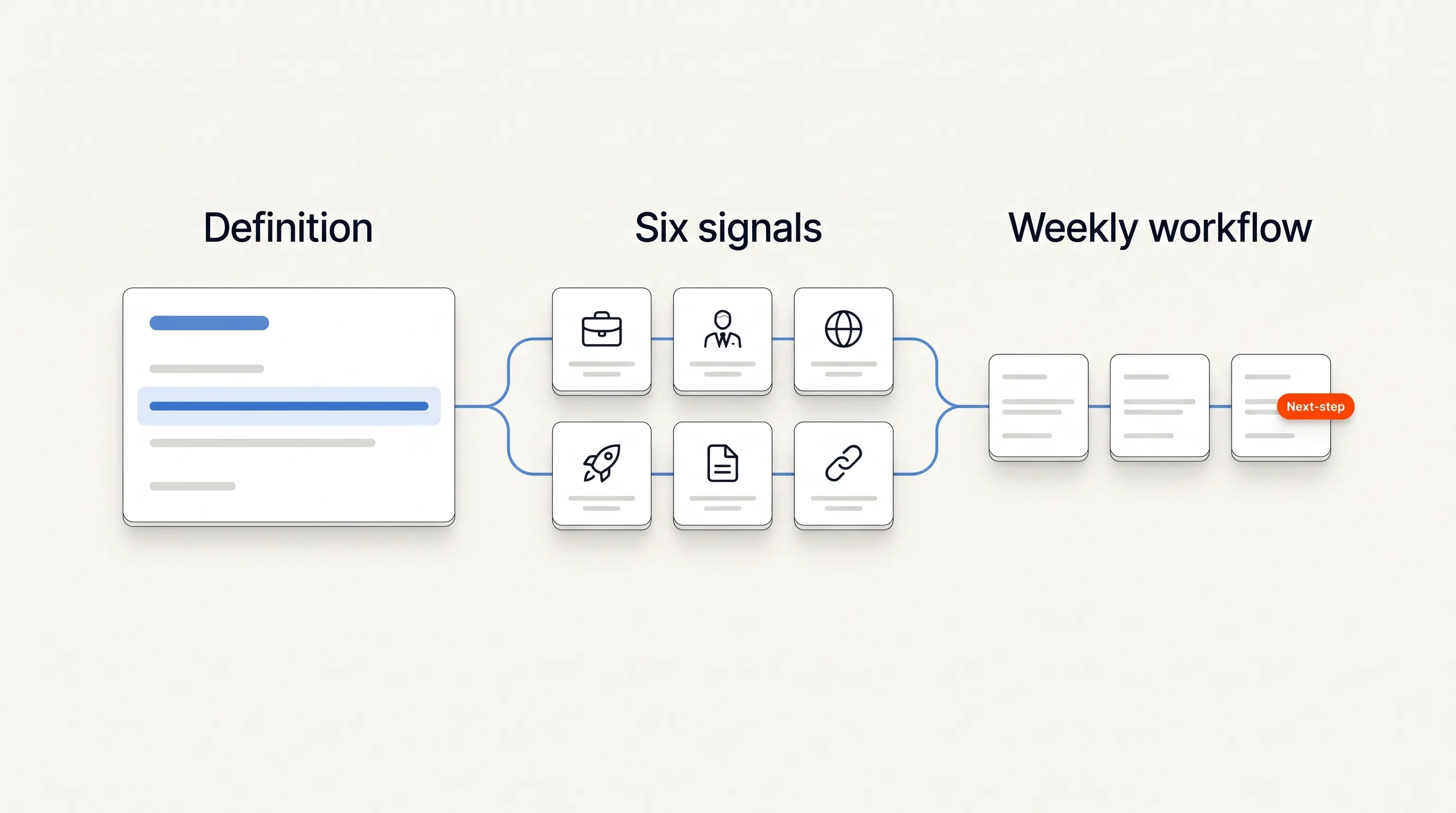
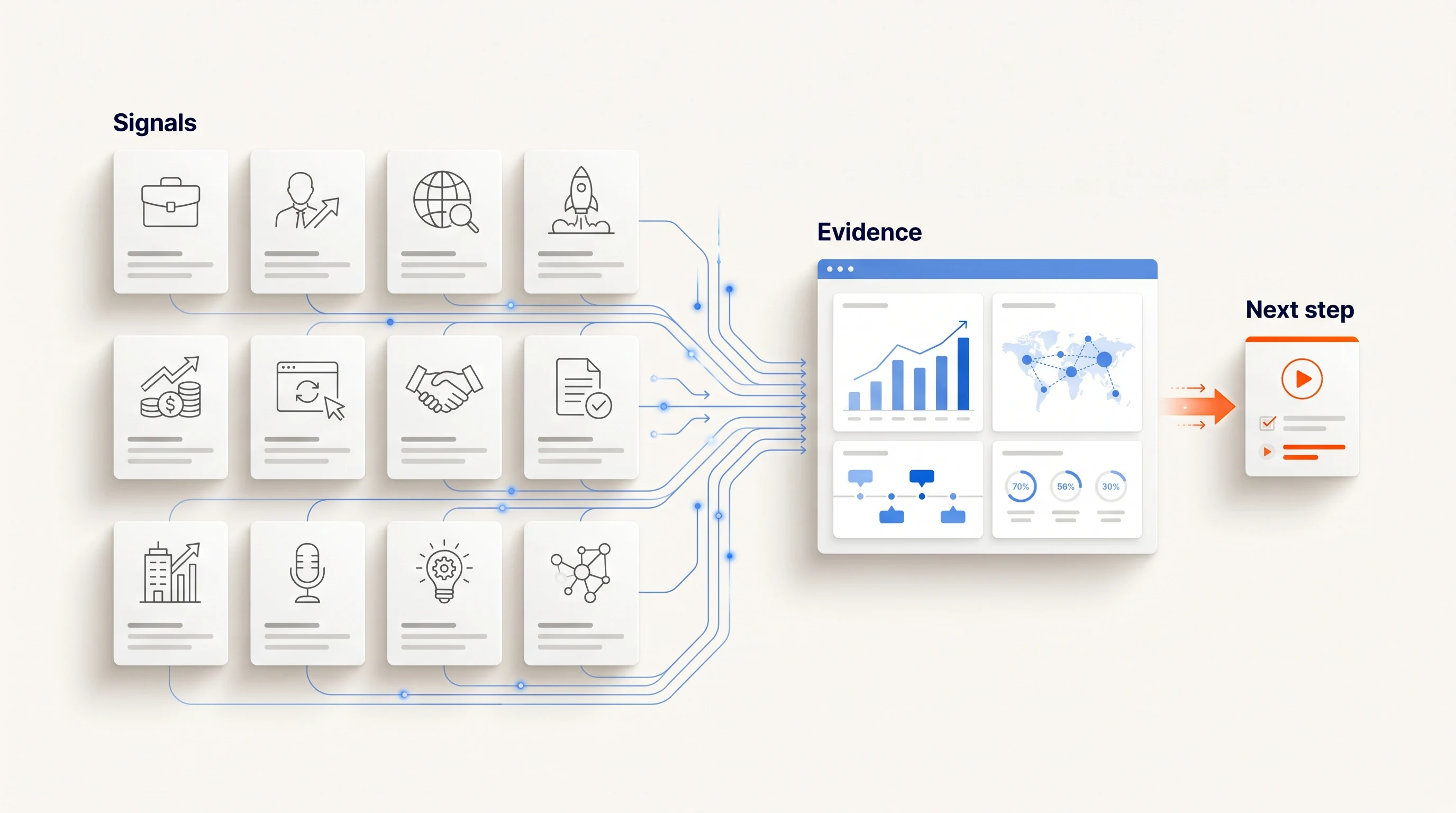
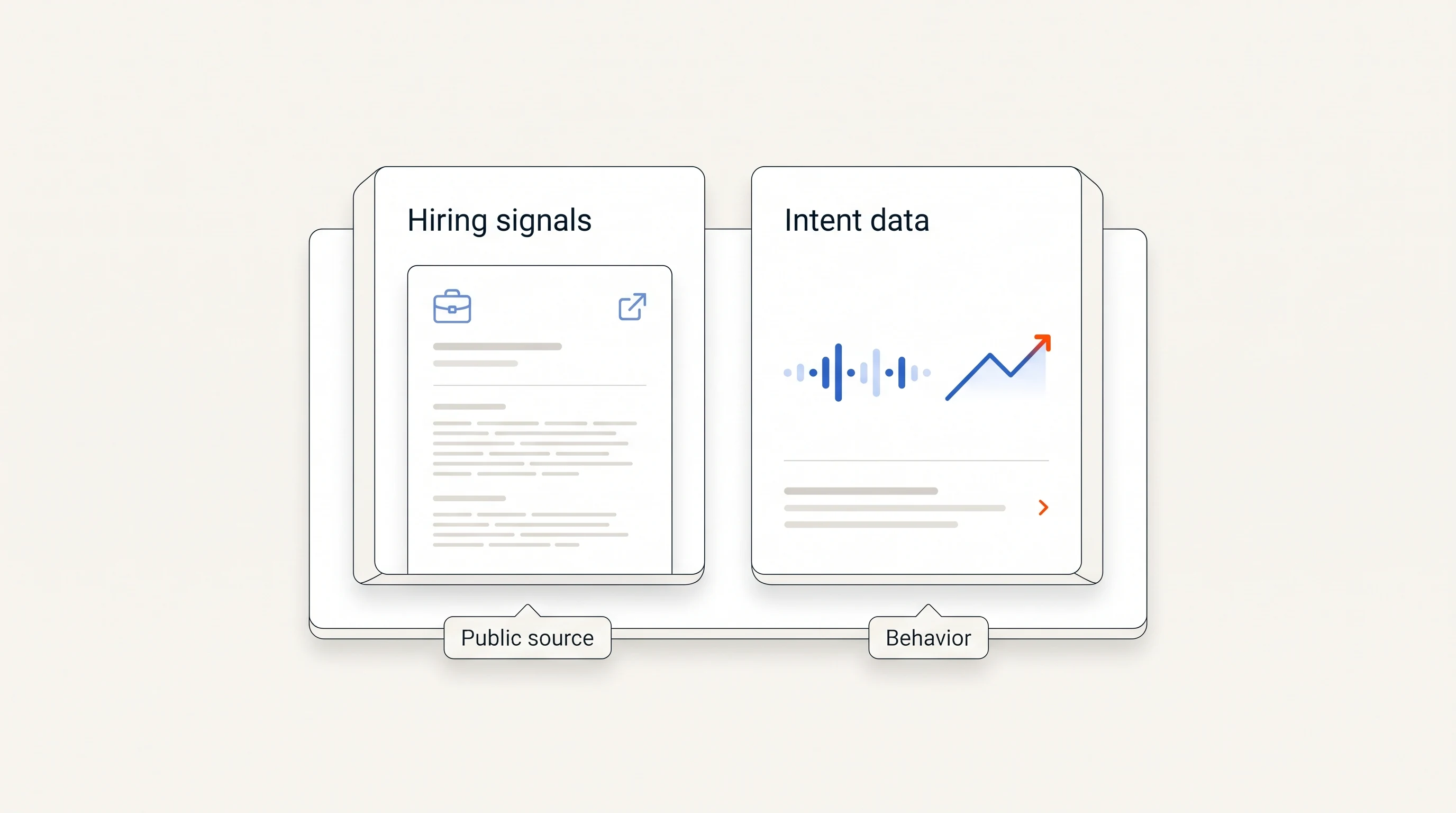
Buying signal tracking platforms are not interchangeable. Some watch company events such as hiring and funding, some follow people who change jobs, some model what accounts are reading about, and some give you building blocks to assemble your own signals. The right choice depends on which kind of change matters for what you sell. This guide groups the main platforms by what they watch, lists what each is described as strongest at, and ends with a checklist and a two-week test.
Three things to know
- Platforms differ most in what they observe: company events, people, topic research or your own website activity. Compare that first, not the feature count.
- Descriptions of other vendors here come from public vendor material and are dated. Prices and capabilities change, so confirm each on the vendor's own site before you decide.
- Perpetual publishes this guide and is listed in it. We say plainly where it fits and where it does not.
How we compared them
Most comparison pages on this topic are written by one of the vendors in the list. Salesmotion's guide, for example, says it is published by Salesmotion and ranks Salesmotion first, and it explains that the order reflects fit for one buyer, not an overall quality score (Salesmotion). We use the same honesty here: this page is published by Perpetual, and the groupings below are meant to help you choose a type of tool first and a vendor second.
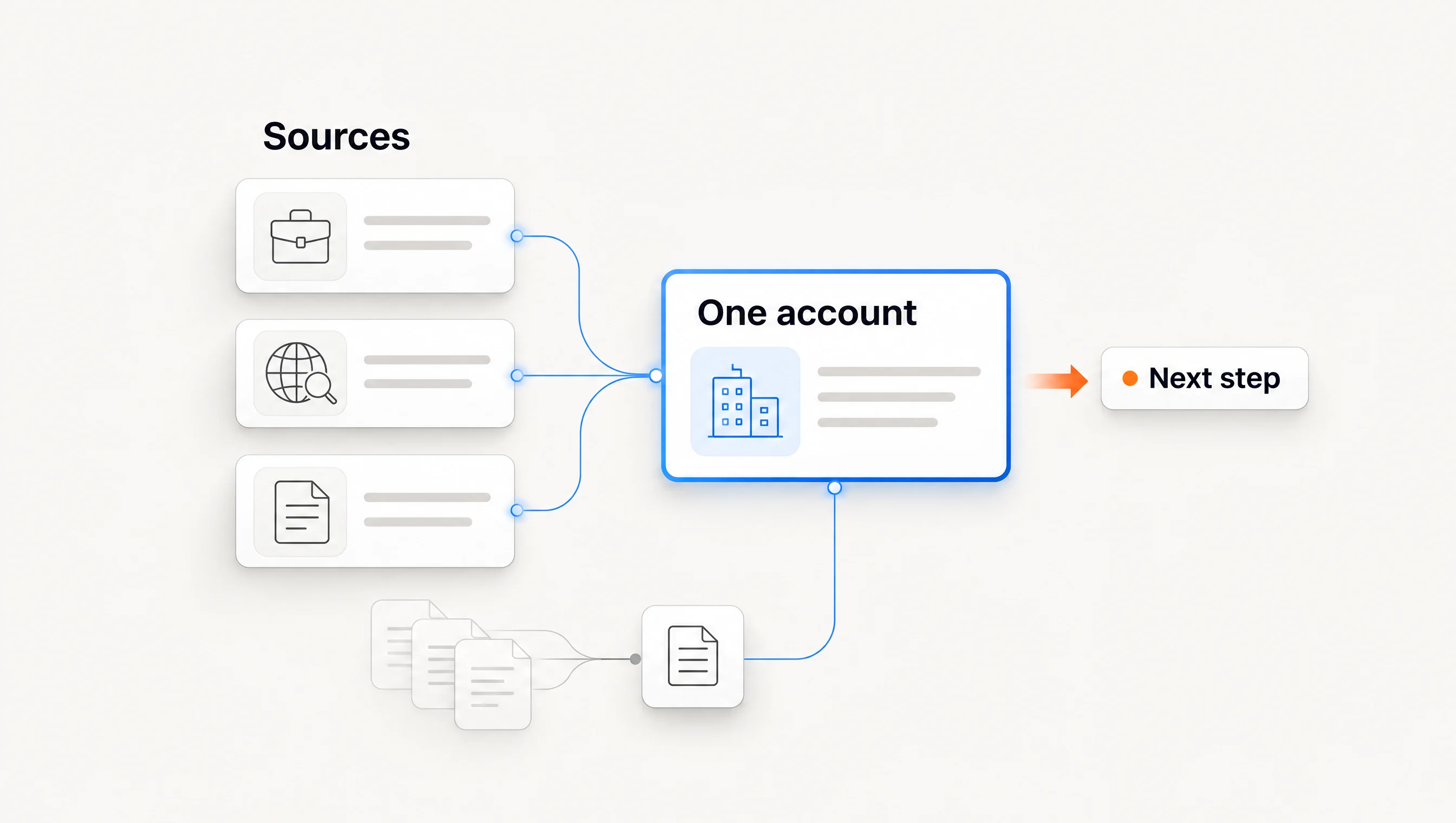
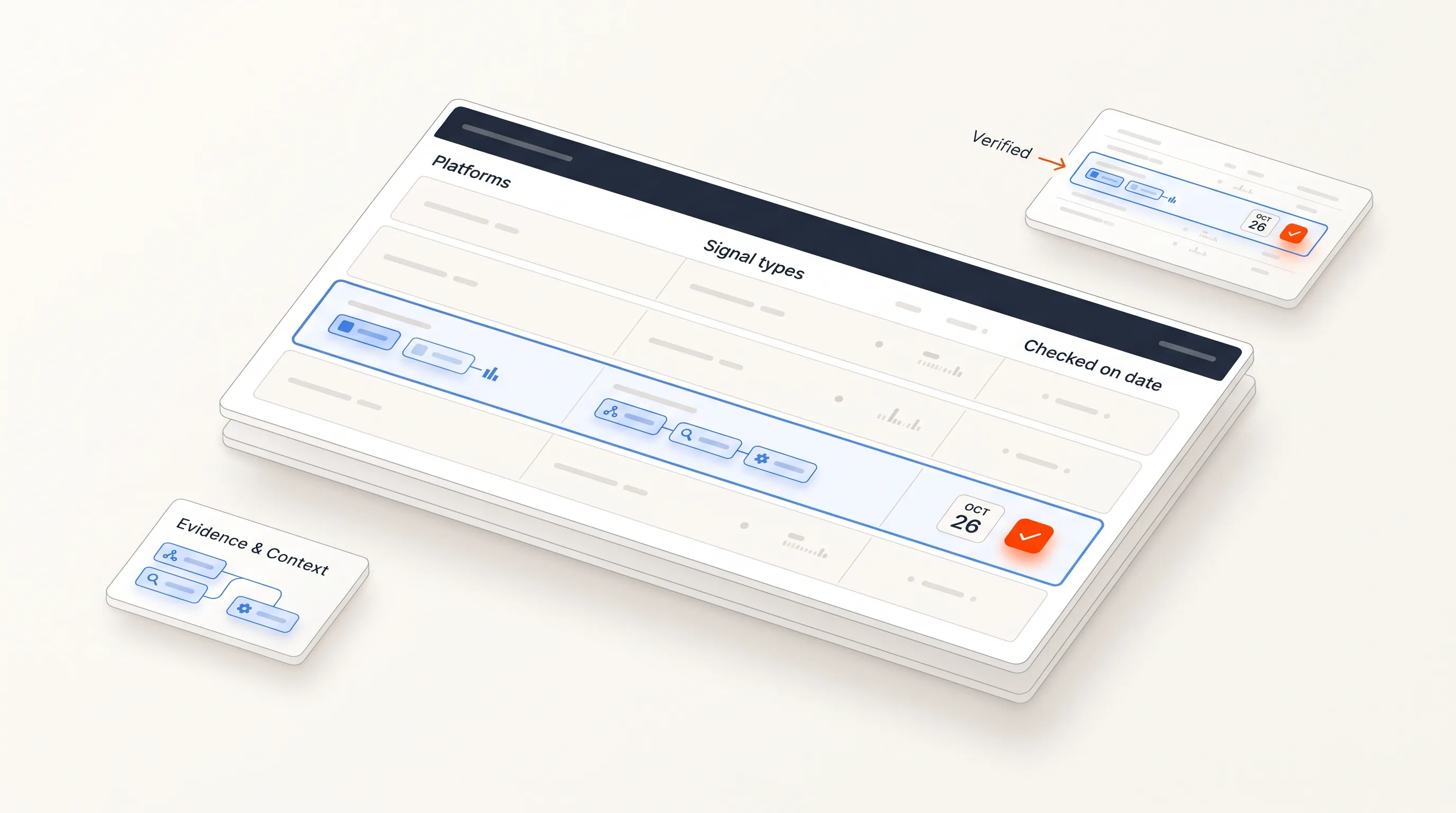
We looked at four things for each platform: what it observes, whether you can open the source behind a signal, what happens after a signal fires, and who it is built for. We have not run each product ourselves. The descriptions come from the vendors' own material and from third-party guides, and we mark them as such.
Quick comparison
| Platform | What it is described as watching | Typically a fit for |
|---|---|---|
| Salesmotion | Account-level business events from many public sources, with cited context | Sales teams that want to be told what changed at accounts |
| UserGems | Person-level signals such as job changes | Outbound and account-based teams working from known contacts |
| 6sense | Third-party intent for account-based programs | Marketing and sales teams running shared account-based programs |
| Demandbase | Account-based marketing with buying groups and intent | Larger account-based teams that also run advertising |
| Bombora | Topic-level intent data across a large topic set | Teams that already have a stack to act on the data |
| ZoomInfo | Buyer signals on top of a contact database | Teams that want contact data and signals in one place |
| Common Room | Person and buying-committee activity across sources | Teams tracking community and product activity |
| LinkedIn Sales Navigator | Alerts on saved leads and accounts, job changes | Relationship-led selling |
| Clay | Signals built into custom enrichment workflows | Teams with someone who will build and maintain workflows |
| Unify | Signal-triggered outbound plays from many data sources | Lean outbound teams that want plays running quickly |
| Warmly | Website visitor identification | Teams focused on inbound and on-site activity |
| Perpetual | Public hiring activity with the source and its limits | Small teams that sell into companies hiring for a function |
The descriptions are summarized from the vendors' own pages and from Salesmotion's published comparison, which says it checked vendor websites on 10 October 2026. It also notes that several of these platforms publish no price and quote per organization. Treat every capability and price as something to verify.
Platforms that track company events
These tools watch accounts for business changes such as leadership moves, earnings commentary, funding, hiring and product launches, and tell you what changed.
Salesmotion describes itself as tracking more than 50 signal types from over 1,000 public sources and pairing each signal with a cited research brief and a drafted message for a rep to review (Salesmotion). ZoomInfo adds buyer signals to its contact data, which suits teams that want one vendor for both.
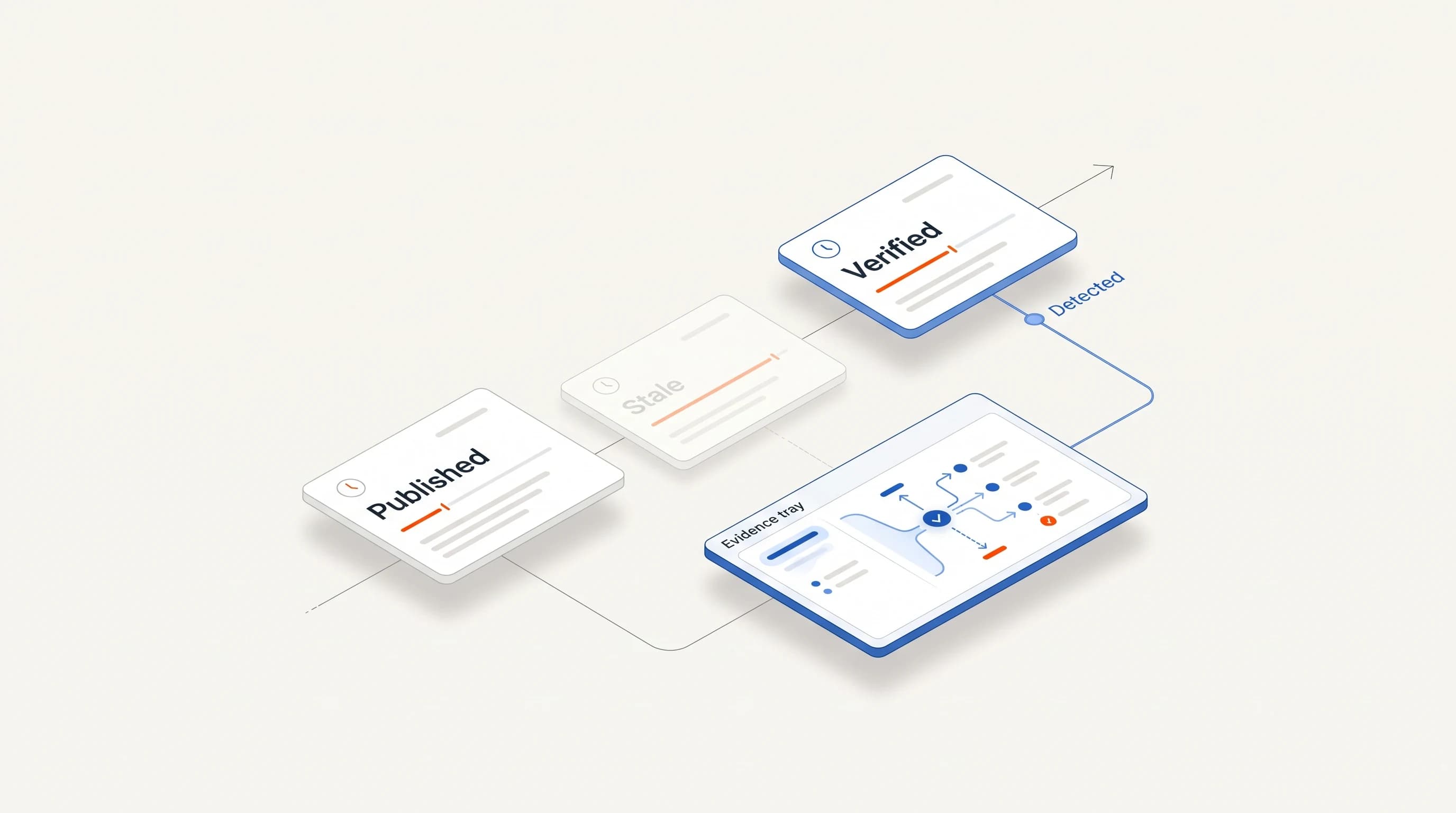
What to check: whether each signal links to a source you can open, and whether the date shown is the event date or the date the tool found it.
Platforms that track people
These follow individuals: a champion who moves to a new company, a new executive, a contact who changes role.
UserGems and LinkedIn Sales Navigator are the usual examples. Salesmotion's guide describes UserGems as unifying buyer signals and first-party data into person-level intelligence, with more than 30 native signals (Salesmotion). People signals are strong when you already have a customer or contact base to watch, and weaker when you are prospecting into accounts you have never spoken to.
What to check: how the platform decides which of your contacts to track, and what happens to the data when a contact leaves.
Platforms built on topic intent
Intent platforms model which accounts are researching topics related to what you sell, using data aggregated across publishers.
6sense, Demandbase and Bombora are the common names. Demandbase describes real-time buying signals as behaviors captured, interpreted and then activated, for example by updating a CRM score or alerting a rep (Demandbase). These platforms tend to be priced for larger programs and often need setup time. They are a trend indicator more than an event feed: you learn that an account is reading more about a topic, not what happened there.
What to check: how often the data refreshes, which topics are available, and what the platform can show you about why an account was flagged. Our guide to evaluating a vendor's intent signals has a question list.
Platforms you build signals on
Clay and Unify sit closer to workflow builders. They let you combine data sources, define your own signals and trigger actions. Unify's own guide to setup speed describes it as an outbound platform where AI agents and reps work side by side, bundling many data sources, and reports named customer examples of going live within a day (Unify). That is the vendor's account of its own product.
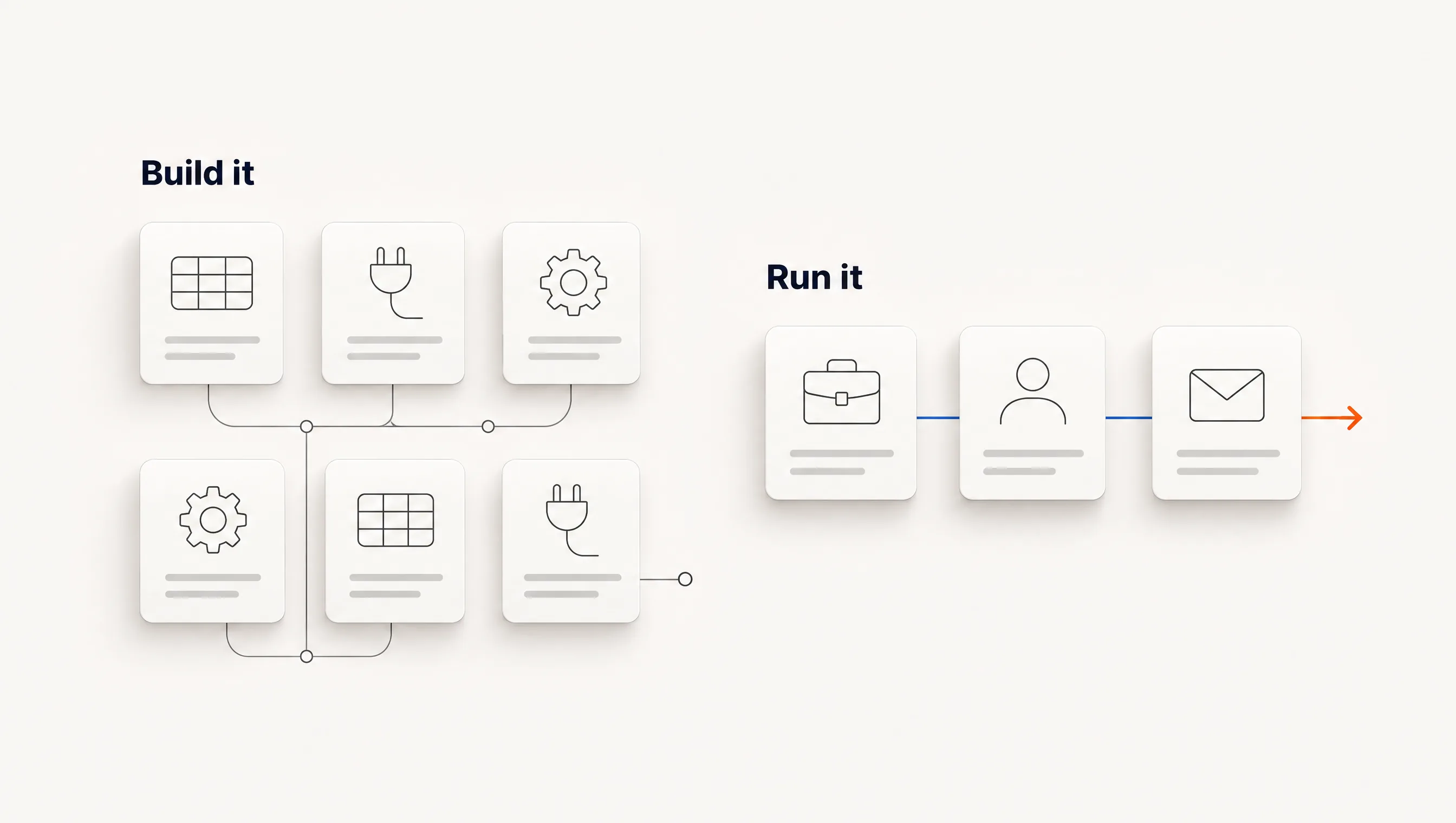
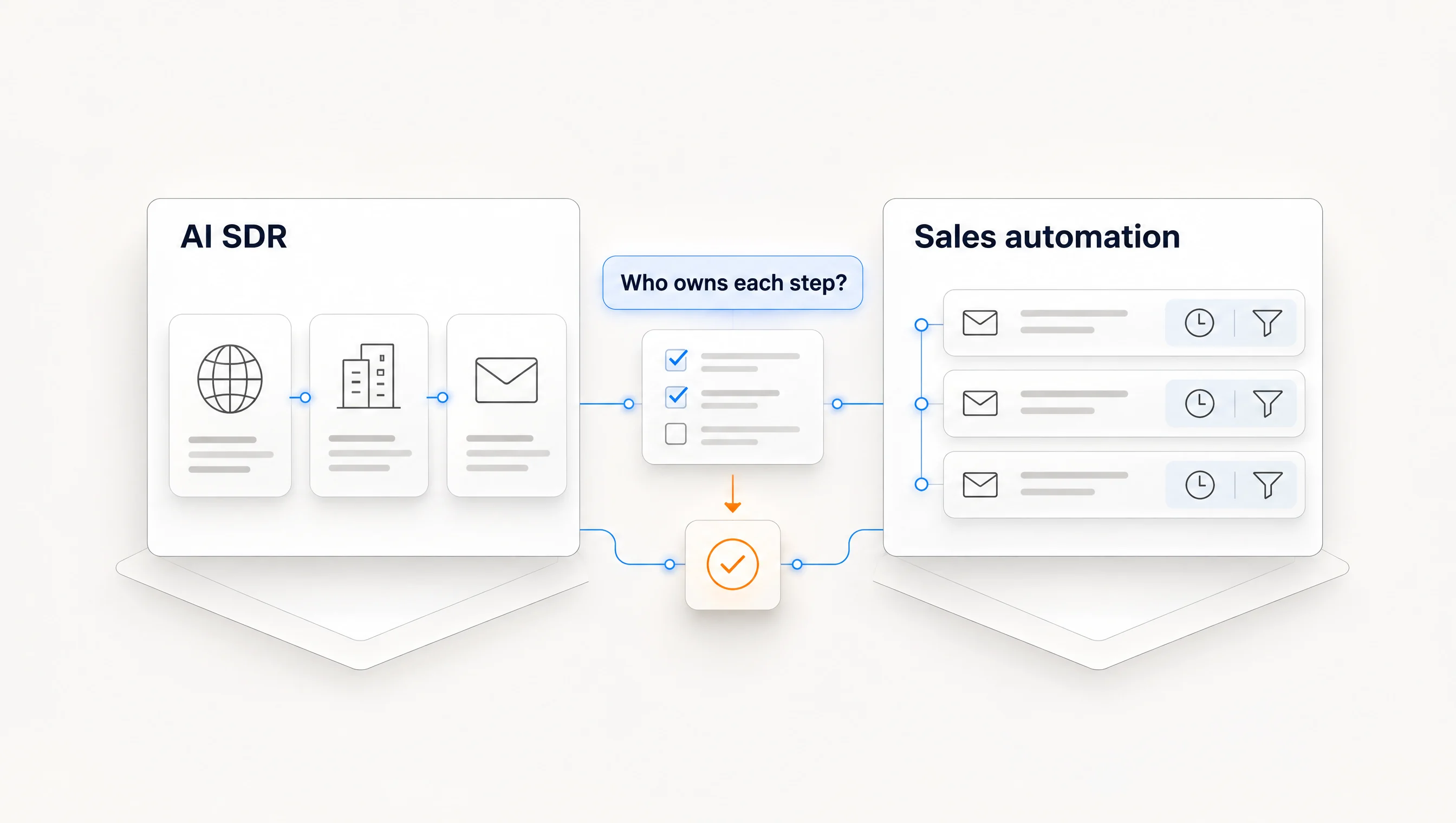
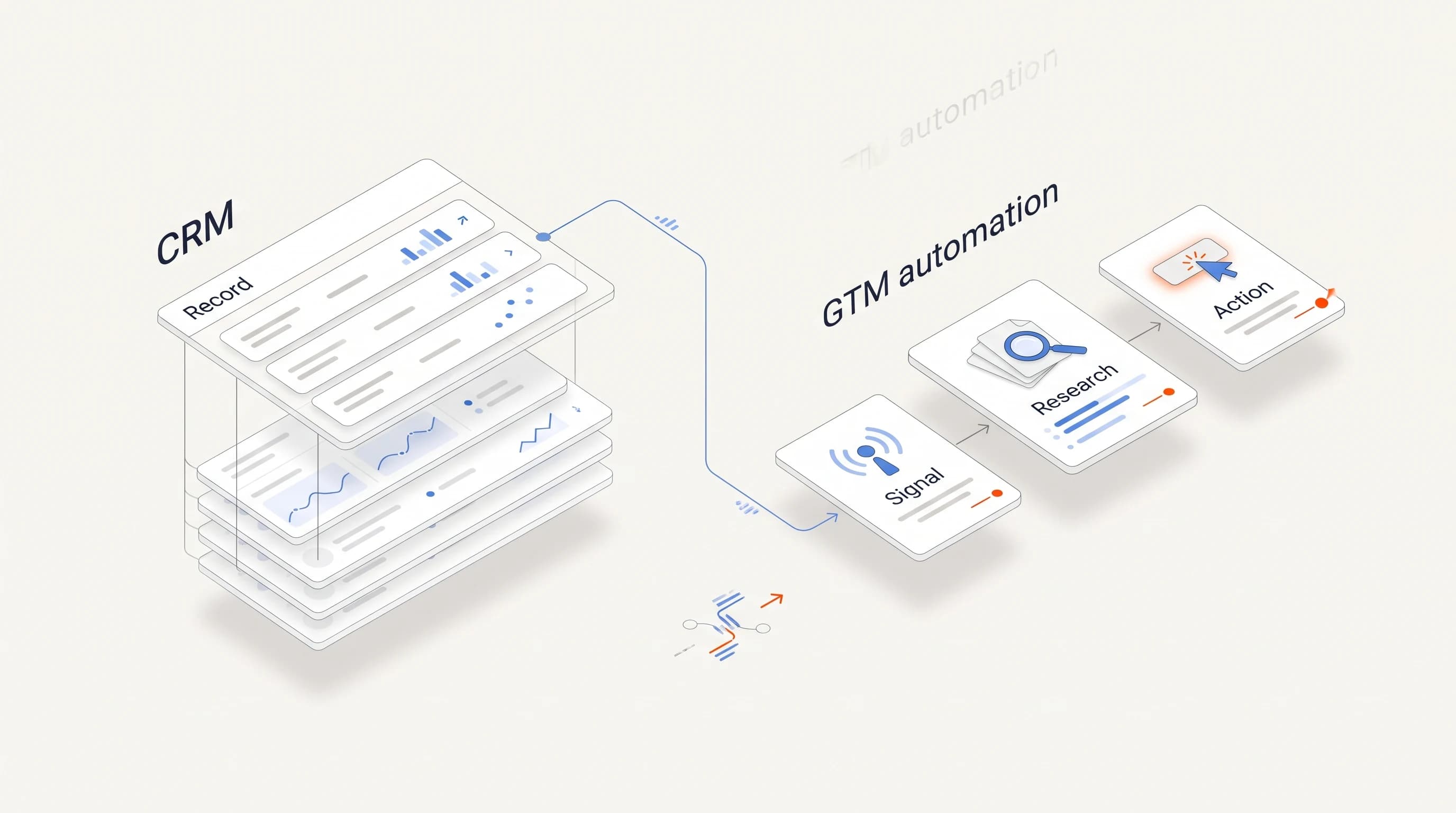
Builders are flexible, and the flexibility is work. Plan for someone to own the workflows. For teams without that person, read our guide to automation for a small sales team.
What to check: who will maintain the workflows in three months, and what breaks when a data source changes.
Where Perpetual fits
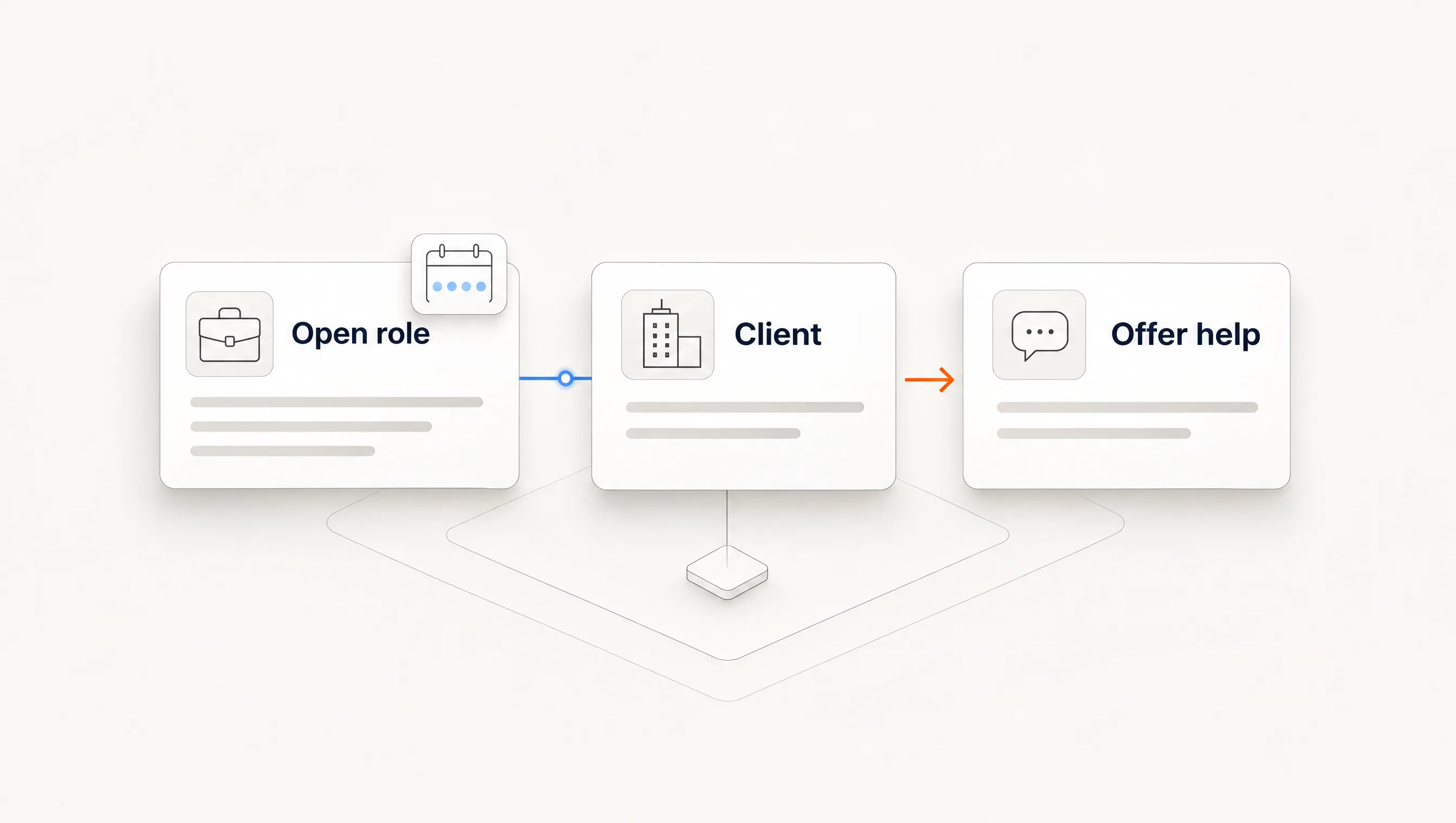
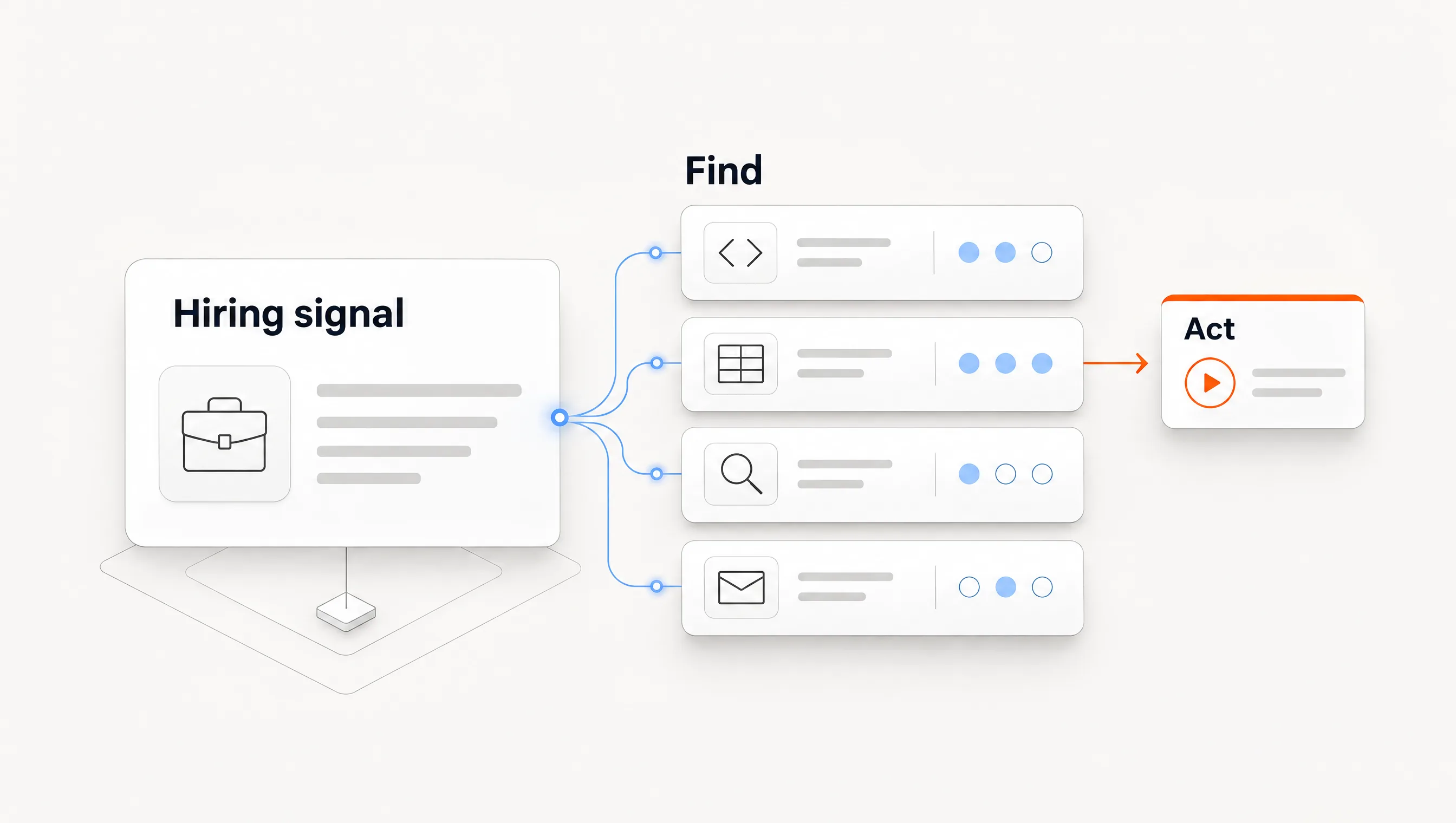
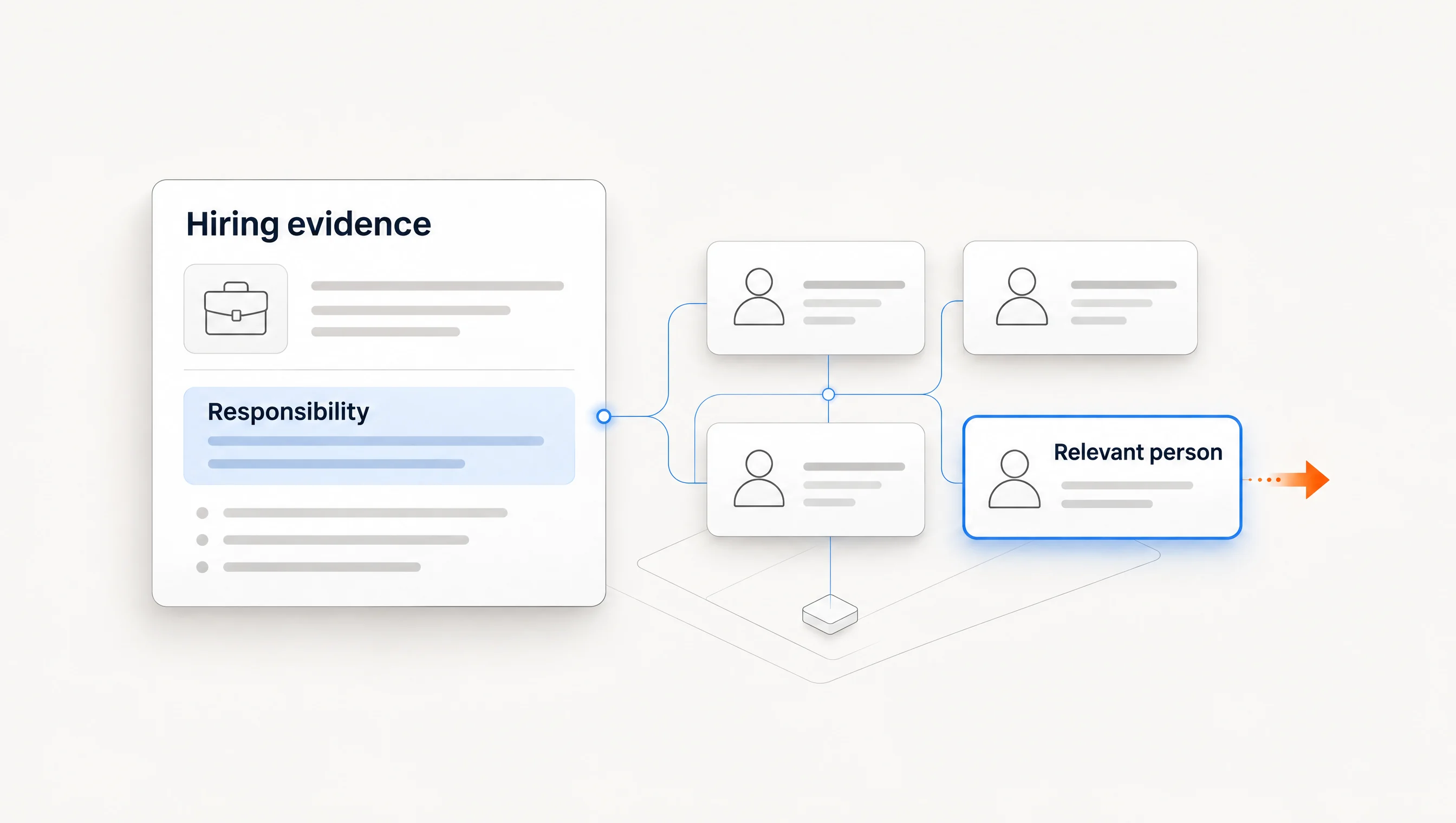
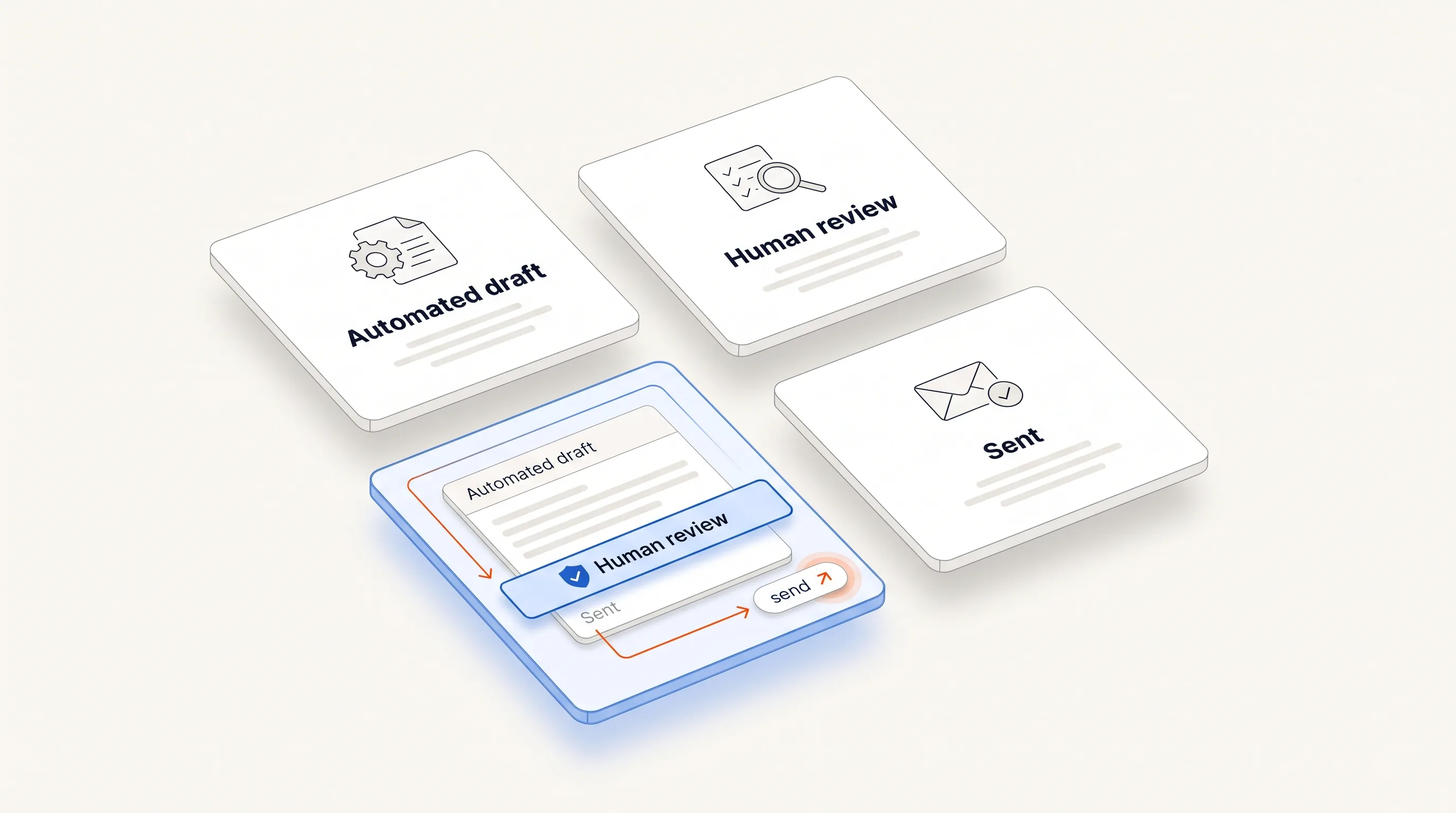
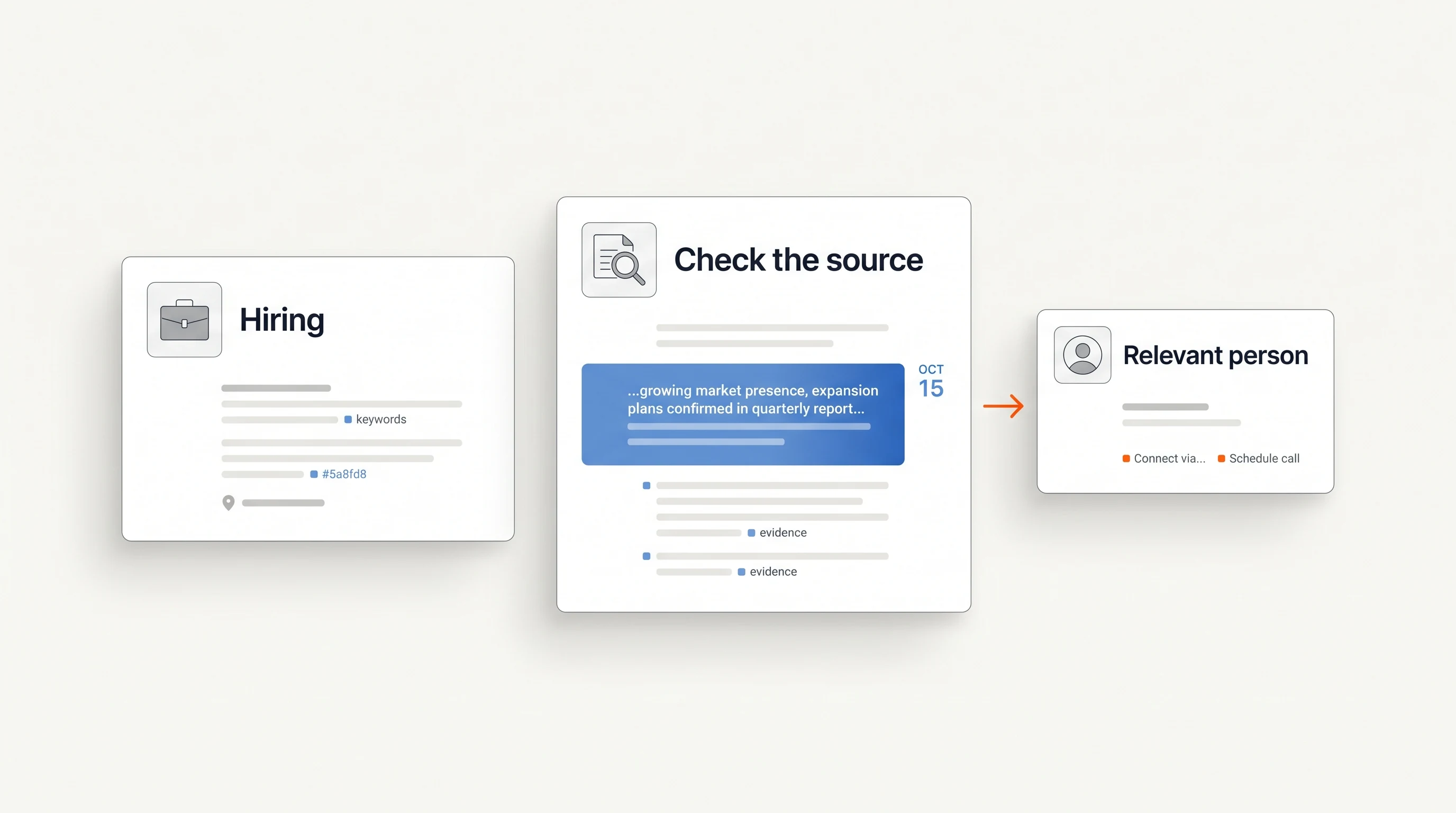
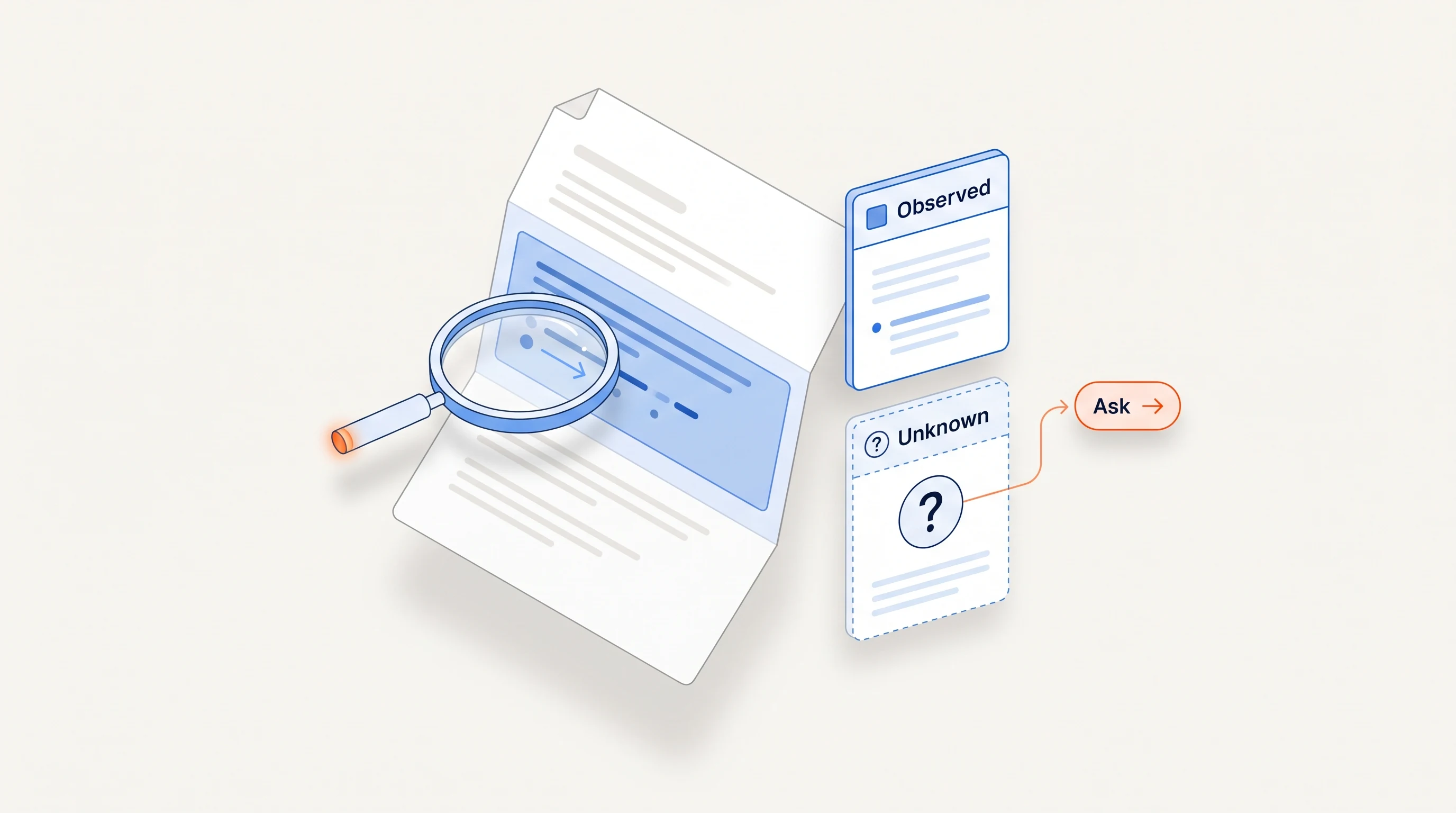
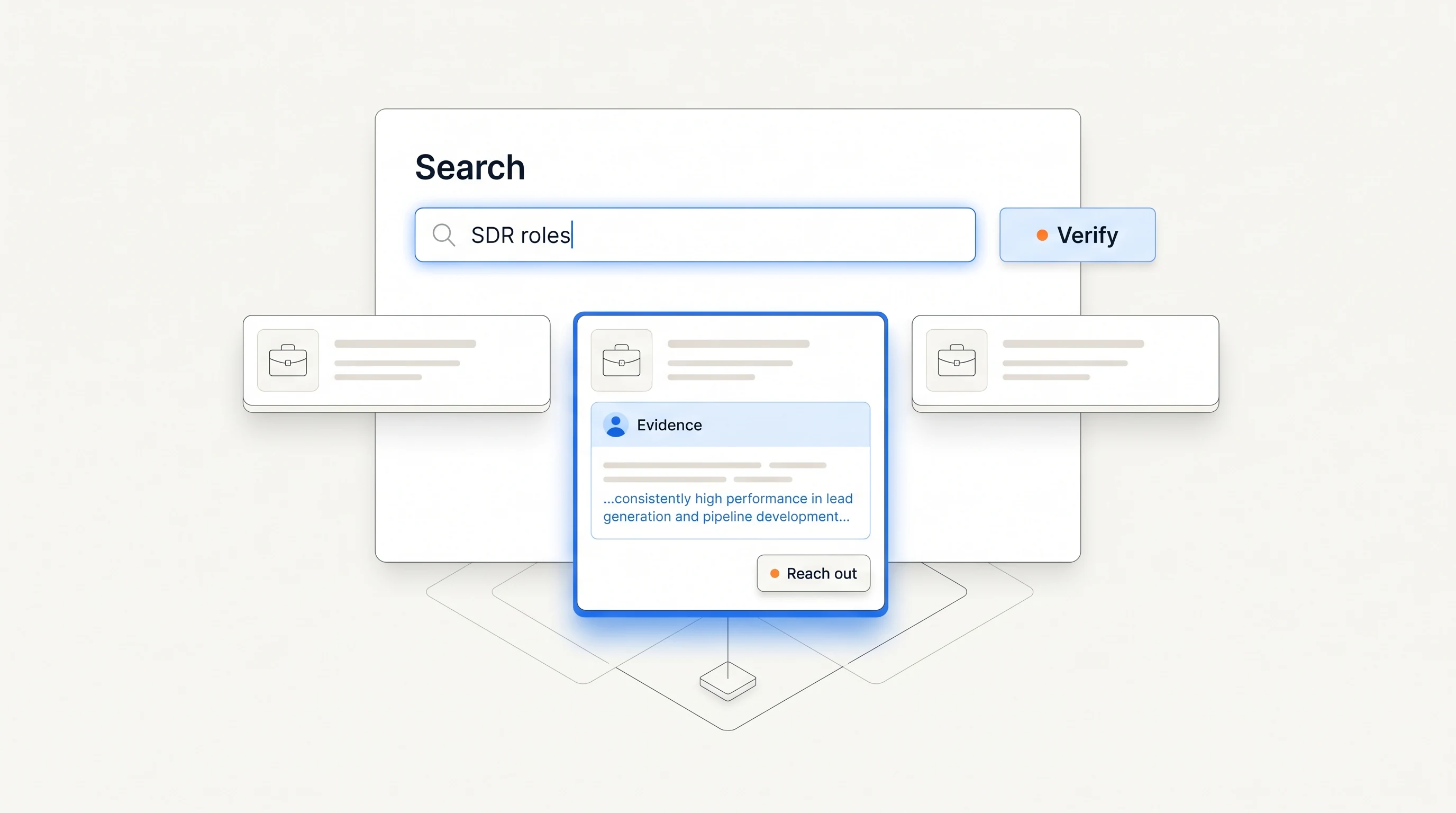
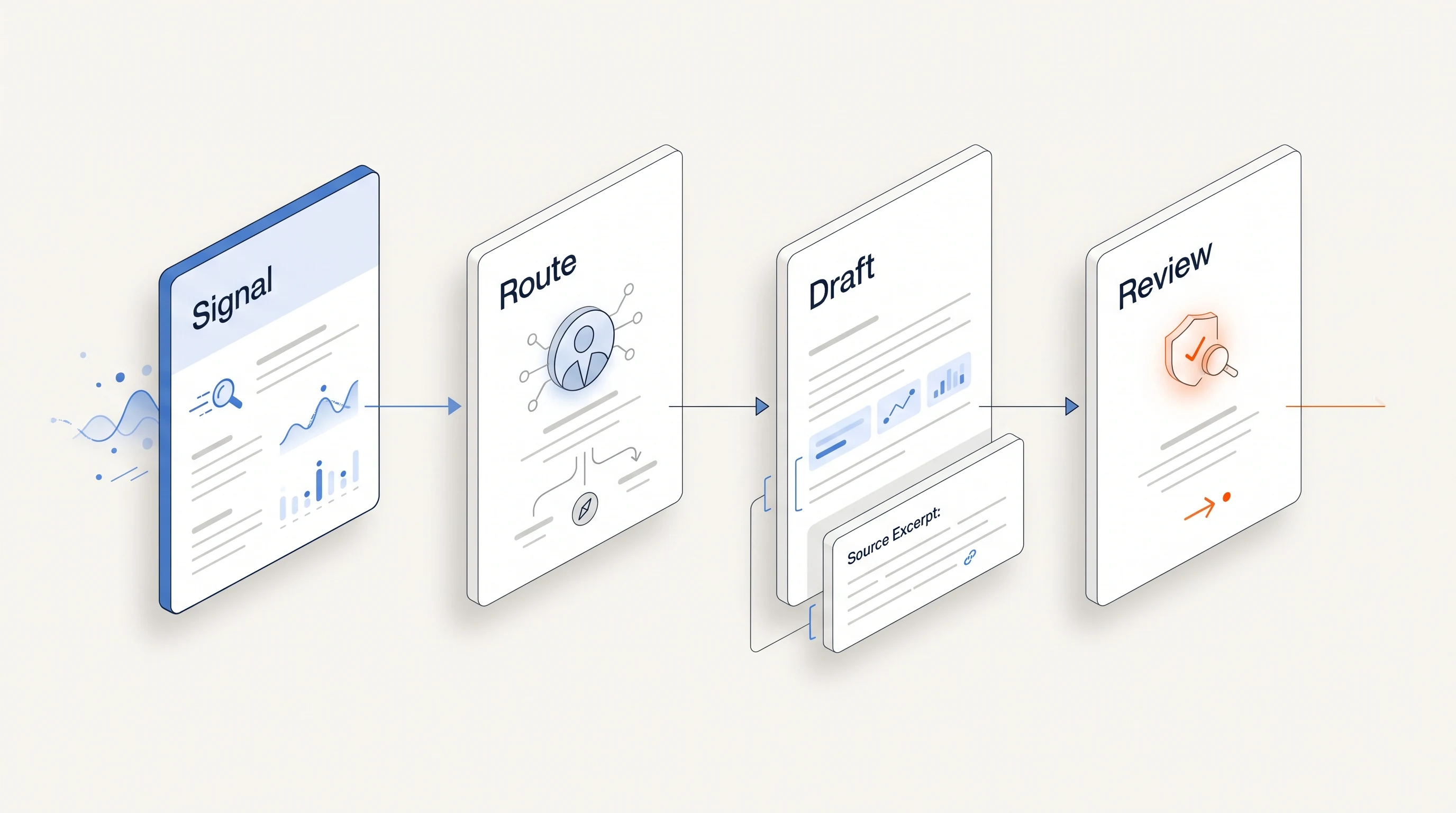
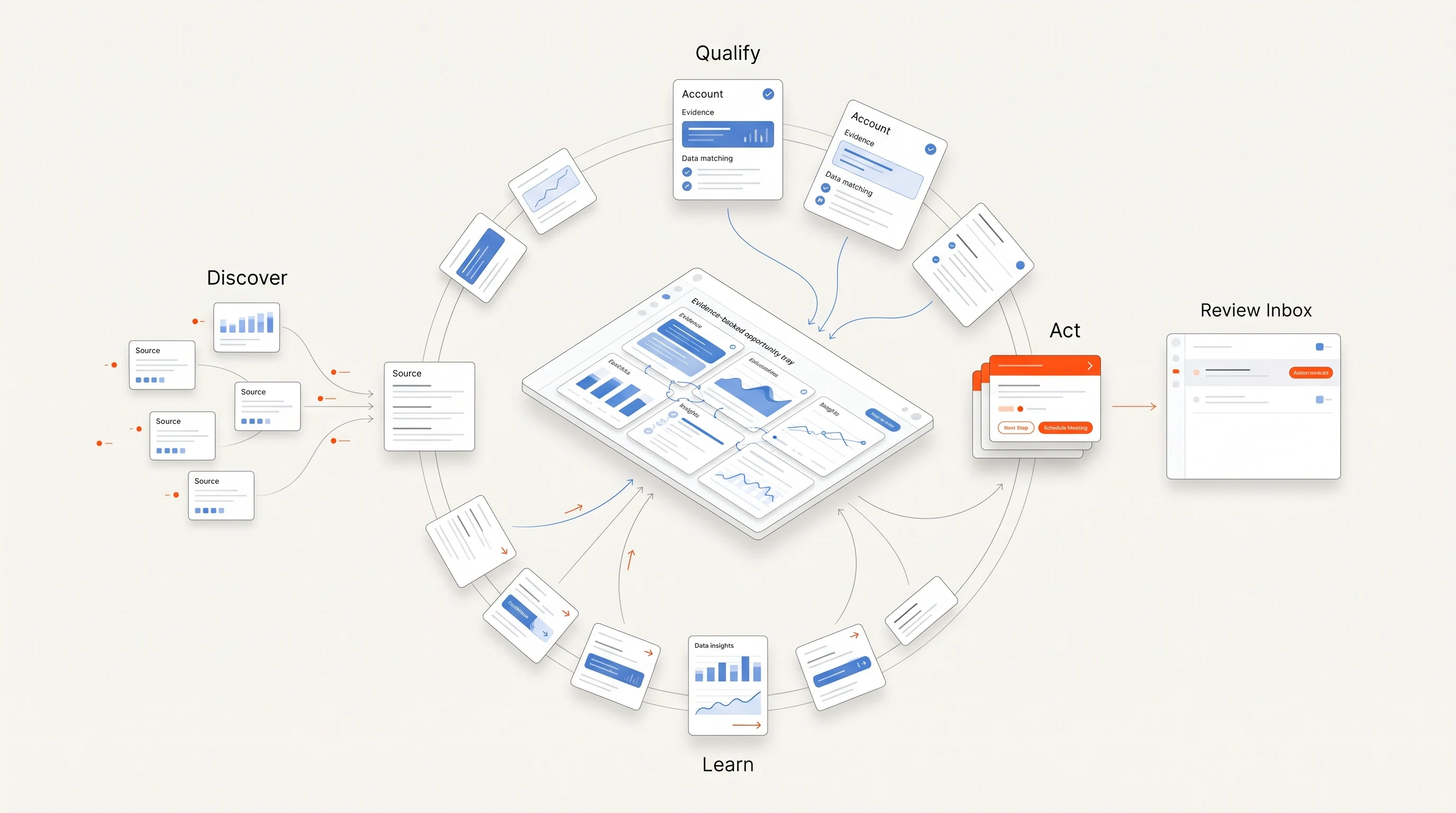
Perpetual is narrower than most of the platforms above. It tracks one signal family, public hiring activity, and turns it into a reviewable opportunity: the public source with its date, a statement of what the evidence does not prove, qualification against your offer, one selected person with the reason, and a drafted opener grounded in the source. Completing campaign setup authorizes automatic email within your saved sending policy. There is no per-message approval. Manual review is available on request. You can inspect activity and pause a campaign at any time. Replies and opt-outs stop email follow-ups.
Choose Perpetual if you sell something that becomes relevant when a company hires for a function, and you want evidence you can open. Choose another tool, or pair one, if you need website visitor identification, third-party topic intent, a large contact database or a person-level champion tracker.
How to choose, and how to test
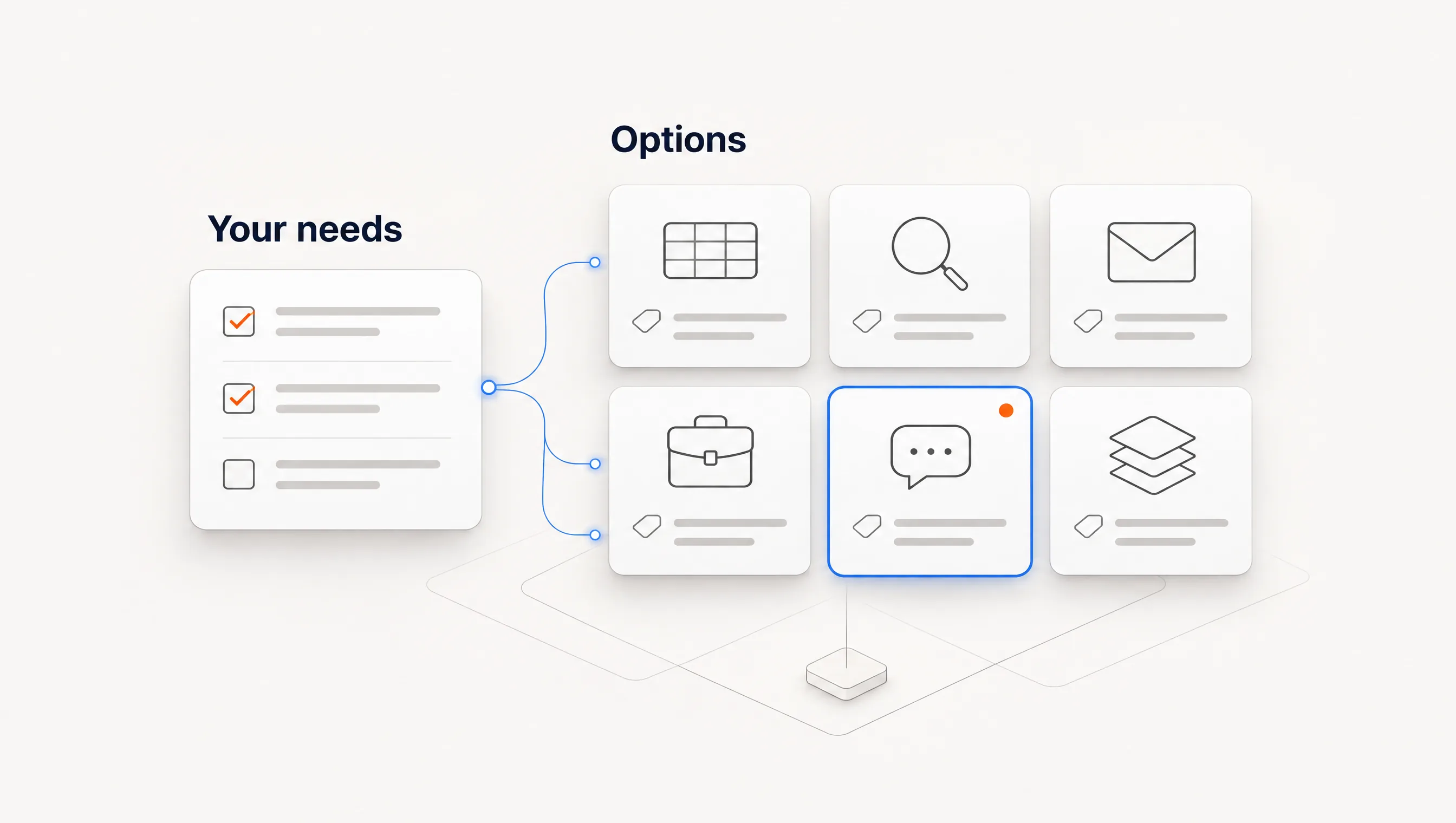
Use these questions to narrow the list:
- Which change at a company makes your offer relevant? Name it in one sentence.
- Is that change visible in public sources, in your own data, or only in modelled intent?
- Can you open the source behind a signal?
- What happens after a signal fires: a score, a task, a draft?
- Who will review and maintain it, and how much time does that take per week?
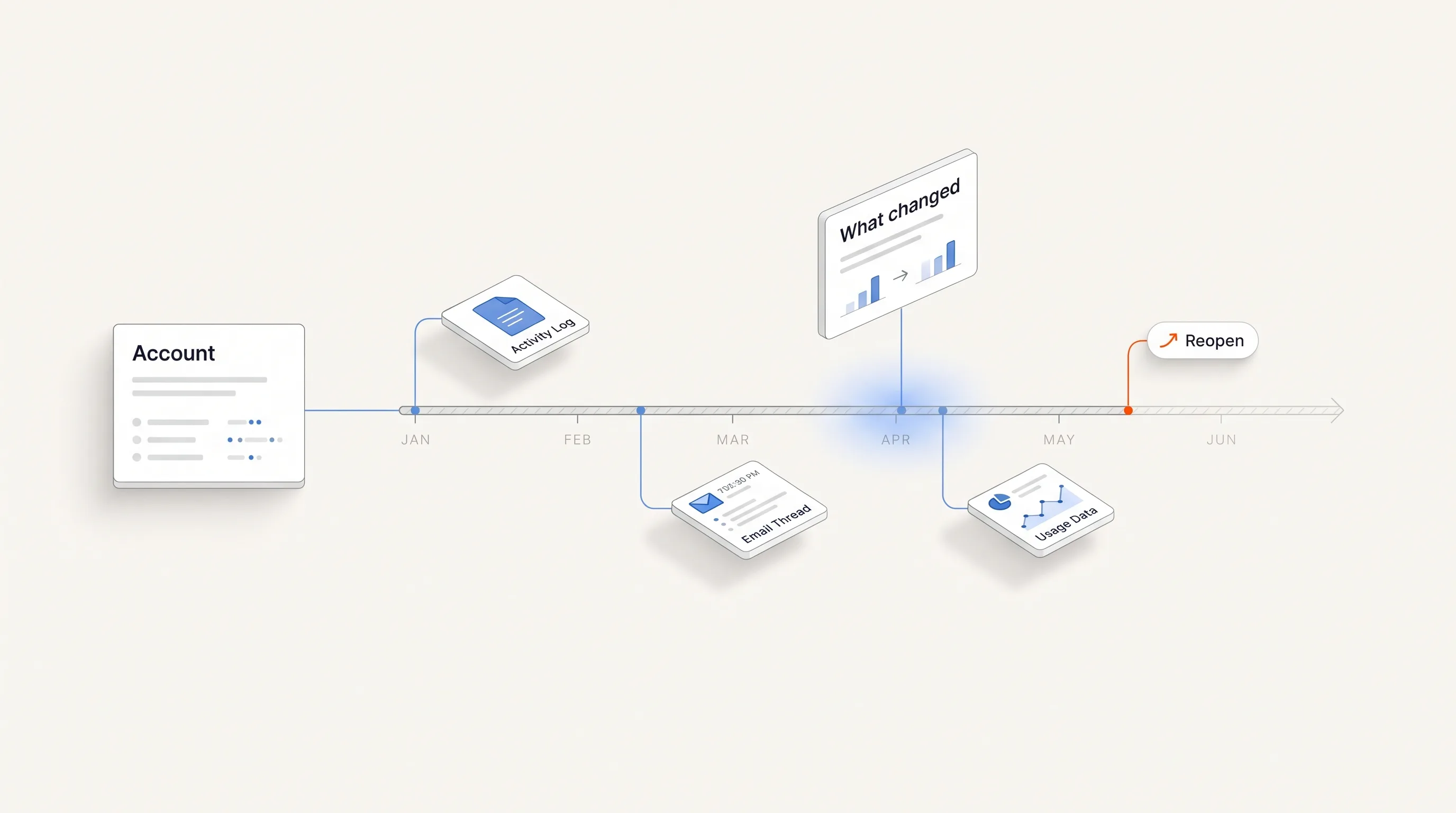
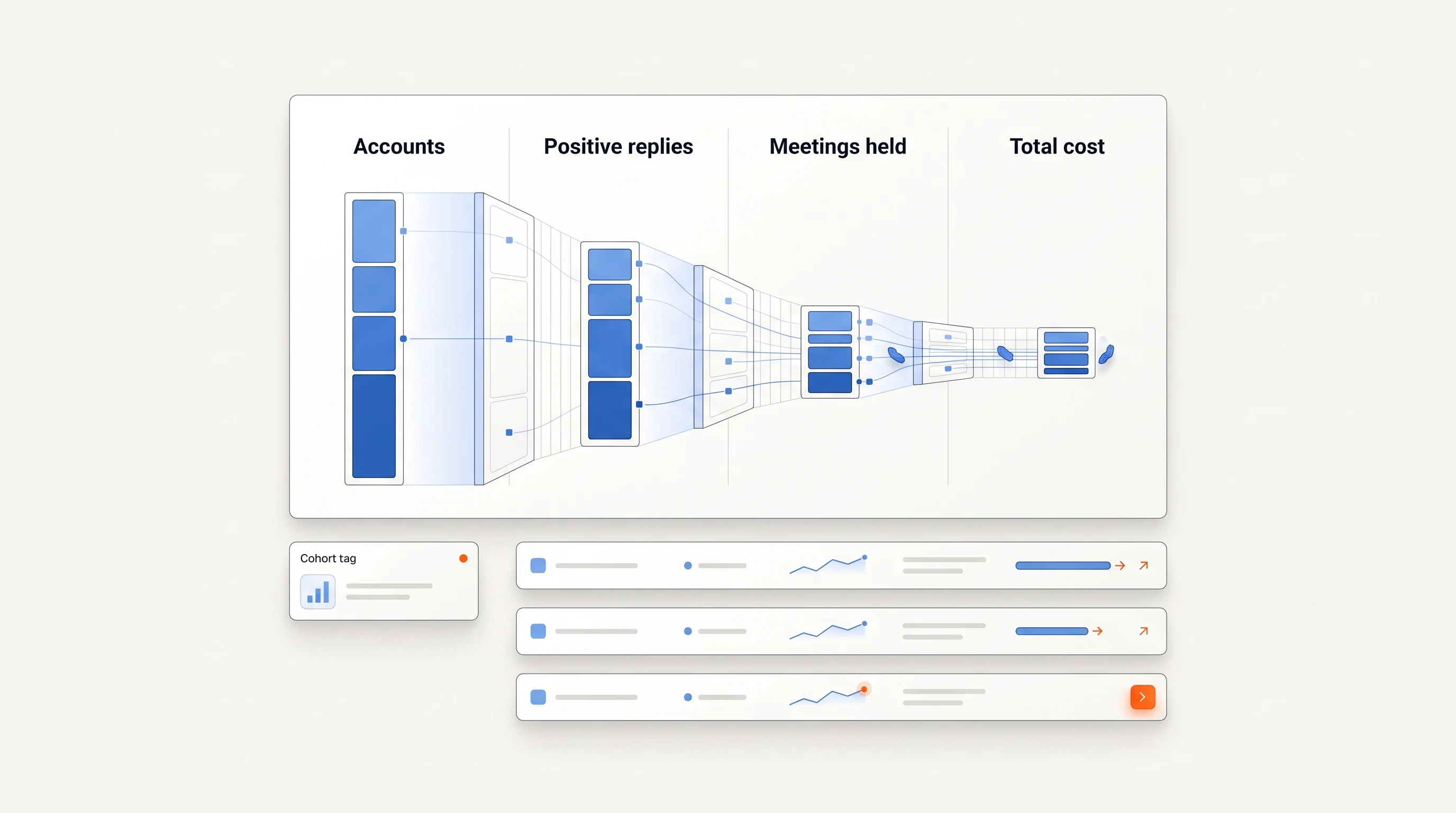
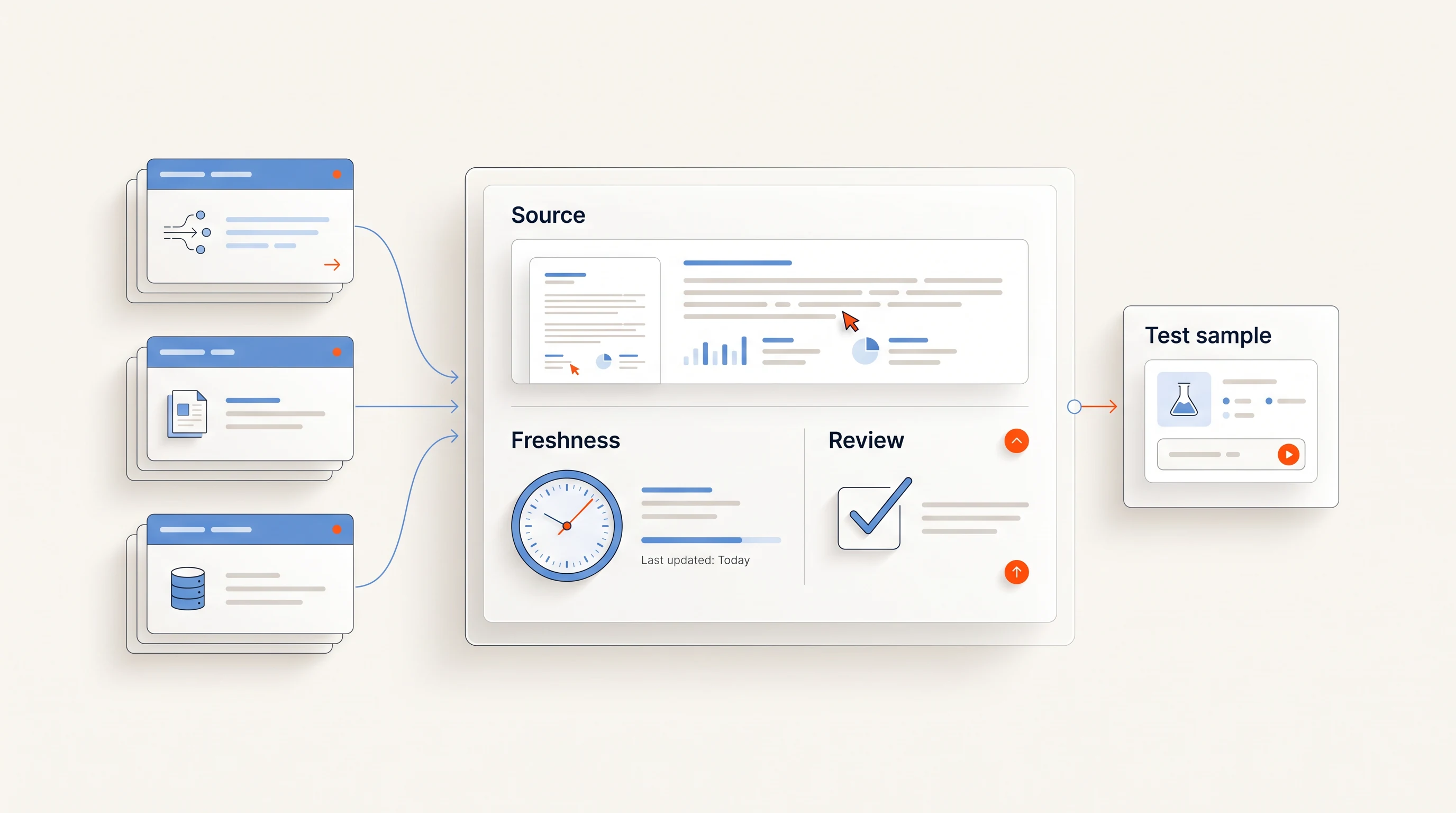
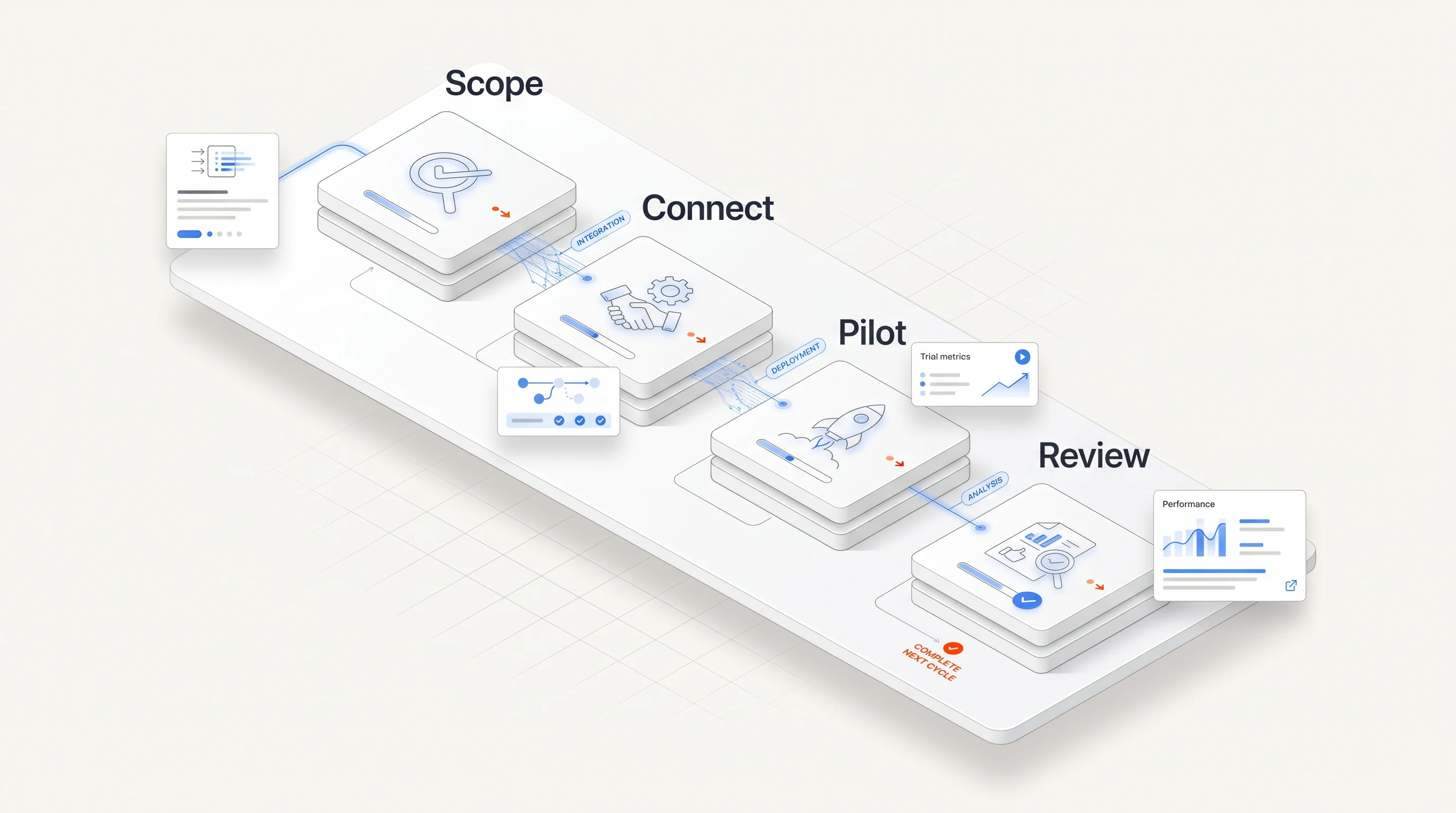
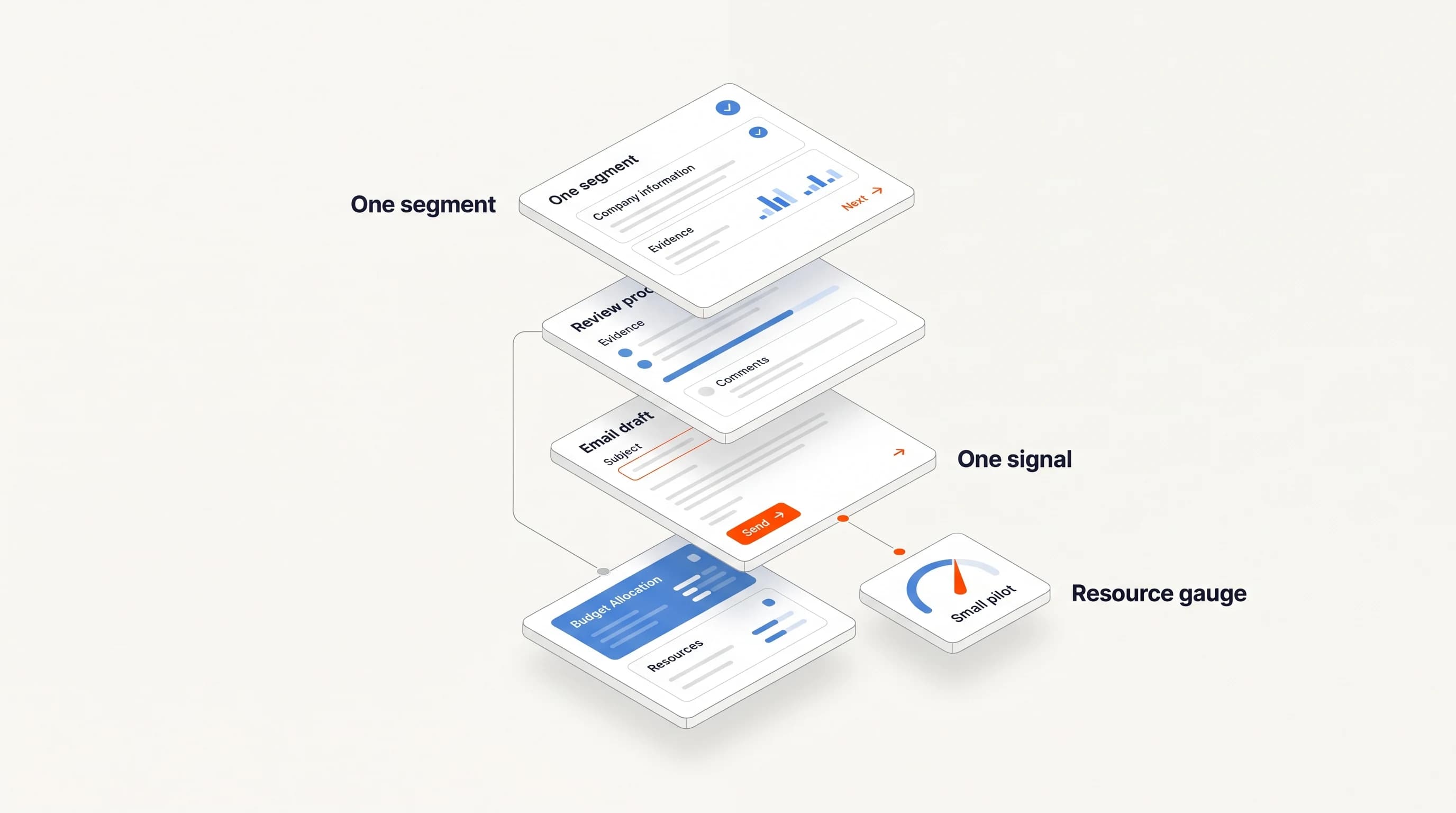
Then run a two-week test on one segment. For each signal the platform produces, record whether the event was real, whether it was fresh and whether it led to a sensible action. Ask each vendor to show what it detected for five accounts you know well over the last 90 days. If fewer than half of the signals survive your review, the platform is not ready to drive outreach in your market. Our guide on real-time buying signal detection explains what freshness to expect per signal type.
Key takeaways
| Point | Detail |
|---|---|
| Compare by what is observed | Company events, people, topic intent and your own site activity are different data. |
| Check the source behind each signal | If you cannot open it, you cannot verify it. |
| Prices and features change | Confirm everything on the vendor's own page. |
| Test on accounts you know | A two-week test on five familiar accounts tells you more than a demo. |
Frequently asked questions
What is a buying signal tracking platform?
A tool that monitors accounts or people for observable changes, such as hiring, leadership moves, funding or research activity, and alerts your team or starts work when they happen.
Which type of platform is best for a small team?
The one whose signal matches what you sell and that you can review weekly. Narrow tools that explain each signal are often easier for small teams than broad platforms that need an operations owner.
Are topic intent platforms the same as signal trackers?
Topic intent is one kind of signal. It shows that an account is researching a subject, not what happened at the company, so teams often use it alongside event or hiring signals.
How much do these platforms cost?
It varies widely, and several vendors publish no price. Check each vendor's own pricing page or ask for a quote, and compare the cost with the weekly review time the tool saves.