JournalEvaluationNo. 16
AI SDR vs. Sales Automation: What Does Your Team Need?
Compare AI SDRs and sales automation across eight outbound jobs, operating cost and human ownership. Includes a four-week pilot and a free CSV worksheet.
Marko Raković10 min read9 sections
Contents
Published by Perpetual
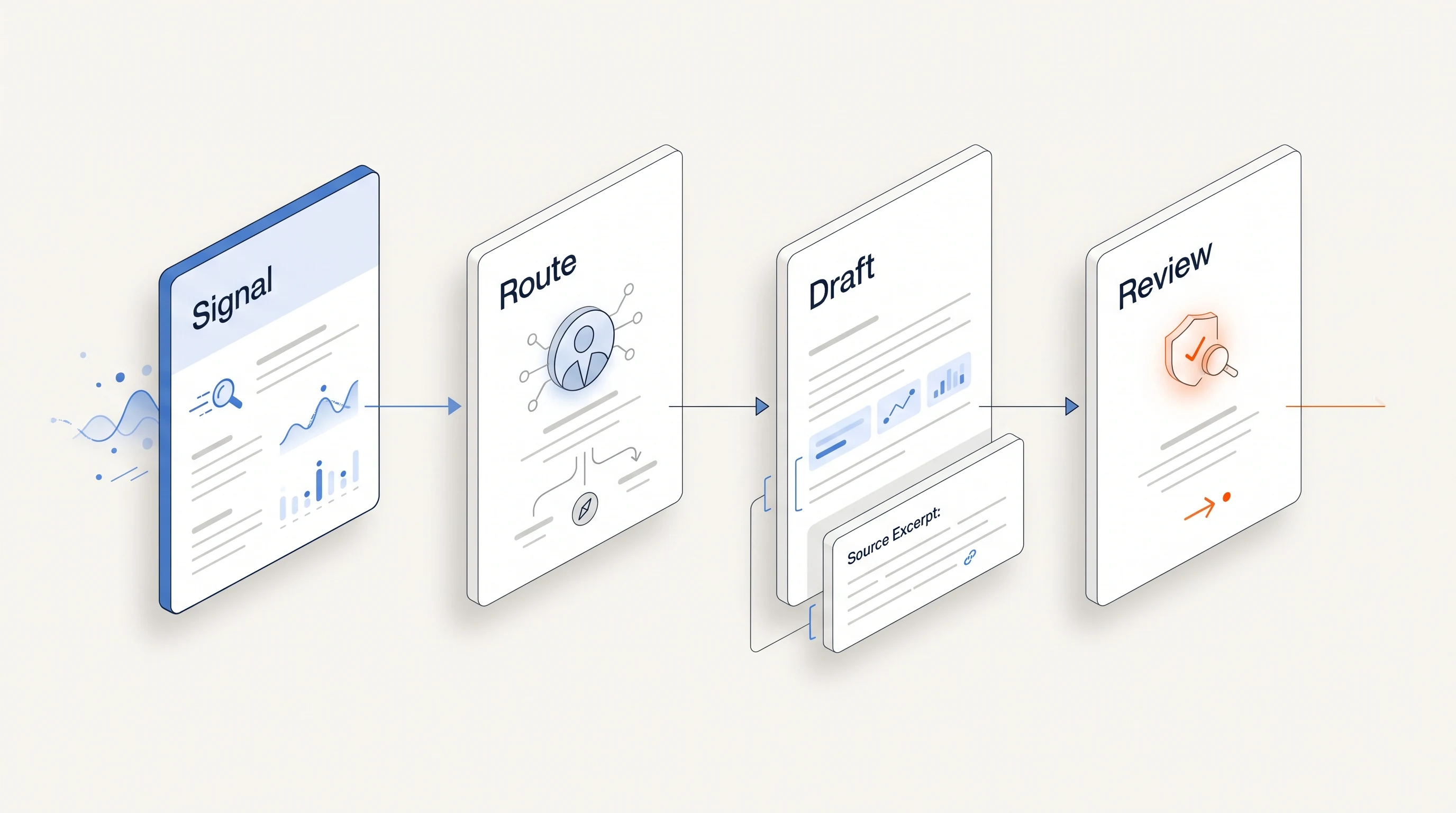
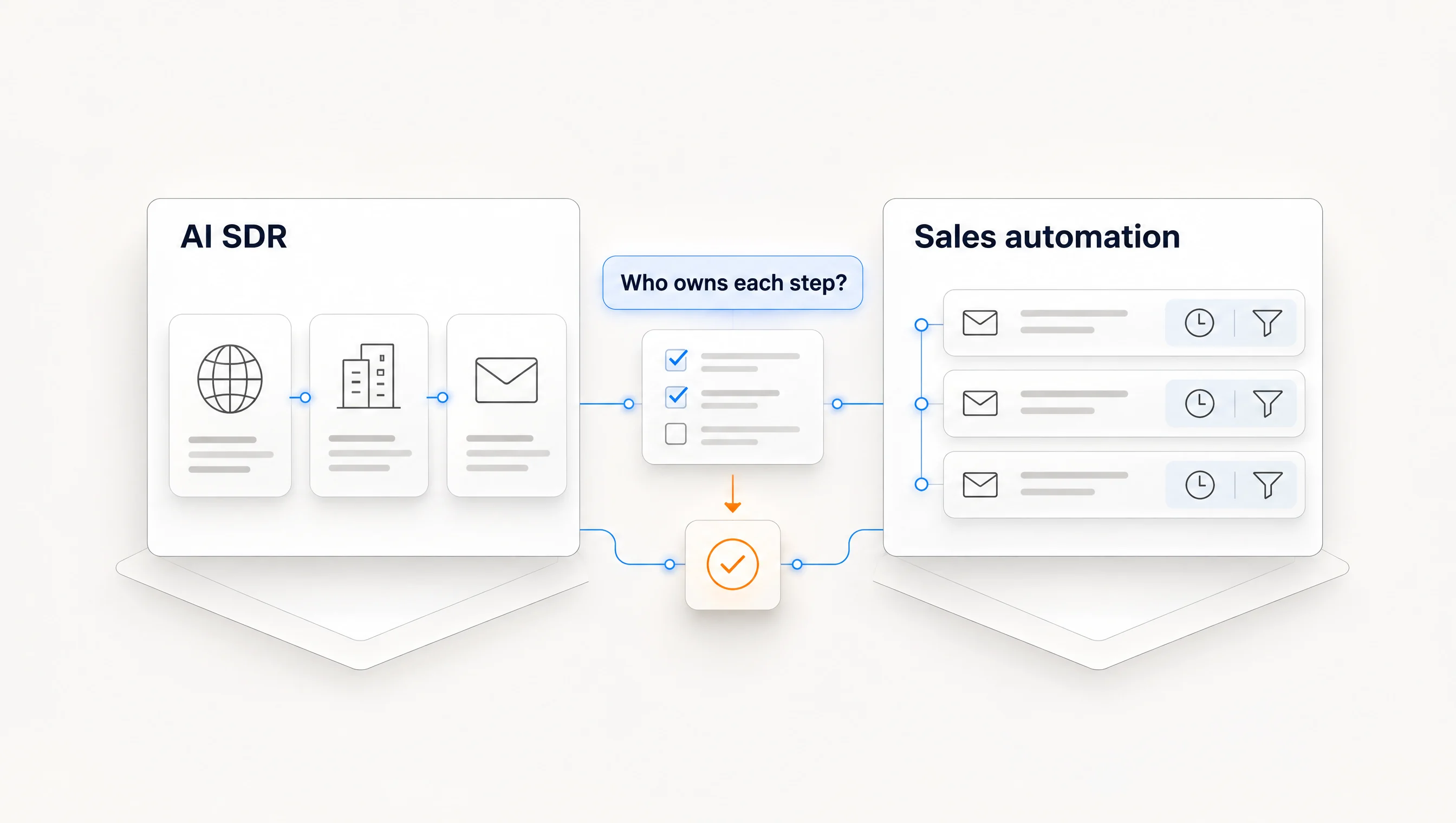
An AI SDR usually refers to software that takes on several sales development jobs, such as finding prospects, researching accounts, drafting outreach and managing follow-up. Sales automation is the broader category of software that executes defined sales tasks and workflows. The categories overlap, and neither label tells you which jobs a particular product actually performs.
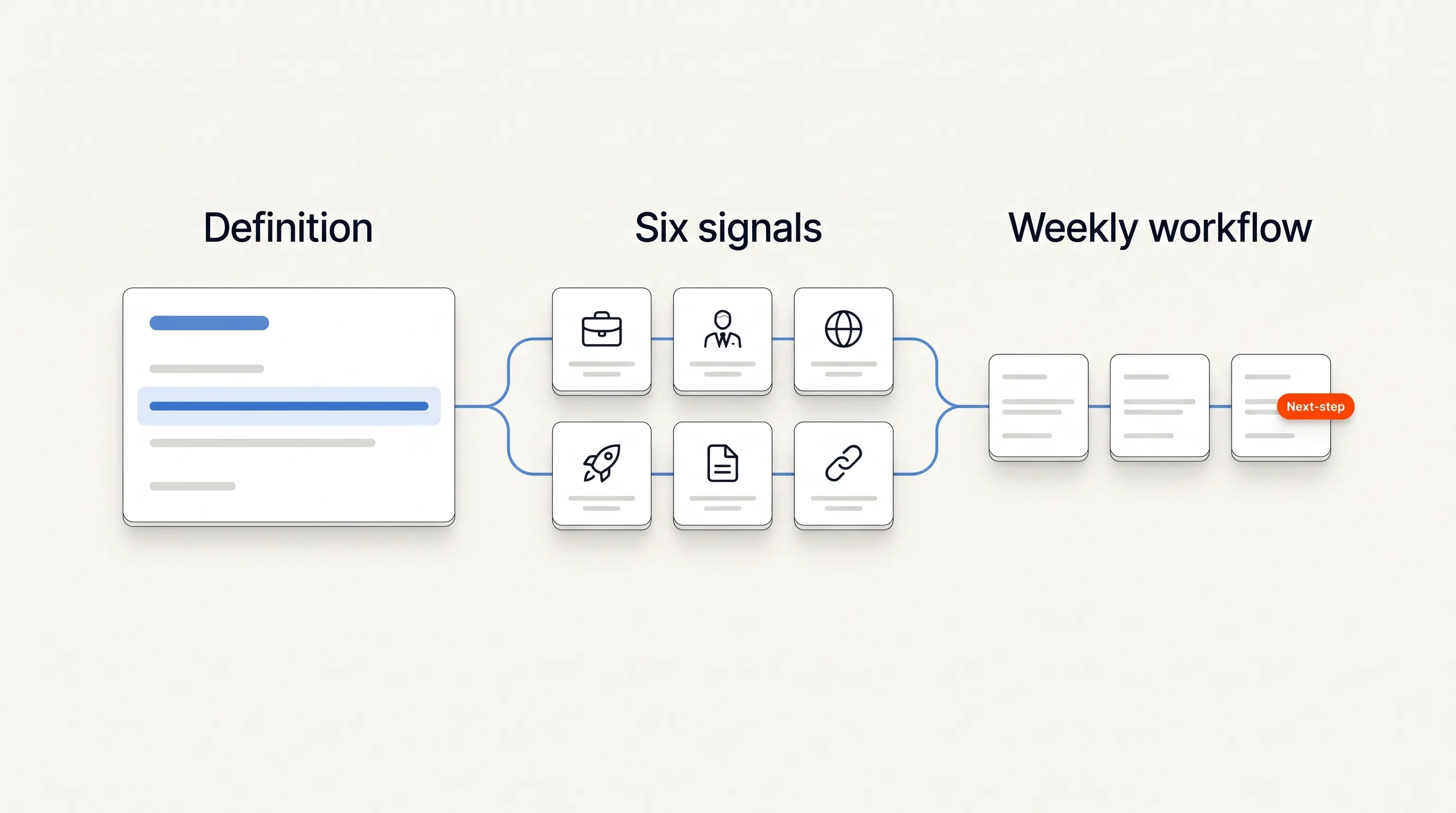
Choose by the work you need done, the decisions you want to delegate and the time your team can spend operating the system. This guide provides an eight-job comparison, a total-cost worksheet and a four-week pilot plan. It is for smaller B2B teams choosing an outbound process, rather than a ranking of vendors or a claim that software replaces a sales hire.
What the labels tell you, and what they leave open
A sequencer can automate a schedule using contacts and messages you provide. A research tool may discover useful context while leaving sending to another system. A product marketed as an AI SDR may combine those jobs, but its coverage, required setup and treatment of replies vary.
For example, Salesforge's own AI SDR explanation describes a workflow spanning prospecting, personalization, follow-up and meeting booking. That is a vendor's description of its product, not a definition every other tool must meet. Check the actual workflow rather than treating the category name as a contract.
Keep three questions separate. Which jobs does the system perform? Which decisions can it make without you? Who notices and resolves failures? A product can automate many tasks while still requiring a person for account selection or message approval.
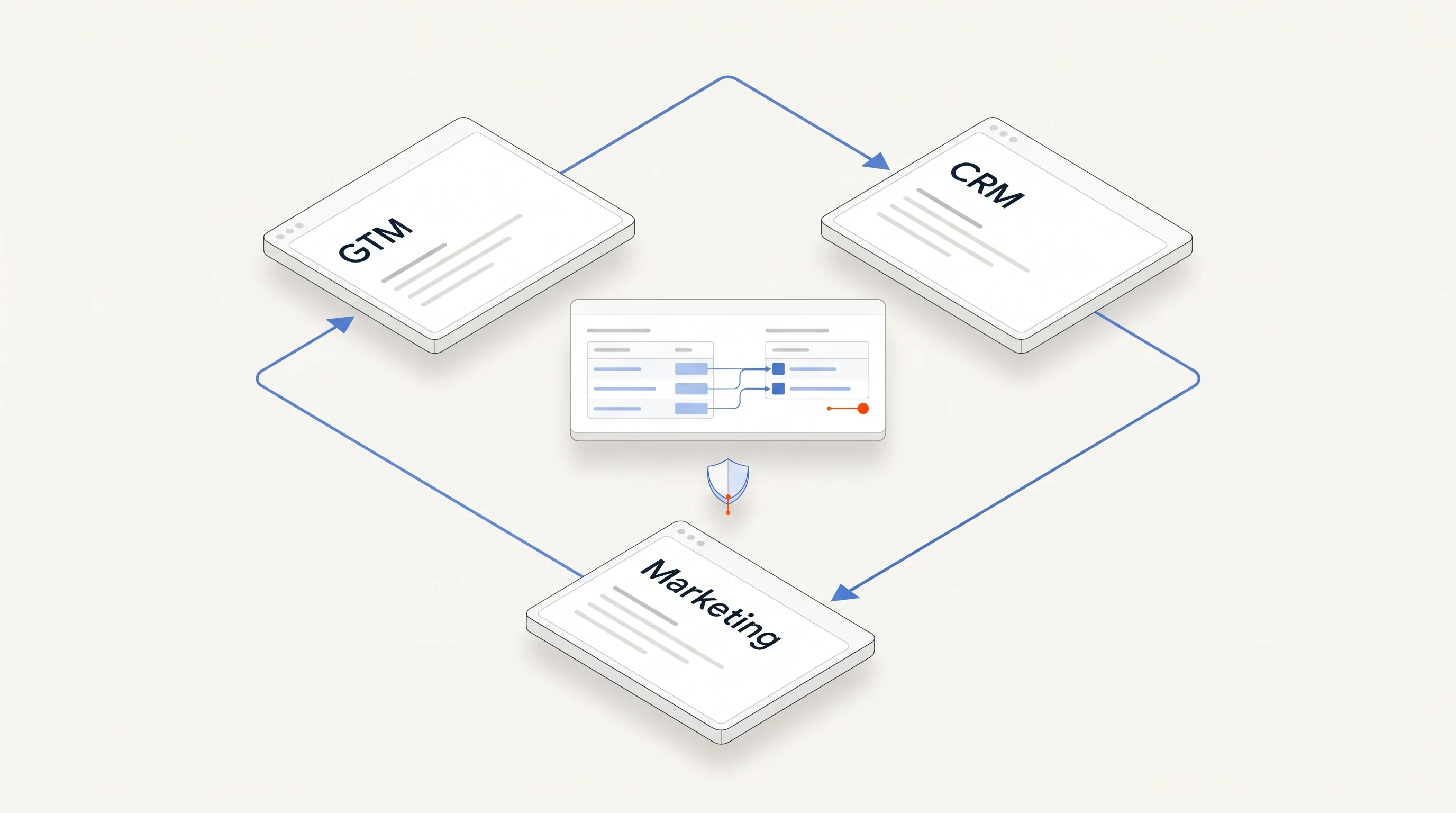
If your main question is how a broader platform fits the revenue stack, see our AI GTM platform overview. The comparison here goes deeper into outbound task ownership and the cost of operating it.
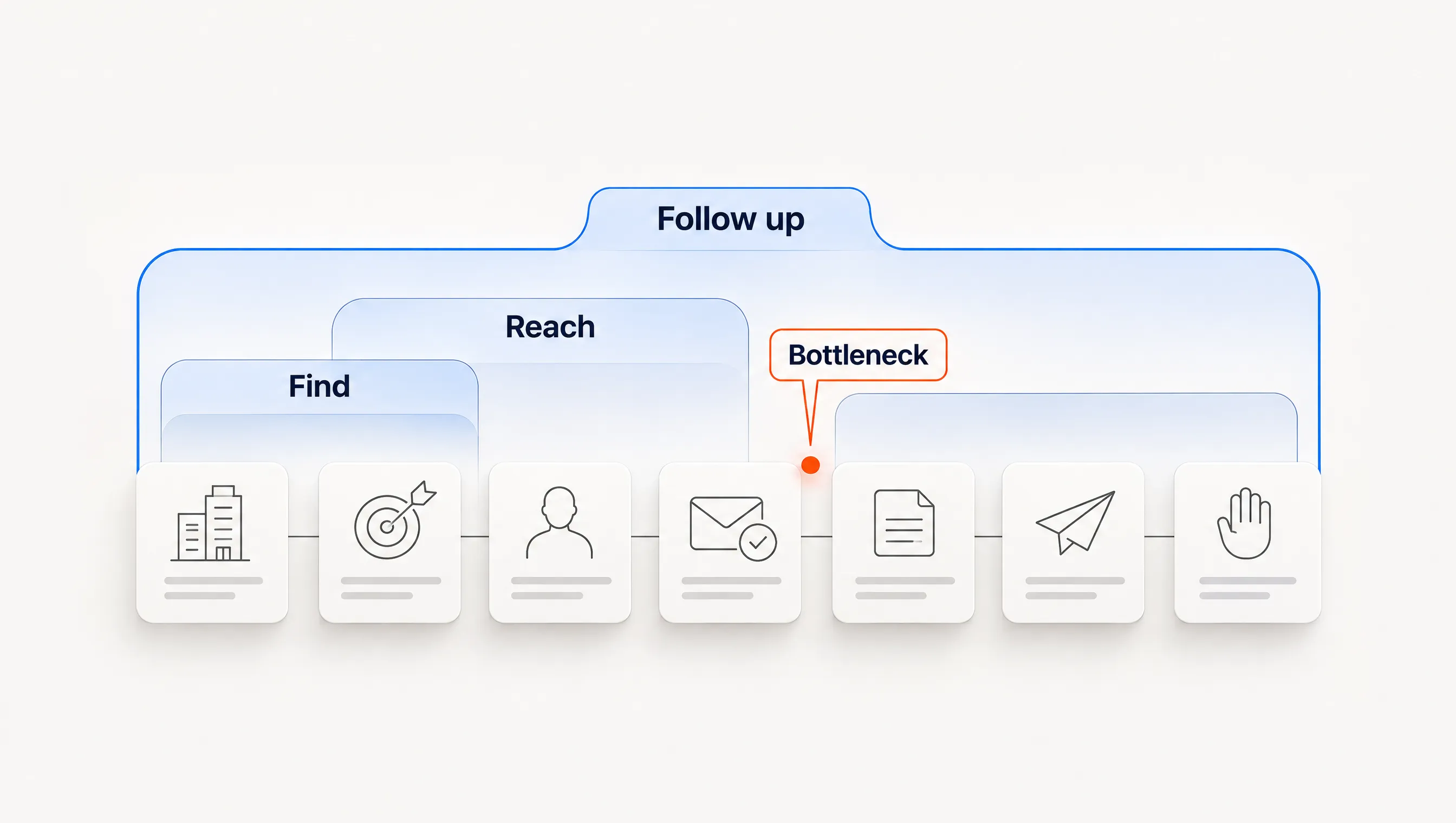
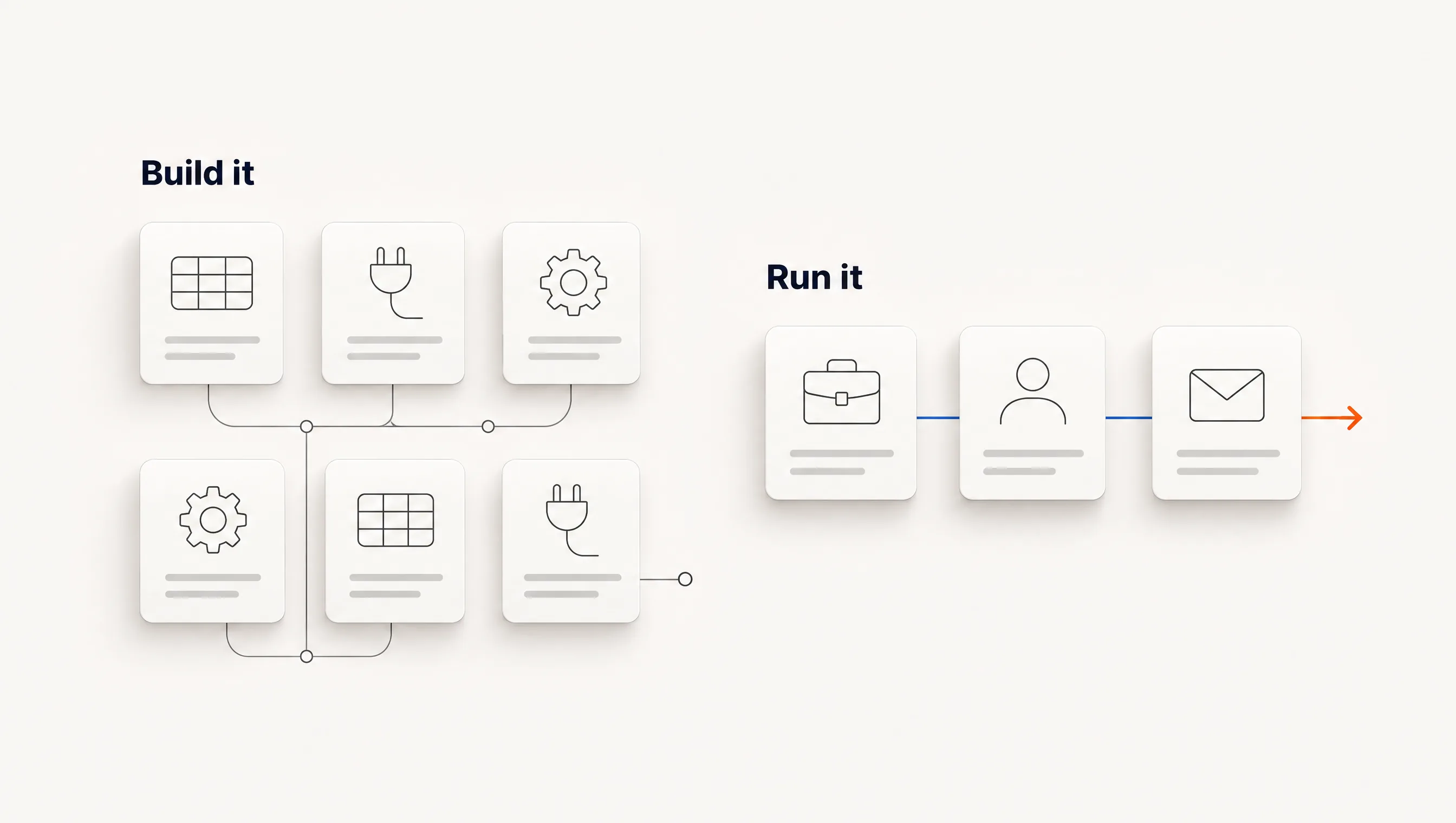
Compare eight jobs before comparing products
The table describes capabilities to verify in a demo or pilot. It does not assert that every AI SDR or automation product includes them.
| Job | A configured automation may do | An AI SDR may add | Evidence to request |
|---|---|---|---|
| 1. Find companies | Process an imported list or a connected source. | Discover companies against a described offer. | Why each company entered the audience and which criteria were checked. |
| 2. Select a person | Apply title filters to supplied records. | Research responsibility and suggest a relevant contact. | A current person, source and explanation of relevance. |
| 3. Verify contact details | Run verification through an integrated provider. | Coordinate enrichment and verification as part of the workflow. | Verification status, date and handling of uncertain results. |
| 4. Research the account | Collect configured fields and events. | Read sources and summarize relevant context. | Original sources, dates and the limits of the interpretation. |
| 5. Draft a message | Merge fields into a template. | Write a draft from the offer and account context. | Which claims in the message have supporting evidence. |
| 6. Send and follow up | Run scheduled steps with configured limits. | Connect research and drafting to execution. | Sending policy, mailbox ownership, pause behavior and stop conditions. |
| 7. Handle replies | Stop sequences and route messages. | Classify replies or prepare suggested responses. | How ambiguous requests, opt-outs and human takeover are handled. |
| 8. Coordinate meetings | Provide a booking link or create a task. | Assist with qualification or scheduling if supported. | What counts as a booking and where a human must intervene. |
Mark each job as performed by the product, your team or another service. “Integration available” is not the same as configured and working. “Suggested response” is not the same as a response sent, and a booking link is not a held meeting.
This map also reveals overlap. If two tools both write drafts but neither verifies the current owner, adding the second one does not close that gap. If your existing sequencer already handles follow-up reliably, the missing capability may be research or selection.
Specify the decisions you are delegating
Write down the campaign policy before enabling execution. Define eligible accounts, exclusions, allowed claims, channels, sending limits and events that stop work. Decide which cases can proceed automatically and which require investigation or human judgment.
Ask the vendor to demonstrate ordinary exceptions, using test records rather than real prospect sends. A useful demo should show the resulting state and explanation, not only a configuration toggle.
- An account fits the size and industry filters but its hiring source is no longer current.
- A contact is plausible by title but their responsibility cannot be verified.
- A prospect replies while another follow-up is scheduled.
- Someone opts out or asks to speak with a person.
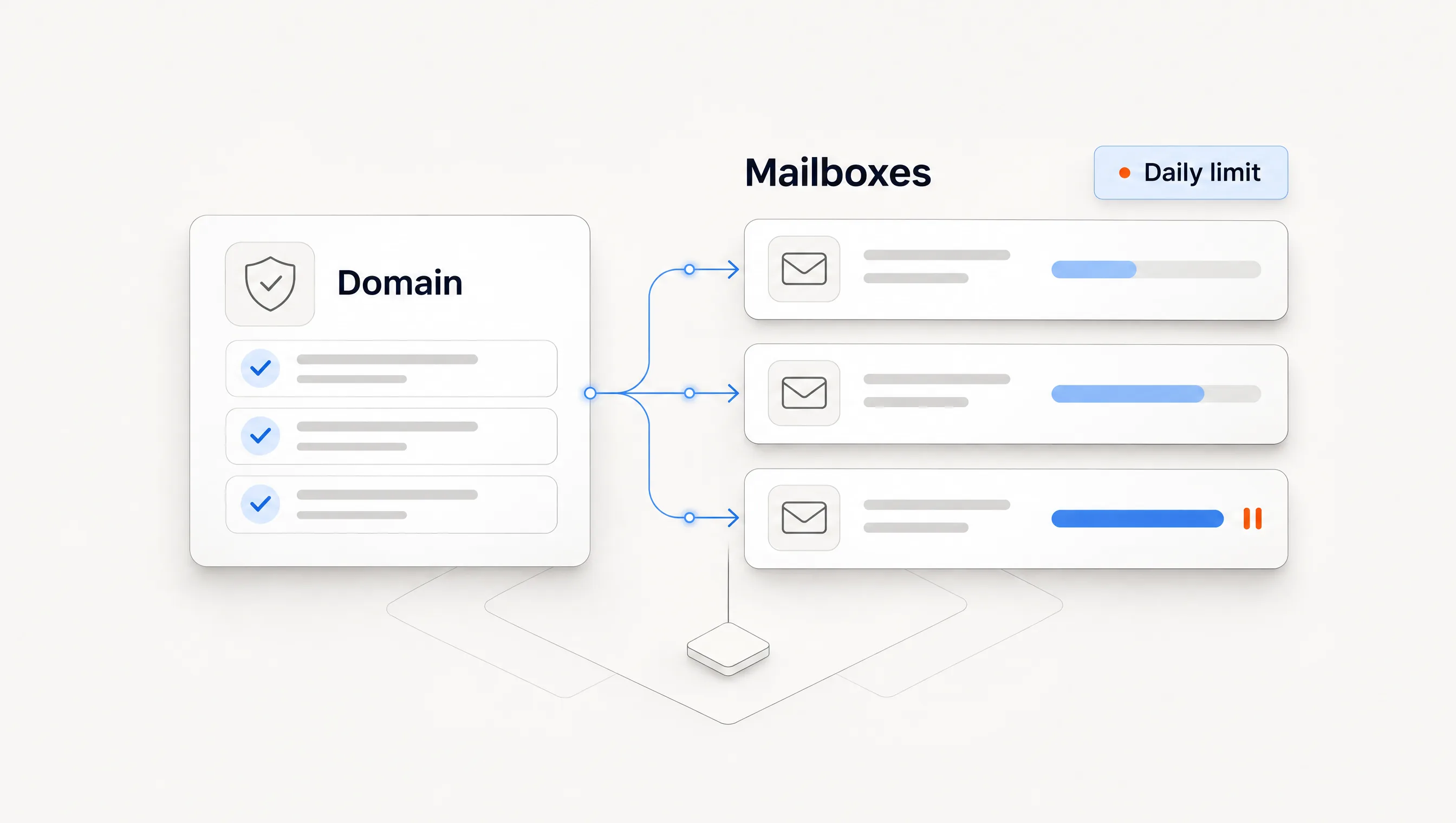
- A mailbox disconnects, the campaign pauses or a daily allowance is reached.
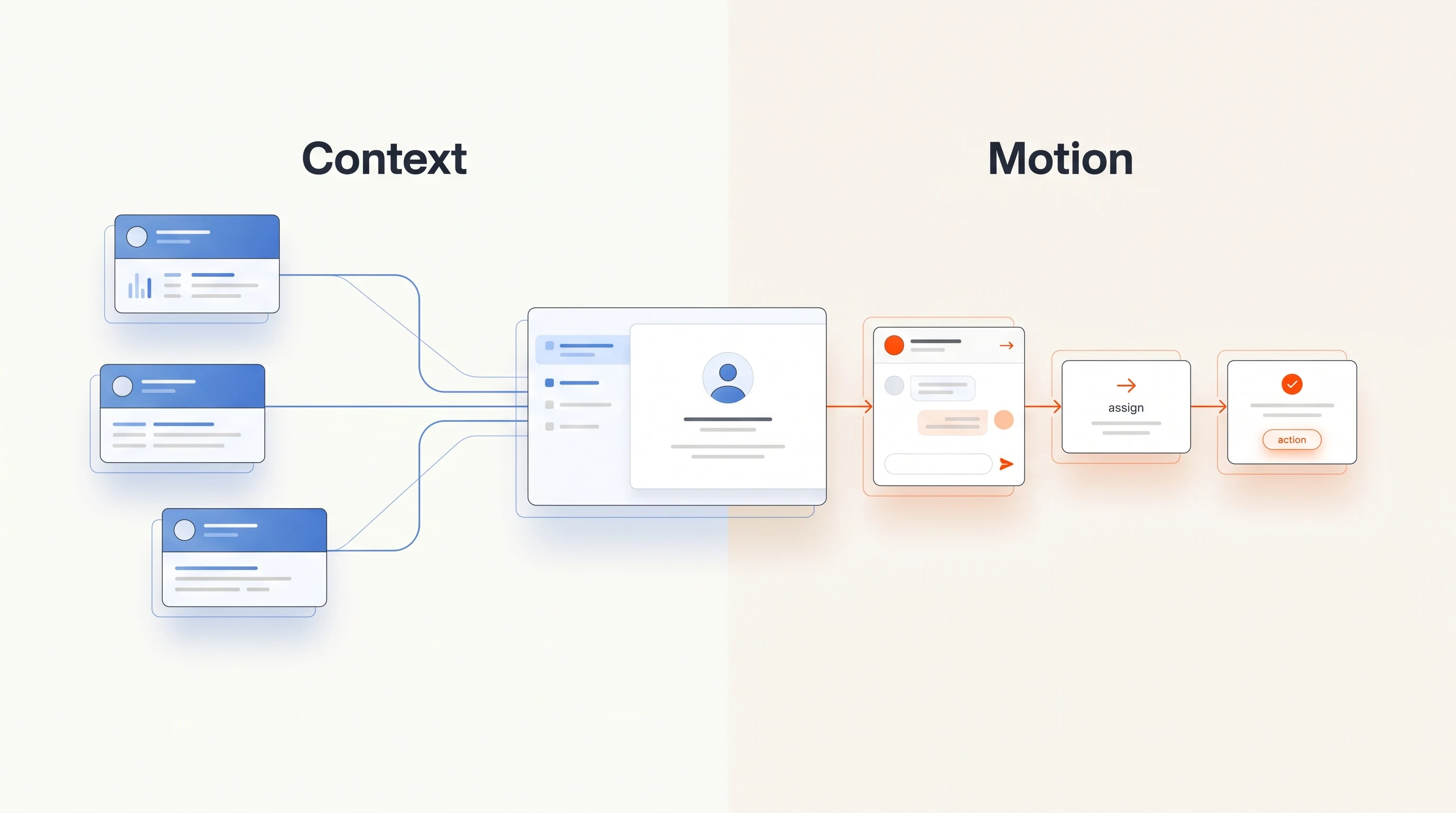
For each case, identify who owns the next action. The software may stop, hold, retry or hand off, depending on the event and its design. Your team should be able to tell which happened and why. Inspecting these cases helps you estimate operating work before purchasing.
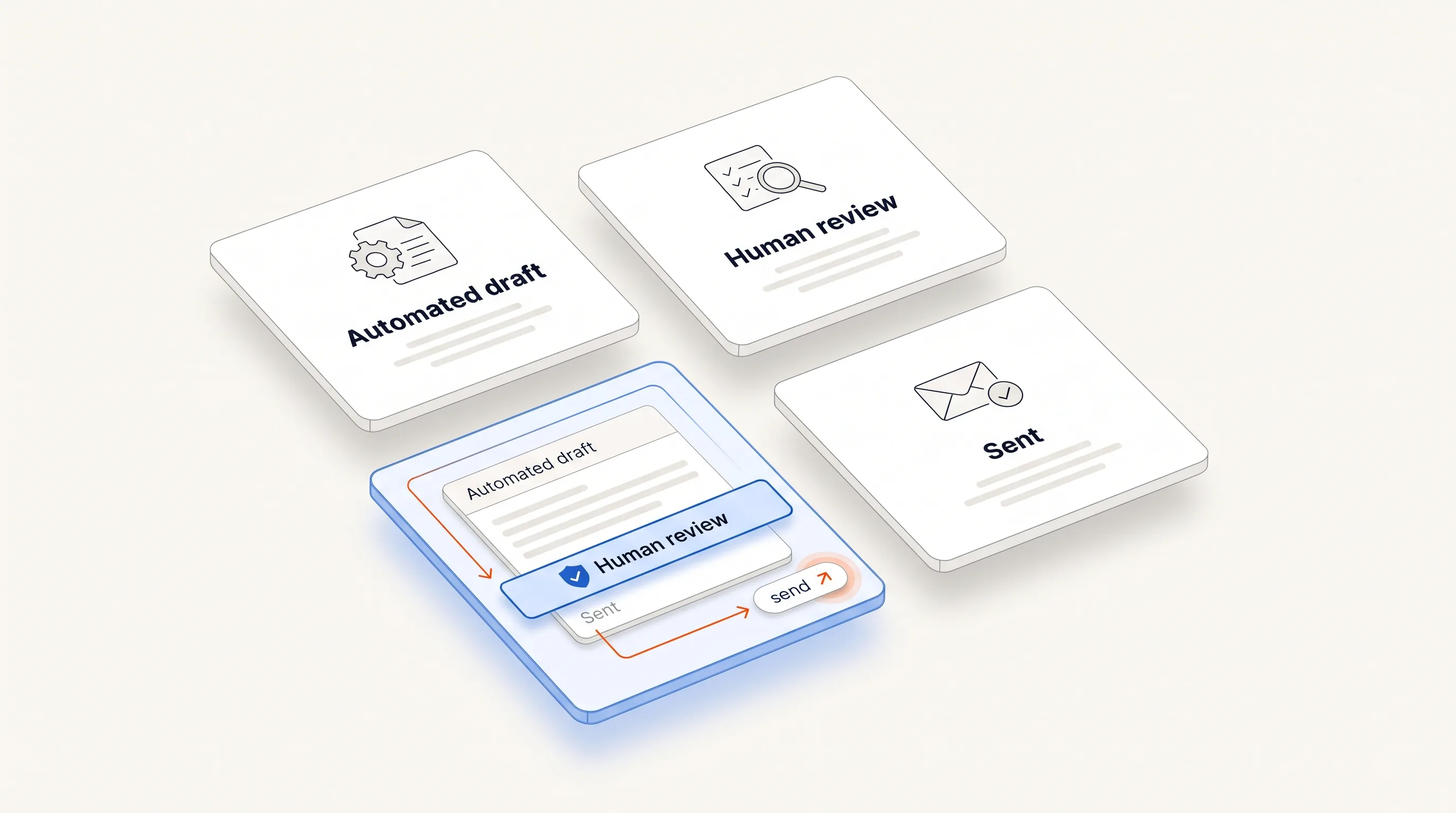
A requirement for review is a policy choice, not a synonym for quality. An automatically sent message still needs grounded inputs and reliable controls. A manually approved message can still be wrong if nobody can inspect its source.
Compare total operating cost
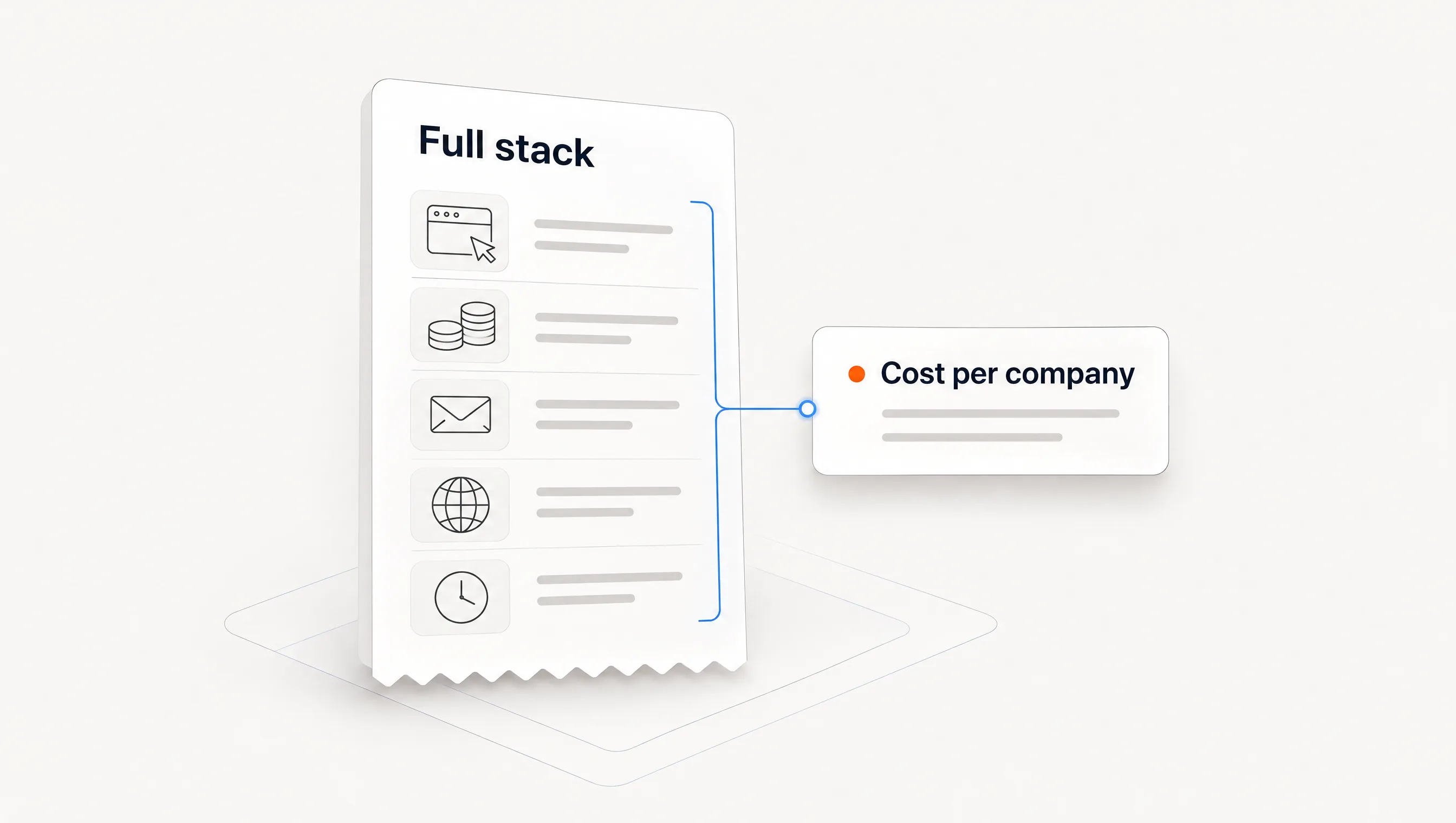
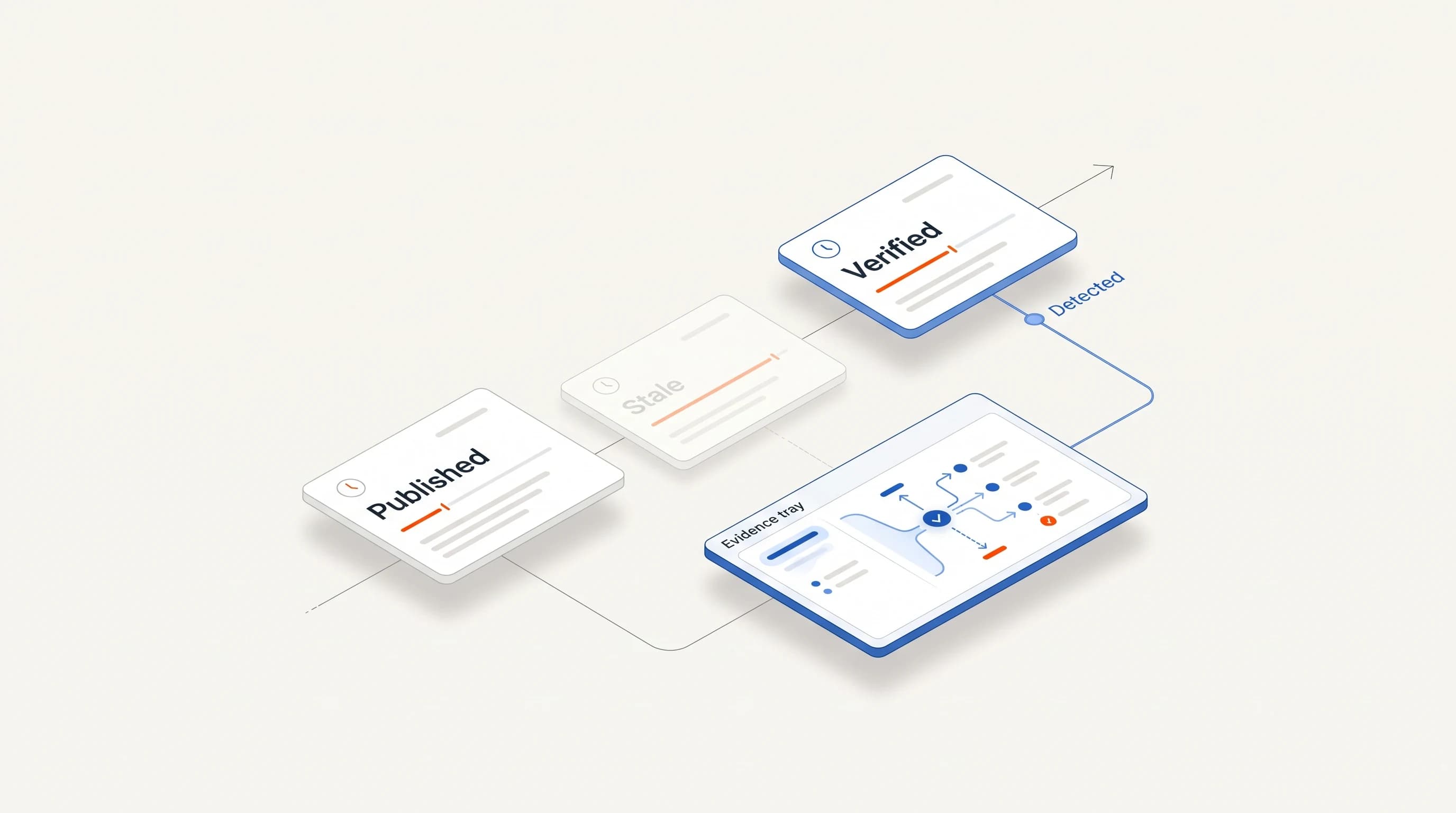
Use your expected workload and each vendor's current quote. Include all required layers rather than comparing one subscription with another product's full package. Pricing and included capabilities can change, so keep the date and source beside each estimate.
| Cost line | What to record |
|---|---|
| Software | Subscription, required seats, minimum term and any setup charge. |
| Data and usage | Contacts, enrichment, verification, research and execution credits; include unsuccessful attempts if billed. |
| Sending infrastructure | Required mailboxes, domains and infrastructure, where applicable. |
| Implementation | Initial setup hours, connected systems and external implementation fees. |
| Ongoing work | Research review, exceptions, reply handling, campaign changes and monitoring. |
A simple planning formula is: monthly operating cost equals recurring fees plus usage plus infrastructure plus human operating hours multiplied by your chosen hourly cost. Record one-time setup separately. If comparing across a fixed period, include setup once for both alternatives.
For an arithmetic illustration, suppose a fictional setup costs $400 in software, $120 in usage and $80 in infrastructure. Six operating hours at an assumed $50 per hour add $300, for a monthly total of $900 before setup. These are invented inputs, not market prices or a Perpetual quote. Replace every number with your own. For published vendor prices on a fixed workload, see our line-by-line outbound cost breakdown.
Do not label time as saved just because a task is automated. Measure the manual work removed and the review or exception work added. A system that prepares drafts quickly can still create substantial review time if its company selection is weak.
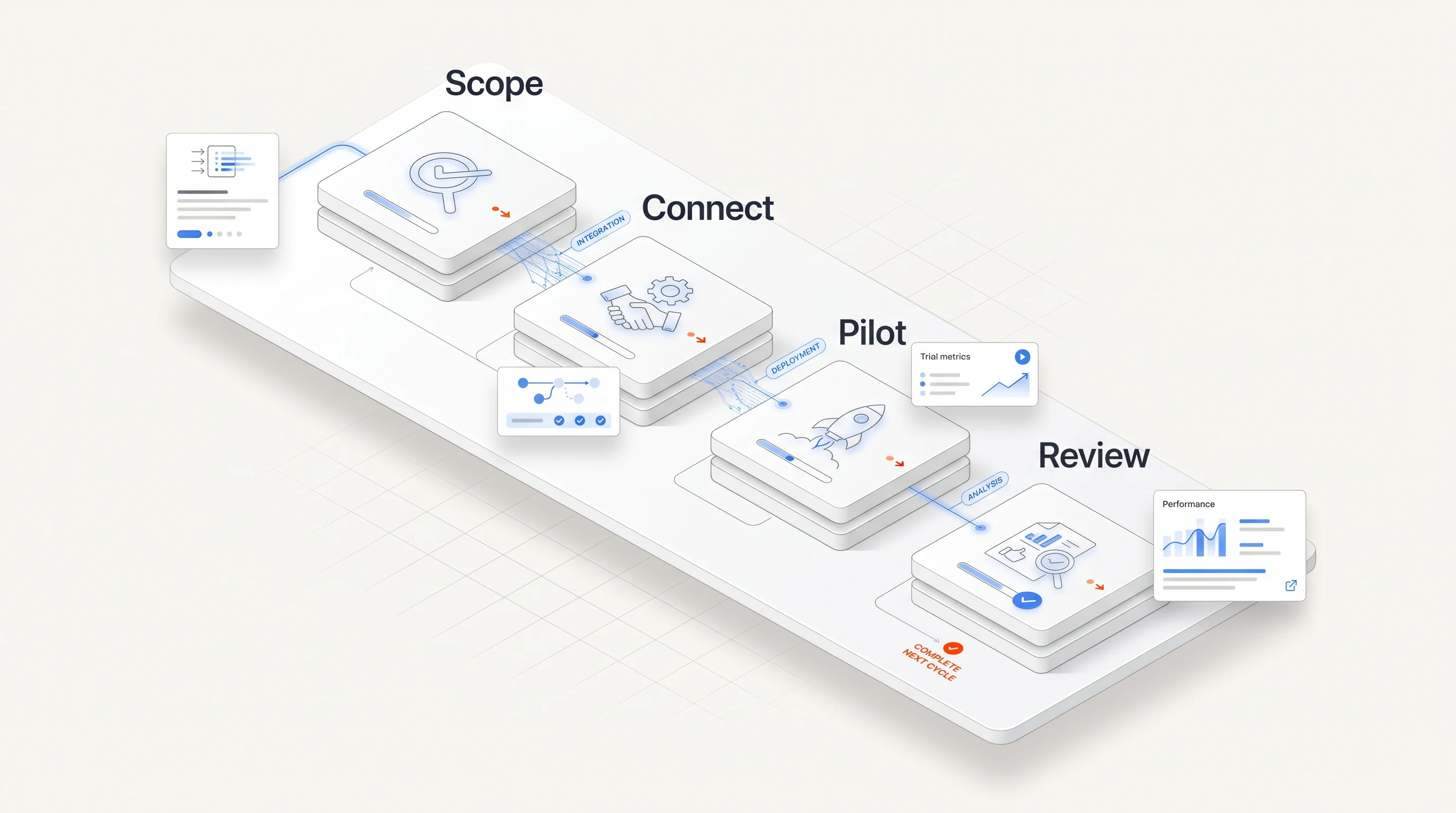
Run a four-week pilot on one segment
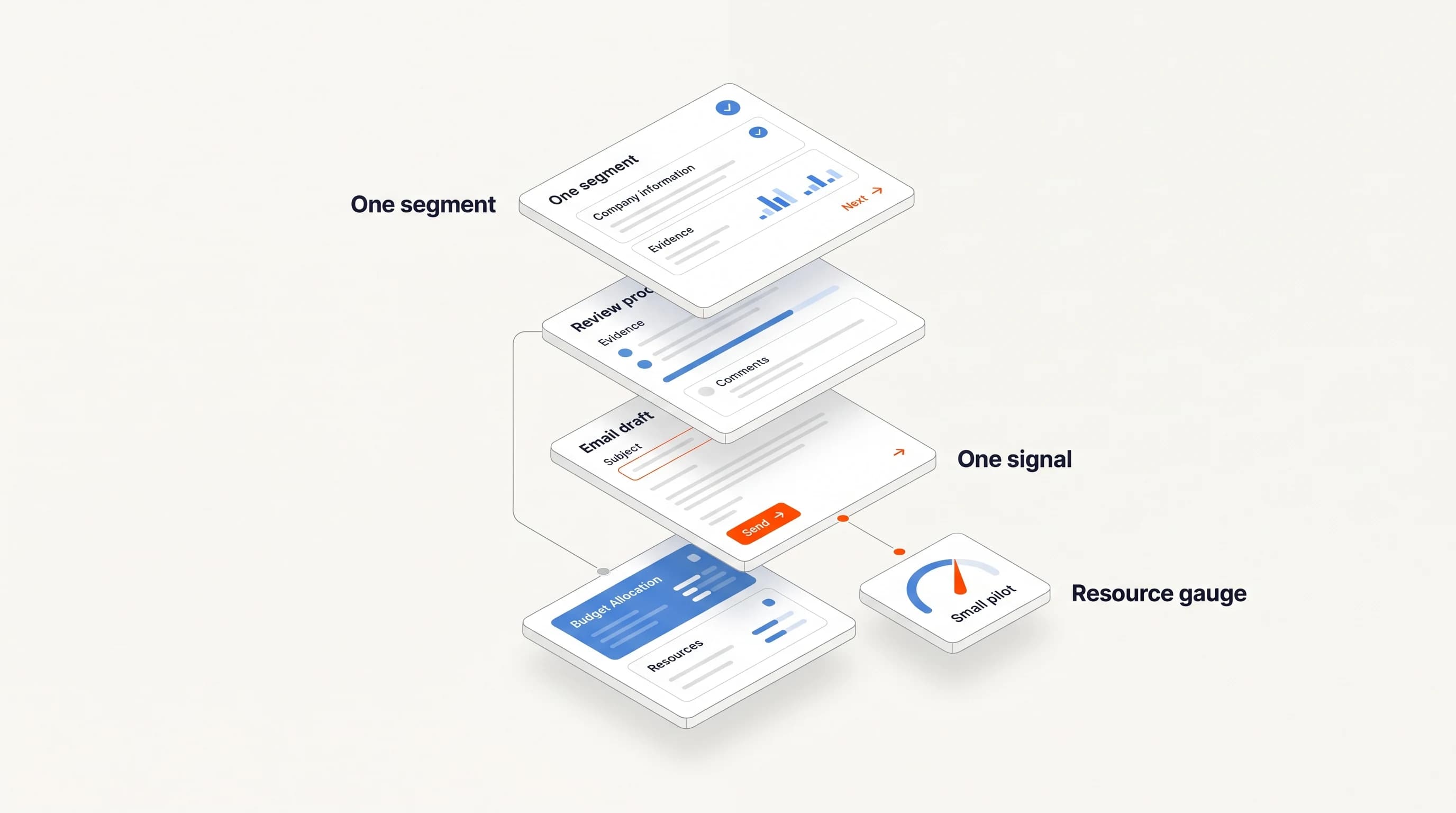
Use one offer, one audience definition and explicit stop rules. Agree on what counts as a relevant company, an acceptable message, a positive reply and a qualified meeting held before evaluating outputs. Four weeks can expose process costs and failures; it may be too short to judge pipeline or revenue, especially in a long sales cycle.
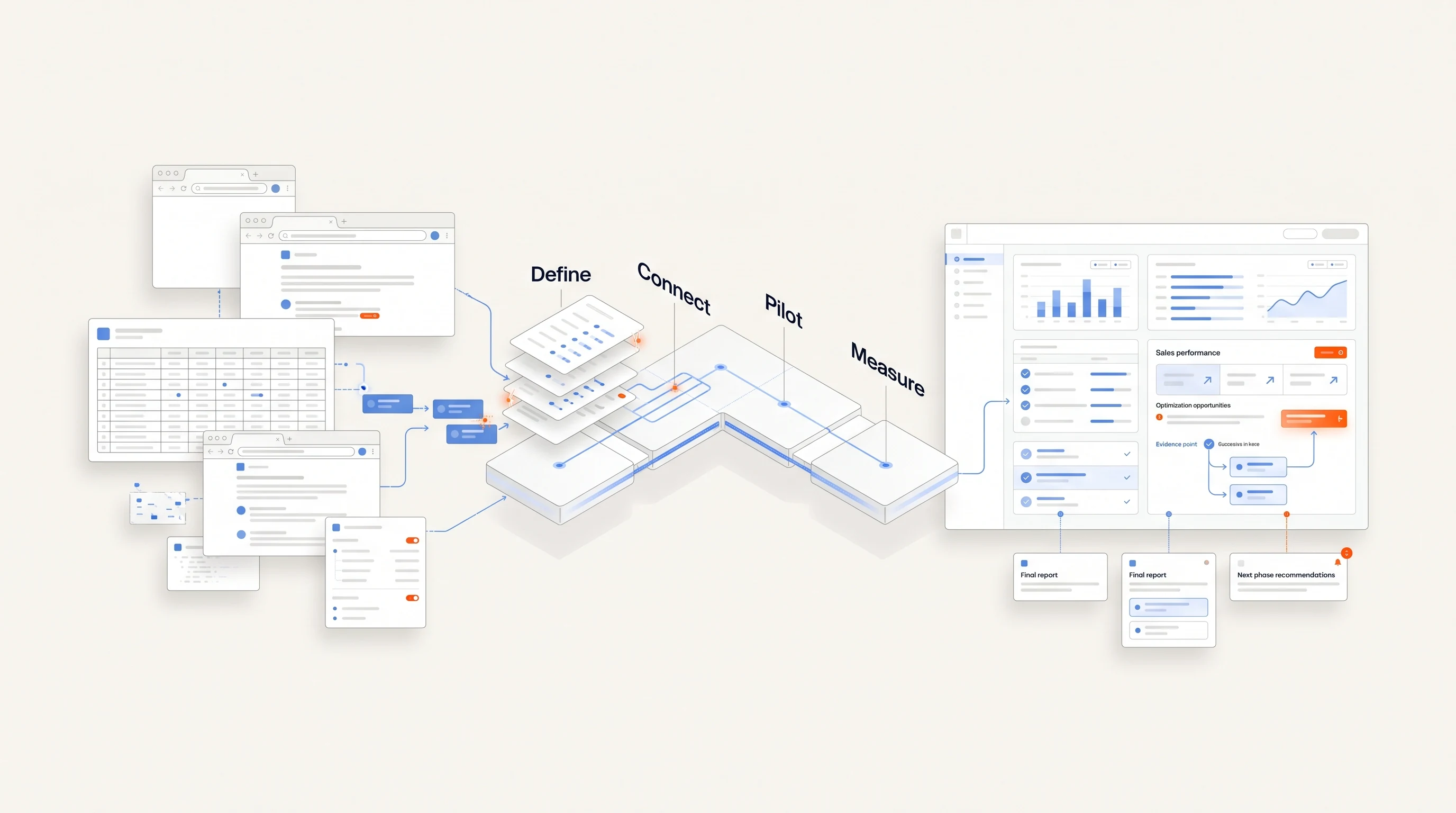
- Week one: map and configure. Assign the eight jobs above. Check sample account decisions and source links. Establish the sending policy, exclusions, mailbox setup and human handoff. Record setup hours and unresolved dependencies.
- Week two: inspect a limited batch. Review a batch small enough to check every account and message. Record rejected companies and corrected drafts as well as accepted ones. Run outreach only within the policy you have authorized.
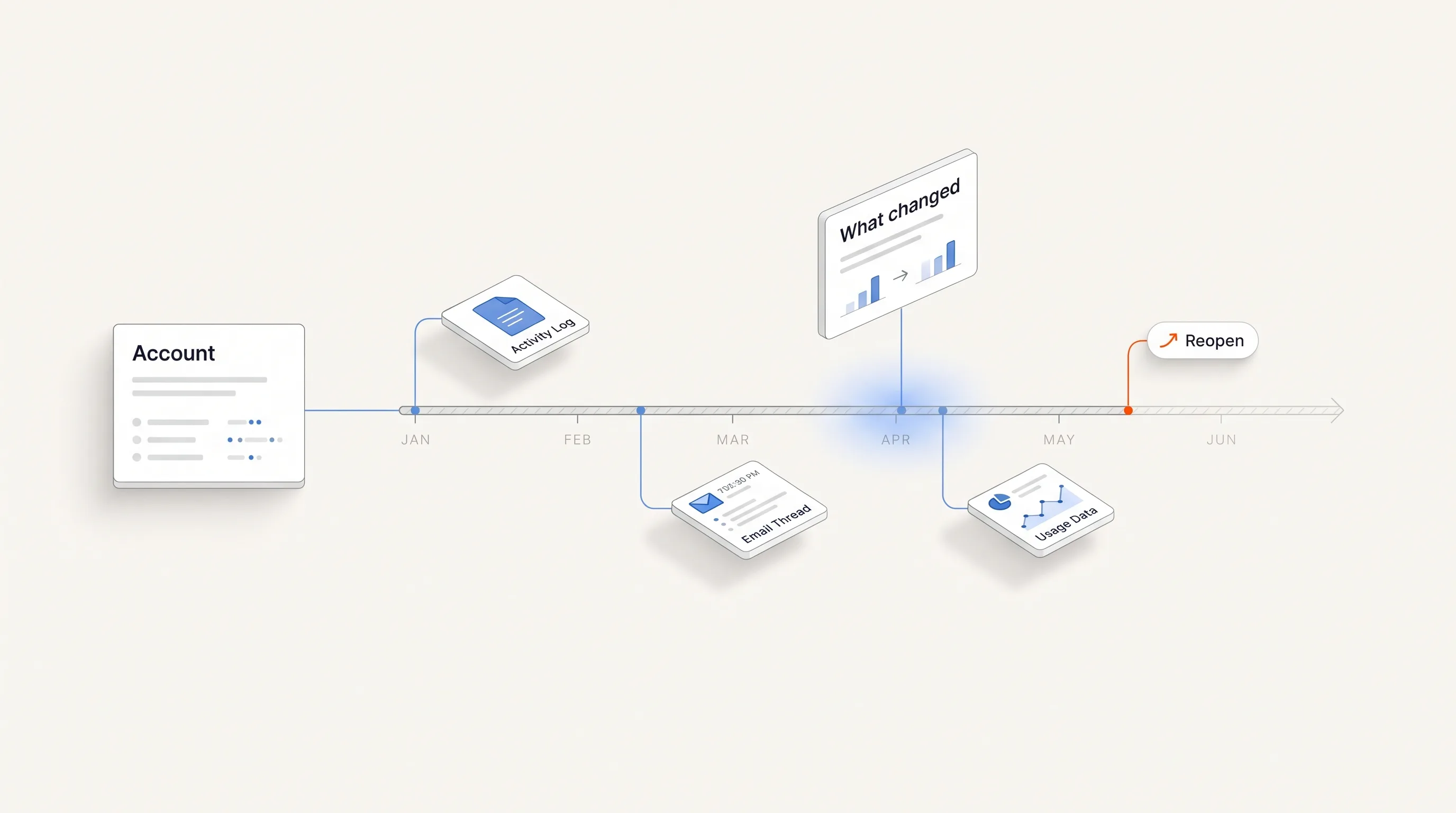
- Week three: observe execution. Inspect follow-up stops, replies and exceptions. Record actual human minutes by task. When changing criteria or copy, keep a dated note so the changes are visible in the results.
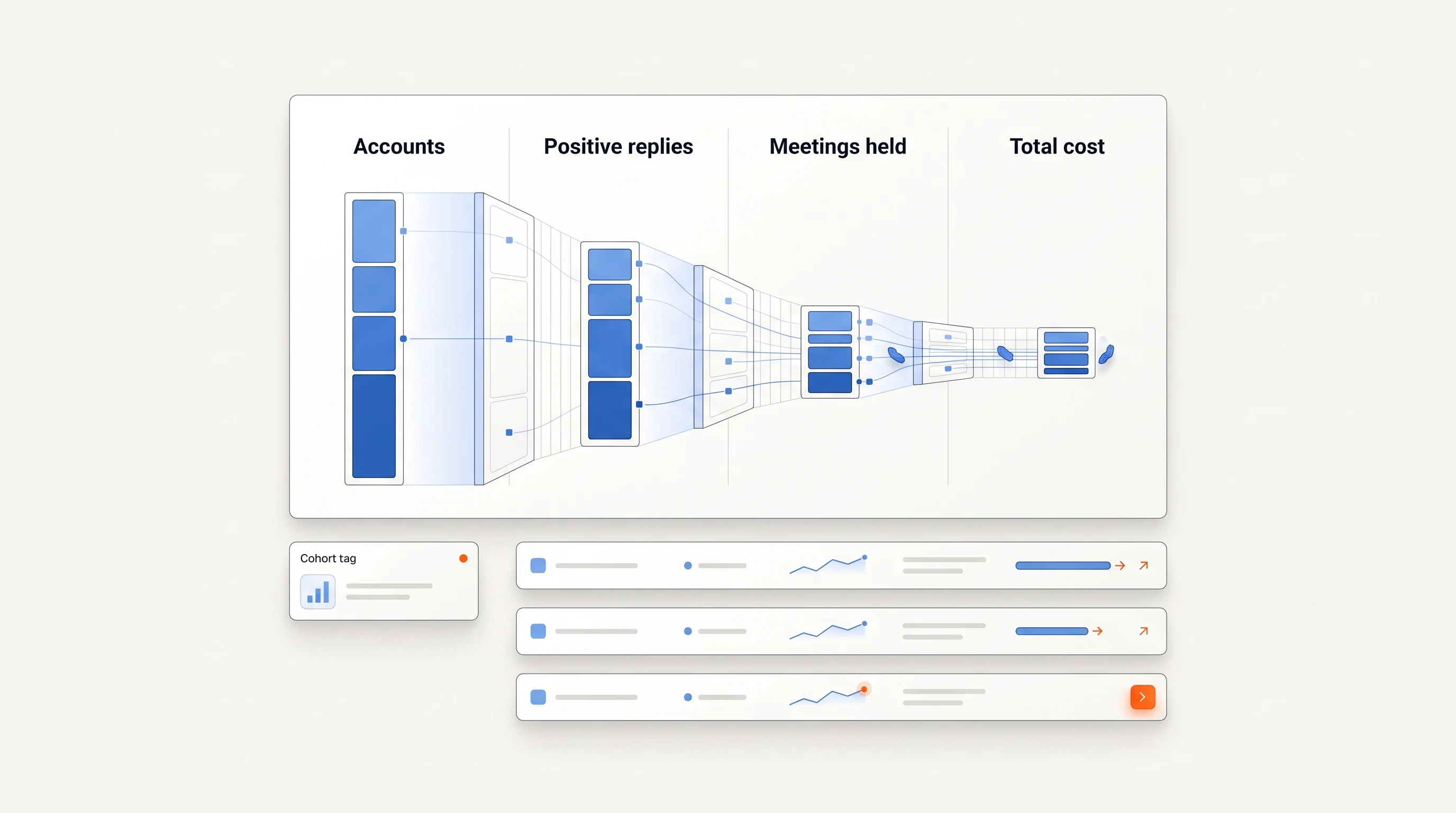
- Week four: review the whole funnel. Compare reviewed, eligible and contacted companies, positive replies, qualified meetings held and total cost. Keep outstanding conversations and later outcomes separate from completed results.
If you compare two approaches, keep their audiences and observation periods comparable. Do not credit the tool for an easier segment or penalize a newer cohort for having less time to produce meetings. The campaign scorecard explains the denominators and cohort considerations.
Finish with an operating decision: keep the process, narrow the audience, change the failed step or stop the pilot. Record who will run it next month. A pilot that succeeds only because a founder continually repairs it has revealed a dependency you need to price.
Choose around the job that is missing
If you already know the accounts, people and messages: reliable sequencing may cover your immediate gap. Confirm stopping behavior and the connections to the systems your team actually uses.
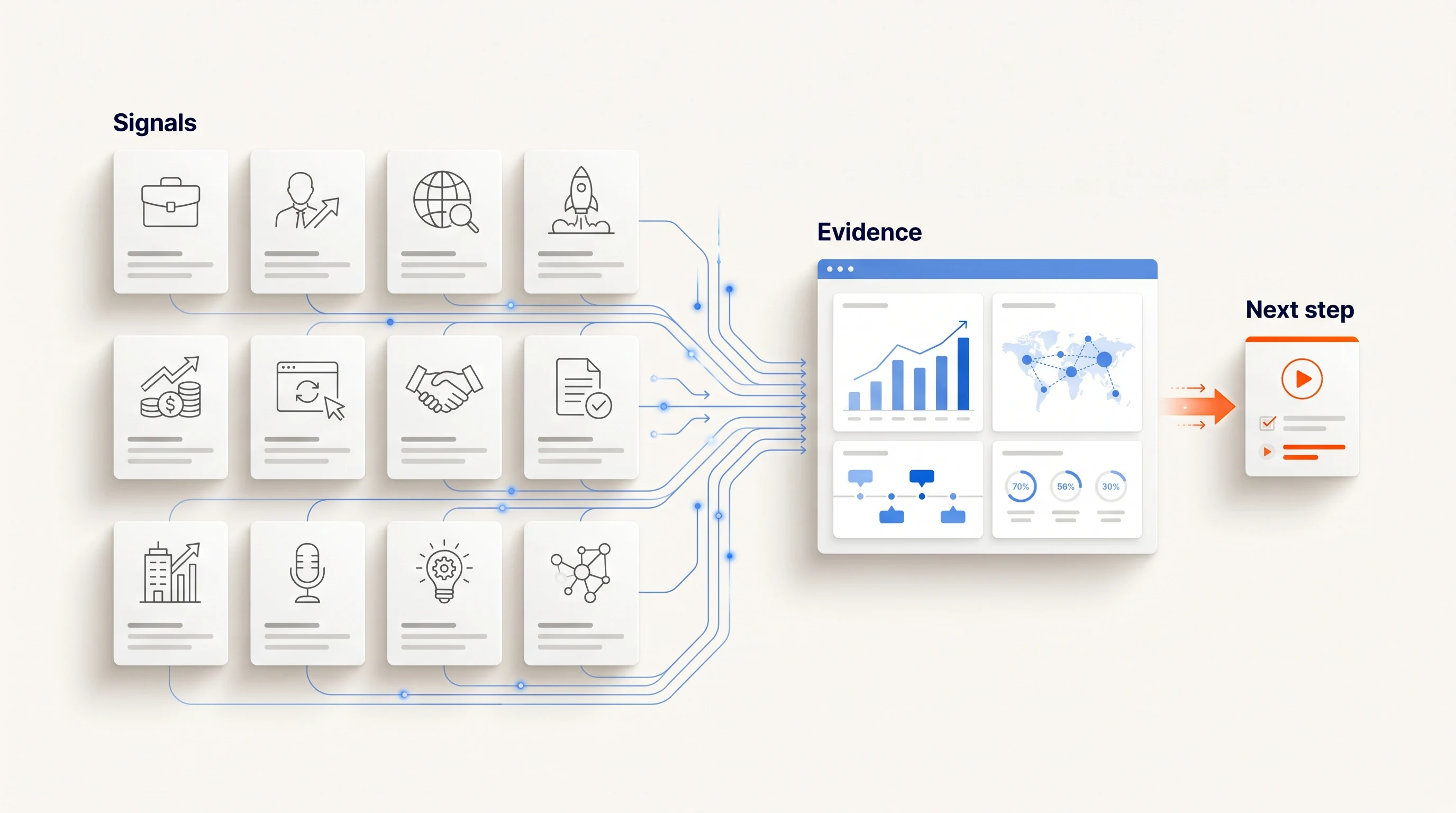
If the difficult work is understanding accounts: investigate research and signal tools. Check how their output reaches the person writing or sending the message, so the source does not disappear at handoff.
If work stalls between finding an account and acting: a connected outbound process may help. Test the full chain on your offer instead of only evaluating the quality of one generated email.
If you still cannot explain your offer or buyer: resolve that uncertainty before scaling software. Automation can repeat a process; it cannot establish that your market wants the offer. Run focused conversations and use what you learn to define the work.
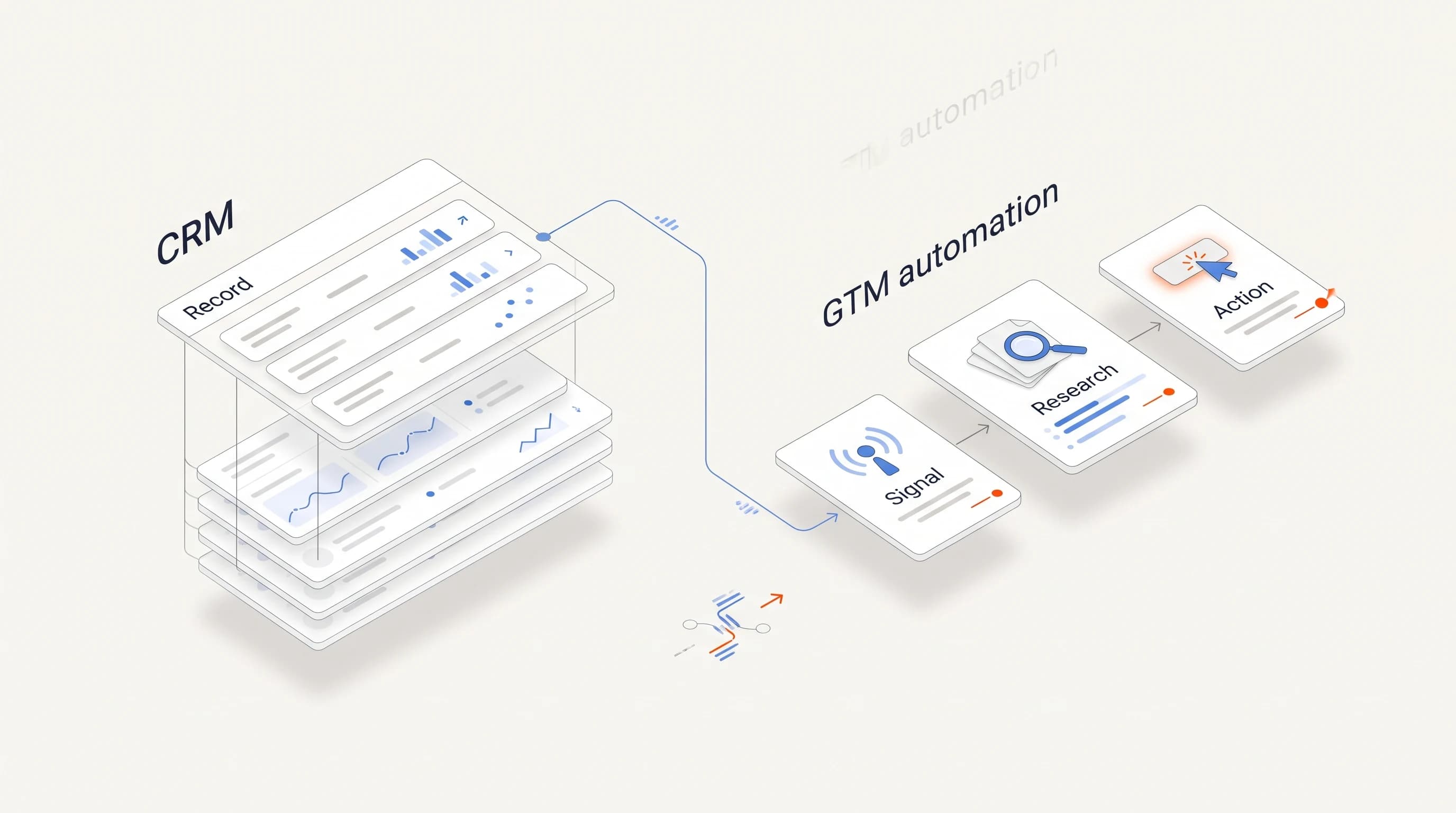
Keep the CRM's role explicit. Adding execution software does not automatically replace the system where account ownership and deal history live. Our CRM vs. GTM automation guide covers that separate decision.
Download the task and cost worksheet
Download the free AI SDR and sales automation worksheet (CSV). It includes eight task rows, monthly cost inputs, setup cost and pilot checkpoints. Fill in the product, person or service responsible for each step. The file is a planning template; it contains no live pricing or automatic calculations.
Where Perpetual fits
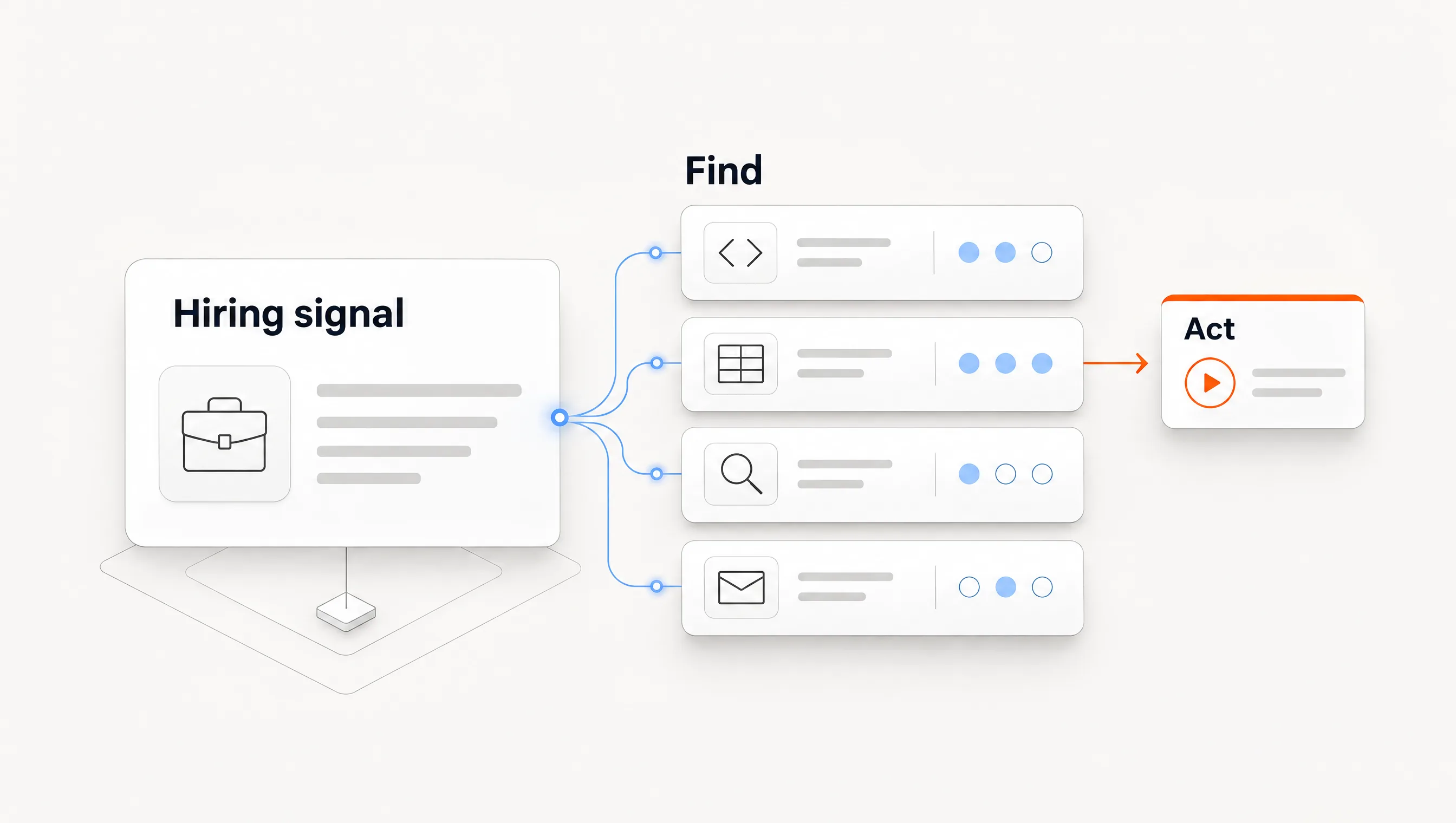
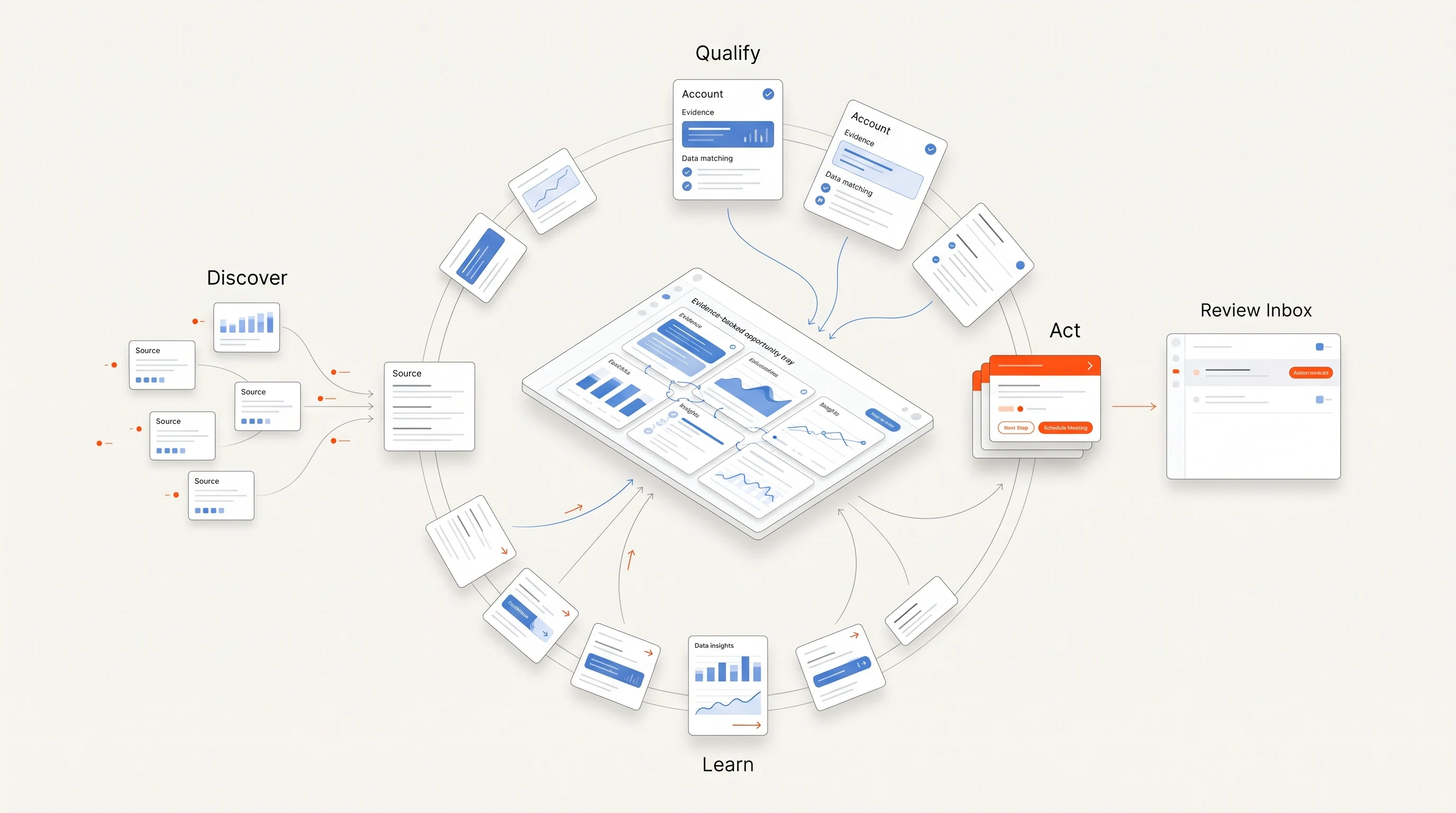
Perpetual connects public hiring research, company qualification, selection of one relevant contact, evidence-grounded writing and email follow-up. Configuring a campaign authorizes automatic email within your saved sending policy; manual review is available on request. Email comes from your connected mailboxes, replies and opt-outs stop follow-ups, and LinkedIn steps remain manual tasks.
That describes a specific part of the task map, rather than a promise to replace every sales responsibility or handle every conversation autonomously. Compare the current pricing and quickstart guide against your own task and cost worksheet.
Frequently asked questions
Is an AI SDR the same as a sequencer with AI writing?
Sometimes products overlap, but the label alone cannot answer that. Verify discovery, contact selection, research, execution, replies and scheduling separately.
Can I keep my current CRM?
Often the relevant decision is which system owns records and which executes work. Confirm the actual integration, ownership checks and write behavior of the products you compare.
What should decide whether the pilot continues?
Account relevance, message quality, operating effort, reliable execution and the observed campaign outcomes. Use explicit denominators and enough time for the outcomes your sales cycle can support.