JournalEvaluationNo. 09
Best Hiring Signal Tools for B2B Sales: 6 Options Compared
Compare six hiring signal tools by source, published price and the work each leaves to your team. Includes a free 20-company test worksheet.
Marko Raković9 min read8 sections
Contents
Published by Perpetual
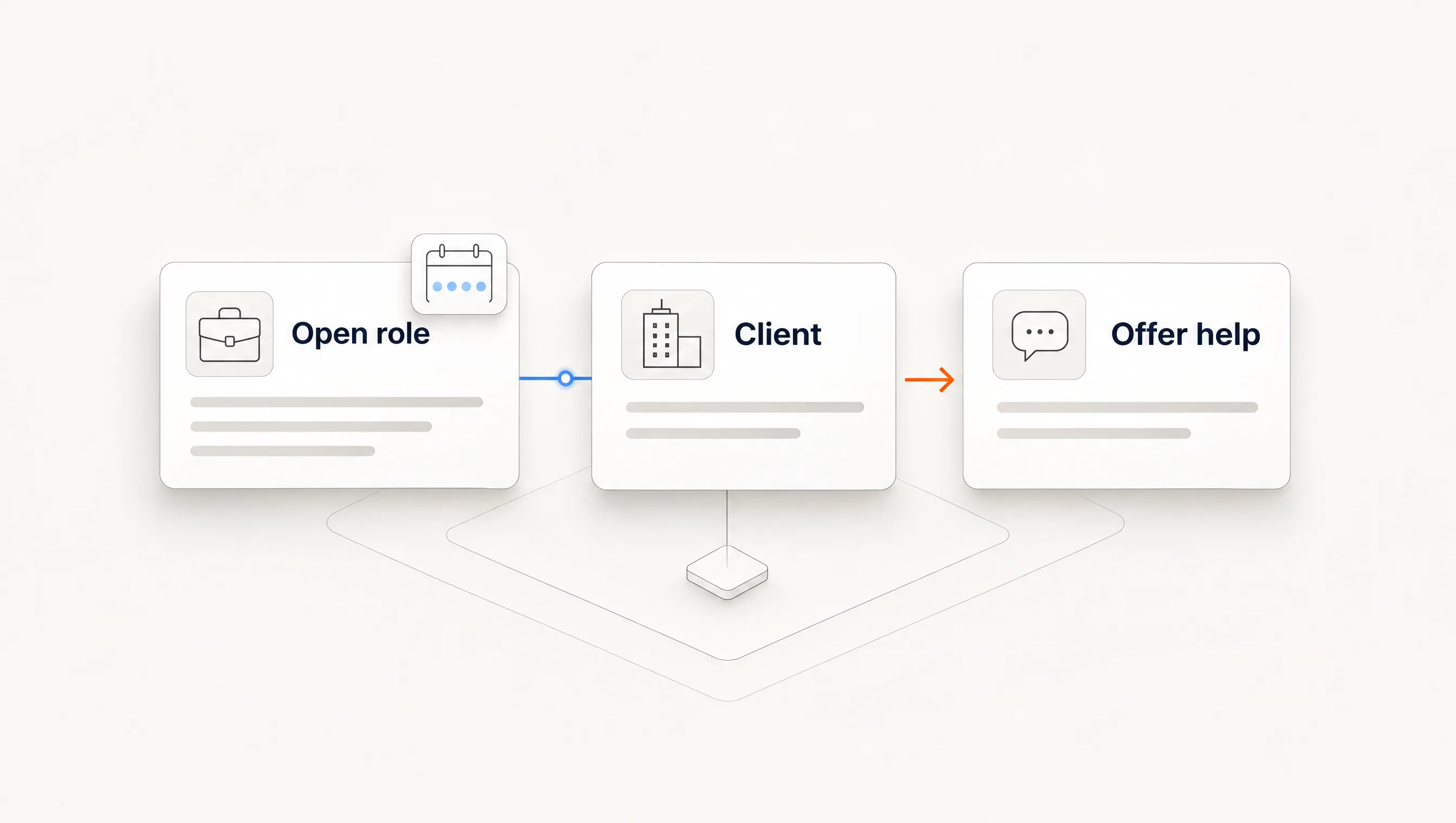
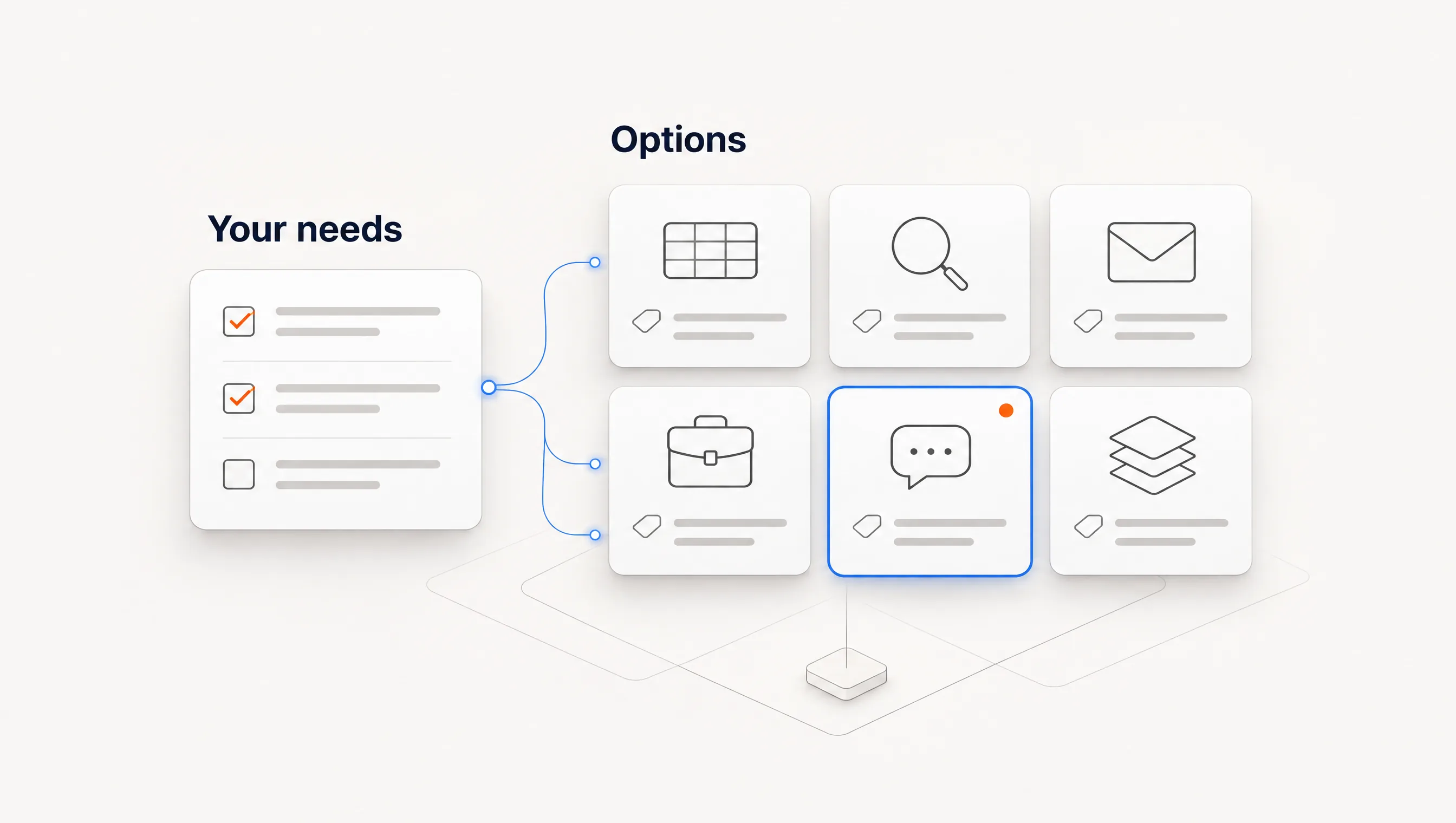
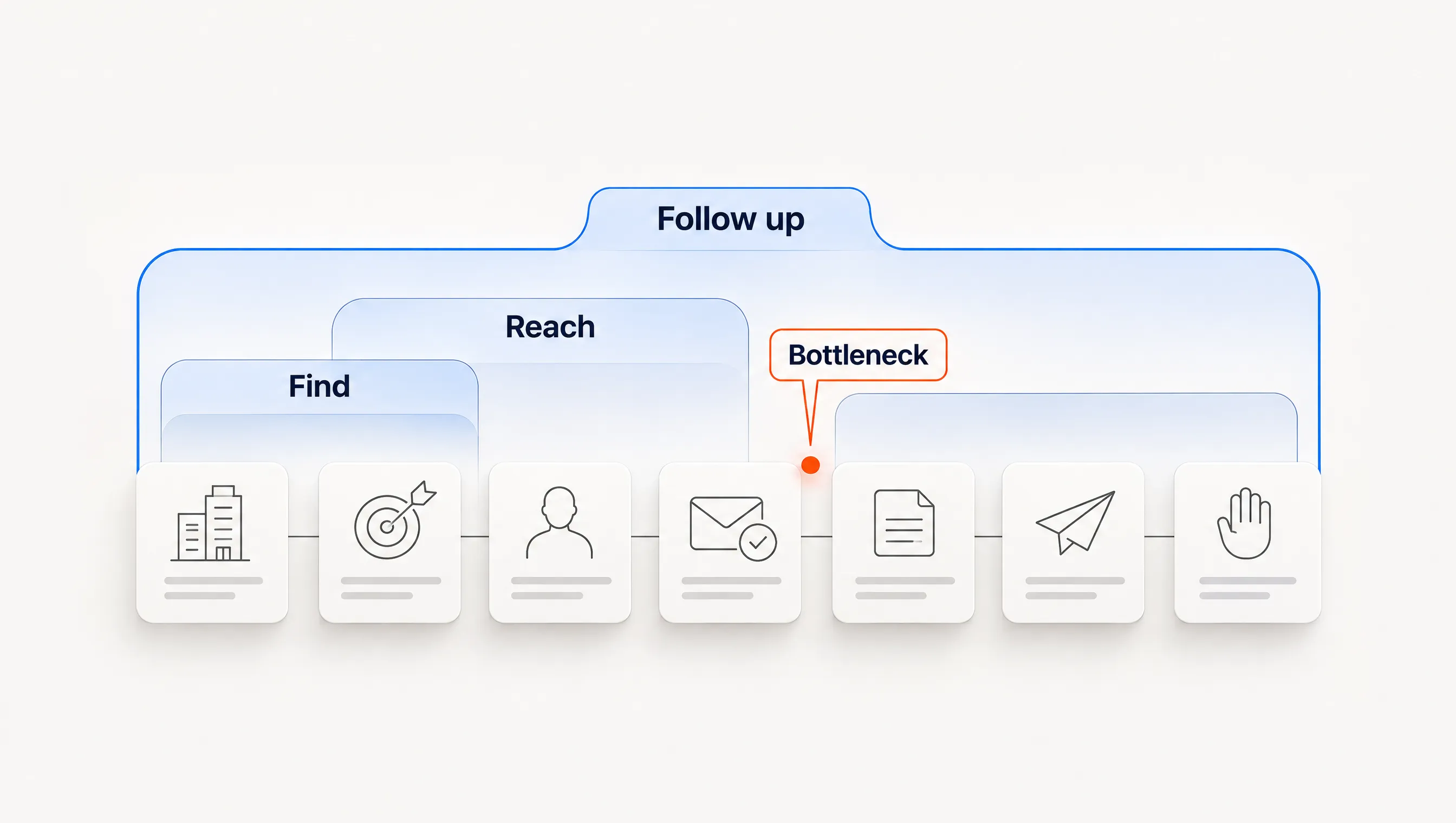
The best hiring signal tool depends on where your work stops. Choose TheirStack if you need a searchable job-posting database or API. Choose PredictLeads if you want job openings delivered as a data feed. Choose Clay if someone on your team will build and maintain the workflow. Choose Perpetual if you want a hiring event carried through company qualification, one contact, a grounded message and email follow-up.
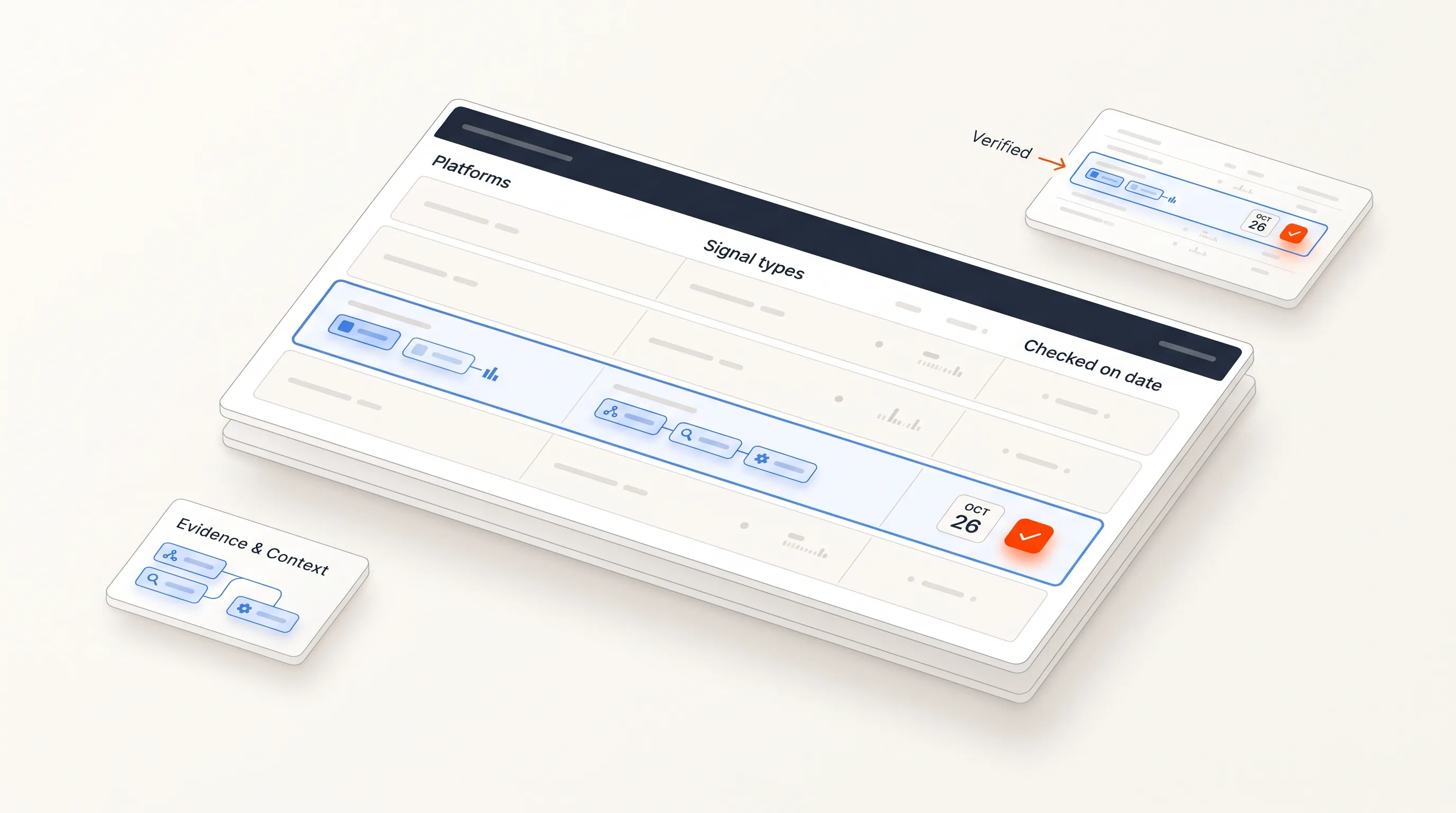
Perpetual publishes this guide and is one of the options in it, so test that placement hardest. Every price below was read on the vendor's own pricing page on November 10, 2026. Capability descriptions come from vendor pages. We have not run a head-to-head accuracy test on the same accounts, so this guide gives you the protocol and worksheet to run one on your own market.
Quick comparison
The last column is what you should expect to arrange yourself, based on what each vendor's page states. “Not stated” means we did not find it on the page we read, not that the product lacks it.
| Option | Best for | Published price | Left for you to arrange |
|---|---|---|---|
| TheirStack | Searching job postings by title, company, location and technology | App credit packs from $109 for 1,000; API from $49 a month | Message and sending are not stated. |
| PredictLeads | Engineering or data teams that want job openings as a feed | 100 free calls a month, then $0.04 per credit with a $40 monthly minimum | Qualification, contact selection, message and sending. |
| Clay | Teams with an operator who will build custom workflows | Free plan; Launch shown at both $167 and $185 a month | Workflow design and maintenance, plus a sending tool. |
| ZoomInfo | Teams that already want a large contact database and engagement suite | Not published; sold through sales | Confirm job-posting coverage in a demo; the product page we read does not state it. |
| LinkedIn Sales Navigator | Relationship-led selling on saved leads and accounts | Core $119.99 a month; Advanced $159.99 a month | Email finding, email sending and systematic posting analysis. |
| Perpetual | Small B2B teams that want one connected hiring-signal path | $249 a month for 4,000 credits, or $199 a month billed annually | A Google Workspace mailbox, your campaign policy and manual LinkedIn steps. |
We left Apollo out of the table because we could not read a current plan grid or a current signal page from its site on the day we checked. It appears often in sales tool lists, so add it to your own test if it is on your shortlist.
What to compare in a hiring signal tool
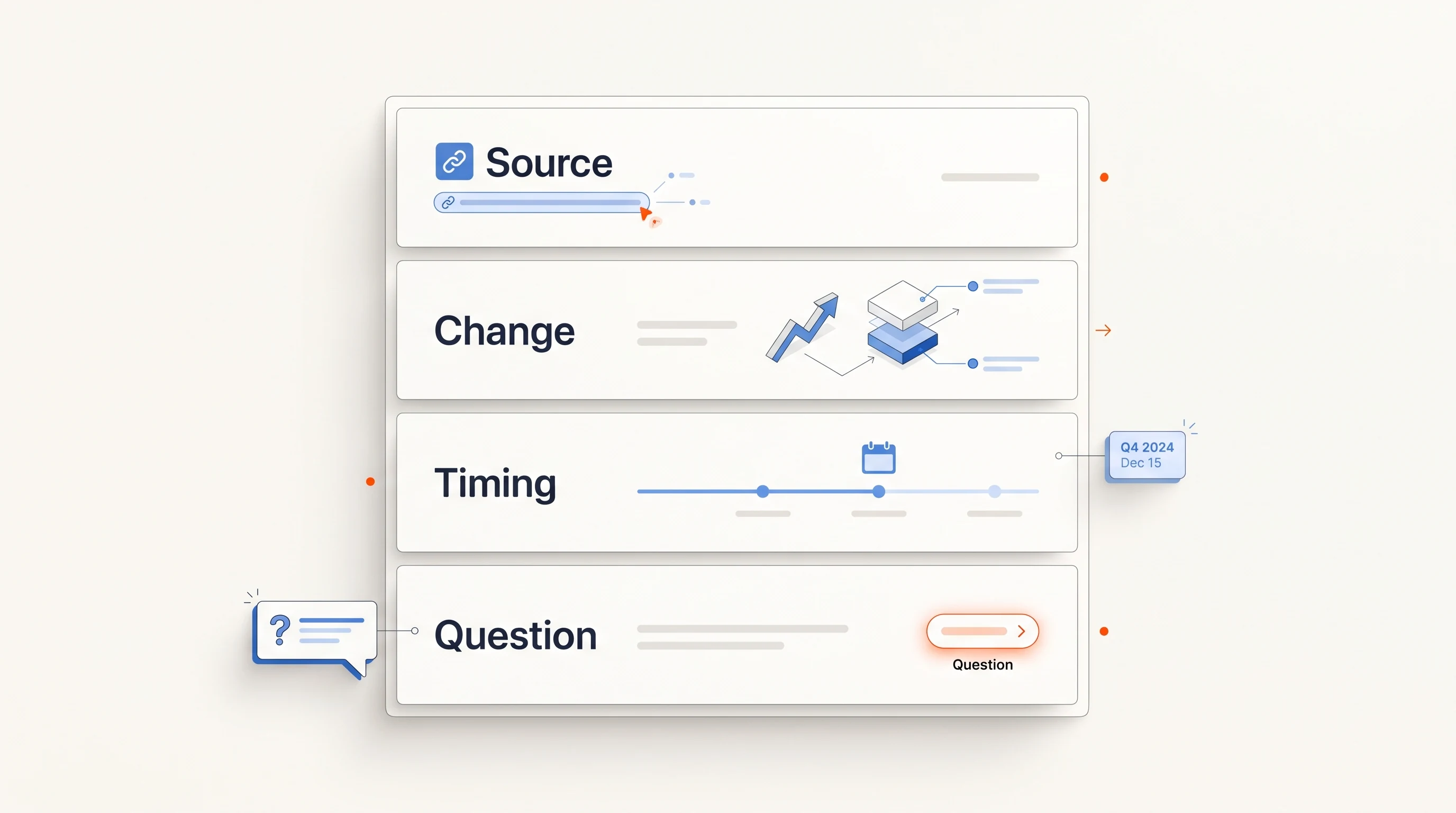
Most broad buying-signal lists treat hiring as one row among many. Hiring needs narrower questions, because a posting is a dated public document with a specific title, description and owner.
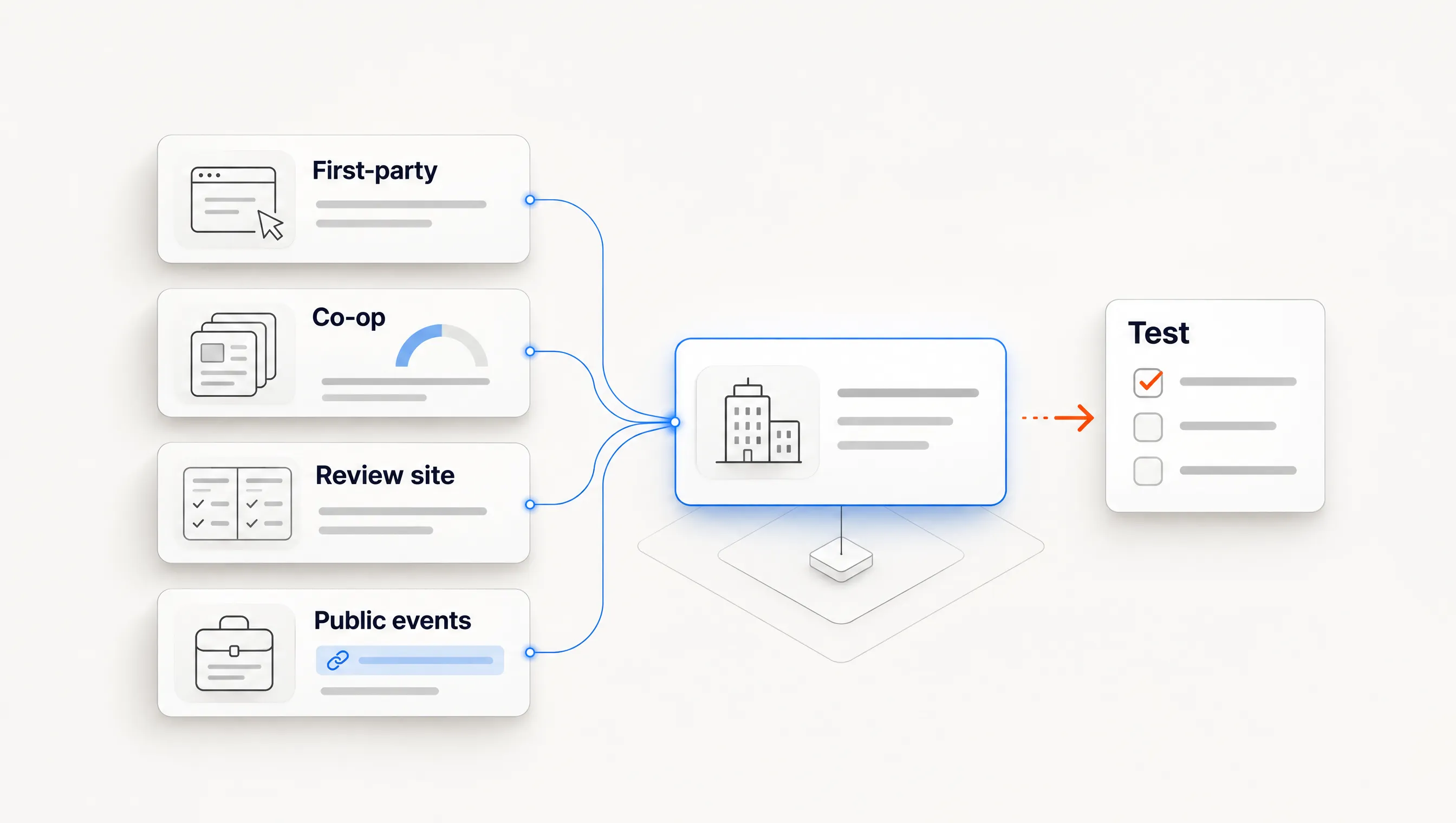
- Source. Does the record come from the company's own careers page or applicant tracking system, or from an aggregator? Can you open the original posting?
- Date meaning. Publication date, first detection and last confirmation are three different facts. Ask which one the product shows.
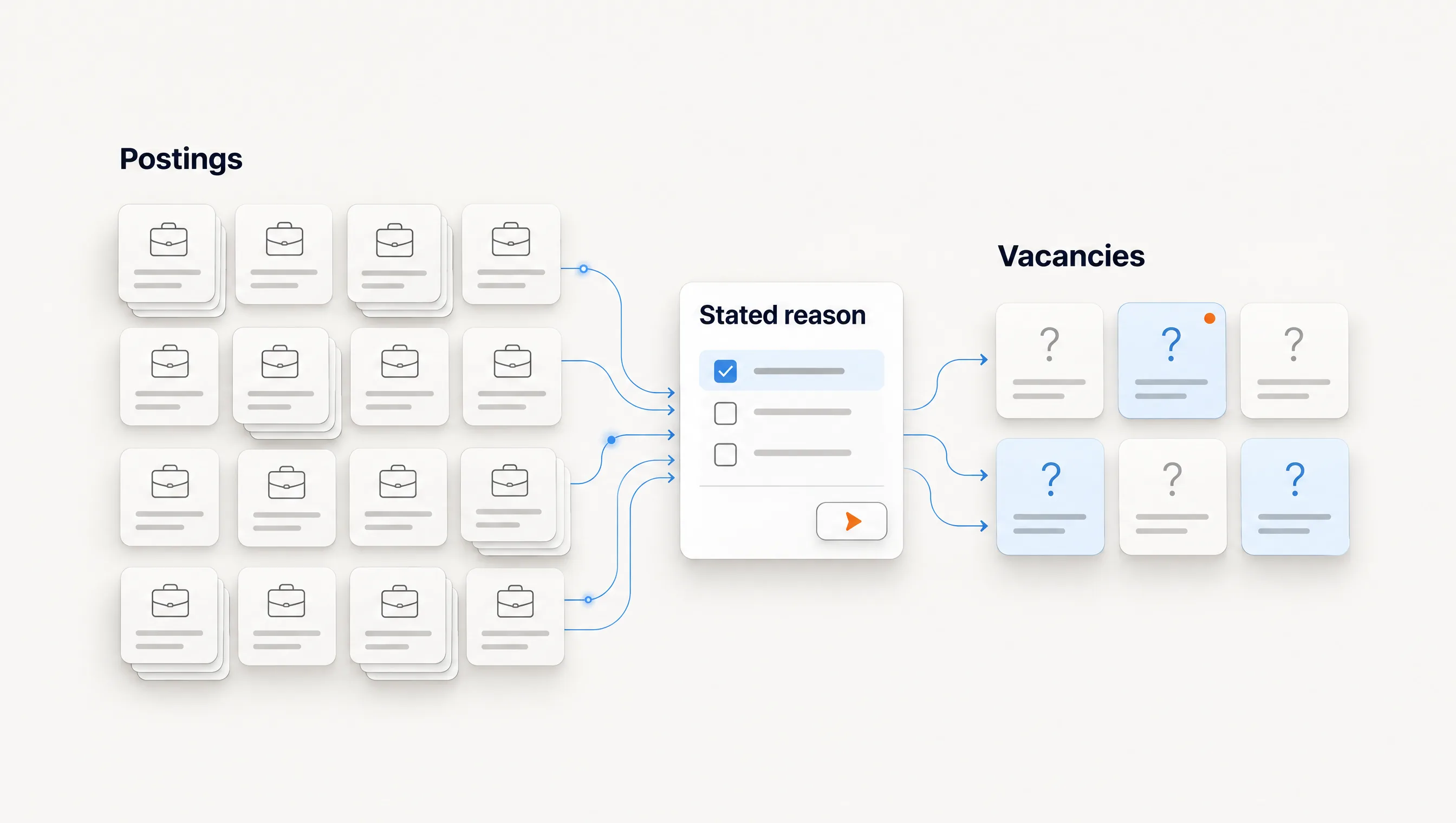
- Duplicates. One role posted in six cities can look like six signals. In our sample of 2,039 postings, raw counts overstated distinct vacancies by 16%.
- Text access. A title says little. The responsibilities are what connect a role to your offer, so check whether you get the full description.
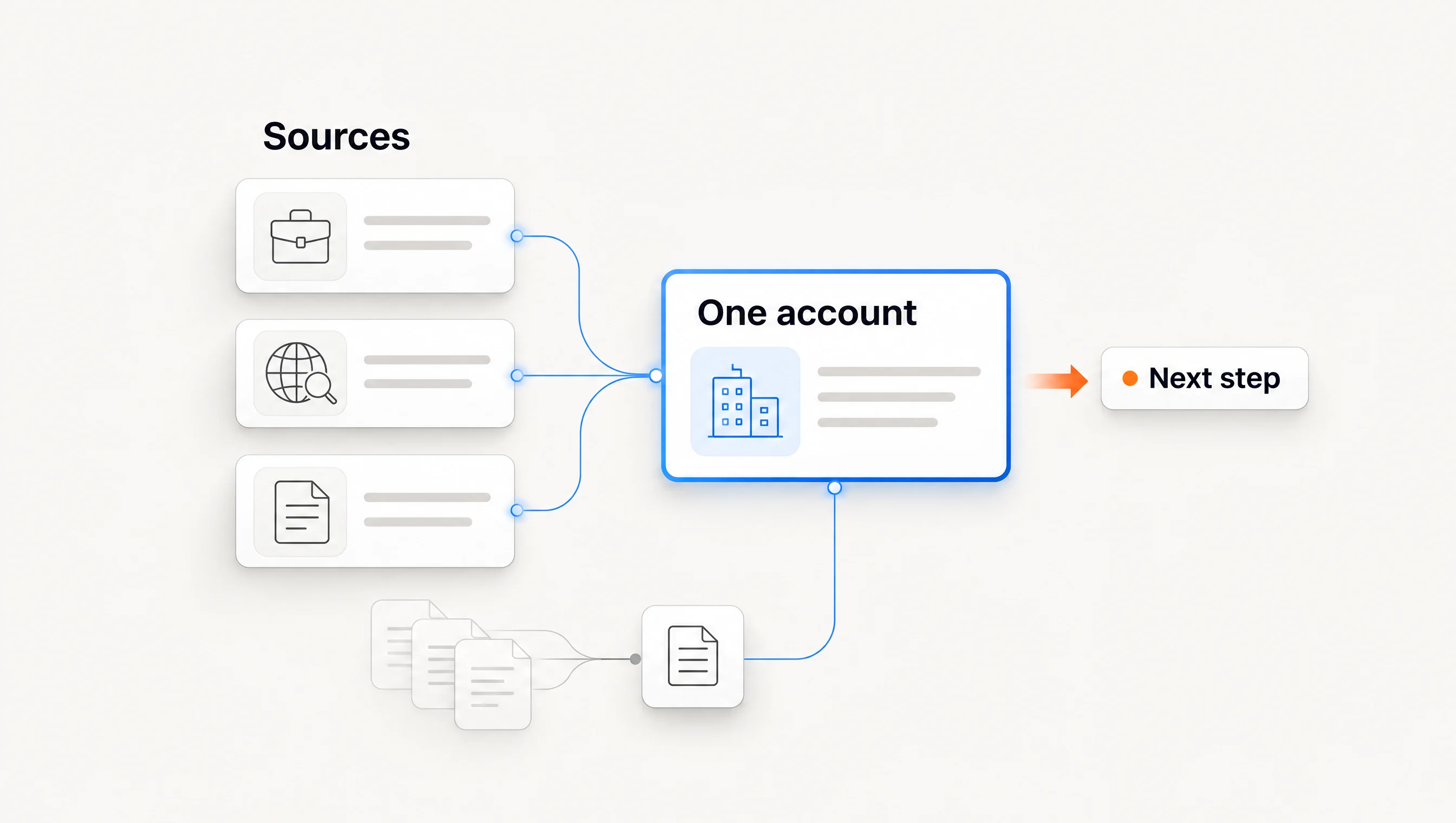
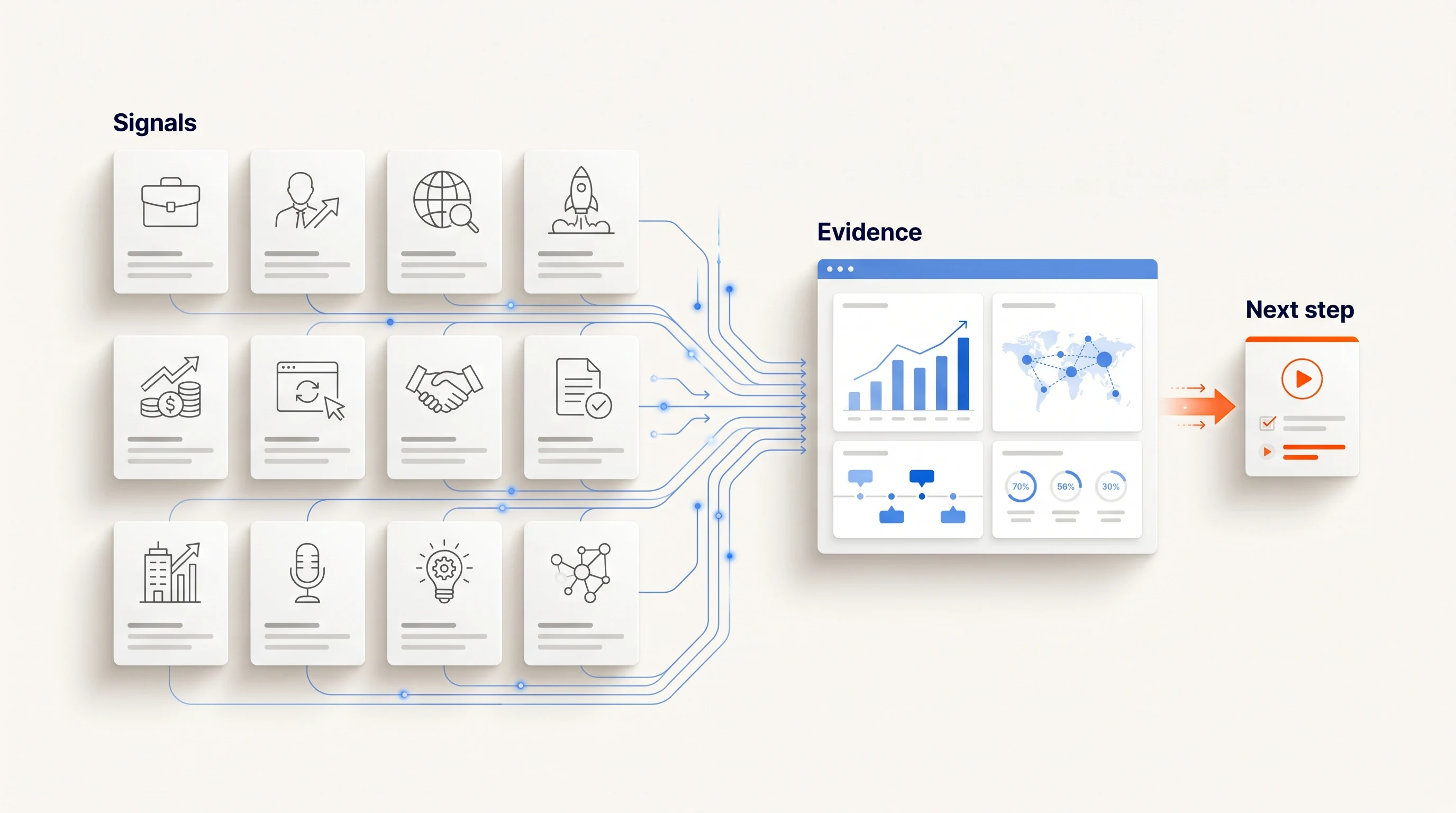
- What happens next. A signal only helps if it reaches a qualified account, a current person and a message that uses the evidence.
A larger database does not settle these questions. Coverage figures are also vendor-reported and measured differently, so compare results on companies you already know.
Job data tools: TheirStack and PredictLeads
TheirStack
TheirStack is the most direct option if your need is the data itself. Its job posting API page says it covers over 368,000 websites and offers filters across job, company and technology data, along with hiring manager name, role and LinkedIn profile. Its documentation lists webhooks, an MCP server and integrations with tools including Clay, HubSpot and Zapier.
Two details are worth checking. Its sources documentation lists Indeed and LinkedIn as its largest sources, so confirm how aggregated copies are handled for your market. Its freshness claims also differ by page: one says 90% of new tech postings are discovered within 24 hours, and another says 73% the same day and 91% by the end of the next day. Those may measure different populations, so test freshness yourself. The same documentation is candid that it only sees companies that publish job postings.
Choose it when: you have a place to put the data and someone to act on it.
PredictLeads
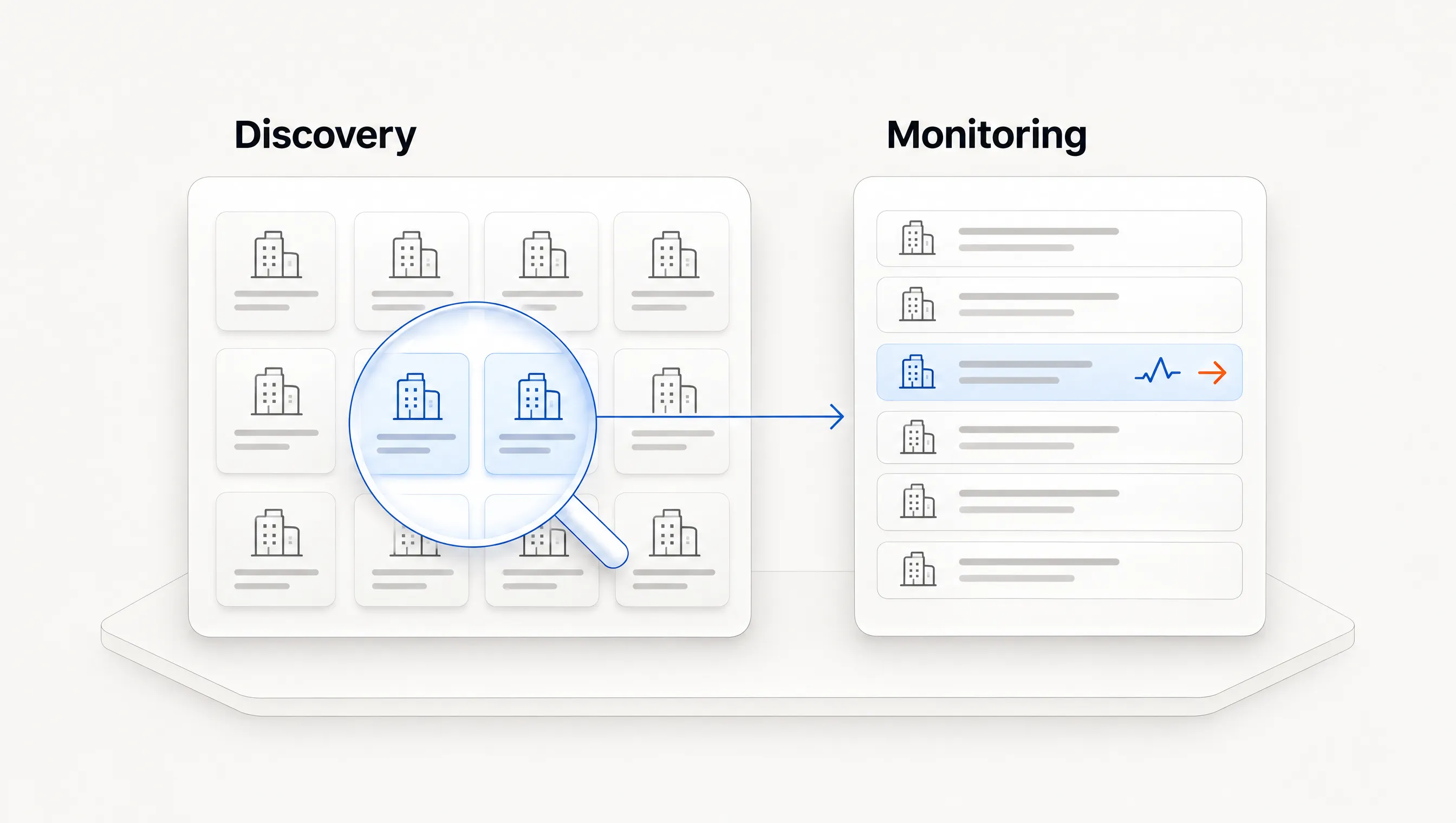
PredictLeads describes its job openings data as sourced directly from company websites and delivers through flat files, APIs or webhooks. Its pricing is usage-based, which suits a team that wants to follow a defined list of companies. Following one company costs one credit a month, and credits do not roll over.
Choose it when: you are building hiring data into your own system. It is not a sales workspace, and the documentation we could read did not describe contact selection or outreach.
Workflow and suite tools: Clay, ZoomInfo and Sales Navigator
Clay
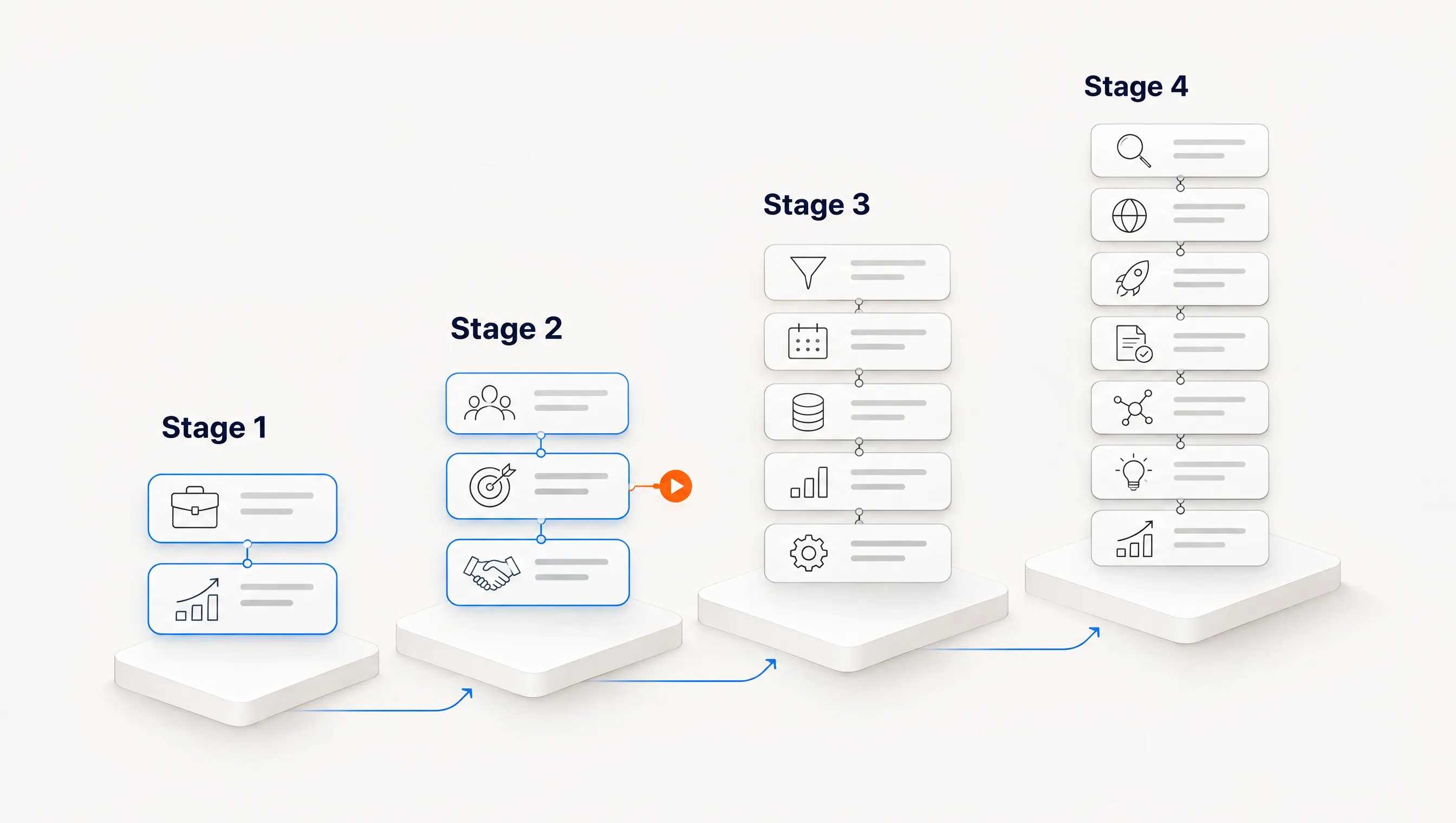
Clay's hiring template has three stated stages: scrape job openings, enrich the data and generate personalized emails, then add prospects to Instantly. That is a flexible design, and you control each step. It also means your team owns the logic when a source changes or a step returns weak data.
Clay's page shows two prices for each paid plan: $167 and $185 for Launch. The gap matches its 10% annual discount, although the page does not label the cards. Its pricing page also gives both 3,000 and 2,500 monthly data credits for Launch, so confirm the current allowance at checkout. If running this without a builder is your concern, see our Clay alternatives guide.
Choose it when: you have an operator and need workflows no packaged product offers.
ZoomInfo
ZoomInfo's sales product page emphasizes a large contact database, buyer intent, technology signals and built-in cadences. Its own signal-based selling guide says project and expansion news appear through its Scoops feature. We did not find job-posting coverage described on the product page we read, so ask for it to be shown on your target accounts.
Choose it when: contact data is your largest gap and hiring is one input among several.
LinkedIn Sales Navigator
Sales Navigator is useful for following relationships and accounts you already care about. Salesmotion's comparison describes it as alerts on saved leads and accounts. LinkedIn's help page would not load for us, so check its current hiring filters directly. All listed plans include 50 InMail messages a month.
Choose it when: your sellers work a defined named-account list by hand.
The free baseline: careers pages and public job boards
Before paying, try this for one hour. List 20 companies you would actually sell to. Open each careers page and record the roles related to your offer, the posting link, the date you checked and one responsibility that connects to what you sell. Many careers pages run on public applicant tracking boards, so a search for a role name on those domains can also surface companies you did not have.
This does not scale, but it gives you a reference set. Any tool you buy should find at least what you found by hand, and our hiring signals playbook shows how to turn the result into an account decision.
Test any tool on the same 20 companies
Run this before you sign anything. It takes an afternoon per tool and produces evidence no vendor comparison can give you, including this one.
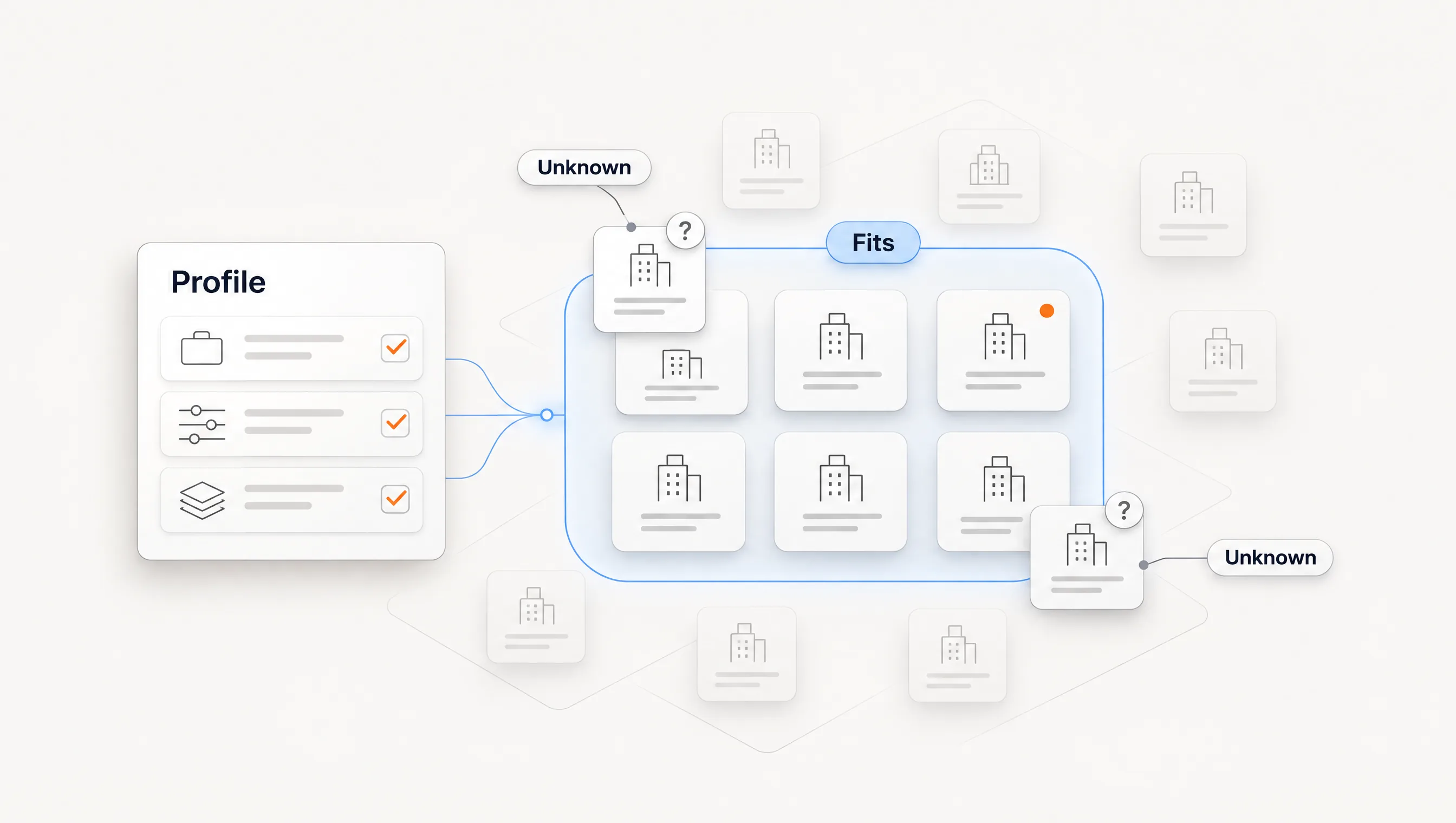
- Fix the list. Use 20 companies from your market: 10 you know are hiring for relevant roles, and 10 you believe are not.
- Record the truth first. Build the hand-checked baseline before opening any product.
- Run each tool on the same day. Prices aside, the comparison is only fair if the postings had the same chance of being found.
- Score each result. Was the role found? Does the link open the original? How old was it? Was one role counted several times? Did the 10 quiet companies produce false alerts?
- Follow one account to the end. Time how long it takes to go from the posting to a current person and a message you would be willing to send.
Download the 20-company tool test (CSV). It has the columns above and blank rows for your accounts. It is a template with no vendor results filled in.
Where Perpetual fits
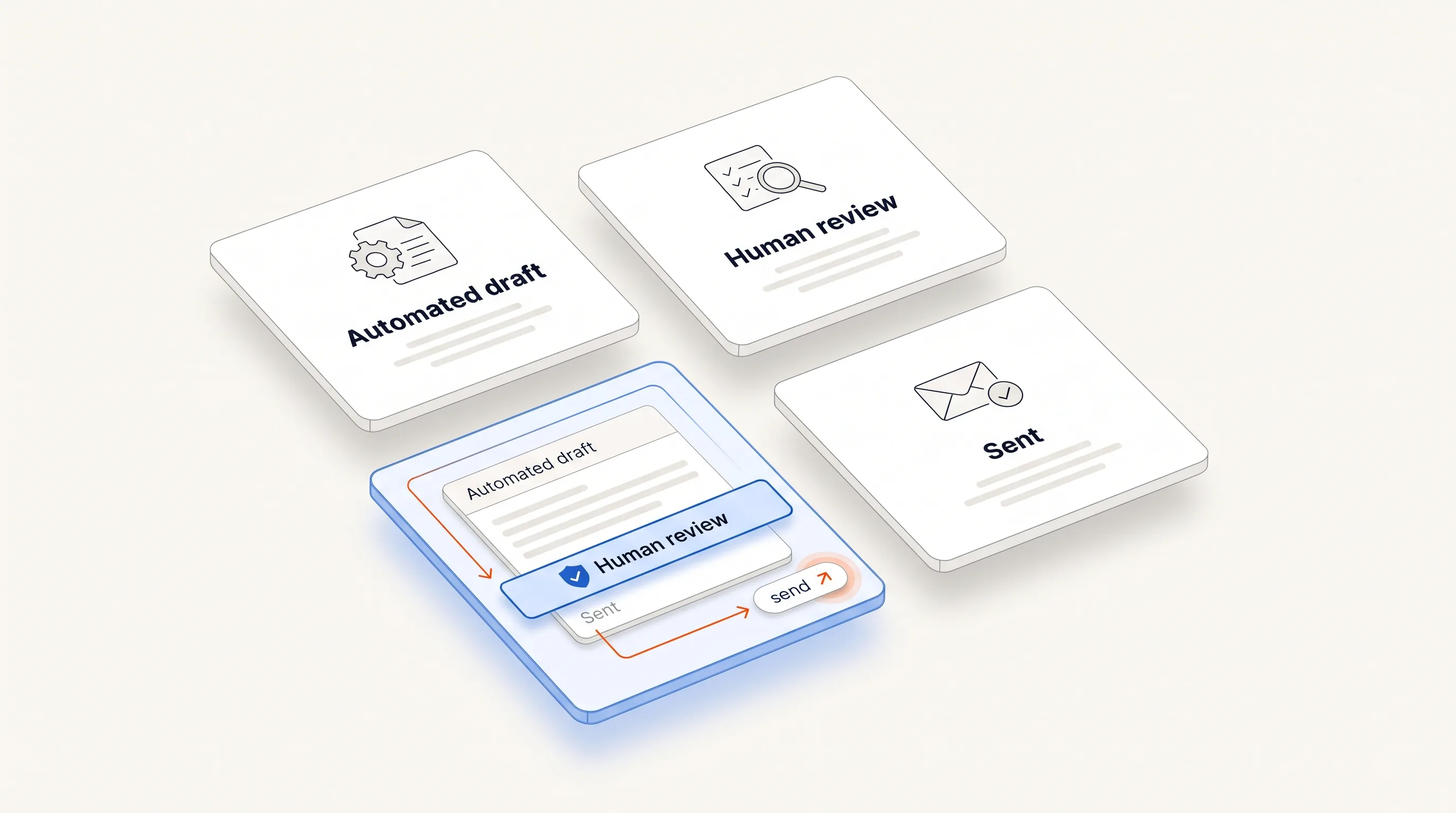
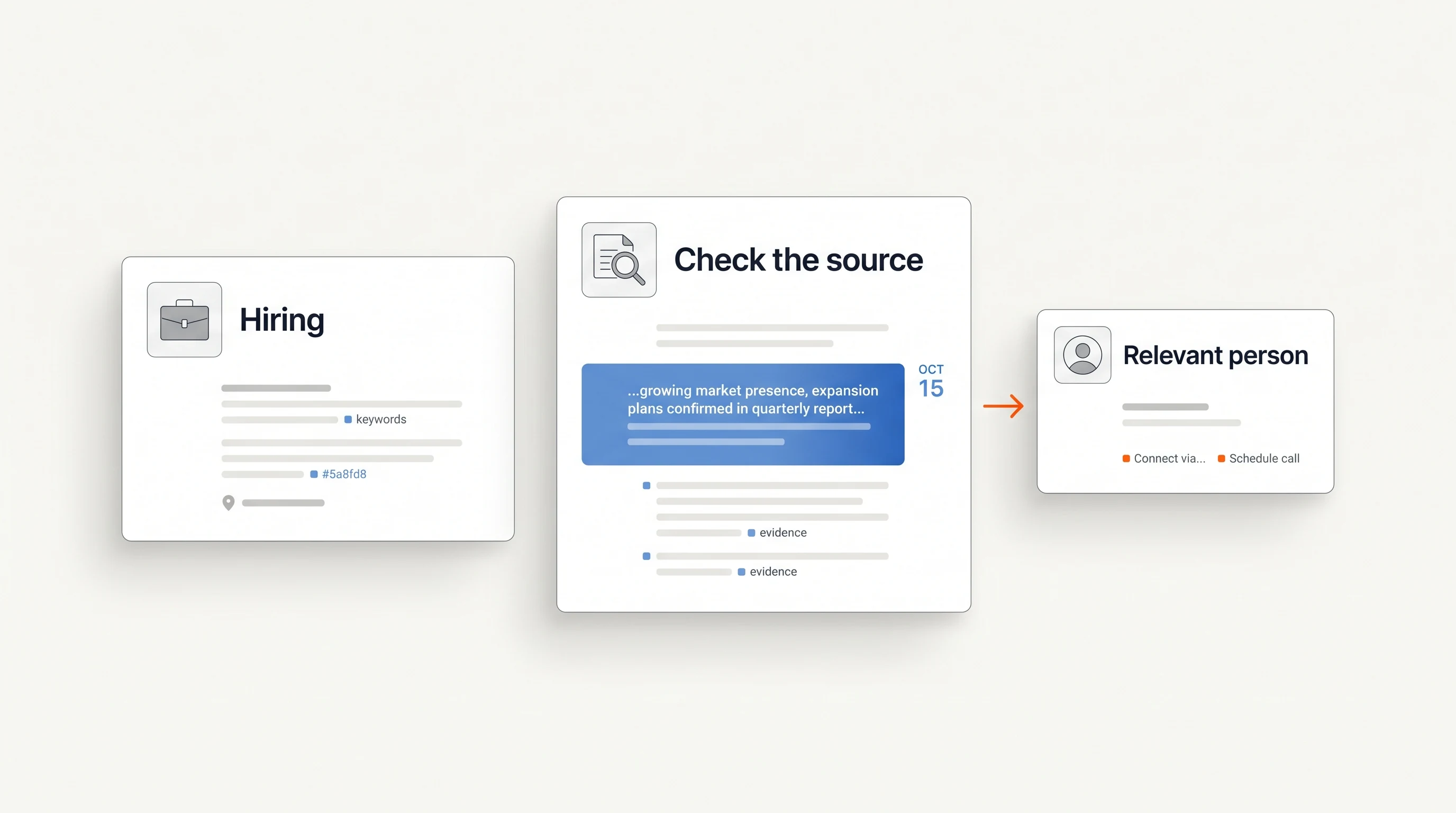
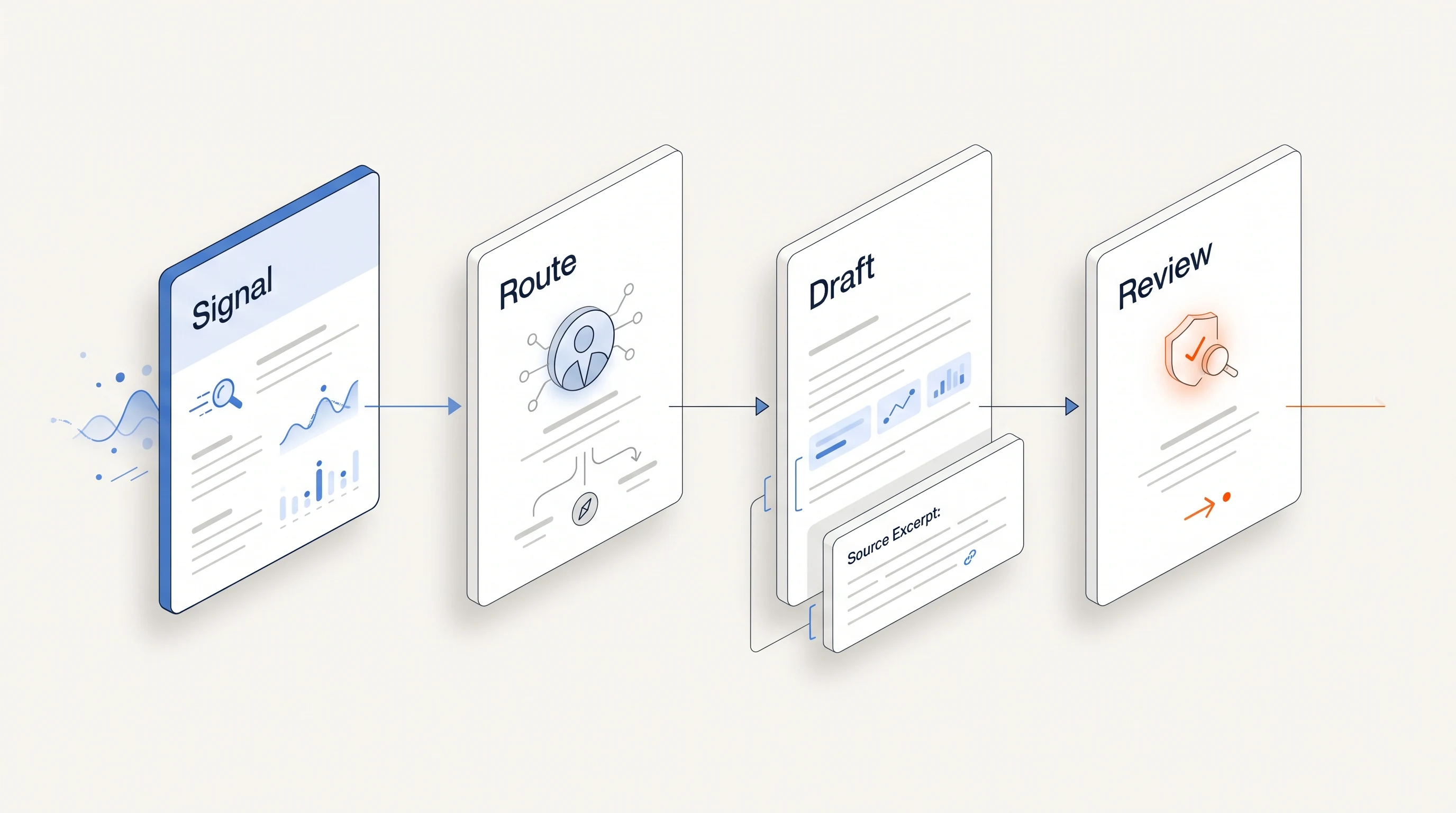
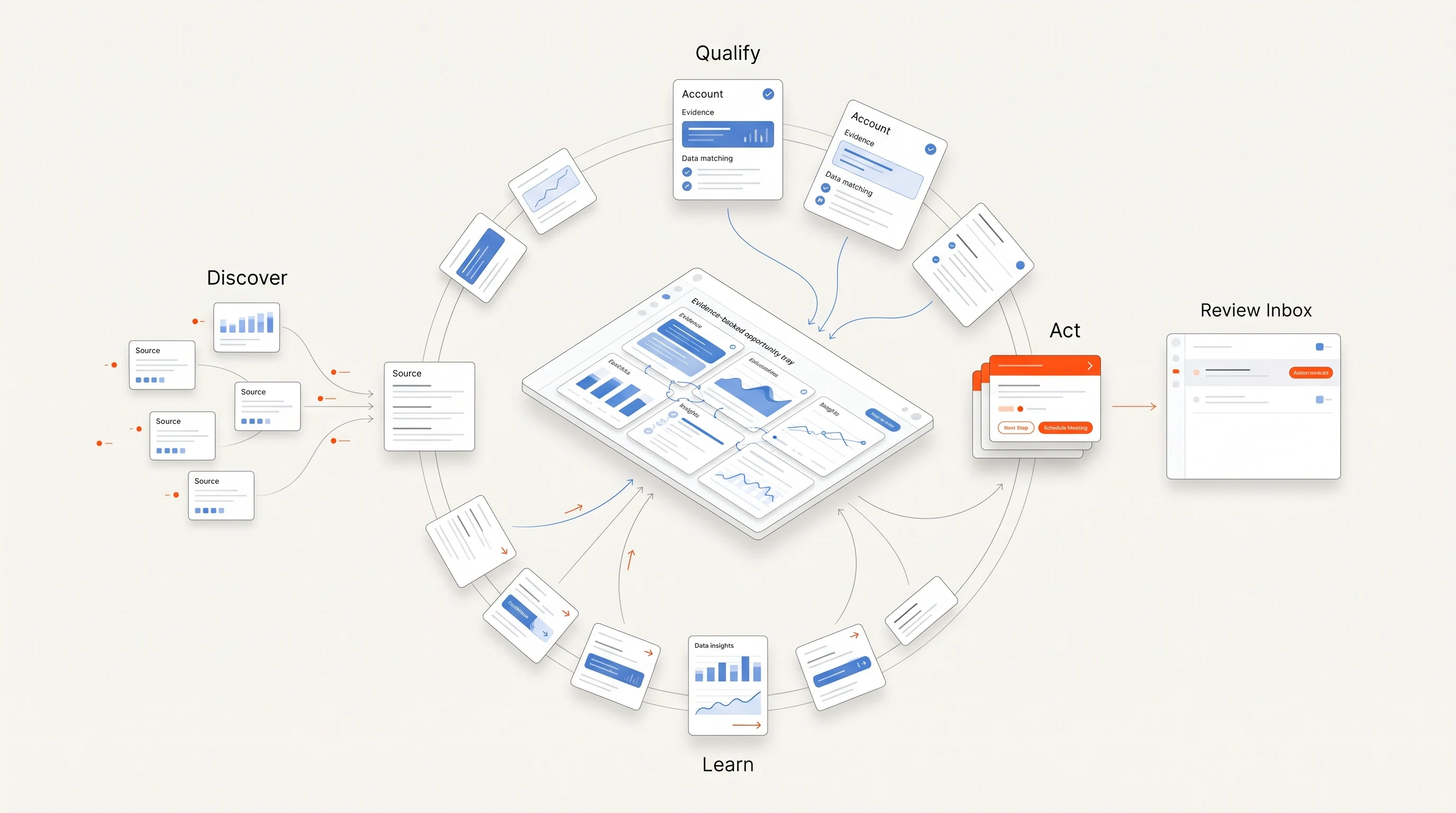
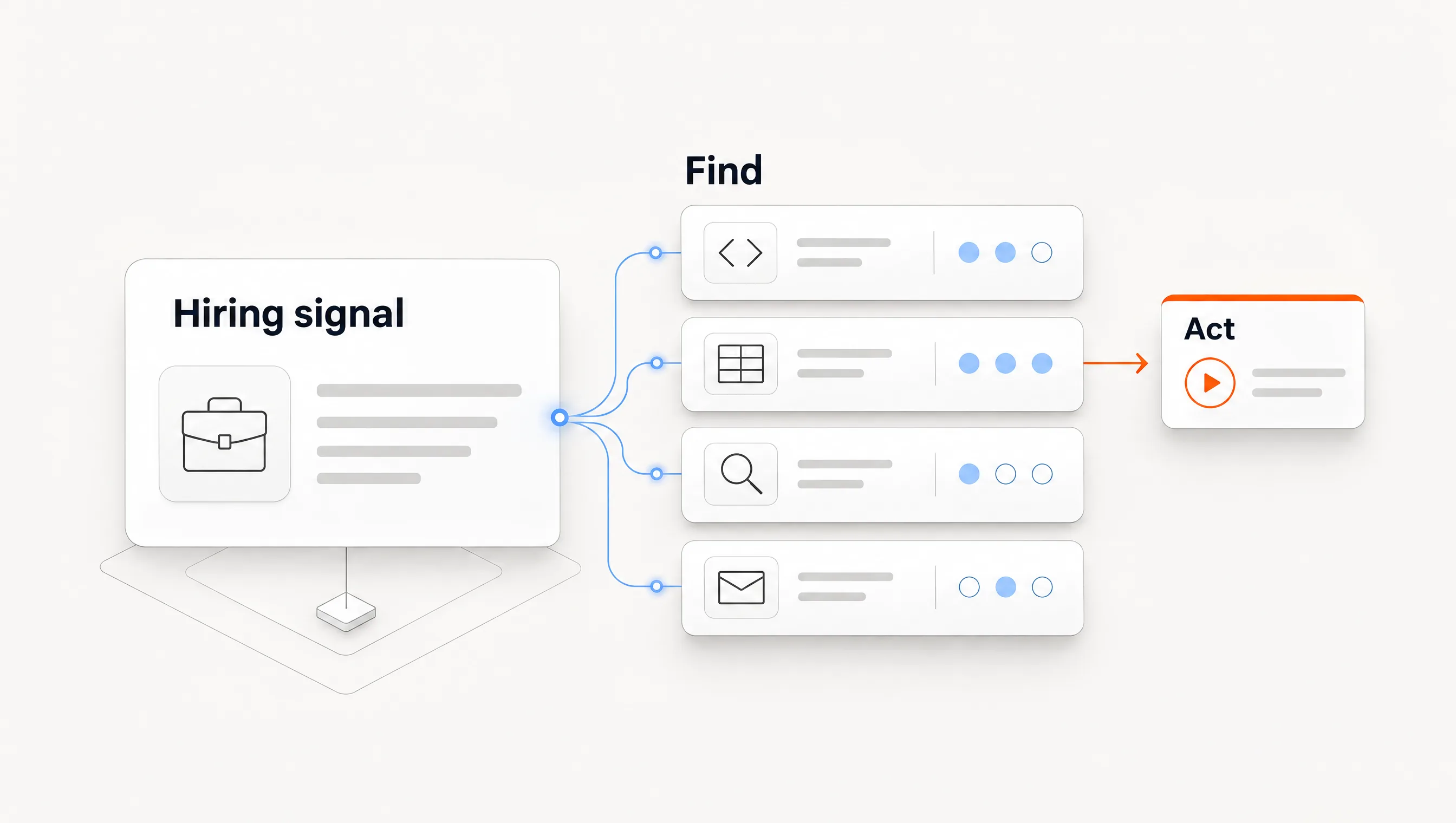
Perpetual starts from public hiring activity and connects company qualification against your offer, one relevant contact with an explanation, a message grounded in the source, and email follow-up from your connected mailboxes. A ready contact uses up to 5 credits. Companies that do not qualify use none.
It is the wrong fit if you need a raw job data feed, a broad contact database, or several non-hiring signal types as your main input. Coverage depends on companies posting to public boards we can read. Sending requires a Google Workspace mailbox, LinkedIn steps remain manual tasks, and a paid subscription is required to enter the app. There is no free plan to test it on, so weigh that against tools that offer one. See the quickstart guide and pricing for the current process.
Frequently asked questions
Are job postings a buying signal?
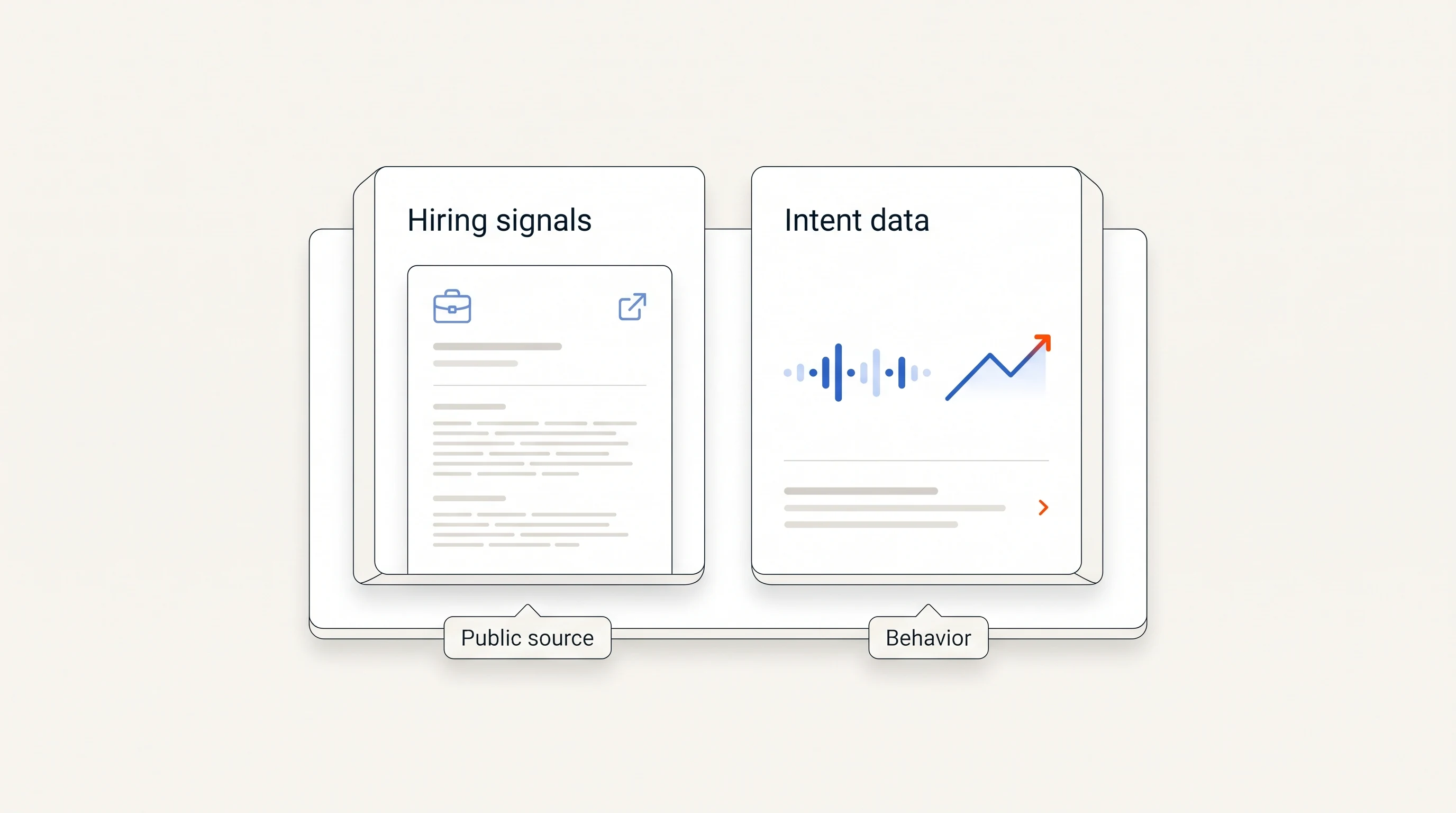
They are evidence of a hiring priority, not proof of a purchase. Use them to form a question for a relevant person. Our comparison of hiring signals and intent data explains the difference.
Why does this list not rank tools from best to worst?
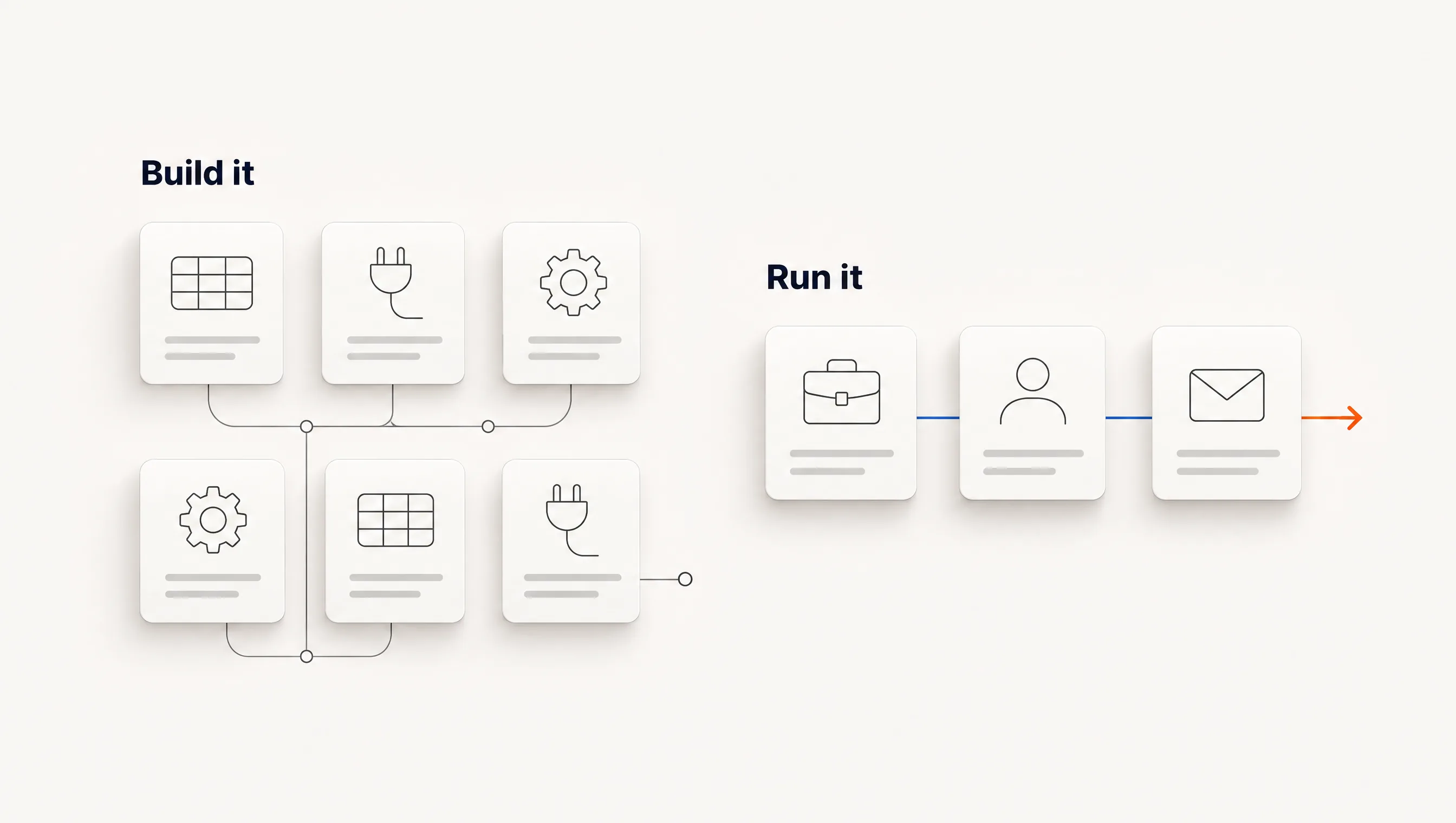
These products stop at different points in the work. A data API and a connected outbound product are not better or worse versions of one thing, so the useful comparison is what each leaves to your team.
Which tool is cheapest?
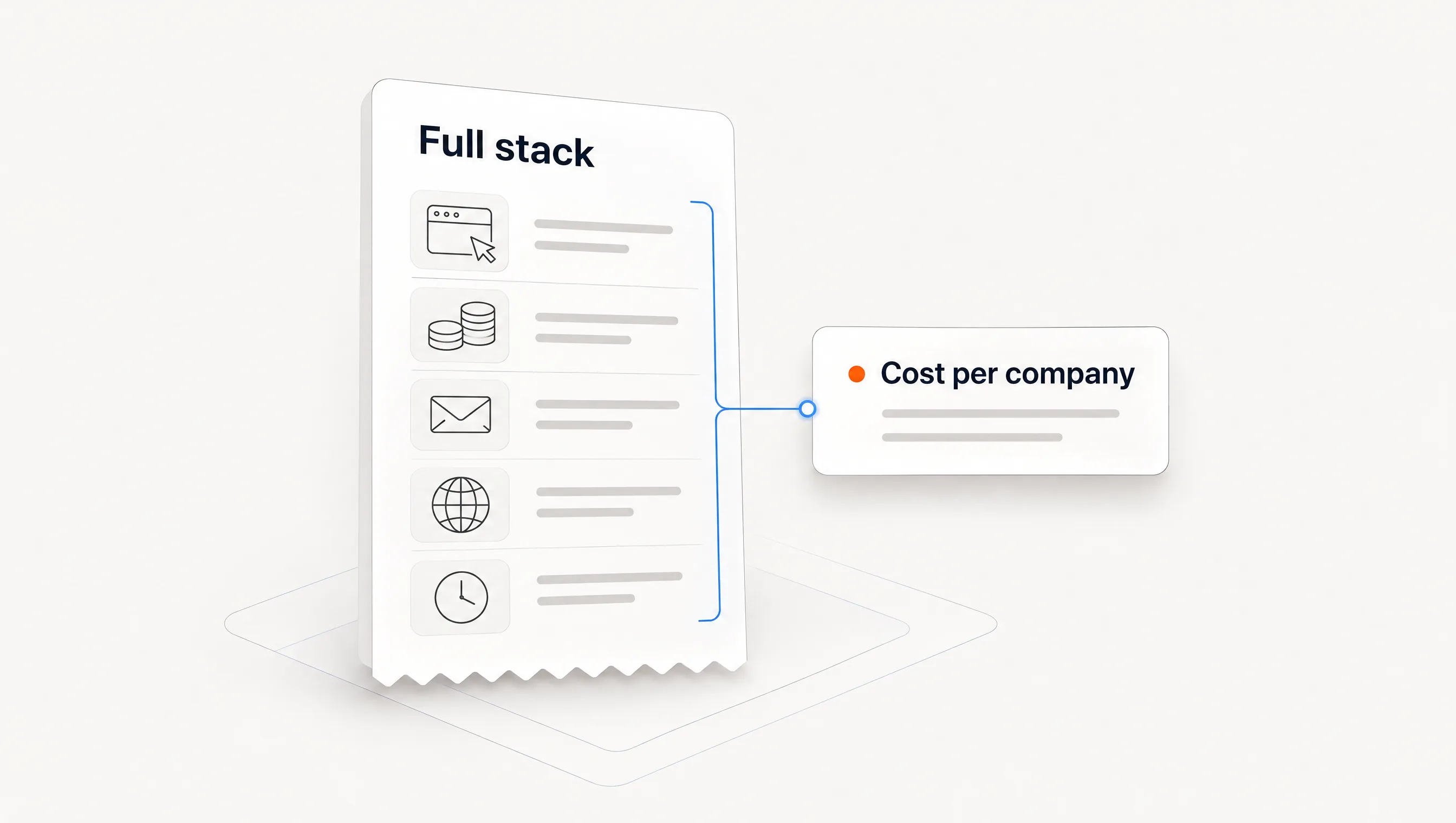
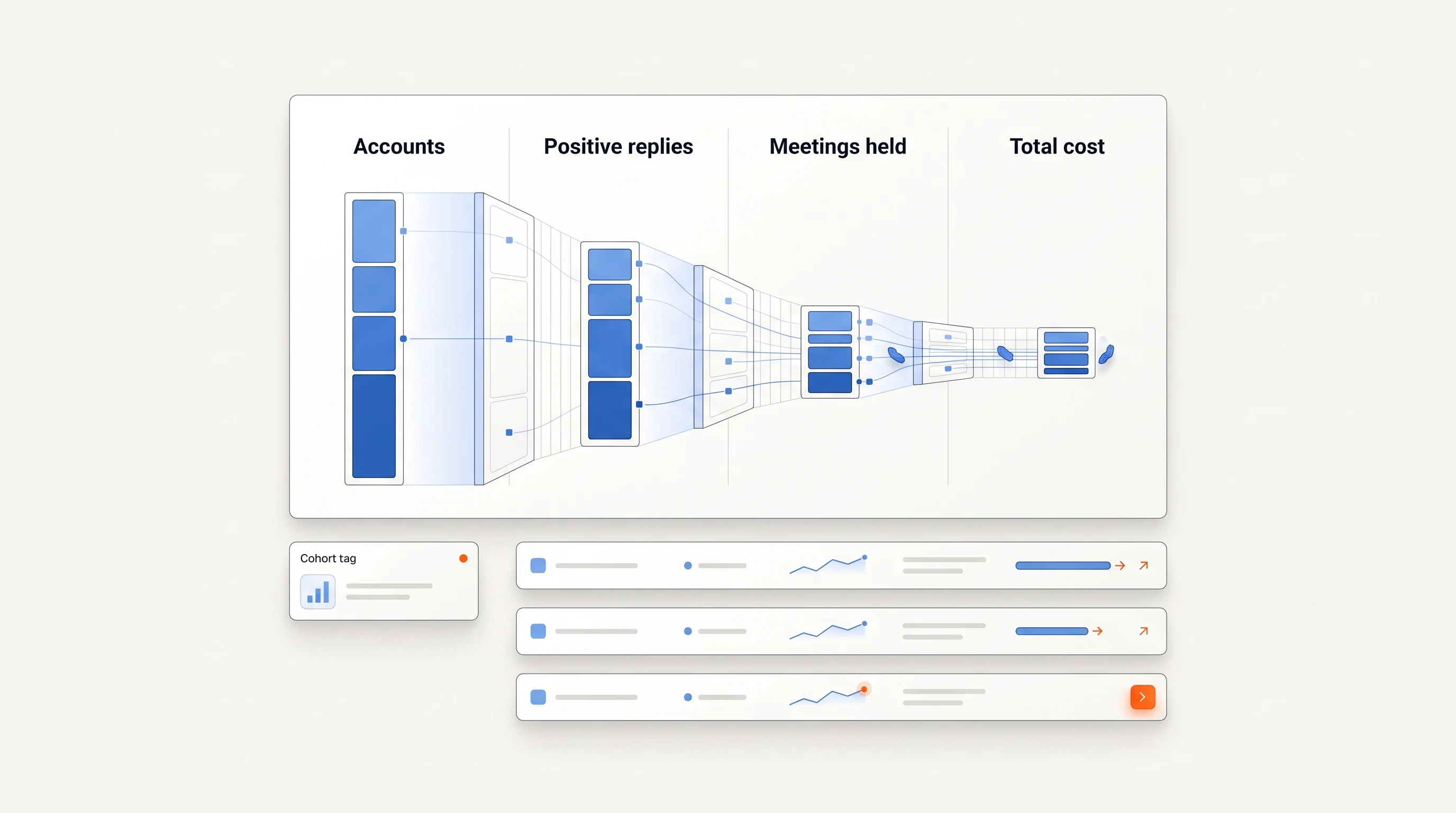
The answer depends on the complete stack. Our line-by-line cost breakdown prices five setups for the same monthly workload.
How often should this comparison be rechecked?
Prices and plan limits change. Treat the date at the top as the only date these figures are known to be right, and confirm them on each vendor's page.