JournalEvaluationNo. 05
Pipeline Generation Tools: How to Choose by the Job You Need Done
Five types of pipeline generation tools, the outbound steps each covers, how to find your bottleneck and a 30-account pilot worksheet.
Marko Raković7 min read7 sections
Contents
Published by Perpetual
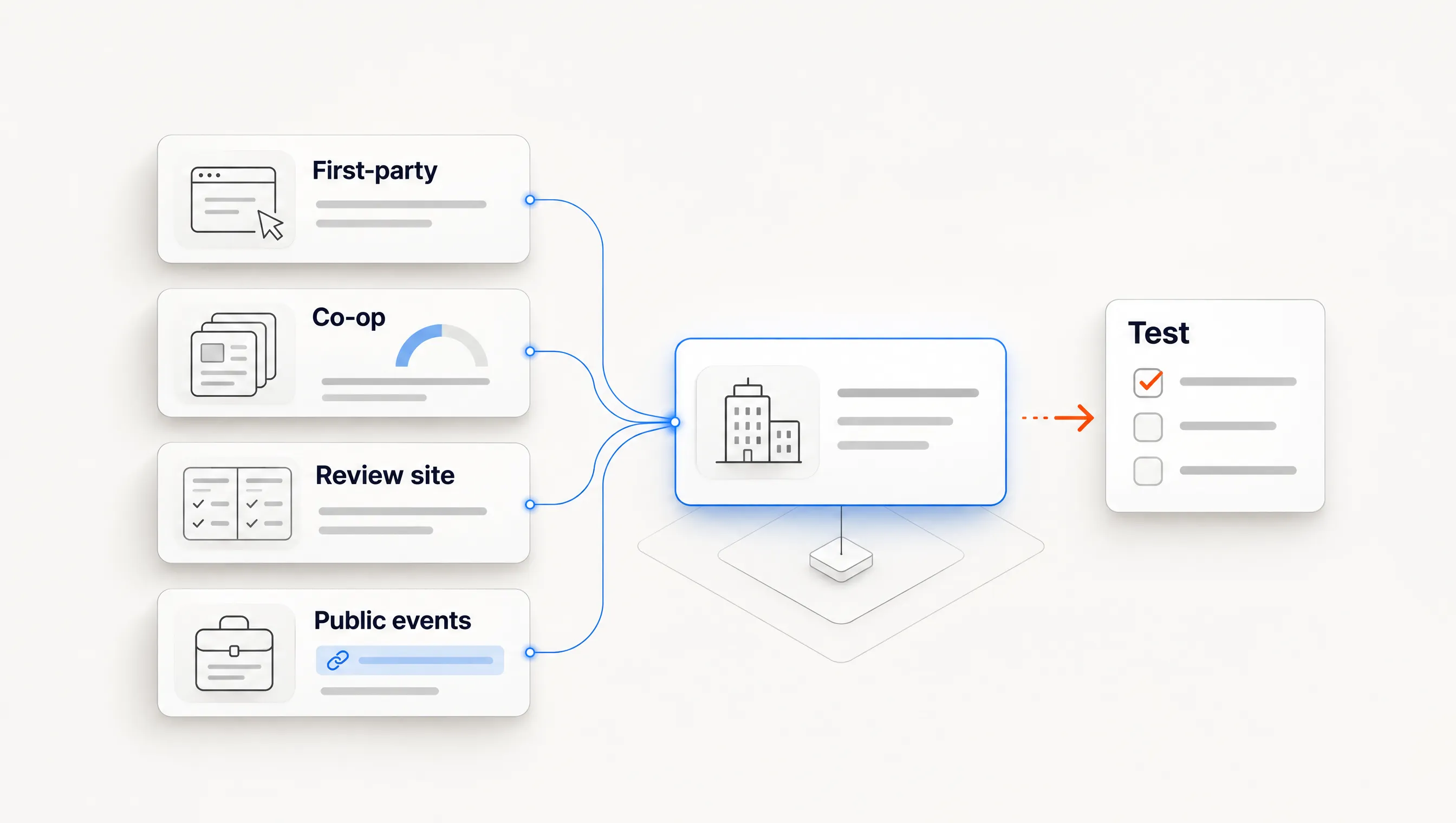
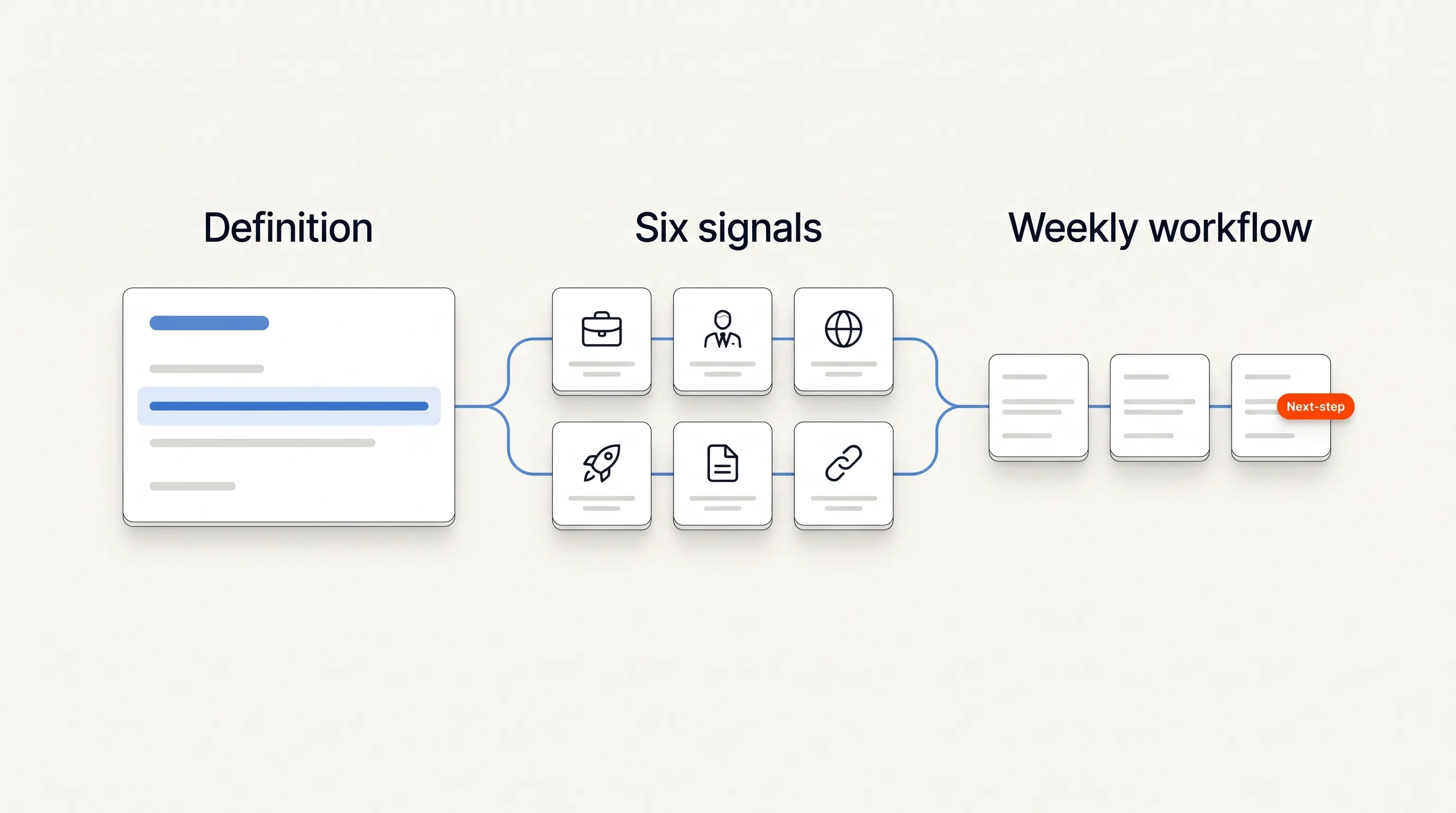
Pipeline generation tools fall into five types: contact databases, sales engagement platforms, signal and account monitoring tools, workflow builders, and connected outbound systems that run from a trigger to a sent message. Pick the type that removes your current bottleneck, then run the same 30-account pilot on two or three shortlisted tools. A ranked list cannot make that choice for you, because each type does a different part of the work.
Perpetual publishes this guide and is one of the connected systems described here. We read four vendor-published pipeline tool rankings on November 12, 2026. Three placed their own product first, and none reported a test it had run. This page does not rank tools either. It explains what each type does, what it leaves to your team and how to test it.
What a pipeline generation tool has to do
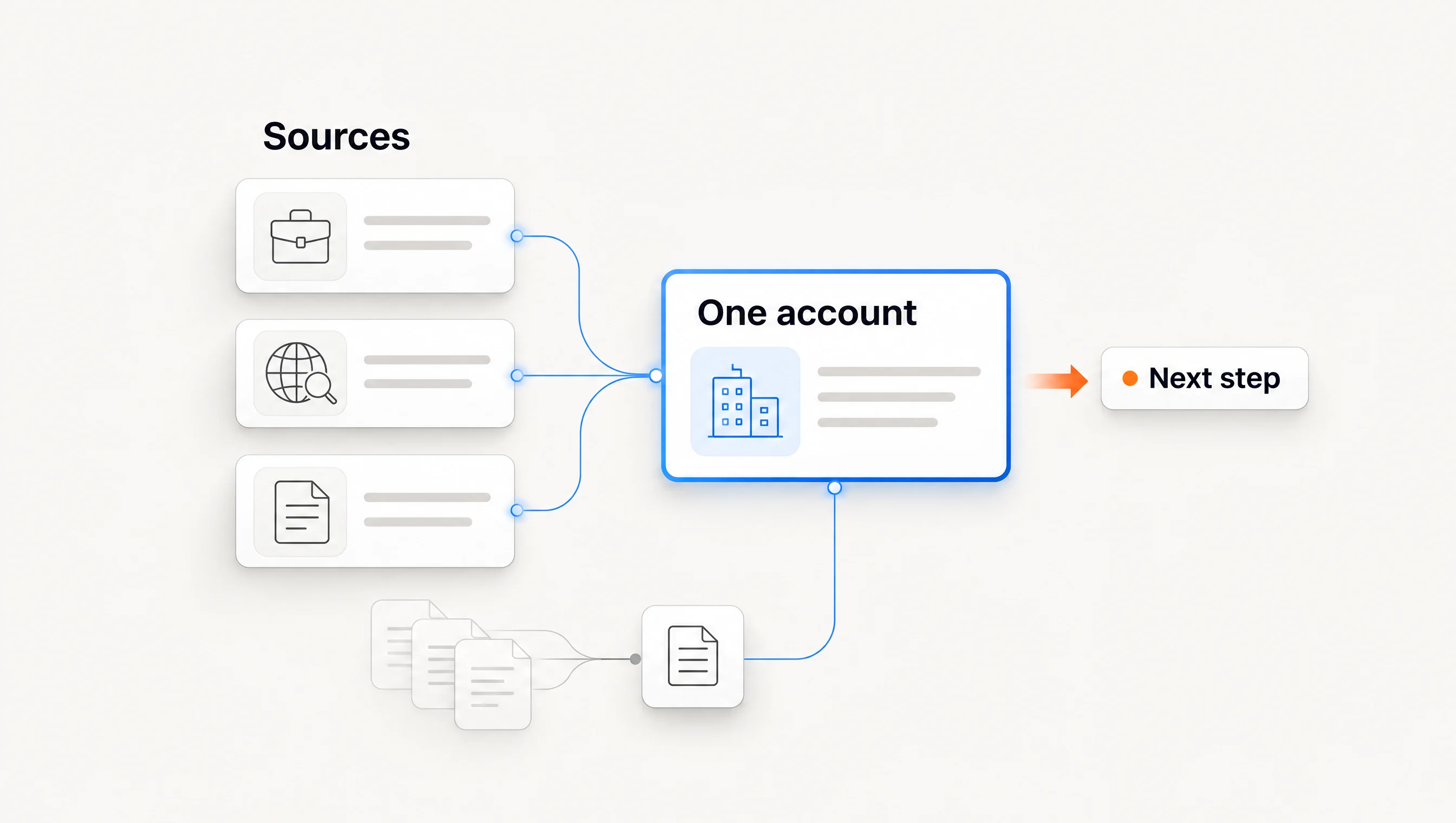
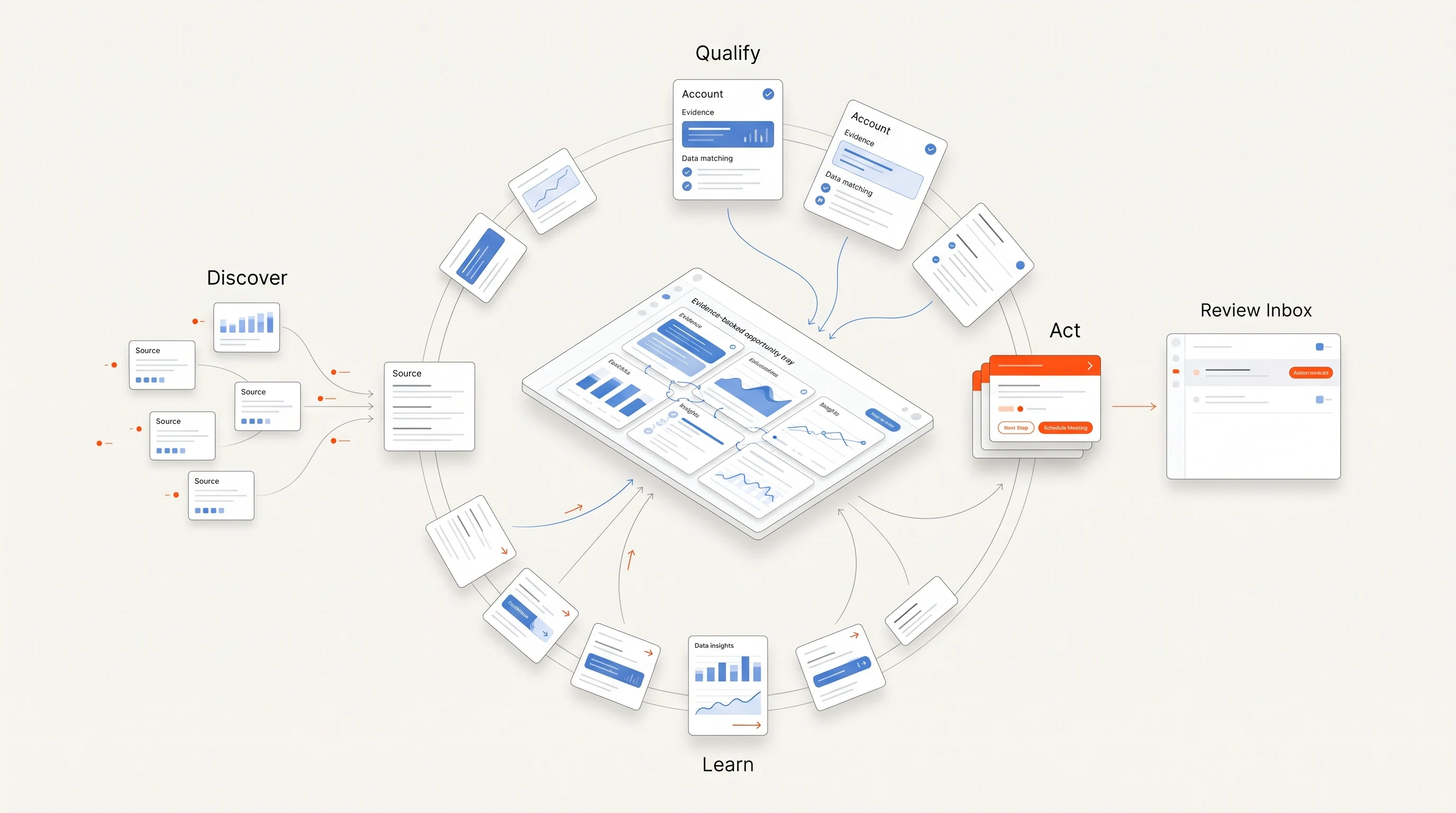
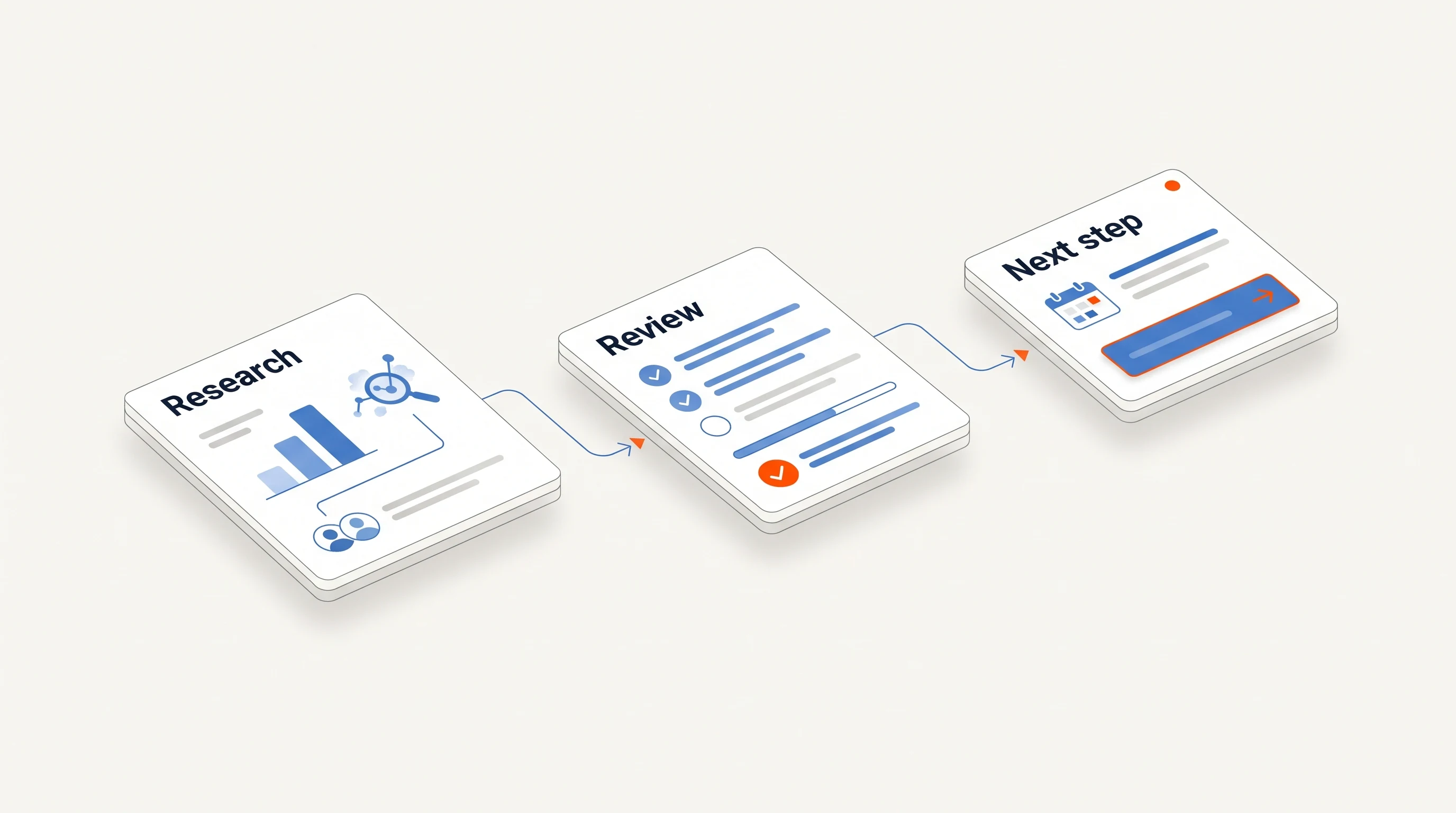
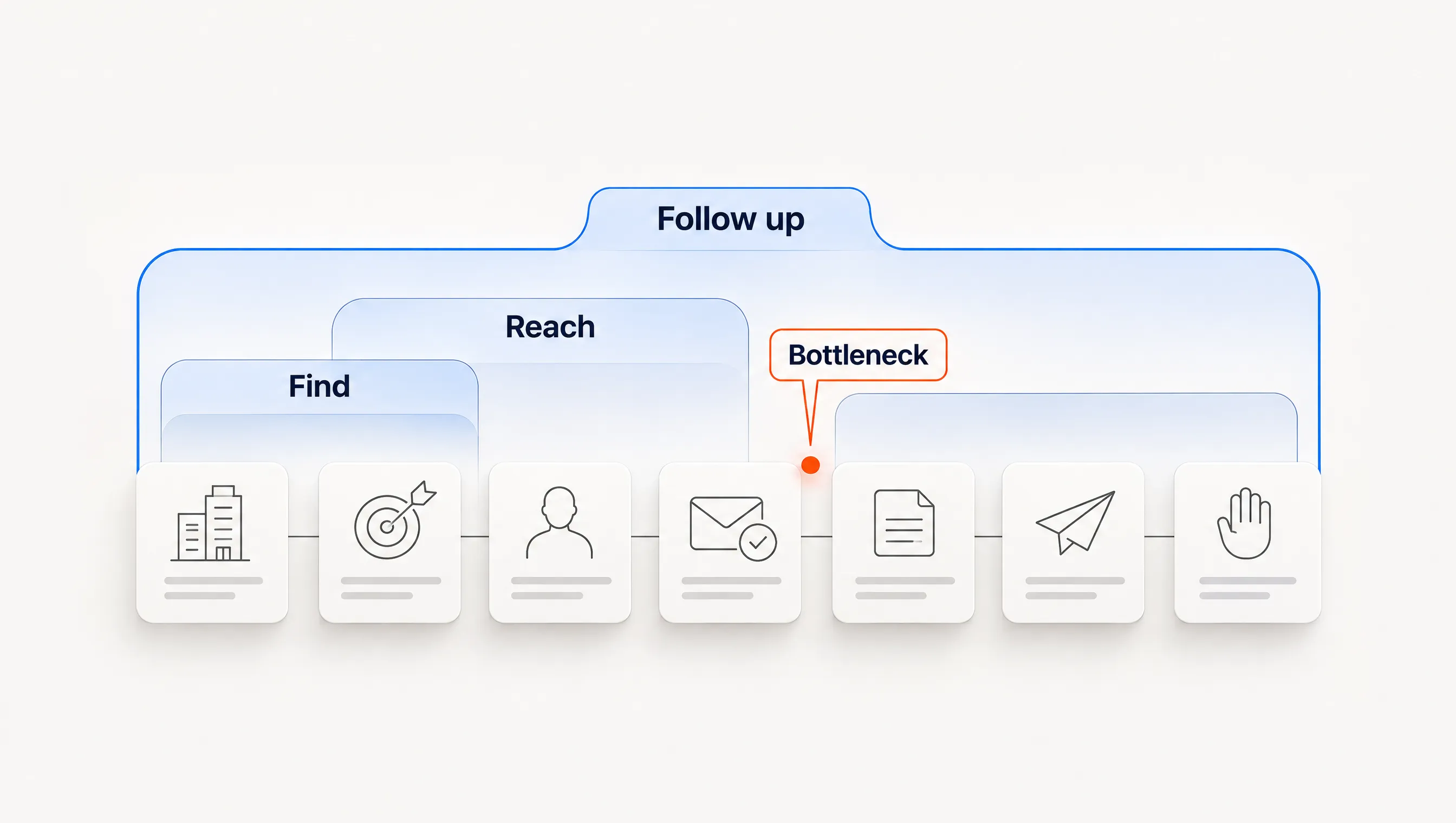
Outbound pipeline comes from the same chain of work, whatever the tool. Someone has to decide which companies are worth contacting, find the right person, verify how to reach them, write something relevant, send it, follow up and stop when the person replies. A meeting held with a qualified buyer is the output. Everything before it is effort.
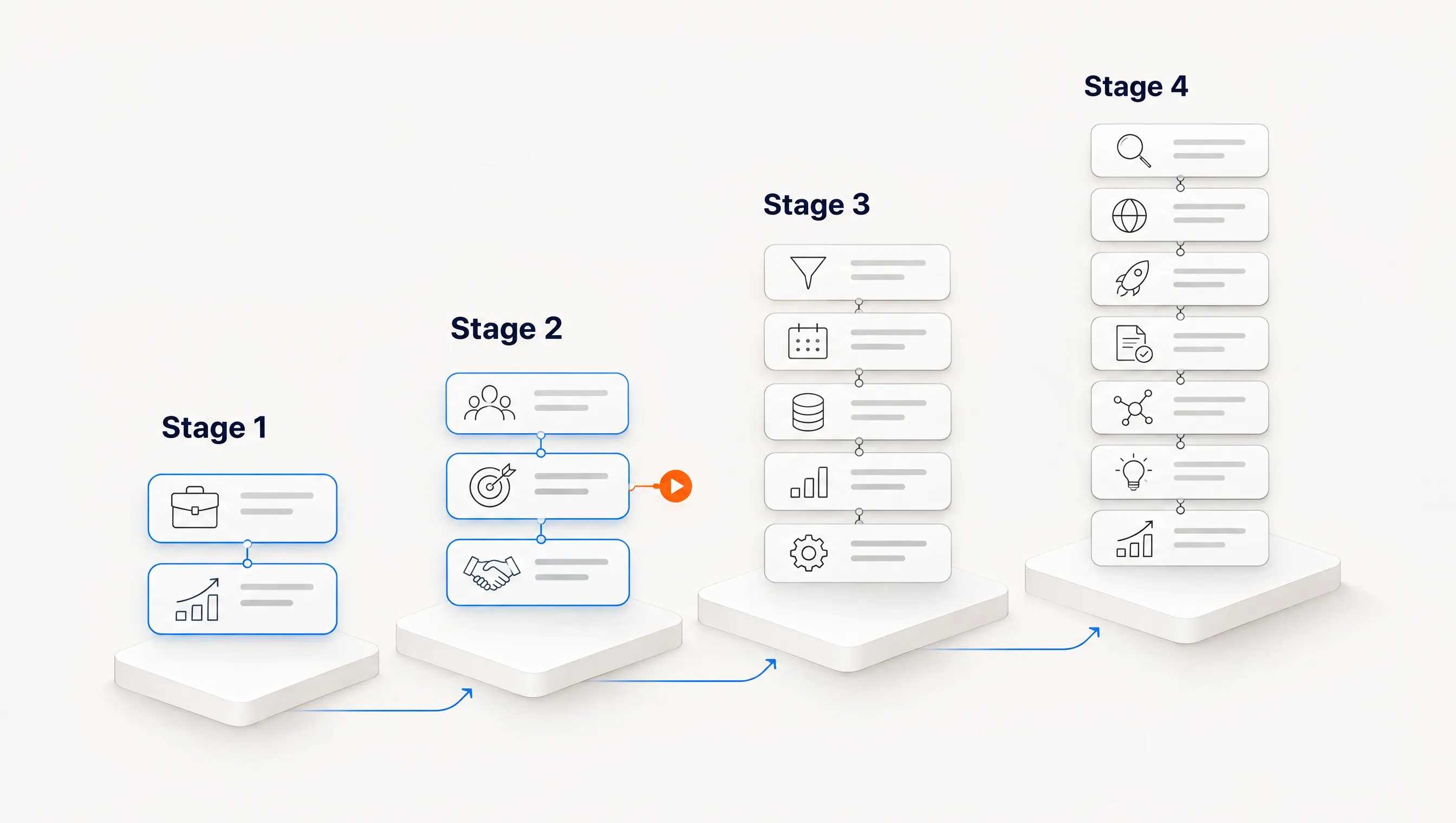
Most tools cover two or three links in that chain well. The questions that matter are which links your team already handles, which ones are breaking, and who will own the gaps between tools. A team with good accounts and weak copy needs something different from a team that writes well but never knows whom to contact.
The five types, by the work they cover
The table shows the usual coverage of each type. Individual products vary, so treat it as a starting map and confirm each step with the vendor.
| Step | Contact database | Sales engagement | Signal monitoring | Workflow builder | Connected outbound |
|---|---|---|---|---|---|
| Choose which companies | Filters | Your team | Yes, for a defined list | Build it | Yes |
| Explain why now | Rarely | Your team | Yes | Build it | Yes |
| Choose one person | Your judgment | Your team | Sometimes | Build it | Yes |
| Verify the email | Usually | Sometimes | Sometimes | Via providers | Yes |
| Write the first message | Templates | Templates or AI | Sometimes | Build it | Yes |
| Send and follow up | Some bundles | Yes | Via integration | Another tool | Yes |
| Stop on reply | Some bundles | Yes | Via integration | Sending tool | Yes |
Contact databases
Apollo and ZoomInfo are the familiar examples, and both appear on every vendor ranking we read. They answer "who works where" at scale. They do not know whether your offer matters to a company this month. Choose this type when you already know your segment and your bottleneck is finding contacts.
Sales engagement platforms
Outreach, Salesloft and lighter sequencers such as Instantly run sending, follow-ups, reply detection and rep task queues. They assume the list and the reason to write already exist. Choose this type when you have accounts and a story, and need consistent execution.
Signal and account monitoring tools
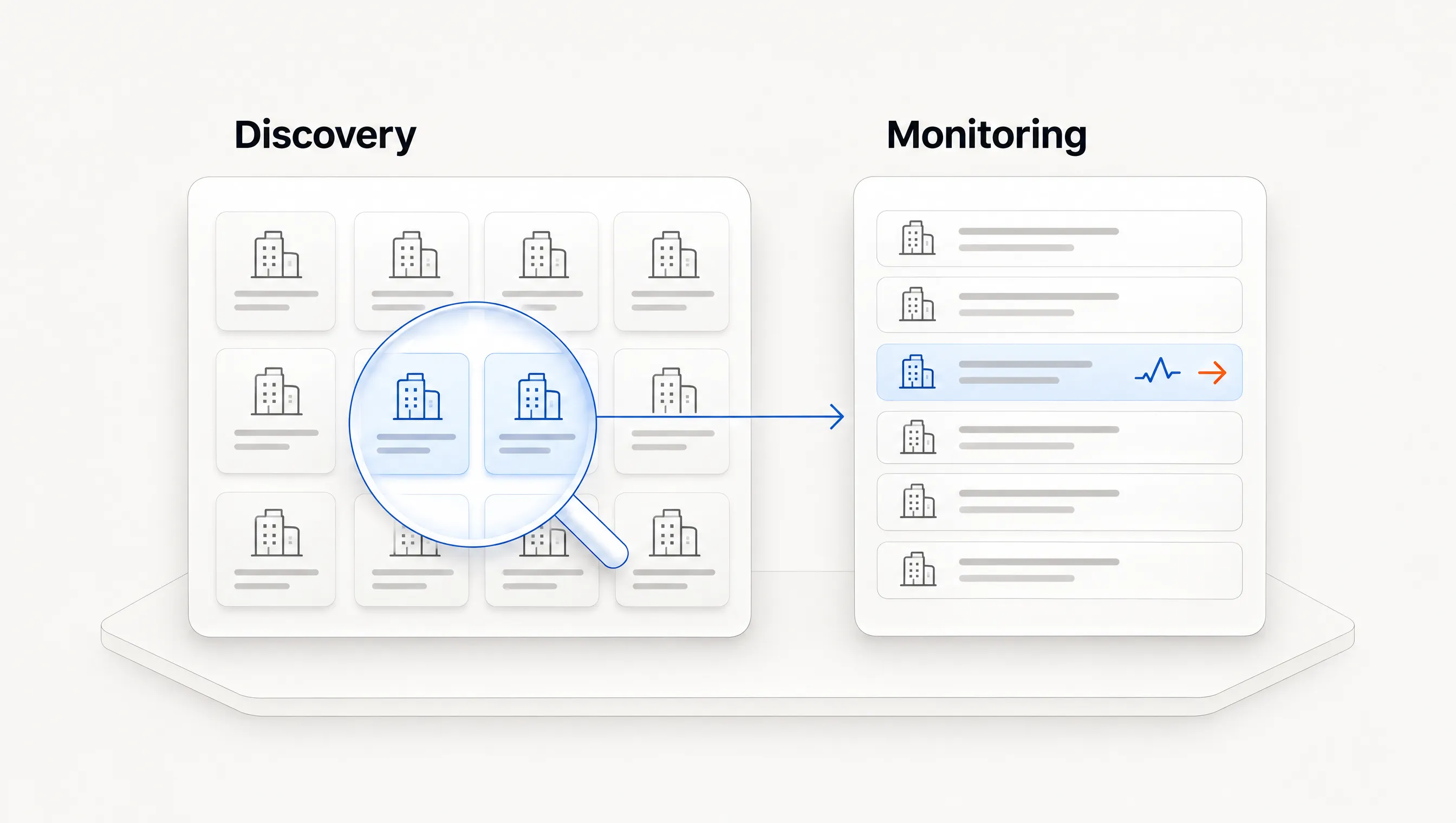
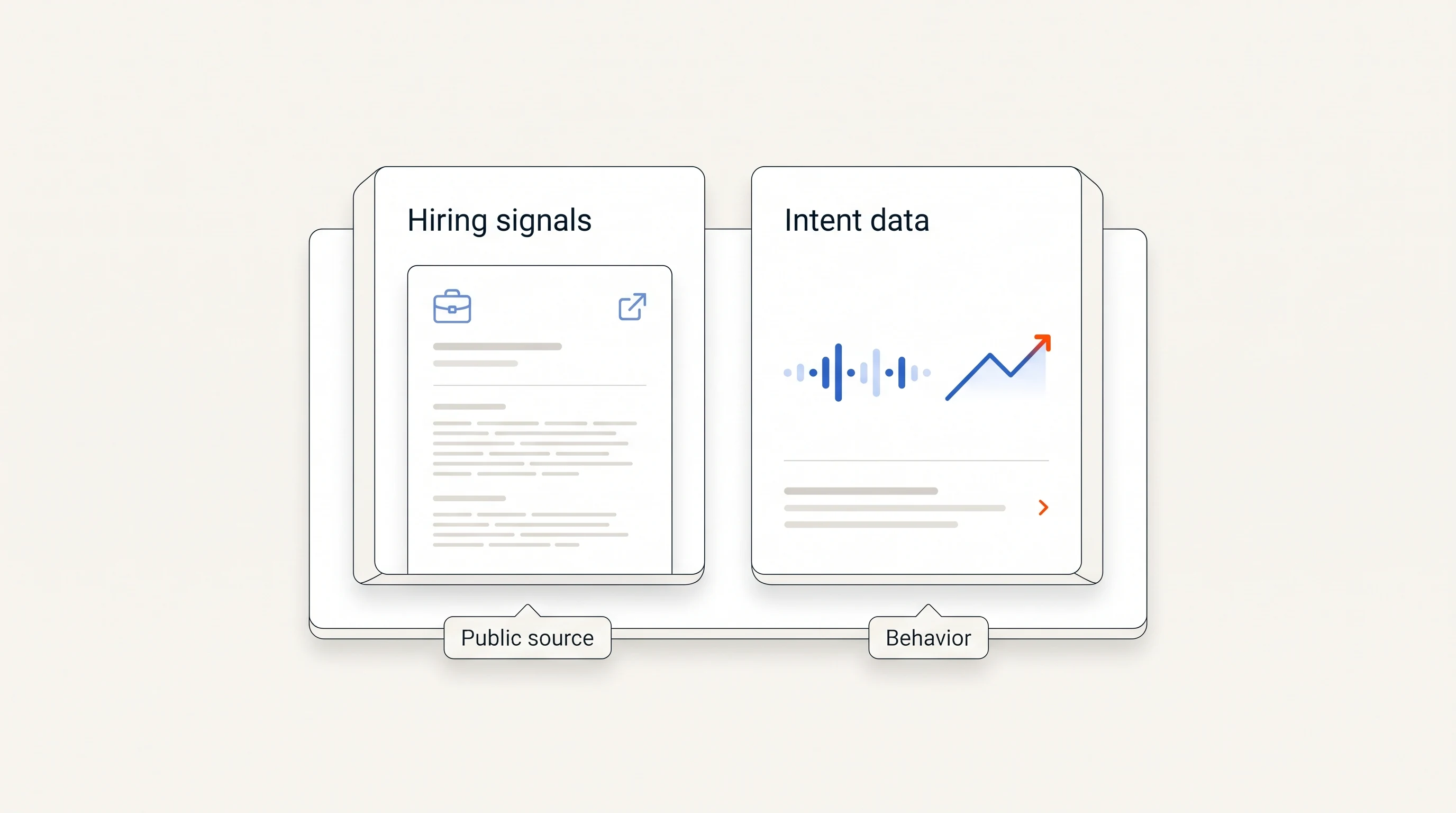
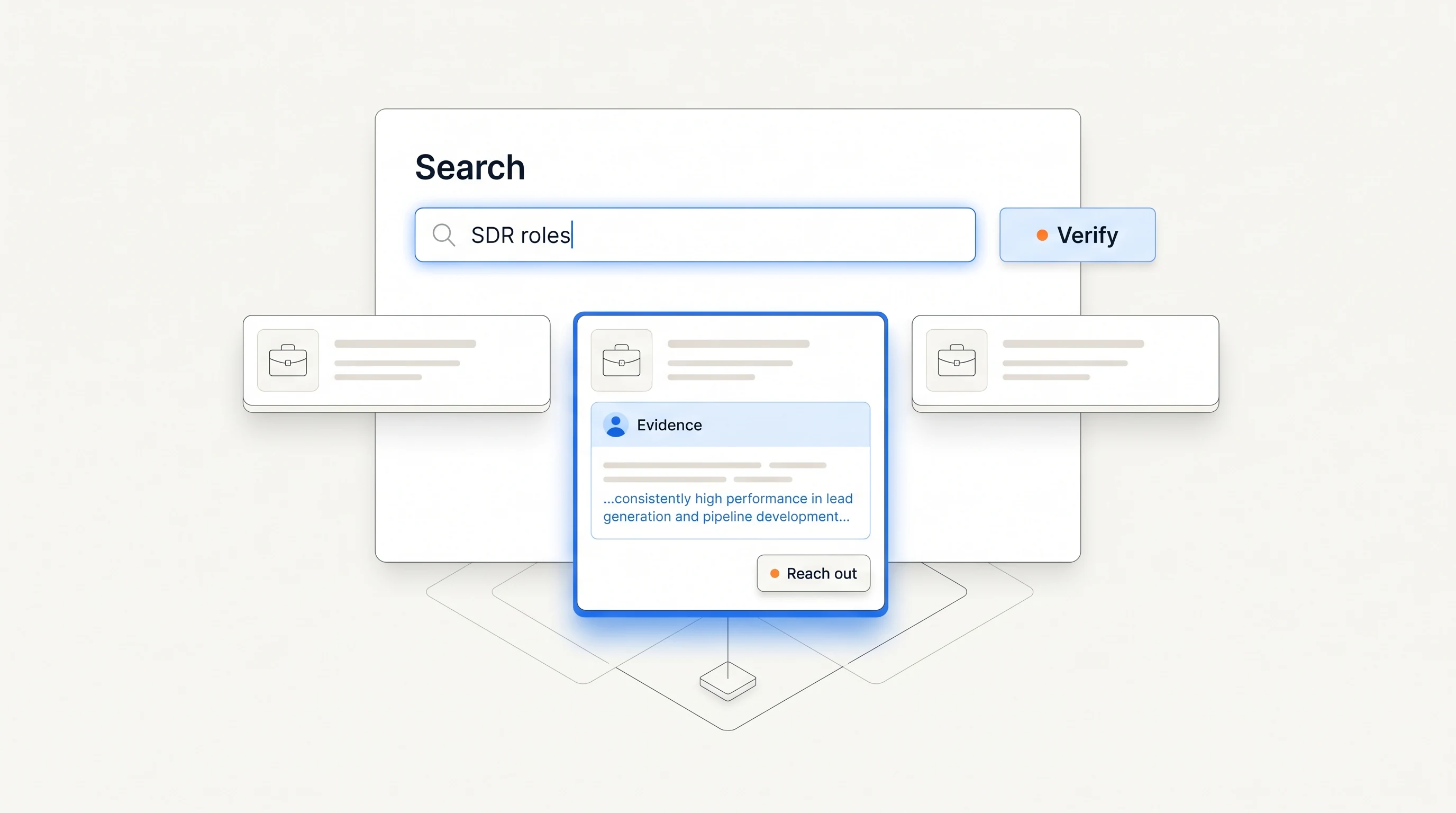
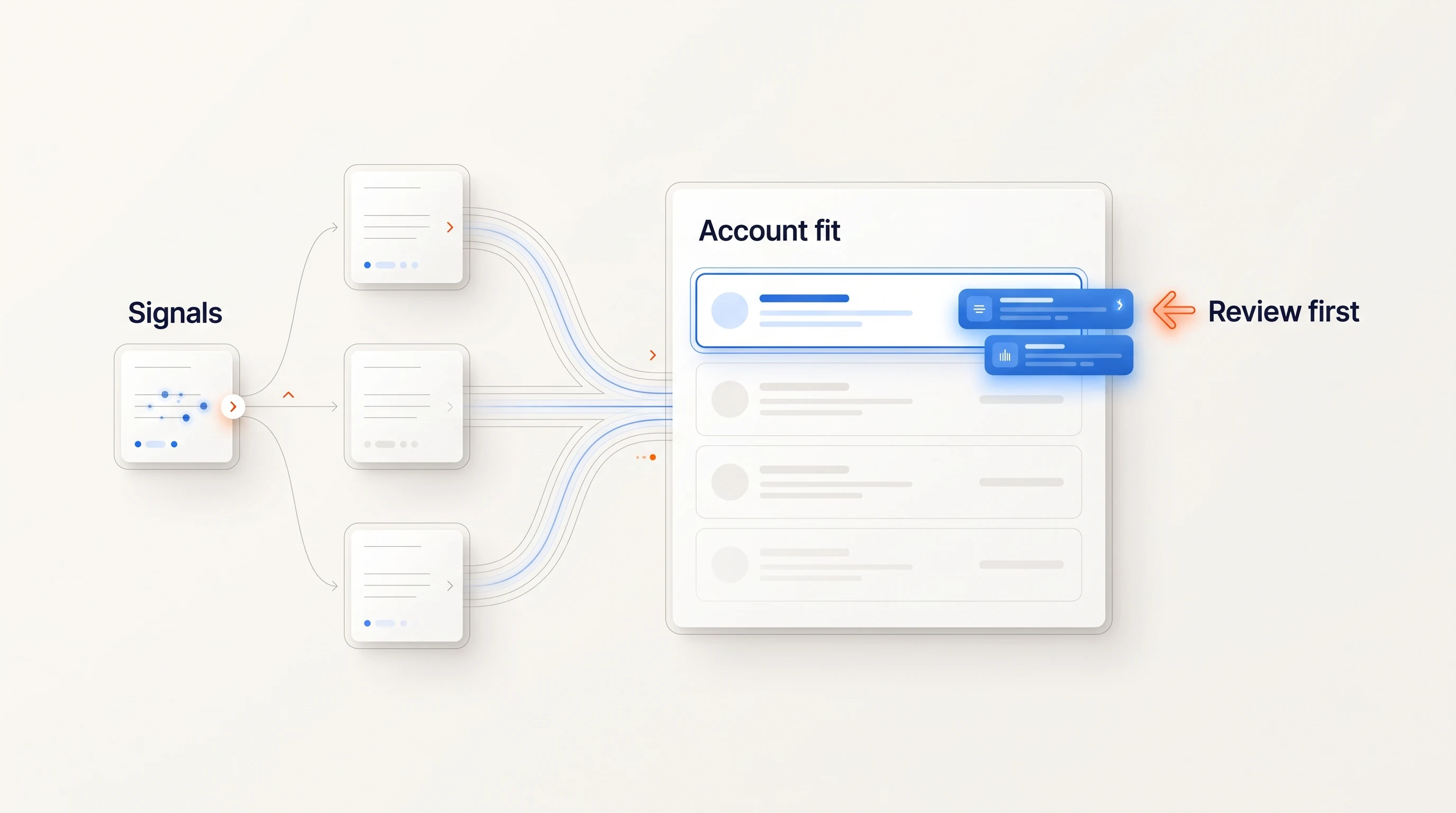
These watch a list you define and tell you when something changes: a new leader, funding, hiring or website activity. They solve timing, not coverage. Our buying signal platform guide covers how to compare them, and account discovery vs. account monitoring explains when a monitoring tool is the wrong purchase.
Workflow builders
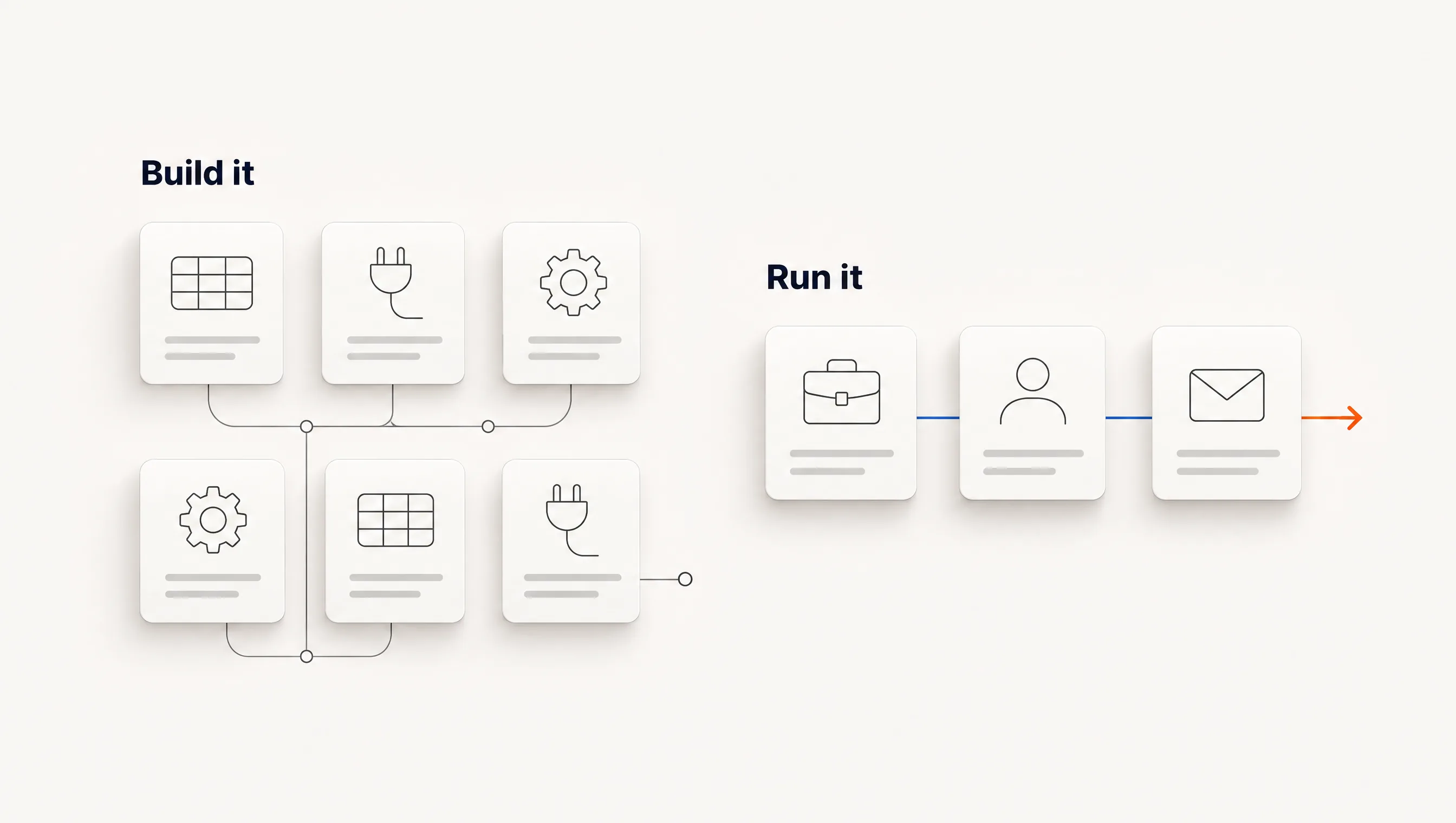
Clay is the best-known. You assemble data providers, AI steps and exports into your own process. The ceiling is high and so is the maintenance. Our Clay alternatives guide covers when that trade is worth it.
Connected outbound systems
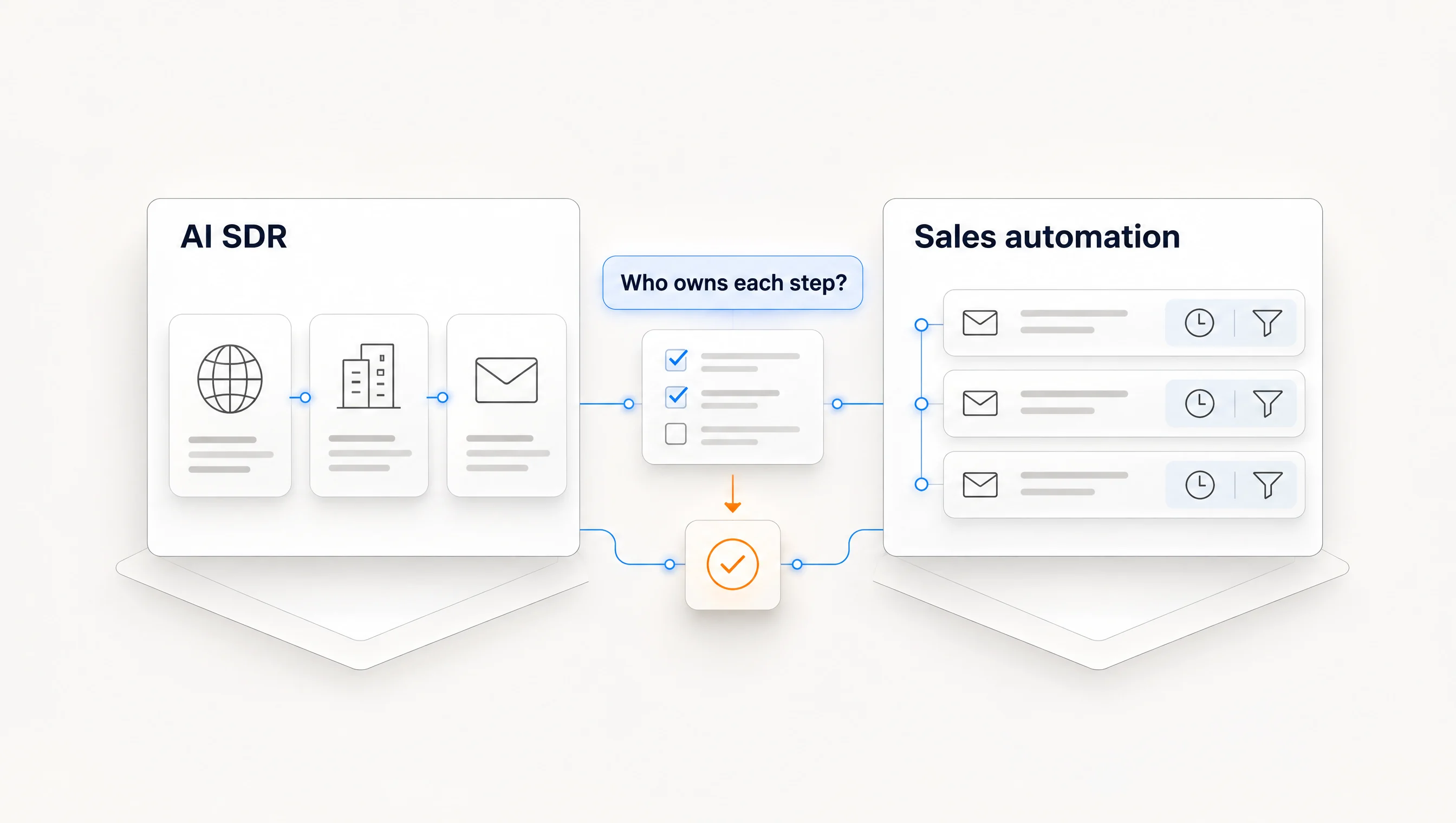
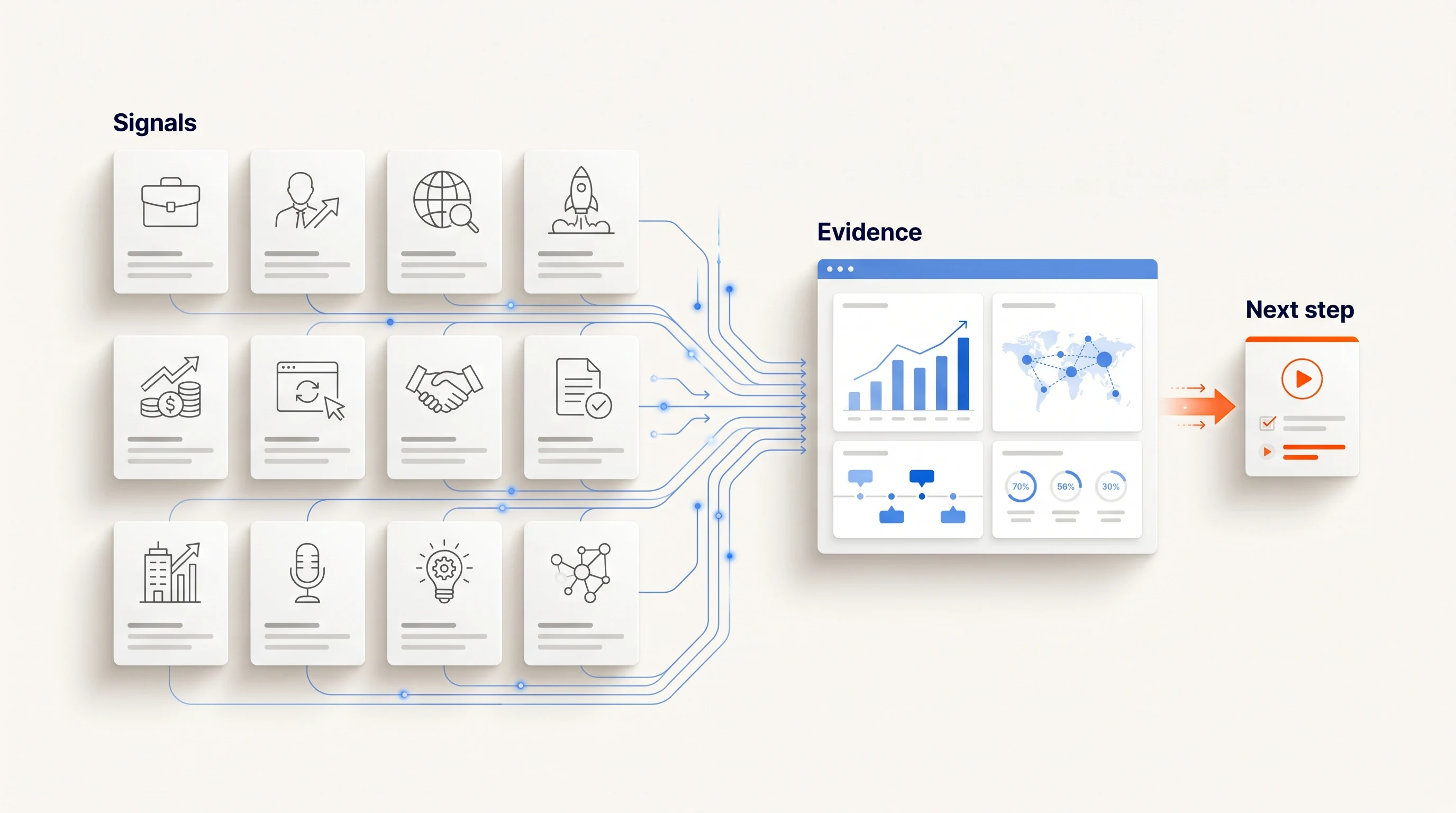
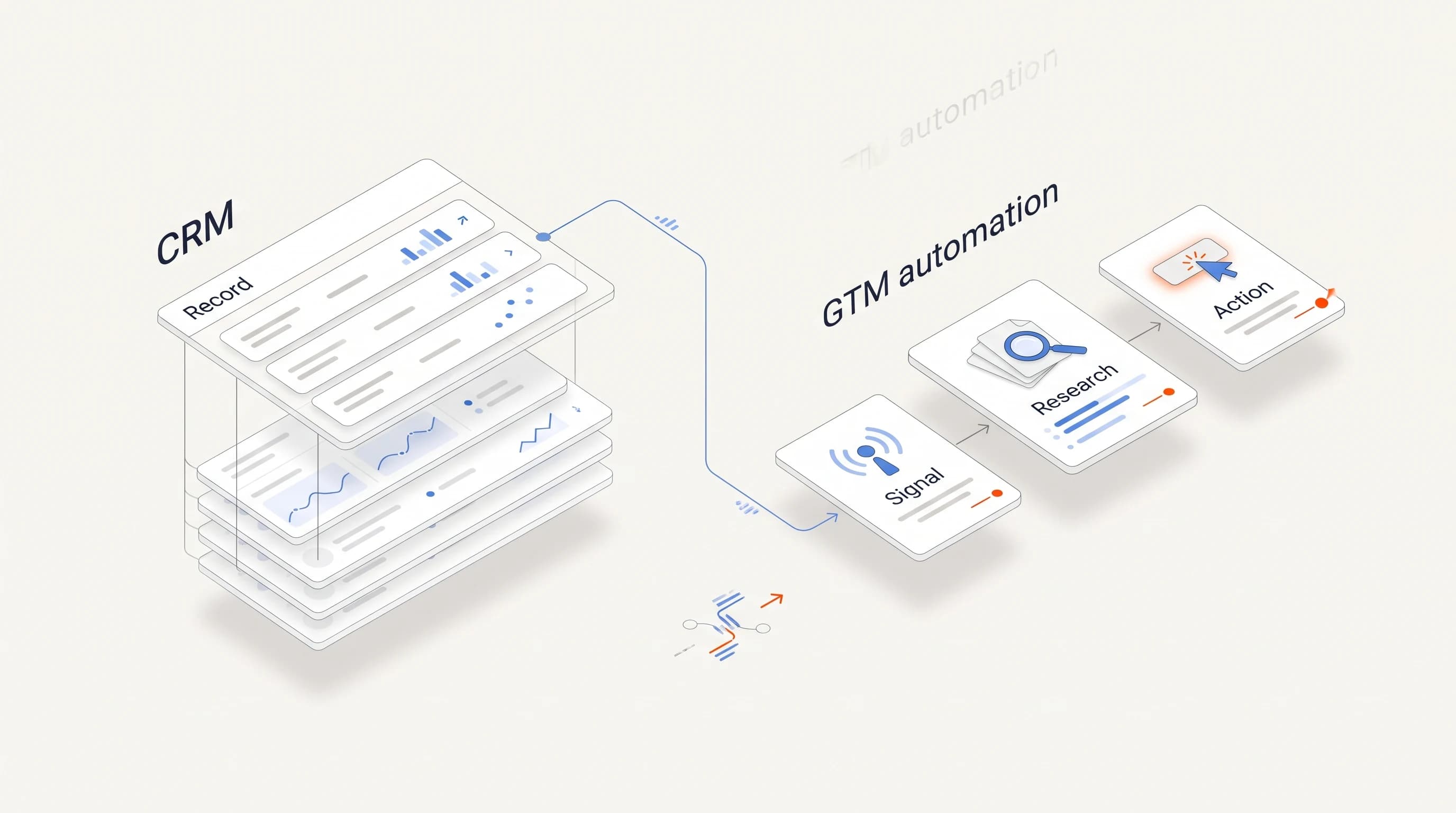
These run a narrower path from a trigger to a sent, followed-up email in one product. Some vendors call them AI SDRs. You give up flexibility for fewer handoffs. Our AI SDR vs. sales automation comparison separates what these products do from what their labels suggest.
Find your bottleneck first
Look at the last 50 accounts your team worked and ask where the work stalled. One honest count is worth more than a feature list.
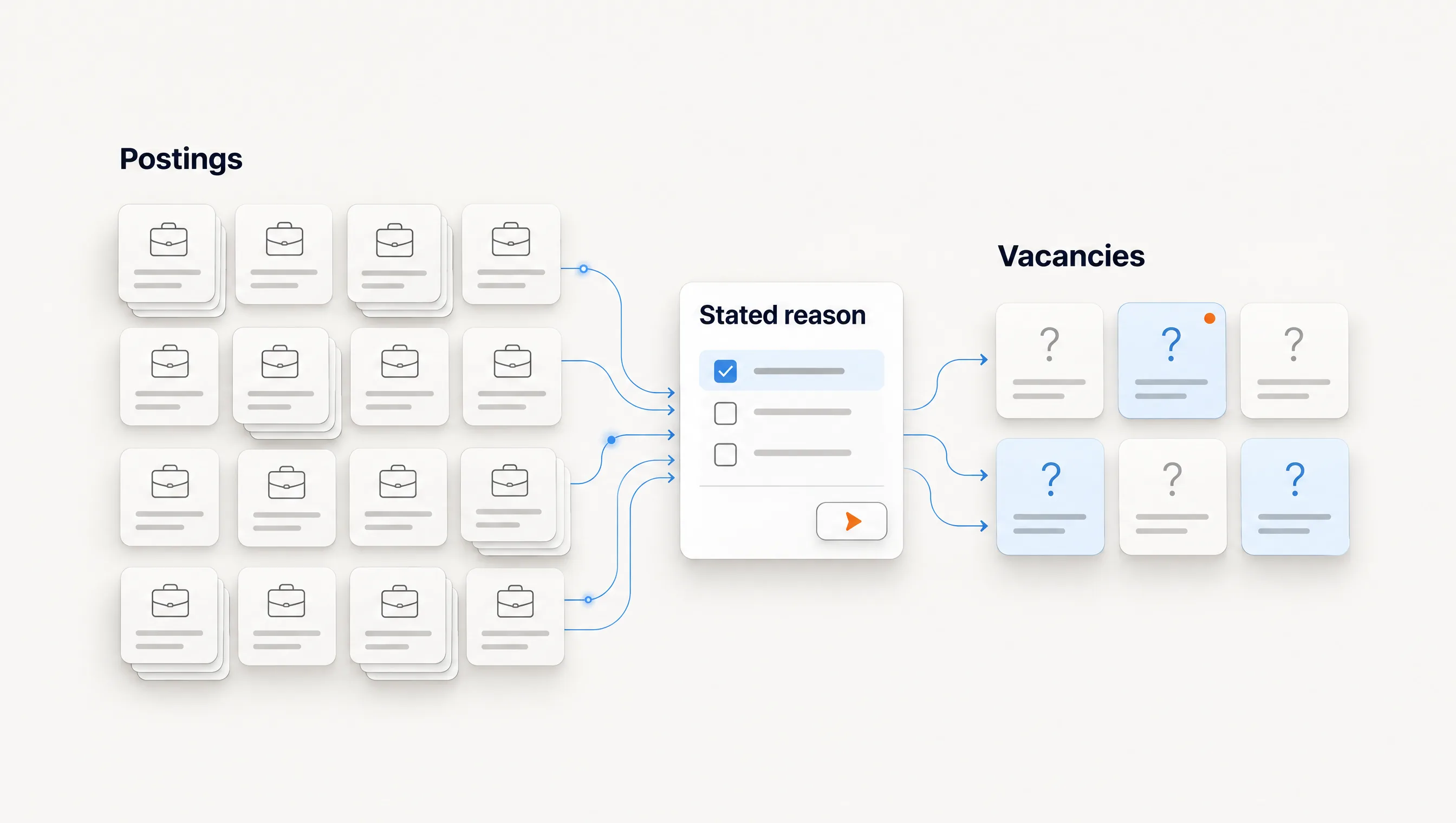
- We do not know which companies to contact. You need a source of reasons: signals, an ICP rebuild or a connected system. A bigger database makes this worse.
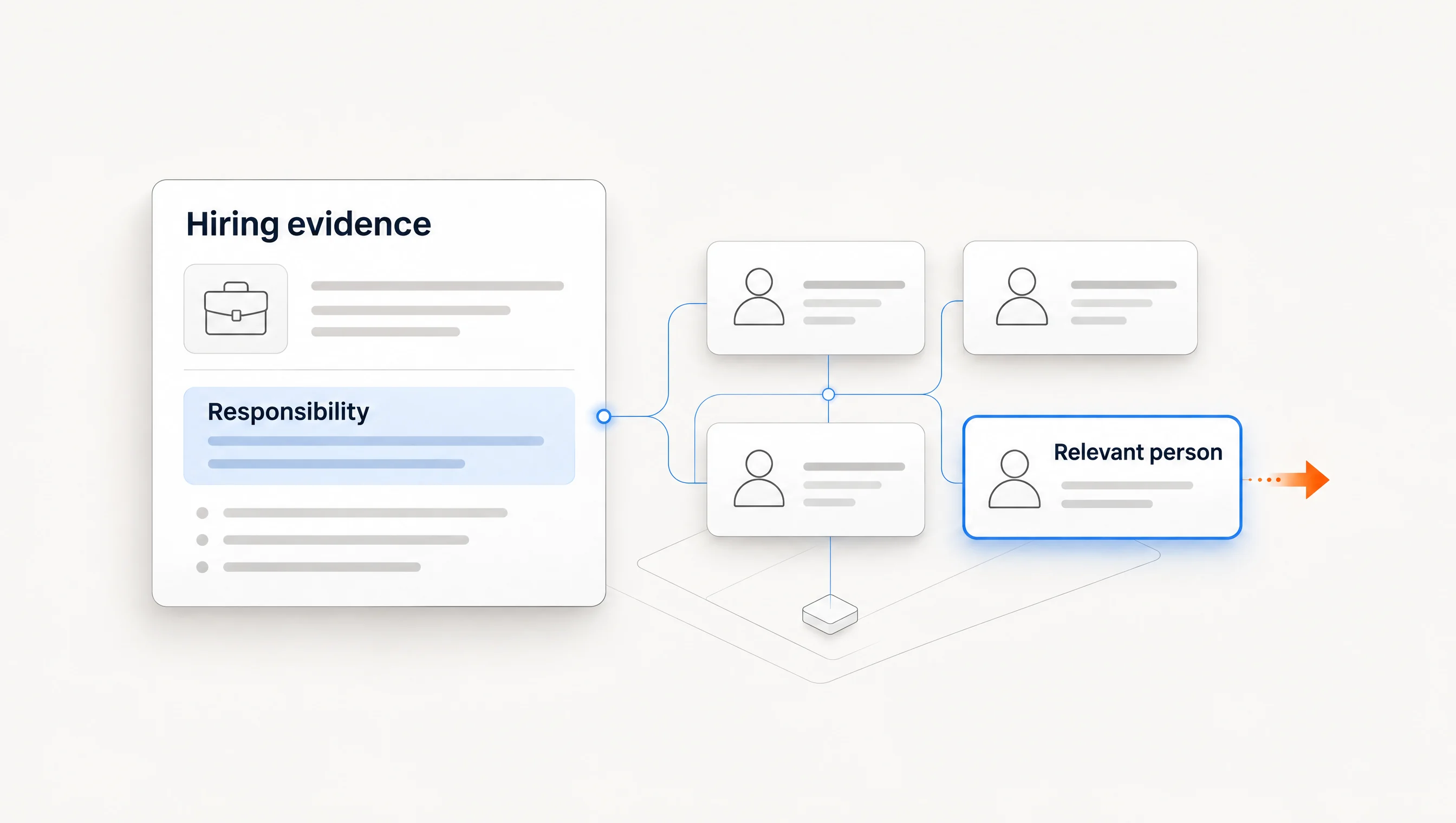
- We know the companies but not the person. You need role research and contact selection. See finding decision-makers from hiring signals.
- We have contacts but the emails bounce. You need verification before you need anything else.
- We have everything but sending is inconsistent. A sales engagement platform is the cheapest fix.
- Everything works, but nobody has time to run it. You need fewer tools and fewer handoffs, not another tool.
If two answers apply, fix the earlier link in the chain first. Better copy cannot rescue an account that had no reason to hear from you.
Run the same pilot on your shortlist
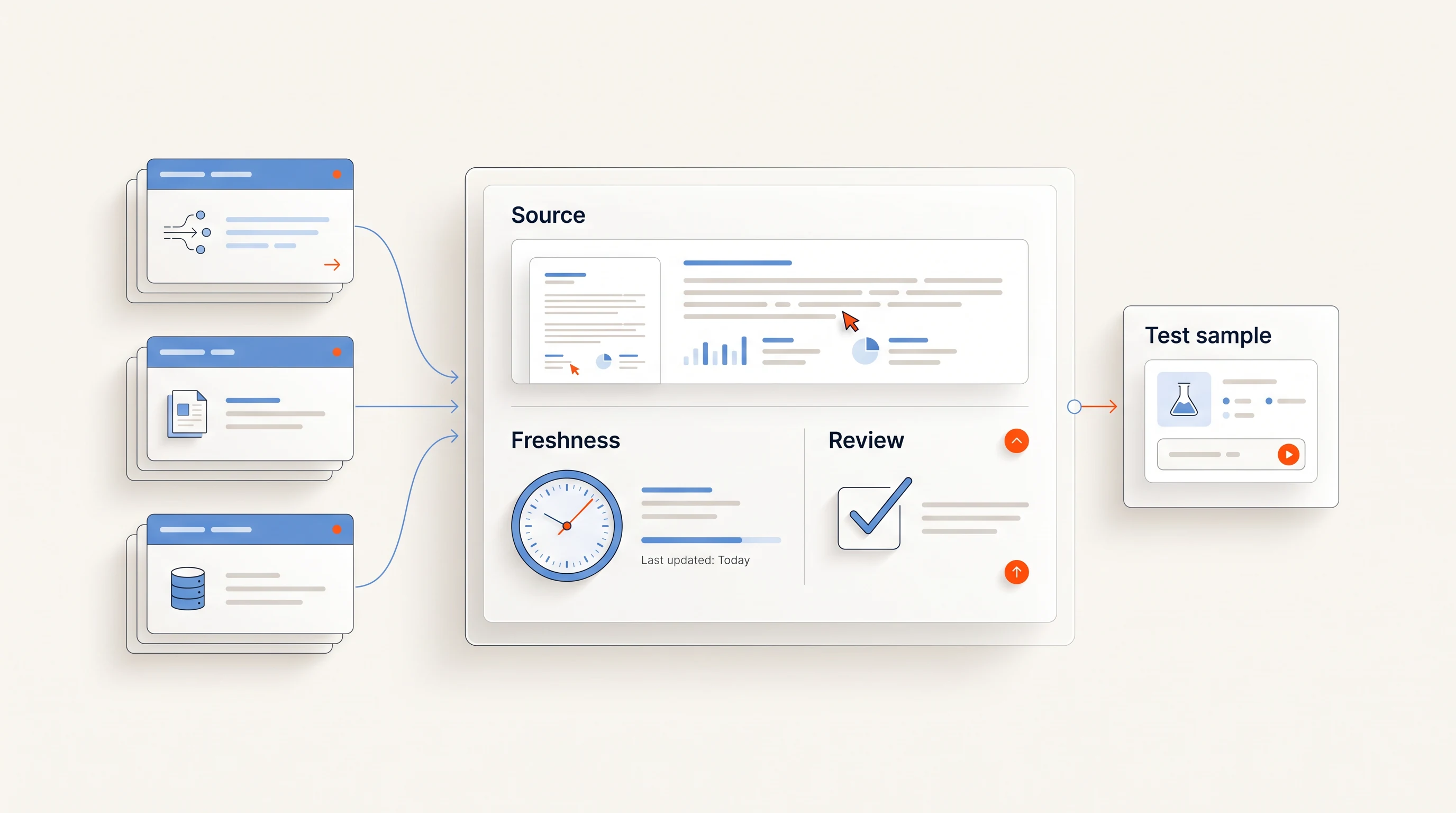
Vendor rankings rarely state their method. Unify's guide is a useful exception: it says plainly that its comparison is not an independently measured ranking and suggests running one pilot across the shortlist. We agree, and suggest this version:
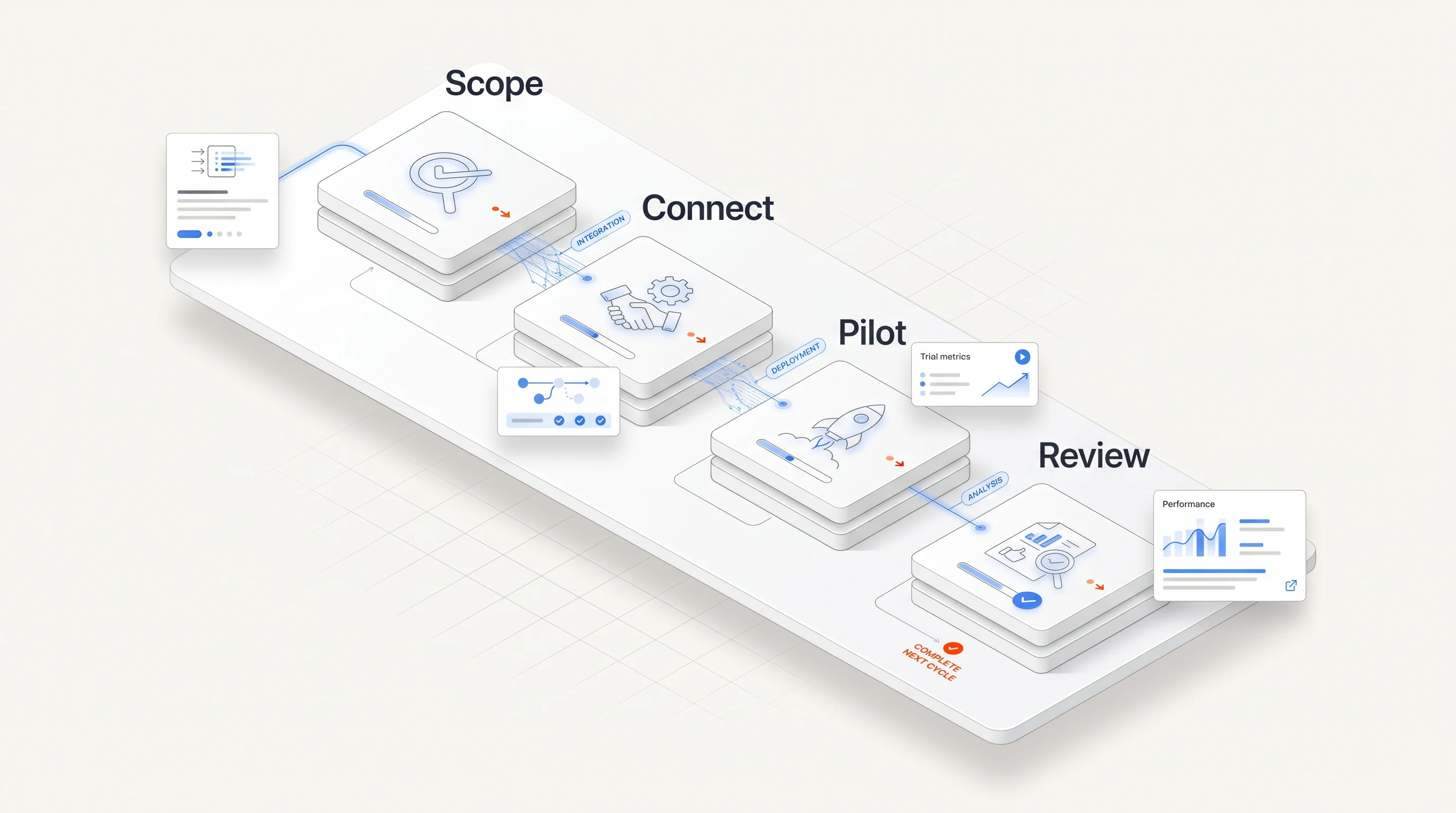
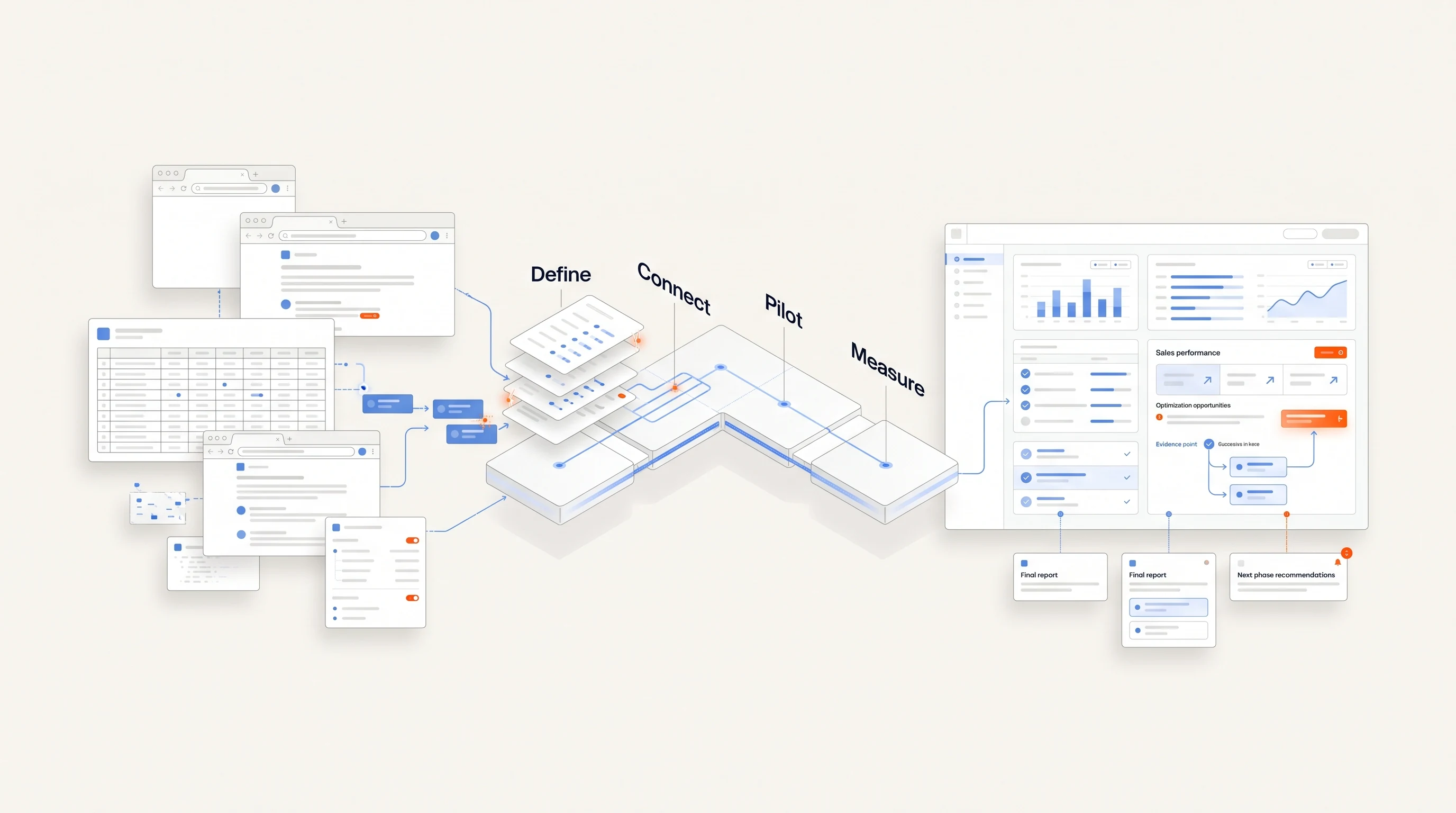
- Write one sentence describing your offer and the segment you sell to.
- Pick 30 accounts you have not contacted, or let each tool find 30 if discovery is what you are buying.
- Run each tool until you have, for every account, one person and one message you would actually send.
- Record the minutes your team spent per account, including fixes and copy edits.
- Count usable accounts: the share where the reason to write, the person and the email all hold up when checked.
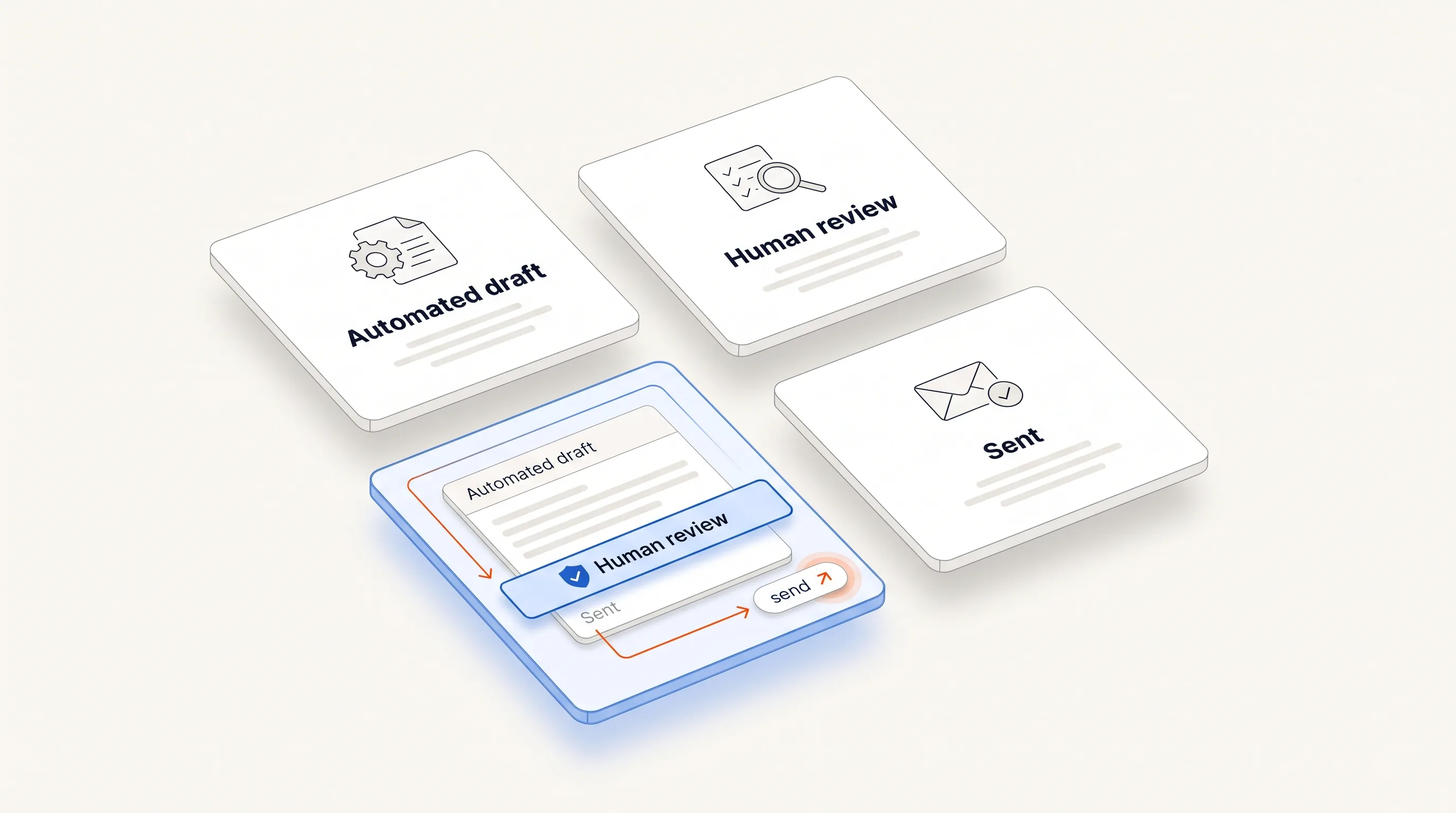
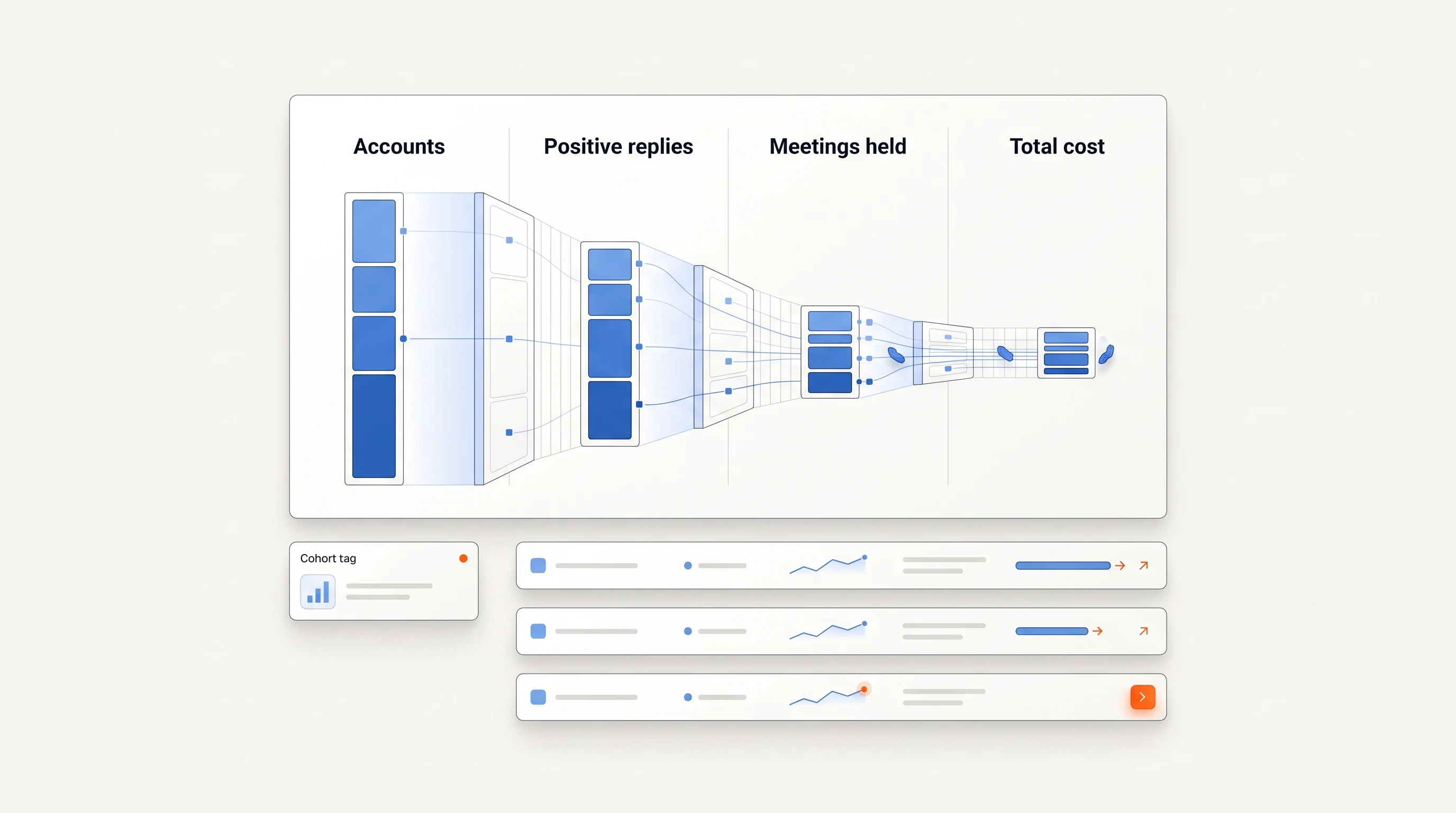
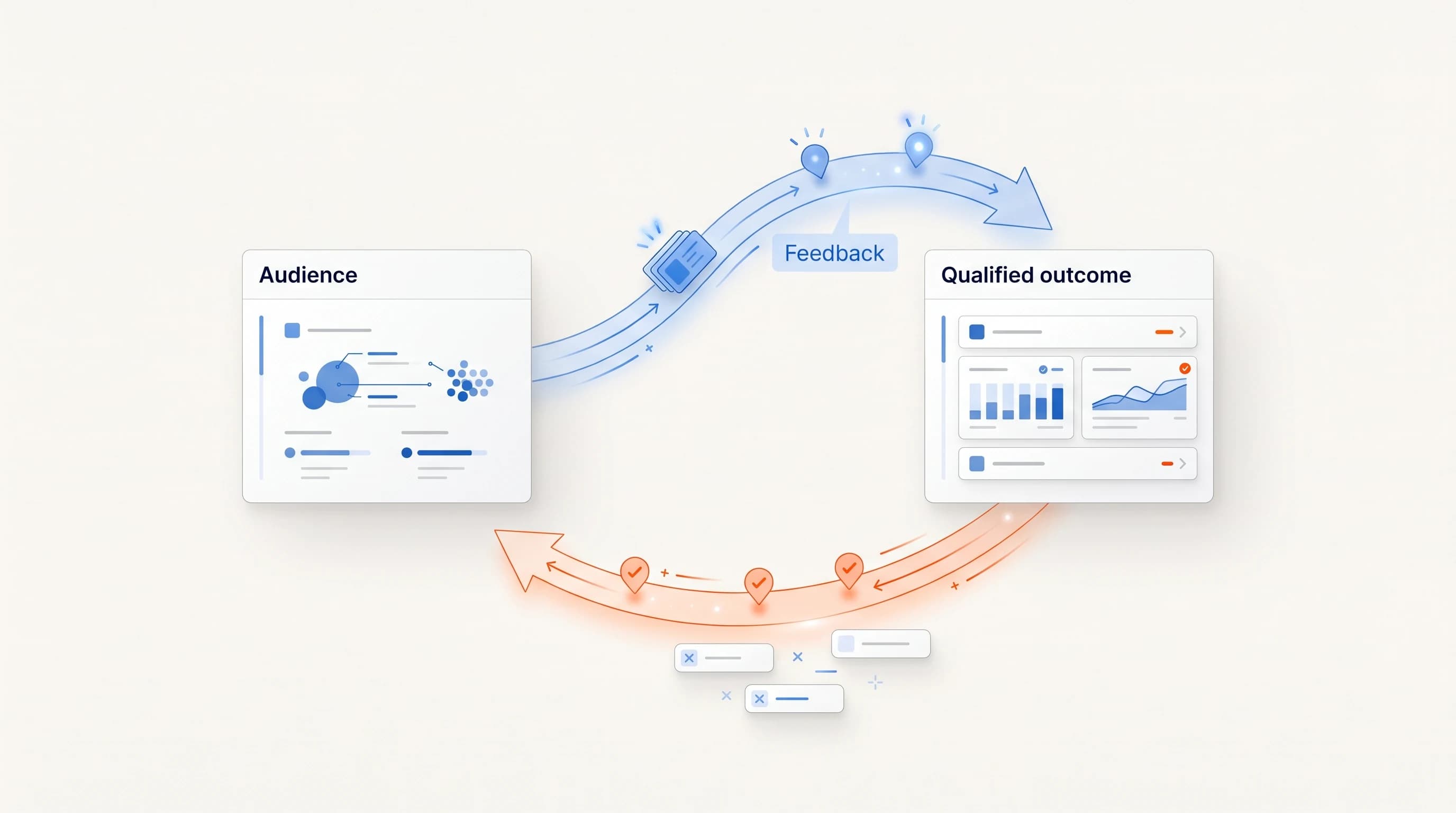
- Send only what passes review, and track positive replies and meetings held over four weeks.
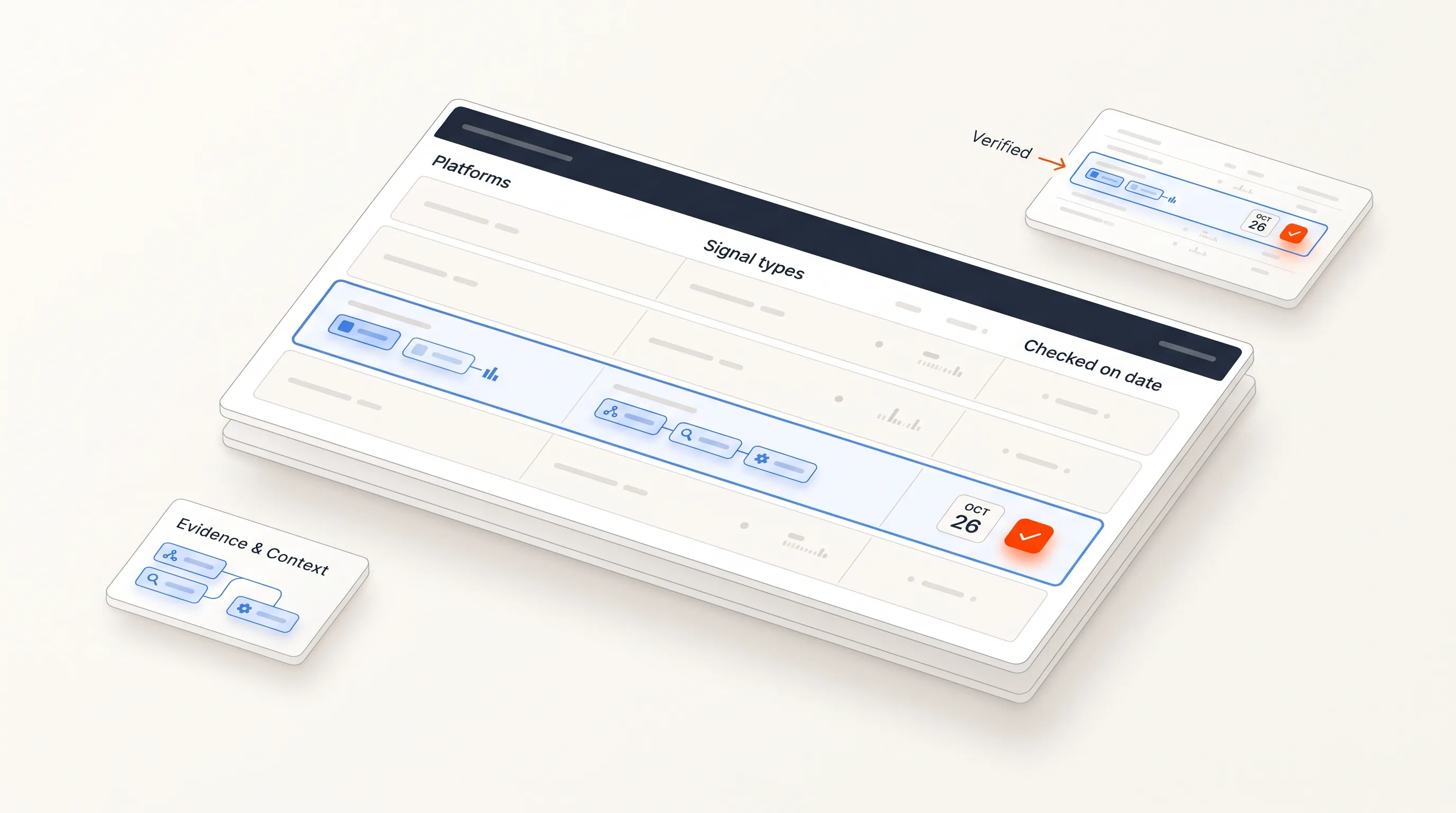
Four weeks and 30 accounts give you early operating data, not proof of long-term return. They are enough to see which tool leaves you with the least cleanup. Download the pilot worksheet (CSV) to record the same fields for each tool. Score the results with our outbound scorecard.
Compare the cost of the whole workflow
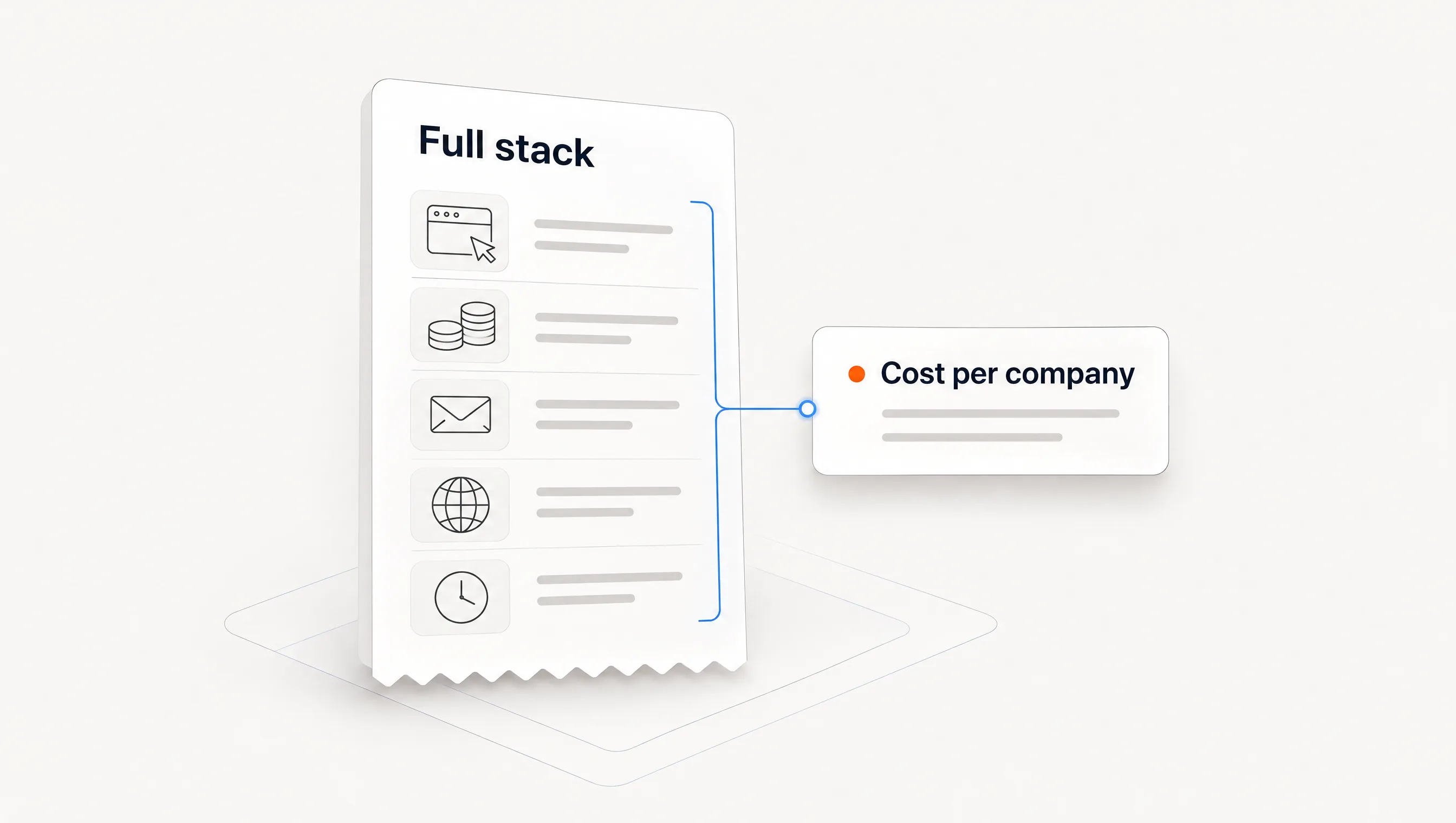
List prices are hard to compare. Several of the most-cited tools do not publish prices, billing terms differ, and credits are counted differently. Price the workflow instead of the tool: software, data credits, mailboxes, domains and the human time from your pilot.
Human time usually decides it. Our outbound cost breakdown priced five stacks for 500 contacts a month and found that every minute of human work per contact adds $0.83 at $50 an hour. A cheap tool that leaves ten minutes of research per account is not cheap.
Where Perpetual fits
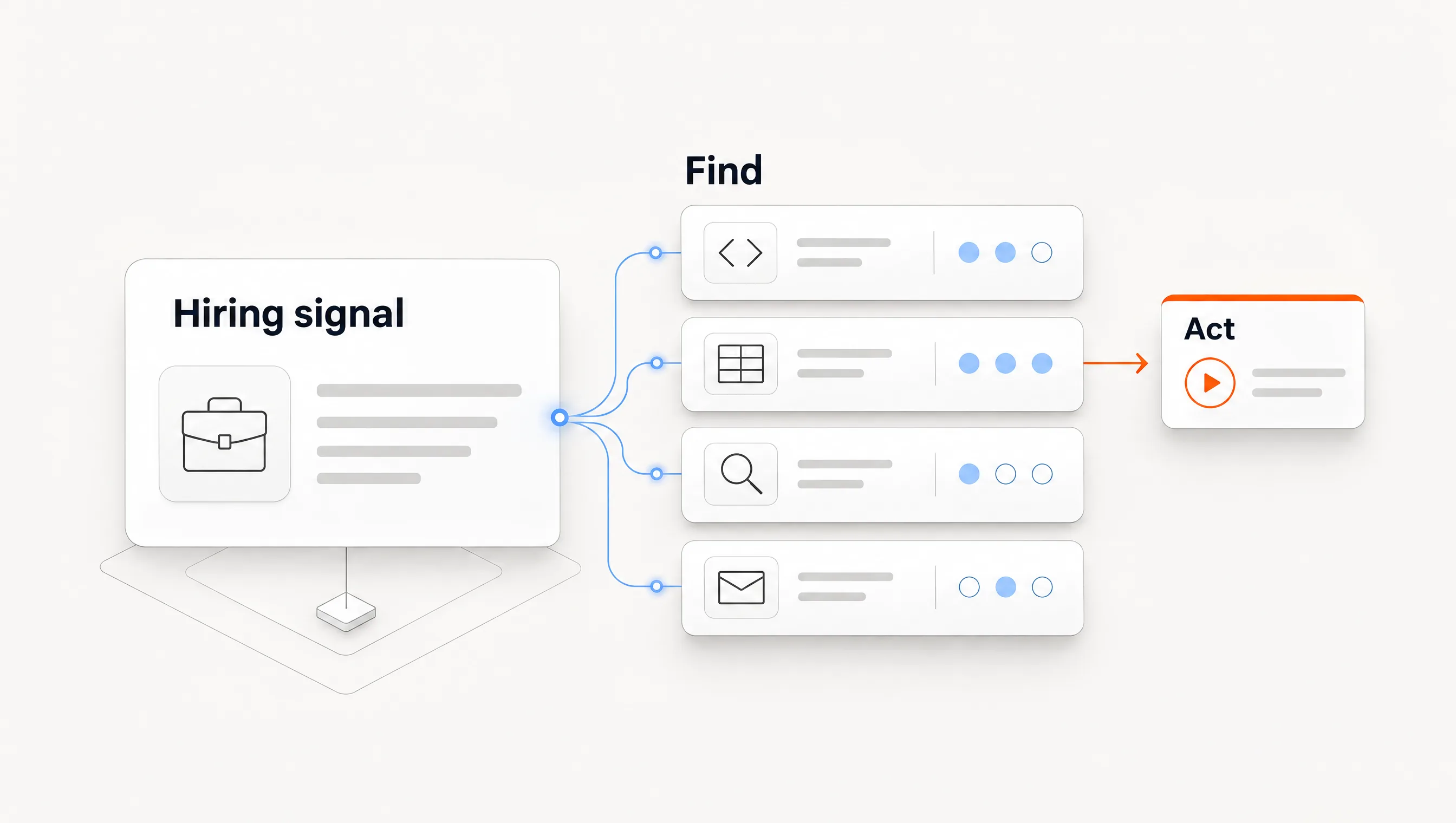
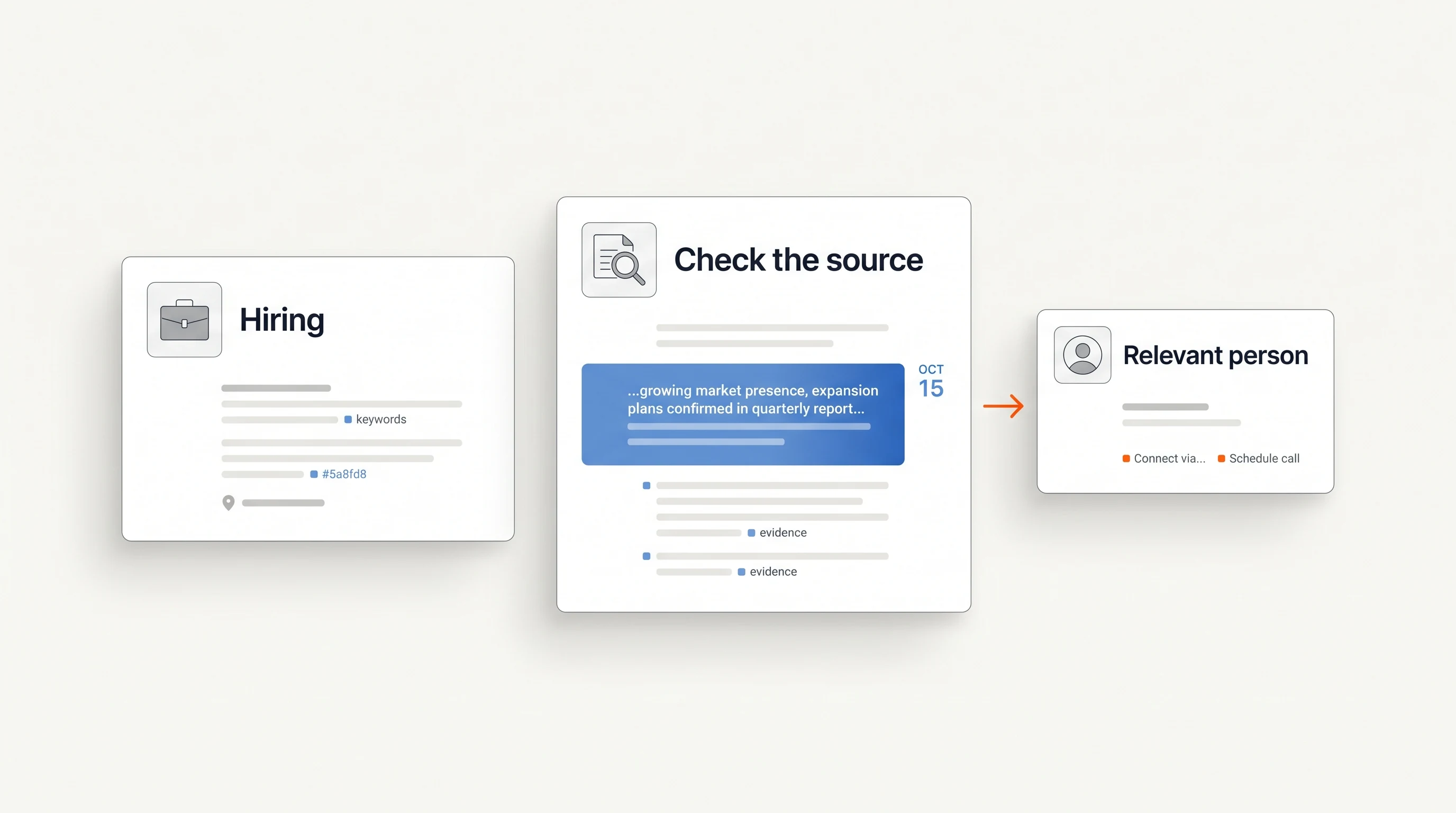
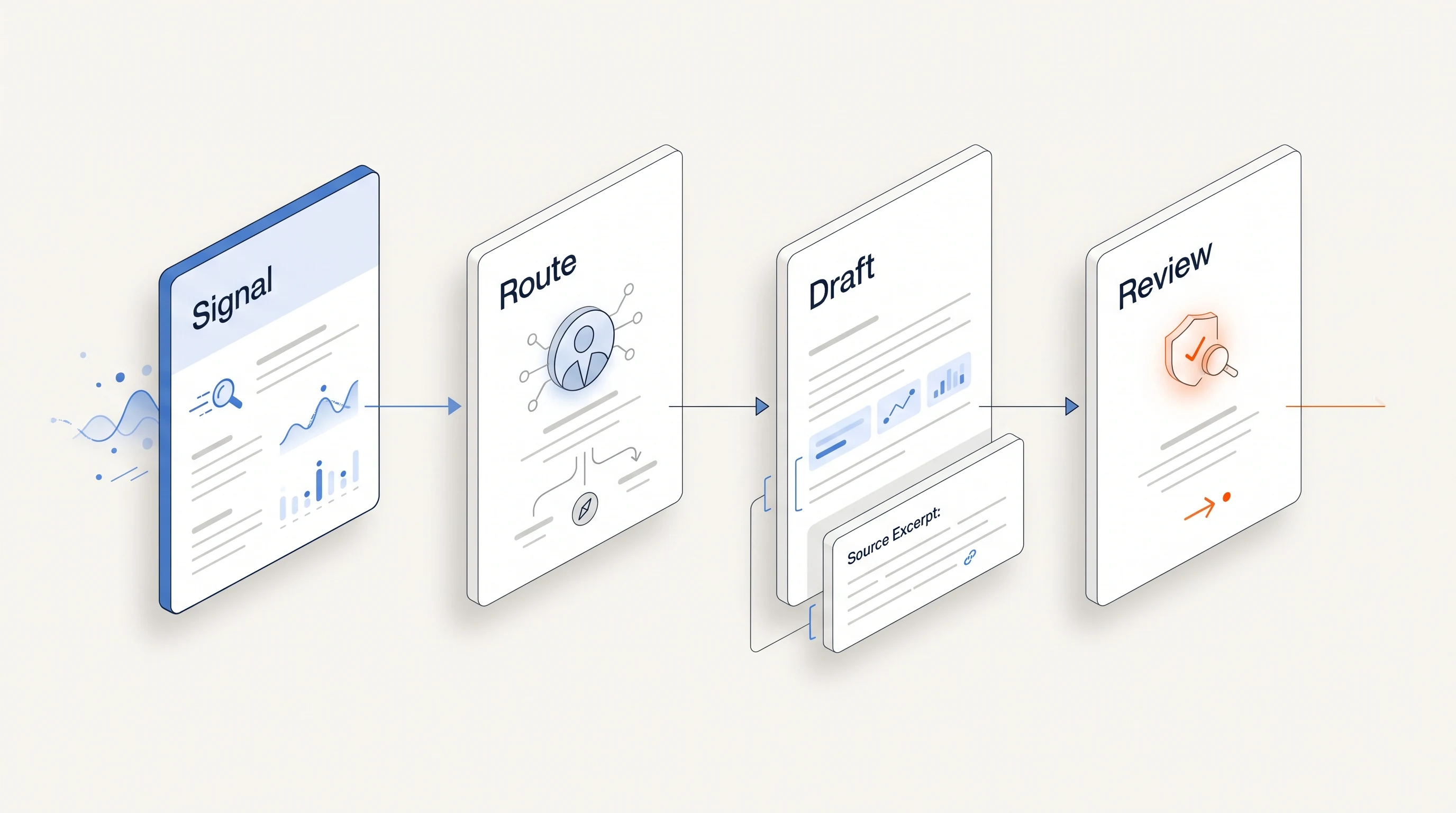
Perpetual is a connected outbound system built on one trigger: public hiring activity. It qualifies companies against your offer, selects one relevant contact with a stated reason, verifies the email, writes from the source and runs email follow-up from your connected mailboxes. Replies and opt-outs stop follow-ups.
It is the wrong fit if you need a broad contact database, many signal types beyond hiring, or a blank canvas for your own process. Sending needs a Google Workspace mailbox, LinkedIn steps remain manual tasks and there is no free plan. See pricing and the quickstart guide.
Frequently asked questions
What is the best pipeline generation tool?
There is no single best tool, because the types cover different steps. The best choice is the one that removes your current bottleneck with the least added maintenance, measured on your own accounts.
Are vendor "best tools" lists reliable?
They are useful for building a shortlist. Most are written by a vendor that ranks itself first, and few describe a test. Read them for categories and features, then verify claims yourself.
How many tools does a small team need?
Often two: a CRM and one tool that covers the outbound chain. Each added tool adds a handoff someone must own. Our small-team GTM stack guide covers this by stage.
How long should a pilot run?
Four weeks is enough to see setup effort, data quality and early replies. It is too short to judge closed revenue, so treat the result as a process check.