JournalResearchNo. 15
How to Find Companies Hiring RevOps Leaders
Find and qualify companies hiring RevOps leaders through current job postings. Reusable searches, mandate checks and a free prospecting worksheet.
Petar Jovanović8 min read10 sections
Contents
- 01Search roles and responsibilities
- 02Searches you can repeat
- 03Verify the opening and its timing
- 04Read the mandate against your offer
- 05First hire, replacement or expansion
- 06Three qualification examples
- 07Find the owner and ask about the work
- 08Download the RevOps worksheet
- 09Where Perpetual fits
- 10Frequently asked questions
Published by Perpetual
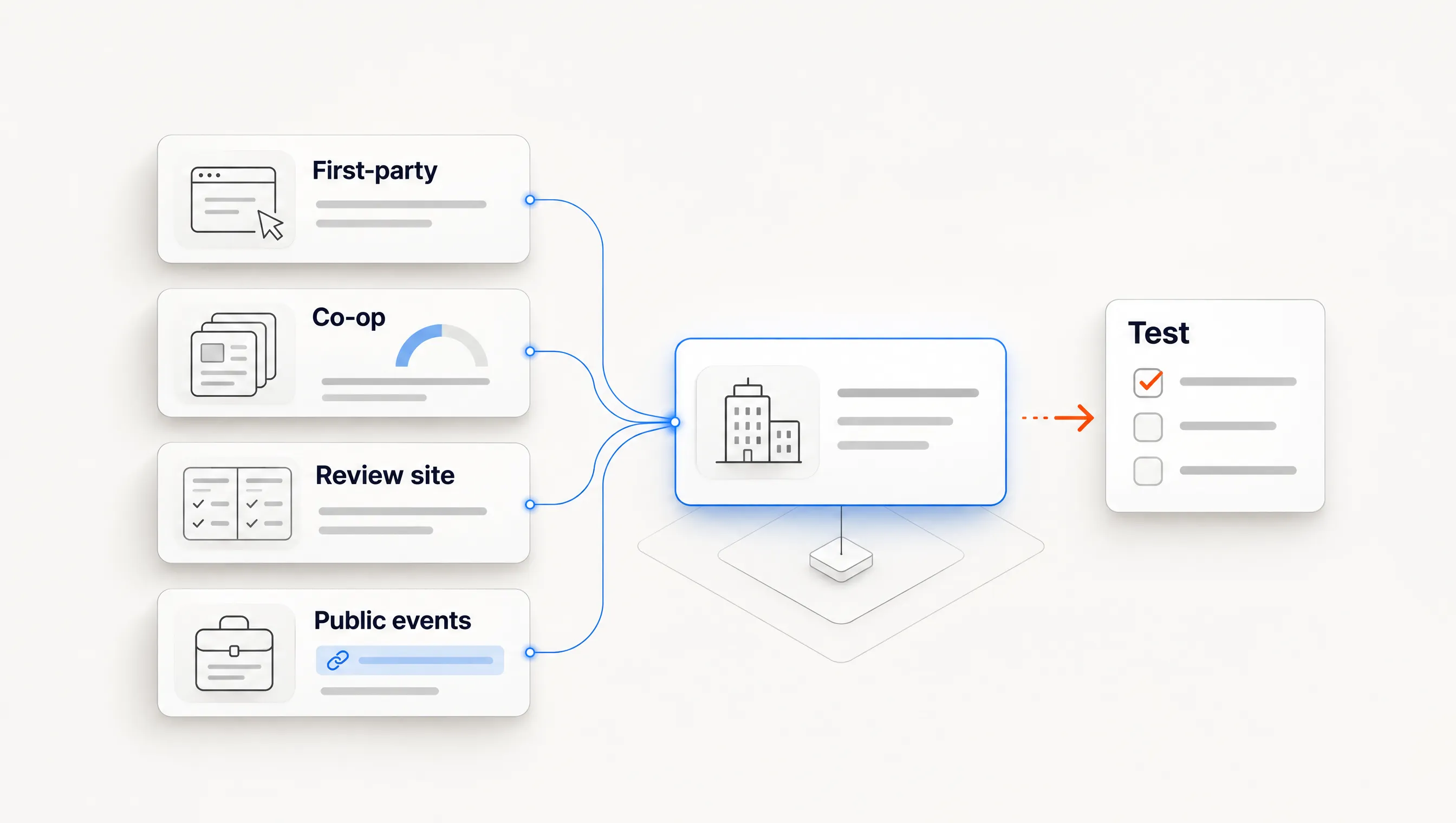
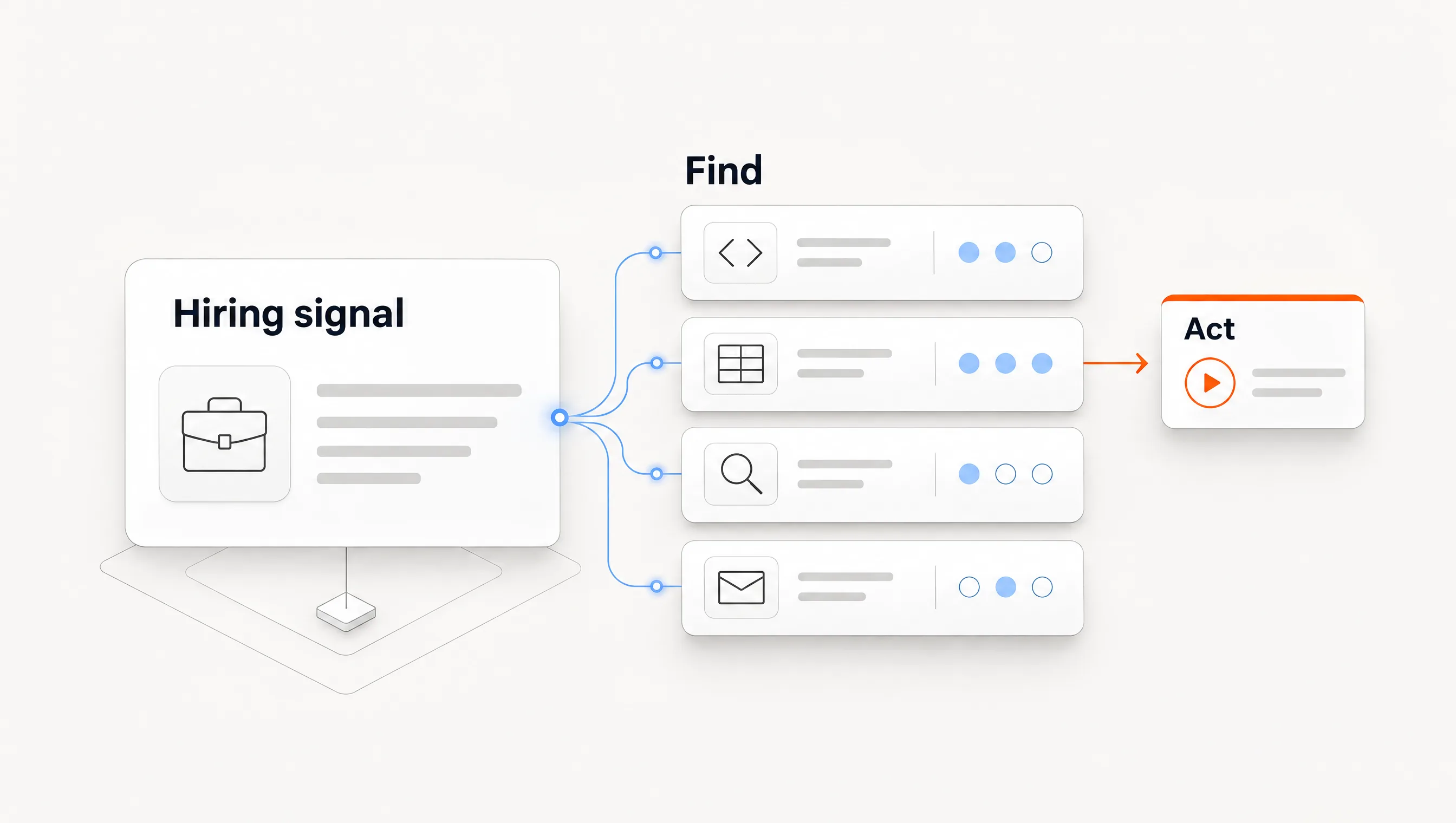
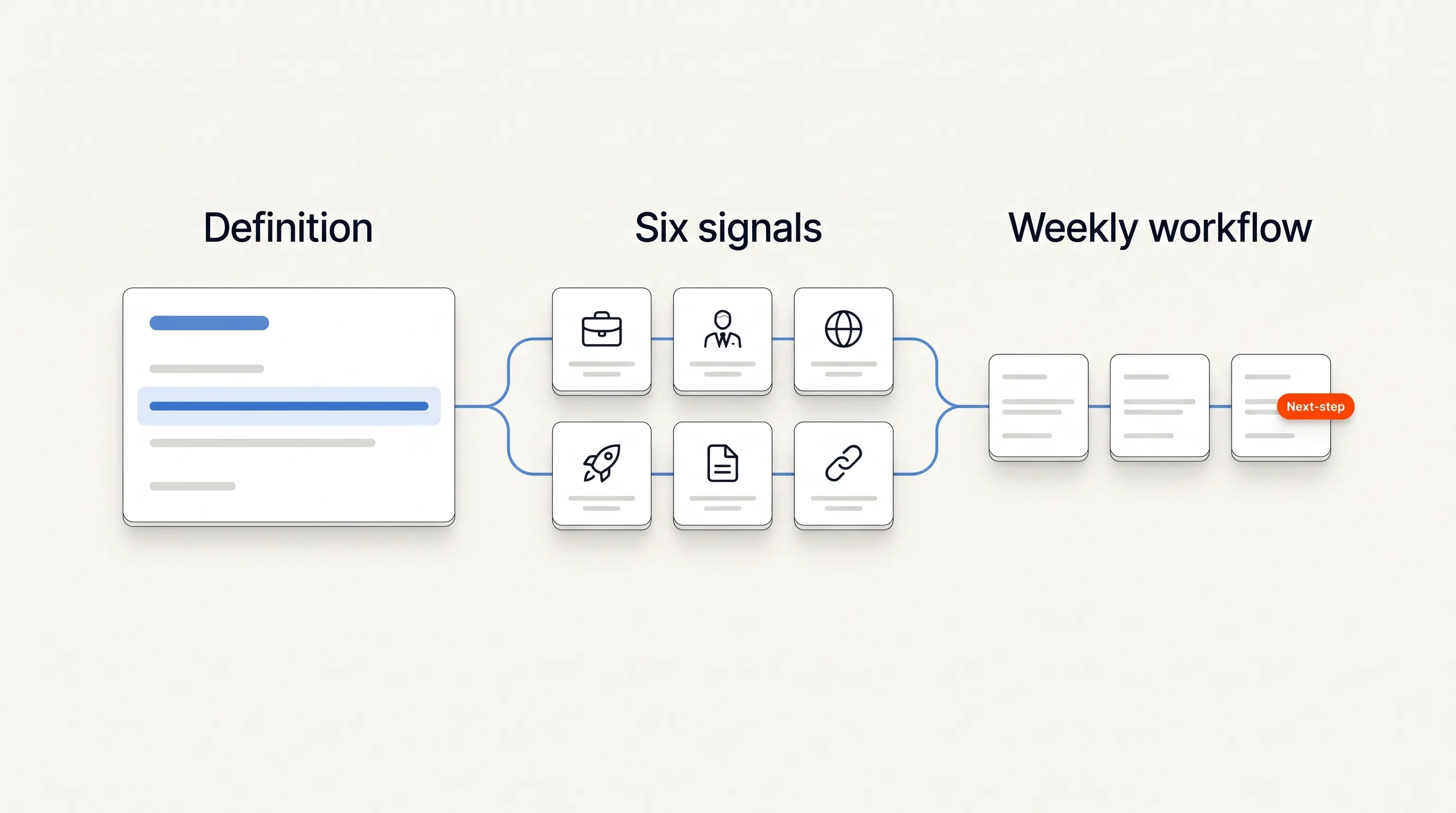
To find companies hiring RevOps leaders, search for Revenue Operations, RevOps and Sales Operations roles, confirm each opening on the employer's careers page, and read the responsibilities against your offer. Keep the companies where the documented work is relevant, then identify who owns that work while the role is open.
This is a prospecting guide for sellers of CRM, data and revenue-process services or software. It is not a vacancy directory for job seekers. Rather than a list that ages as positions close, it gives you reusable searches, qualification examples and a free RevOps hiring worksheet.
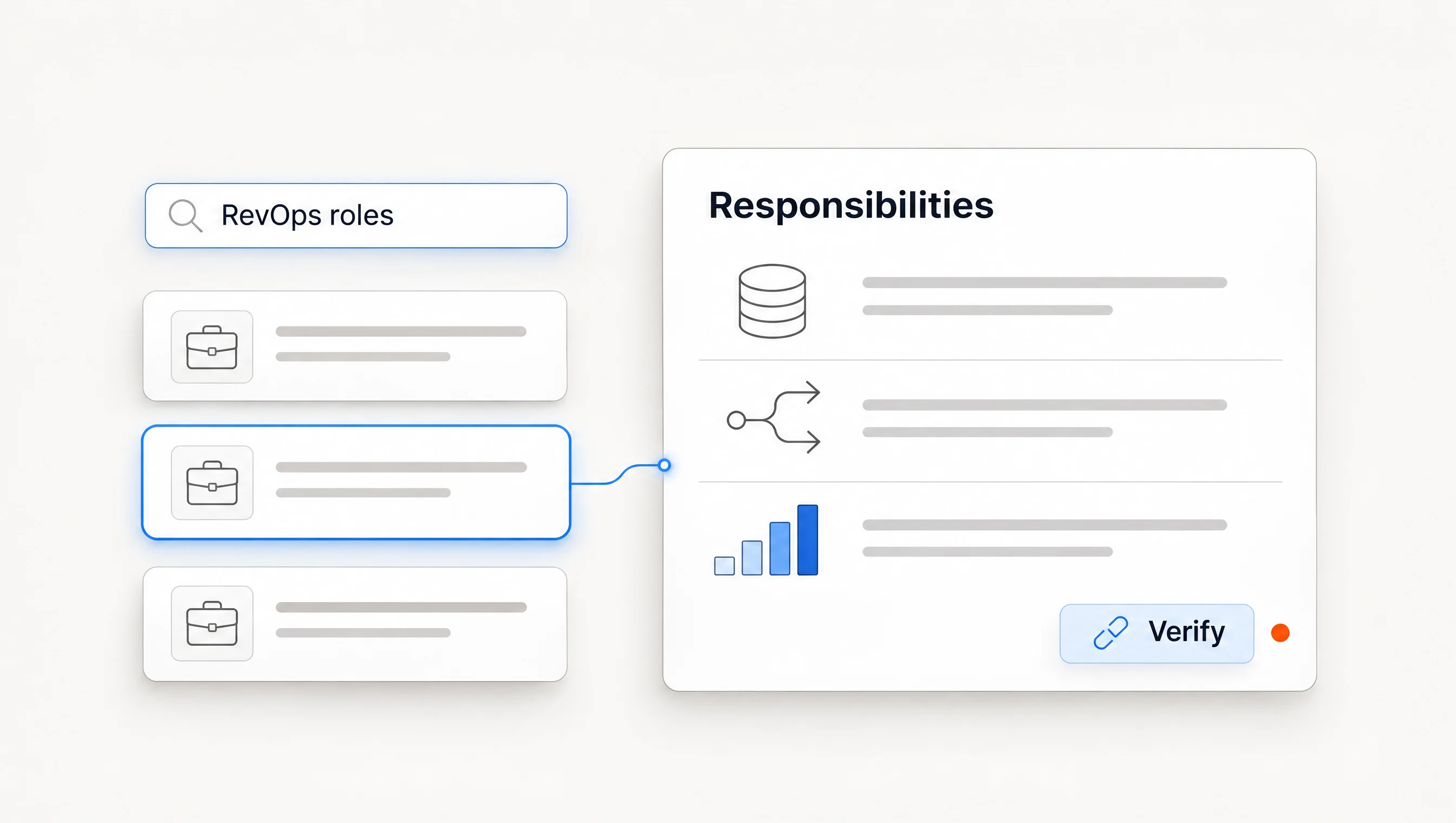
Search responsibilities across several role titles
Begin with Revenue Operations and RevOps, then search Sales Operations separately. Some relevant jobs sit under titles such as Revenue Systems or GTM Systems. Treat these as discovery terms; read the mandate before deciding that two titles describe the same work.
Search several levels of seniority. A Head of Revenue Operations opening may concern planning and team ownership, while an administrator opening may concern a specific system. Neither automatically makes the employer a stronger prospect. Your offer determines which responsibilities matter.
Write those responsibilities down first. For a lead-routing service, look for explicit work on assignment logic, territories, lead-to-account matching or routing operations. For a reporting service, look for the reporting work you actually support. Do not add a company simply because the posting contains “revenue.”
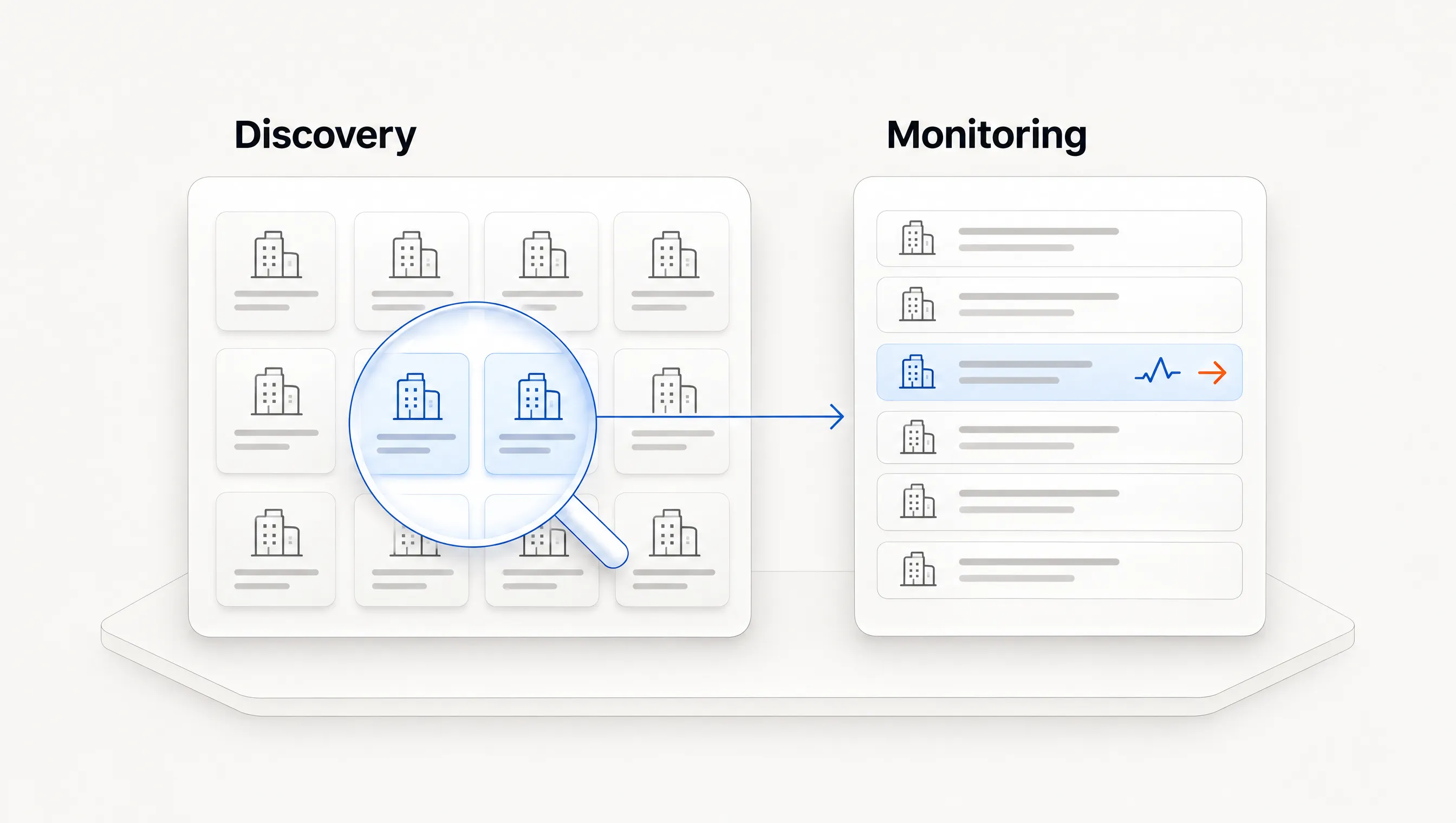
If you already have a target list, inspect its careers pages before widening discovery. That keeps the effort tied to eligible companies. If you need new accounts, broad searches can find candidates, but those candidates still need the same fit and source checks.
Use searches you can repeat
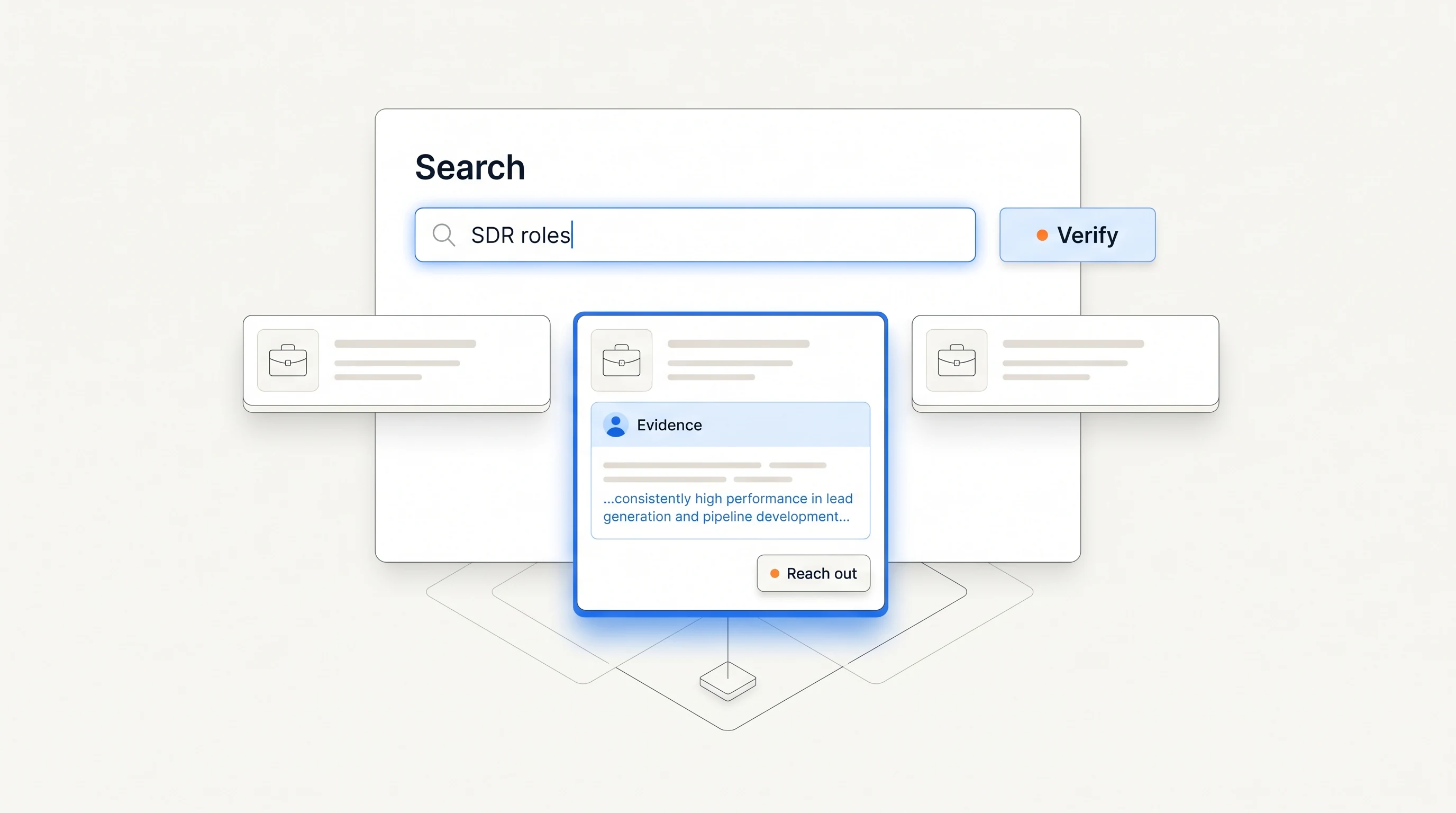
Google documents quotation marks for exact phrases and the site: operator for restricting a search to a domain in its search refinement guide. Use them to discover postings, then verify the result at its source.
| Purpose | Example query | Follow-up check |
|---|---|---|
| Revenue Operations roles | site:job-boards.greenhouse.io "revenue operations" | Open the employer's posting and inspect responsibilities. |
| Other Greenhouse board URLs | site:boards.greenhouse.io "RevOps" | Check whether the result redirects to a current opening. |
| Sales Operations roles | site:jobs.lever.co "sales operations" | Distinguish systems work from other operational duties. |
| A narrower systems mandate | "revenue operations" "lead routing" careers | Check that this is an employer listing rather than a copied article. |
| A known account | site:example.com "revenue operations" | Follow the company's careers link to its actual hiring board. |
The example.com query is a template; replace it with the company's real domain. These searches are discovery examples, not guarantees that a search engine has indexed every relevant role. Try title variants and the employer's own search if results are thin.
Public applicant tracking system boards can also help you recheck known employers. Greenhouse documents a public Job Board API, and Lever documents its published postings API. You do not need to build an integration to follow the employer's public board manually.
Verify the opening and its timing
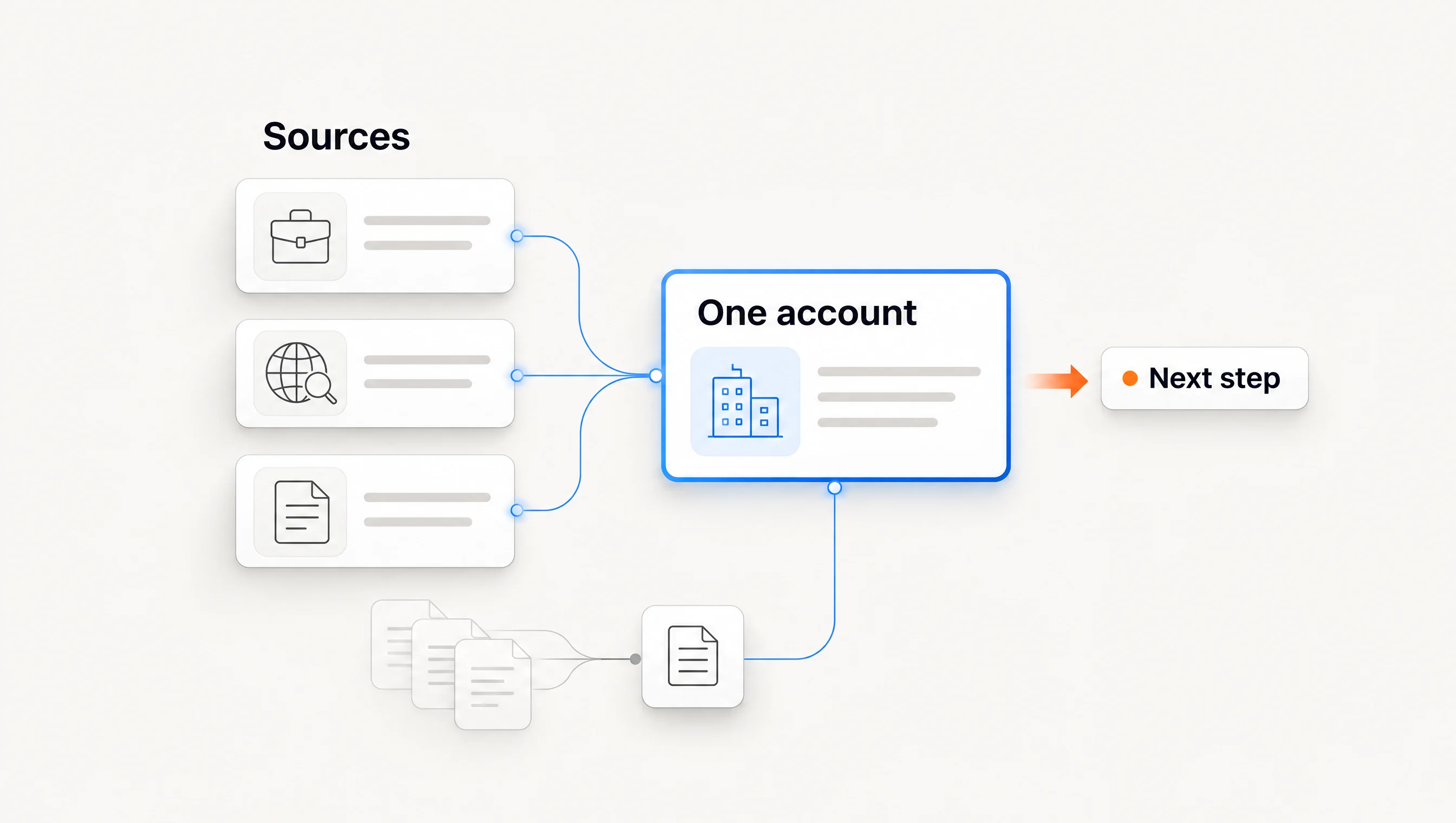
Keep the employer domain, original posting URL, role title, source identifier when available, publication date if known, first-seen date and last verification date. An aggregator can help discover a company, but its copy is not a substitute for a current employer listing.
Google's JobPosting documentation defines the publication date as the original date the employer posted the job. Keep that separate from an update timestamp or the date you found it. If an opening lacks a credible publication date, say that rather than calling it new.
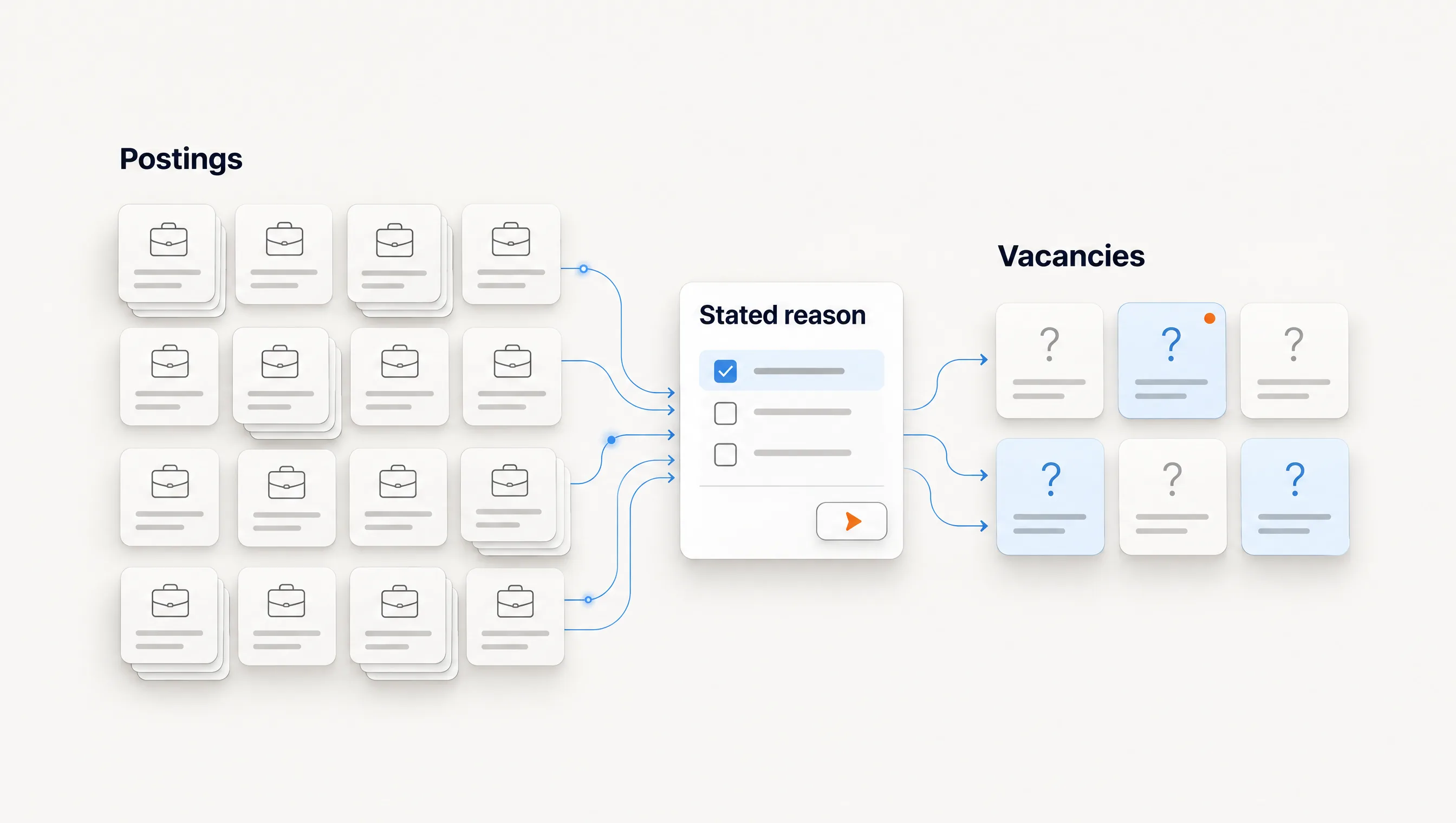
Deduplicate remote and multi-location listings. One opening advertised in several cities may still be one role. Several different openings can also describe one hiring initiative. Count companies and distinct vacancies separately so your research queue does not grow through copies.
Reopen the posting before using it in a message. If it has closed, do not claim the company is still recruiting. A closed role does not by itself prove that someone was hired; use a separate source before referring to a new team member.
Read the mandate against your offer
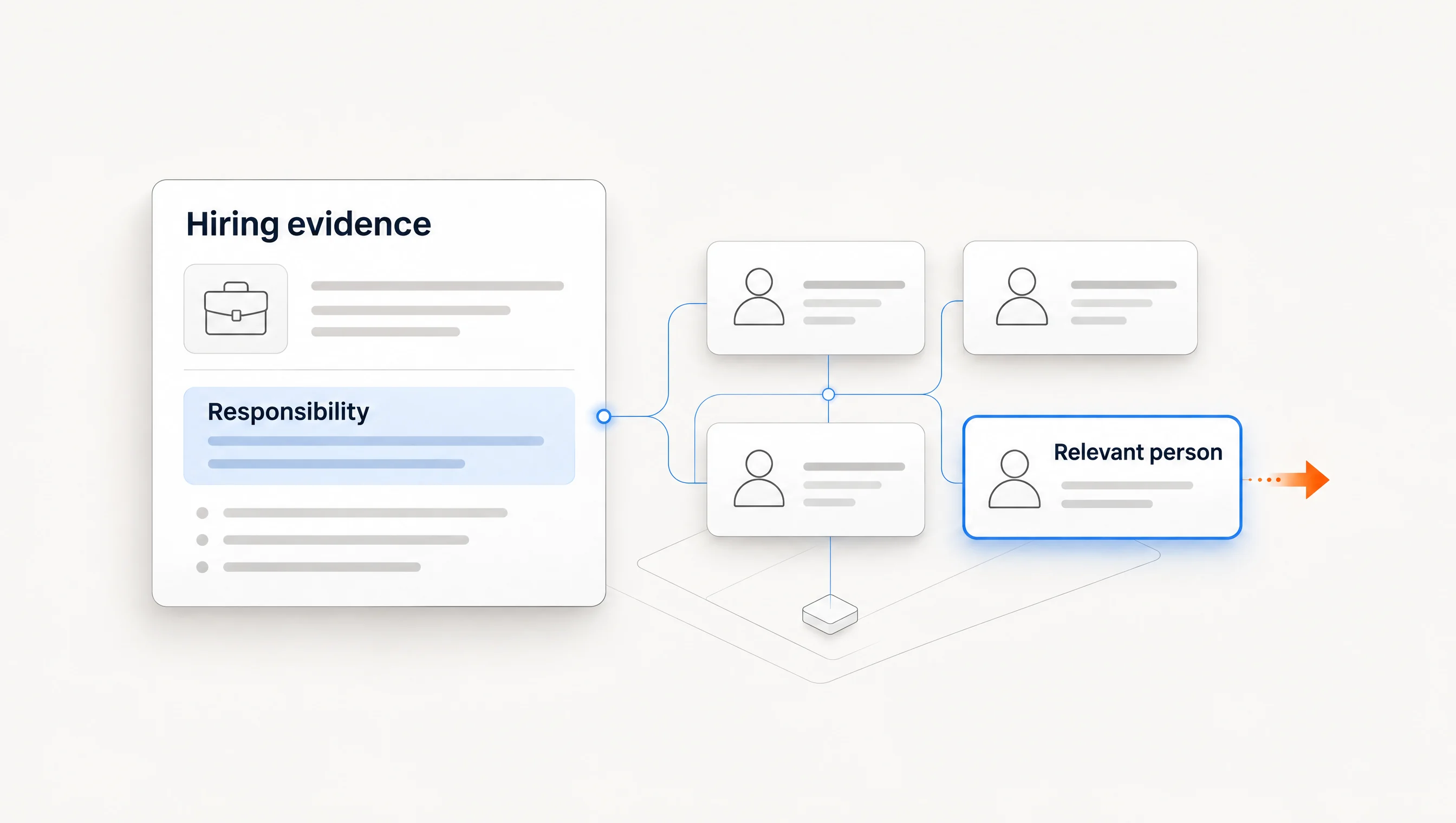
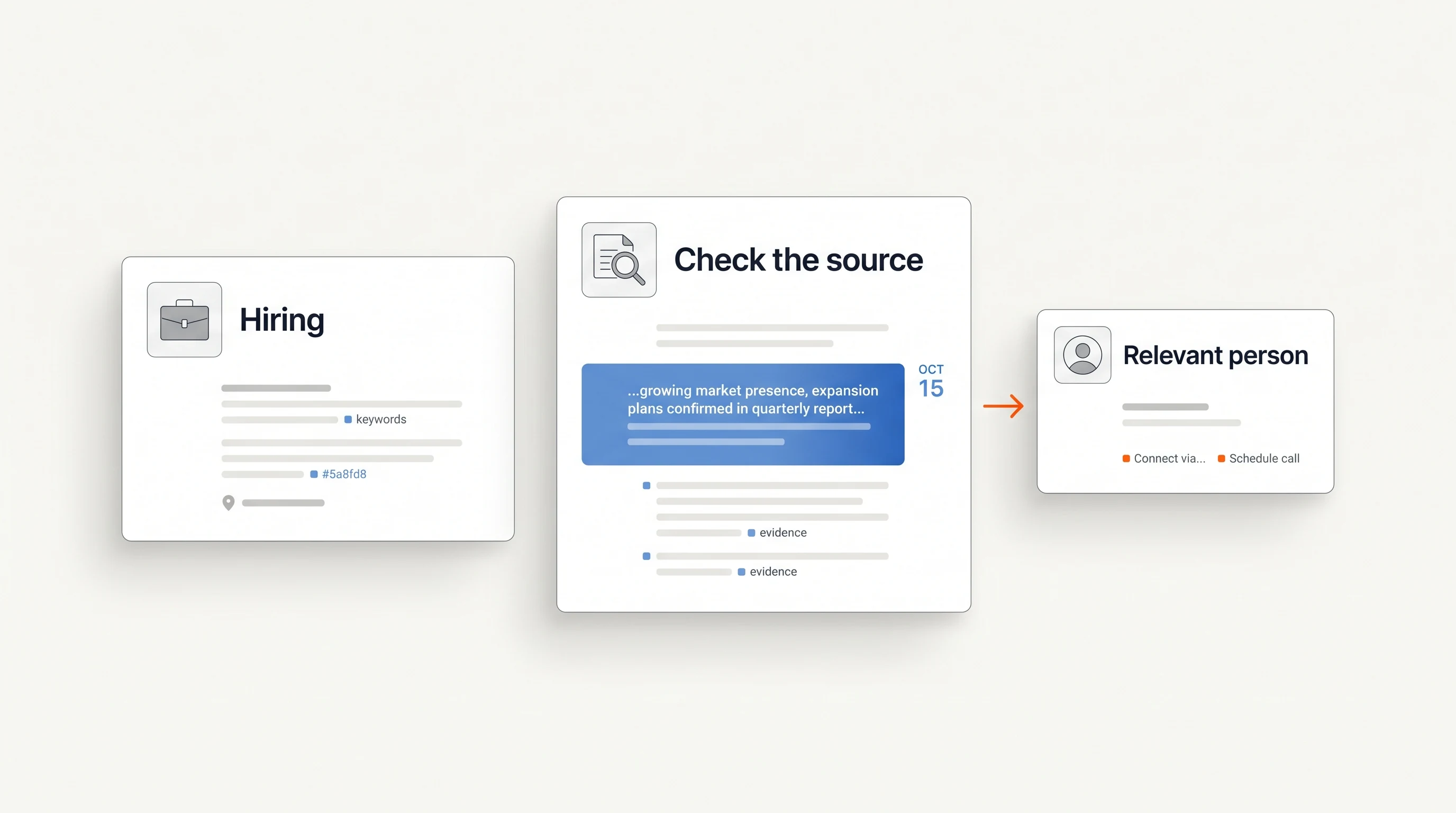
Extract a short supporting excerpt rather than only a keyword. The same term can appear in a responsibility, a list of preferred experience or a description of the wider team. Those contexts justify different conclusions.
| What the posting says | Potential offer connection | Question to investigate |
|---|---|---|
| Own CRM administration | Administration, data structure or implementation support. | Who currently handles that work, and what scope is assigned to the new role? |
| Build lead routing and territory processes | Routing design, assignment testing or territory operations. | Will the new hire define the rules or maintain an existing process? |
| Improve forecasting and reporting | Reporting design or the specific data work your offer covers. | Which decisions and reports are in scope? |
| Manage attribution | Attribution operations and relevant data integration. | Which systems and handoffs are explicitly involved? |
| Support CPQ or compensation | Specialist work only if your offer covers those systems. | Does your service match the actual platform and responsibility? |
A CRM name in a preferred-experience list does not confirm an installed system. “Maintain Salesforce” is stronger evidence of Salesforce work than “experience with Salesforce or HubSpot preferred.” Neither phrase proves dissatisfaction, a replacement project or an external services budget.
Distinguish a first hire, replacement and expansion
A statement such as “our first RevOps hire” supports a narrow claim about how the employer describes the role. Confirm the wording and look for existing owners before saying the company has no operations capability. A consultant, sales leader or systems specialist may already cover the work.
A replacement requires evidence of replacement, rather than an old role disappearing and a similar one reappearing. Expansion requires evidence of additional capacity, rather than several versions of one vacancy. When the pattern is unclear, mark it unknown and base the message on the stated work.
This matters because hiring can be the employer's chosen alternative to buying help. The company may want to build internally. Your first question should explore that choice without asserting a problem or suggesting that the company needs your service simply because it has an opening.
Three qualification examples
The following companies and details are fictional. They illustrate decisions, not a live list of employers.
A relevant mandate with an unresolved owner
North Example advertises a Revenue Operations Lead responsible for routing and CRM administration. Your service designs routing rules for the named CRM, and the company fits your region and segment. Keep the account for research. Identify who owns routing now before drafting; the future hire is not yet a verified contact.
A title match with the wrong responsibility
East Example has a Sales Operations Manager opening focused on channel compensation. You sell account-research services. The title matches your query, but the documented work does not explain why your offer is relevant. Pass unless a separate relevant responsibility emerges.
A promising result that fails verification
West Example appears on several job aggregators. Each listing points to the same role, and the employer's original page says it is closed. Do not describe three active vacancies or assume the role was filled. Hold the account for another verified event, or remove it from this play.
Find the current owner and ask about the work
Read the reporting line, then check current leadership or public professional information. An existing RevOps leader, sales executive or founder may be the right person, depending on the offer and organization. The contact-selection guide explains how to verify that choice.
For the fictional North Example account, a short opening could be:
Your RevOps opening includes lead routing and CRM administration. We help B2B teams document and test routing rules. Will the new hire own that setup, or is someone handling it before they join?
It references the documented responsibility and asks about ownership. It does not claim that leads are being lost, that the CRM is broken or that a buying project exists. Adapt the question to the posting and your actual service.
Download the RevOps hiring worksheet
Download the free RevOps hiring worksheet (CSV). It includes the three fictional examples and blank research fields for sources, timing, mandate, offer fit, owner and next action. Pair it with the general hiring-signal playbook and campaign scorecard.
Where Perpetual fits
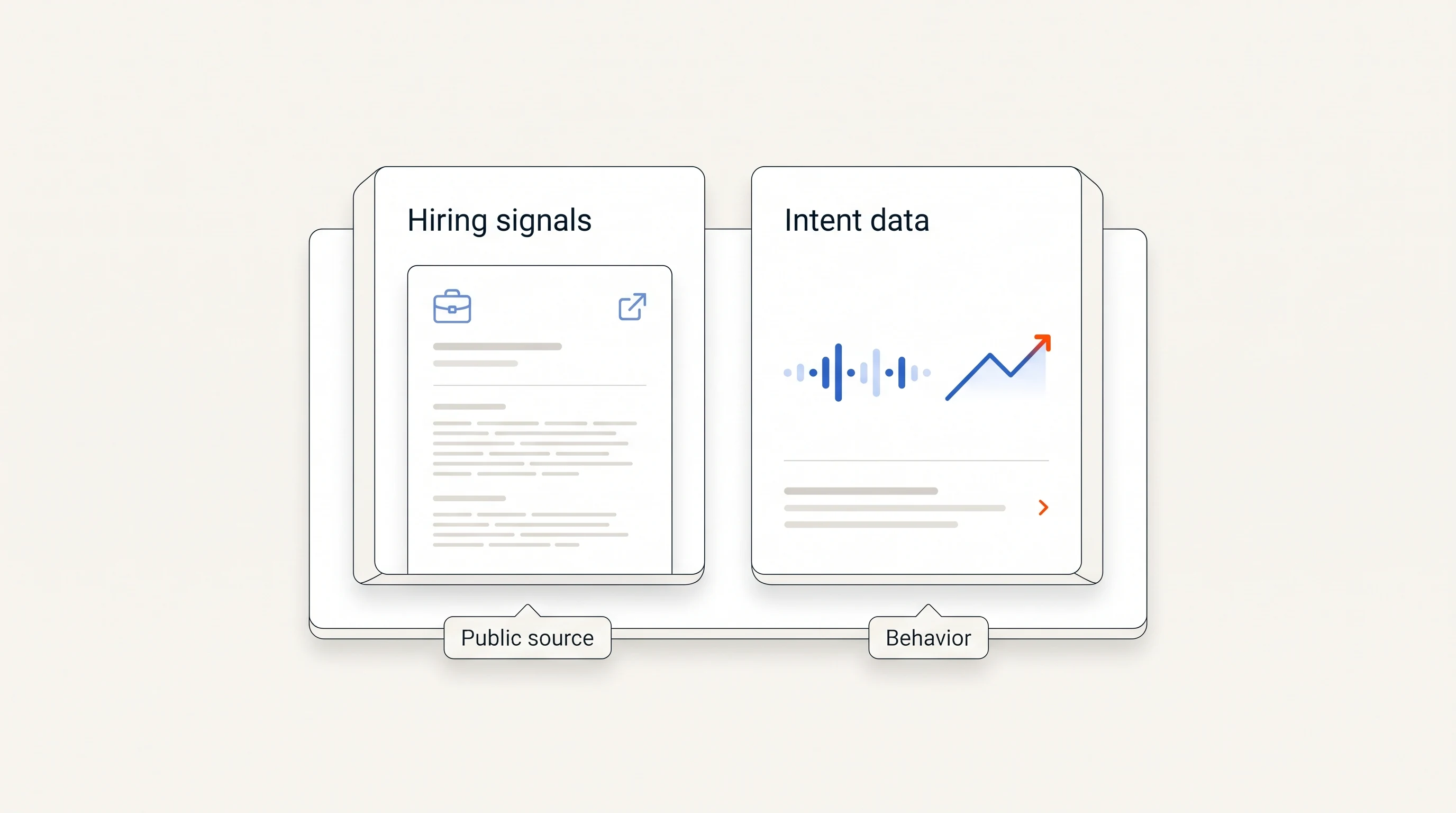
Perpetual turns public hiring activity into companies qualified against your offer, one relevant contact and a message grounded in the source. A RevOps opening can be relevant when its actual responsibilities connect to what you sell. The evidence does not establish a vendor budget or an intention to outsource.
Configured email runs within your sending policy from your connected mailboxes; replies and opt-outs stop follow-ups. LinkedIn steps remain manual tasks. See the quickstart guide for the current process.
Frequently asked questions
Does hiring a RevOps leader mean a company will buy software?
No. It shows that the employer has advertised particular work. The company may already have its tools or prefer to solve the work internally.
Should I contact the person being hired?
An open vacancy does not identify a current employee. Research the person responsible today, then verify a new hire separately if the role is filled later.
How do I keep my company list current?
Keep original URLs and last-check dates, deduplicate openings, and verify sources again before outreach. A recurring review is more reliable than treating a static list as permanently current.