JournalEvaluationNo. 11
Clay Alternatives for Teams Without a GTM Engineer
Choose a Clay alternative by the job you need done. One hiring workflow mapped across five options, plus when you should stay with Clay.
Marko Raković7 min read7 sections
Contents
Published by Perpetual
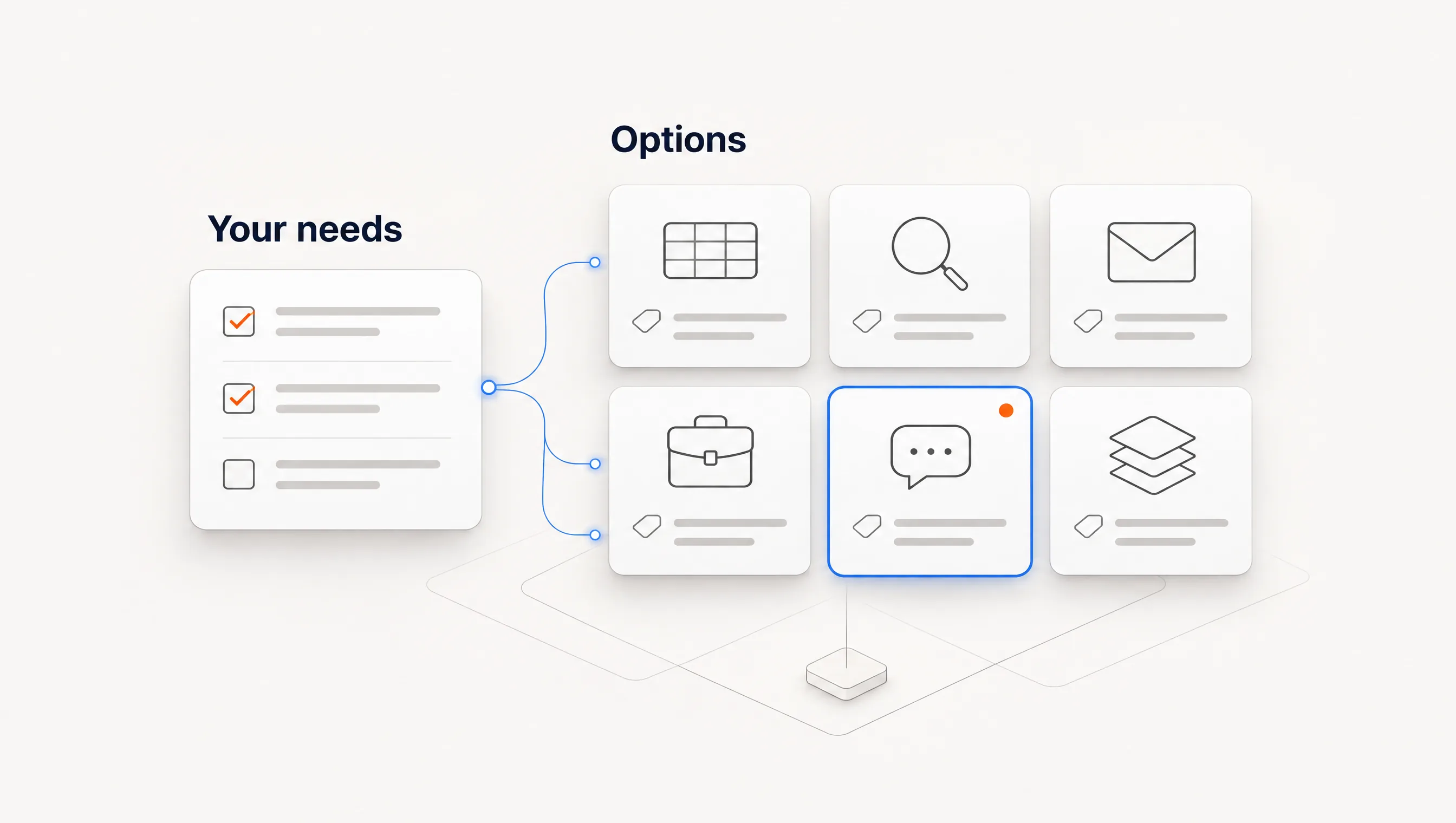
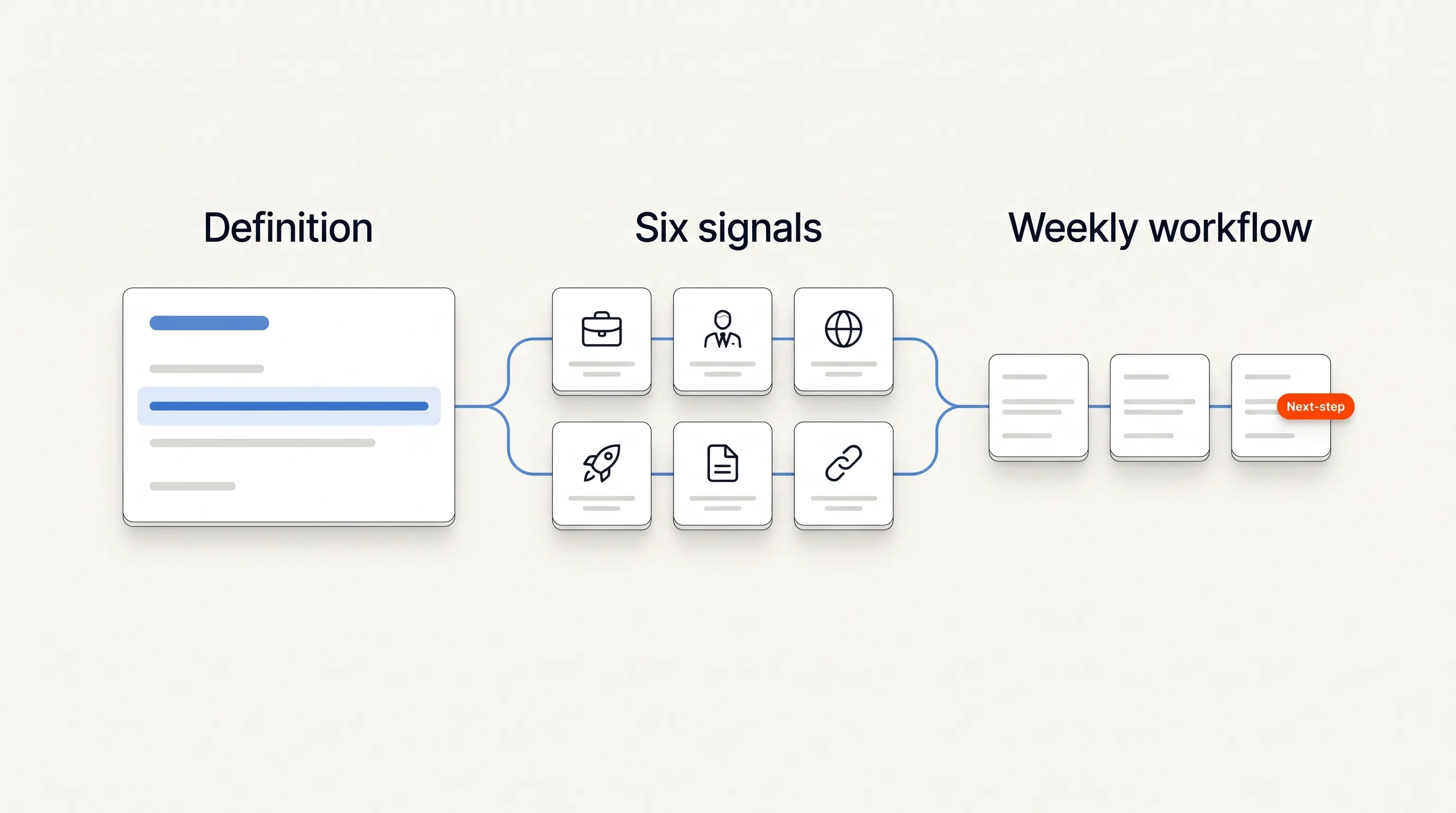
The right Clay alternative depends on which job you wanted Clay to do. If you only need job data, use TheirStack. If you need a contact source and a sender in one bill, look at an all-in-one tool like Instantly's bundles. If you want signal-triggered plays with little setup, look at Unify. If you want public hiring activity carried through to one qualified contact and a sent email, look at Perpetual. If you have someone who enjoys building workflows, stay with Clay.
Perpetual publishes this guide and is one of the options. We map one hiring workflow across each option from public vendor material and checked prices on November 10, 2026. We have not timed these builds side by side, so this page tells you where the work lands, and the worksheet lets you measure how long it takes.
Why teams look for an alternative
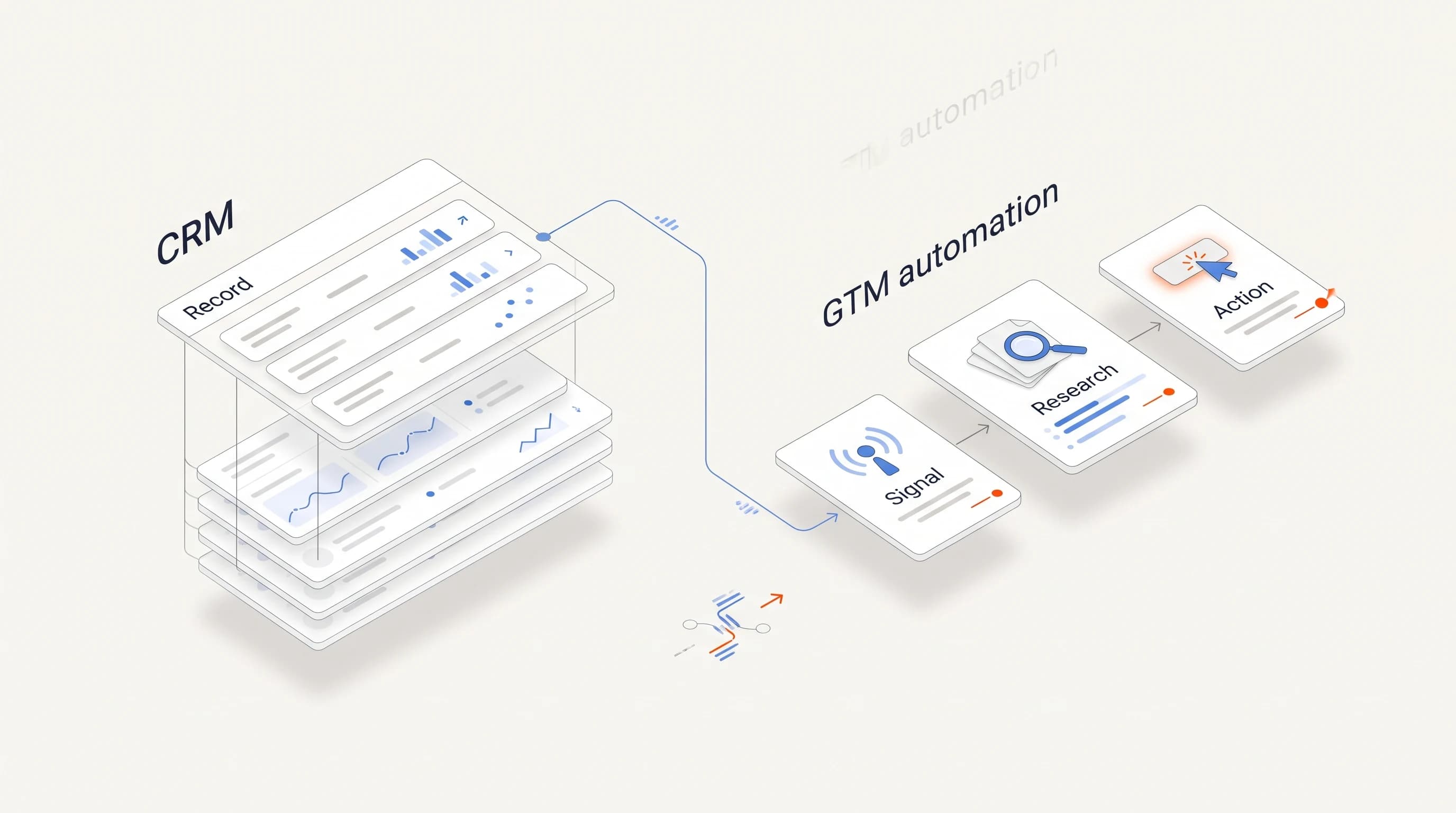
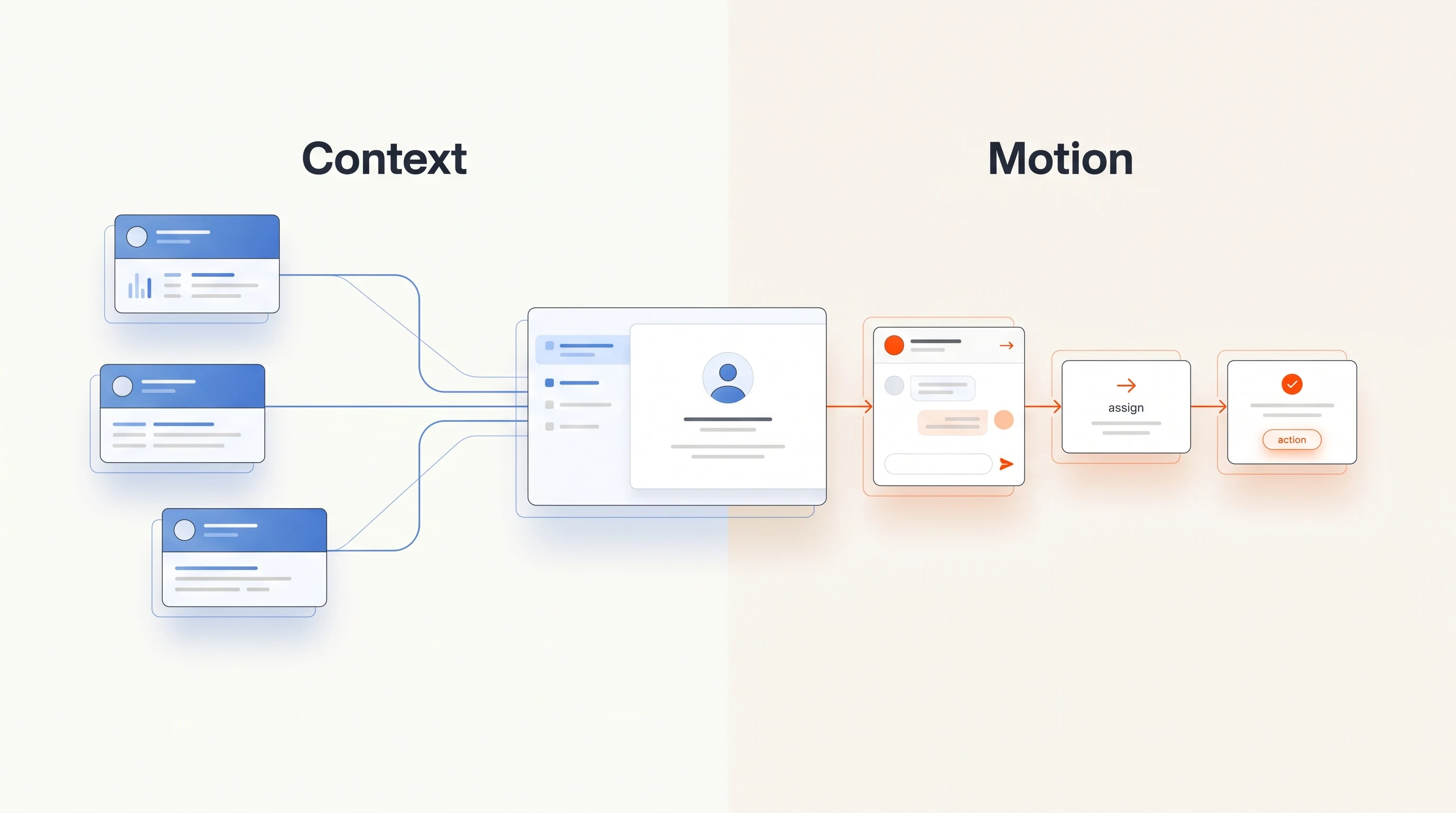
Clay is powerful because it gives you building blocks. Enginy, a competing vendor, puts the trade-off well in its prospecting tools guide: Clay's ceiling is very high, and so is the setup investment. It rewards teams with GTM engineering resources or someone who can maintain multi-step workflows.
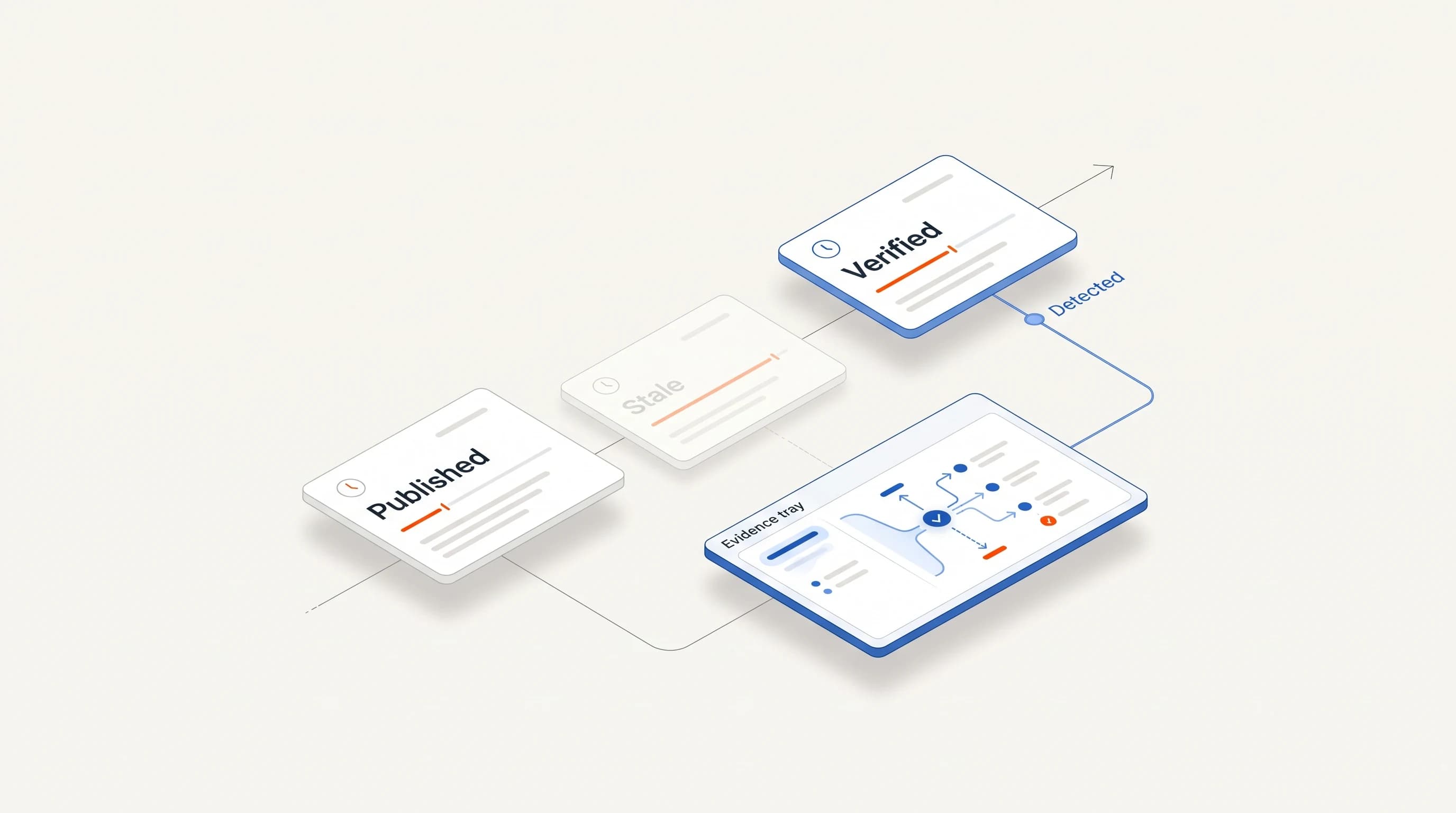
That is the real question for a small team. A table that works once still needs someone to notice when a data provider starts returning weak matches, when a credit balance runs out or when the prompt writes something the source does not support. If nobody owns that work, the workflow quietly decays.
Clay's pricing page shows Launch at $167 and $185 a month. The gap matches its 10% annual discount, although the cards do not label it. There is also a free plan with 500 actions and 100 data credits a month, which is enough to find out whether the building approach suits you before you leave it.
One hiring workflow, mapped across five options
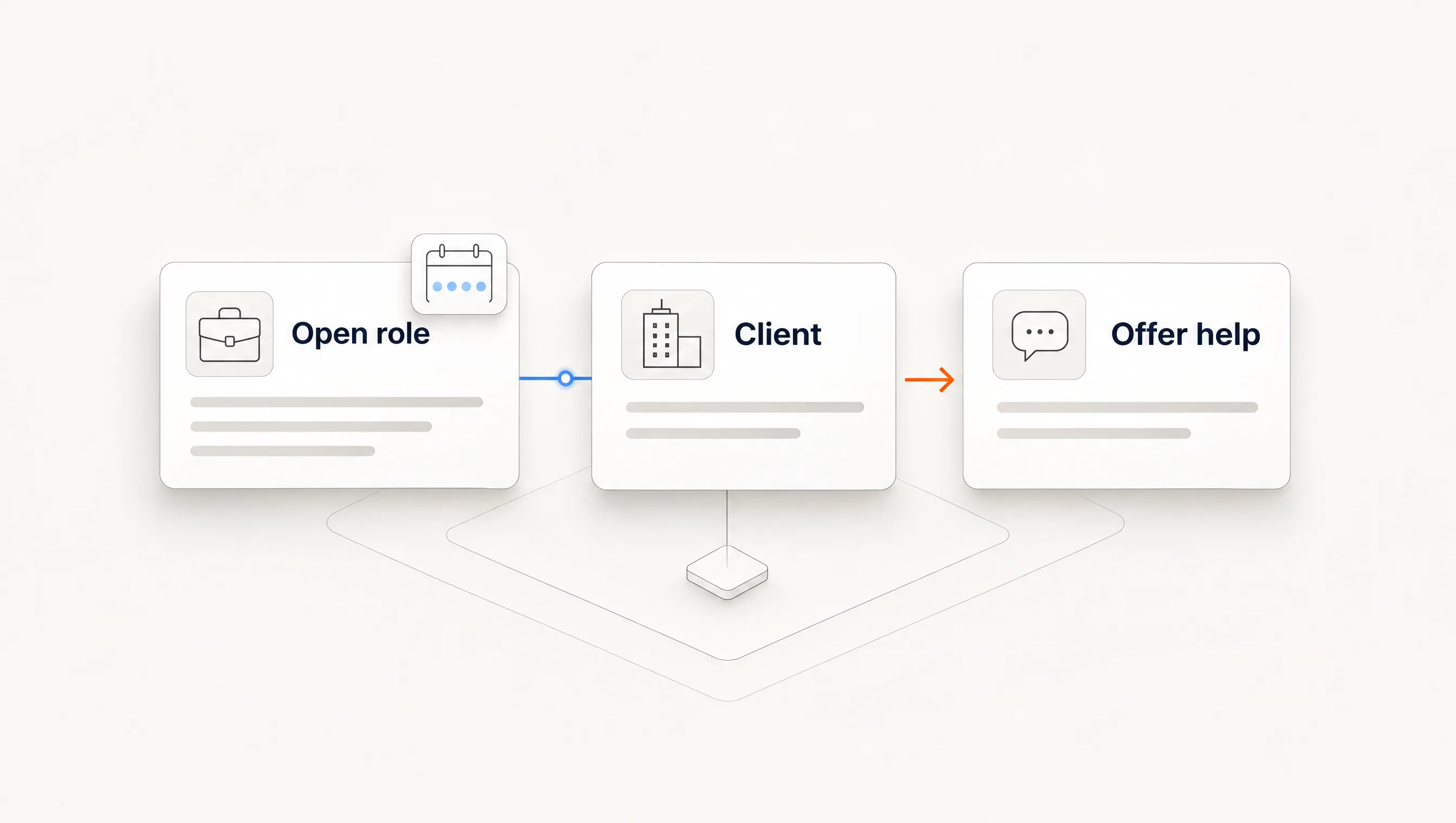
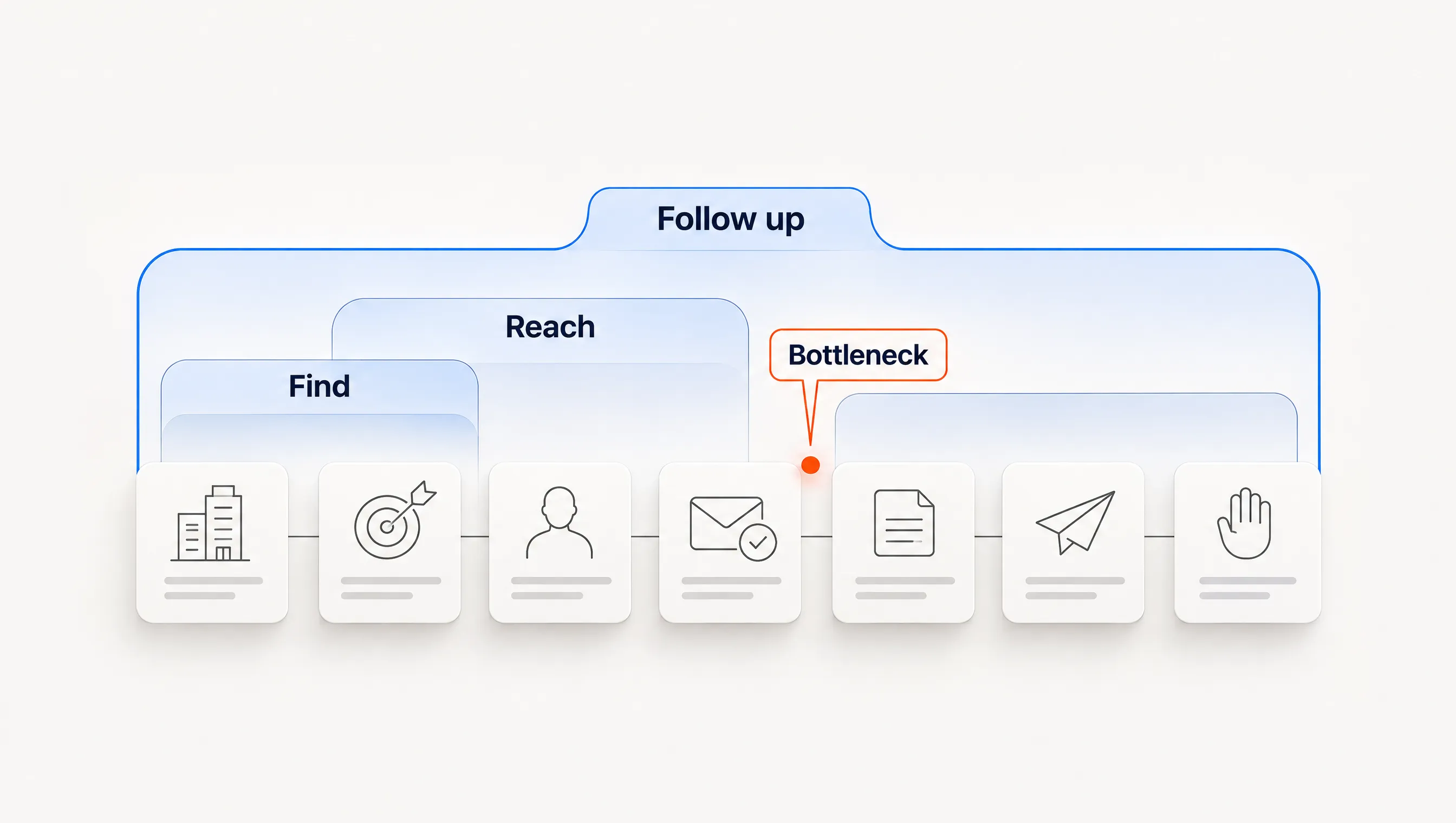
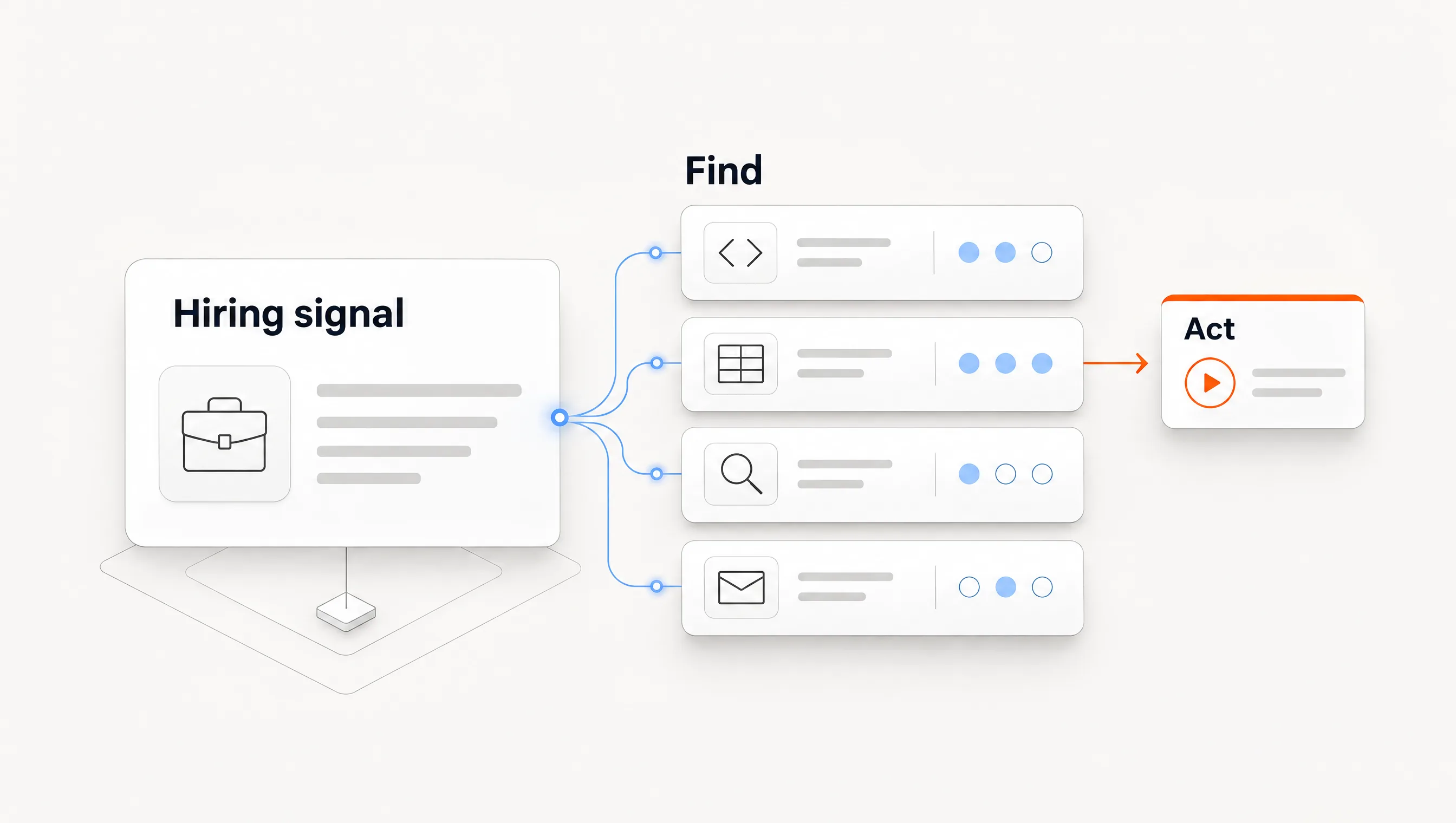
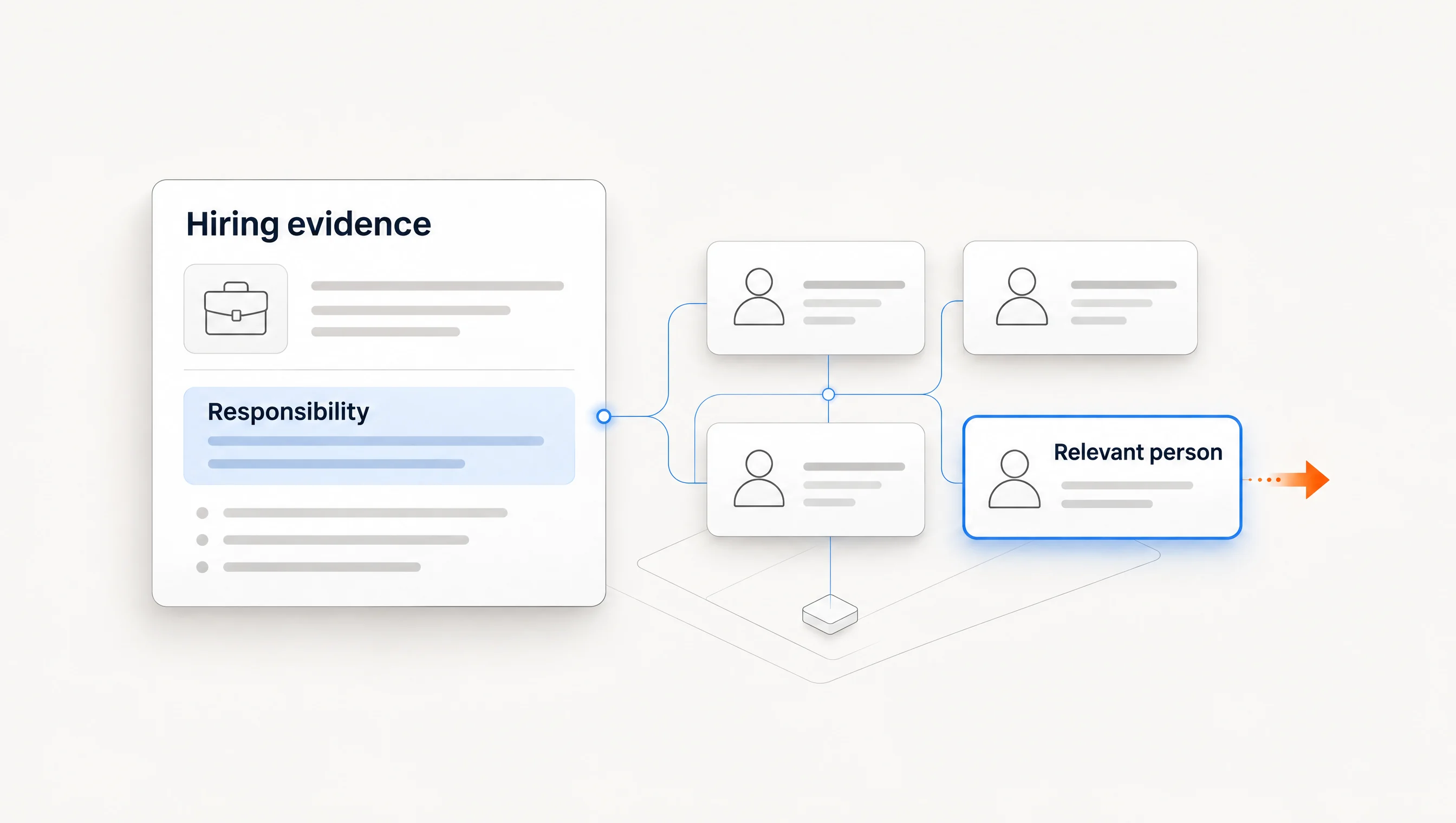
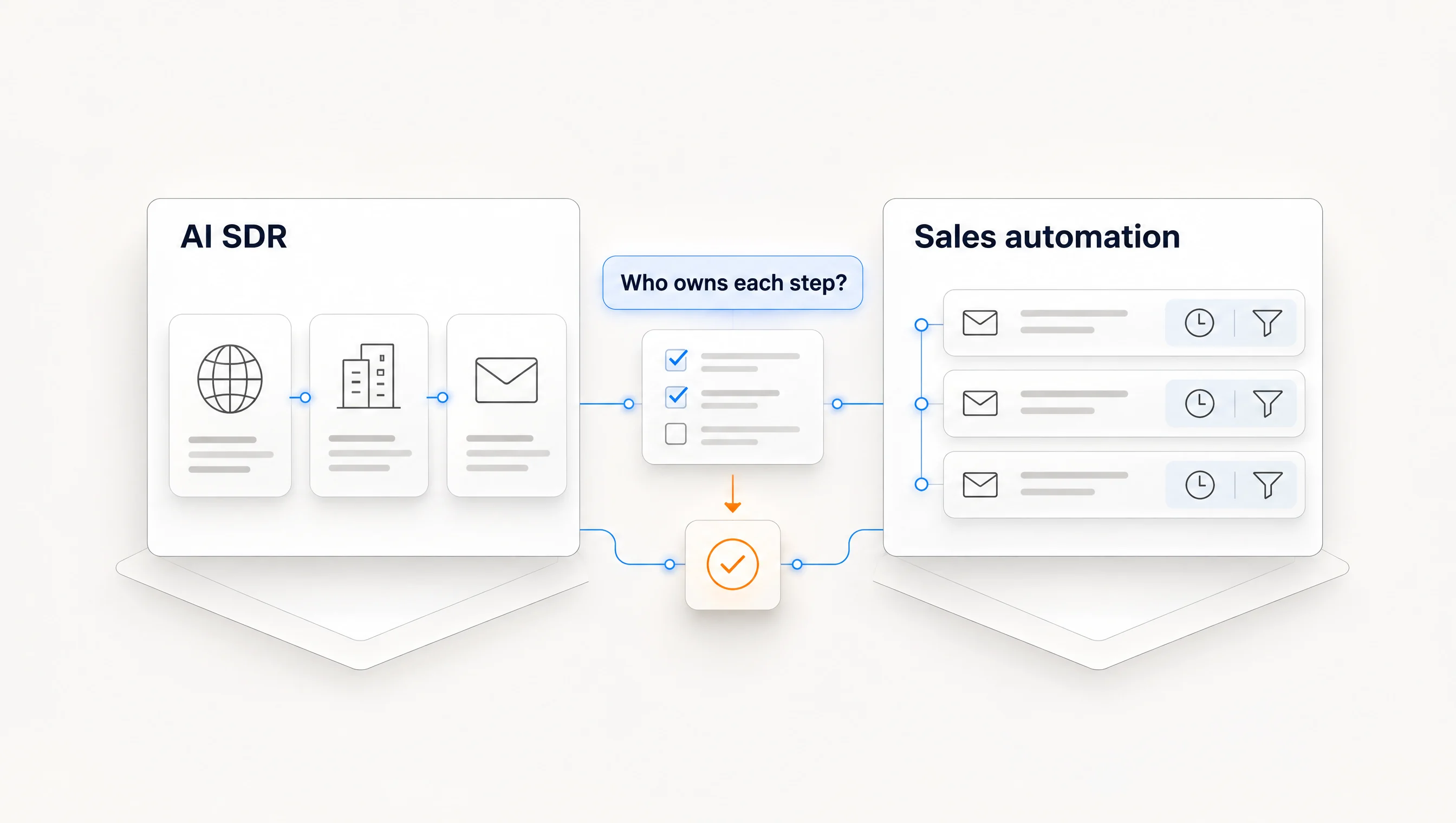
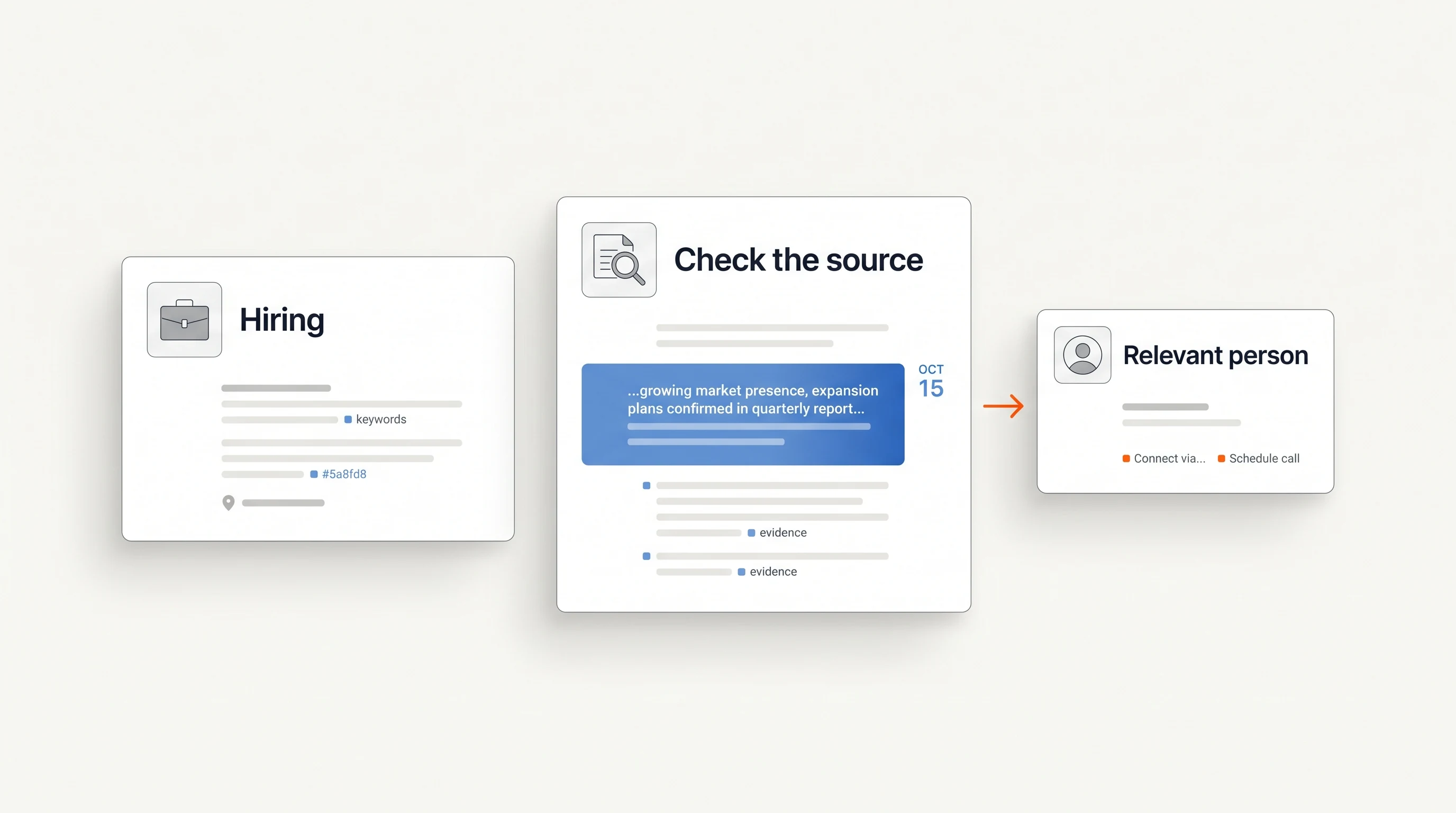
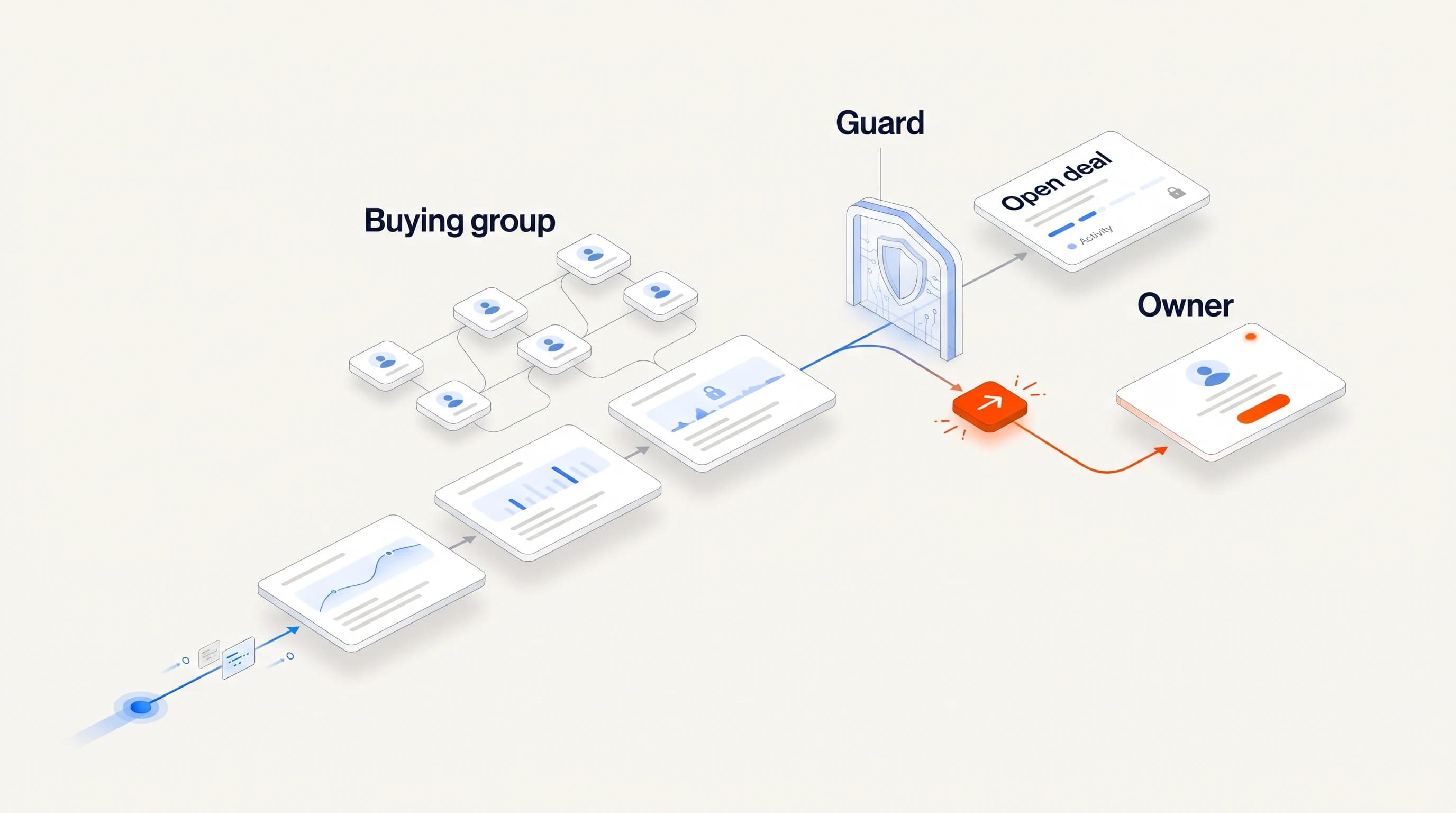
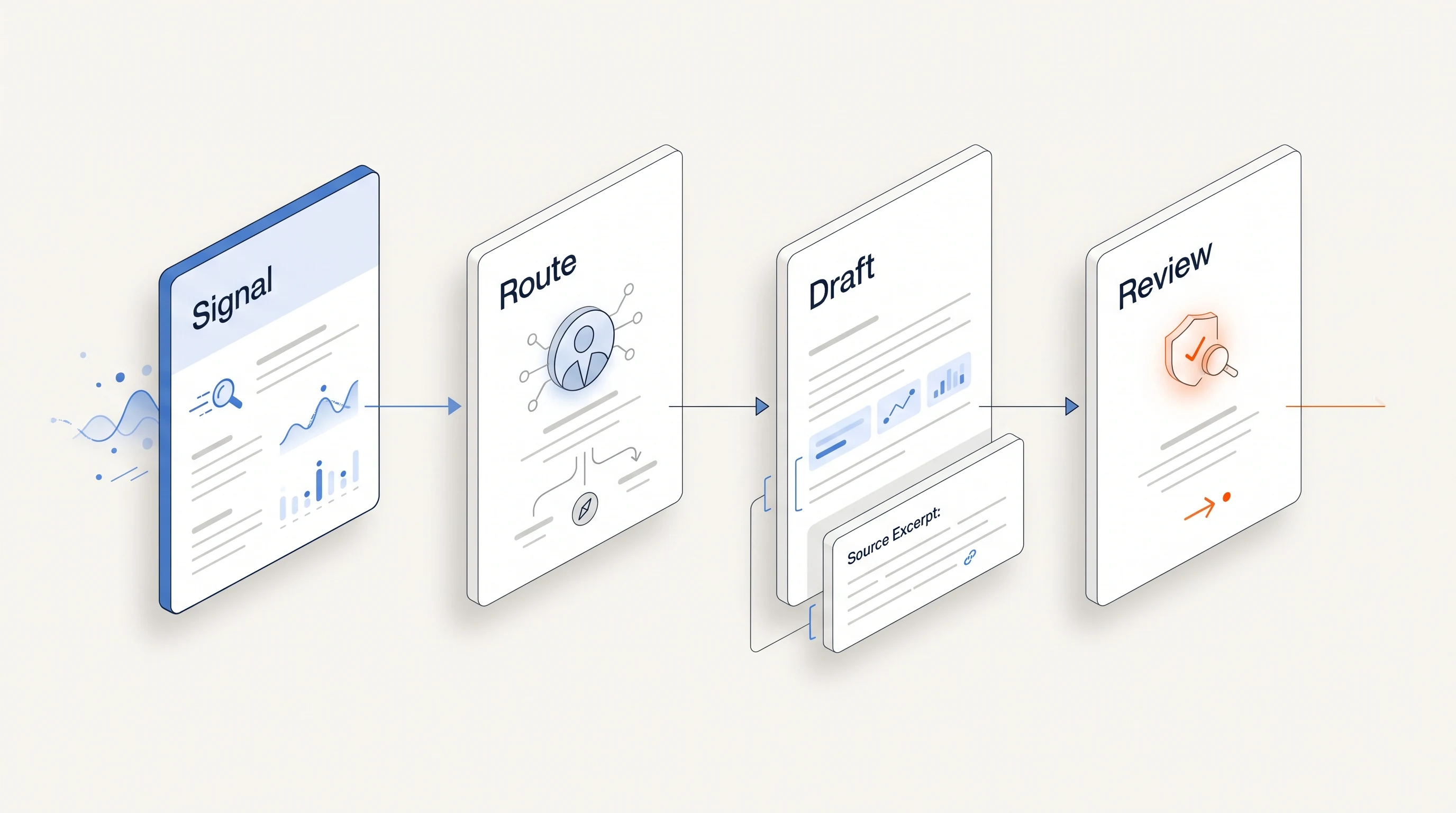
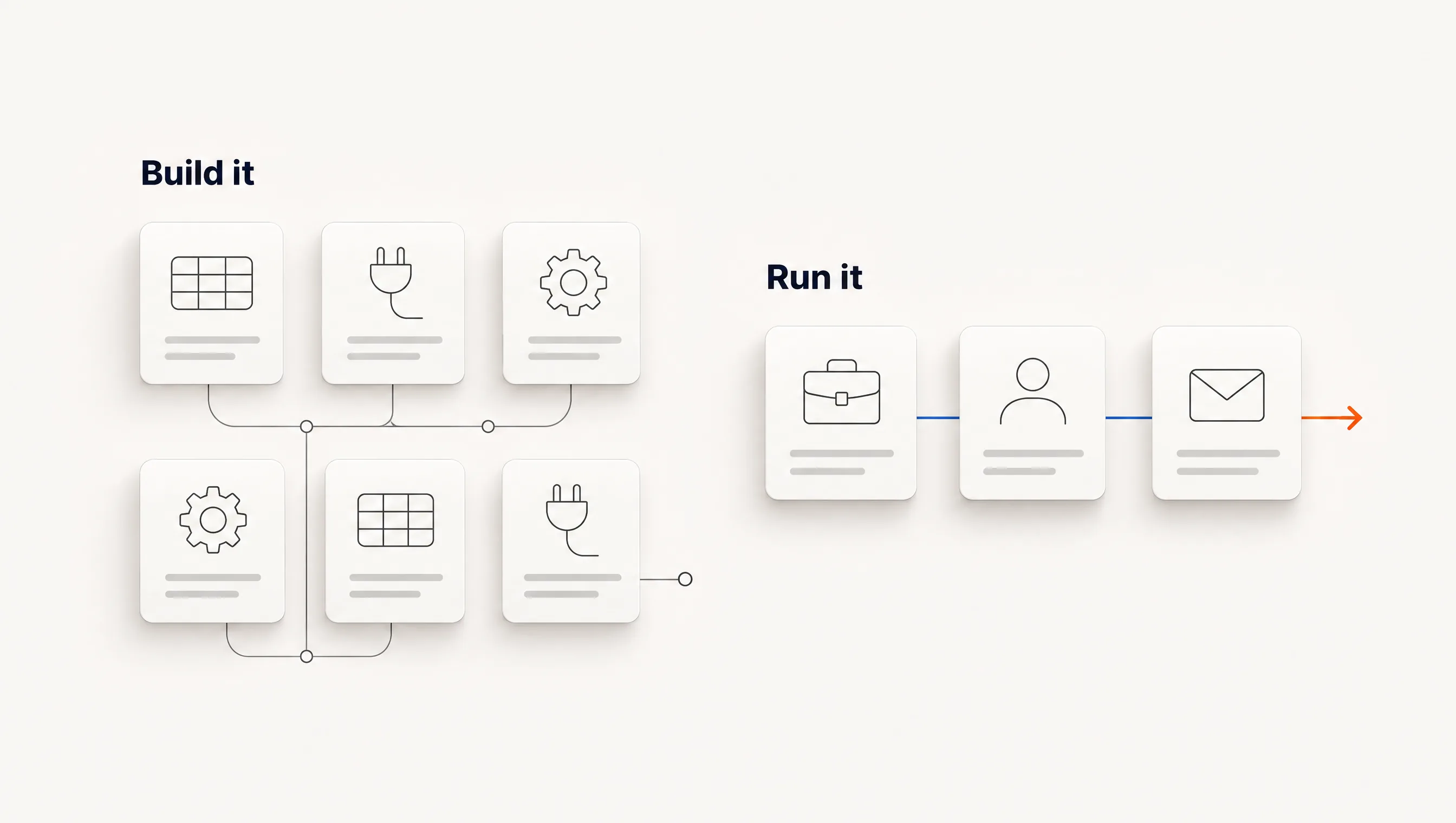
The workflow: find companies hiring for a role tied to your offer, decide whether each qualifies, choose one person, verify an email, write from the posting, send and stop when someone replies. The table shows who does each step, based on vendor pages.
| Step | Clay | TheirStack | Instantly bundle | Unify | Perpetual |
|---|---|---|---|---|---|
| Find hiring companies | Build it | Yes | Confirm | Confirm | Yes |
| Qualify against your offer | Build it | Your team | Your team | Confirm | Yes |
| Choose one person | Build it | Hiring manager data, then your judgment | Your team | Confirm | Yes, with a reason |
| Verify the email | Build it | Not stated | Confirm | Confirm | Yes |
| Write from the posting | Build it | Not stated | Your team or tool | Confirm | Yes |
| Send and follow up | Another tool | Not stated | Yes | Yes | Yes, email |
| Stop on reply | Sending tool | Not stated | Confirm | Confirm | Yes |
“Build it” means Clay can do it if you configure it. Its hiring template scrapes job openings, enriches and writes, then adds prospects and emails to Instantly. “Confirm” means our sources did not establish that step for a hiring trigger, so test it before you rely on it.
The alternatives, by the job you need done
You only need the hiring data: TheirStack
TheirStack offers job search, an API, webhooks and pay-as-you-go credits from $109 or a $49 monthly API plan. It also integrates with Clay, so it can be a data source inside your existing setup rather than a replacement. It suits a team that already knows what to do with a list.
You want data and sending on one bill: Instantly bundles
Instantly's Starter bundle is $94 a month with 5,000 emails, 1,000 uploaded contacts and 1,500 credits, and advertises a database of over 450 million B2B leads. It removes a tool, not the research. Deciding which companies matter and what to say remains your work.
You want signal-triggered plays quickly: Unify
Unify lists a free plan and paid seats from $20 a month. Its own setup comparison reports customers going live the same day, based on its case studies, and describes signals such as website visits, job changes and product usage. Those are vendor-reported, and we did not find job postings named among them, so verify that coverage if hiring is your trigger.
You want to follow accounts you already have: Salesmotion
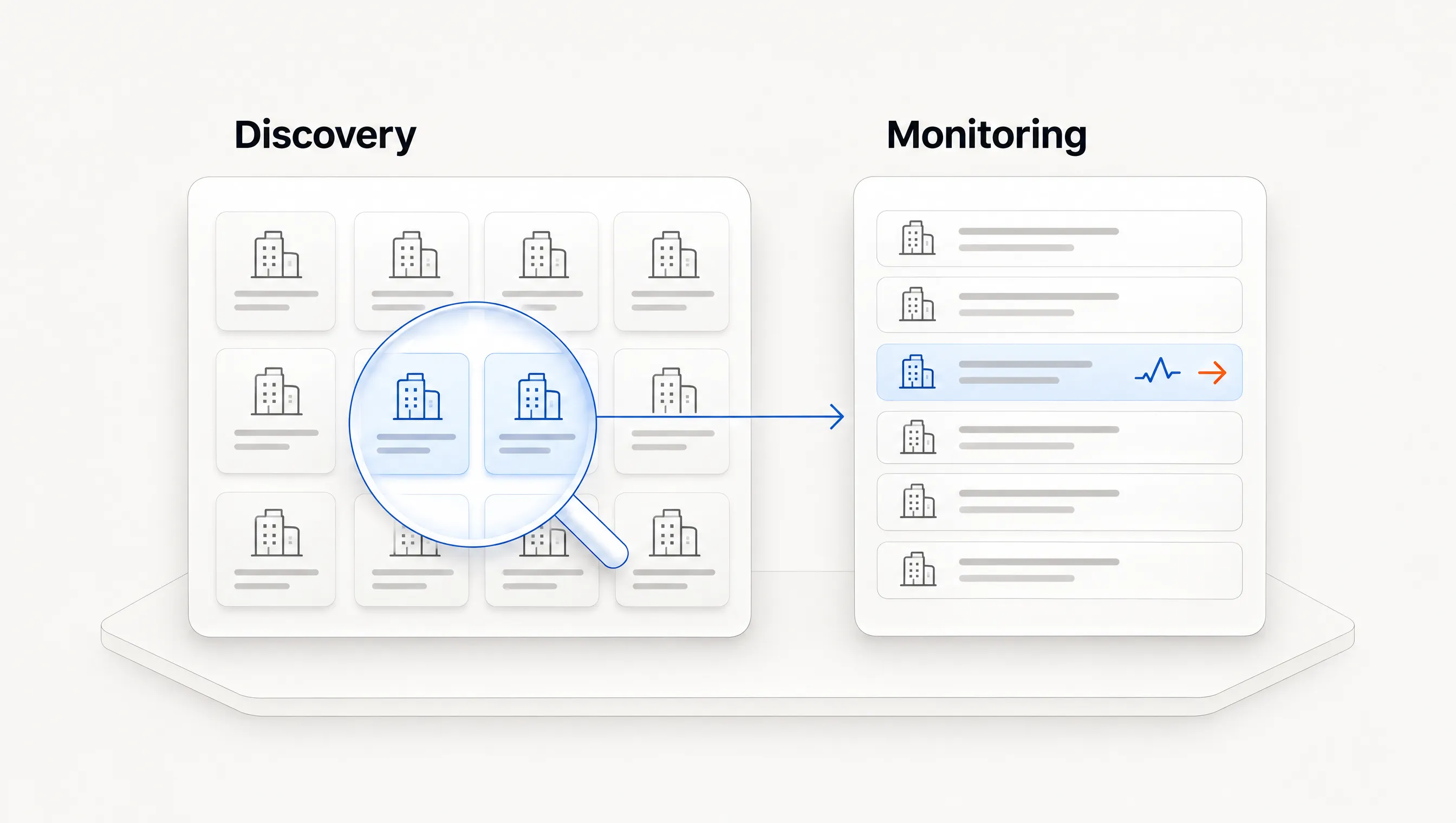
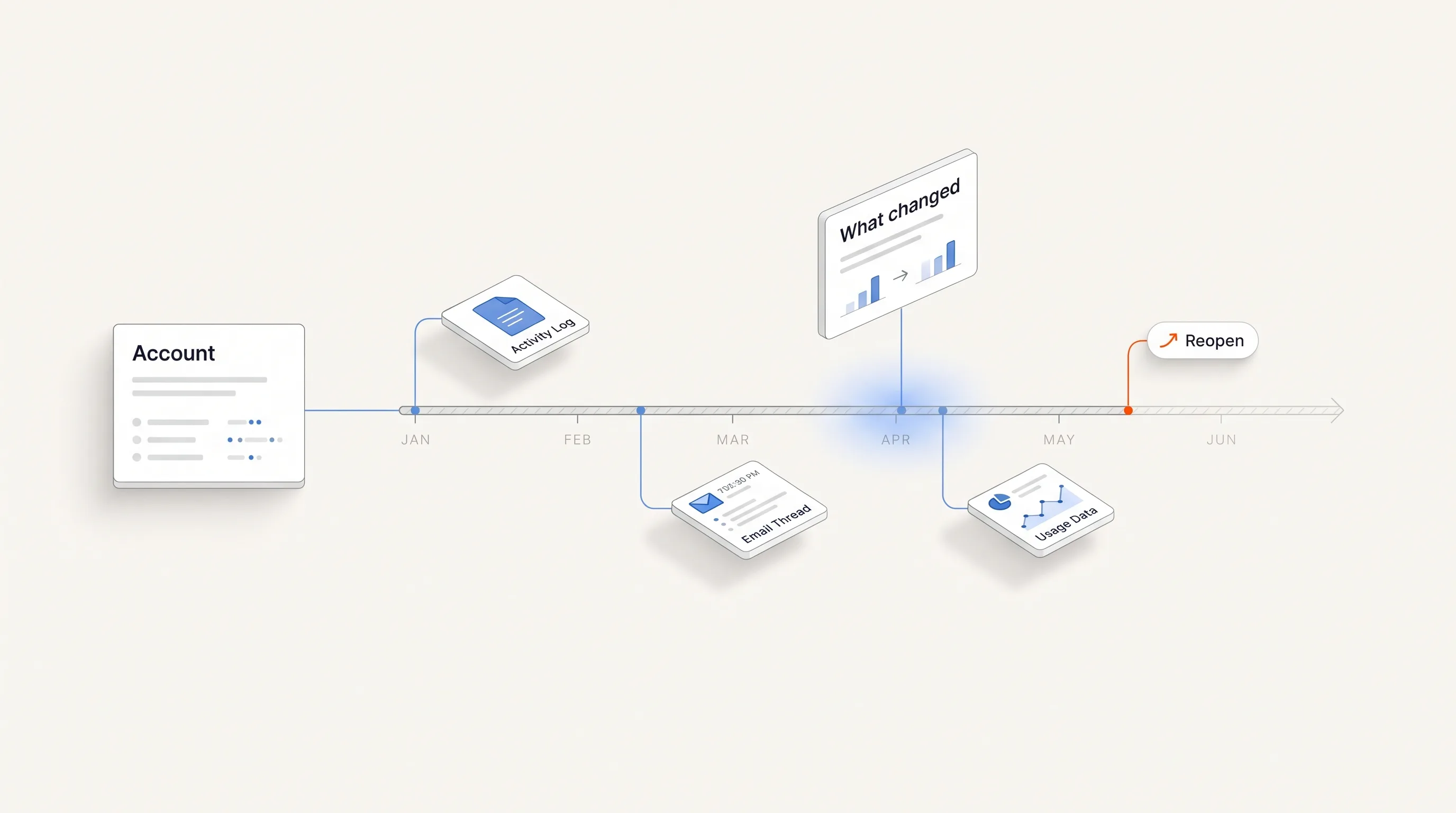
If your list is fixed and you need to know what changed, an account-monitoring tool is a better fit than a discovery workflow. Salesmotion's guide lists its plans from $85 a month and is candid that it ranks itself first. Our hiring signal tools comparison covers the narrower hiring category.
You want the hiring path run for you: Perpetual
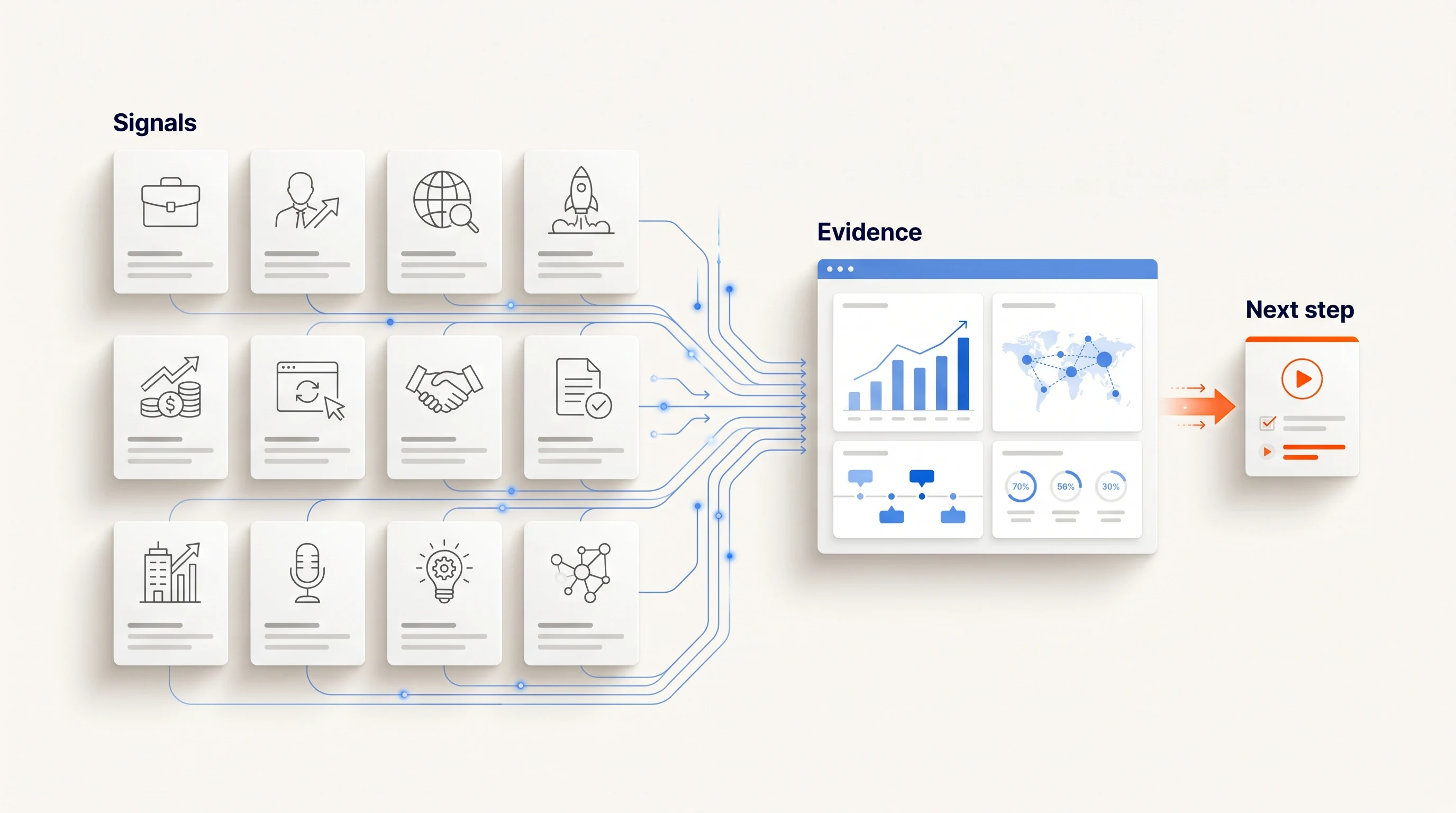
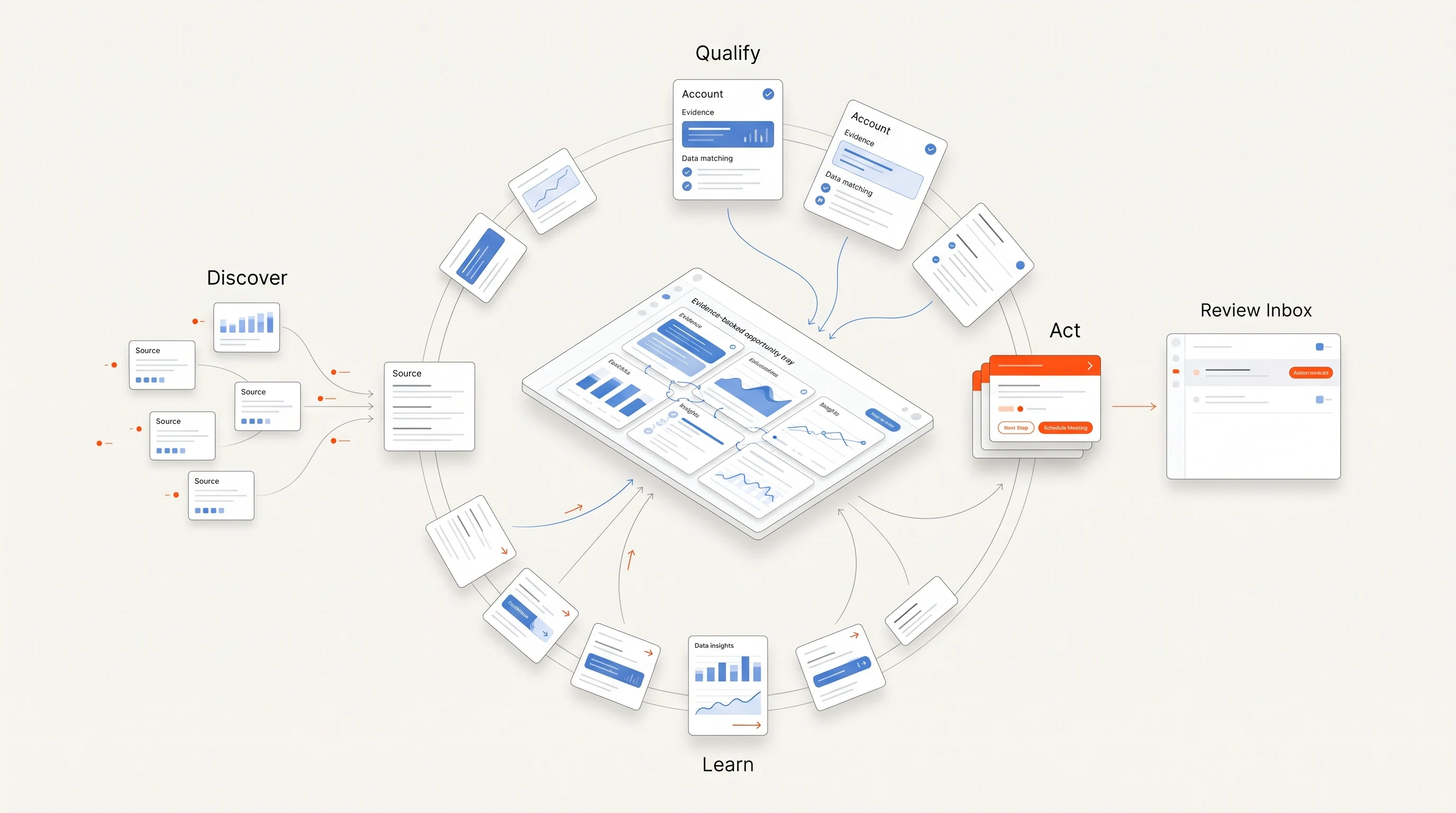
Perpetual is built around one trigger, public hiring activity, and runs it through to a contact and email. You give up the flexibility of a blank table in exchange for a narrower path. More on the limits below.
Comparing Unify directly
If Unify is already on your shortlist, our Unify alternatives comparison covers its pricing and the options around it.
A note on Apollo
Apollo appears repeatedly in published Clay alternative lists as a default for small teams. We could not read a current plan grid on its pricing page on the day we checked, so it is not priced or mapped here. Add it to your test if you are considering it.
When you should stay with Clay
Leaving is not always right. Stay if any of these is true:
- You have a person who owns the workflows and has time to maintain them.
- Your qualification logic is unusual enough that a packaged product cannot express it.
- You combine many data providers and need to control the order in which they are tried.
- Clay's output feeds several systems beyond outbound email.
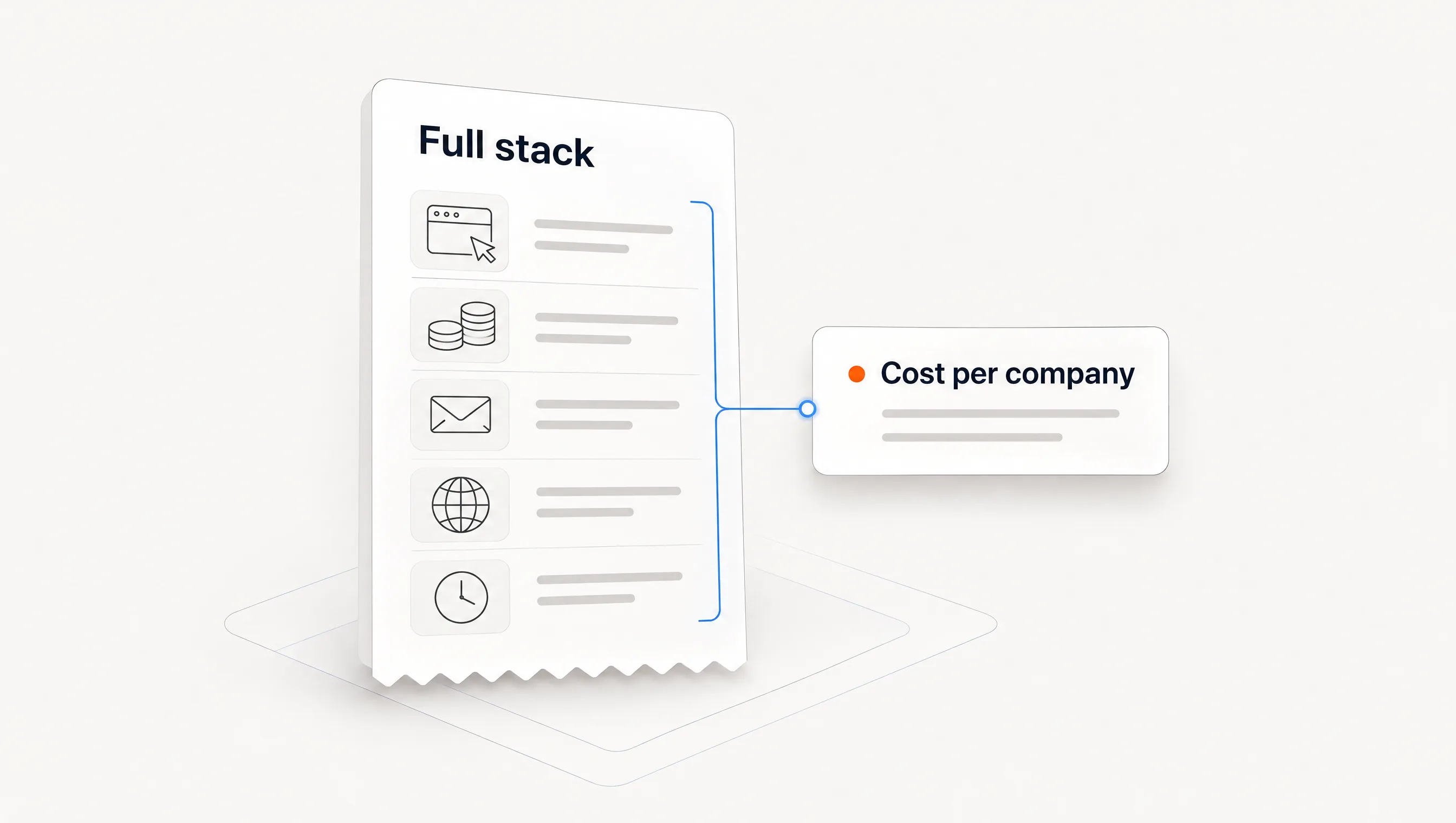
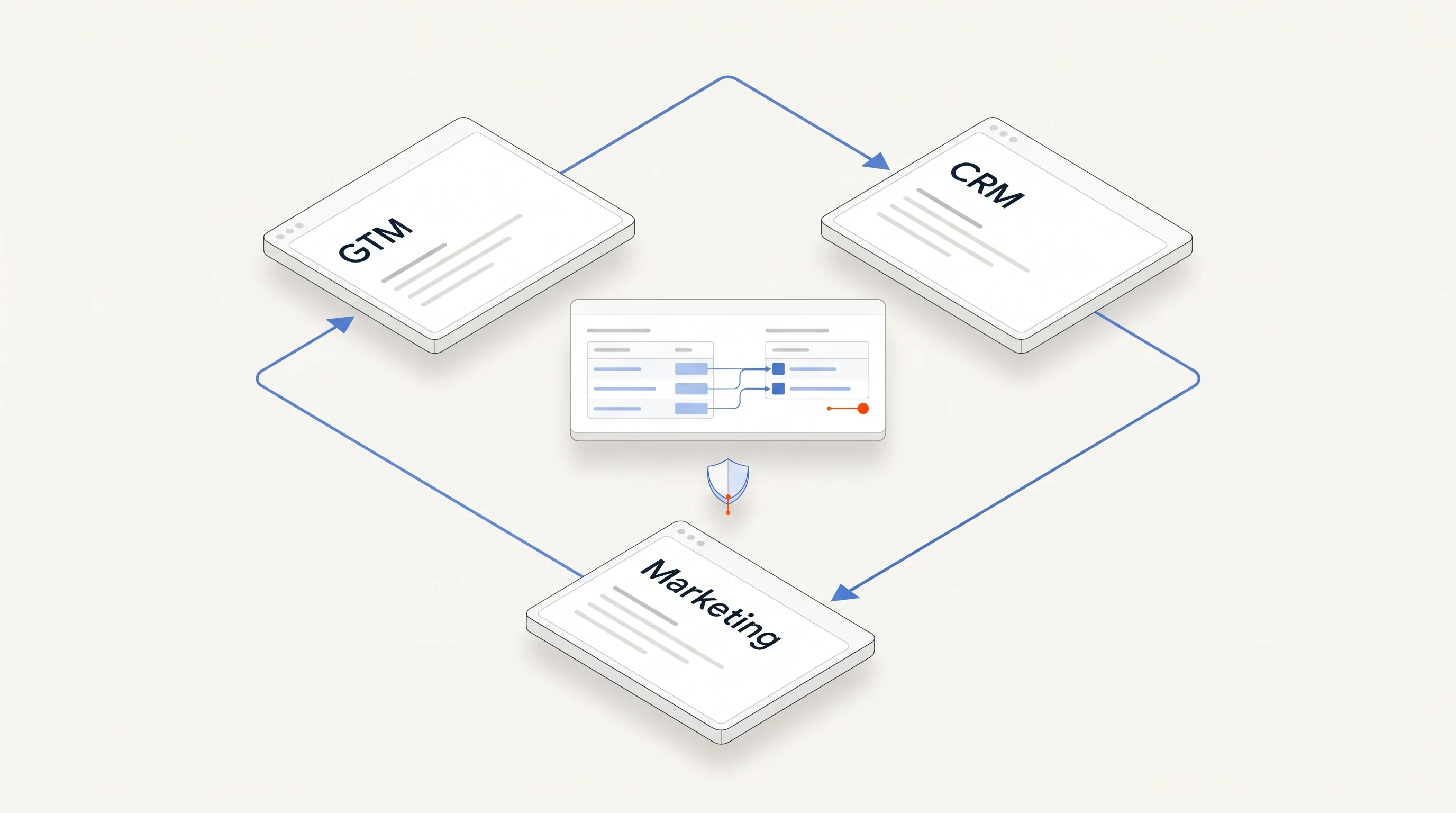
A smaller fix is often enough. If Clay works but the bill surprises you, price the whole stack using our outbound cost breakdown. If the problem is that signals never become messages, the gap may be in the handoff instead of the tool.
Measure the switch before you make it
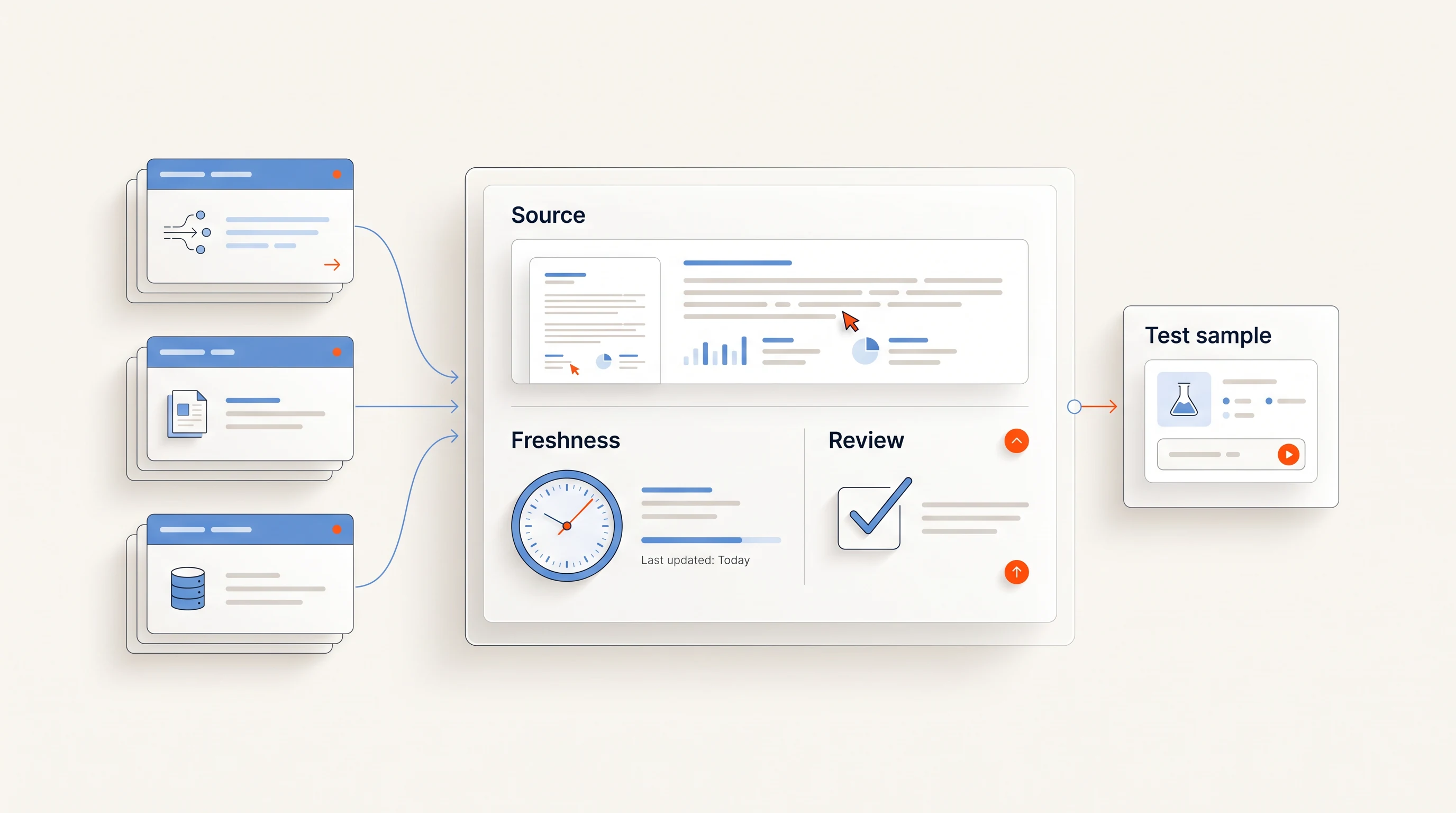
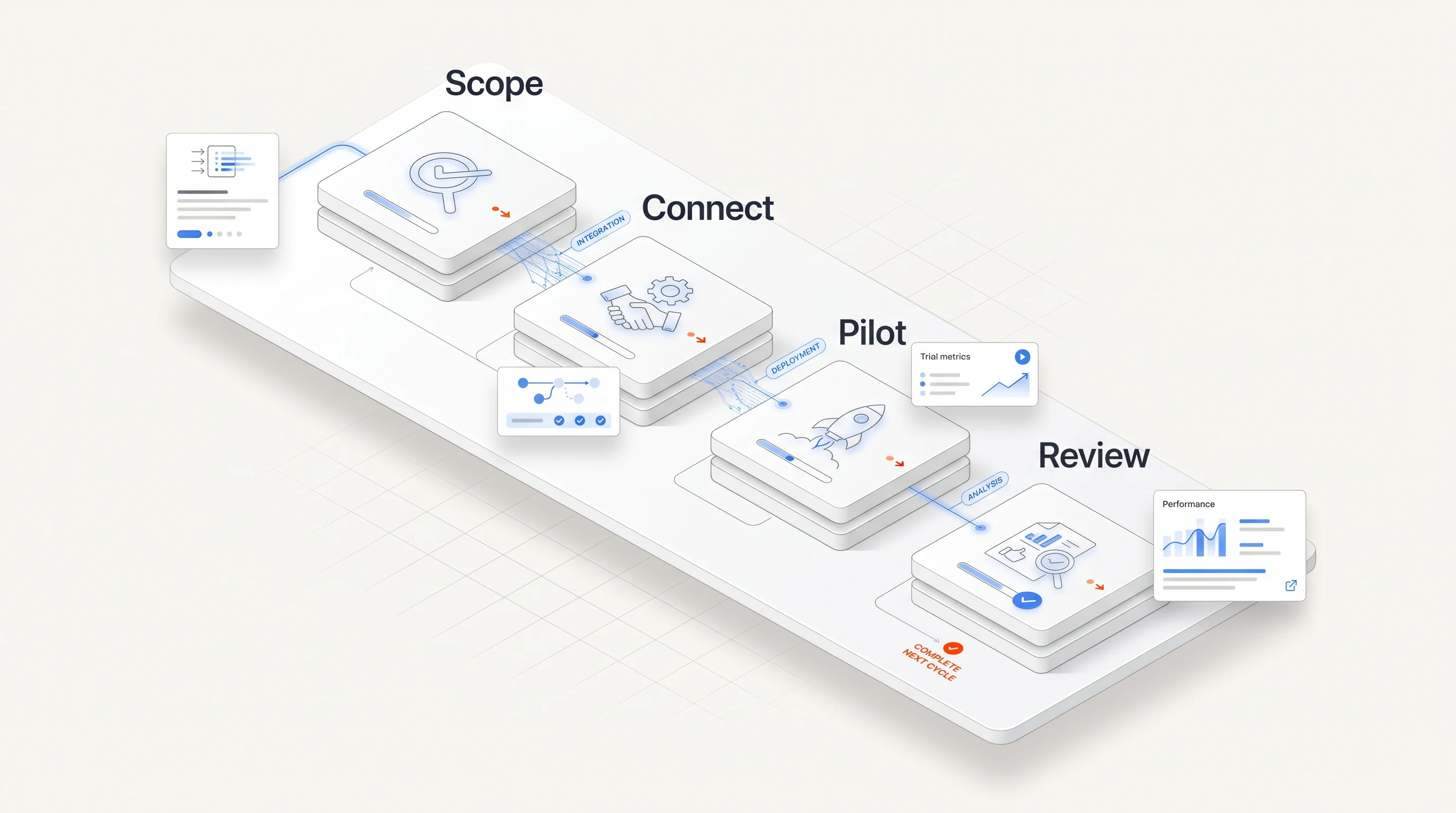
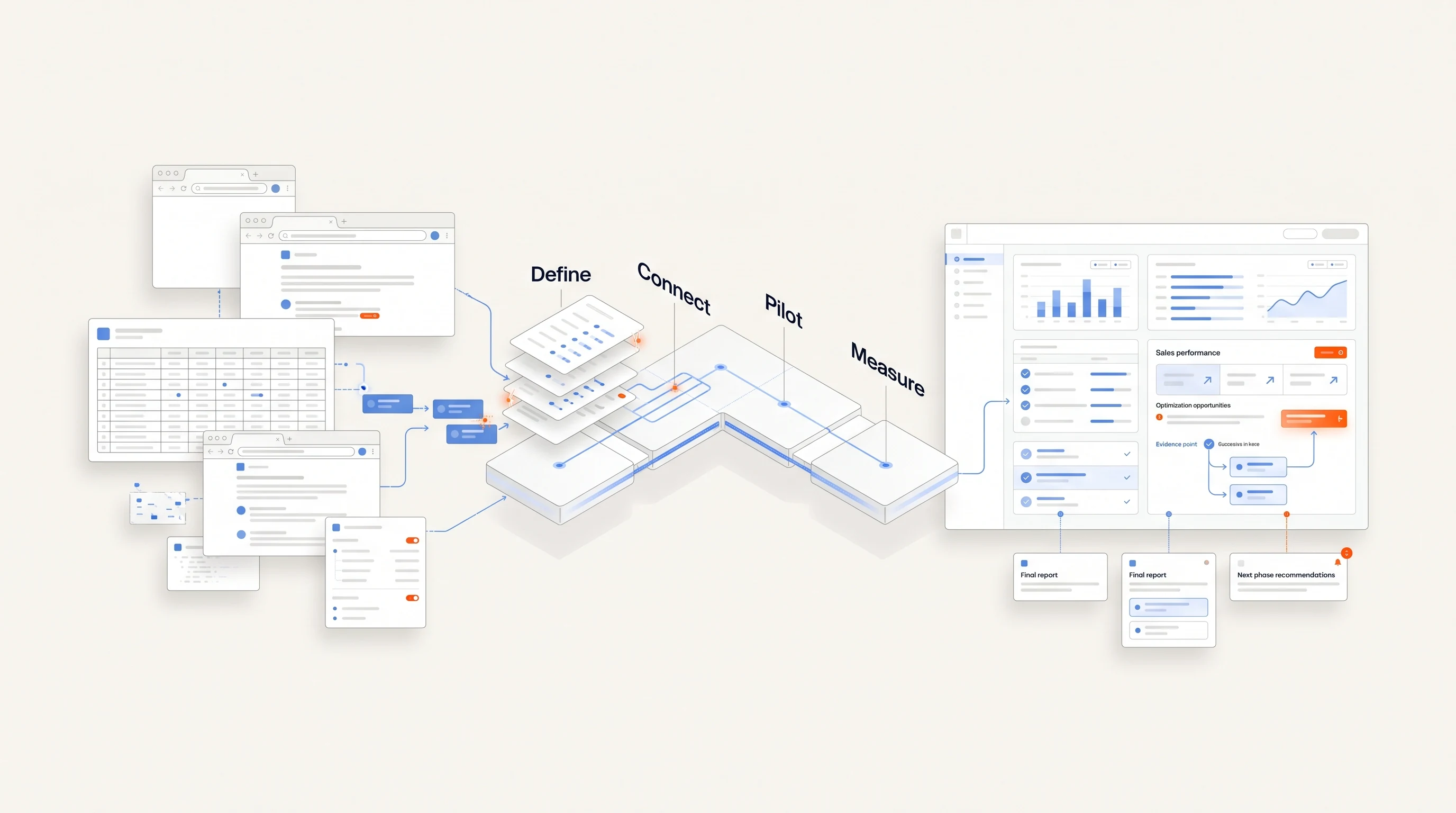
Vendor setup claims are measured differently, and most describe the fastest customer. Run the same small job yourself:
- Write one sentence describing your offer and one role whose hiring makes it relevant.
- Pick 20 companies and open a fresh account or table in each option.
- Start a timer when you begin and stop when you have one contact and one message you would actually send.
- Record every point where you needed another tool, a workaround or help.
- Check the output against the original posting and count unsupported claims.
- Write down who would maintain this next month.
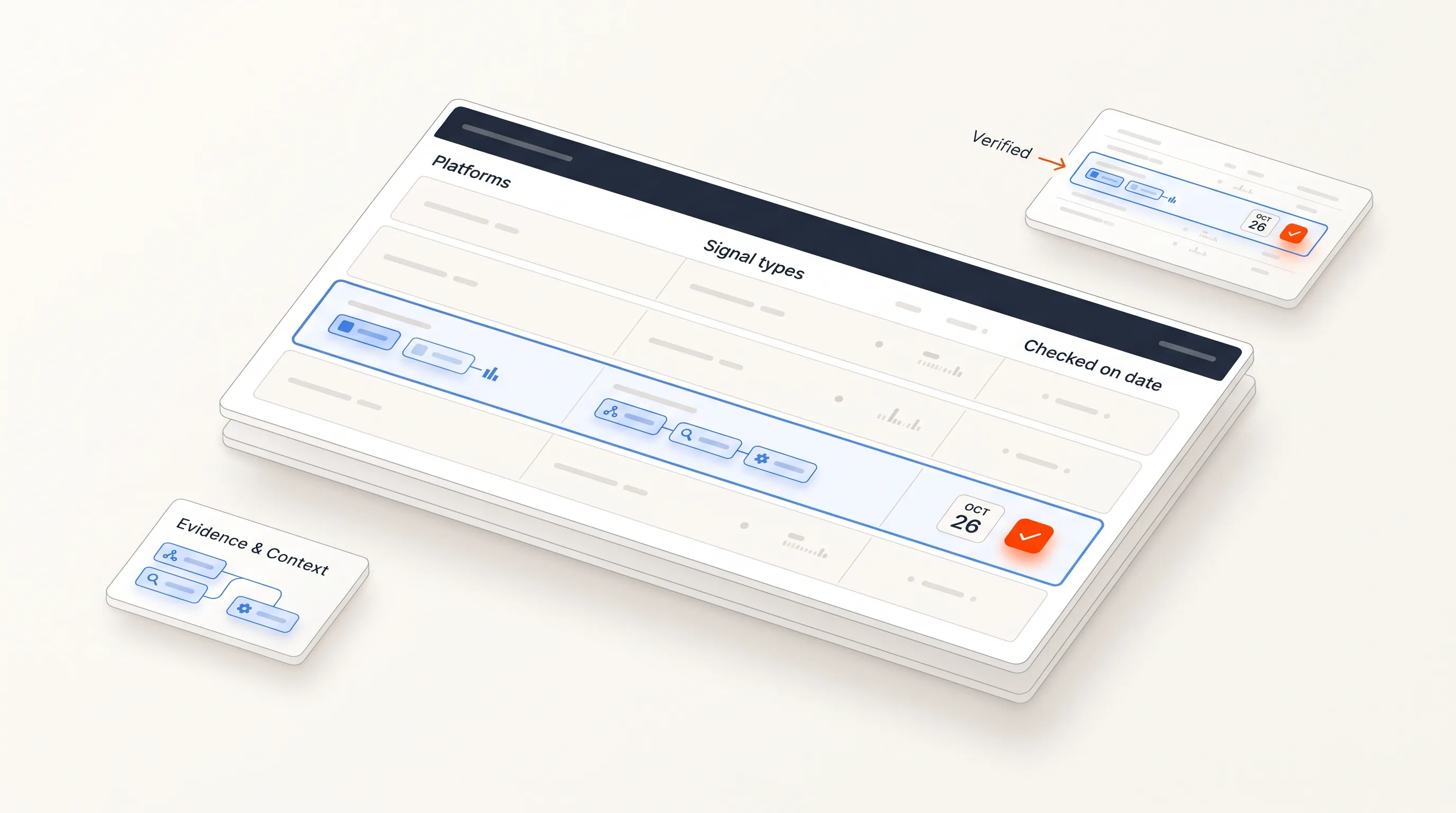
The last item is usually what decides it. Download the workflow map (CSV) to record owner, tool, minutes and failures for each step. It is a blank template with the seven steps above.
Where Perpetual fits
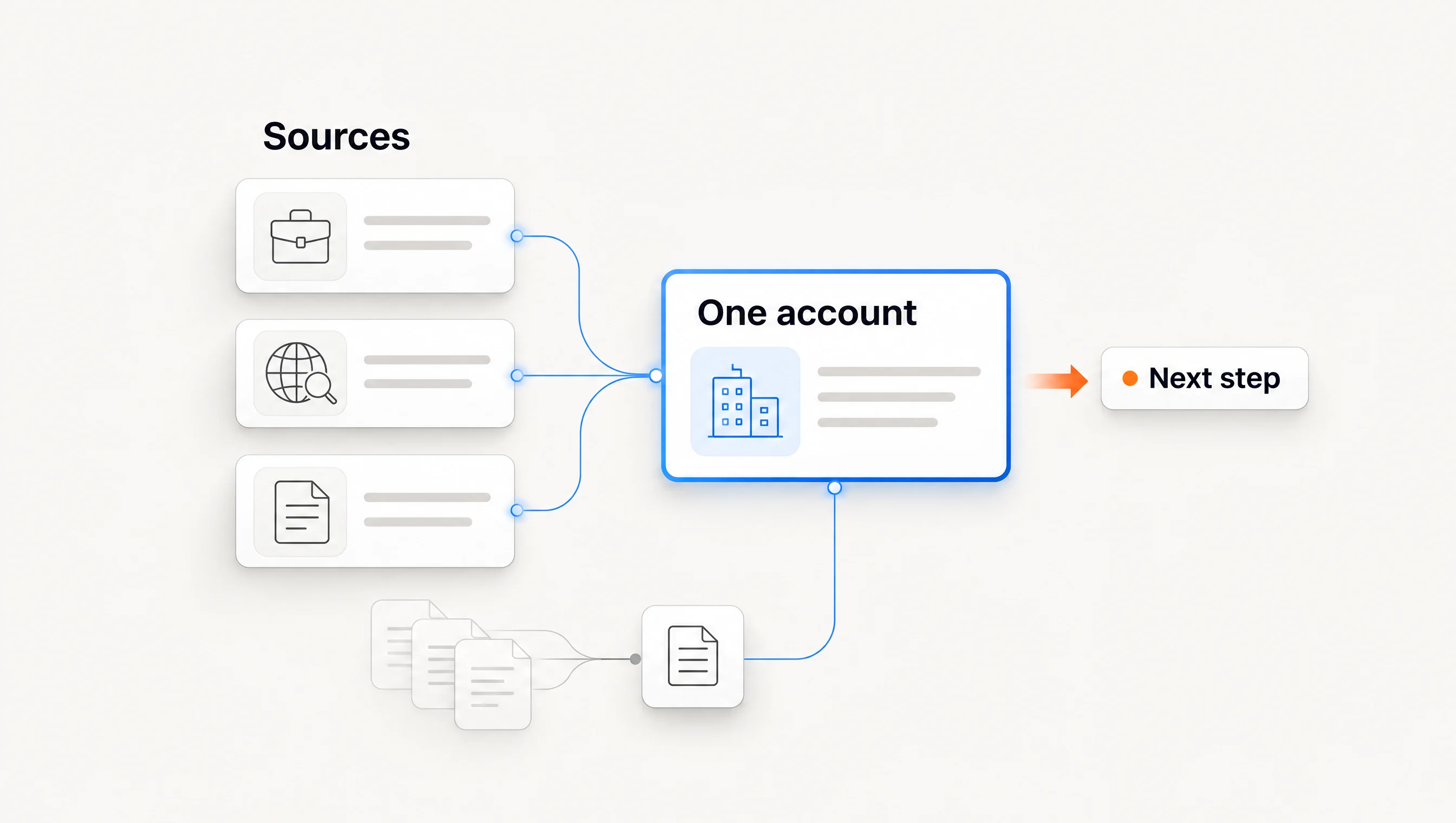
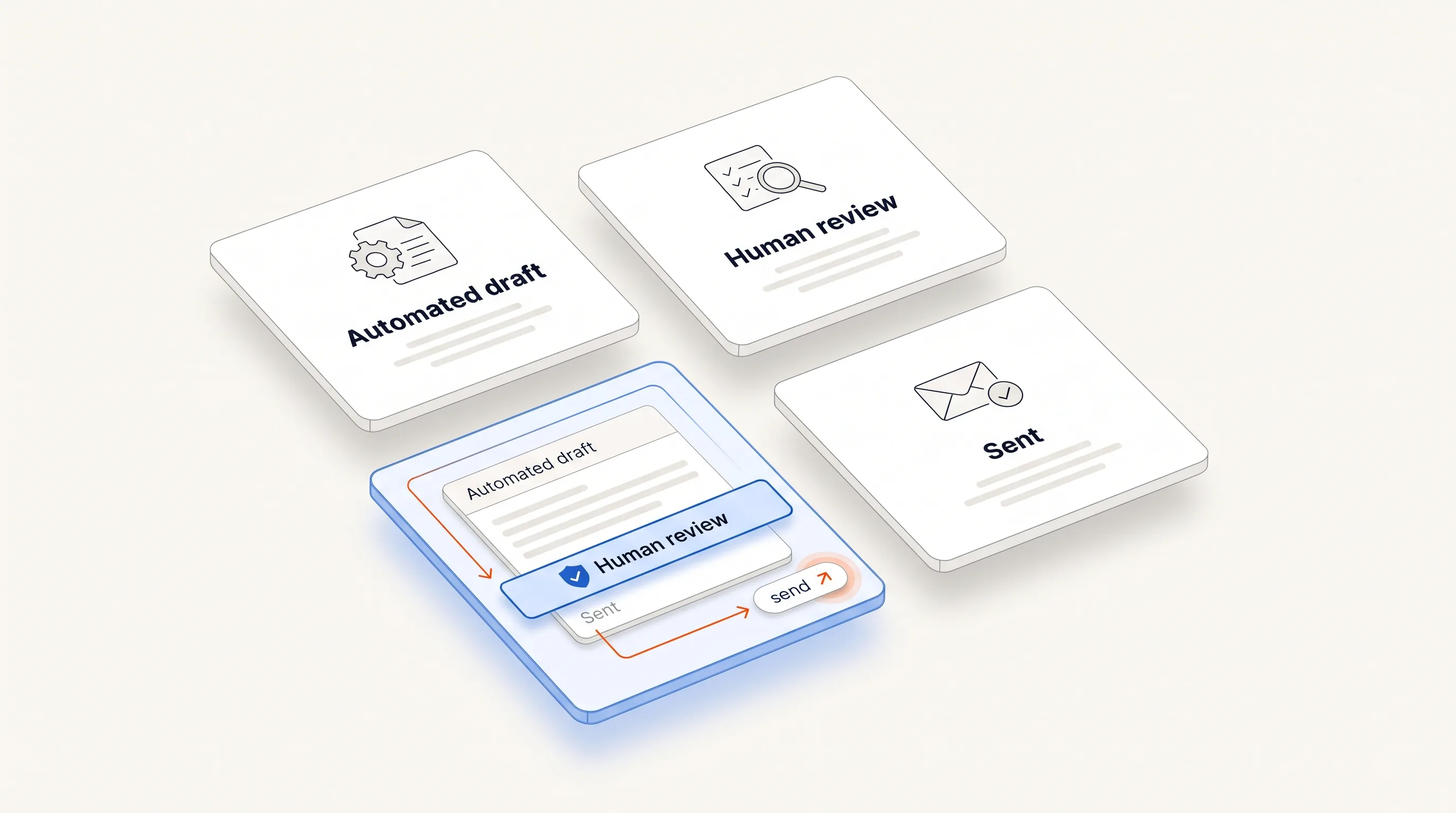
Perpetual connects public hiring research, company qualification, one relevant contact, a message grounded in the source and email follow-up. Configuring a campaign authorizes automatic email within your saved sending policy, and manual review is available on request. Replies and opt-outs stop follow-ups.
It does less than Clay in several ways. There is no blank workflow canvas, hiring activity is its core signal, LinkedIn steps remain manual tasks, sending needs a Google Workspace mailbox, and there is no free plan. If you need to build something other than this path, Clay remains the better tool. See pricing and the quickstart guide.
Frequently asked questions
What is the easiest Clay alternative for a small team?
It depends on the job. For a team that wants a working path instead of a builder, compare options that include the steps you lack, then time one real account through each.
Is there a free alternative to Clay?
Unify lists a free plan with limited credits, and Clay itself has one. A free plan's limits may not reach your real workload, so check them against the number of companies you plan to process.
Can I use these tools together with Clay?
Often, yes. A job data source can feed a Clay table, and Clay's hiring template hands off to a sending tool. Replacing Clay entirely is only one of the options.
Do these tools replace a GTM engineer?
Packaged tools reduce building work, but someone still needs to own the offer, the audience and the results. No tool on this page removes that responsibility.