JournalResearchNo. 14
How to Find Decision-Makers Using Hiring Signals
Use job responsibilities and reporting lines to find a relevant first sales contact. Includes six scenarios, three examples and a free contact-selection matrix.
Petar Jovanović9 min read9 sections
Contents
- 01Start with the work your offer supports
- 02Read reporting lines and responsibilities
- 03Match the first contact to your offer
- 04Verify the person and the contact
- 05Three contact-selection examples
- 06When ownership remains unclear
- 07Download the contact-selection matrix
- 08Where Perpetual fits
- 09Frequently asked questions
Published by Perpetual
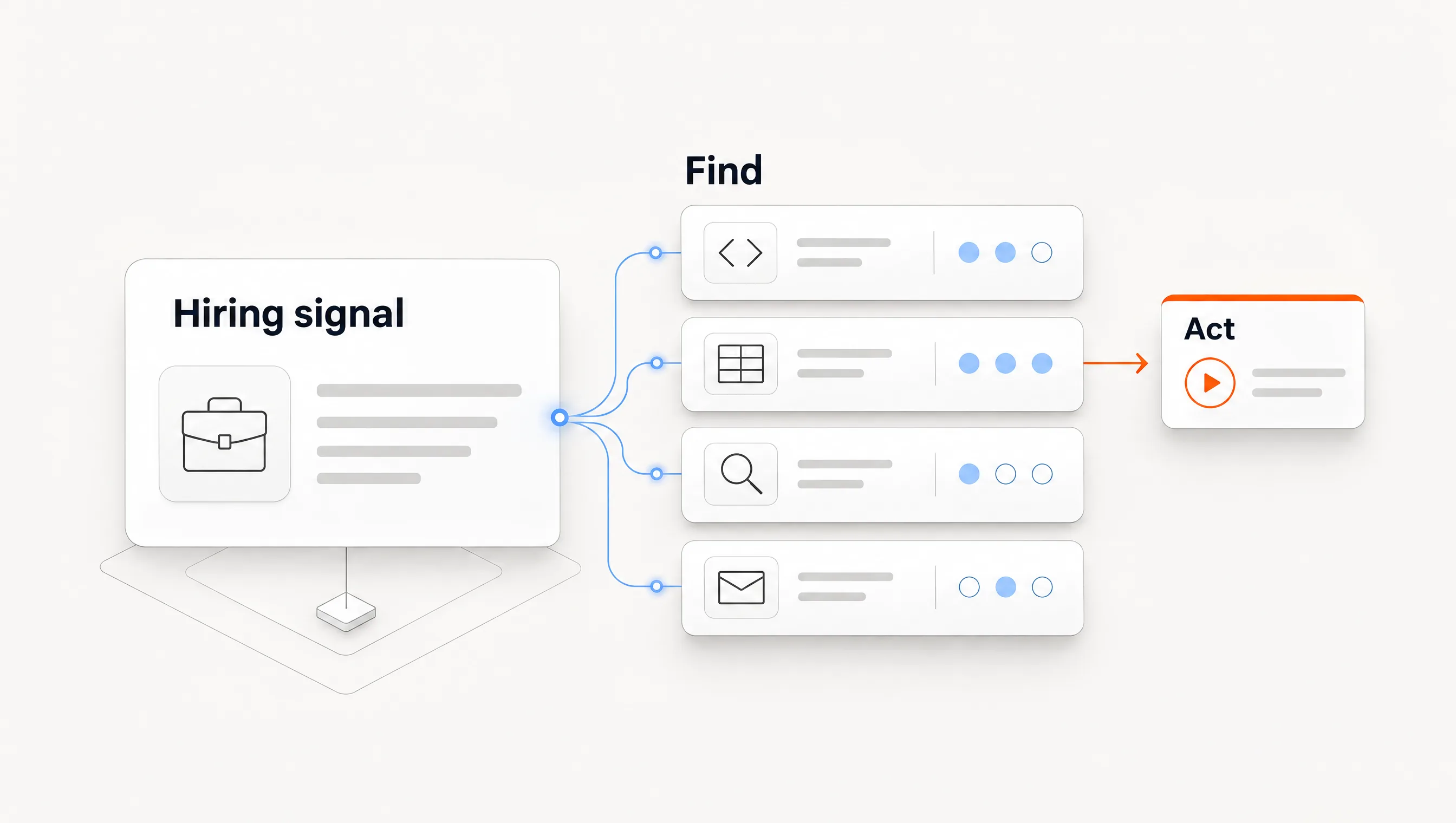
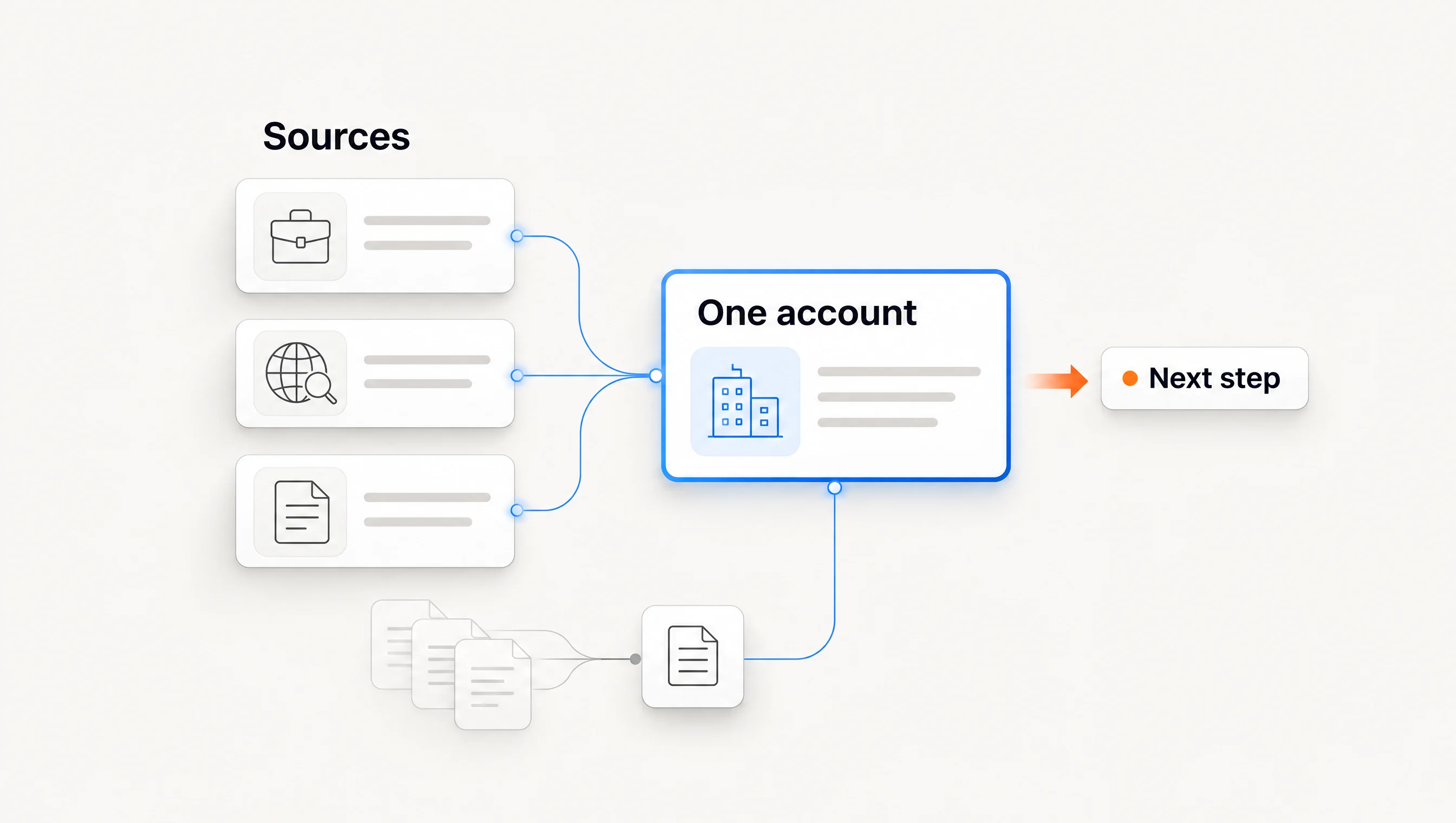
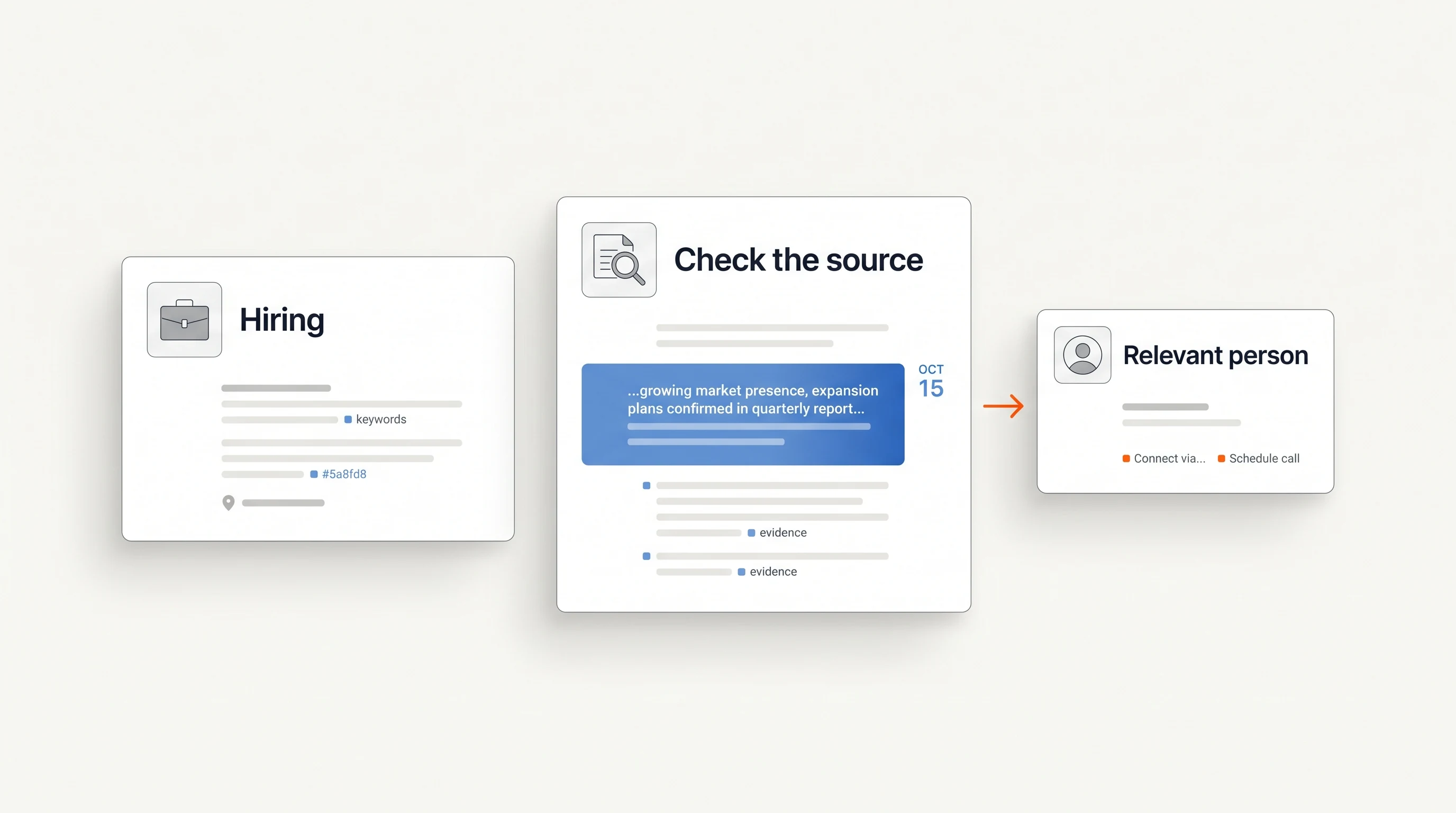
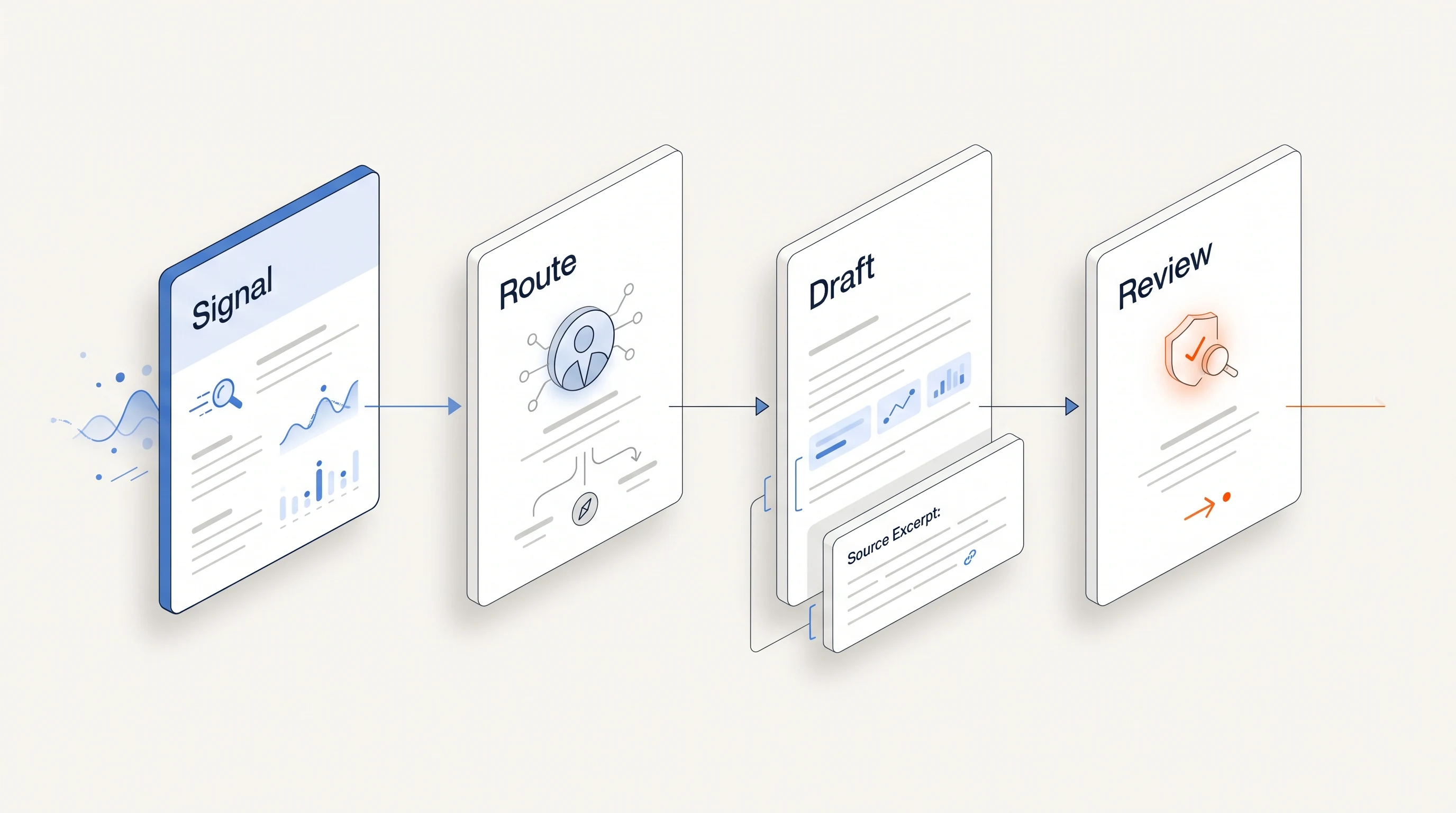
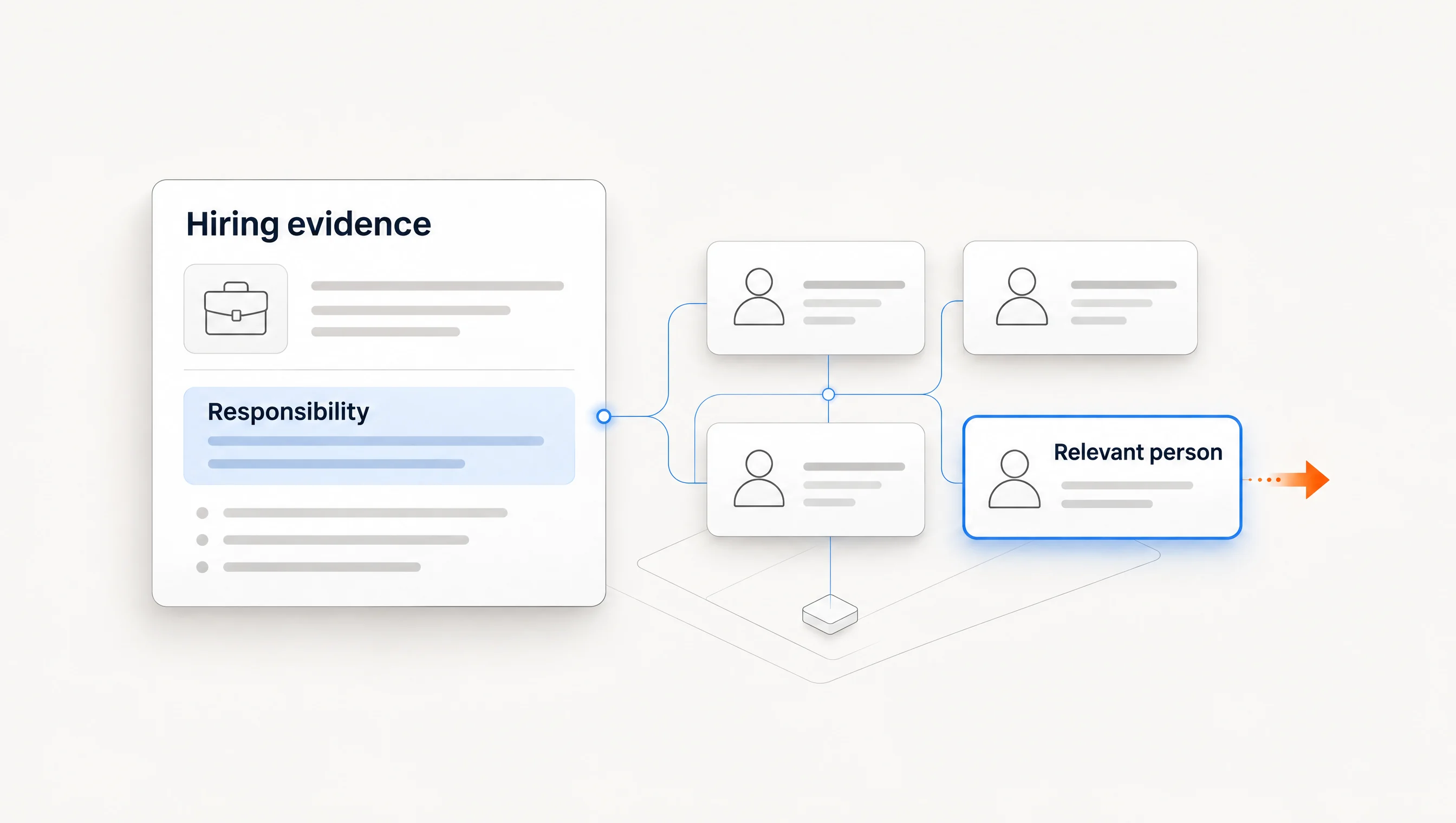
To find a decision-maker using hiring signals, identify the work your offer supports, read who owns that work in a current job posting, then verify a person with that responsibility at the company today. The recruiter named on the vacancy, the future hire and the person who can discuss your offer may be three different people.
This guide is for B2B sellers researching a first contact, rather than candidates looking for a hiring manager. It covers reporting lines, a six-scenario contact matrix, three worked examples and a free contact-selection worksheet. Choosing a first person does not establish that they can approve the purchase alone.
Start with the work your offer supports
Write your offer as a responsibility before searching for a title. “We prepare account research for regional sales teams” points toward the person organizing regional prospecting. “We recruit account executives” points toward the person managing hiring. The same job posting can be relevant to both sellers while supporting different contact choices.
Use a sentence you could test: “The person responsible for this work would be able to explain how it is currently handled.” That is a better starting requirement than “must be a VP.” Seniority can help narrow research, but it cannot establish ownership.
Distinguish the first conversation from the full buying process. A manager may explain a workflow and introduce the budget owner. An executive may hold budget without knowing the implementation details. A recruiter may own supplier selection for recruiting services but have no responsibility for sales tooling.
Our lead-brief guide describes how to keep the source, observation, hypothesis and unknowns visible. Add the reason for selecting a person to that same brief, so a colleague can challenge the choice.
Read reporting lines and responsibilities in the posting
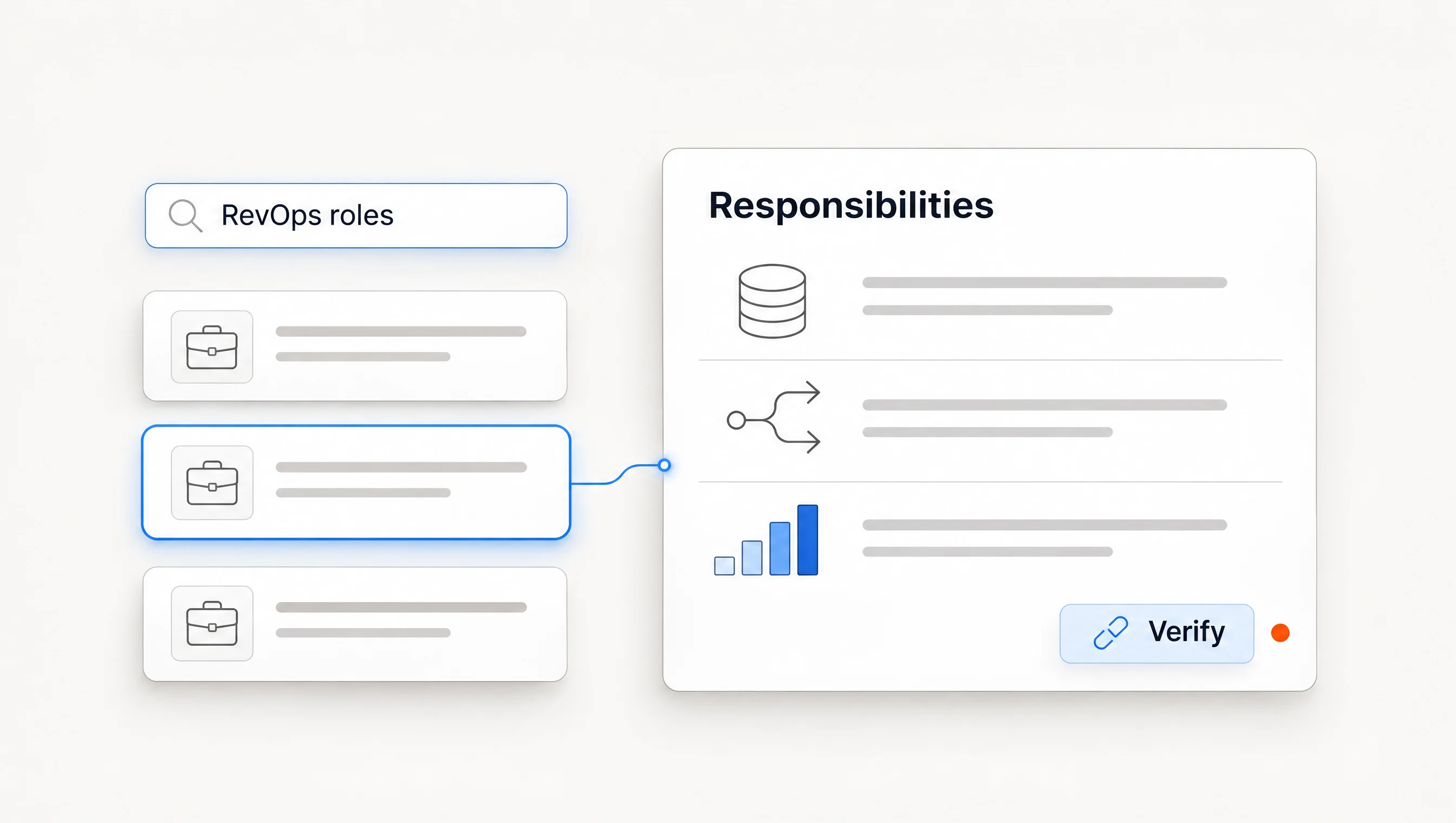
Find the employer's own posting and read the sections about responsibilities, reporting and collaborators. Useful wording includes “reports to,” “owns,” “partners with” and “builds.” These terms offer different evidence:
| Posting detail | What it helps identify | What it does not establish |
|---|---|---|
| Reports to the Head of Revenue | A reporting role to research. | The current person's name or authority over your purchase. |
| Own lead routing and CRM administration | The work assigned to the new hire. | Who owns it before that person starts. |
| Partner with Sales and Finance | Functions that may influence implementation. | Which collaborator is the first relevant contact. |
| Contact our talent partner | A route for vacancy-related questions. | Ownership of the operating problem your product addresses. |
Separate a current responsibility from a planned one. A vacancy for a head of function cannot tell you who will eventually fill it. If the role is still open, research the current executive sponsor or existing functional owner. Do not write to a hypothetical future employee.
Also separate a source's age from the date you found it. Reopen the original posting when preparing outreach. A useful source that has disappeared can remain part of your research history, but it should not support a claim that the company is currently hiring.
Match the first contact to your offer
The matrix gives starting hypotheses. Company structure and current evidence should decide the actual person; these are not universal title rules.
| Your offer | Hiring evidence | First responsibility to research | Possible first contact |
|---|---|---|---|
| Account research | SDR role describes building prospect lists. | How SDR research is organized. | Sales development manager or current sales leader. |
| Recruiting services | Employer is recruiting several relevant sales roles. | External recruiting partnerships. | Talent leader or hiring manager, as verified. |
| CRM implementation | RevOps vacancy describes routing and CRM work. | Current revenue systems ownership. | Existing RevOps leader or executive sponsor. |
| Sales onboarding | Distinct sales openings describe a cohort or team build. | Preparing new sellers to work. | Enablement owner or sales development leader. |
| Regional prospecting support | Regional sales role describes entering a market. | Local versus central account development. | Regional sales leader or central growth owner. |
| Support knowledge-base services | Support role describes creating customer documentation. | Ownership of support content. | Support operations or customer support leader. |
At a founder-led company, the founder may still own the relevant work. In a larger organization, the same responsibility may sit with a regional manager, operations team or specialist. Use size as context and verify the organization instead of applying an employee-count cutoff.
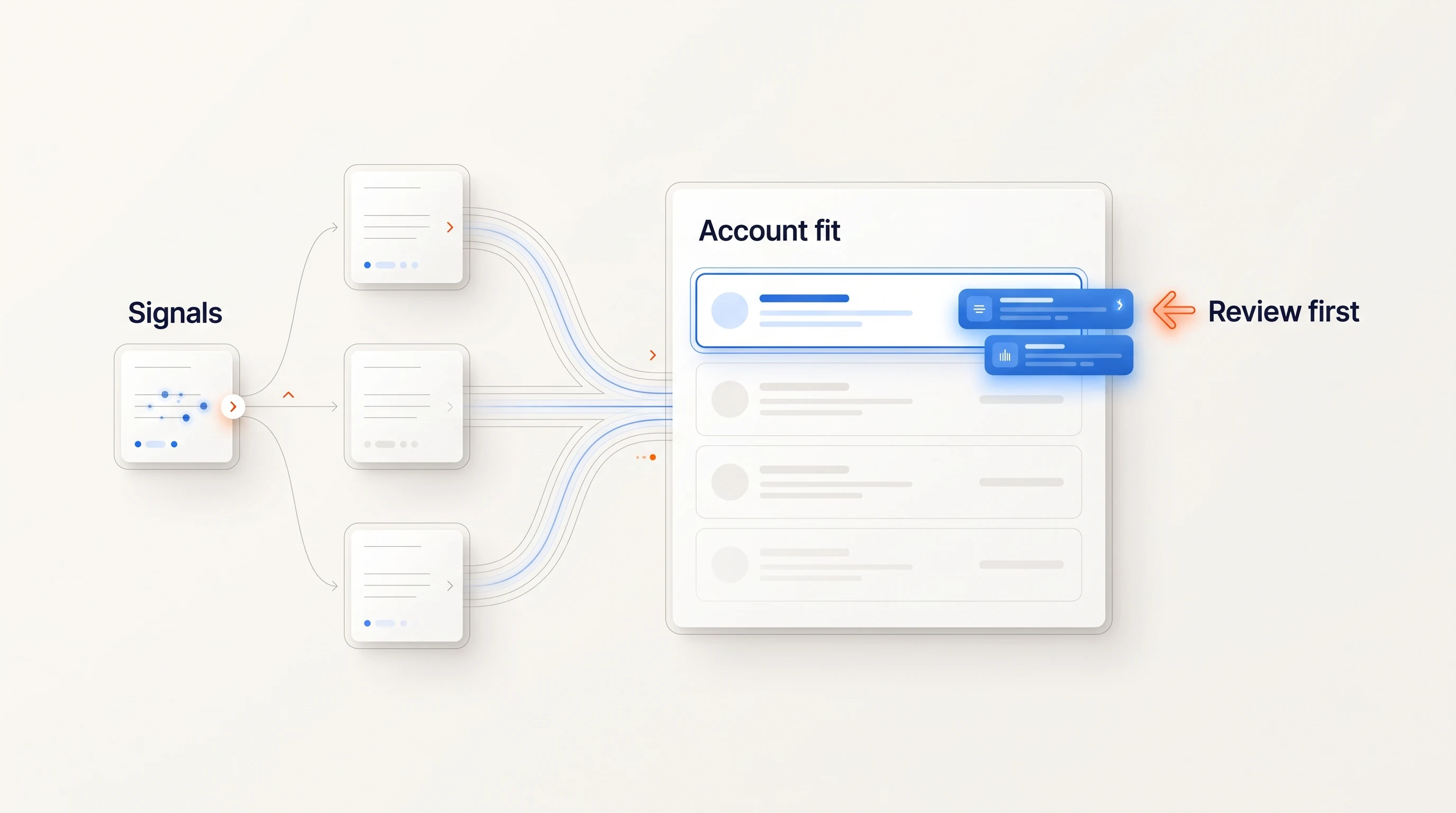
If two people look plausible, compare the evidence for their responsibilities. A clear functional match usually gives you a better first question than a more senior title with an unclear connection. Keep the alternate in your notes rather than sending the same opening to both simultaneously.
Verify the person separately from the email
A contact lookup can return a deliverable address for the wrong person. A current employee can also have no responsibility for the work. Keep identity, responsibility and contact verification as separate checks.
- Confirm the employer. Look for current company leadership pages, public professional profiles or recent company announcements. Note when each source was checked.
- Confirm the remit. Find wording connecting the person to the function or project. A generic “operations” title is not enough to assume revenue systems ownership.
- Resolve conflicting information. If a profile and company page disagree, keep the uncertainty visible and research further. A recent page is useful context, not automatic proof.
- Verify contact details. Check the business address through the contact-verification process your team uses. Do not label an address verified merely because you inferred a naming pattern.
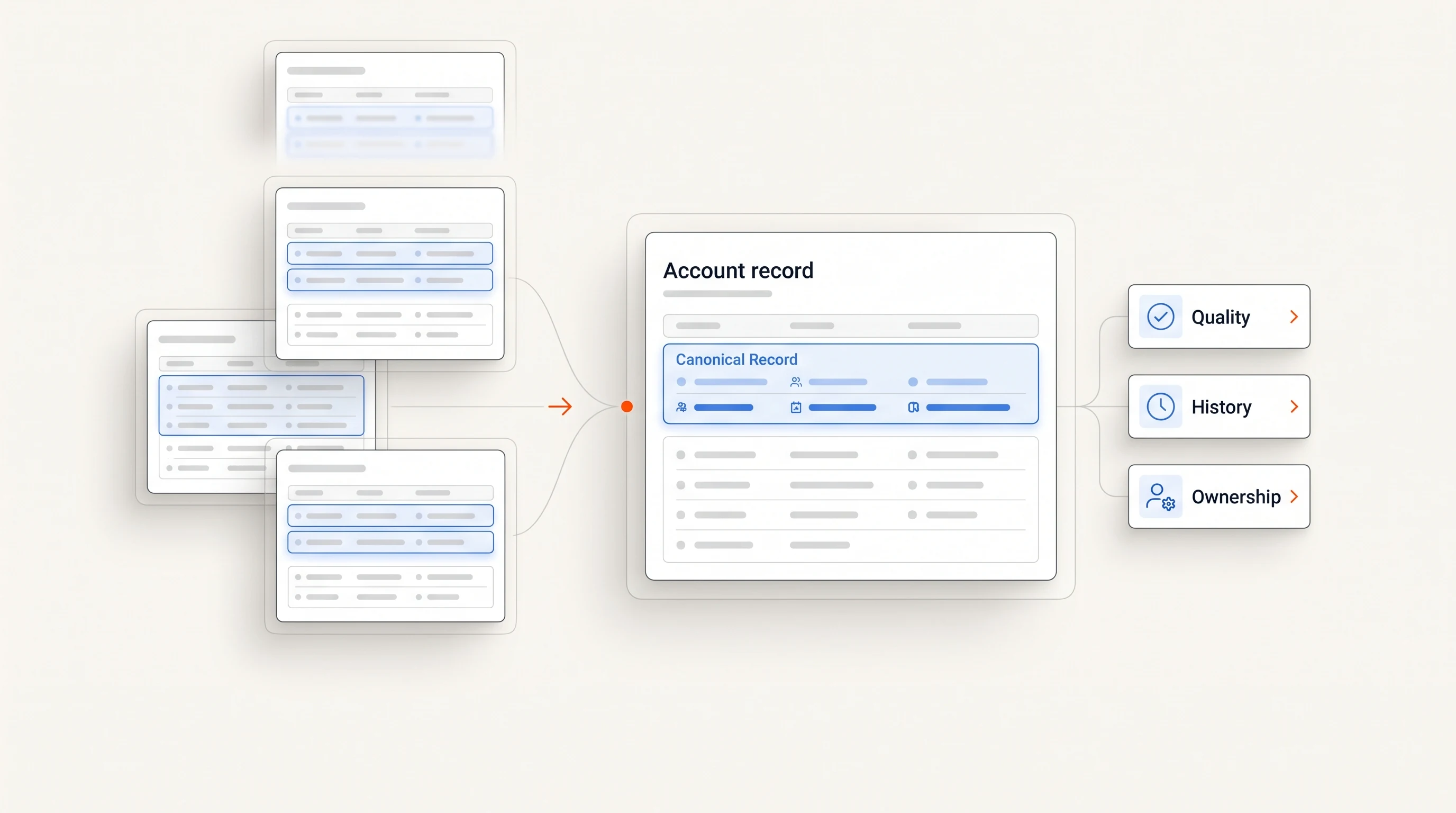
- Check account history. Respect existing ownership, open conversations, customers, opt-outs and other campaign exclusions before contacting anyone.
For example, “the posting reports to the VP of Sales; this person is currently listed as VP of Sales” is a reason to investigate that person. “This person controls the software budget” is a separate claim requiring separate evidence.
Three examples of choosing the first person
These companies, people and posting details are fictional illustrations, not customer results.
An SDR team needs account research
Cedar Example lists two distinct SDR openings. The posting says the SDRs report to its Sales Development Manager, and the current team page names Jordan in that role. Your offer is researched account lists. Jordan is a defensible first contact because the role connects to SDR work, rather than because a database labels Jordan a decision-maker.
Your SDR openings mention building account lists. We prepare account research for B2B sales teams. Will the new SDRs do that research themselves, or will someone prepare it centrally?
A RevOps role is still vacant
Flint Example is recruiting a Revenue Operations Lead. The brief says the role will report to the CRO and own lead routing. You sell routing implementation. The current CRO is a person to investigate; the vacancy is not evidence that someone already holds the RevOps position. Check whether an existing systems owner can discuss the work before selecting the CRO.
Your RevOps opening includes lead routing. We help revenue teams document and implement routing rules. Who owns that work while the role is being filled?
A regional sales role has central support
Vale Example has a regional AE opening, but the posting says account research comes from a central team. You sell territory-research services. The regional AE's future manager may be relevant, yet the central research owner may know more about the process you support. Research that responsibility before defaulting to the regional executive.
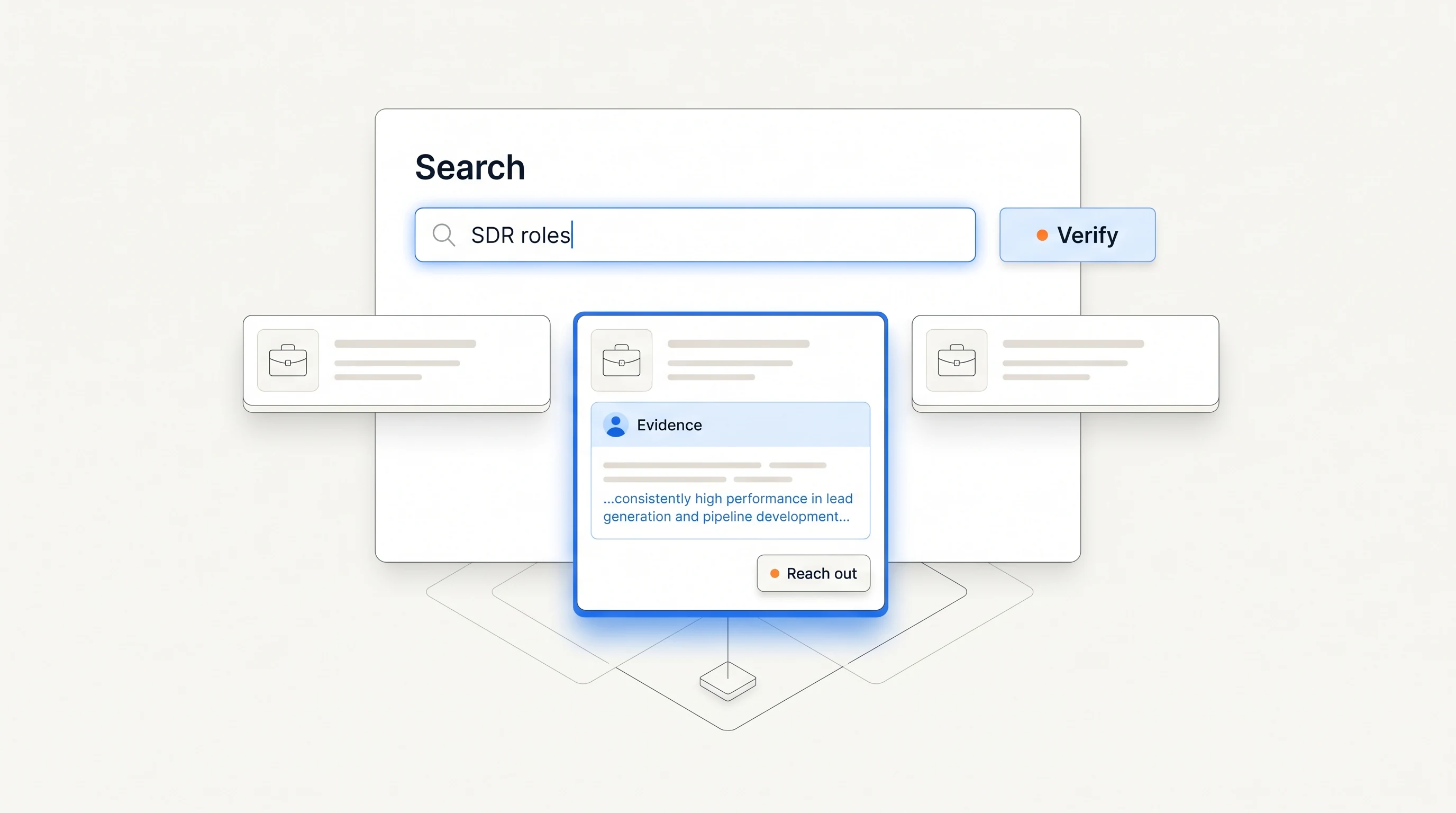
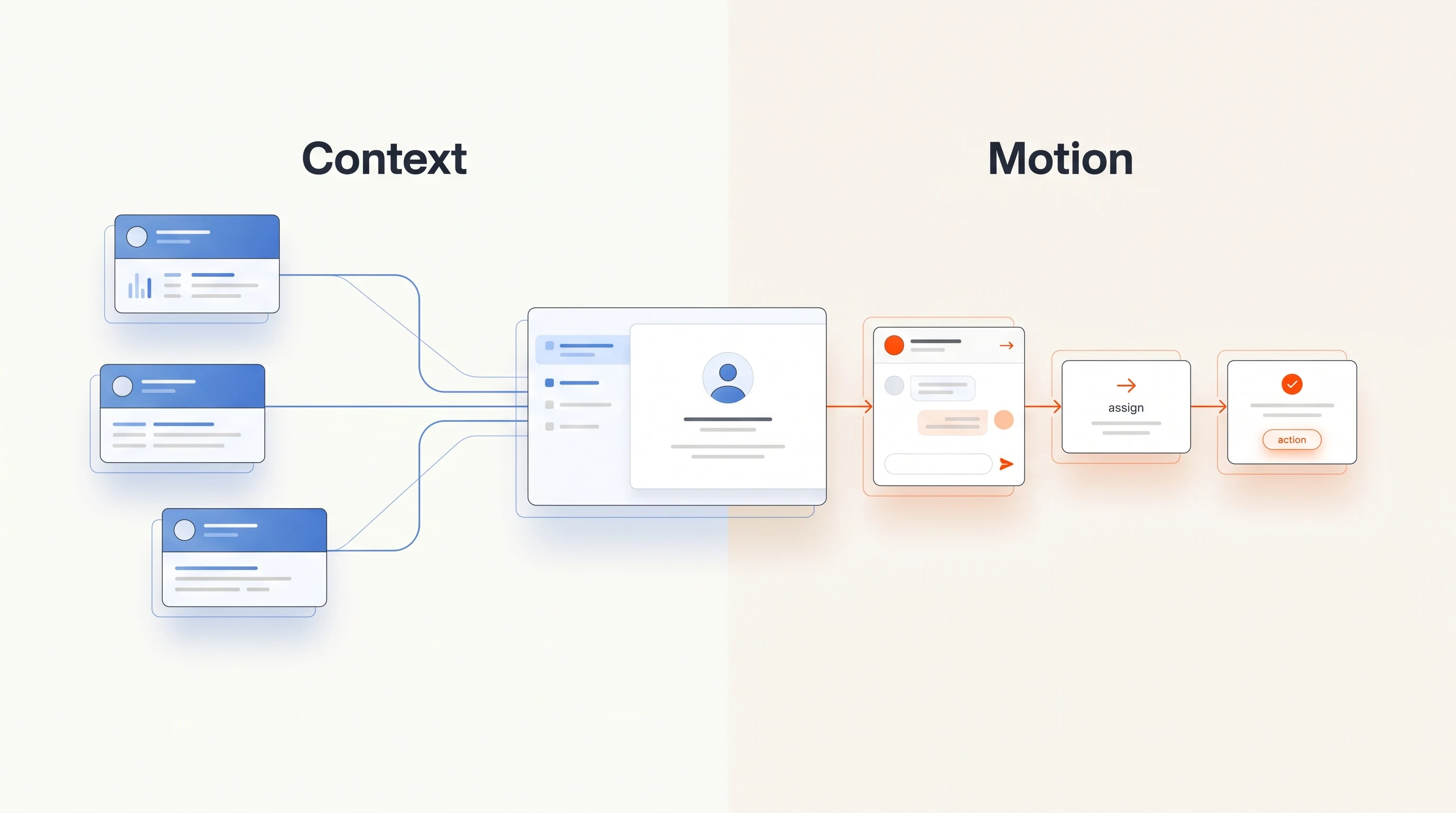
Each example begins with the same sequence: offer, responsibility, current person and a question the evidence supports. For the search process behind the first example, see finding companies hiring SDRs. For the second, use our RevOps hiring guide.
When ownership remains unclear
Do not fill the gap with a confident title guess. Recheck the posting's reporting line, the company site and any current public description of the team. If those sources still do not establish a person, hold the account or ask one plausible contact a narrow routing question.
Make that question transparent: say what you work on and which responsibility you are trying to locate. Avoid implying a prior conversation or pretending the recipient requested contact. If the person redirects you, keep the new information with the account and follow your team's contact policy.
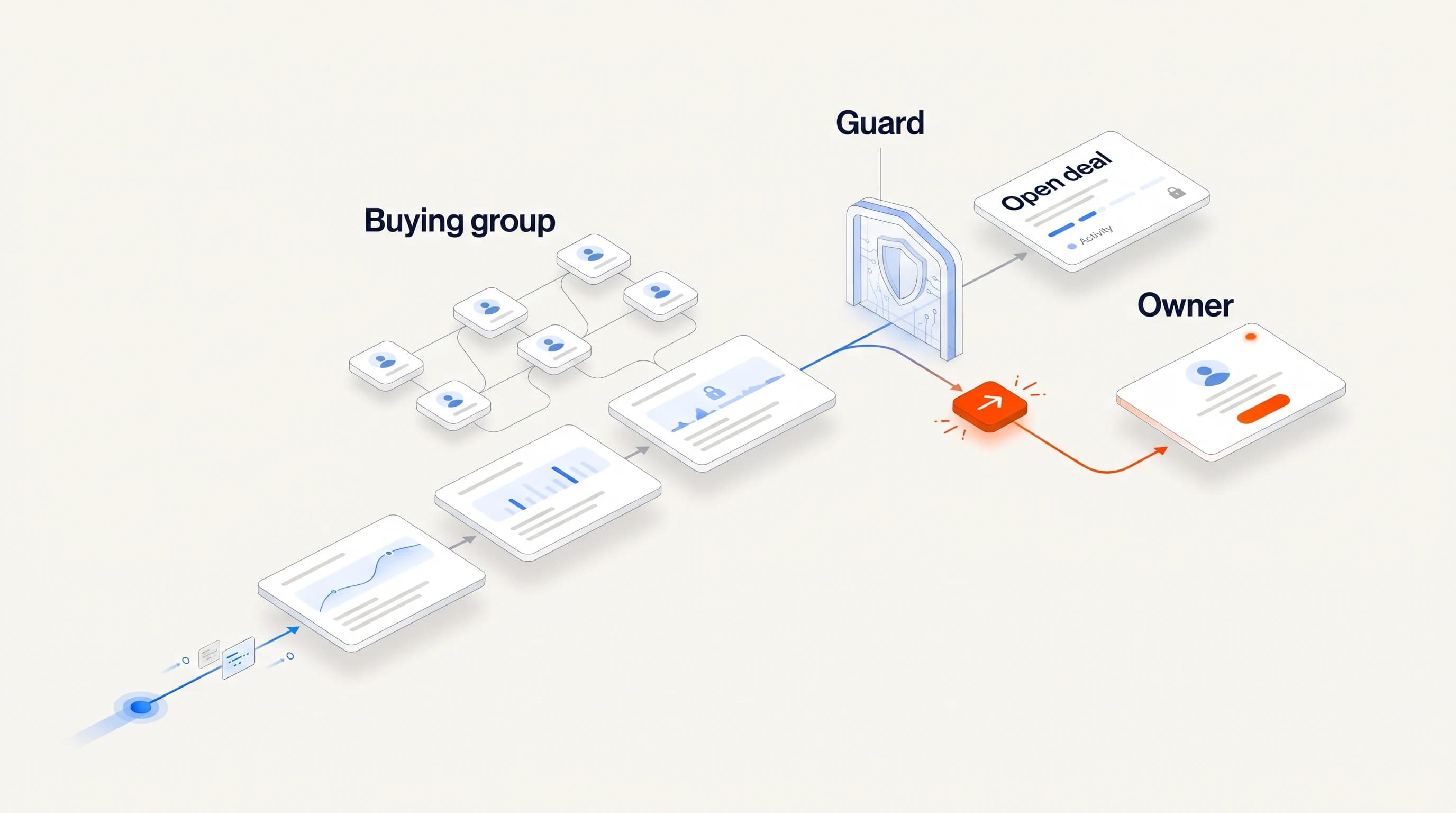
A small buying-group map can help later. Record users, an implementation owner and a budget approver as they become known. You do not need to invent a full committee to justify a first conversation, and a verified first contact does not remove the need to learn who else participates.
Download the contact-selection matrix
Download the free hiring contact-selection matrix (CSV). It contains the six scenarios above and fields for a current person, source, responsibility evidence, verification date and unresolved questions. It is a research aid, not a list of verified contacts.
Once the first contact is justified, use the signal-based email templates to turn the observation into a short opener. The message should not claim more about the person's authority or priorities than the research supports.
Where Perpetual fits
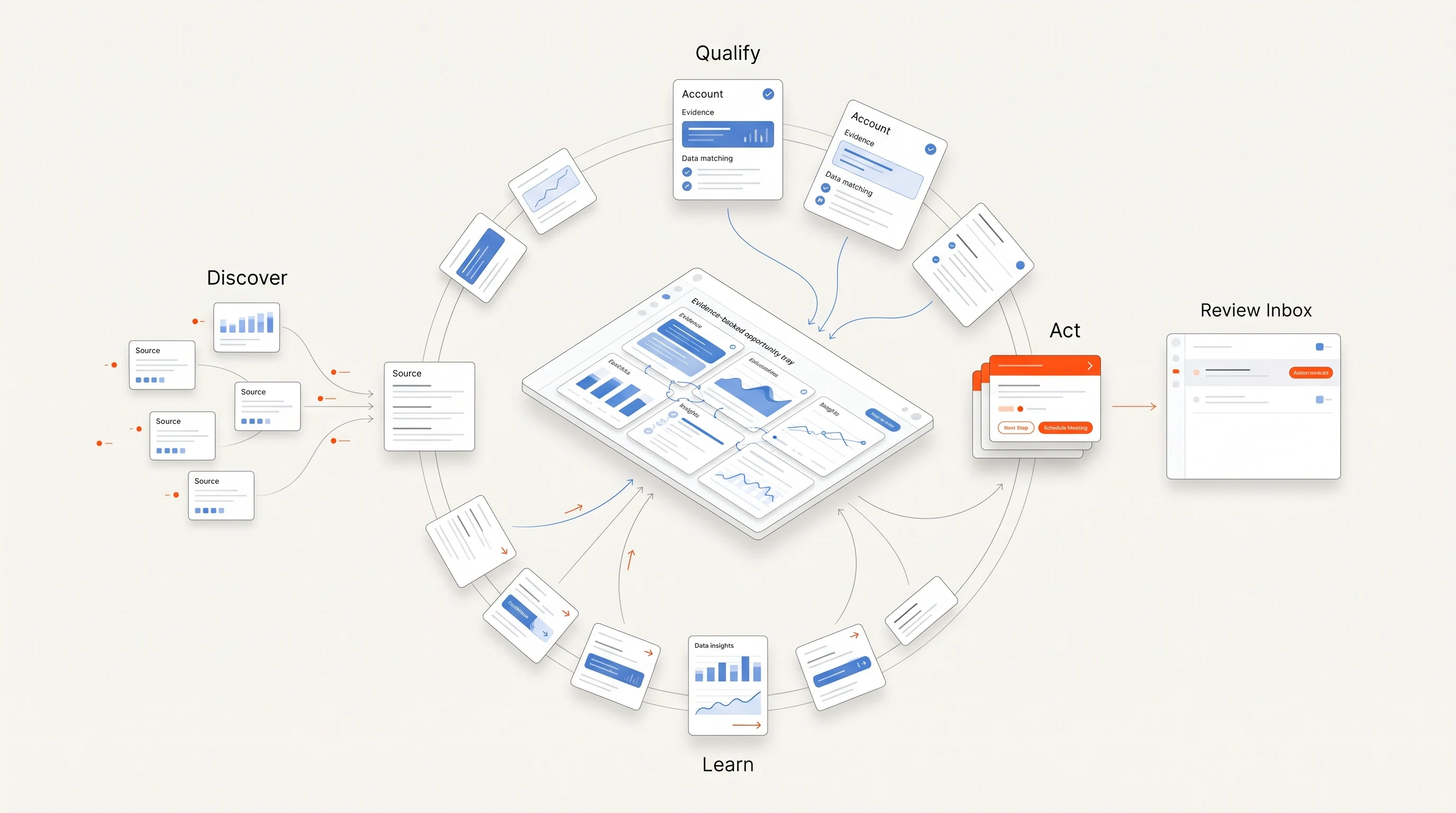
Perpetual qualifies companies from public hiring activity against your offer, then selects one relevant person with an explanation and verifies the contact. It carries the source and its limitations into an evidence-grounded message. Selection explains relevance; it does not establish sole purchasing authority.
Configured email runs from your connected mailboxes within your sending policy, and replies or opt-outs stop follow-ups. LinkedIn steps remain manual tasks. The quickstart guide shows the process.
Frequently asked questions
Is the hiring manager always the right sales contact?
No. The right first contact depends on the work your offer supports. A hiring manager can be relevant, but the recruiter or operating owner may be a better fit for a different offer.
Should I always contact the most senior person?
Choose responsibility before seniority. The person who can explain the workflow may be a manager, specialist or founder. Confirm budget authority separately.
What if the job posting does not name anyone?
Use its reporting line and responsibilities to research a current owner. Keep the account on hold when you cannot verify a relevant person or ask a transparent routing question if appropriate.