Skip to content

JournalOutreachNo. 03

How to Scale Cold Email Without Burning Your Domain

Scale cold email without burning your domain: Google, Yahoo and Microsoft rules, mailbox ramp-up, sending caps, stop rules and a free planner.

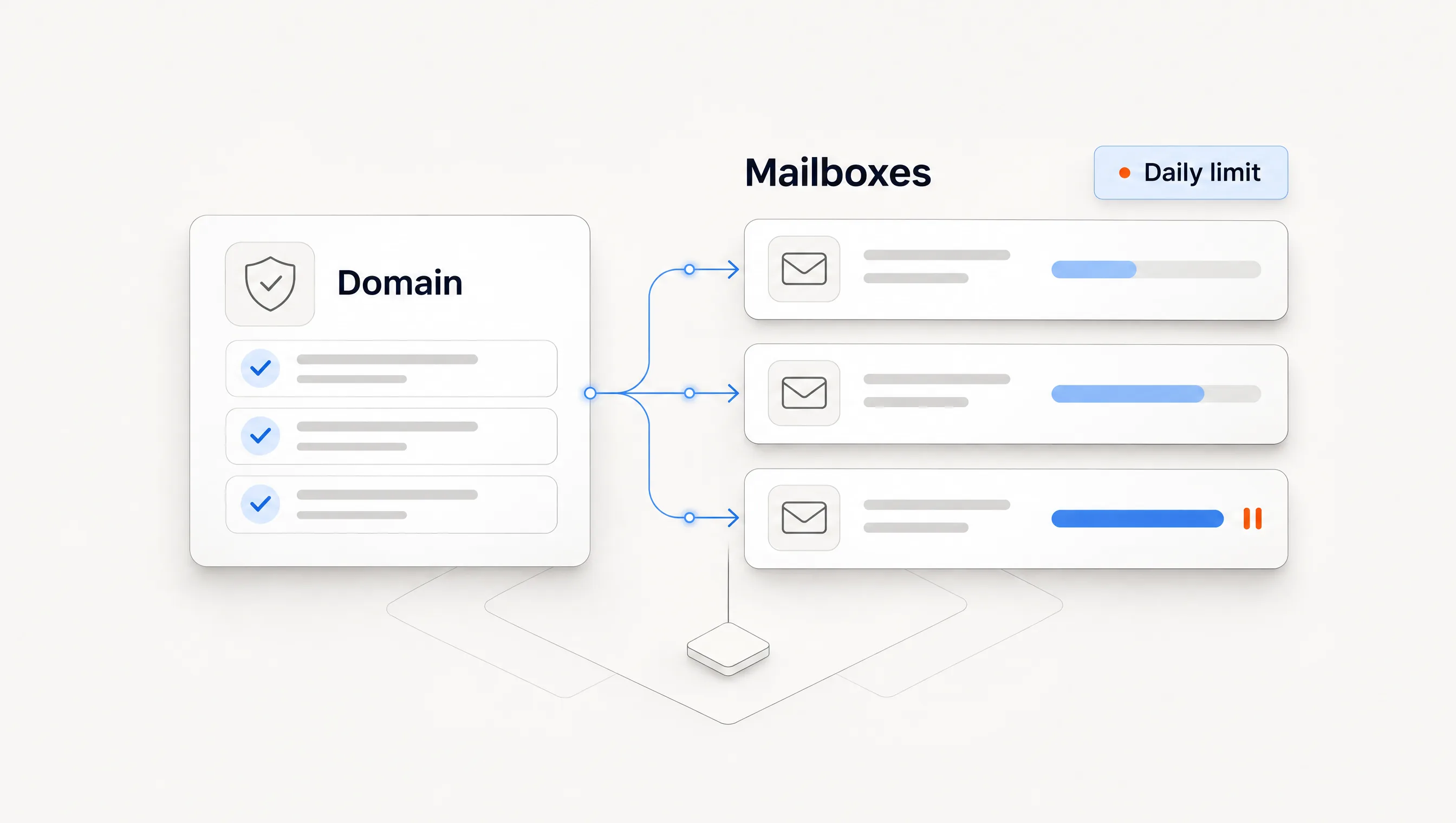
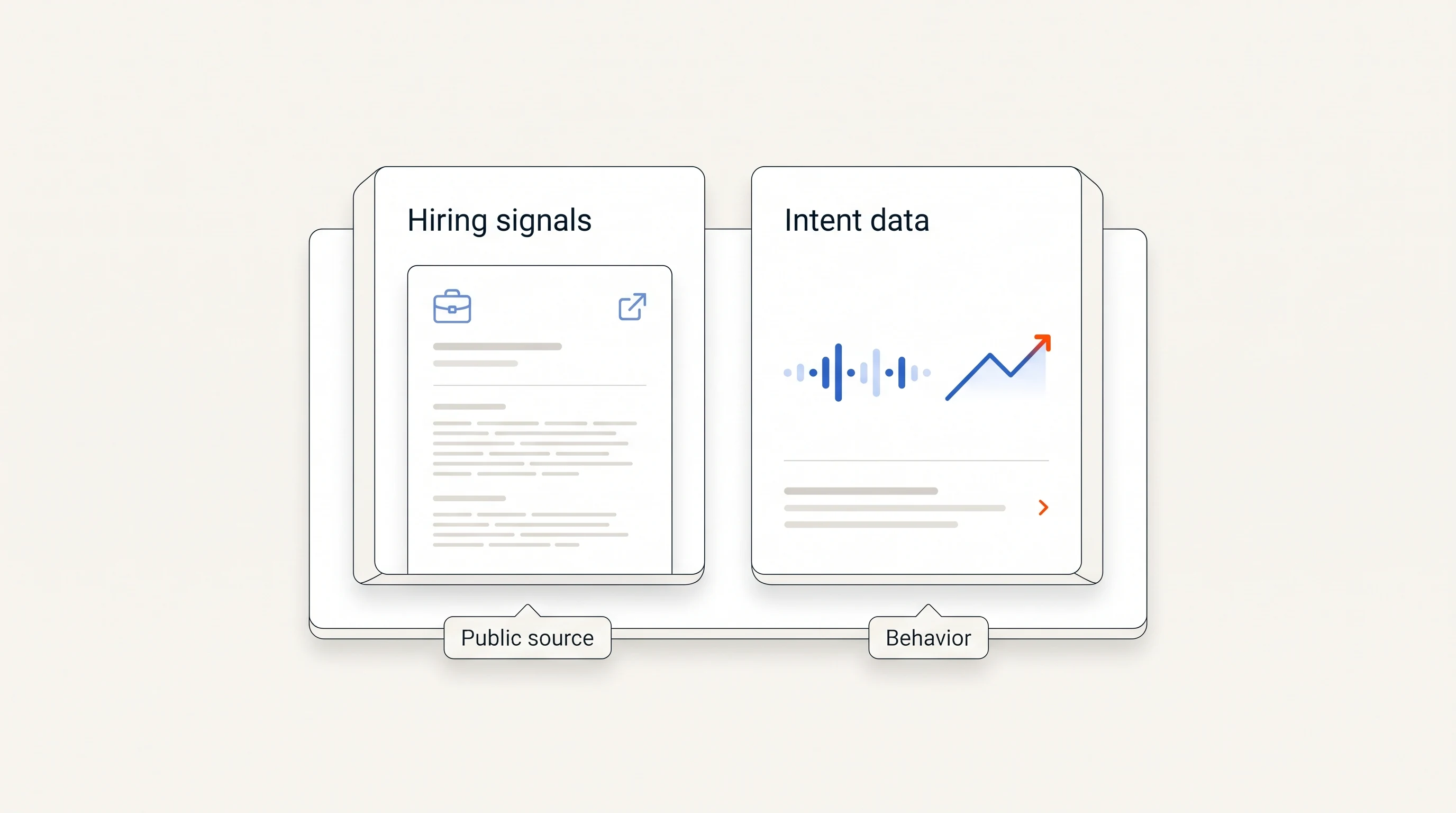
An authenticated domain feeds three mailboxes, one paused at its daily limit.
Contents
  1. 01What mailbox providers require
  2. 02Set up the domain first
  3. 03Ramp each new mailbox
  4. 04Add capacity and do the math
  5. 05Decide your stop rules
  6. 06Fix the list first
  7. 07Where Perpetual fits
  8. 08Frequently asked questions

Published by Perpetual

To scale cold email without burning your domain, authenticate every sending domain, add volume through more mailboxes and domains rather than more email per mailbox, ramp each new mailbox gradually, and stop automatically when bounces or complaints rise. Google and Yahoo require spam complaint rates below 0.3%, and Google recommends staying below 0.1%. Volume problems are usually list problems, so fix who you send to before buying more mailboxes.

This guide summarizes what Google, Yahoo and Microsoft actually require, from their own pages, and shows the exact limits and stop rules Perpetual applies to every connected mailbox. Those are our defaults, not industry rules, and we explain the reasoning so you can set your own.

What mailbox providers require

Google and Microsoft apply their strictest rules above 5,000 messages a day, and Yahoo applies bulk-sender rules without publishing a number. Most cold outbound is far below that, but the requirements are a useful floor, and the basics apply to everyone.

RequirementGoogle (Gmail)YahooMicrosoft (Outlook.com)
Applies strictly above5,000 messages a day to Gmail accountsBulk senders; no number published5,000 emails a day
AuthenticationSPF or DKIM for all; SPF, DKIM and DMARC for bulkSPF or DKIM for all; SPF, DKIM and DMARC for bulkSPF and DKIM must pass; DMARC at least p=none
DMARC alignmentFrom domain aligned with SPF or DKIMRelaxed alignment acceptableAligned with SPF or DKIM, preferably both
Spam complaint rateBelow 0.3%; recommended below 0.1%Below 0.3%No figure published
UnsubscribeOne-click for marketing and subscribed mailOne-click; honor within 2 daysFunctional unsubscribe links
OtherTLS, valid forward and reverse DNSValid reverse DNSNon-compliant mail goes to Junk

Sources, read November 16, 2026: Google's email sender guidelines, Yahoo's Sender Hub and Microsoft's Outlook high-volume sender requirements. Google's requirements took effect in February 2024. Microsoft began sending non-compliant high-volume mail to Junk from May 5, 2025.

Two practical notes. Google Workspace also publishes per-user sending limits, but those are ceilings for normal use, far above what a cold sender should approach. And Gmail does not send per-message spam complaint reports back to senders, so a Gmail mailbox cannot see its own complaints directly. Google Postmaster Tools is where Gmail's view of your domain appears.

Set up the domain before the first send

  1. Use a separate sending domain or subdomain if you want to protect your main domain's reputation, and make sure it is a real, branded domain with a website.
  2. Publish SPF and DKIM for the domain, with a DKIM key of at least 1024 bits, the minimum both Google and Yahoo state. A 2048-bit key is a common choice where your provider supports it.
  3. Publish DMARC. A policy of p=none is enough to meet the requirements and lets you see reports before enforcing.
  4. Check alignment. The domain in the visible From address should match the SPF or DKIM domain.
  5. Verify it. Send a test to a mailbox you control and read the authentication results in the message headers.

Ramp each new mailbox gradually

A new mailbox that suddenly sends dozens of cold emails a day looks like abuse. Increase volume in steps, and advance only when bounces stay low. These are the steps Perpetual uses for a connected Google Workspace mailbox:

StageReachable afterEmails per day per mailbox
Stage 1A passing domain check20
Stage 27 days40
Stage 314 days60
Established28 days80

A mailbox moves up only when it is old enough and its hard bounce rate over the last 7 days is under 2%. It never moves up because a plan allows more. The established cap stays at 80 because a connected mailbox is one person's account with its own reputation, and the provider's much higher ceiling is irrelevant for cold outreach.

Add capacity with mailboxes and domains, then do the math

Sending more from one mailbox concentrates risk. Spreading volume across mailboxes and domains limits the damage when one runs into trouble. Perpetual also caps each sending domain at 150 emails a day across all its connected mailboxes, because providers judge reputation by domain as well as by mailbox.

Remember that follow-ups use the same capacity as first emails. A worked example with invented inputs:

  • Three established mailboxes at 80 a day give 240 sends.
  • If all three share one domain, the domain cap holds them to 150. Two domains are needed to use all 240.
  • With a three-email sequence in steady state, roughly one send in three is a first email, so 240 sends a day supports about 80 new contacts a day.

Download the sending capacity planner (CSV) to fill in your own mailboxes, domains, stages and sequence length. Our outbound cost breakdown prices the mailboxes and domains.

Decide your stop rules before launch

A problem caught after a day costs less than one caught after a week, so set automatic pauses in advance. Perpetual pauses a mailbox when any of these happens:

RulePauses when
Hard bounces5% or more of the last 50 sends, or 3 hard bounces in one day
Spam complaints0.3% over 1,000 sends in 14 days, or 2 complaints before reaching 1,000 sends
Policy blocks2 rejections for reputation, spam or authentication in a day, or 3% of the last 50 sends
DomainTwo mailboxes on the same domain tripping a rule within 24 hours pause every mailbox on it

A paused mailbox resumes only by a person's decision, and not while the condition still holds. Catch-all addresses, where a domain accepts every recipient so an address cannot be proven to exist, are limited to 20% of a mailbox's daily volume. Sends are also spaced at least two minutes apart.

The complaint threshold mirrors the providers' 0.3% ceiling. The small-sample rule exists because, at low volume, waiting for a rate to become meaningful means waiting too long.

Fix the list before you add volume

Bounces and complaints come from who you write to. Verify addresses before sending, avoid guessing emails, remove anyone who opts out at once and permanently, and write only to people with a specific reason to hear from you. Sending relevant messages to fewer, verified people does more for a domain's reputation than raising volume. Our guide to building an ICP for outbound covers who should be on the list.

Where Perpetual fits

Perpetual sends from the Google Workspace mailboxes you connect, checks their domain authentication before automatic sending, applies the ramp, caps and stop rules above, and stops follow-ups when someone replies or opts out. These limits are set in the product so a campaign cannot outrun them.

It does not replace your own monitoring. Watch Google Postmaster Tools for your domain, since a Gmail mailbox receives no complaint feedback. Outlook and Microsoft 365 mailboxes cannot send from Perpetual yet. See the quickstart guide.

Frequently asked questions

How many cold emails can I send per day without hurting my domain?

There is no safe universal number. Start low on a new mailbox, ramp over several weeks, spread volume across mailboxes and domains, and let bounce and complaint rates decide whether you go higher. As a reference point, Perpetual starts a connected mailbox at 20 a day, caps it at 80 and allows 150 a day per sending domain.

Do I need DMARC for cold email?

Google and Yahoo require it for bulk senders, and a p=none policy meets that requirement. Publish it anyway; it costs nothing and gives you reports.

Should I use my main domain for cold email?

Many teams use a separate branded domain to keep their main domain's reputation apart. Whichever you choose, authenticate it fully.

Does email warm-up software prevent deliverability problems?

Gradual real volume to verified, relevant recipients is what builds reputation. No routine fixes a list with bad addresses or messages people mark as spam.
Keep reading47 more
01

How Staffing Agencies Find Clients Using Job Postings

Find staffing agency clients through job postings: which roles to pursue, who owns the hire, what to say first, and a free client research sheet.

Research8 min read
02

How to Build an ICP for B2B Outbound, Even With Few Customers

Build an ICP for B2B outbound as a testable hypothesis, even with few customers. Criteria, persona, unknown data and a free ICP worksheet.

Research7 min read
04

Unify Alternatives: 6 Options Compared on Price and Fit

Compare six Unify alternatives on price, fit and sending model, with Unify's own pricing checked November 16, 2026, and when to stay with it.

Evaluation6 min read
05

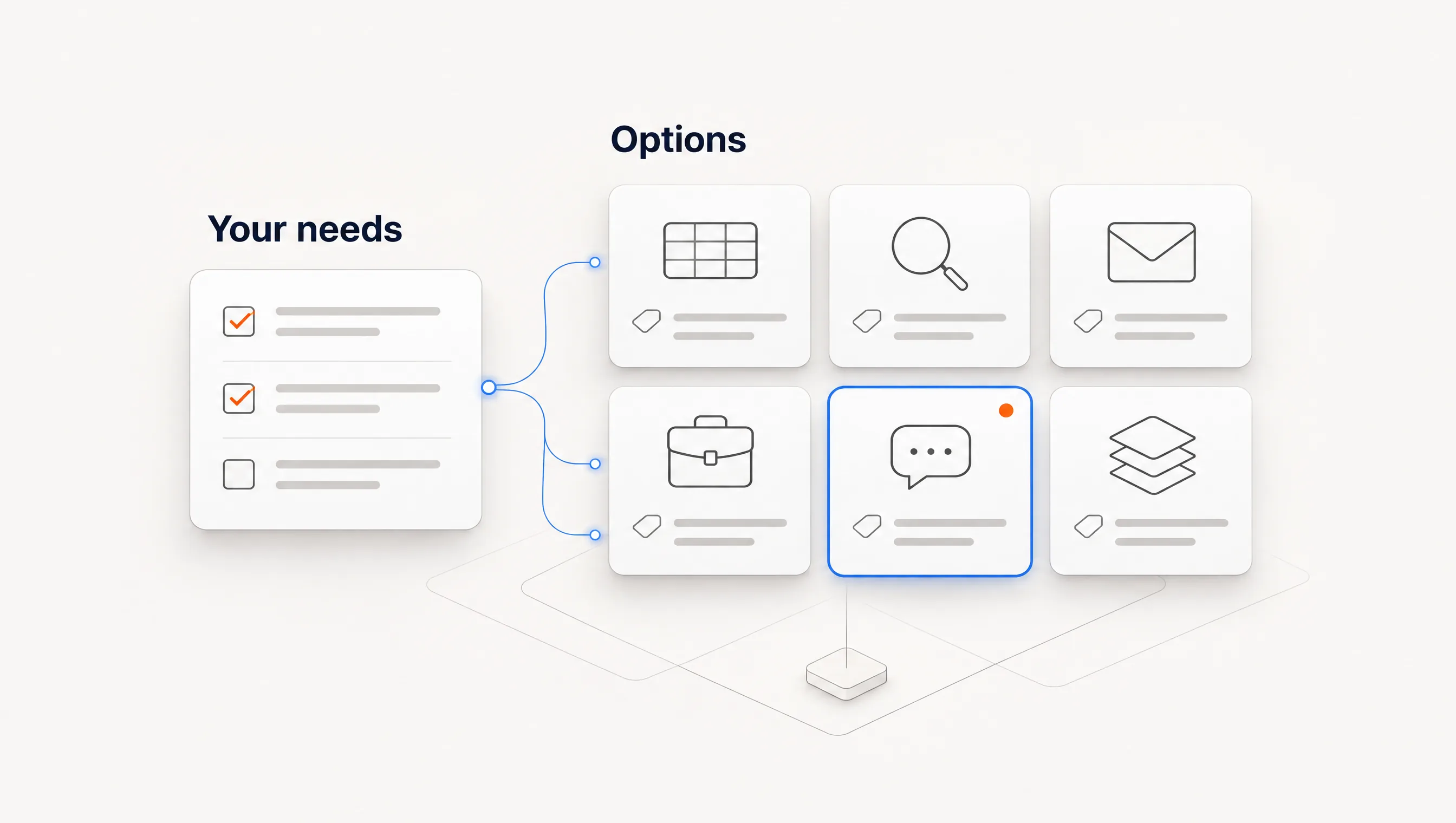
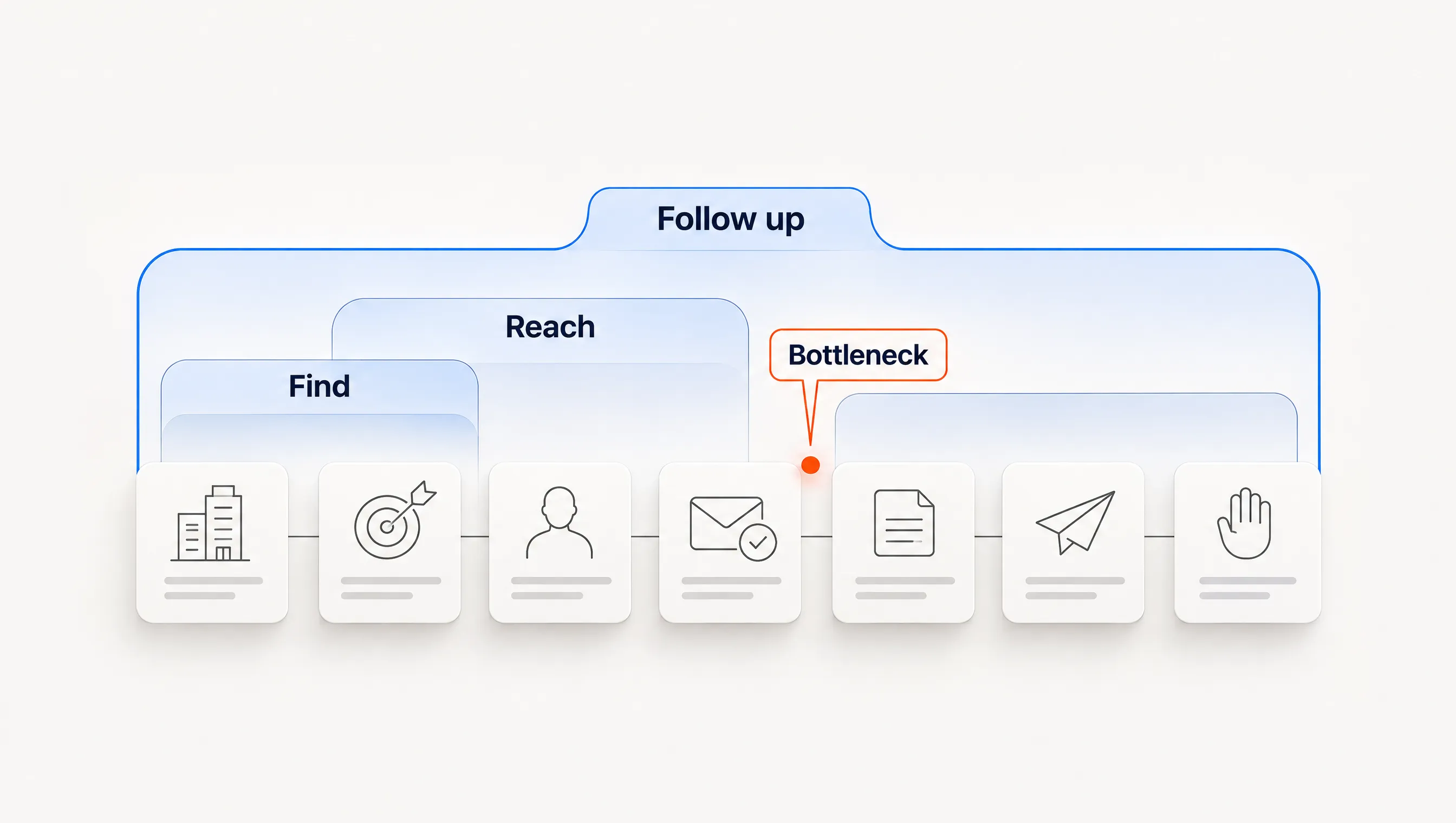
Pipeline Generation Tools: How to Choose by the Job You Need Done

Five types of pipeline generation tools, the outbound steps each covers, how to find your bottleneck and a 30-account pilot worksheet.

Evaluation7 min read
06

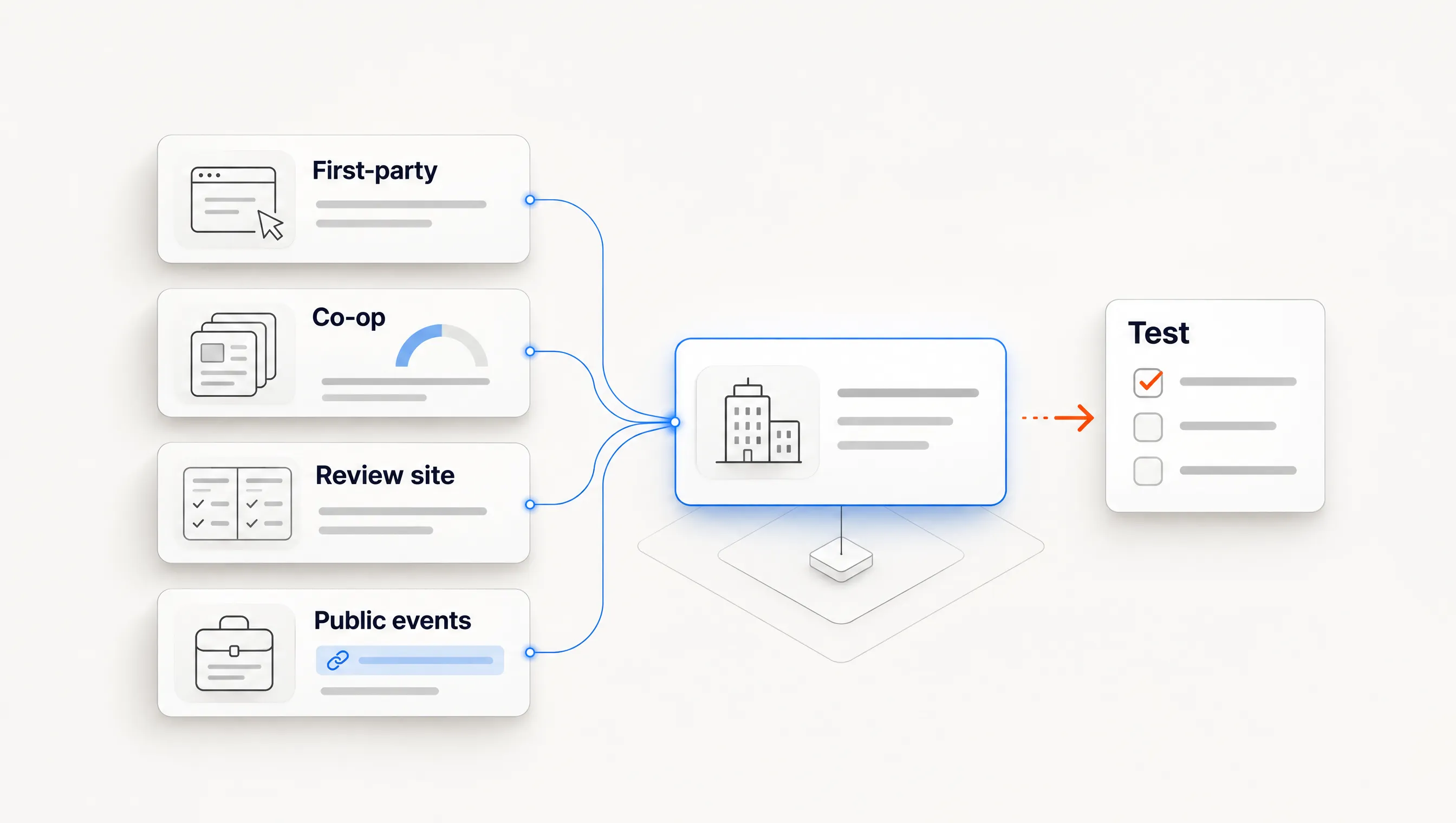
Intent Data Tools: 4 Source Types and How to Test Them

Compare intent data tools by source: first-party, publisher co-op, review site and public events. Includes a 25-account accuracy test worksheet.

Signals7 min read
07

The GTM Tech Stack for a Small B2B Team, Stage by Stage

Which go-to-market tools a small B2B team needs at each stage, what to skip, and how to audit handoffs. Includes a free stack audit worksheet.

Evaluation6 min read
08

Account Discovery vs. Account Monitoring: Which Do You Need?

When to find new accounts and when to watch the ones you own, how to split seller capacity between both, and a weekly routine with a free worksheet.

Signals6 min read
09

Best Hiring Signal Tools for B2B Sales: 6 Options Compared

Compare six hiring signal tools by source, published price and the work each leaves to your team. Includes a free 20-company test worksheet.
Evaluation9 min read
10

What Signal-Based Outbound Really Costs: 5 Stacks Priced Line by Line

Five outbound stacks priced from public pricing pages for 500 contacts a month, with human time, plan limits and a free cost worksheet.

Evaluation8 min read
11

Clay Alternatives for Teams Without a GTM Engineer

Choose a Clay alternative by the job you need done. One hiring workflow mapped across five options, plus when you should stay with Clay.

Evaluation7 min read
12

What 2,039 Job Postings Tell Sellers, and What They Can't

Original data from 2,039 public job postings: 14% of rows were duplicates, and 97.6% of vacancy motives remained unknown. Methods and limits explained.

Research8 min read
13

Signal Stacking for B2B Sales: 5 Plays You Can Build

Combine independent buying signals into a clear account decision. Five practical plays, a worked example and a free signal-stacking CSV worksheet.

Signals9 min read
14

How to Find Decision-Makers Using Hiring Signals

Use job responsibilities and reporting lines to find a relevant first sales contact. Includes six scenarios, three examples and a free contact-selection matrix.

Research9 min read
15

How to Find Companies Hiring RevOps Leaders

Find and qualify companies hiring RevOps leaders through current job postings. Reusable searches, mandate checks and a free prospecting worksheet.

Research8 min read
16

AI SDR vs. Sales Automation: What Does Your Team Need?

Compare AI SDRs and sales automation across eight outbound jobs, operating cost and human ownership. Includes a four-week pilot and a free CSV worksheet.

Evaluation10 min read
17

Best Buying Signal Tracking Platforms in 2026: How to Compare Them

Compare buying signal platforms by account events, people changes, topic intent and workflow tools, with a checklist and a two-week test.

Evaluation9 min read
18

What Is Signal-Based Prospecting? Definition, Six Signals and a Weekly Workflow

What signal-based prospecting is, six signals to track, what each cannot prove, and a weekly workflow from observation to grounded outreach.

Signals8 min read
19

AI-Powered Go-to-Market Platforms for B2B SaaS Pipeline Generation: What to Compare

Compare AI GTM platforms for B2B SaaS: four categories, limits on AI decisions, sending controls and questions to ask before buying.

Evaluation7 min read
20

Sales Intelligence Tools for B2B Teams With Long Sales Cycles

What to look for in sales intelligence tools when deals take months: change tracking, history, multiple contacts, re-open triggers and a 90-day test.

Evaluation8 min read
21

12 Buying Signal Examples and What to Do Next

A practical buying-signal library: what each observation supports, what remains unknown, and the next step to take. Includes a free CSV worksheet.

Signals8 min read
22

How to Use Hiring Signals for Sales Prospecting

Turn public job postings into a focused prospecting play: check account fit, verify the evidence, find the responsible person and write a relevant opener.

Research8 min read
23

4 Signal-Based Cold Email Templates You Can Adapt

Original cold email templates for relevant hiring, new responsibilities, expansion and useful follow-ups. Includes source checks and a free CSV download.

Outreach7 min read
24

How to Measure Signal-Based Outbound: A Campaign Scorecard

Measure account selection, positive replies, qualified meetings held and total cost with clear denominators. Includes a free account-level CSV worksheet.

Research8 min read
25

Job Postings as Buying Signals: What They Tell You

Which job postings matter for which offer: clustered roles, a first hire in a new function or a reposted role, and what a posting does not prove.

Signals10 min read
26

Hiring Signals vs. Intent Data: What Each Shows

Where hiring signals and third-party intent data come from, how fresh and checkable each is, and when to use one, the other or both.

Signals9 min read
27

How to Find Companies Hiring SDRs (and When to Reach Out)

Find companies hiring SDRs on careers pages, job boards and LinkedIn Jobs, judge each posting, and decide whom to email and when.

Research9 min read
28

CRM vs. Dedicated GTM Automation Platform: Which Do You Actually Need?

Compare CRM and GTM automation by the work each owns, the gaps in your stack and the integration rules that connect them.
Evaluation8 min read
29

How to Evaluate a GTM Automation Vendor's Approach to Intent Signals

A checklist for evaluating how a GTM automation vendor sources, qualifies and acts on intent signals, and how to test it on your own data before you buy.
Evaluation7 min read
30

Using Signal Data to Optimize Paid Acquisition Campaigns

Use conversion values, clean events, B2B pipeline stages and account observations to guide paid acquisition and targeting.

Signals8 min read
31

When to Bring In CRM and GTM Integration Experts

When to hire CRM and GTM integration help, which specialist fits the problem, and what to settle before bringing one in.

Evaluation6 min read
32

Account Data Management: What Sales Teams Should Evaluate Before Buying

Evaluate account data software with checks for accuracy, freshness, ownership, integration, missing data and change tracking.

Evaluation6 min read
33

Signal-Based Prospecting for Enterprise RevOps Teams With Complex Deal Cycles

How enterprise RevOps teams use buying signals to reach accounts before the RFP, keep them out of open deals, reach the buying group and measure pipeline.

Signals8 min read
34

How to Automate Acting on Buying Signals to Move Deals Forward

How to automate acting on buying signals: a playbook per signal type, what stays human, routing, drafting from evidence and a four-week rollout.

Outreach8 min read
35

Real-Time Buying Signal Detection: How to Evaluate Go-to-Market Platforms That Make It Core

What real-time buying signal detection means per signal family, how fresh each should be, and how to tell a core capability from a bolt-on feature.

Signals8 min read
36

Go-to-Market Platforms That Integrate With Your CRM and Marketing Automation: What to Check Before You Buy

Evaluate GTM integration with your CRM and marketing tools: field ownership, read and write rules, suppression and a one-week test.

Evaluation8 min read
37

Sales Automation Platforms With Fast Implementation: How to Get Live in Weeks, Not Quarters

What makes sales automation slow to implement, what fast implementation looks like, questions to ask before you sign, and a four-week plan to go live.

Evaluation6 min read
38

Revenue Automation Platforms for Mid-Market Teams Pursuing Continuous Opportunity Discovery

A practical guide to revenue automation platforms that help mid-market teams find opportunities continuously, act on signals, and move deals forward.

Evaluation3 min read
39

Unified Go-to-Market Platforms: Combining Signal Detection and Deal Progression

What unified go-to-market platforms are, how they combine signal detection with deal progression, and what to look for when evaluating them.

Signals3 min read
40

Affordable Signal-Based Pipeline Generation Tools for Bootstrapped Startups

Compare manual watchlists, TheirStack, Unify and PredictLeads with checked entry prices, limits and the work a startup still needs to do.

Evaluation4 min read
41

Migrating From Manual Prospecting to an Automated Signal-Based Go-to-Market System

How to move from manual prospecting to an automated signal-based go-to-market system: what changes, the stages, the data work and the pitfalls.

Signals3 min read
42

Choosing go-to-market automation for a small sales team with no ops function.

A small team needs fewer moving parts, not more dashboards. Four questions to decide what to automate and what to keep in human hands.

Evaluation3 min read
43

Signal-based prospecting for startups that need predictable pipeline.

Volume outbound makes pipeline feel random. Prospecting against observable buying moments gives a startup a steadier rhythm, if the signals are checked first.

Signals3 min read
44

Tools That Help Sales Development Teams Prioritize High-Intent Accounts Without Manual Research

Evaluate SDR tools by the research they remove, the evidence behind account rankings, contact quality and the work left for your team.

Evaluation4 min read
45

Evaluating Customer Support and Track Record in Signal-Based Sales Platforms

How to evaluate customer support and track record when you compare signal-based sales platforms, from reference calls to CRM sync and time-to-first-signal.

Signals13 min read
46

A signal is not a buying intent.

A new hire tells you something changed. It does not tell you someone is ready to buy. Better outbound starts with that distinction.

Signals2 min read
47

What belongs in a lead brief?

The source, the change, the timing, and the unanswered question. A small brief that makes an outbound decision easier to review.

Research2 min read
48

Write the question before the pitch.

A practical way to turn account research into an opener that earns a conversation without overstating what you know.

Outreach2 min read

Put your GTM in perpetual motion.

Get started

Sending stays within the limits you set, and you can pause it any time.

Scale Cold Email Without Burning Your Domain: The Rules